





ODOO'S FUNCTION
In Odoo, user access is managed through groups. When creating a new user, the administrator must manually assign the user to multiple groups depending on their role and responsibilities.
CLUEDOO'S FUNCTION
Cluedoo extends Odoo by introducing Access Right Templates.
Instead of manually adding users to groups, administrators can apply a predefined template that automatically assigns the correct groups and access rights.
This approach:
- Standardizes access control across teams
- Reduces human error in permission assignment
- Improves overall security and auditability
1. Go to Users and create a new one > Fill in the necessary information | 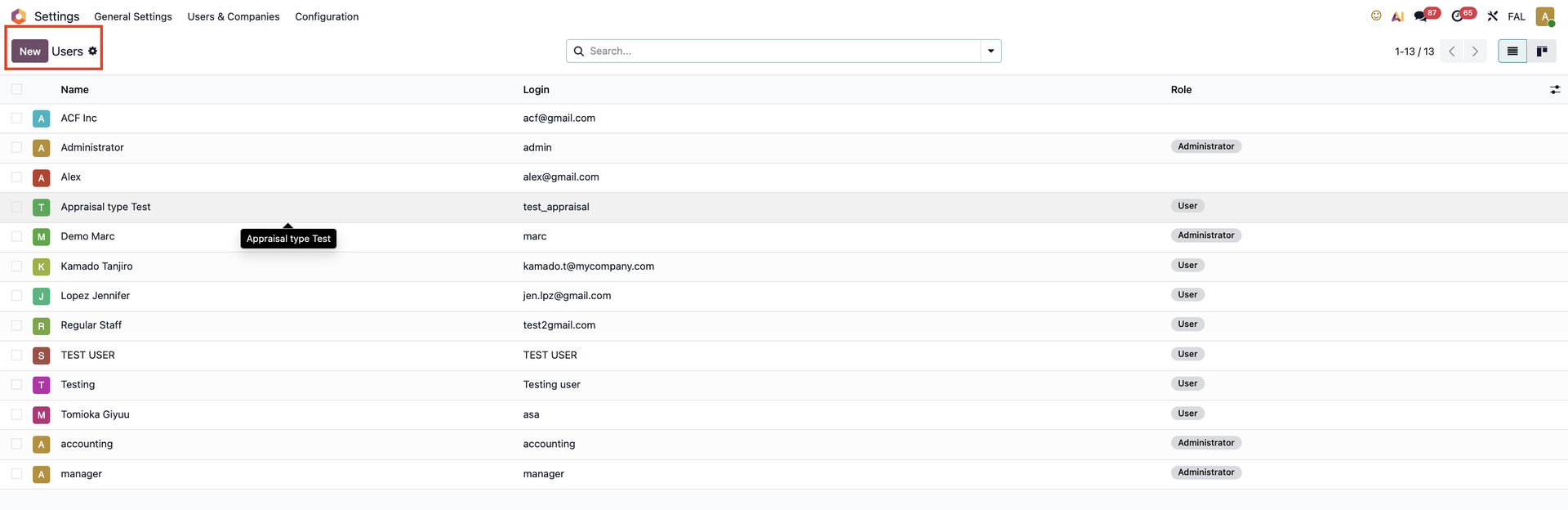 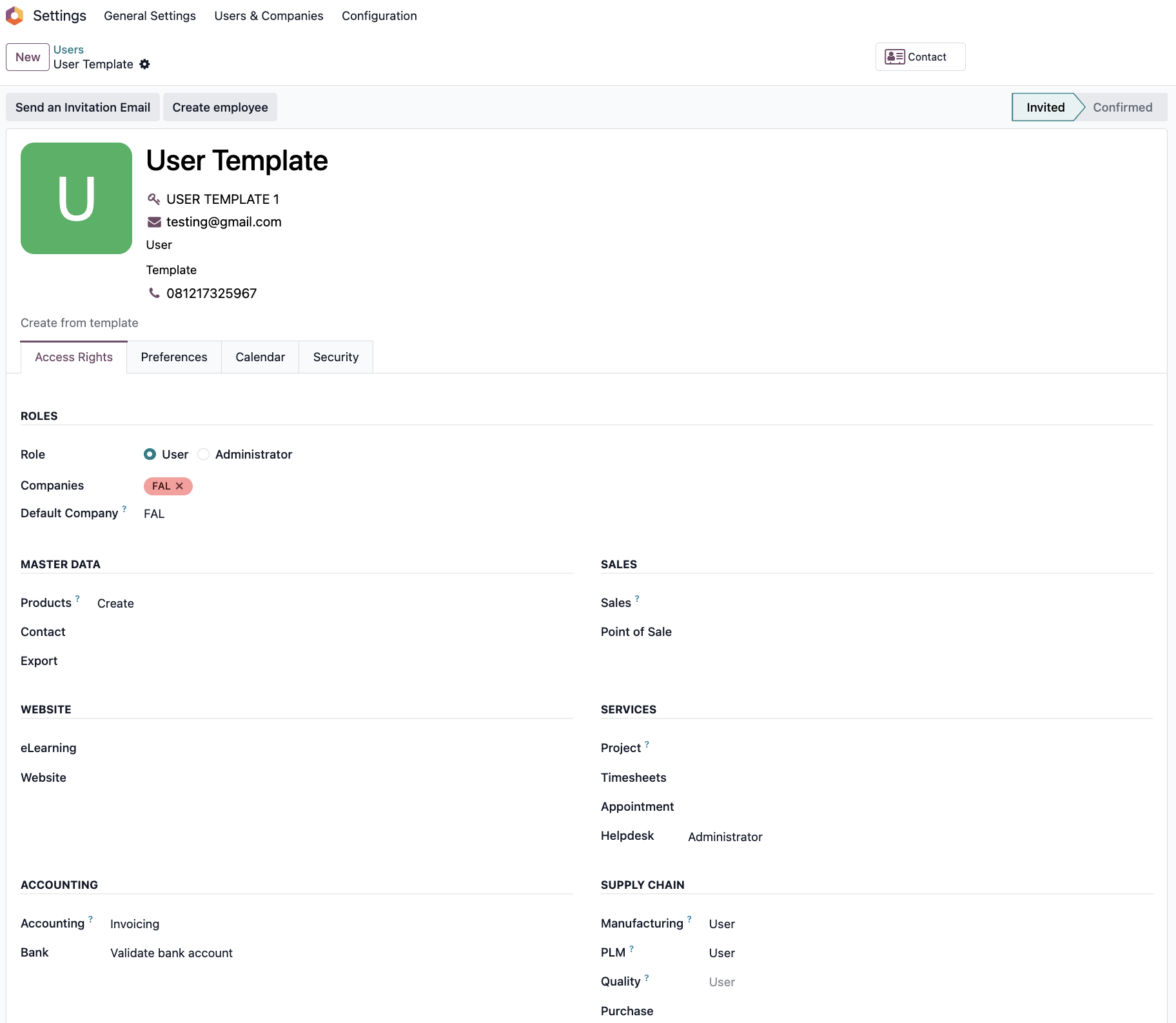 |
Note: Make sure the account that you choose is set to Allow Reconciliation | 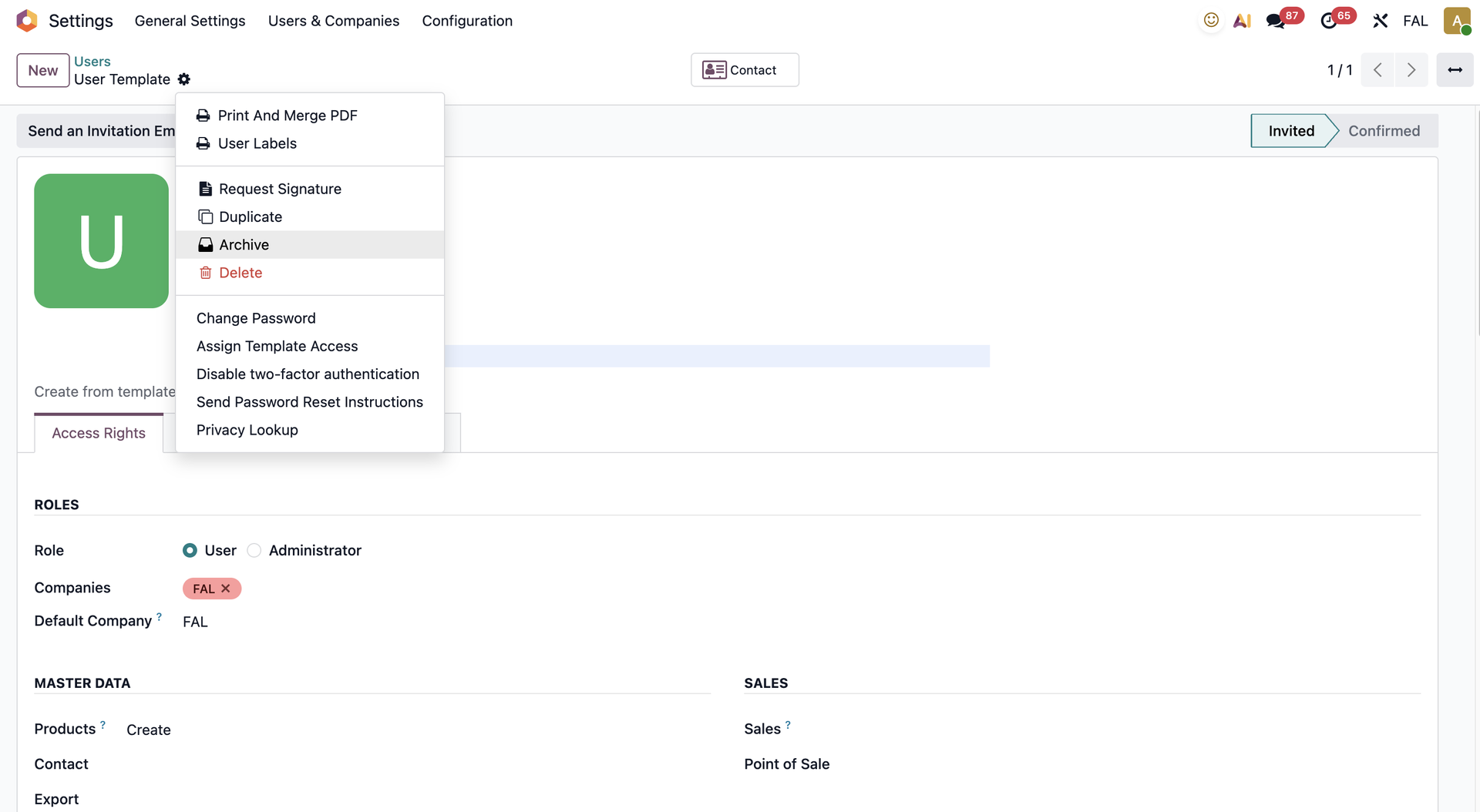 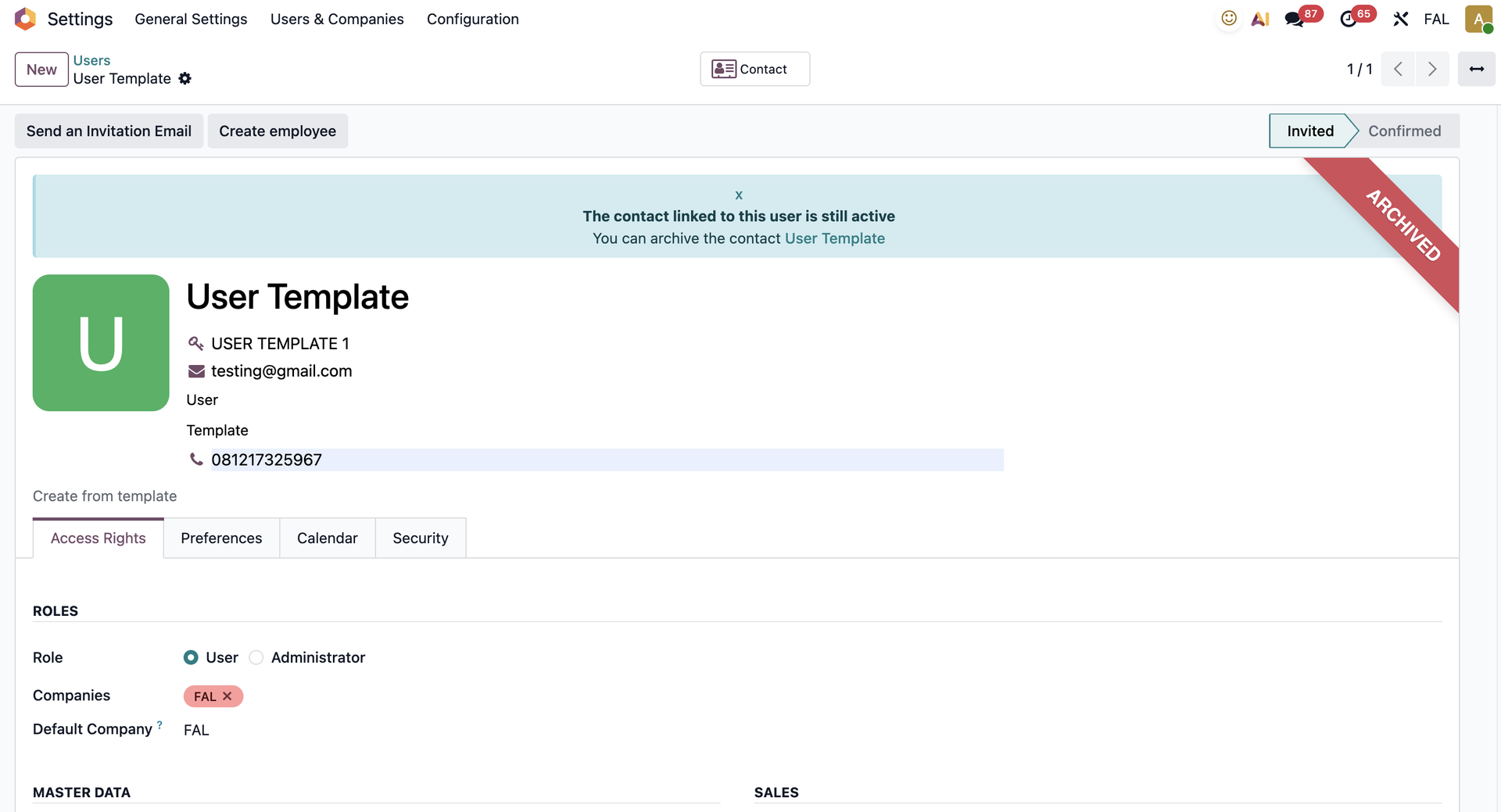 |
2. Create a new user > On Action > Choose Assign Template Access > Select & set-up template user and confirm. | 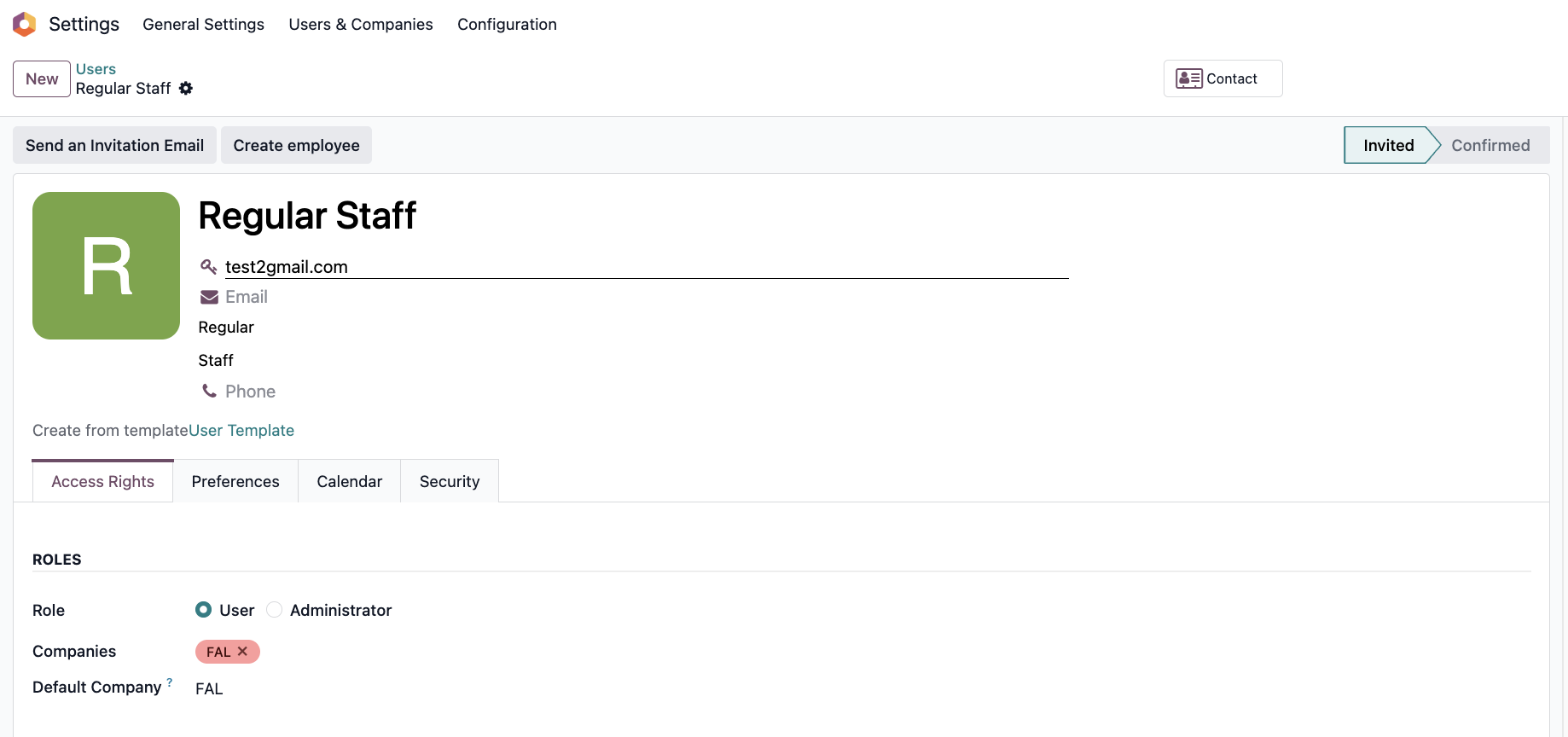 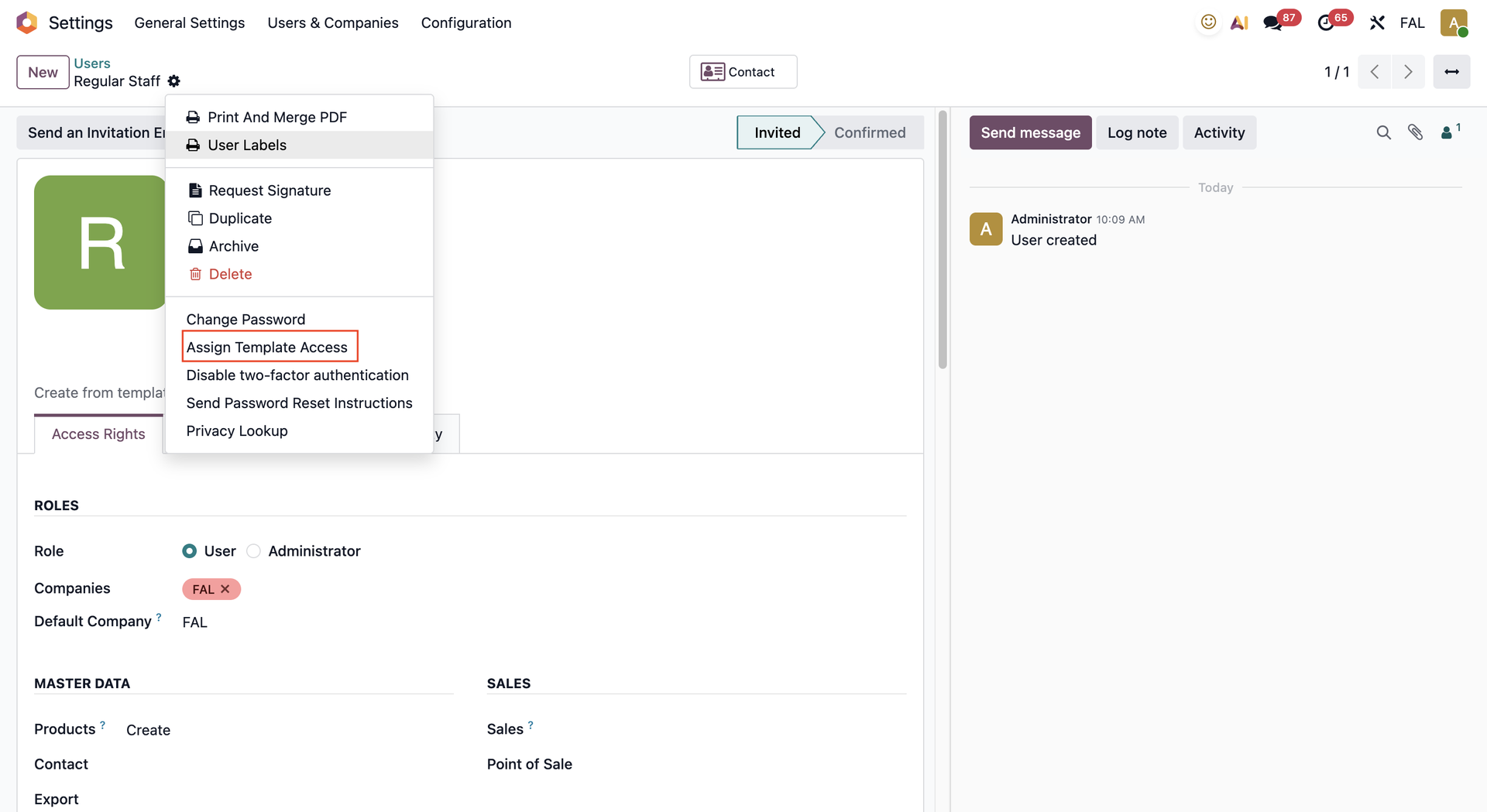 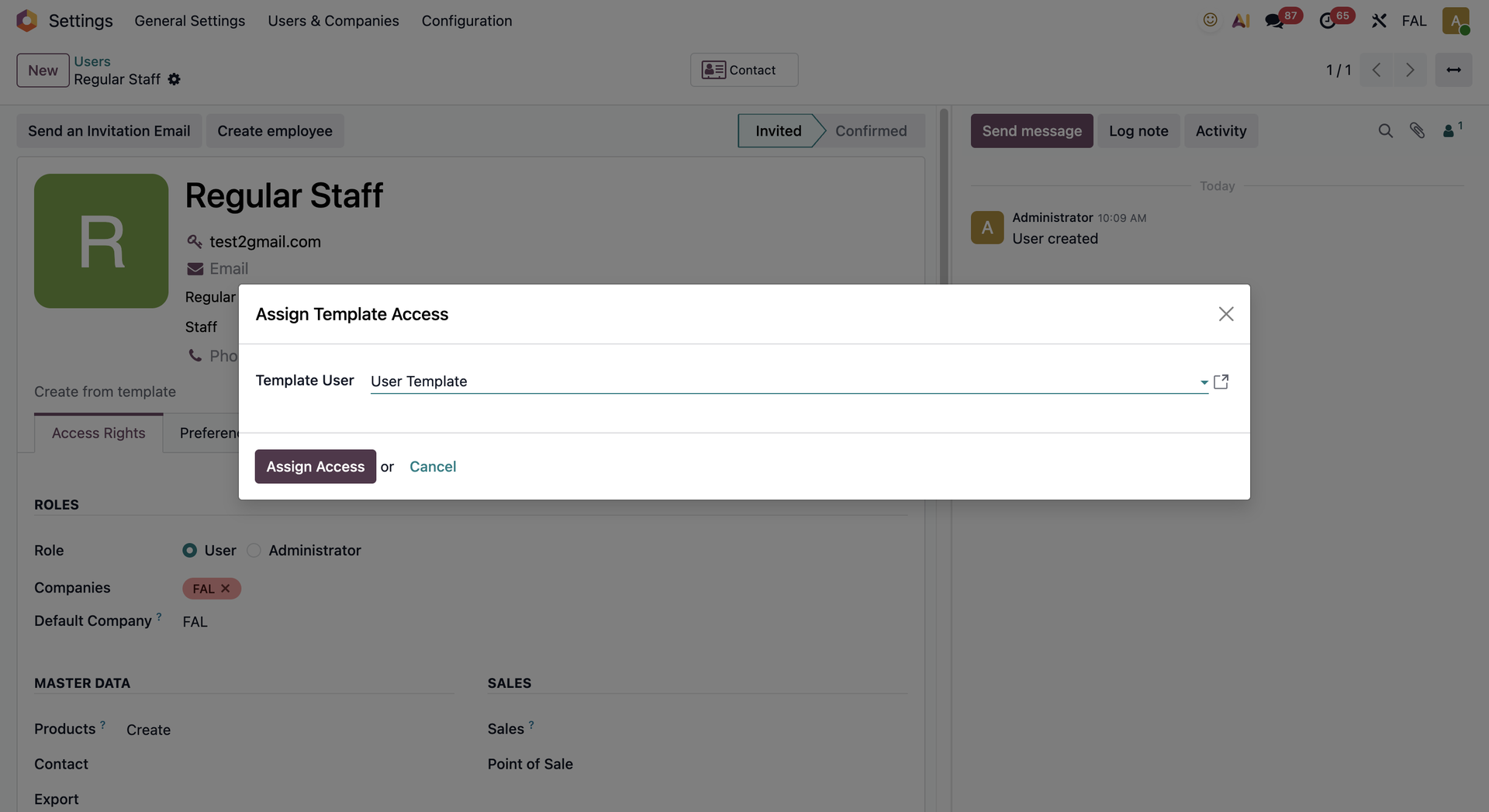 |
3. New user is now granted all access rights and is added in groups of set-up template user. | 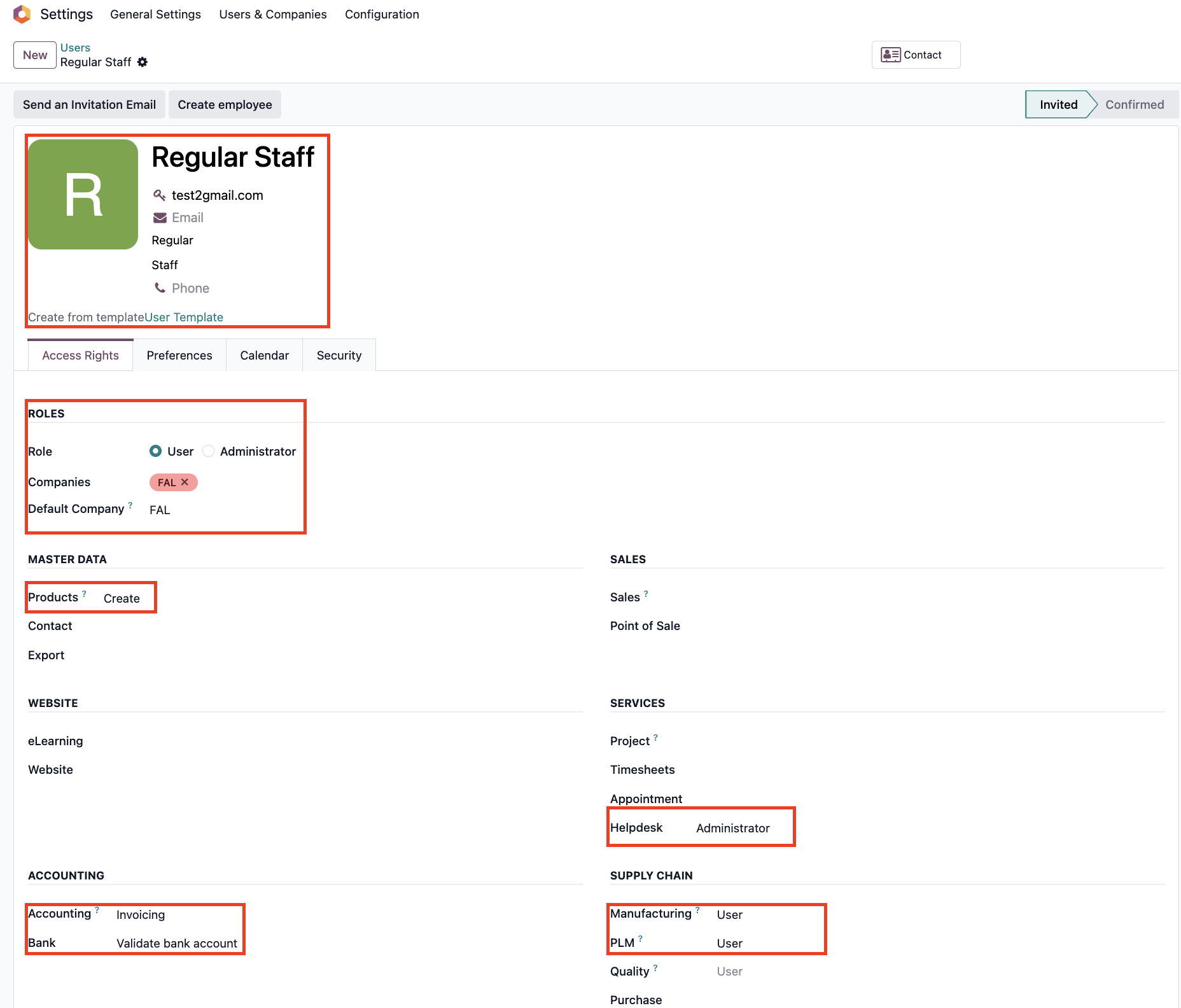 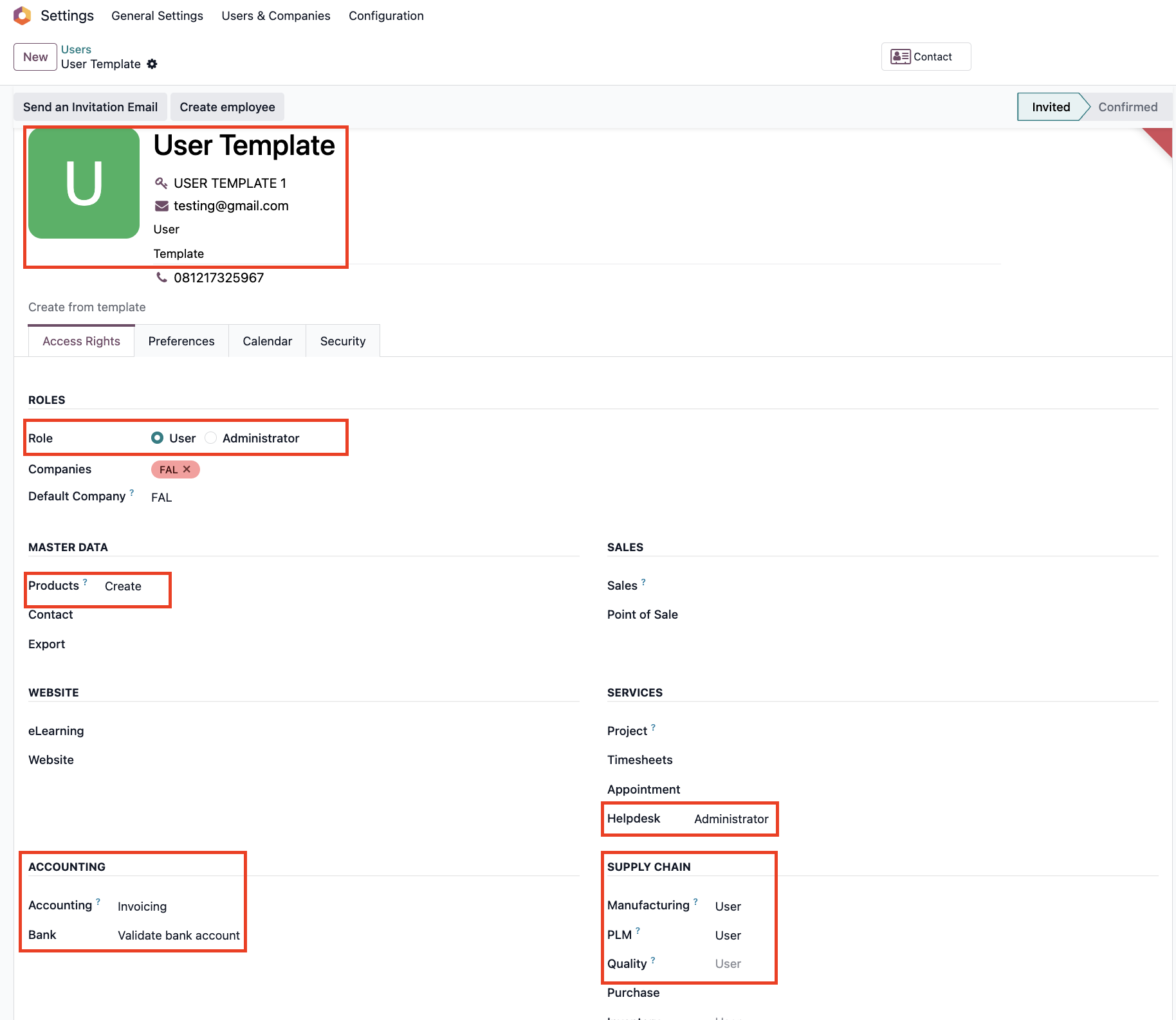 |