



ODOO'S FUNCTION
Odoo does not provide a dedicated Summary tab for timesheets. Users lack a consolidated grid view to easily update and track their timesheets, making it difficult to get a clear overview of total hours spent on tasks and daily activities.
CLUEDOO'S FUNCTION
CLuedoo helps users easily update and track timesheets, providing a clear overview of total hours spent on tasks and daily activities by making a grid view in the Summary tab. ns.
1. Go to Timesheets > My timesheets > My Timesheets Reports > Create a new timesheet report |  |
2. Set the Timesheet Period and add your timesheet by selecting Add a line in the Details tab or directly from the My Timesheets menu. | 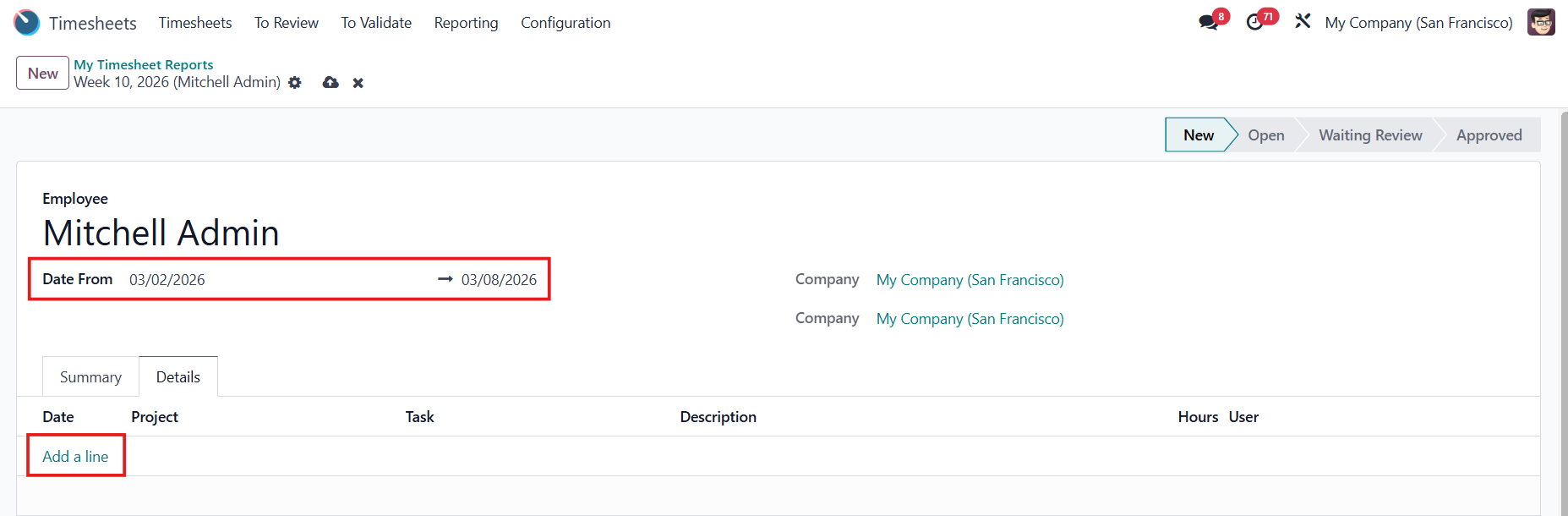 |
Alternatively, you can Select Project and Select Task in the Summary tab to add a timesheet. Note: This function is removed since v19 | 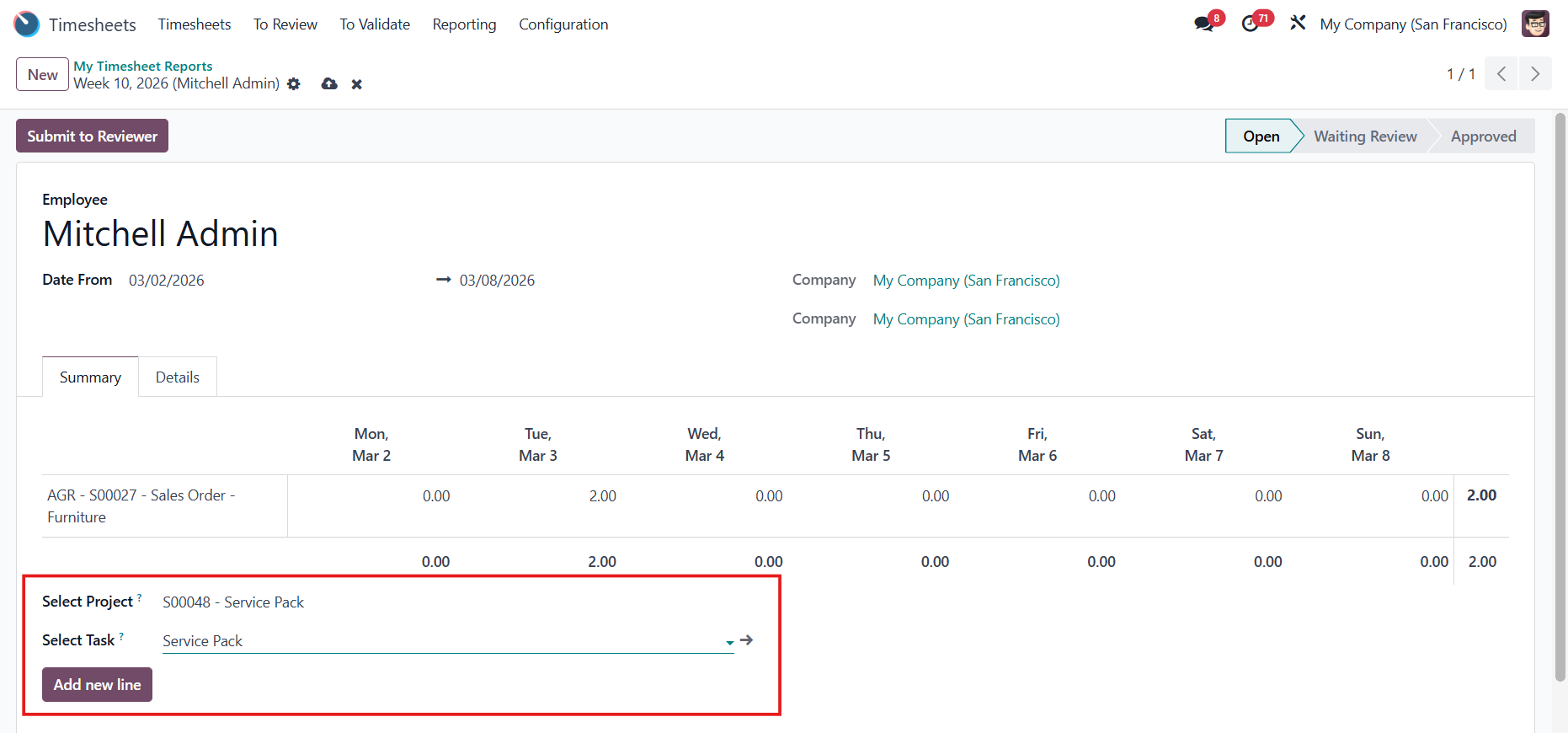 |
3. Once all information is entered | 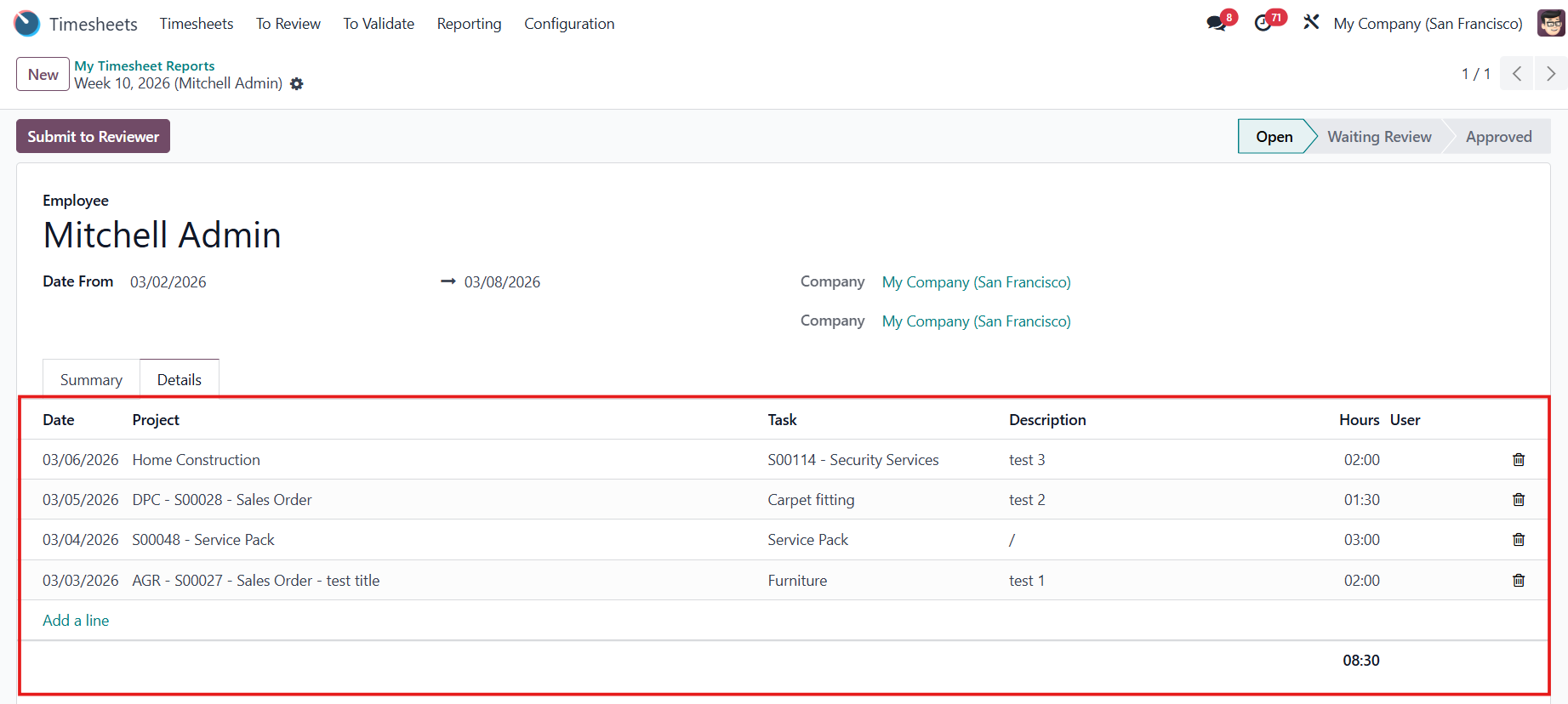 |
Your timesheet will be displayed in the Summary tab (which also shows total hours spent on each row and column). | 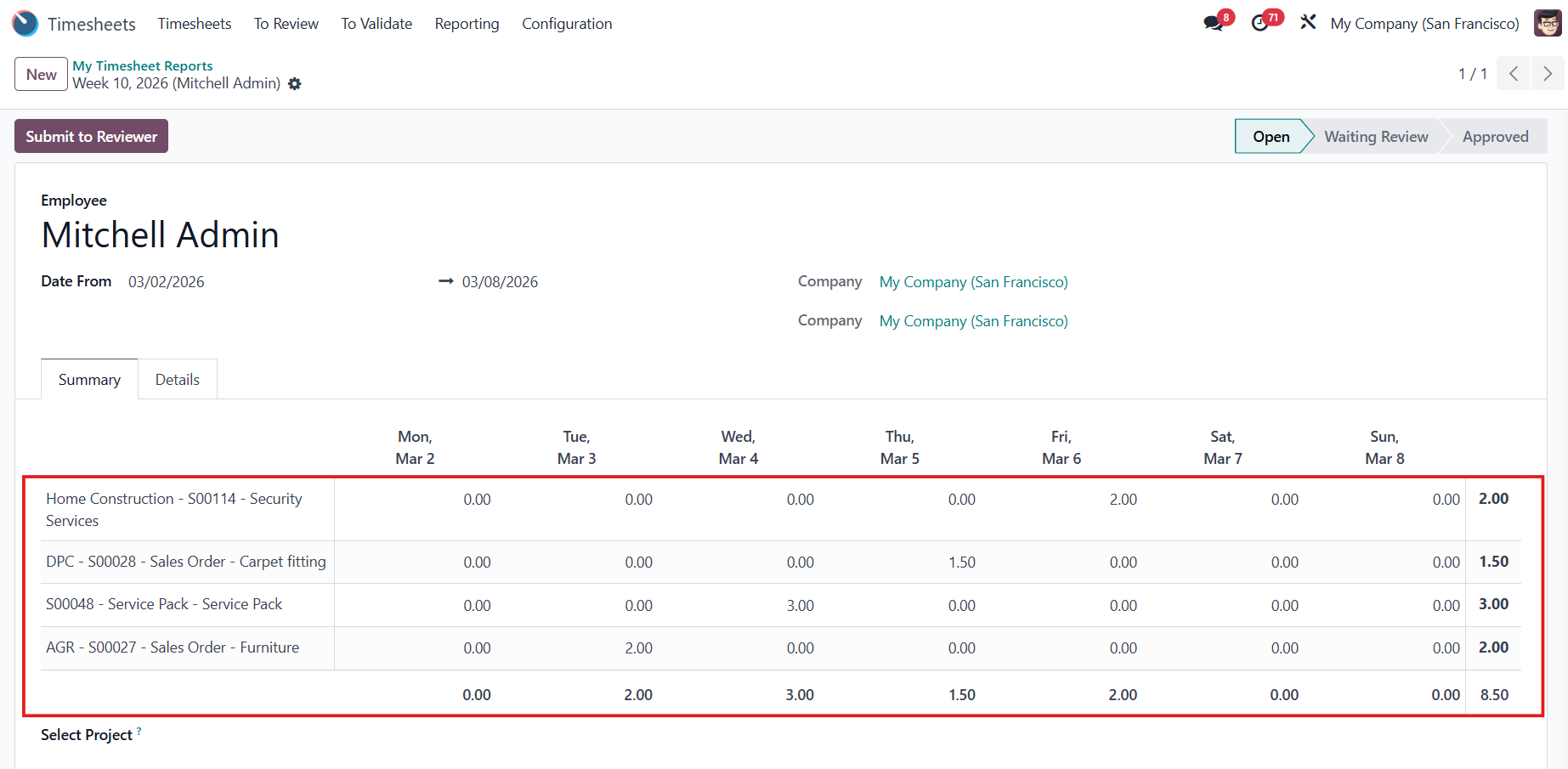 |