



ODOO'S FUNCTION
In Odoo, a timesheet can be linked either to a task or a ticket but not both.
CLUEDOO'S FUNCTION
With CLuedoo, a timesheet can be linked to both a task and a ticket, ensuring proper invoicing via the task while maintaining tracking by ticket. If the task's project and the ticket's project differ, the timesheet will follow the task’s project for consistency in invoicing.
| 1. Create a new project and its tasks | 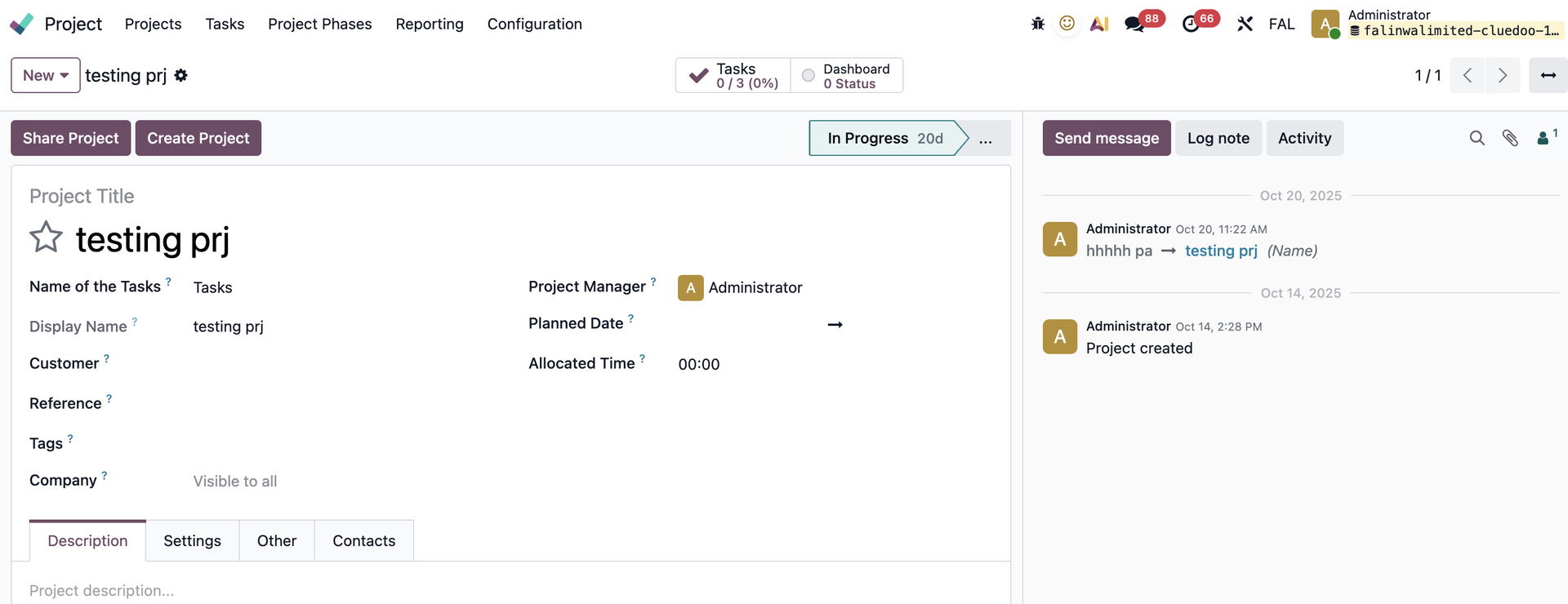 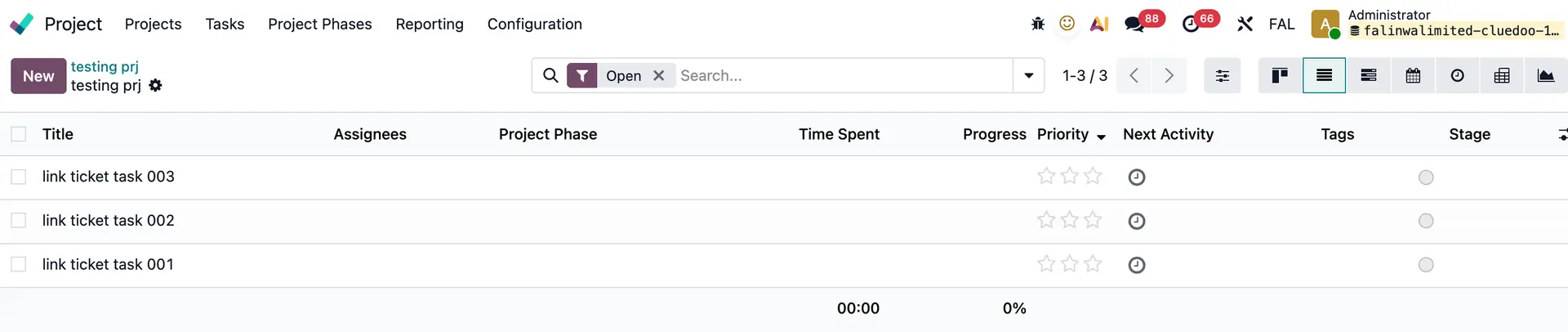 |
2. Go to Helpdesk > Helpdesk Teams > Track & Bill Time > Tick box Timesheets and choose its Project | 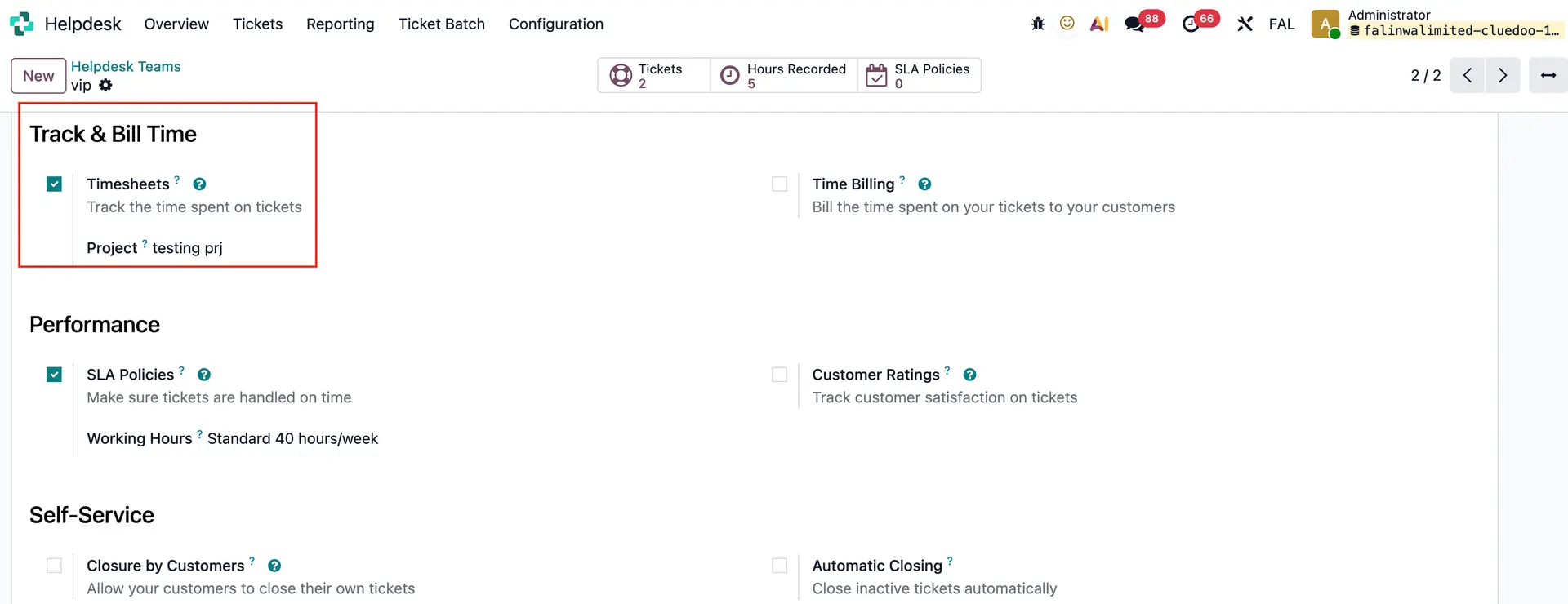 |
3. Create a new ticket, choose the Helpdesk Team and the Project will be automatically updated > Add your timesheets | 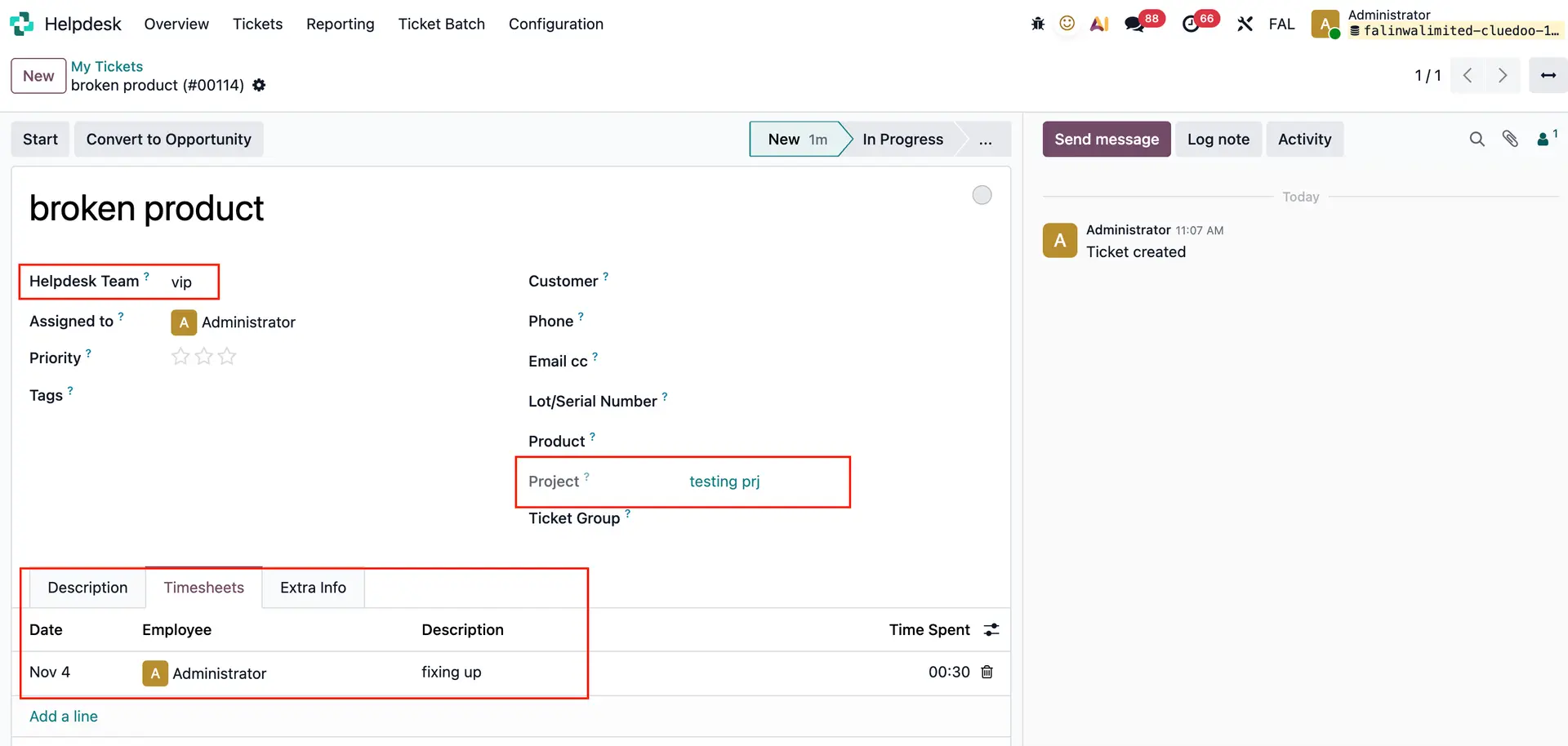 |
4. Go to Timesheets > My Timesheets > Now you can link timesheets of this ticket to the project's task | 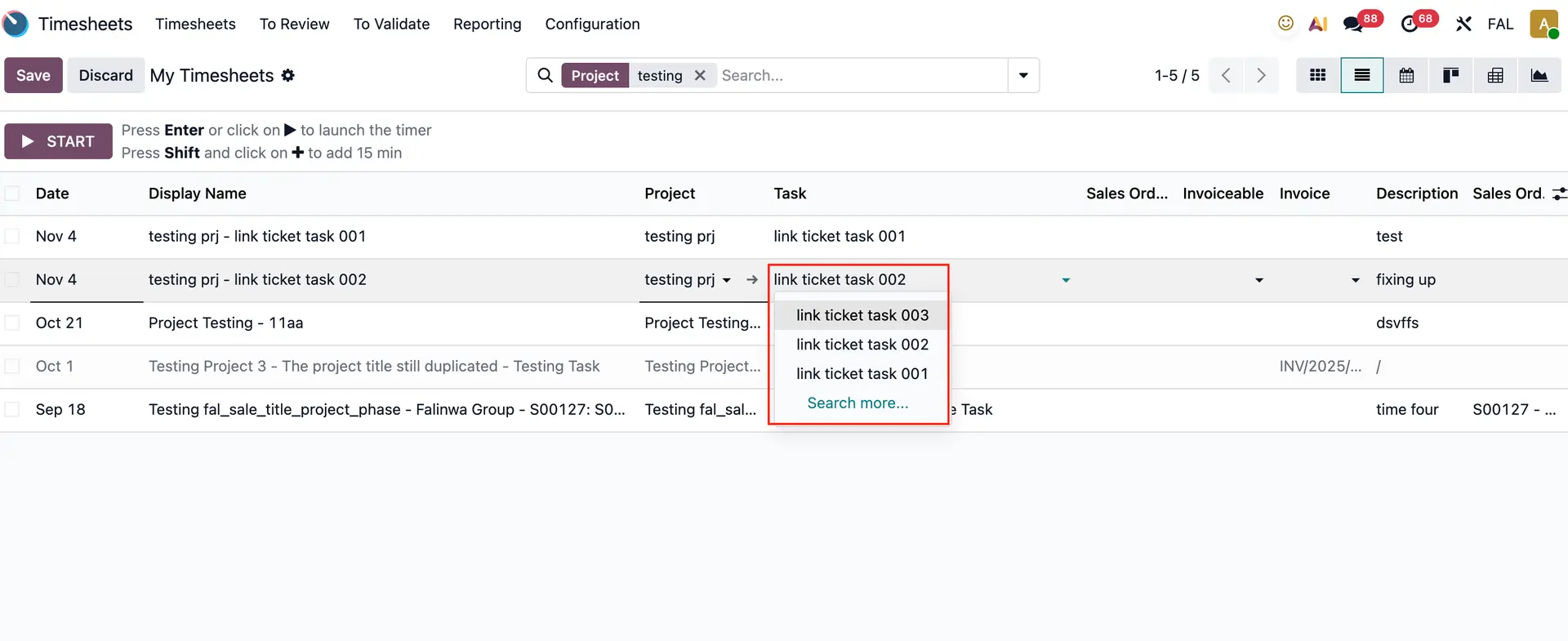 |
You can also link the timesheets of this ticket to a task in a different project as well | 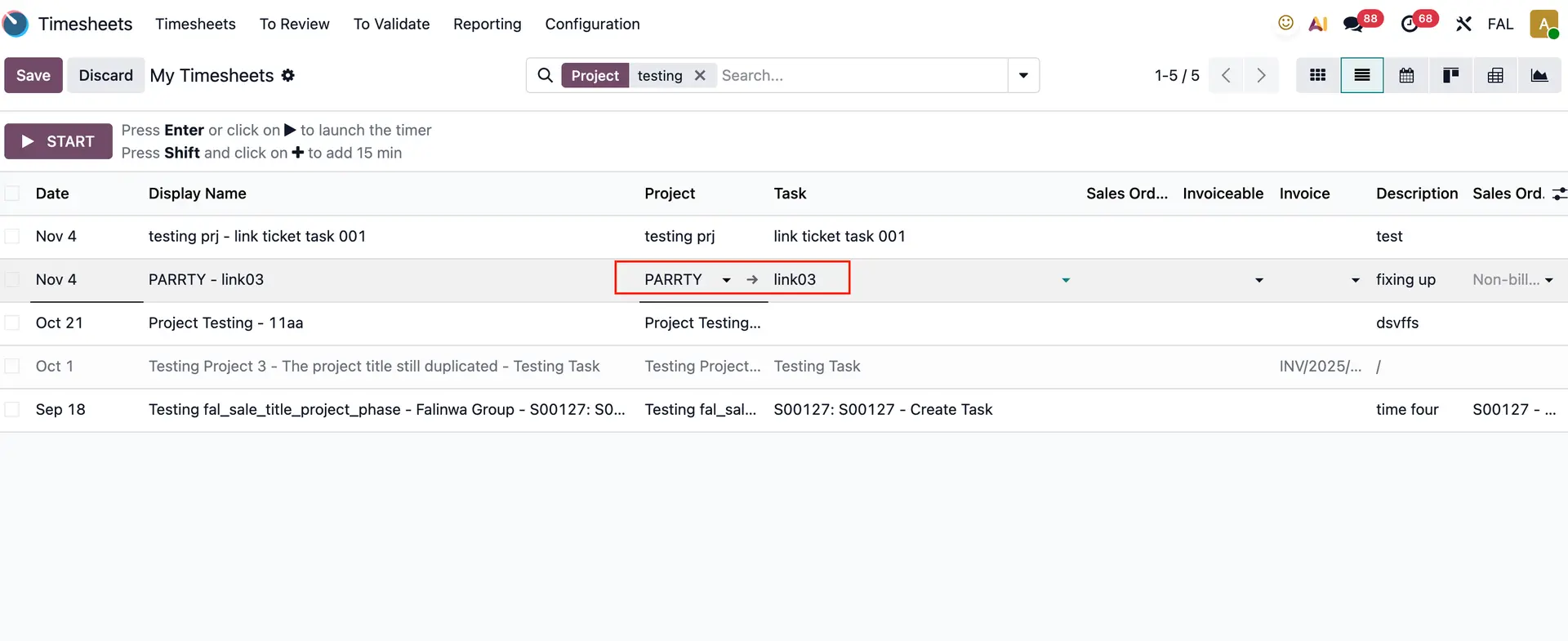 |