


\t
OUR FEATURES AS SOLUTIONS
Fix date error due to work schedule difference between employee & company
\t\t\t\t\t\t\t\t\t\t HOW TO USE THIS MODULE
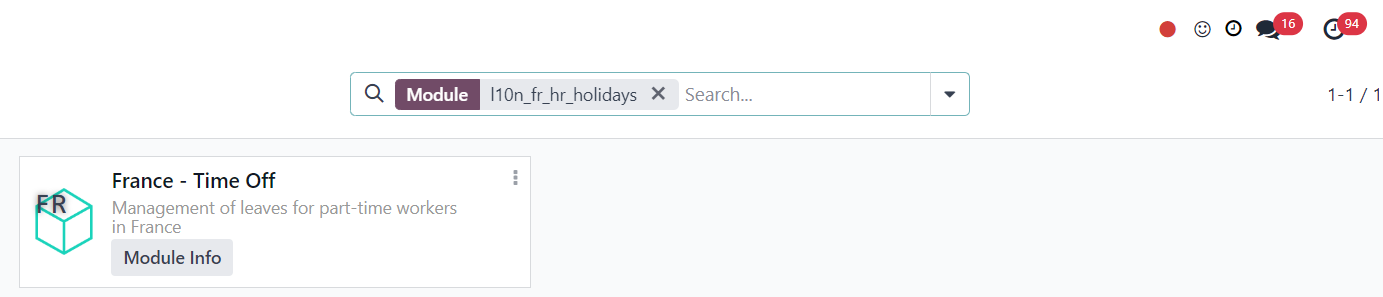
1. Go to Apps and install module l10n_fr_hr_holidays |
|
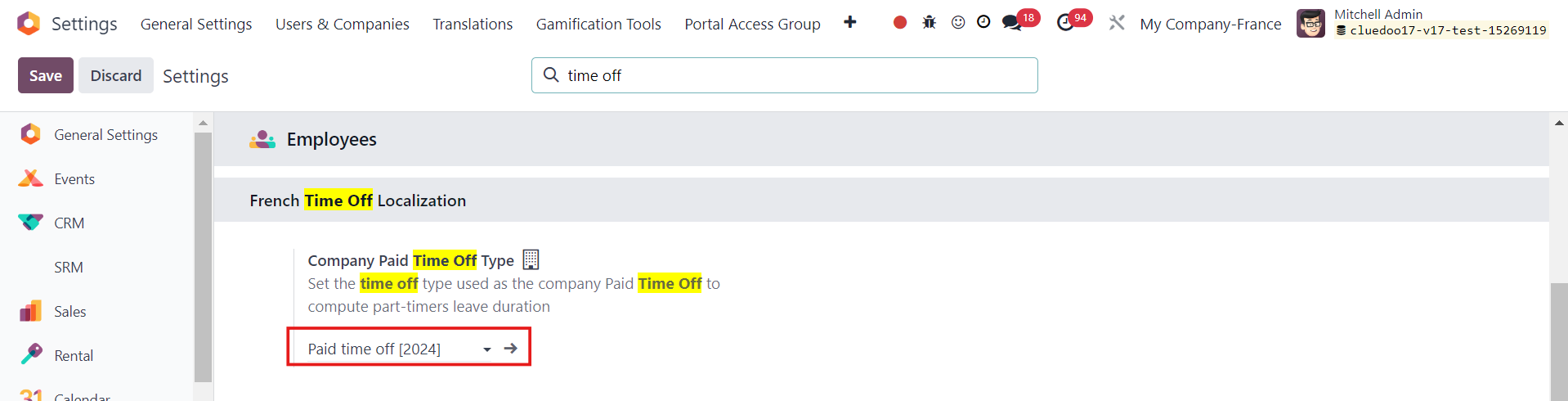
2. Go to Settings > Employees and make sure Company Paid Time Off Type is Paid Time Off and Company Working Hours is Standard 40 hours/week |
|
3. Go to Time Off > Configuration > Working Schedules > New or choose an existing one Make sure it is different from the standard 40 hours/week. e.g. Test Schedule 20 hours/week |
|
| 4. Head to Employees > New or choose an existing one > Work Information > Working Hours and choose the working schedule you just created e.g. Test Schedule |
|
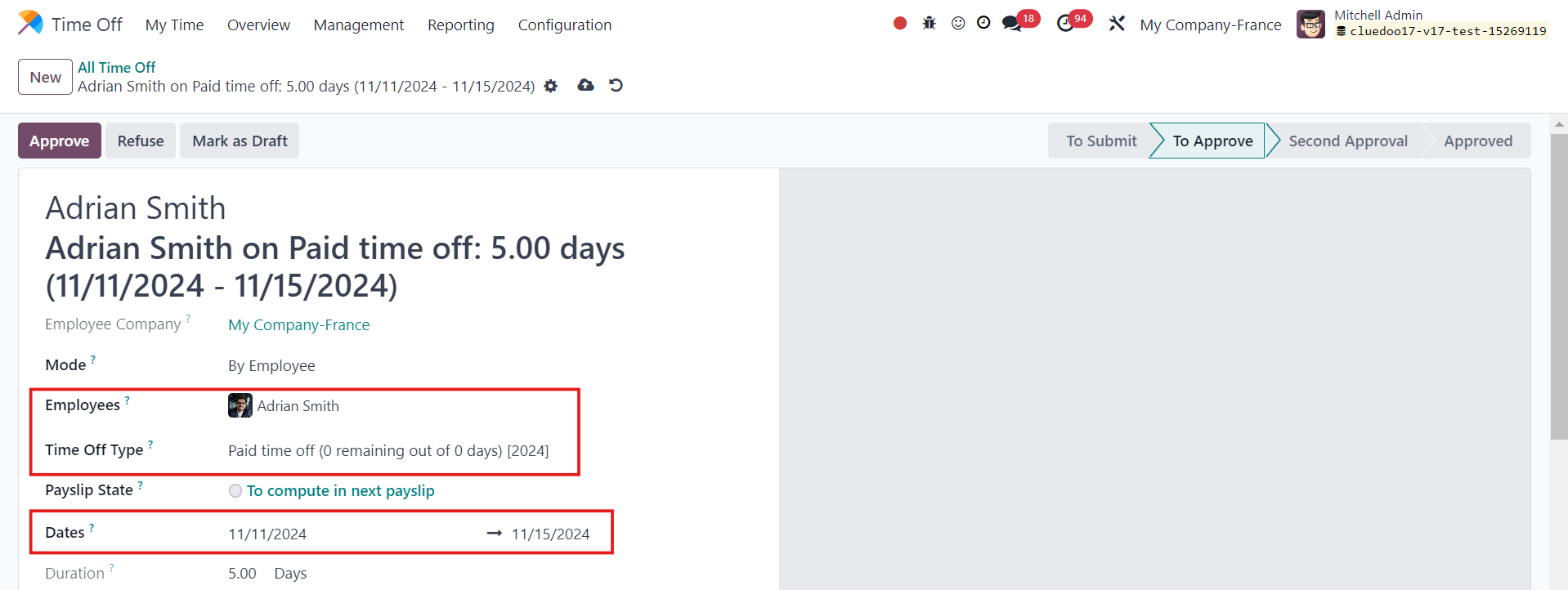
5. Head back to Time Off > Management > All Time Off > New and fill in the necessary information |
|
6. In the list view, the dates have been updated correctly |
|