


ODOO'S FUNCTION
By default, Odoo’s Website module allows users to edit website pages using a drag-and-drop interface, but it does not provide a dedicated feature to add new sections directly during editing. Similarly, Odoo’s Portal module enables Portal users to view Sales Orders (SOs) and related documents, but it lacks a configurable reporting system for custom reports, such as Pro-Forma Invoices, tailored to specific needs.
CLUEDOO'S FUNCTION
The CLuedoo Website Drag and Drop and Portal Report Config module enhances Odoo’s Website and Portal functionalities by introducing intuitive section creation and customizable reporting:
1️⃣ Adds a new drag-and-drop section feature in the Website editor, allowing users to create custom sections on any page with ease.
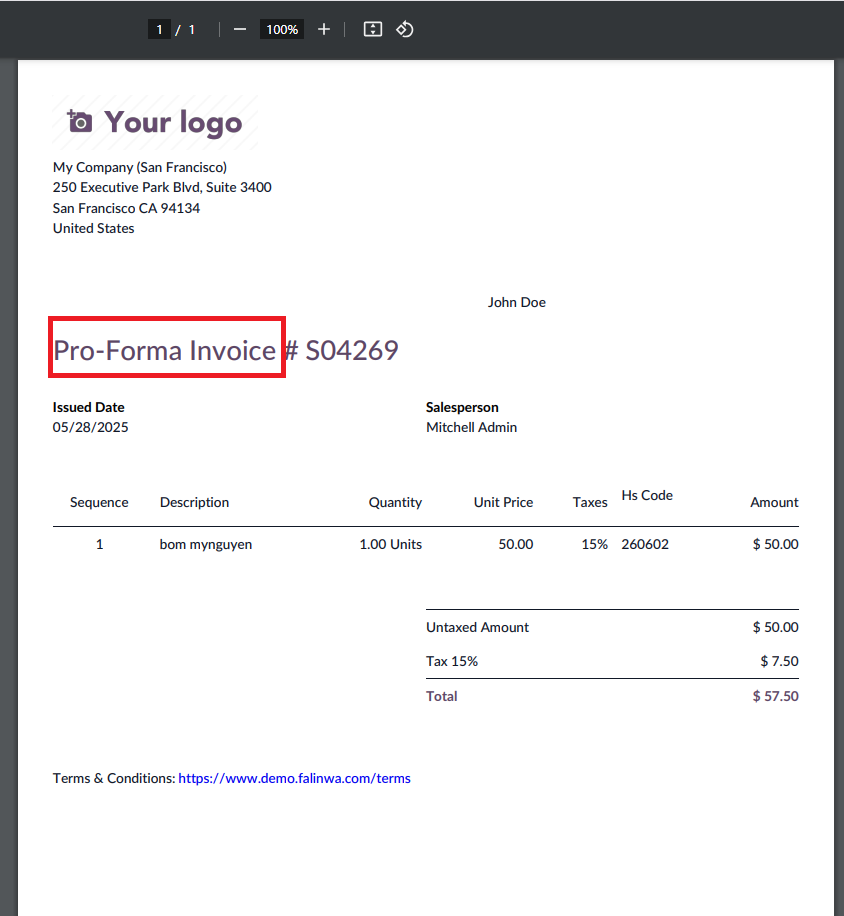
2️⃣ Introduces a Portal Report Config feature to create custom report types (e.g., Pro-Forma Invoice) for Portal users.
New drag and drop section Go to Website app > Site > Homepage > On any page, click 'Edit' > You will see a new section has been added | 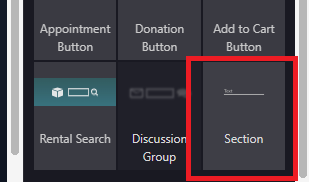 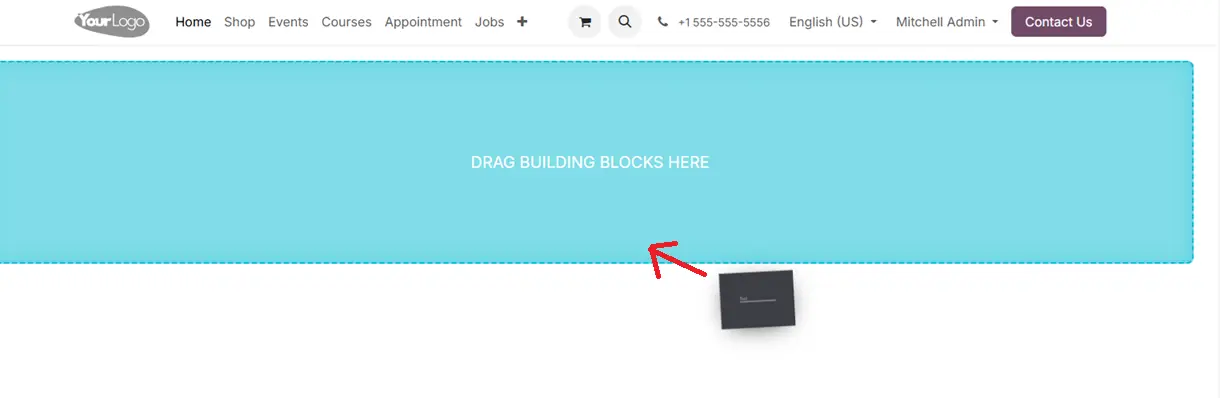 |
Drag in and a new section on the page has been created | 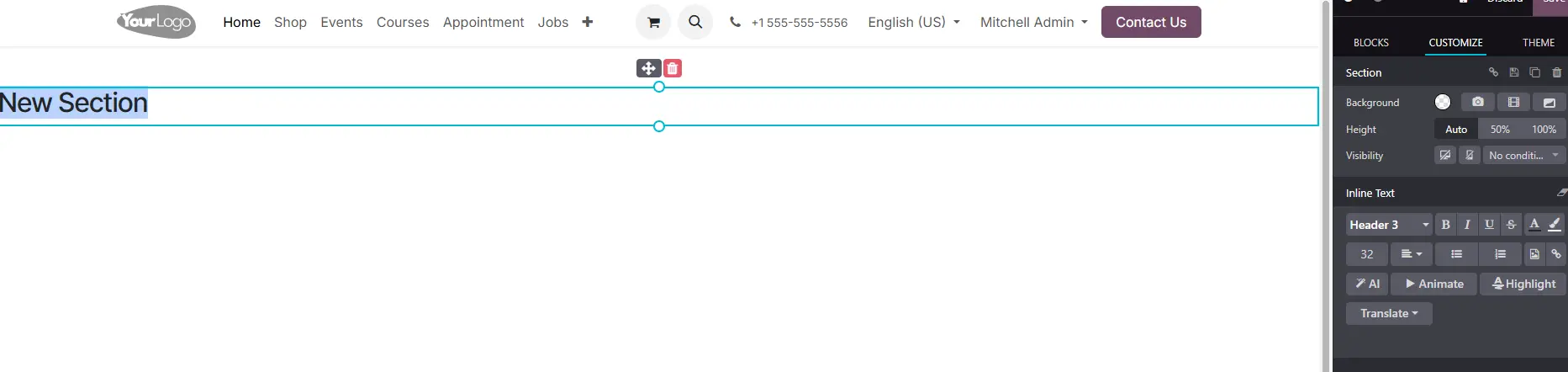 |
Portal report config Go to 'Portal Report Config' > Create a new "Portal Report Config" (ex: Pro-Forma Invoice) |  |
Go to Settings > Users & Companies > Choose a user and select 'Portal' in the User Type field | 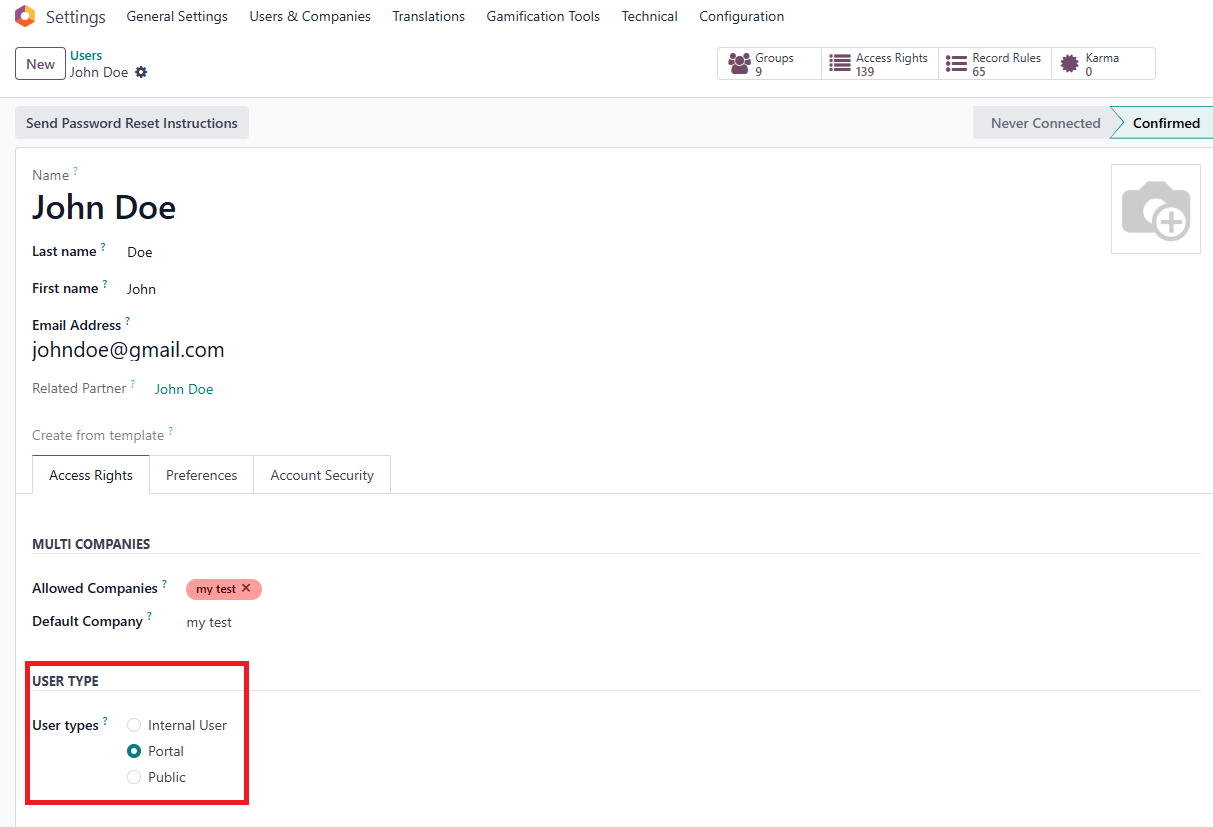 |
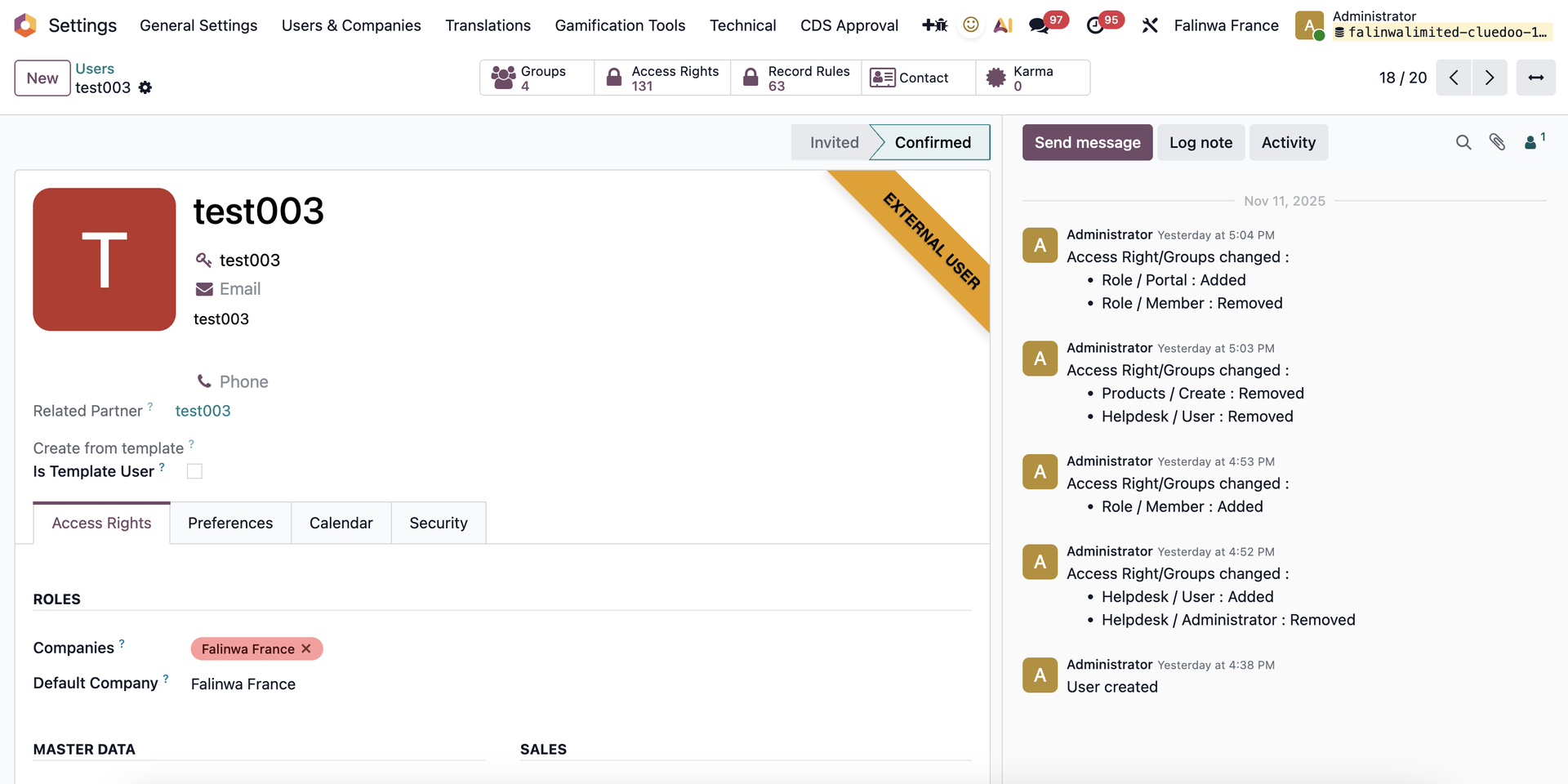
Portal user config since v19 Access Settings > Users > Create a new user |
|
Note: Make sure all the fields are empty (Master Data, Sales, Website, Serivices,...) | 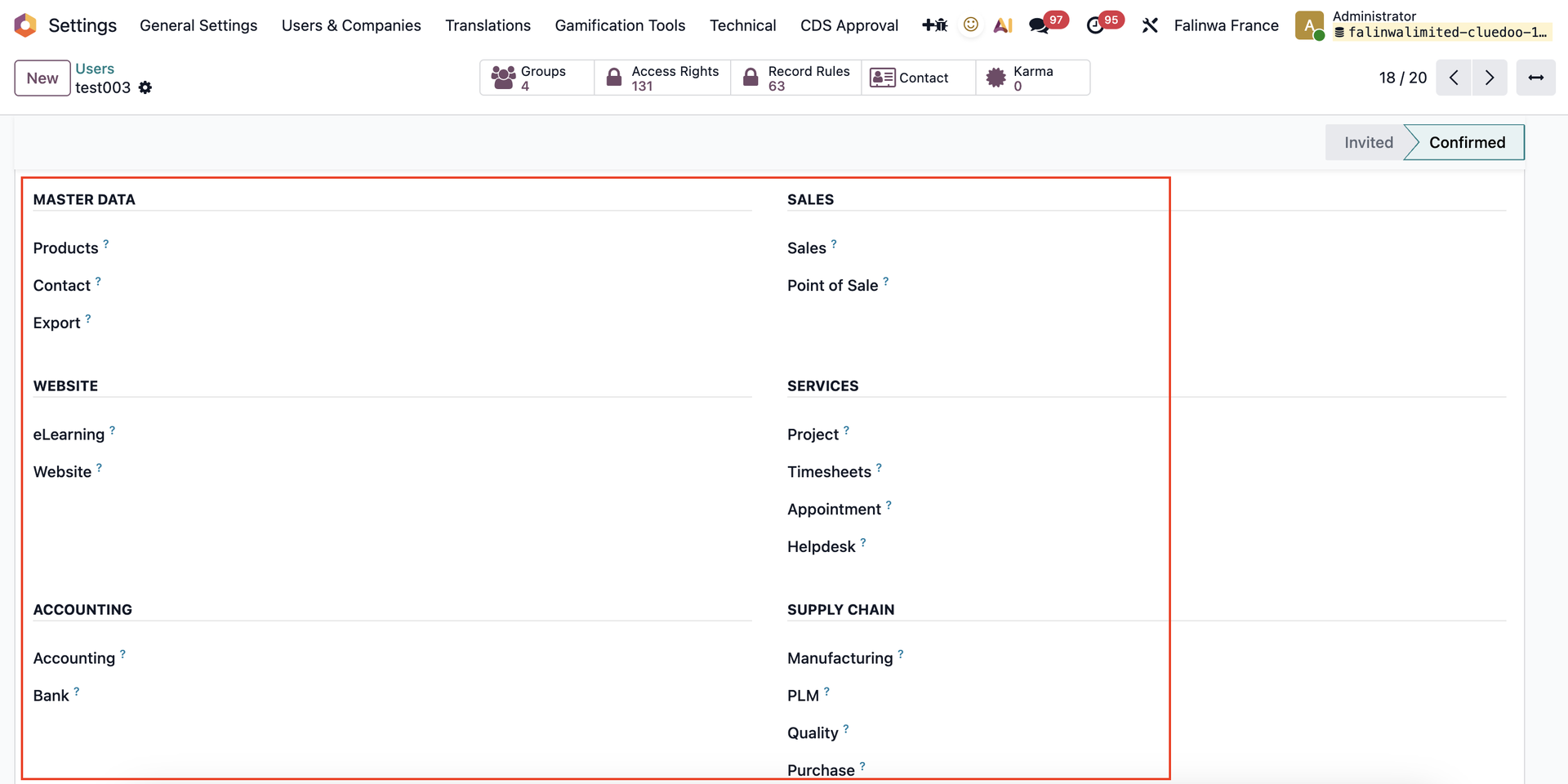 |
Check the "Role Portal" box and uncheck the "Role Member" box | 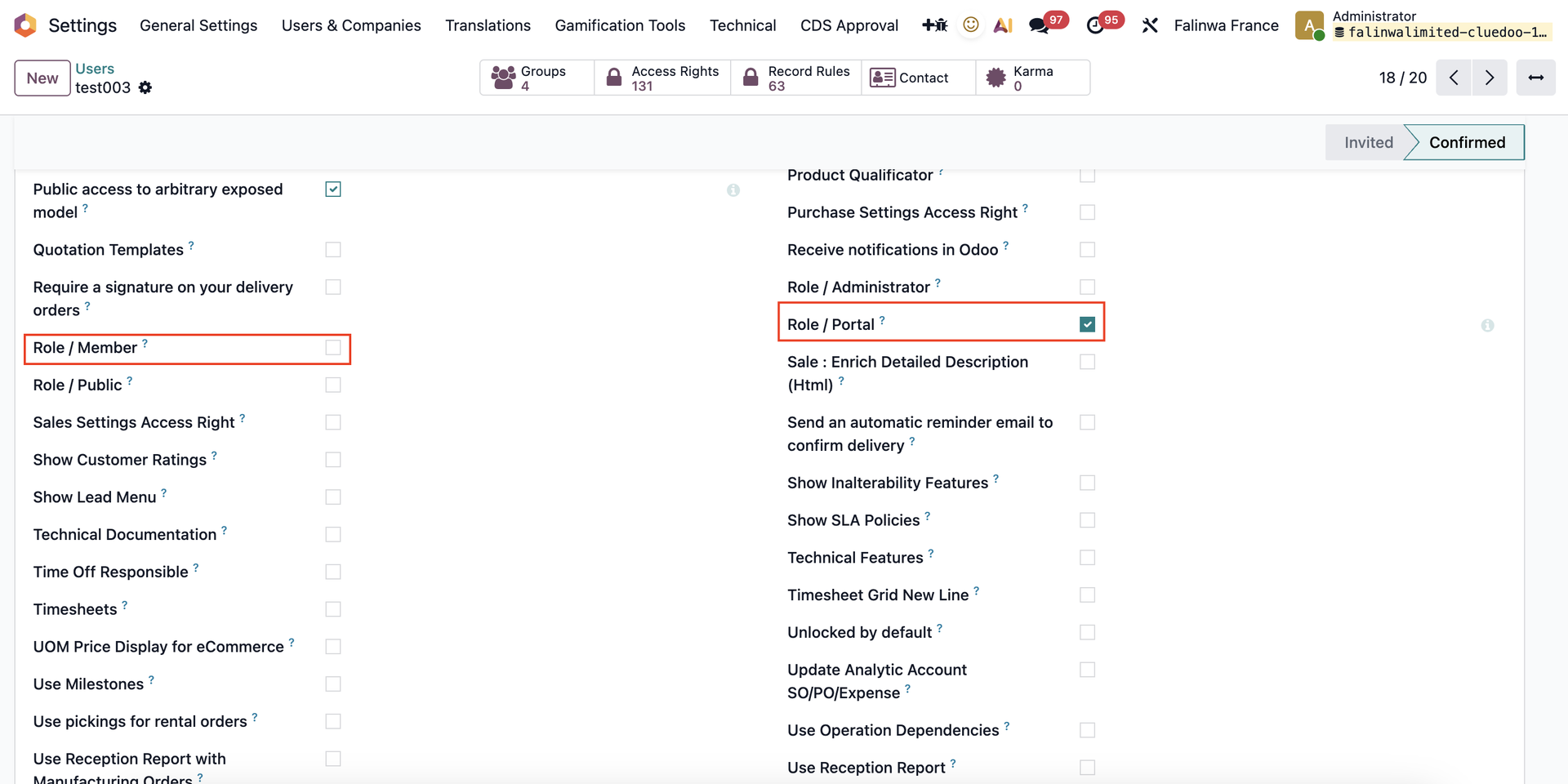 |
Create a new Sales Order, make sure the Customer is a Portal user | 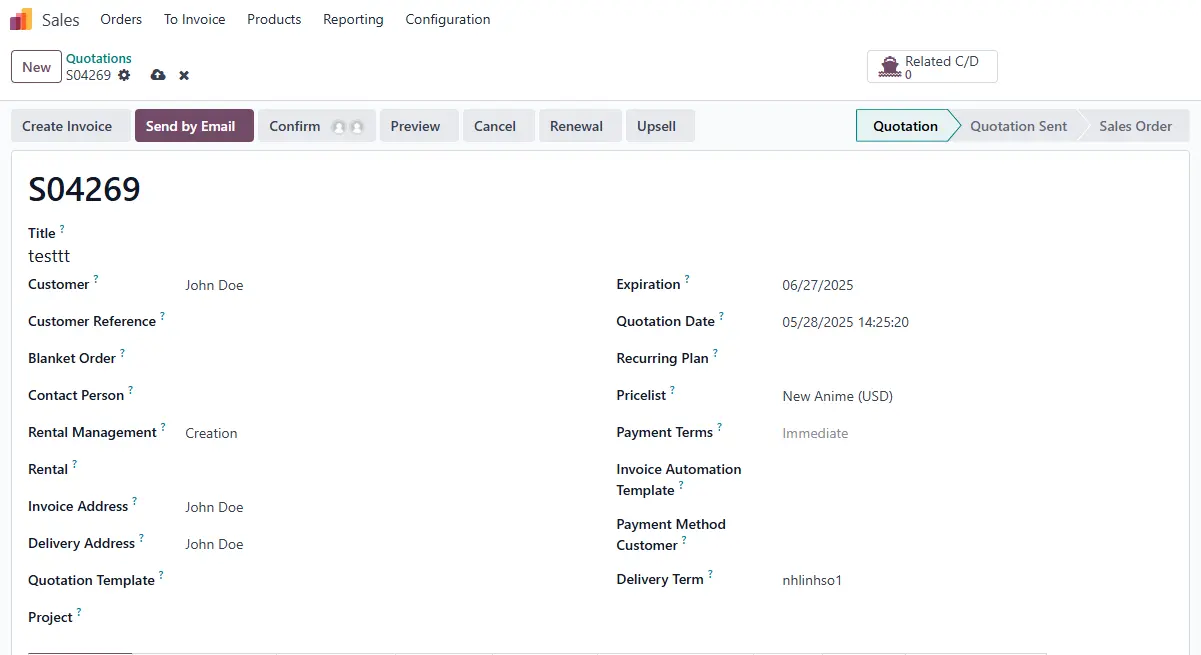 |
Sign in the Portal account > Your Orders > Select the SO you just created Click on 'View Details' and see the result | 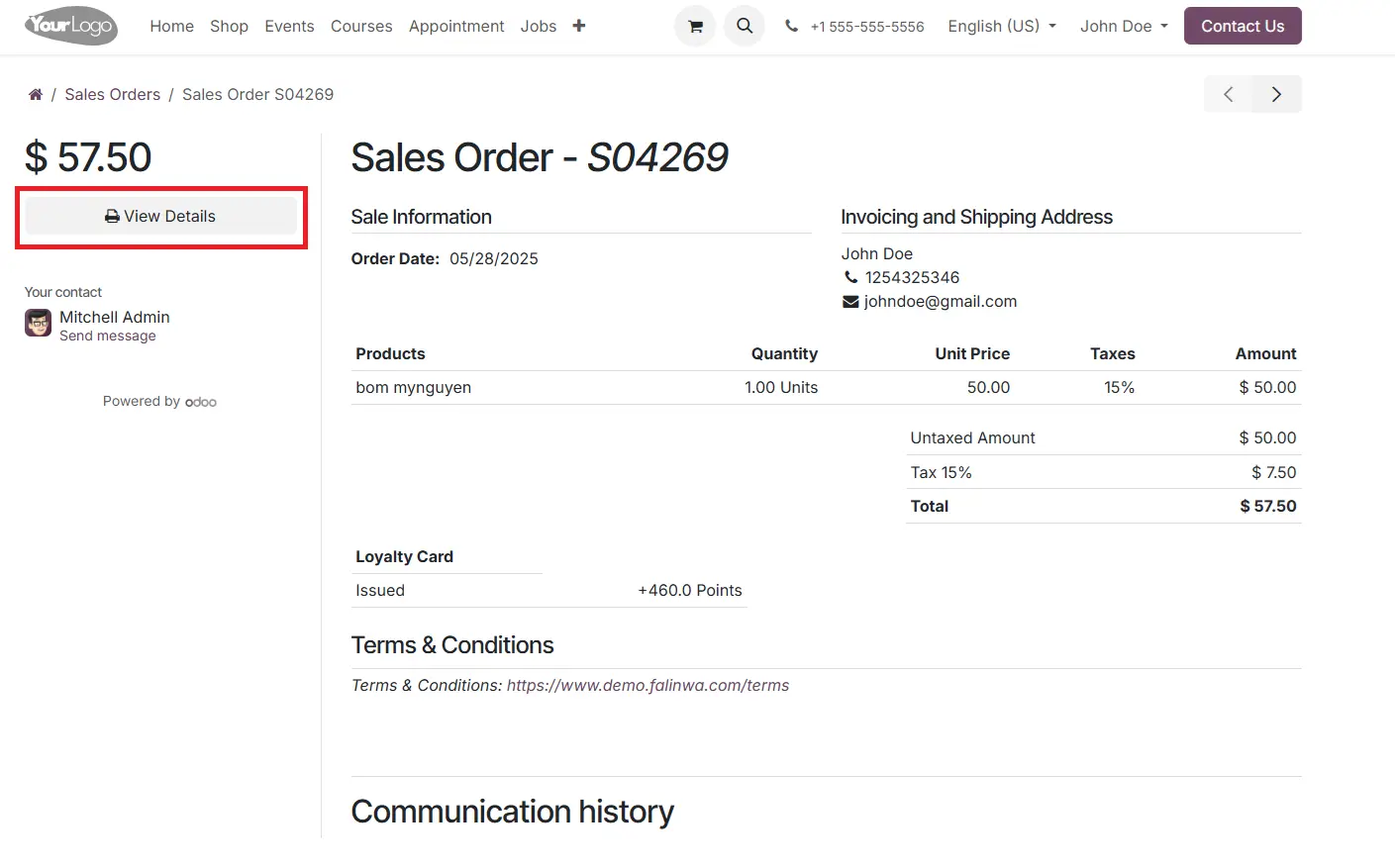 |
 |