


STORY BEHIND THE FEATURES
ODOO BEHAVIOUR
Standard Odoo allocates Landed Costs (freight, duties, etc.) based on total product quantity or value. It lacks the native capability to assign these costs to specific Lot or Serial Numbers within a single transfer, leading to averaged rather than specific batch valuation.
CLUEDOO BEHAVIOUR
HOW TO USE THIS MODULE ?
1
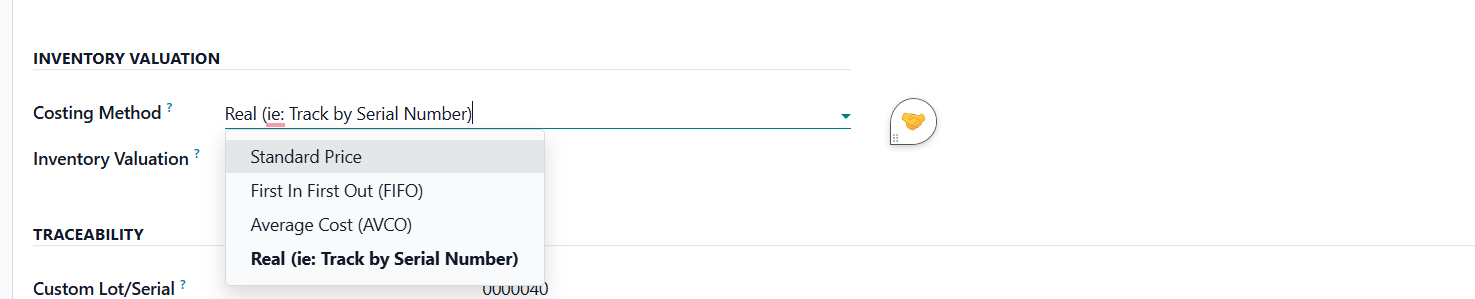
On Product Category, we have additional option for costing method: Lot/Serial Number. The Inventory Valuation also has to be Automated instead of Manual.
Update: v19, Inventory Valuation: Periodic (at closing) and Perpetual (at invoiceing).

2
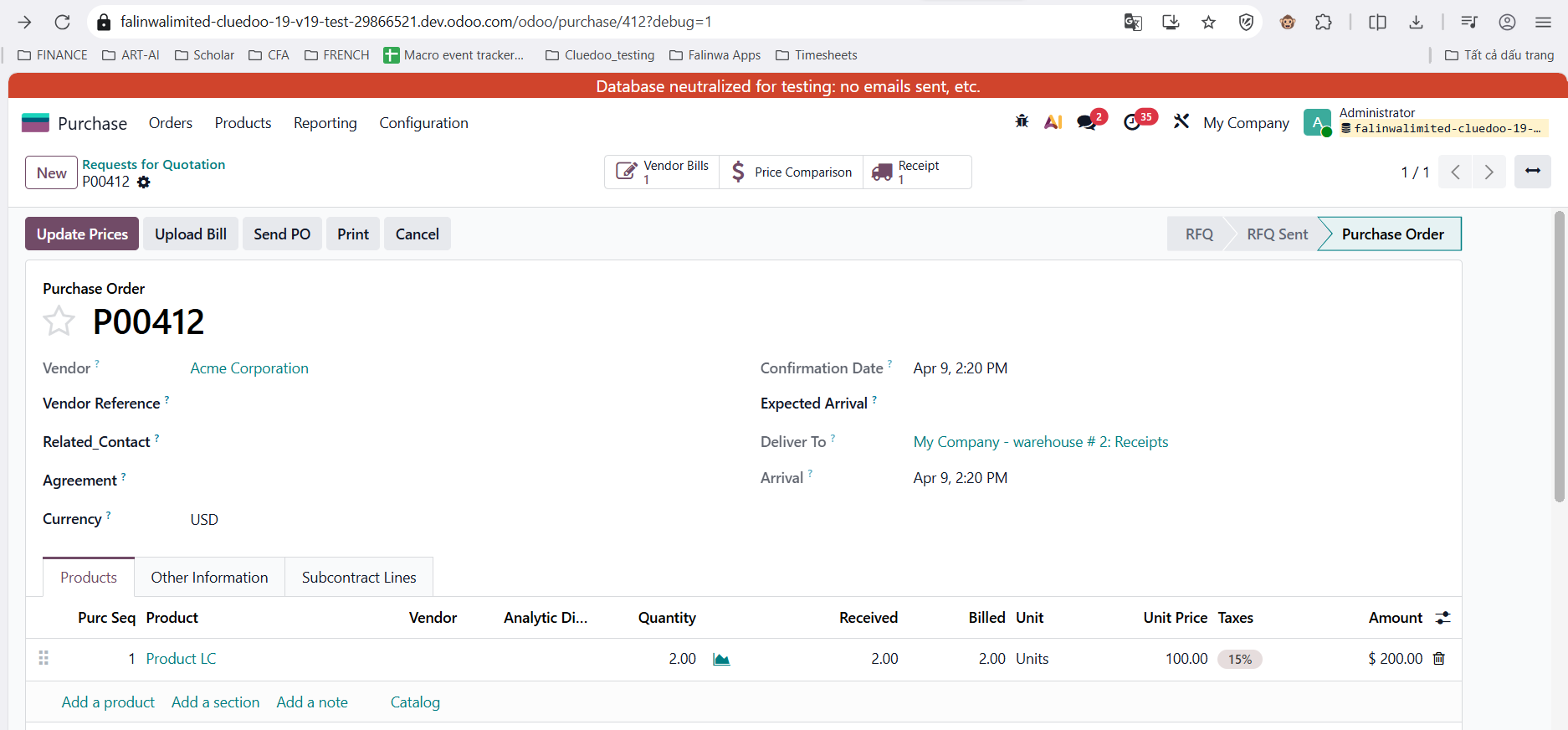
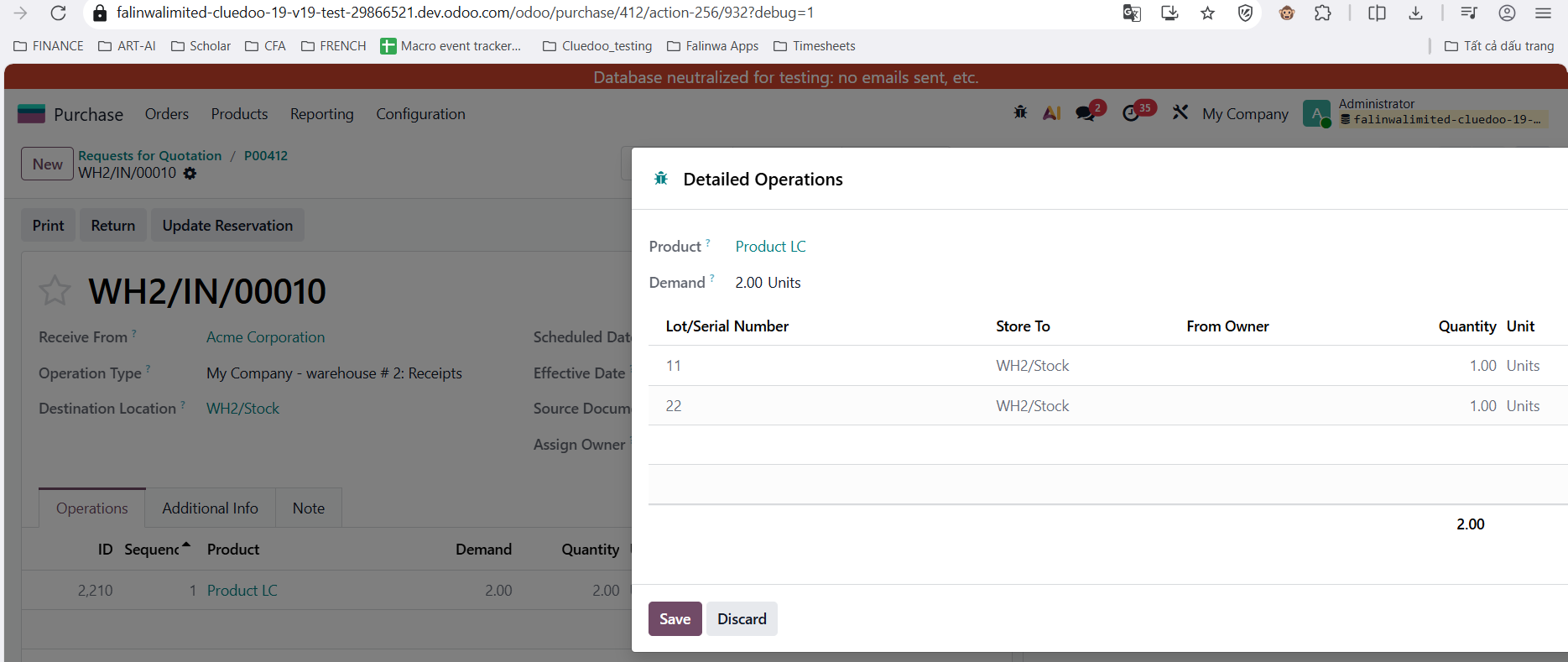
Create a PO > receipt of the product that is included in the product category with costing method Lot/Serial Number.
3
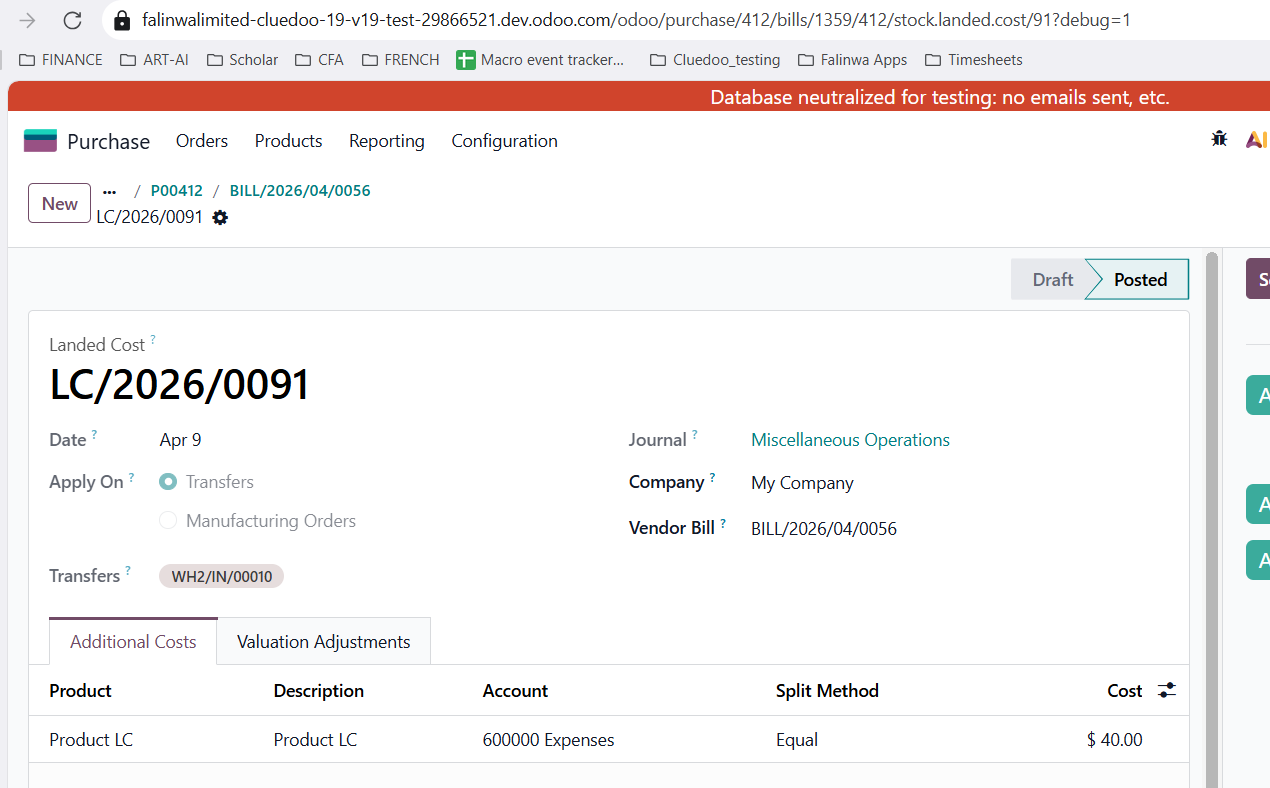
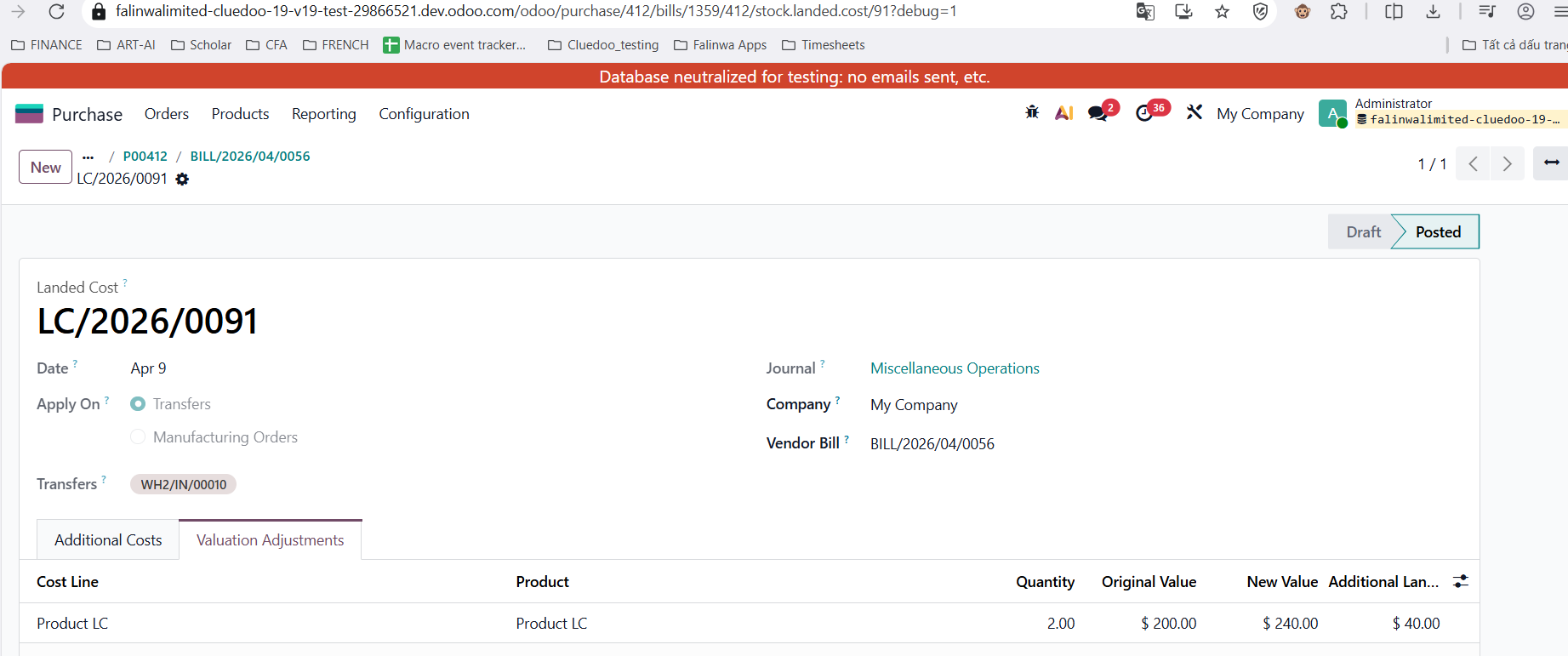
We can create Bill (do not confirm) > create landed cost using the transfer that we just created > change Landed Cost (eg> I use 40$ here) > Validate > go back Bill > Confirm > go to Landed Cost > Check Valuation Adjustment.
Original Value ($200) + Additional Value ($40 - Landed Cost) = New Value ($240).
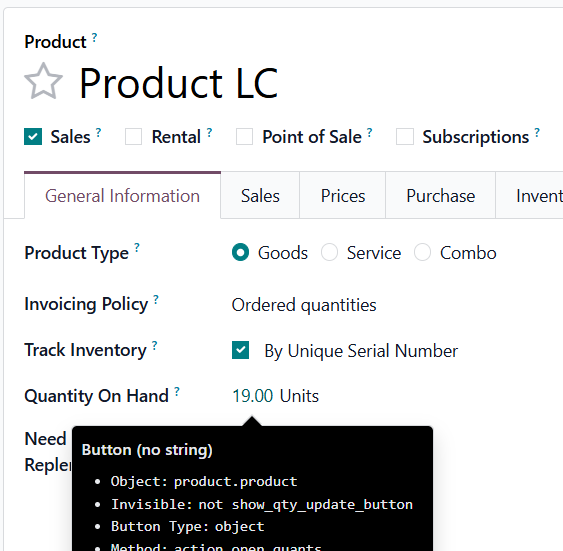
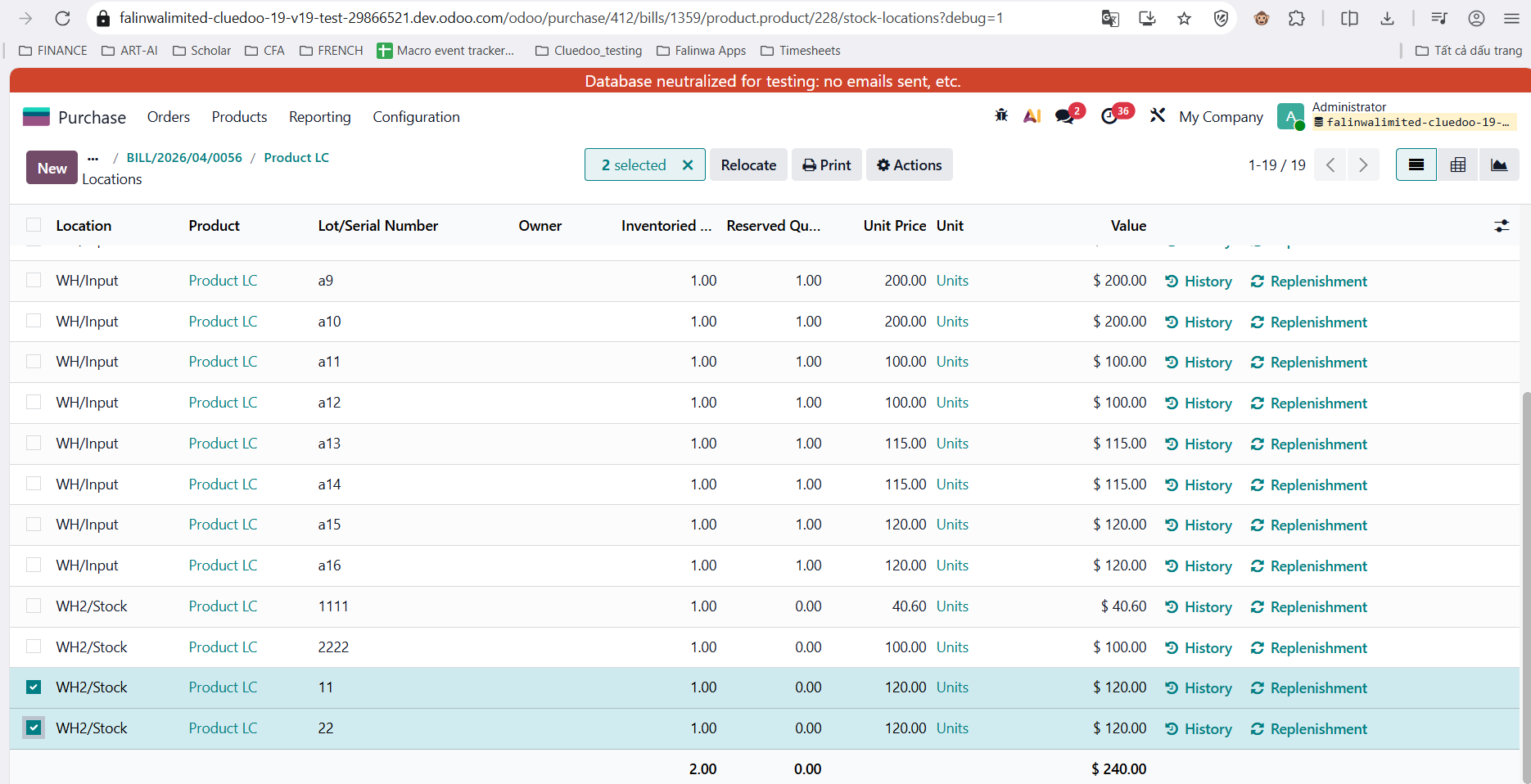
4. Go Product Qty Onhand > Onhand > check the valuation layer of each lot > sum lot = New Value
5. In v17, needs to set the inventory valuation to automatic by going to Users => Stock Accounting Automatic