



ODOO'S FUNCTION
In Odoo standard, Incoterm and Incoterm location fields are available on sales orders and invoices. However, these details need to be manually entered each time for new sales orders, even if the customer remains the same. This manual process can be time-consuming and prone to errors.
CLUEDOO'S FUNCTION
Cluedoo enhances this process by allowing Incoterm and Incoterm location to be stored and assigned directly at the contact (customer) level. These values are automatically propagated to new sales orders and invoices related to that contact, saving time and ensuring consistency across transactions. This automation streamlines the sales workflow and improves accuracy in international trade documentation.
1. Go to Contacts > Choose a contact and assign Incoterm and Incoterm Location in Other Info tab. For eg: Assign Incoterm and Incoterm Location for Azure Interior. | 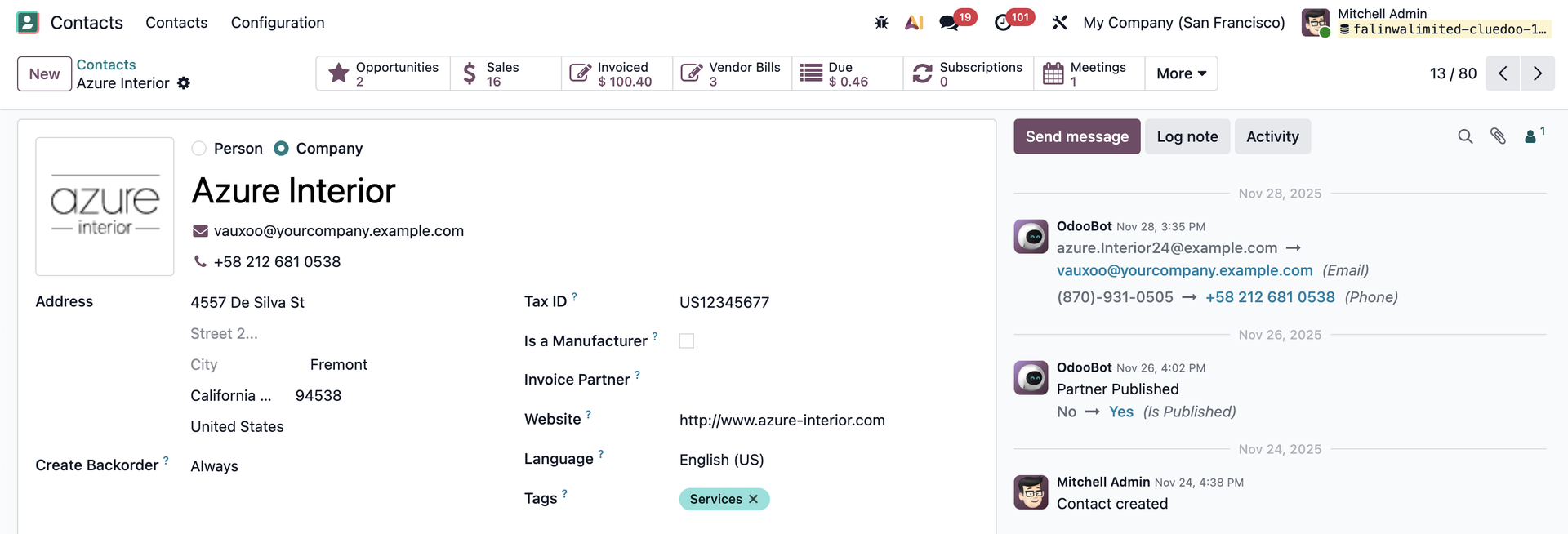 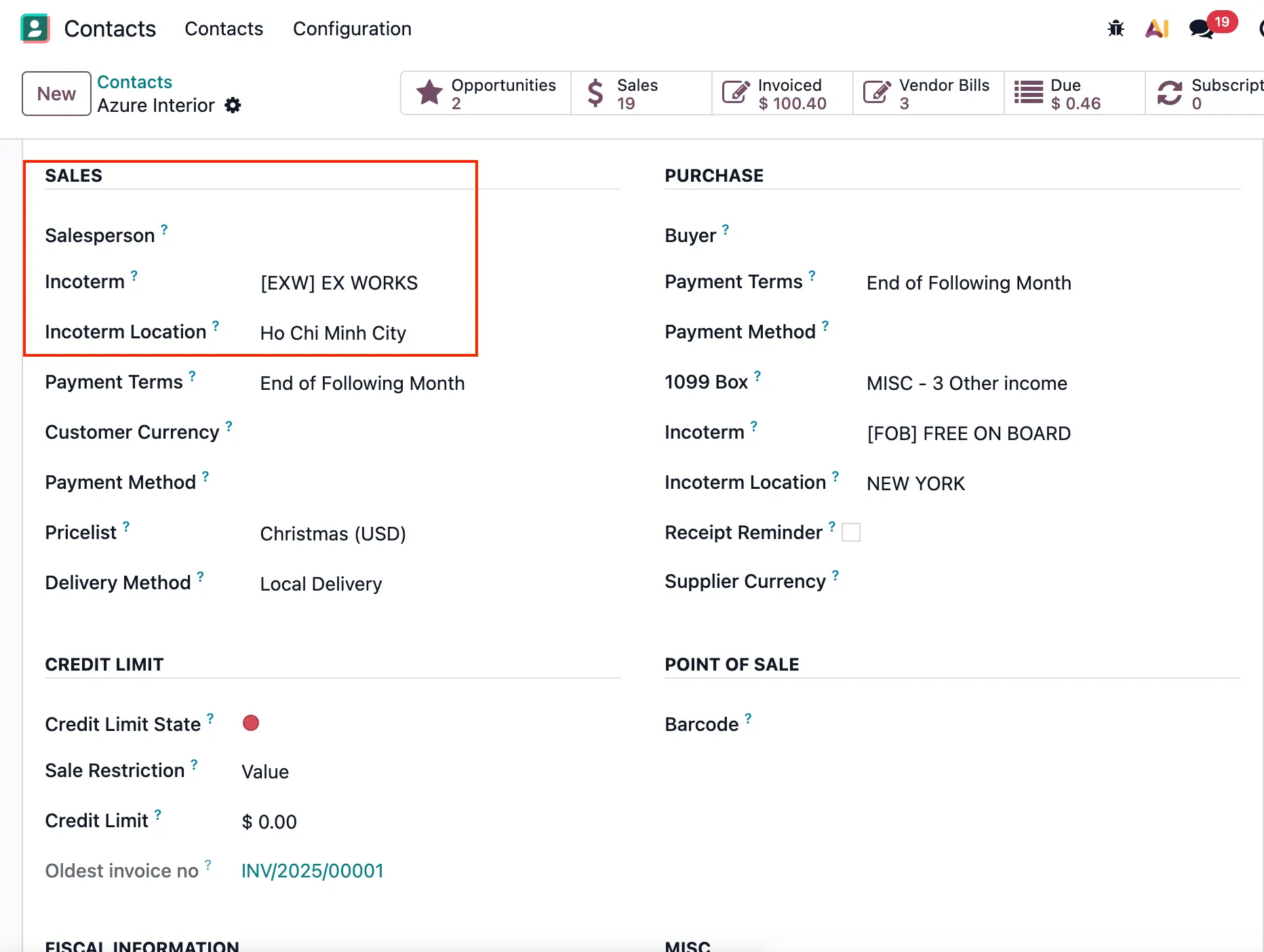 |
2. Create Sales Order with the contact as customer | 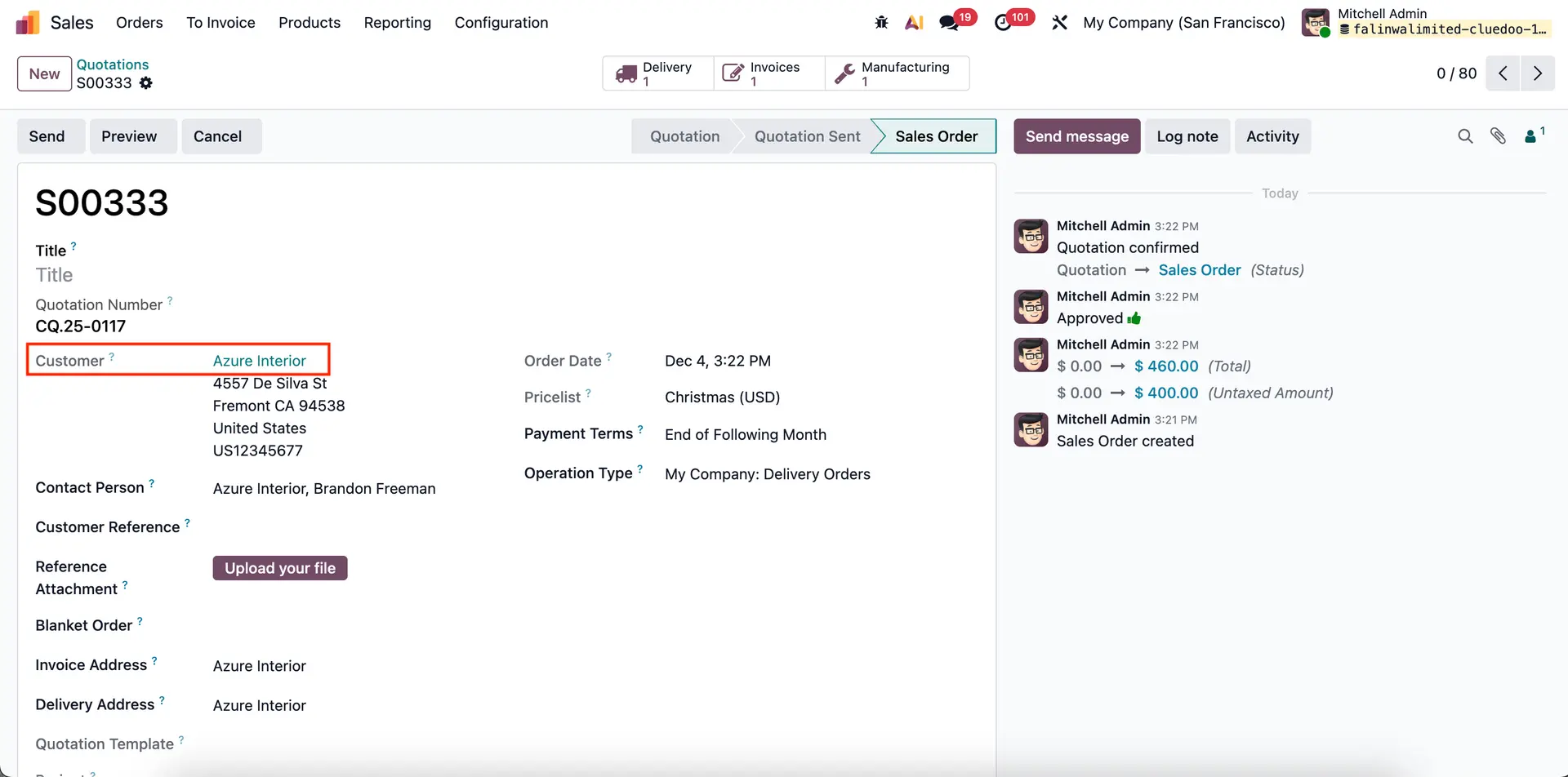 |
Go to Other info tab in SO, the Incoterm and Incoterm Location assigned will automatically appear here. | 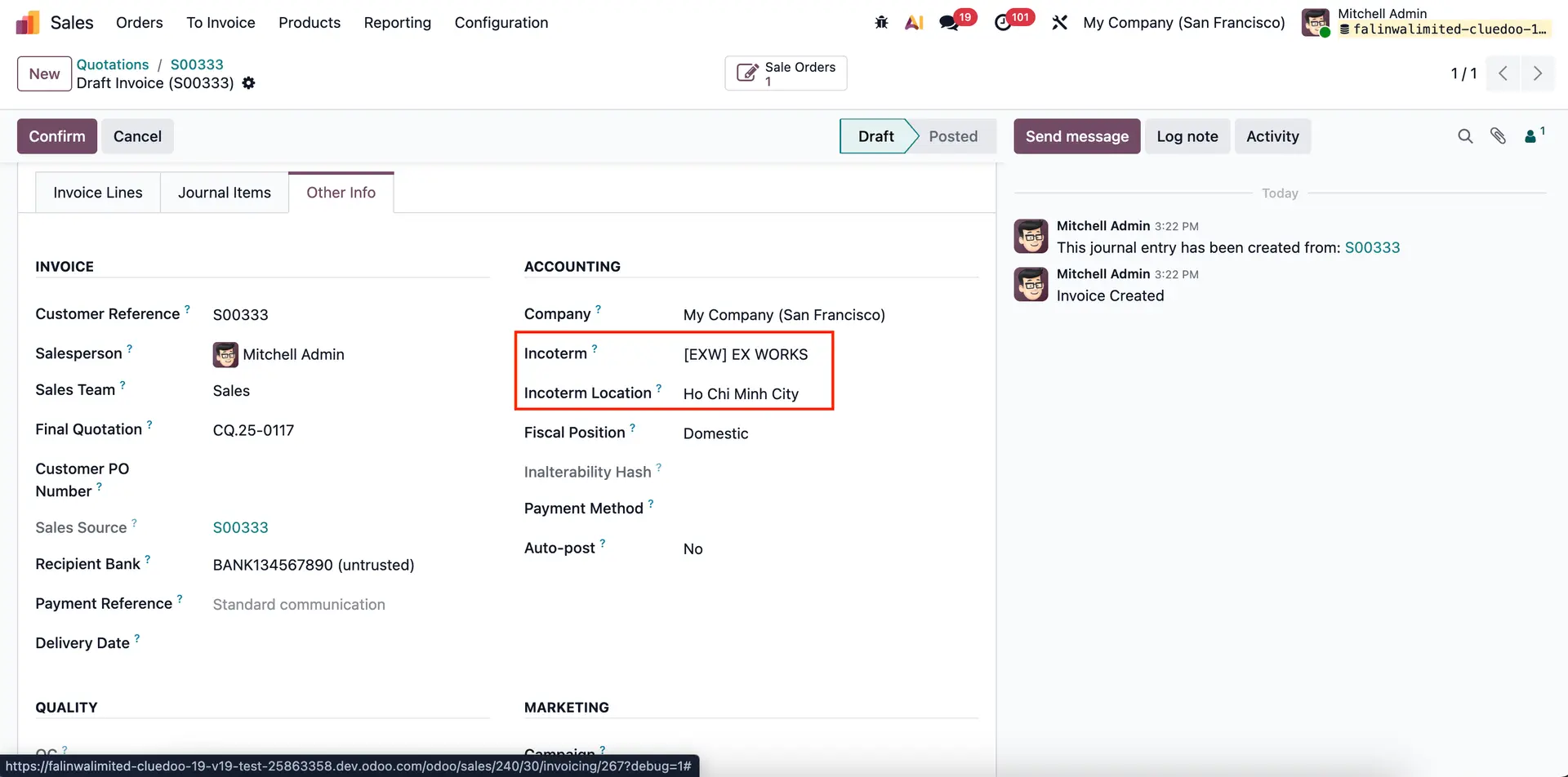 |
3. Confirm Sales Order > Create Invoice. Go to Other info tab, the Incoterm and Incoterm Location assigned will also automatically appear here. | 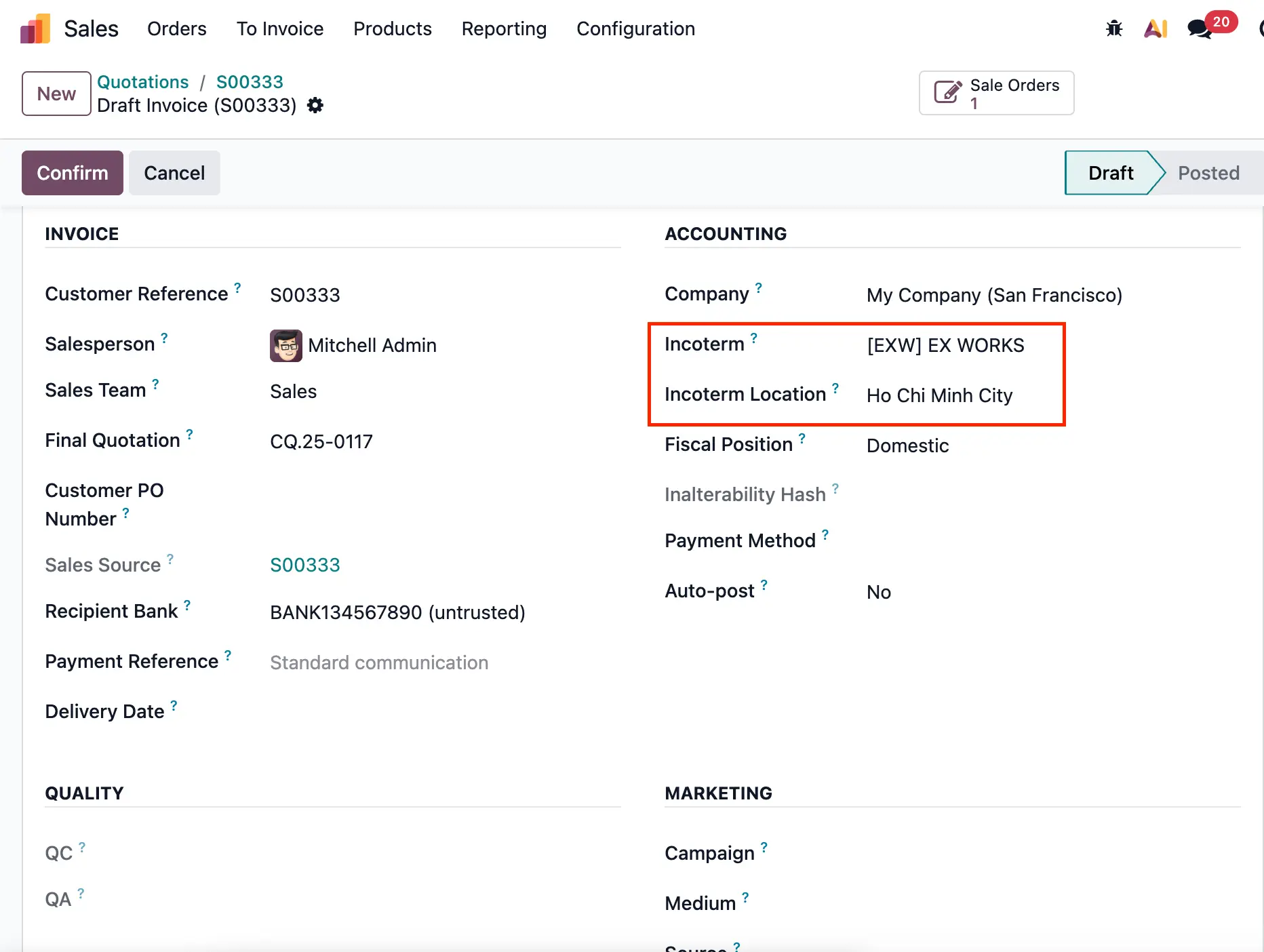 |