



ODOO'S FUNCTION
In Odoo standard, users can only “Add a product” in the Optional Products tab when creating a sales order.
CLUEDOO'S FUNCTION
CLuedoo extends this standard feature by introducing the “Add a Note” and “Add a Section” options within the Optional Products tab. This enhancement allows users not only to add additional products but also to include explanations or group related optional items under sections, providing better clarity and structure for the customer.
1. Go to Sales and create a new Sales Order > We can see Add a section and Add a note option under the Optional Products tab Products can be organized by clicking Add a section (and dragging/dropping section headers), and further explained with discretionary information by clicking Add a note. | 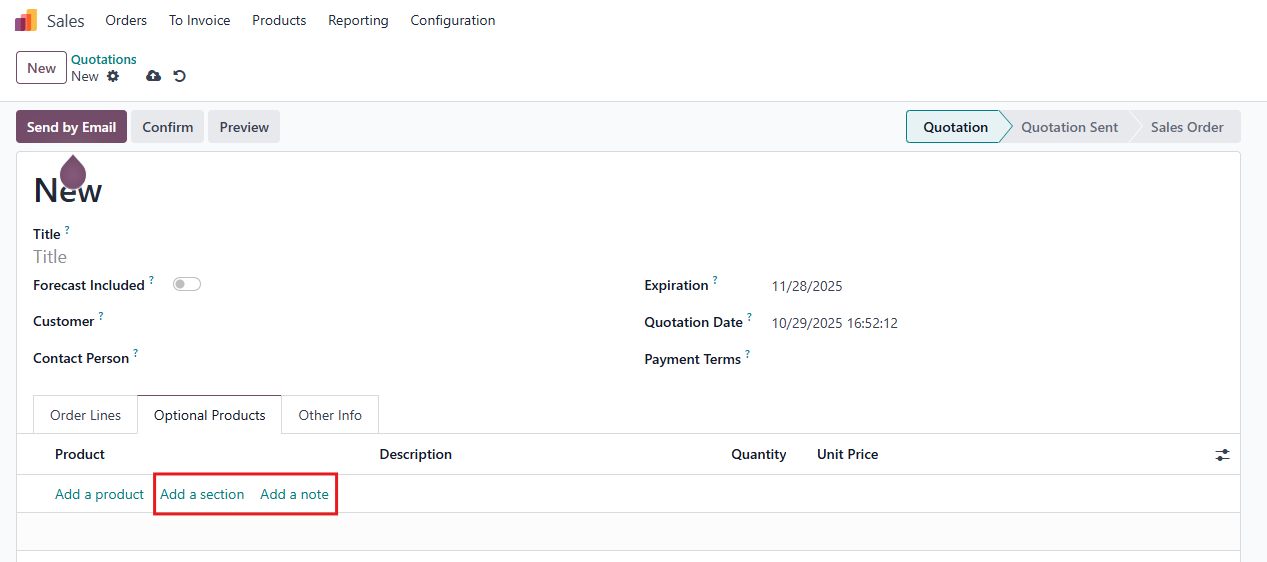 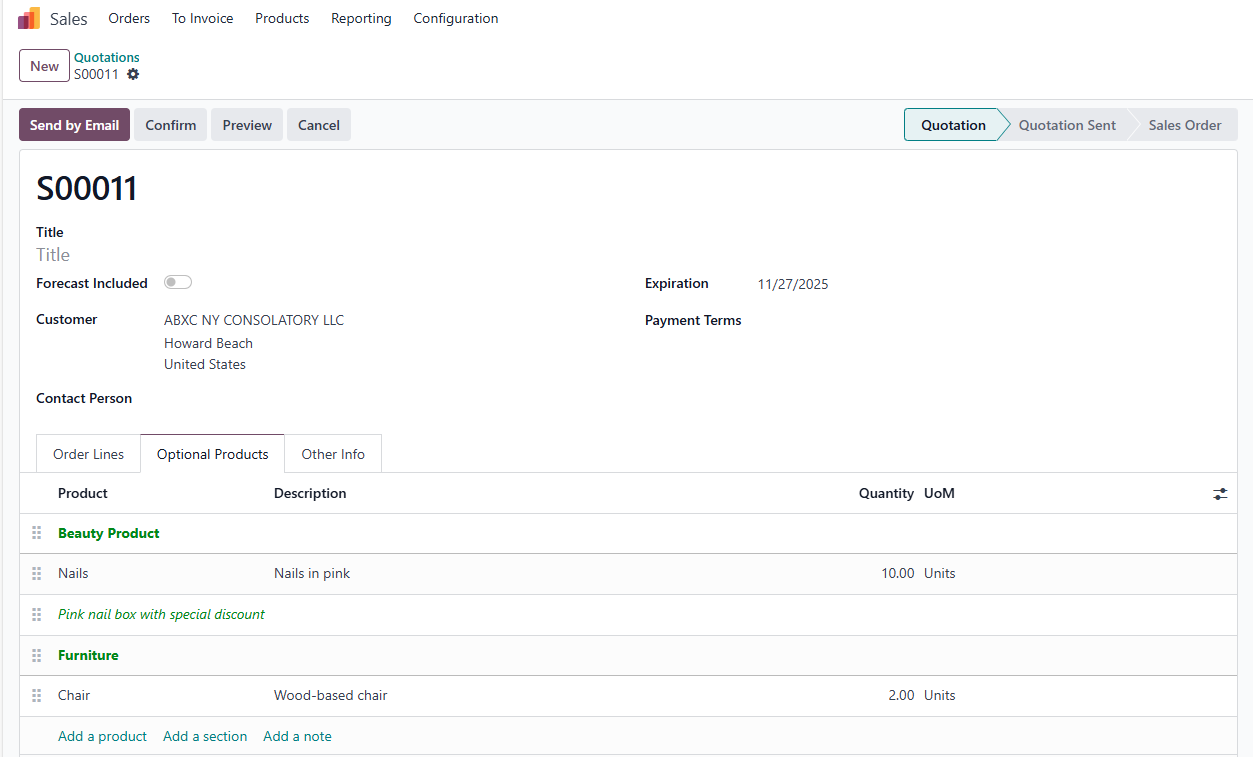 |
2. The Notes or Sections of the Optional Products are also displayed in the quotation printing as in the main products. | 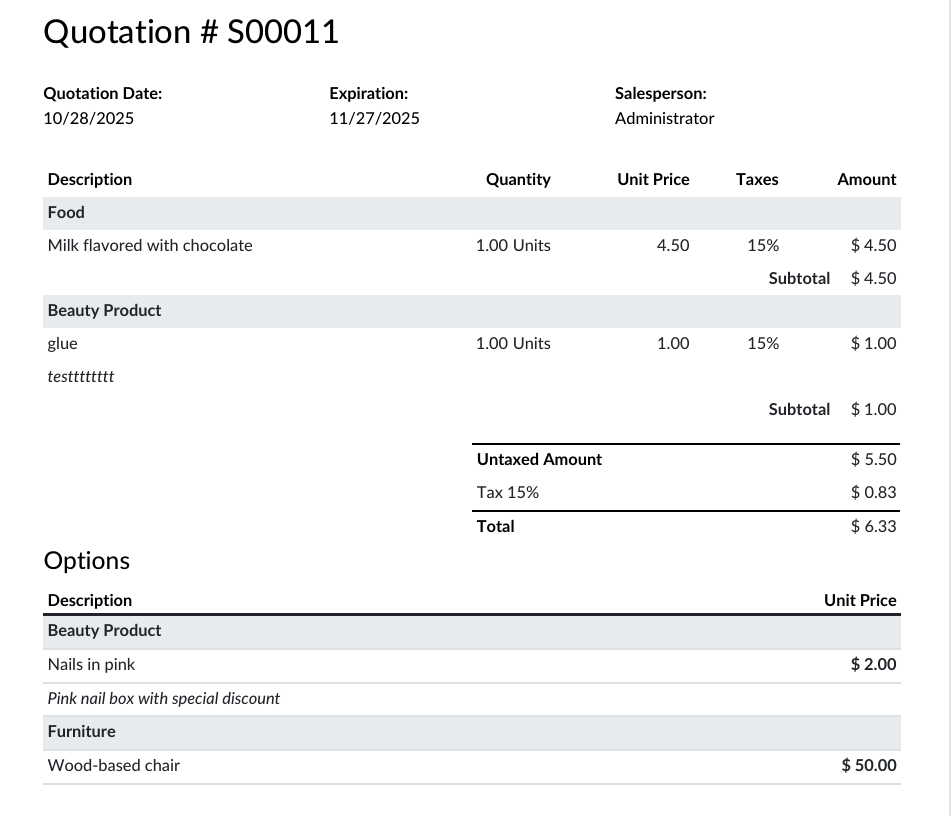 |