



ODOO'S FUNCTION
Odoo offers the capability to invoice sales orders based on milestones, but lacks integration between milestones and tasks.
CLUEDOO'S FUNCTION
Cluedoo addresses this issue by establishing a link between tasks and milestones within the same sales order, simplifying service management for clients by ensuring seamless coordination between phases and deadlines.
Additionally, Cluedoo introduces a milestone template tool, allowing users to pre-configure templates and create multiple orders without the need to recreate milestones each time. This feature streamlines the process, saving time and enhancing efficiency in managing project milestones.
Create a new Milestone template. Specify the quantity percentage for each phase. | 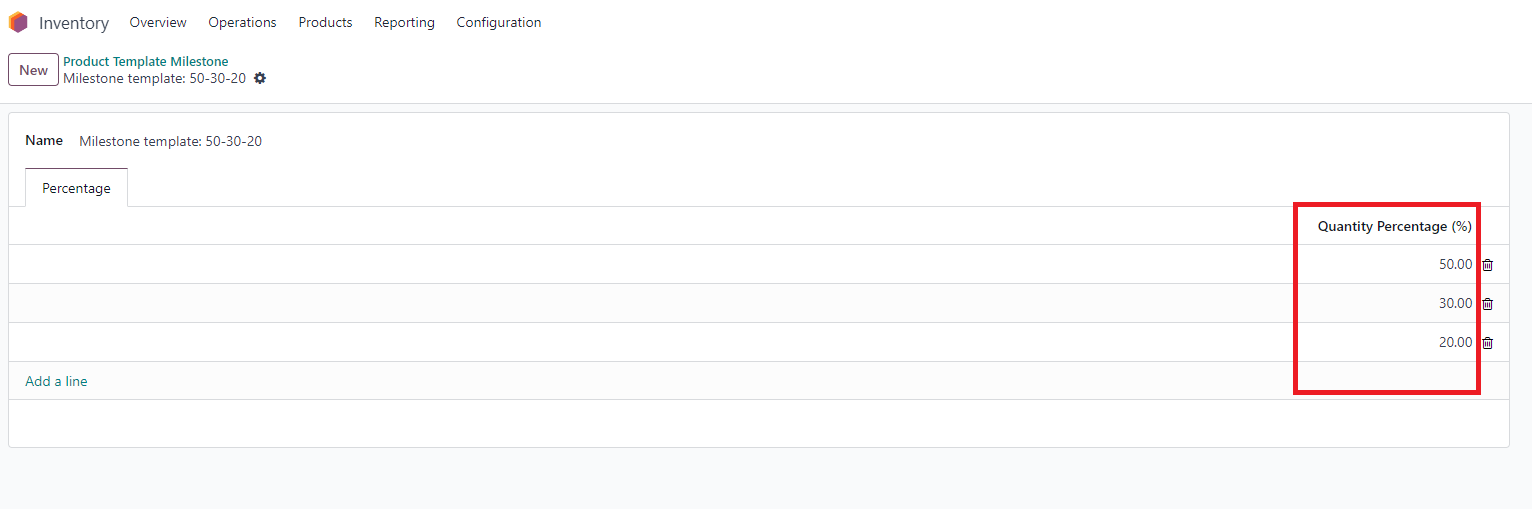 |
2. Create a Service product and specify the "Invoicing Policy" to be based on Milestones. Choose a Milestone template. | 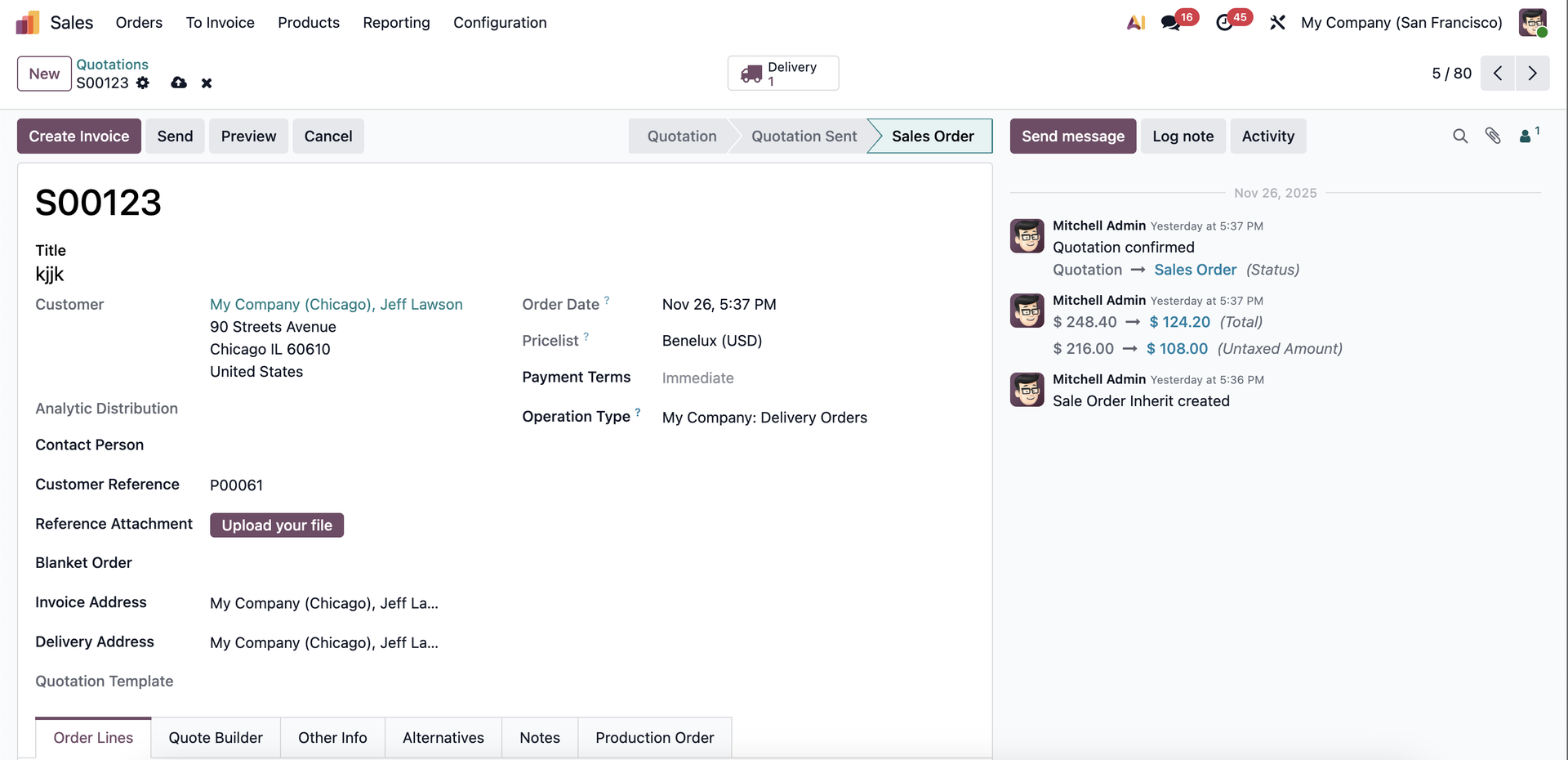 |
2. Create a Service product and specify the "Invoicing Policy" to be based on Milestones. Choose a Milestone template. | |
3 Upon confirmation of the Sales order containing the Milestone product, milestones will be automatically generated. Additionally, based on your configuration of "Create on order" in the product settings, projects and tasks will also be automatically generated. | 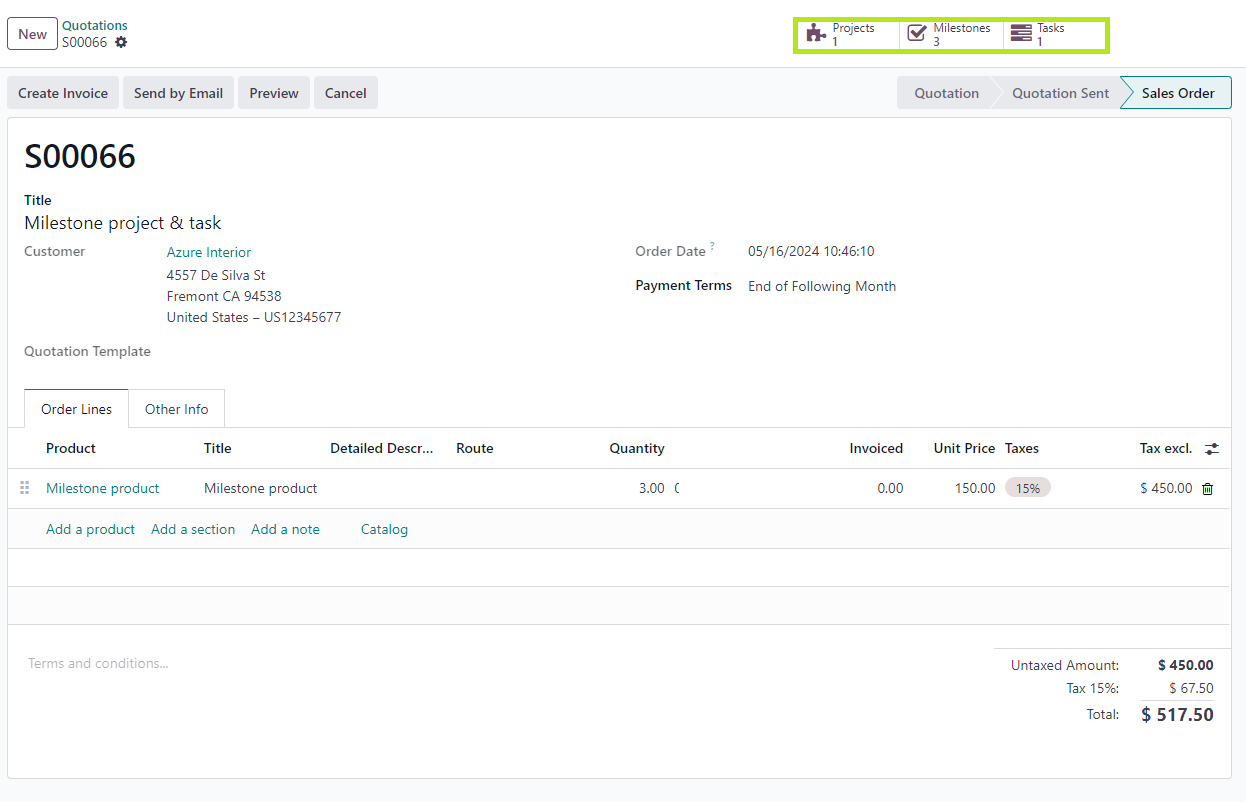 |
4 Milestones are automatically generated based on predefined templates. All milestones are linked to the Sales Order. Users can modify milestone details by altering their names, setting deadlines, or indicating completion status. |  |
5 Tasks generated from Sales orders are also connected to the corresponding milestones. | 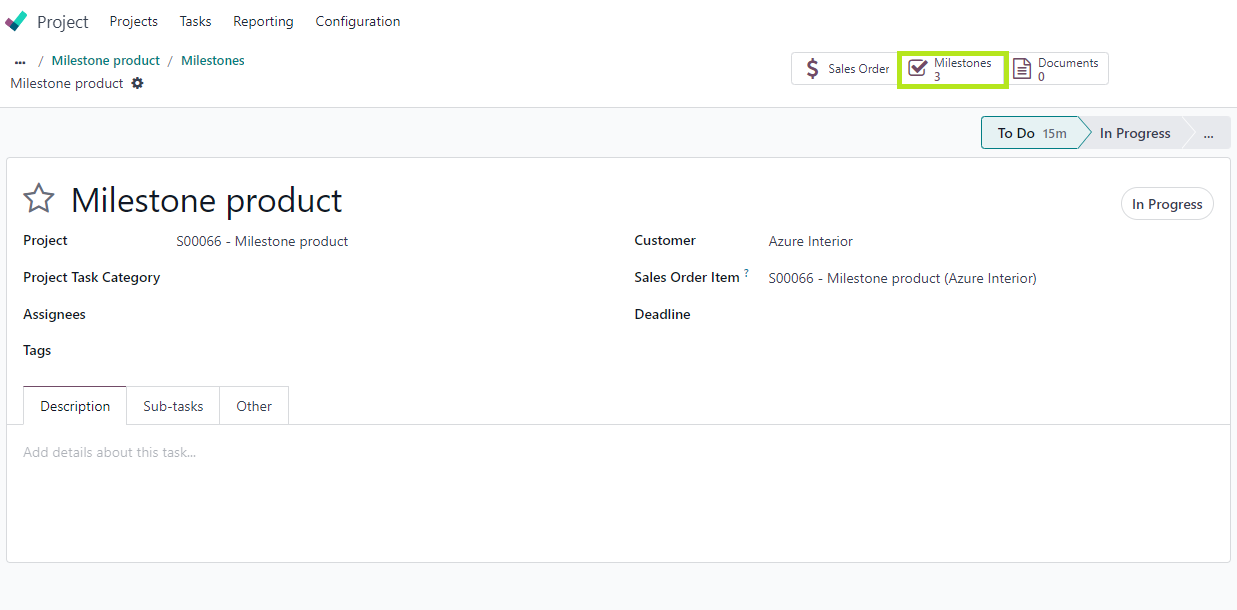 |