


ODOO'S FUNCTION
Odoo provides a hardcoded description on each sales order line, which is "Product ref / Product name", and does not give any flexibility to define priorities.
For instance, if you put a supplier reference on the supplier pricelist, the description on the purchase order lines only show the Supplier ref and none of your product reference.
CLUEDOO'S FUNCTION
CLuedoo lets you configure the description using Python code in the product categories. This way, you can vary the description by category and have more control over what appears on the Sales/Purchase order.
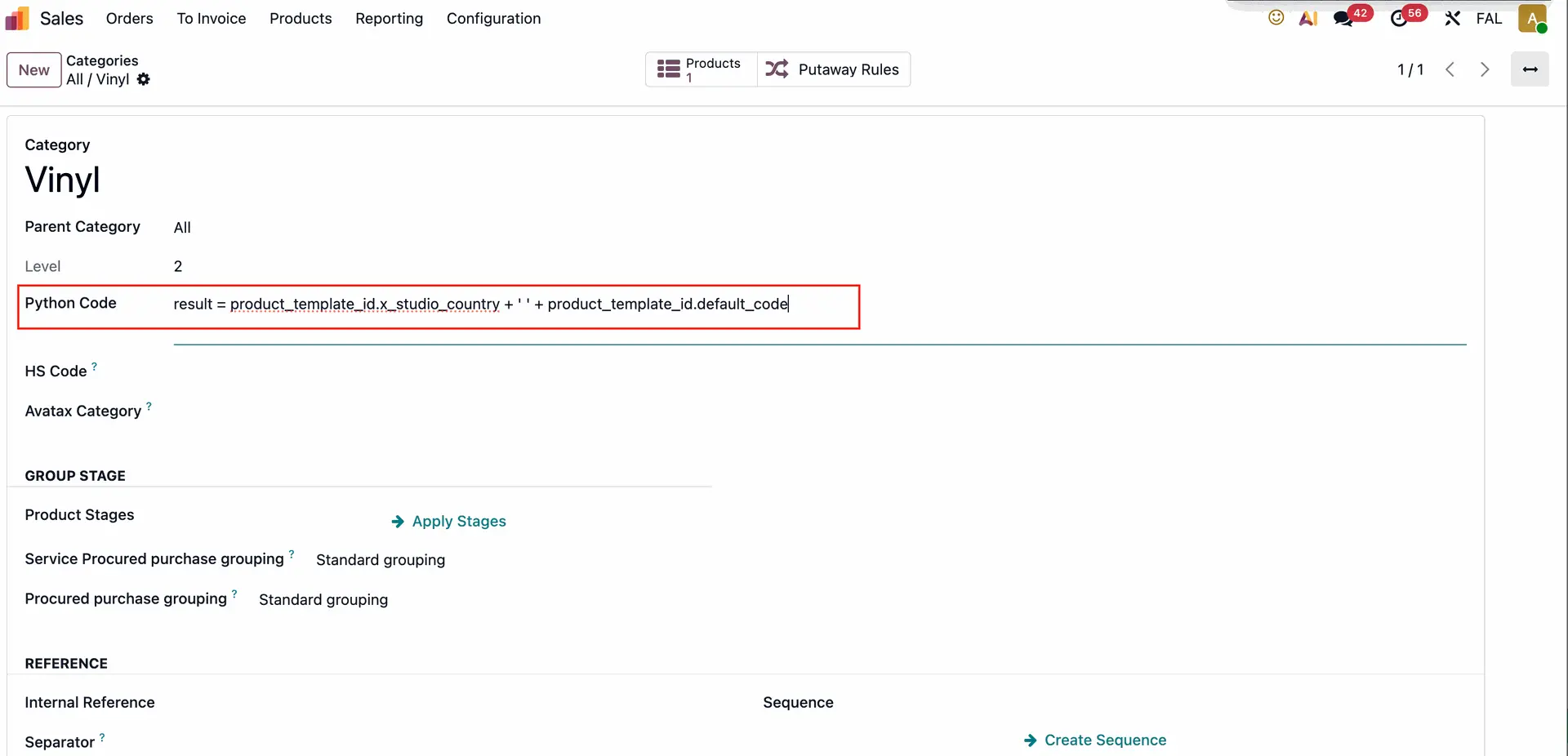
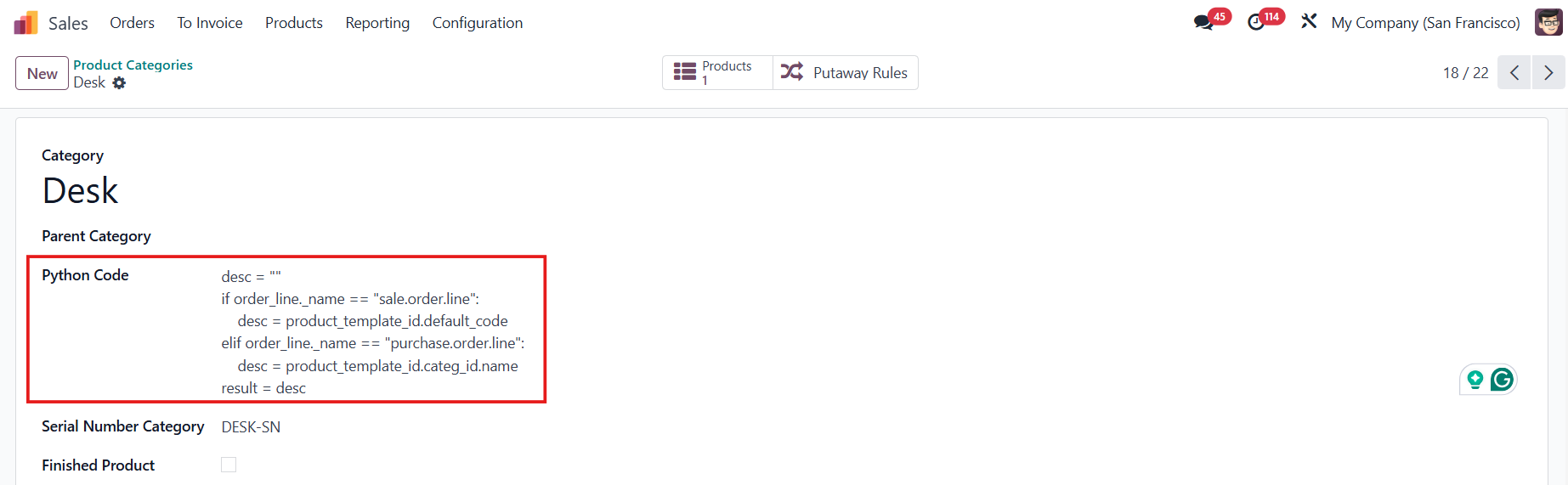
On Product Categories, we can input Python Code to enable a product description on the sales order line/purchase order line. We can input values for SOL (sale.order.line), POL (purchase.order.line), product templates (product.template), product variants (product.product), and (order_line) that can work for both sale and purchase. | 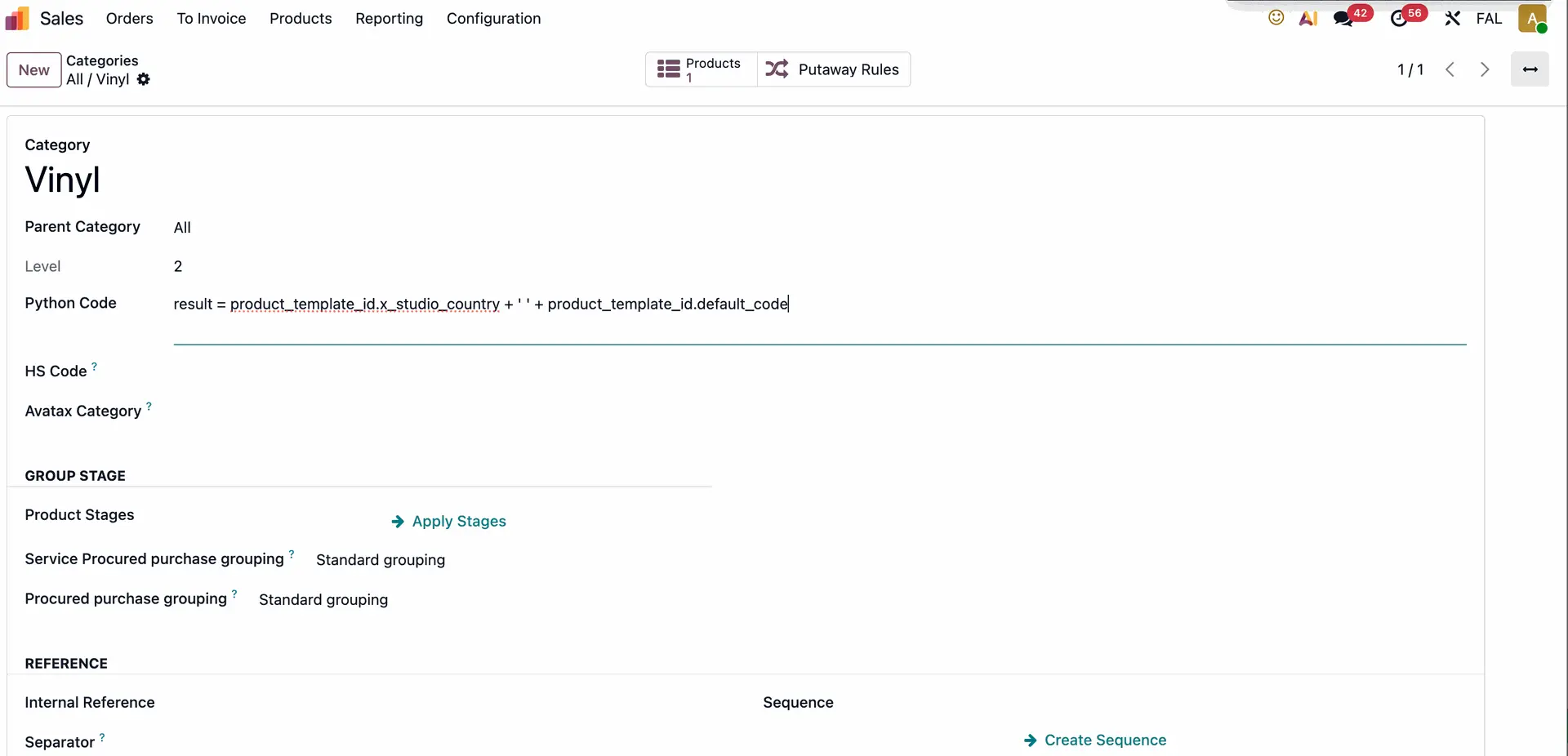 |
EXAMPLE 1 result = product_template_id.x_studio_country + ' ' + product_template_id.taxes_id.default_code → display the Internal Reference and Country (a custom field created with Odoo Studio) in the product description Note: The character ' ' is used to create spacing between fields when the description is displayed. |
|
EXAMPLE 2 desc = "" if order_line._name == "sale.order.line": desc = product_template_id.default_code elif order_line._name == "purchase.order.line": desc = product_template_id.categ_id.name result = desc
|
|