


ODOO'S FUNCTION
In Odoo, batch Manufacturing Orders are not managed, so no Quality Alerts can be created or linked to them.
CLUEDOO'S FUNCTION
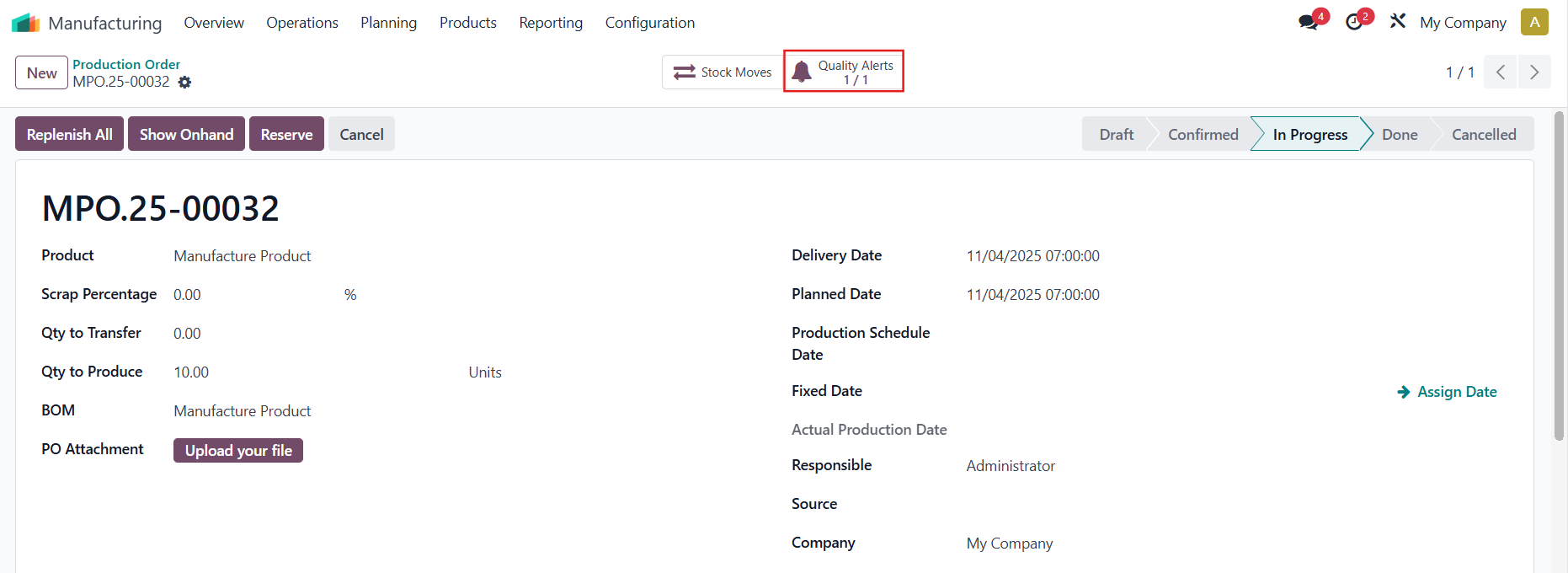
CLuedoo introduces a Quality Alerts smart button on batch Manufacturing Orders (Production Orders), showing the ratio <Number of QA Not Solved> / <Total QA>, where “Not Solved” includes all alerts not in the “Alert Processed” or “Alert Exception” stages.
ALERT EXCEPTIONGo to Quality > Configuration > Quality Alert Stages > We have an additional checkbox for Alert Exception |  |
Create a finished product tracked by Lot/Unique Serial Number and/or its component(s) tracked by L/SN > add a BoM with its Operations |  |
Create a Quality Control Point for the product |  |
QUALITY ALERT ON BATCH MOGo to Manufacturing > Operations > Production Order > Create a new production order You can click Create Manufacturing Orders/Create MO, or create a new MO by clicking Add a line > Confirm | 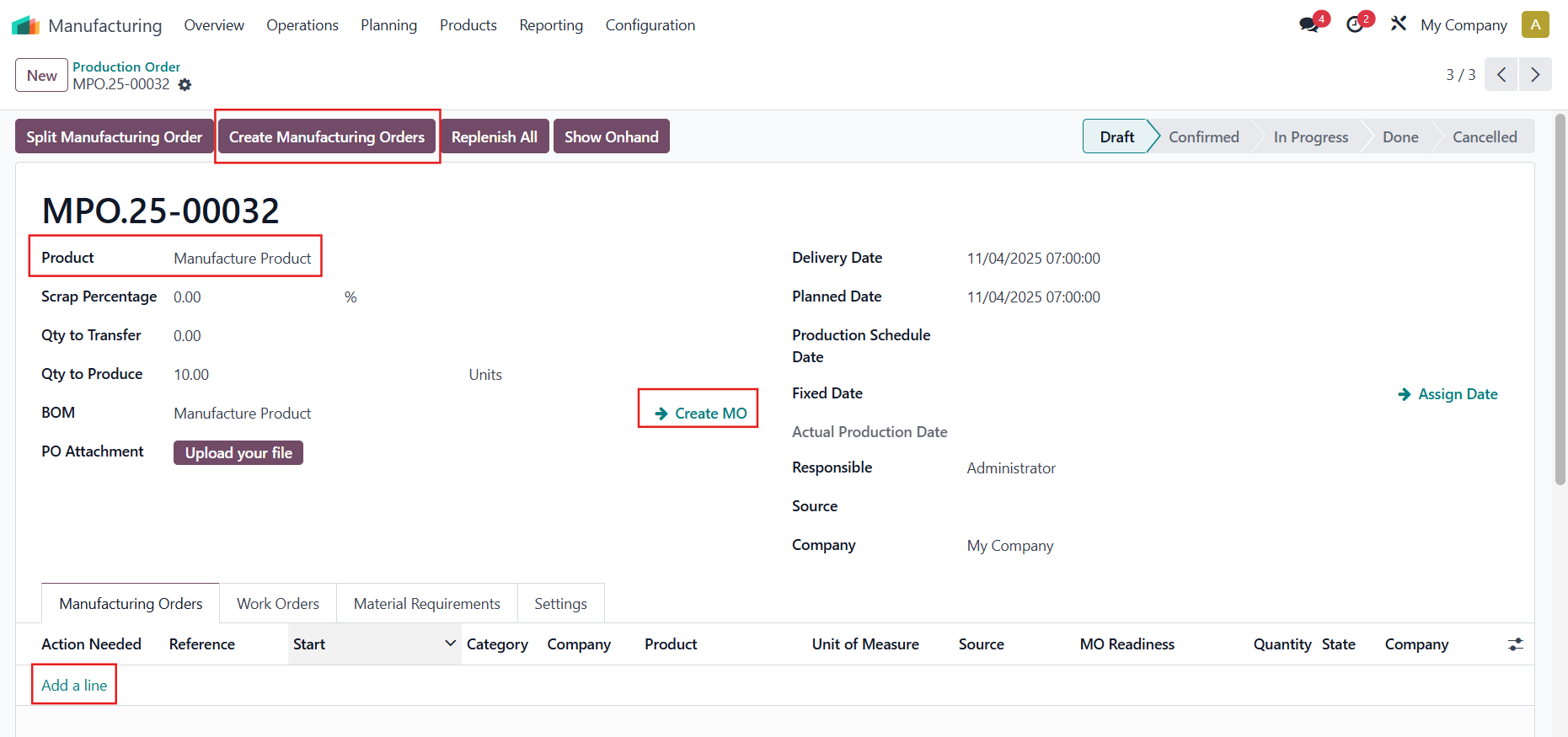 |
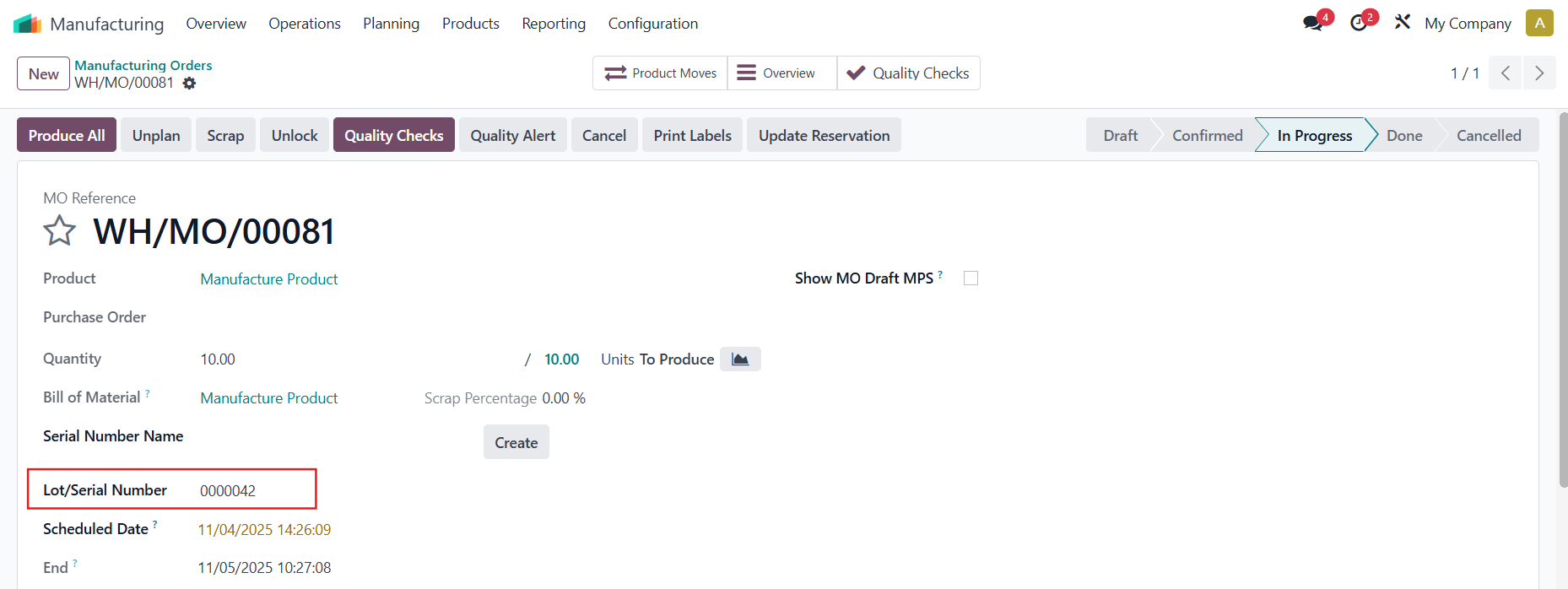
Open the MO and add a Lot/Serial Number for the finished product |
|
Do the Quality Check > Create an alert and fill in the Lot | 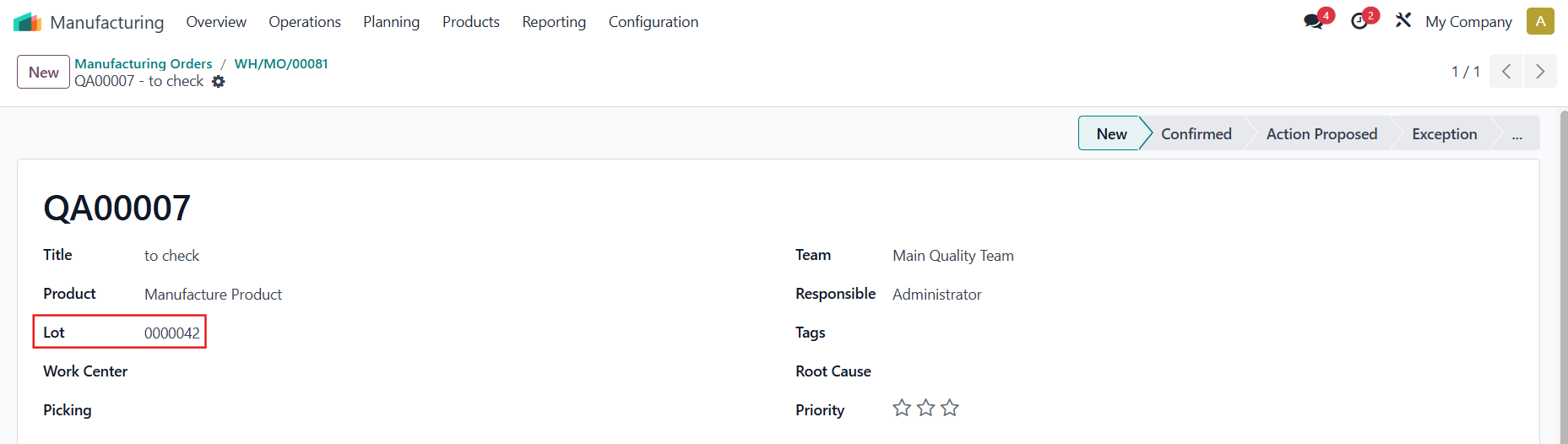 |
Go back to the Production Order > a Quality Alerts smart button will appear with <Number of QA not solved> / <Total number of QA> Number of QA not solved = Number of QA not in stage Alert Exception/Alert Processed |
|
All the Quality Alerts created from the MOs and WOs from this Production Order will all be linked via the smart button | 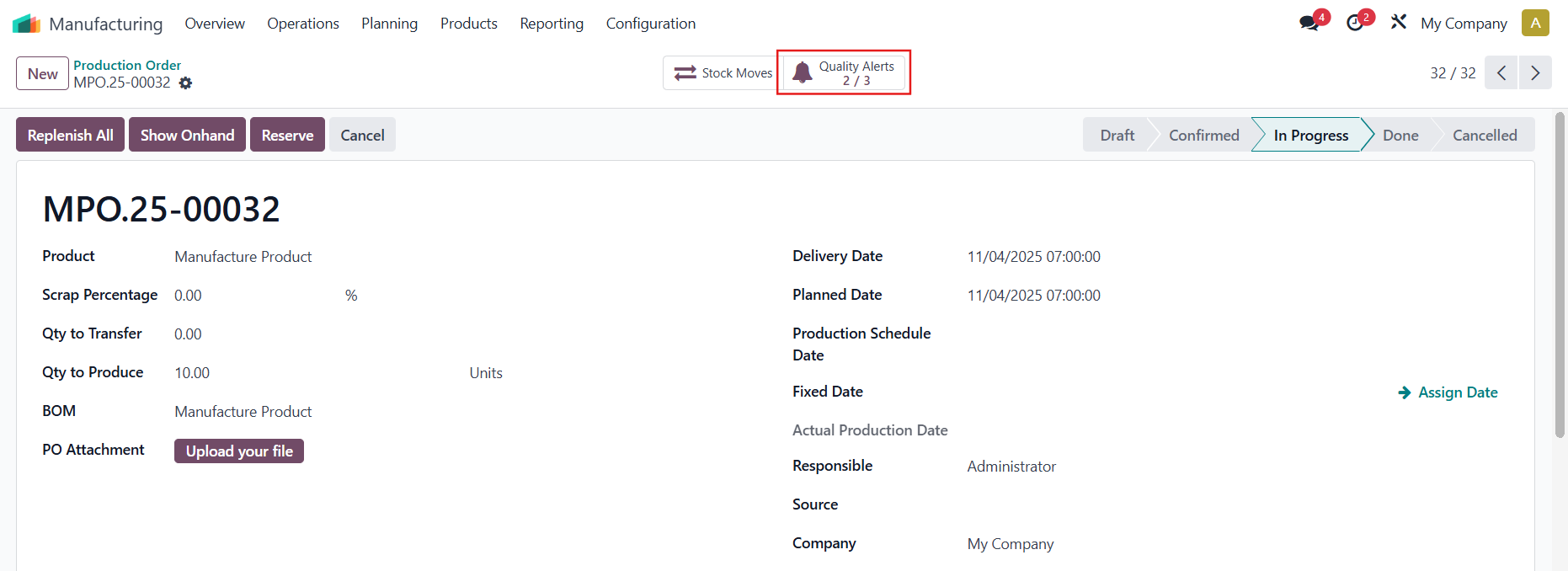 |