

ODOO'S FUNCTION
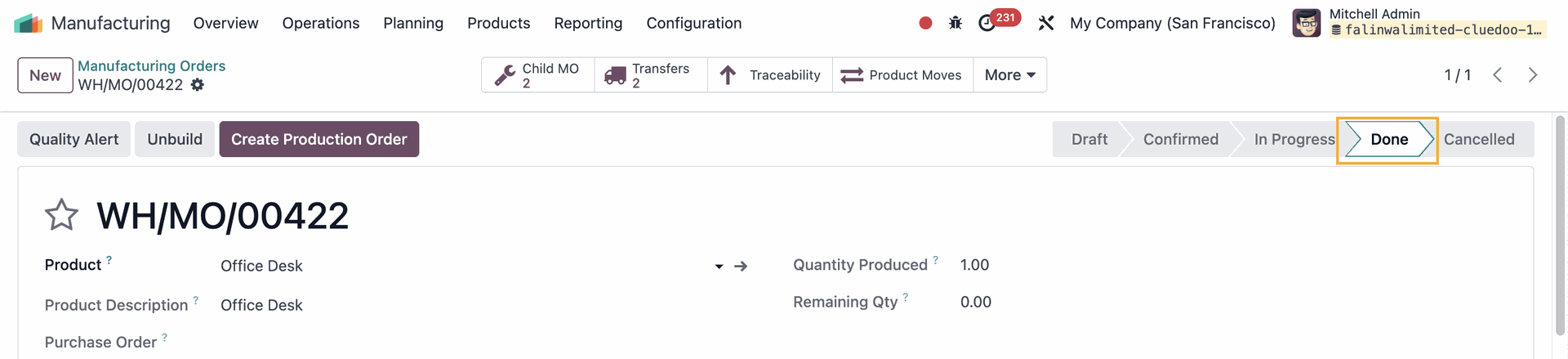
In Odoo, a Manufacturing Order (MO) can be processed independently, even if it has sub-MOs (child MOs) that are not yet completed. There is no built-in control to prevent or warn users when attempting to produce a parent MO before all related sub-MOs are finished. This can lead to incomplete or incorrect production sequences, especially in complex manufacturing workflows.
CLUEDOO'S FUNCTION
CLuedoo introduces a "Parent MO Confirmation" field in the Bill of Materials (BoM) for better control over parent-child MO dependencies. This field offers three options:
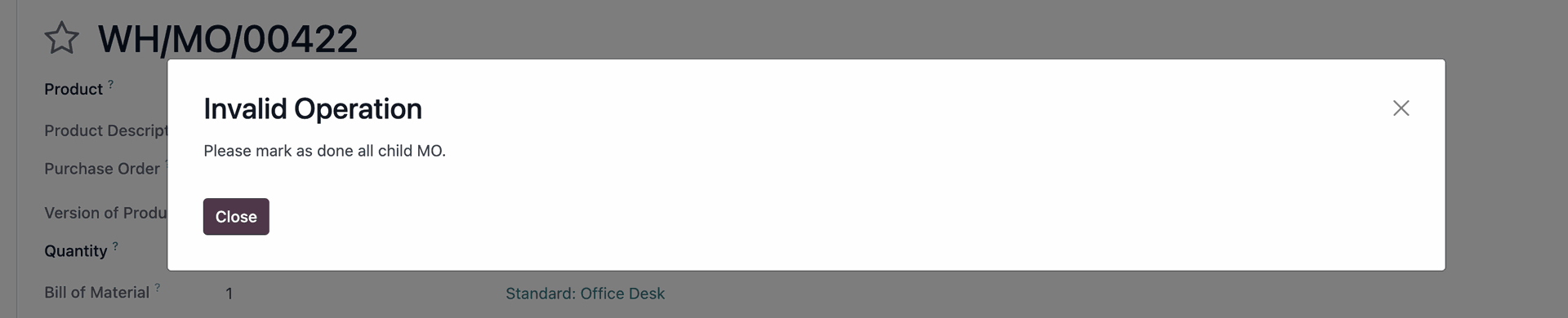
- Prevent: Blocks the production of the parent MO until all child/sub-MOs are completed.
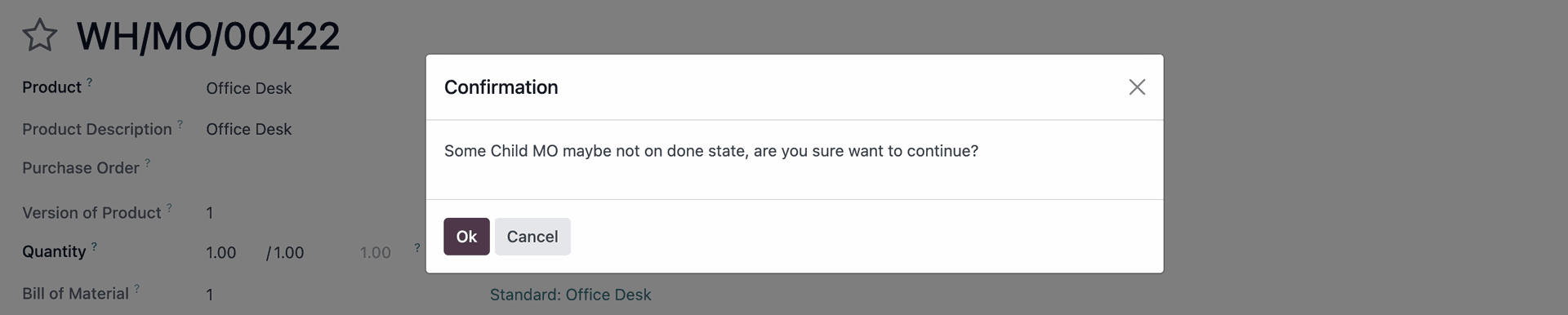
- Allowed with Warning: Displays a warning when trying to produce the parent MO if some child/sub-MOs are still in progress, asking the user to confirm before proceeding.
- Allowed: Allows production of the parent MO without any restrictions, regardless of the status of child/sub-MOs.
This feature enhances production sequencing control, ensuring a more structured and error-free manufacturing process.
1. Create a Bill of Material (BoM) for the product that you intend to manufacture > Add the Components |  |
Note: Make sure the Components have their Routes set as Replenish on Order (MTO) and Manufacture, and they also have a BoM | 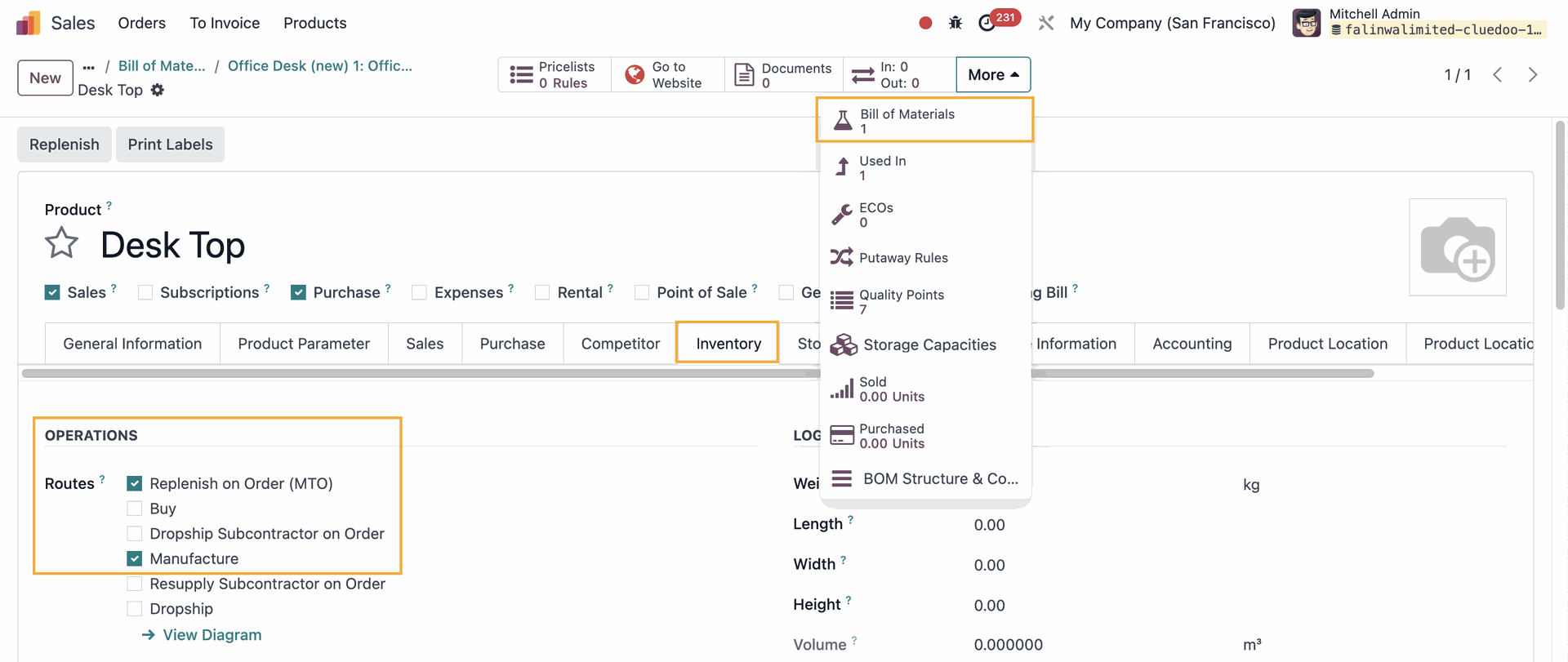 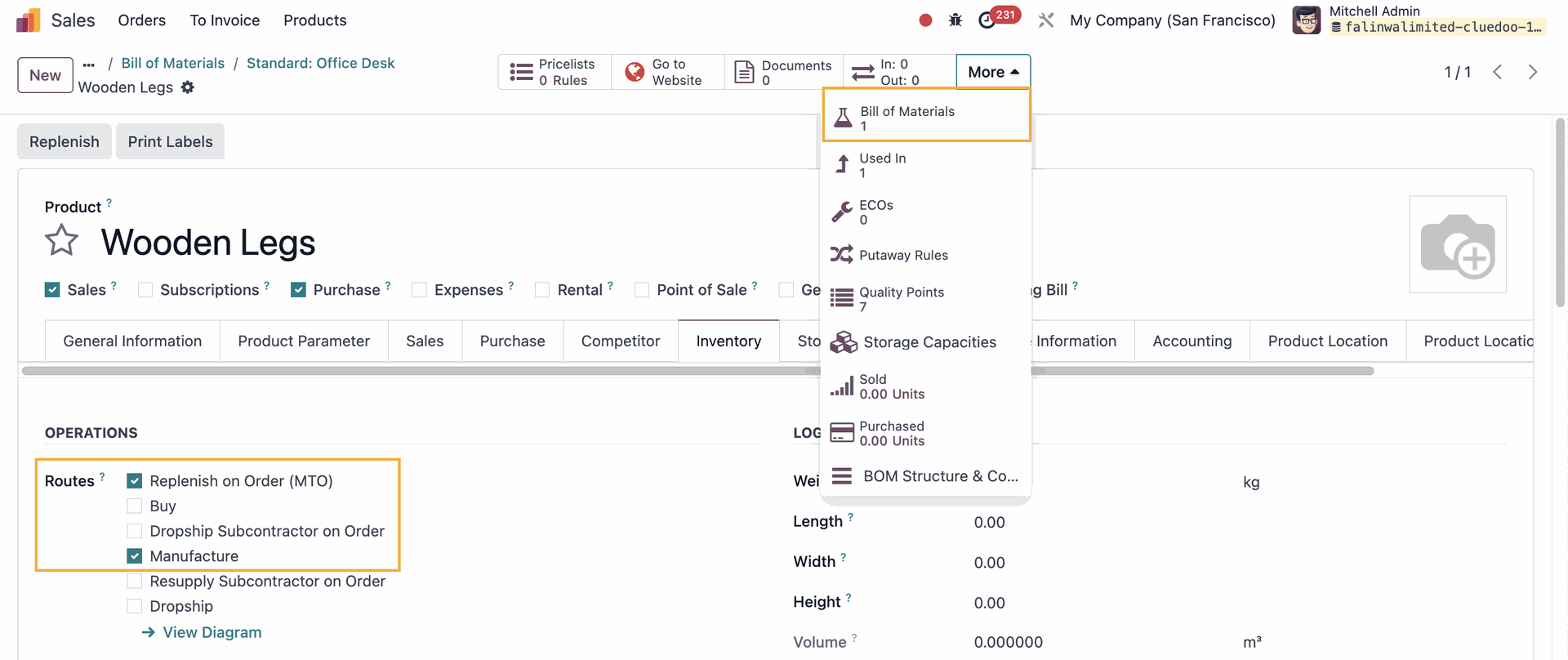 |
2. Add the Operations | 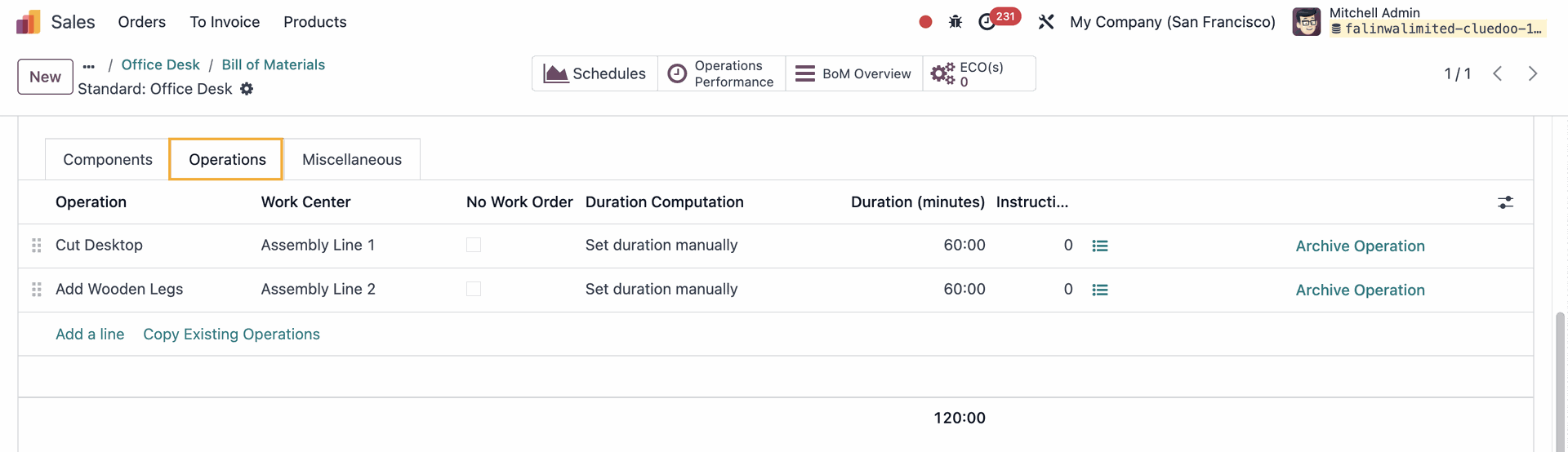 |
3. Under the Miscellaneous tab, you will see the field Parent MO Confirmation | 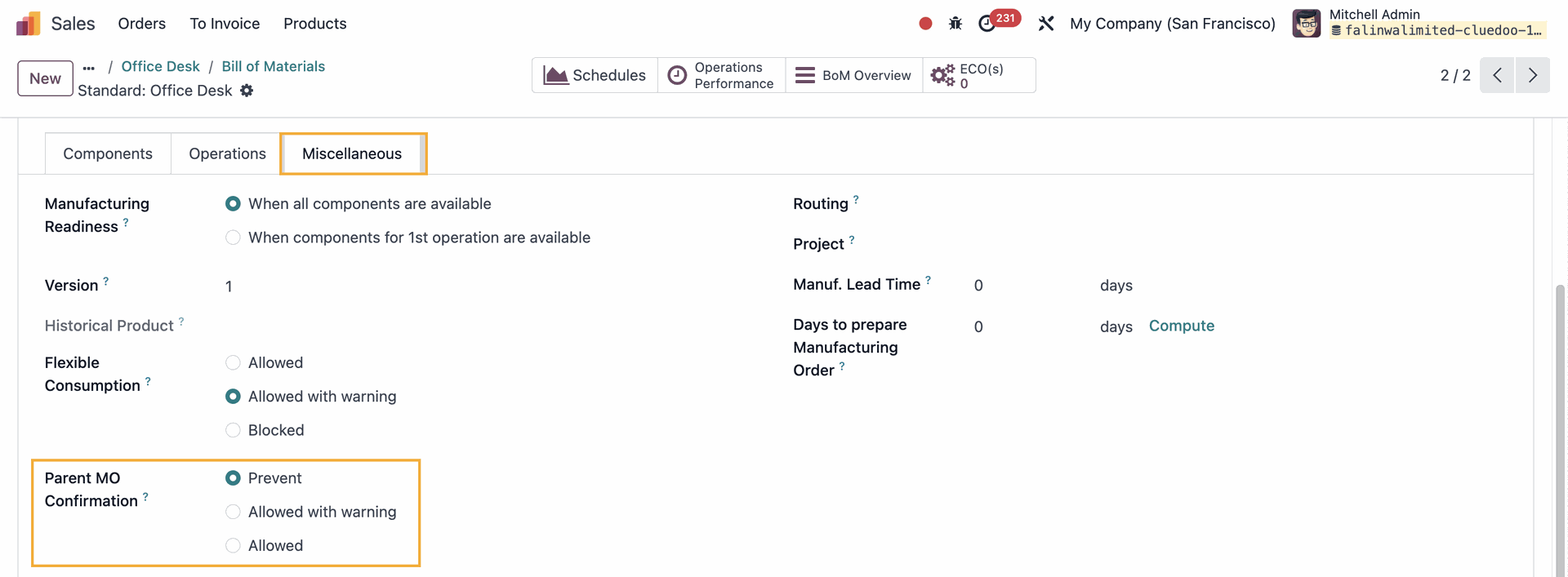 |
4. Create a Manufacturing Order and choose the product > The Components and Work Orders will be automatically updated according to the BoM you set > Confirm | 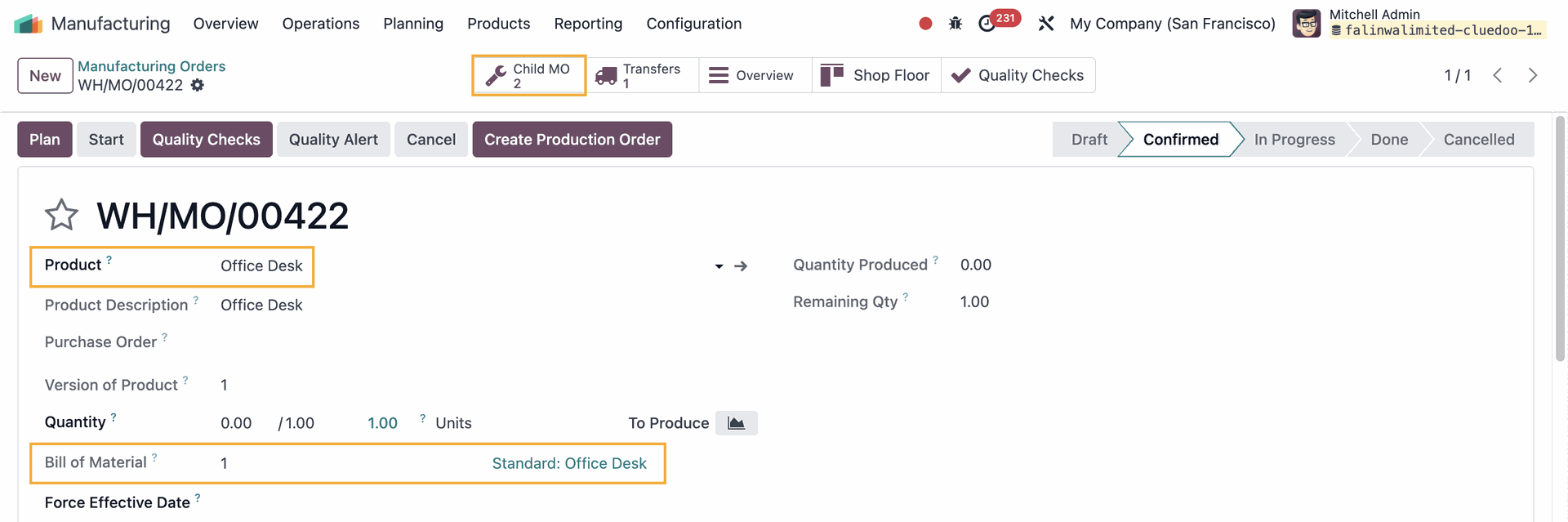 |
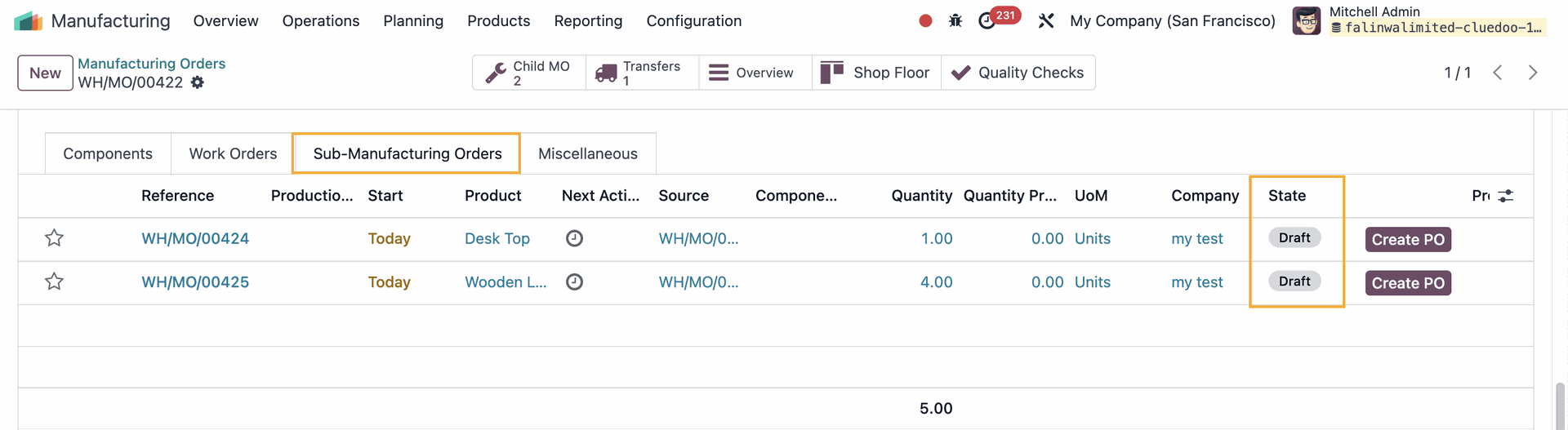
| Under the Sub-Manufacturing Orders tab, you can see the State of the Sub-MO is Draft |
|
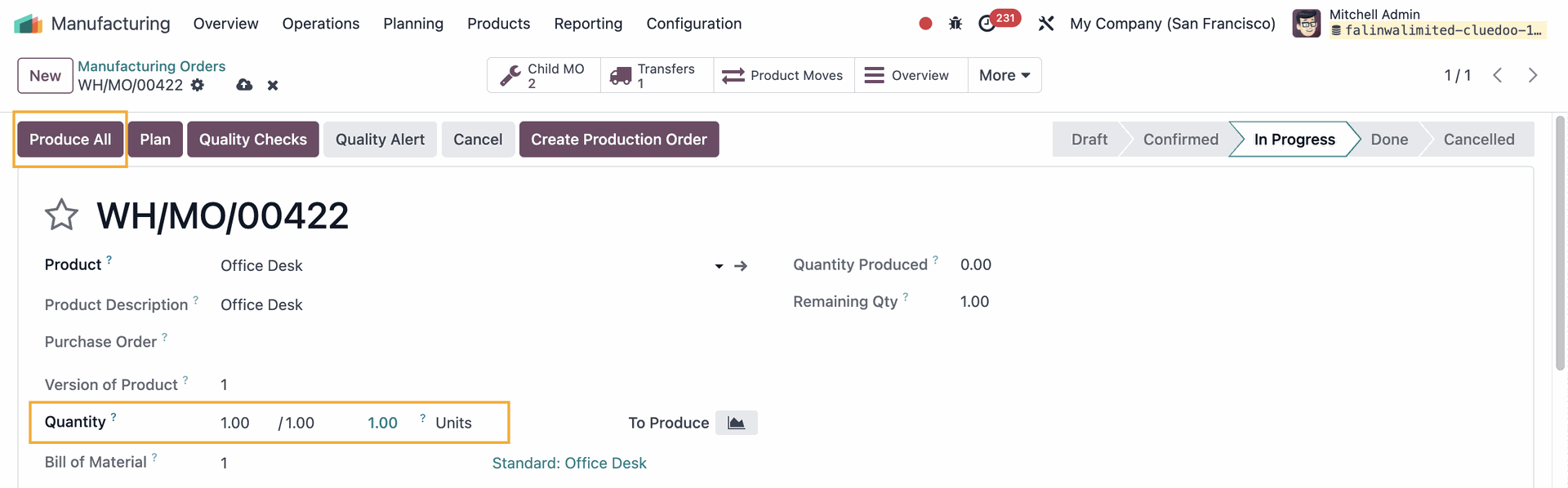
| 5. Enter the Quantity to produce > Produce All |
|
6. Results
|
|
|
|
|
|