


ODOO'S FUNCTION
Odoo allows printing the Delivery Slip with the ordered/delivered quantity
CLUEDOO'S FUNCTION
CLuedoo extends this feature to let users print a report with a barcode and weight
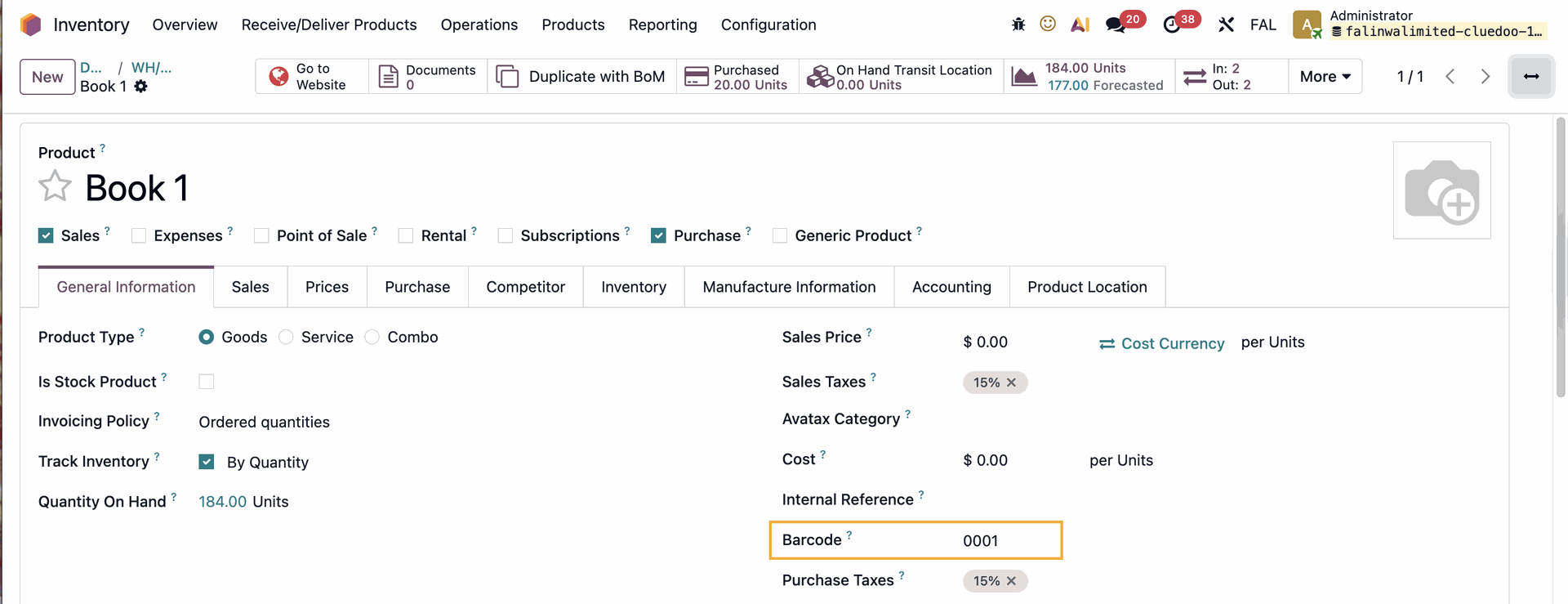
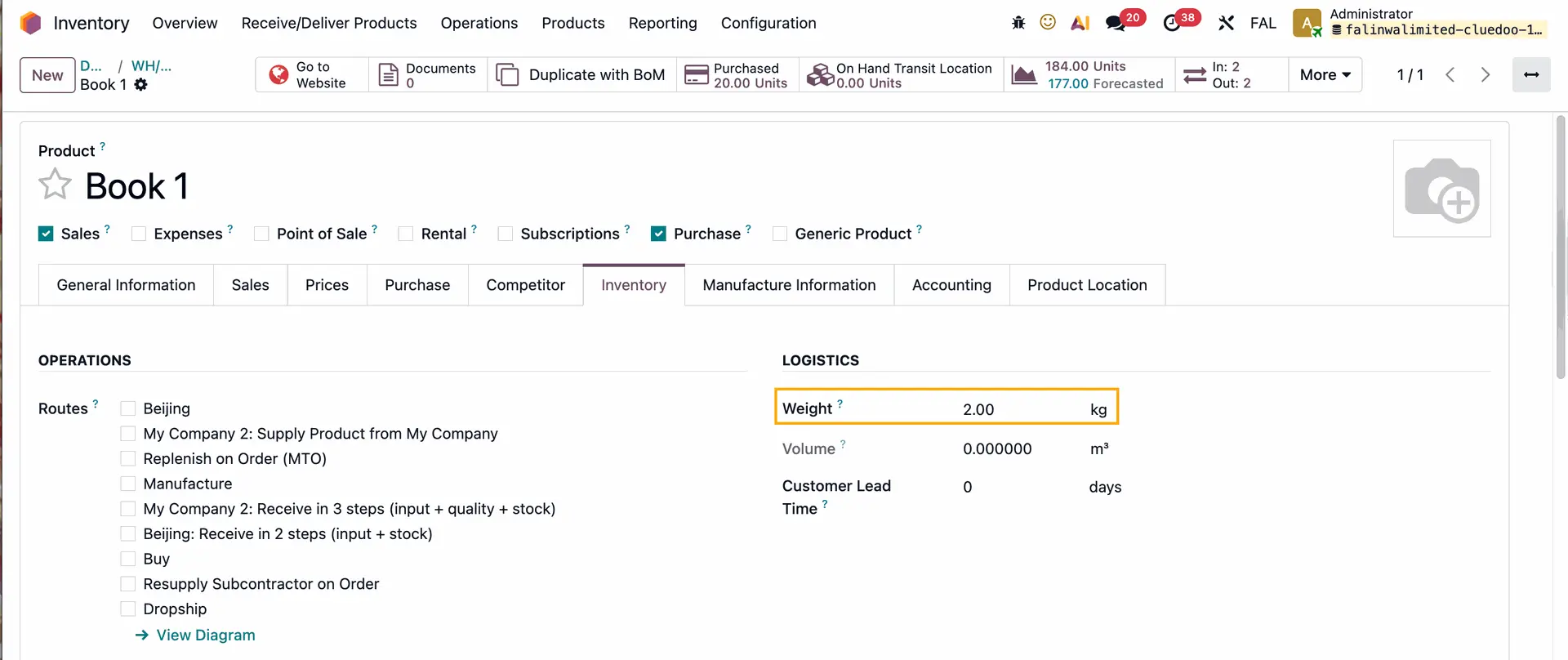
1. Go to a product and fill in the Barcode and the Weight |
|
2. Go to Inventory > Operations > Deliveries > Create a new delivery or choose an existing one with the product(s) that have the barcode > Validate > Click the actions button > Print > Delivery Slip | 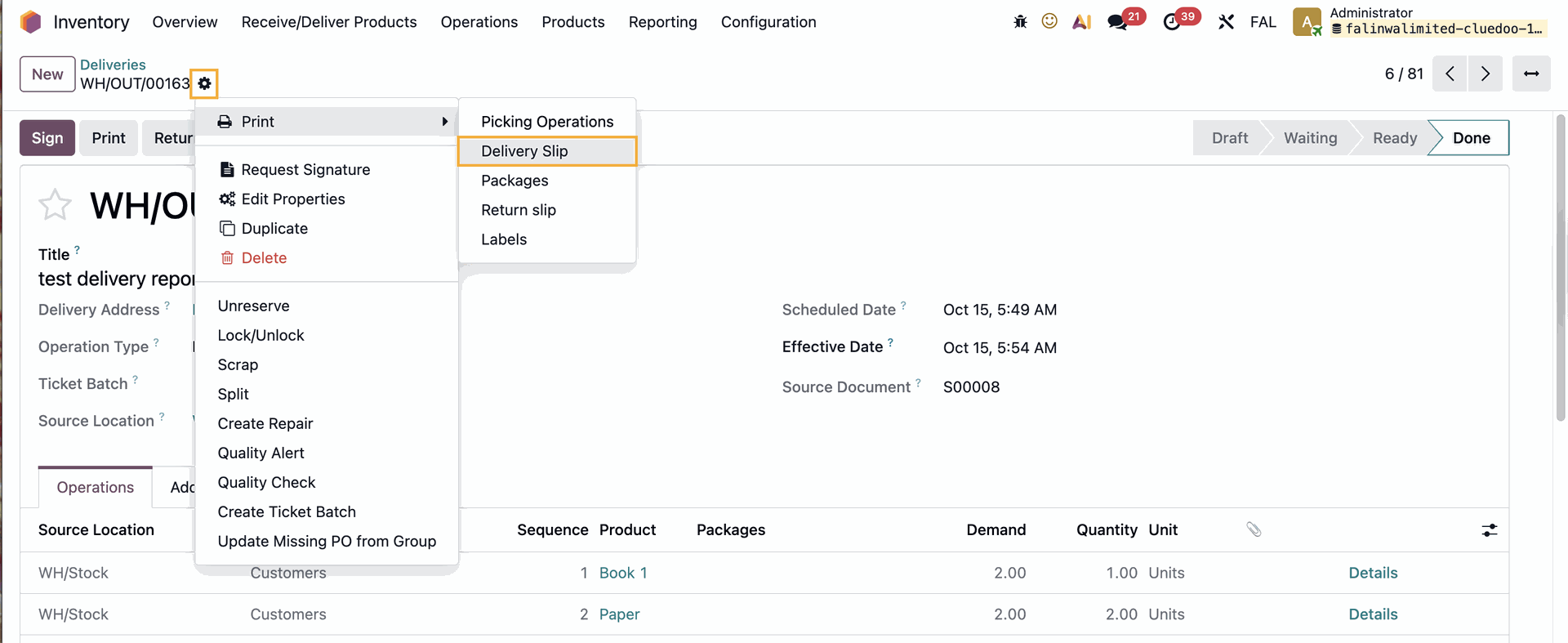 |
The Delivery Slip will show the Weight and Barcode of each product | 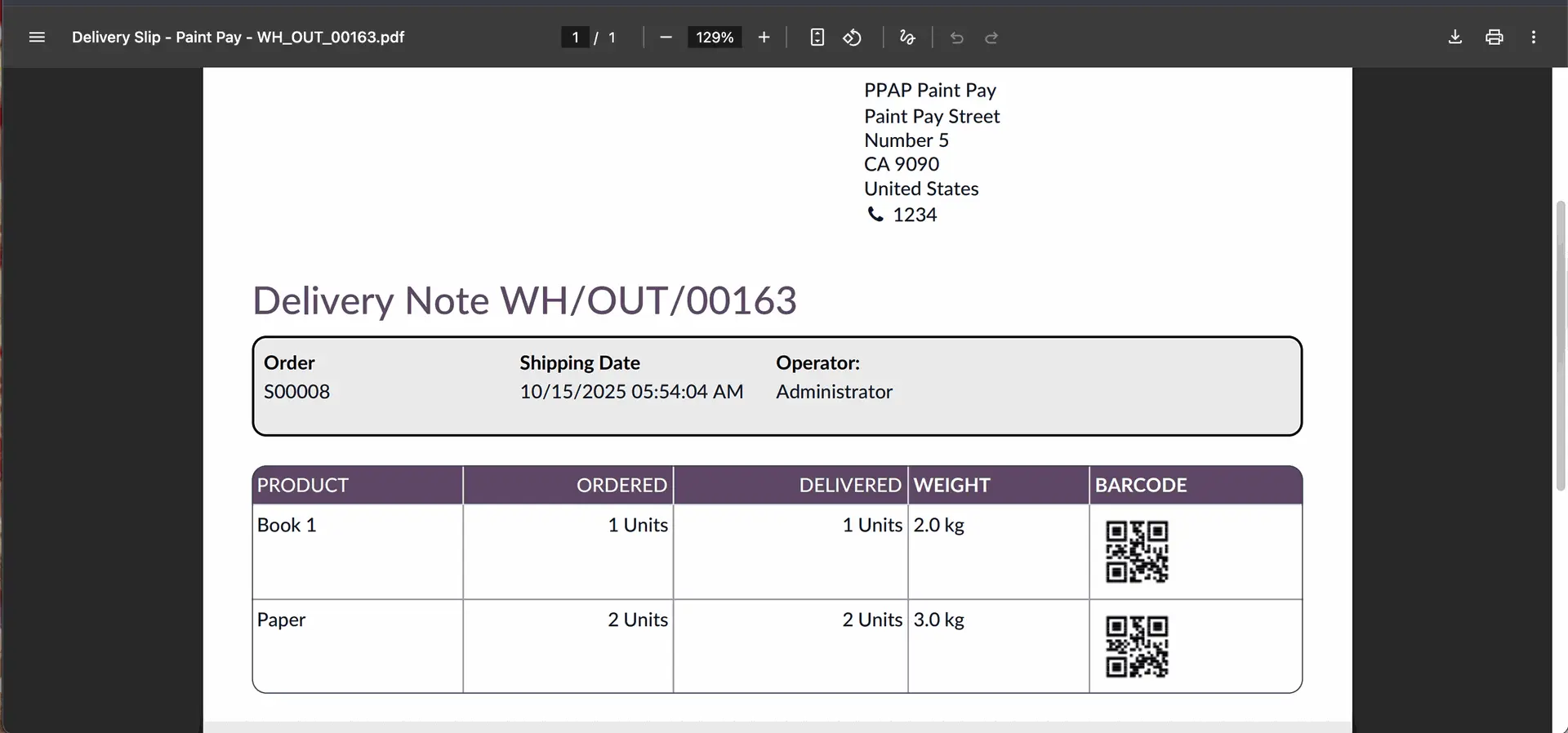 |
Note: The weight of each product in the report = Delivered Quantity * The weight defined on the product template | 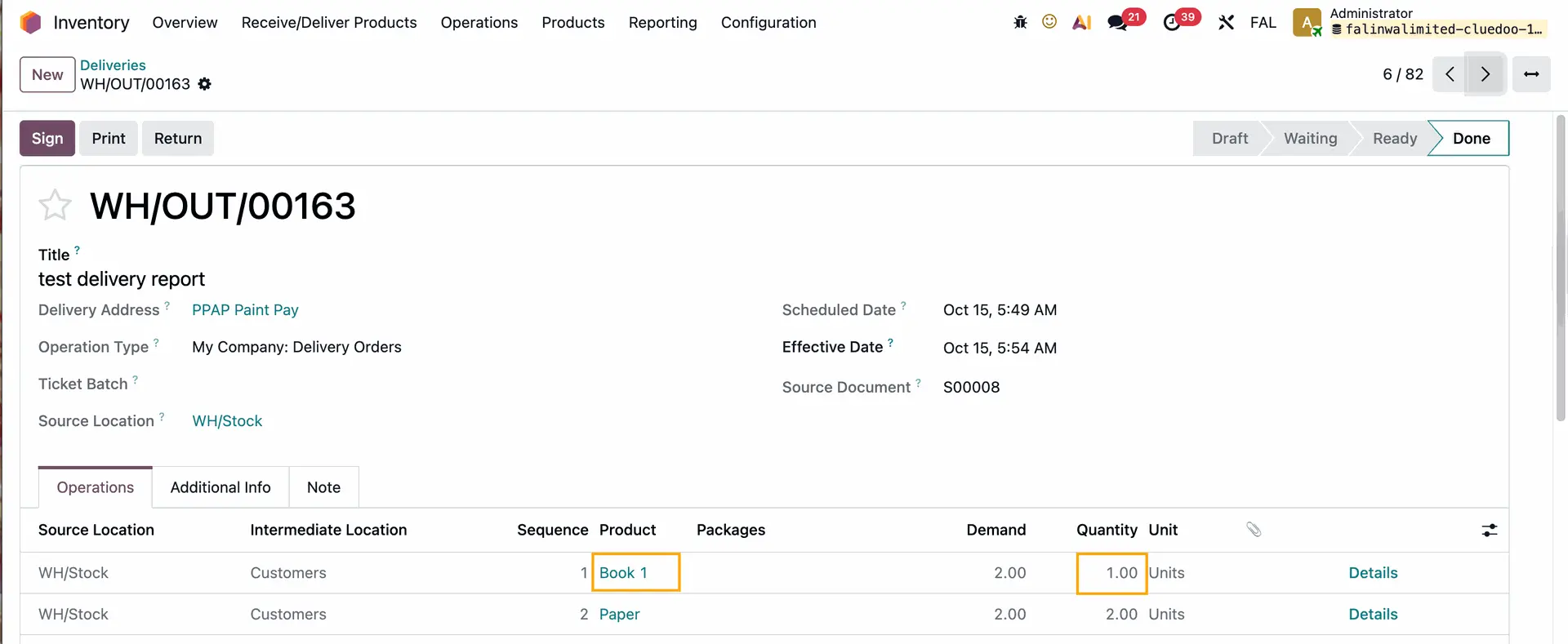 |
Barcodes should be unique across all products | 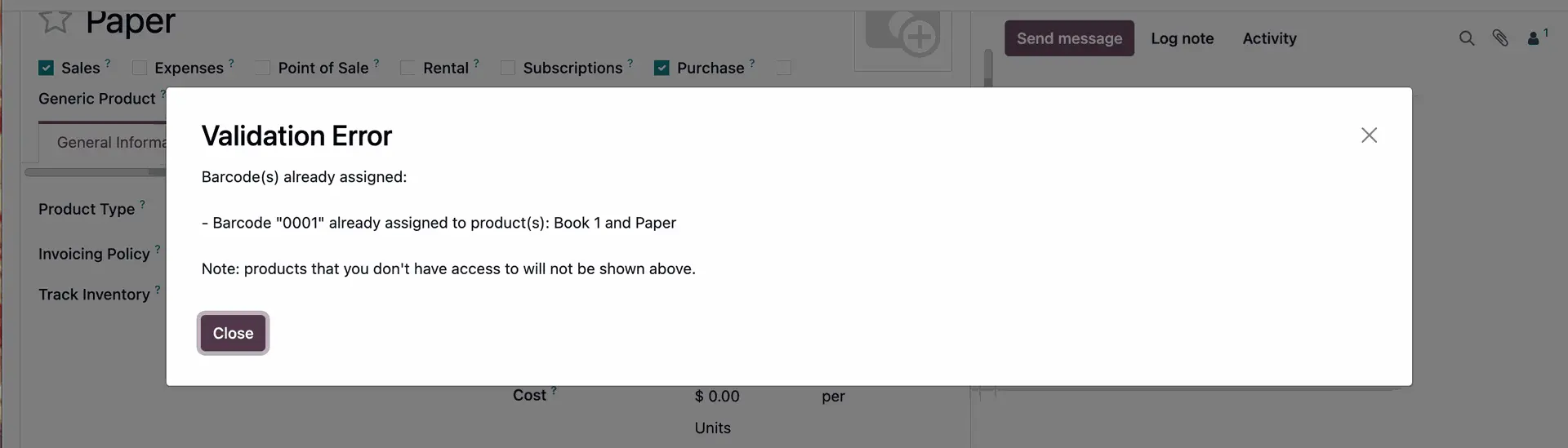 |