ODOO'S FUNCTION
Odoo provides a basic Pay wizard that can only group payments for the same customer/vendor, and it does not allow creating batch payments or splitting payments from this interface.
CLUEDOO'S FUNCTION
CLuedoo enhances the Pay wizard on invoices/bills by adding options to Group Payments, Split Payments, and Create Batch Payments directly from the same interface.
Your batch payment process is done in 4 clicks, no matter the number of suppliers and/or invoices: Prepare > Submit > Validate > Export SEPA.
1. Go to Accounting → Customers/Vendors → Invoices/Bills. On list view, select several posted invoices/bills, then click Actions → Pay | 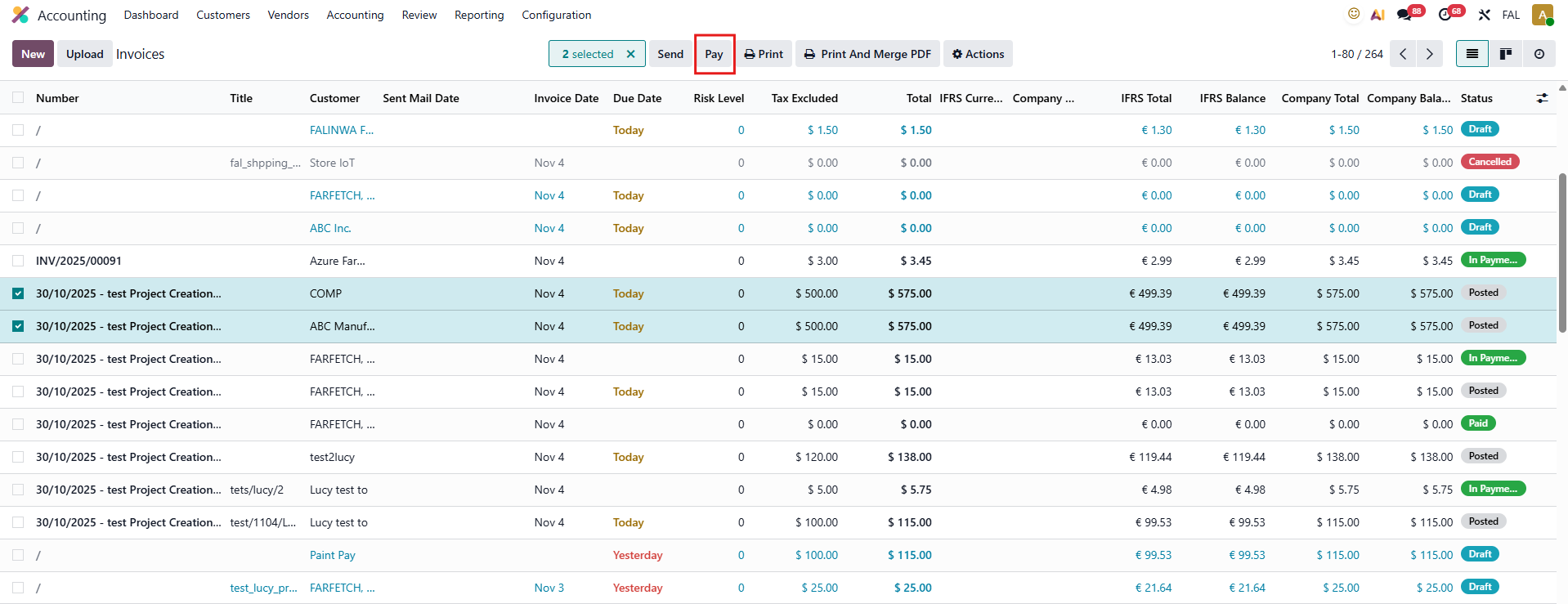 |
2. After clicking Pay, Odoo displays the Pay wizard. We have several options such as:
| 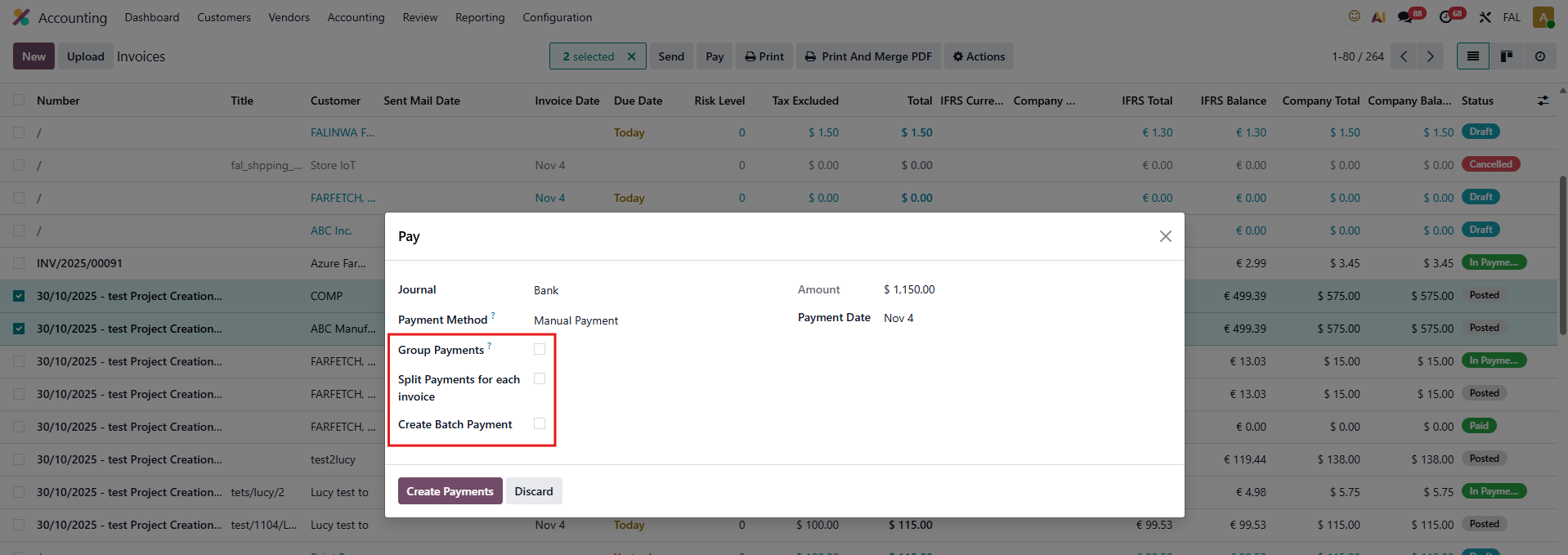 |
GROUP PAYMENTS
b. Without Create Batch Payment
| 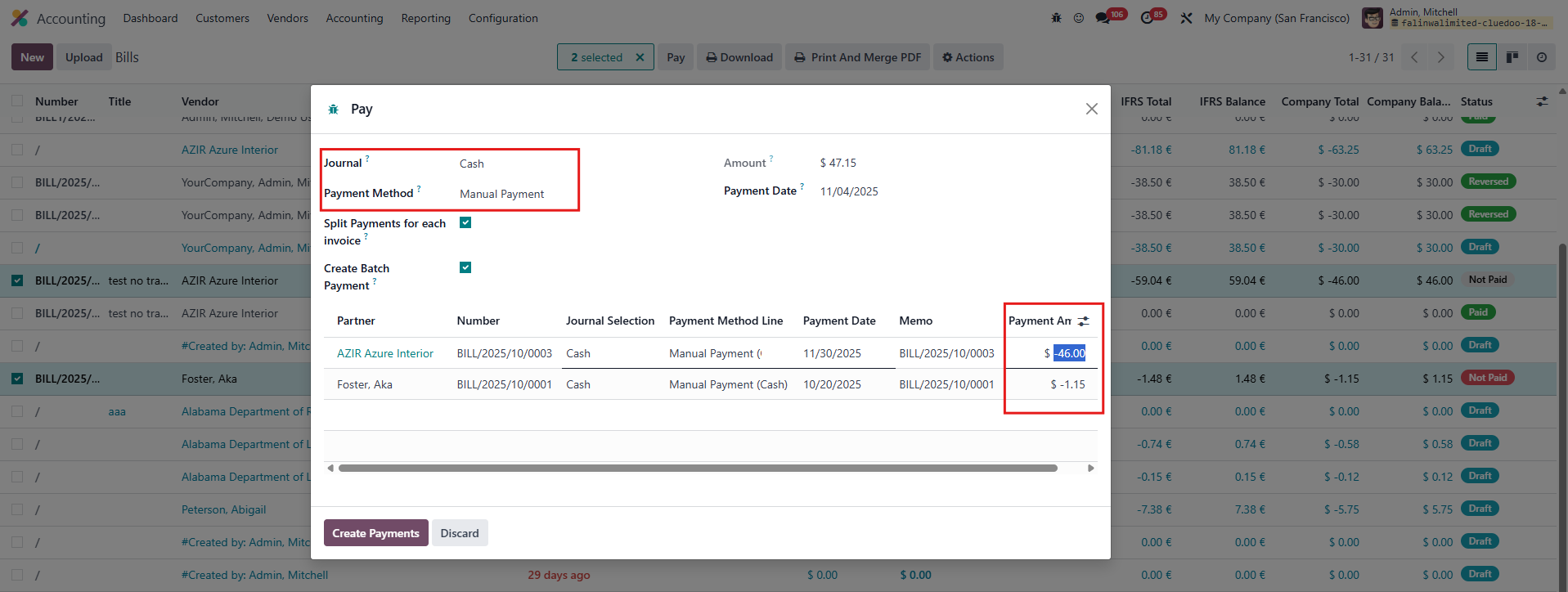 |
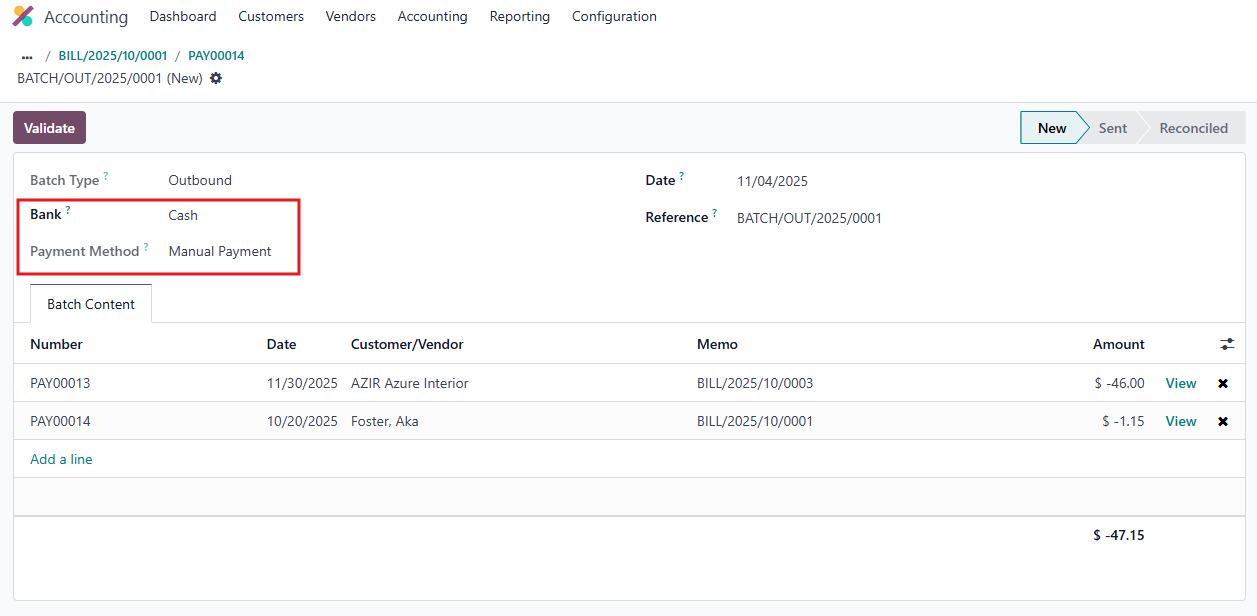
SPLIT PAYMENTS FOR EACH INVOICEa. With Create Batch Payment: Several payments will be created (one per invoice) and 1 batch payment will be created b. Without Create Batch Payment: Several payments will be created (one per invoice) and no batch payment created Notes:
|  |
3. The invoice or bill status will update to In Payment after a group or split payment is made. | 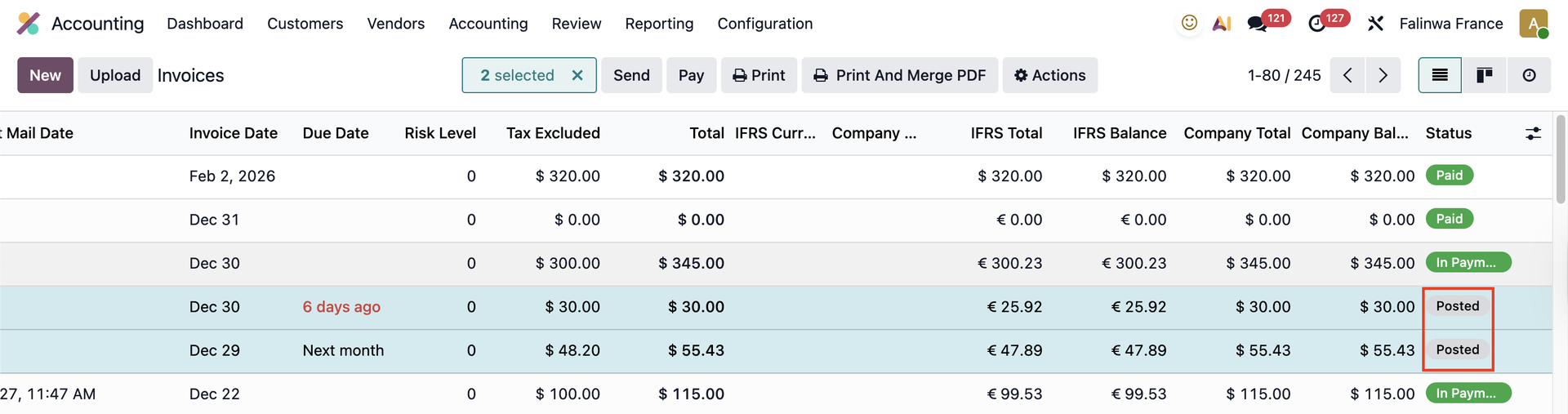 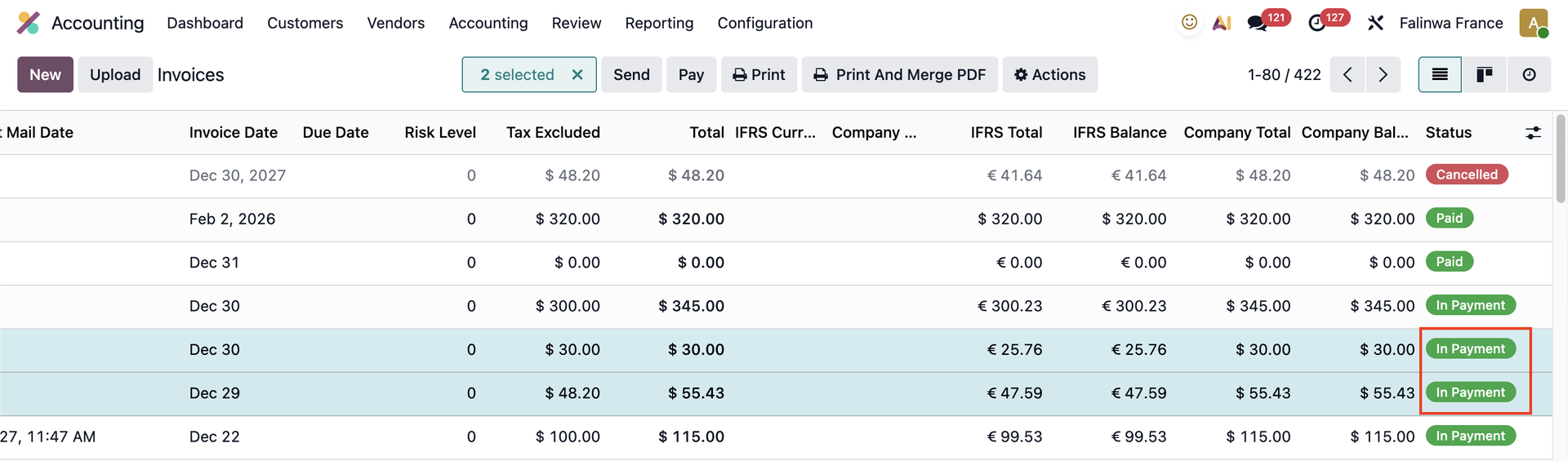 |