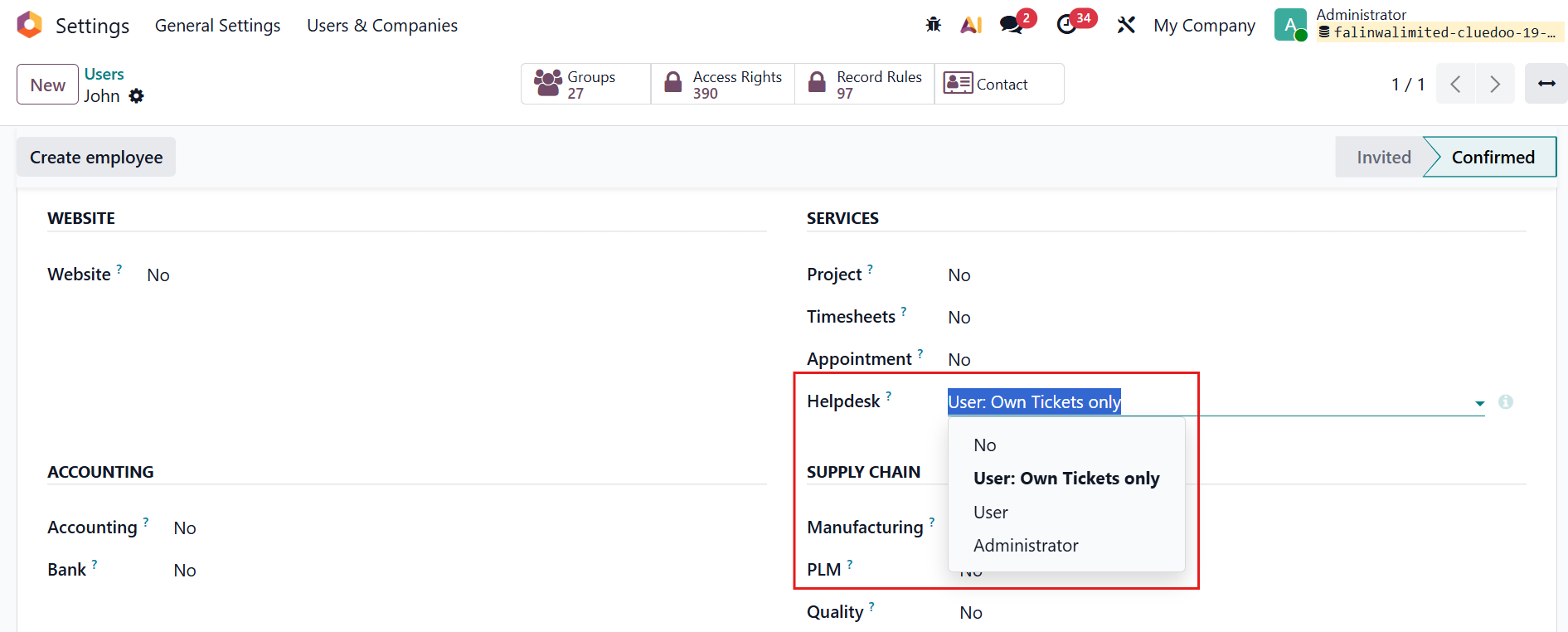
ODOO'S FUNCTION
In Odoo standard Helpdesk, ticket access rights are not limited and. In many cases, internal users can view more tickets than necessary, even if they are not assigned to them.
This makes it difficult to properly control visibility, especially when different users (customers, agents, managers) should have different levels of access, leading to potential data privacy issues.
CLUEDOO'S FUNCTION
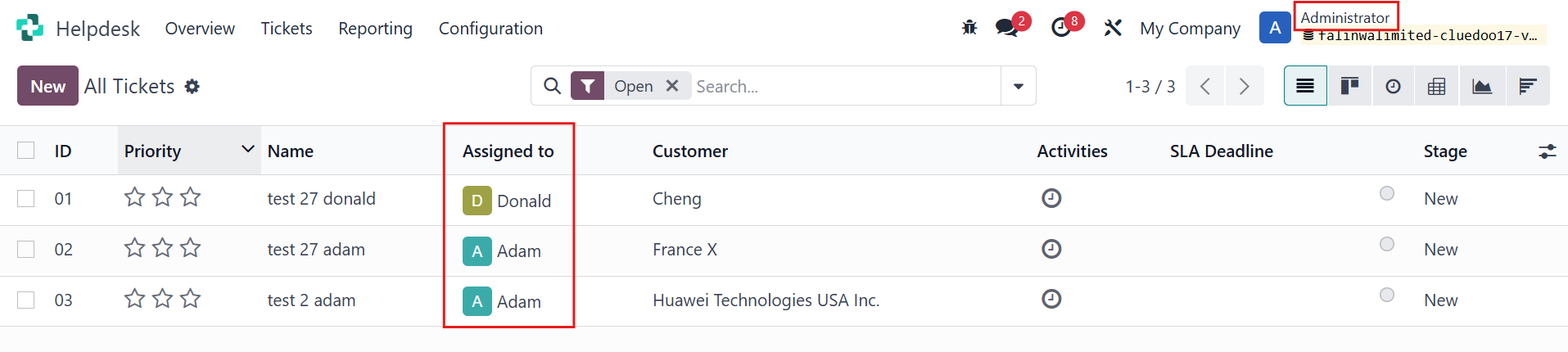
CLuedoo enhances Helpdesk access control by introducing more flexible and role-based visibility rules to see your own assigned tickets – users can only access tickets assigned to them
This allows companies to better manage data privacy, clearly define user responsibilities, and ensure that each user only sees the tickets relevant to them.
CONFIGURATION 1. Go to Settings > Users > Choose one user > Enable "User: Own Tickets only" checkbox Note that if the user type is Administrator, you can still see all the tickets even when the "User : Own Tickets only checkbox" is enabled. | 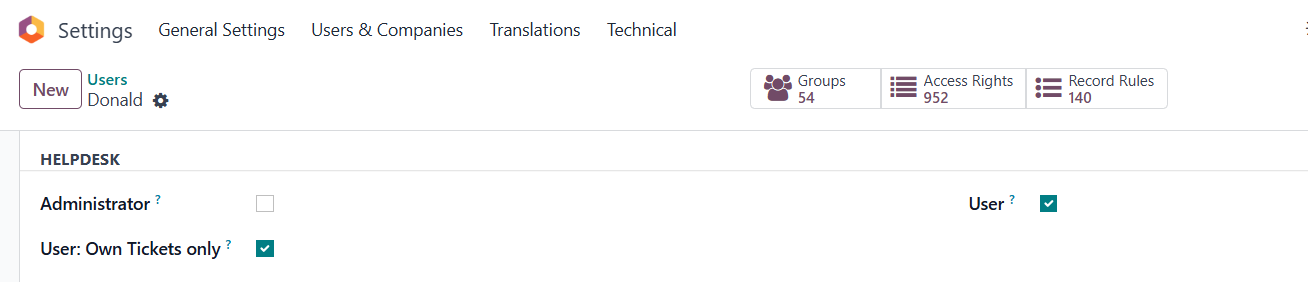 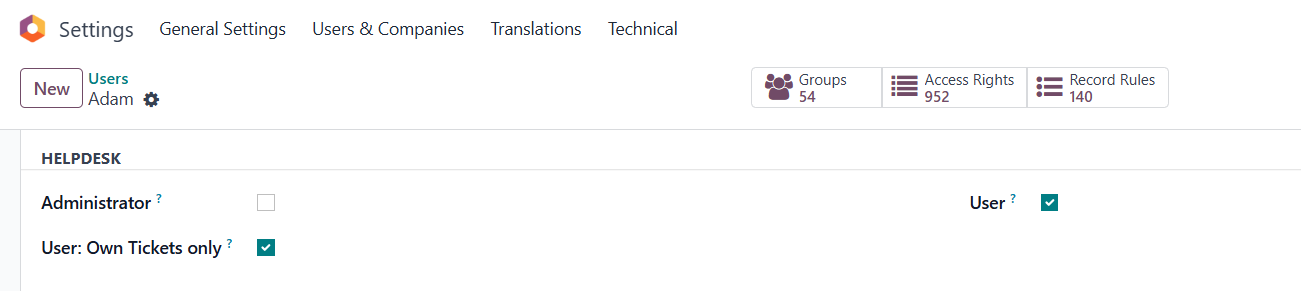 |
2. Alternatively, you can go to Settings > Groups > Helpdesk / User: Own Tickets Only configure access rights at group level, ensuring the user is restricted to viewing only their own or assigned tickets. Adding a user to the “User: Own Tickets Only” group will automatically enable the corresponding checkbox in their user settings, and vice versa. | 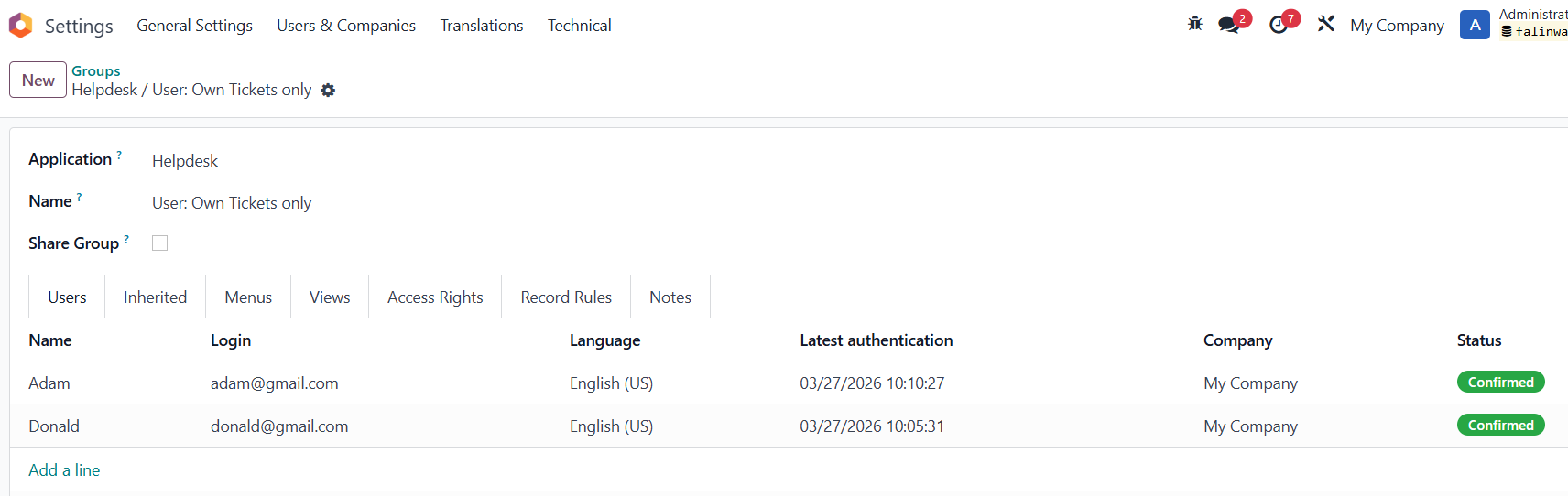 |
In v19, you should directly choose option |
|
USAGE Log in as that user Expected Result:
|    |