


ODOO'S FUNCTION
Odoo allows users to assign package for a product line when it contains multiple quantities. However, when a Sales Order or Purchase Order involves several different products, users still need to open each product line individually to assign the corresponding packages
CLUEDOO'S FUNCTION
CLuedoo improves this process by letting users input packages for all products in Sales Order/Purchase Order at once, including products with multiple quantities. This means you can mass-enter packages for multiple products in a single step, saving significant time and effort.
PURCHASE ORDERS1. Go to Purchase > Create a new Purchase Order > Confirm > Click on the Receipt smart button | 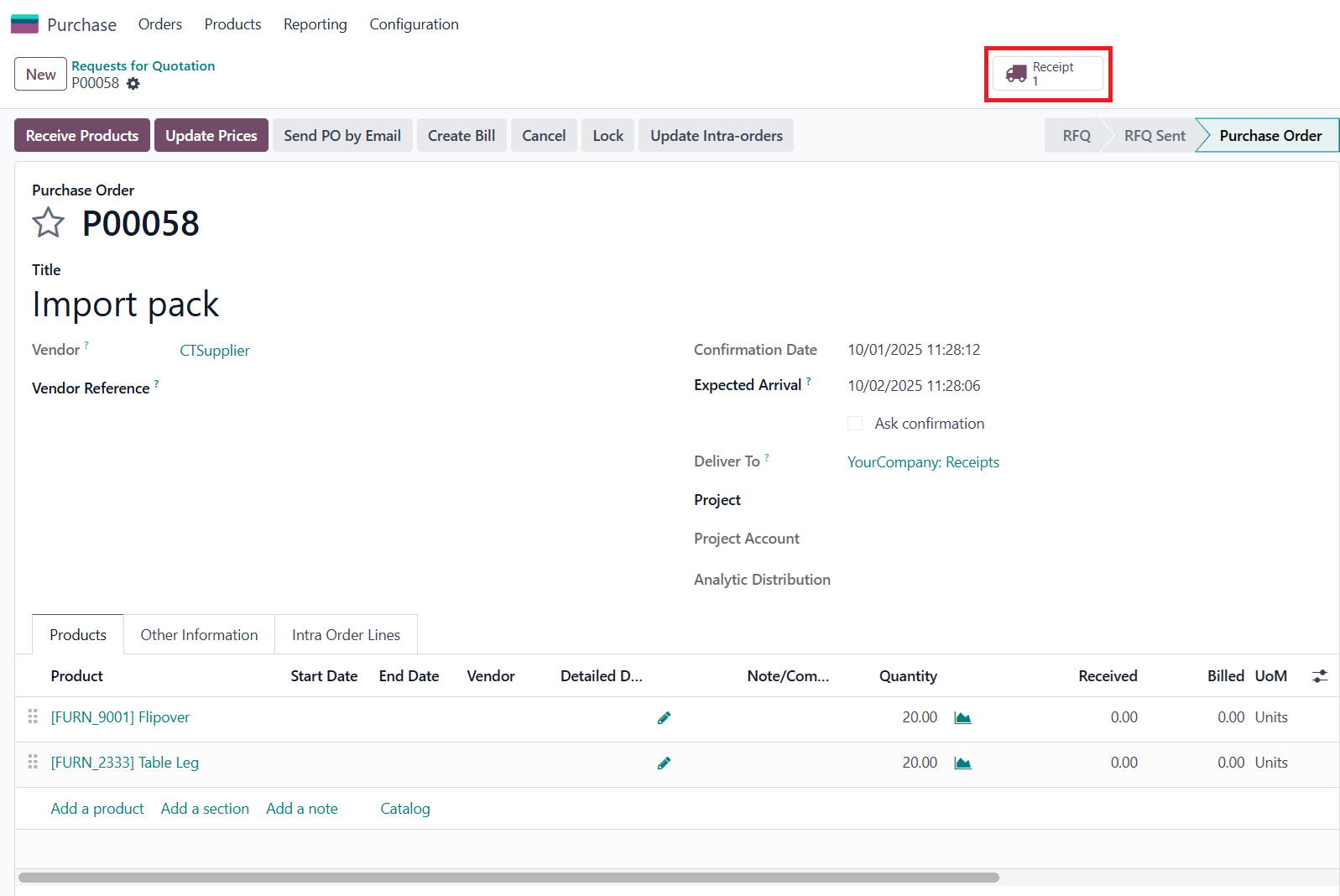 |
2.
Prepare the import data in Excel with 4 columns: Product Code, Serial Number, Package name, and Quantity Note: This sequence cannot be changed | 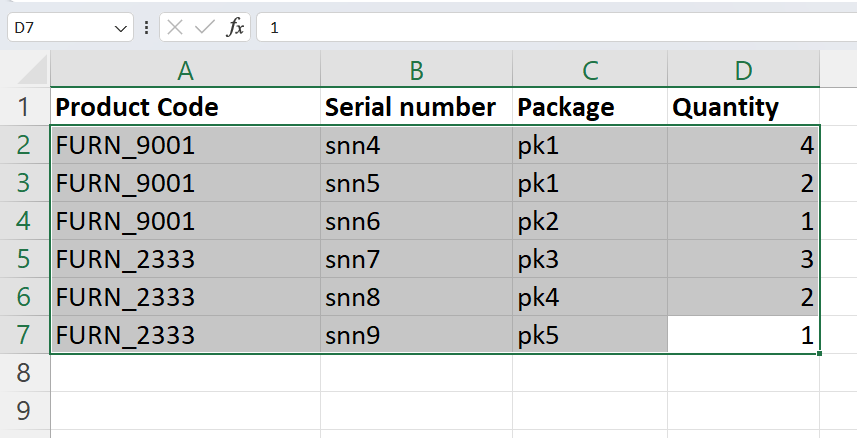 |
3. Back to Odoo, click Import > Click Mass Import Serial Number | 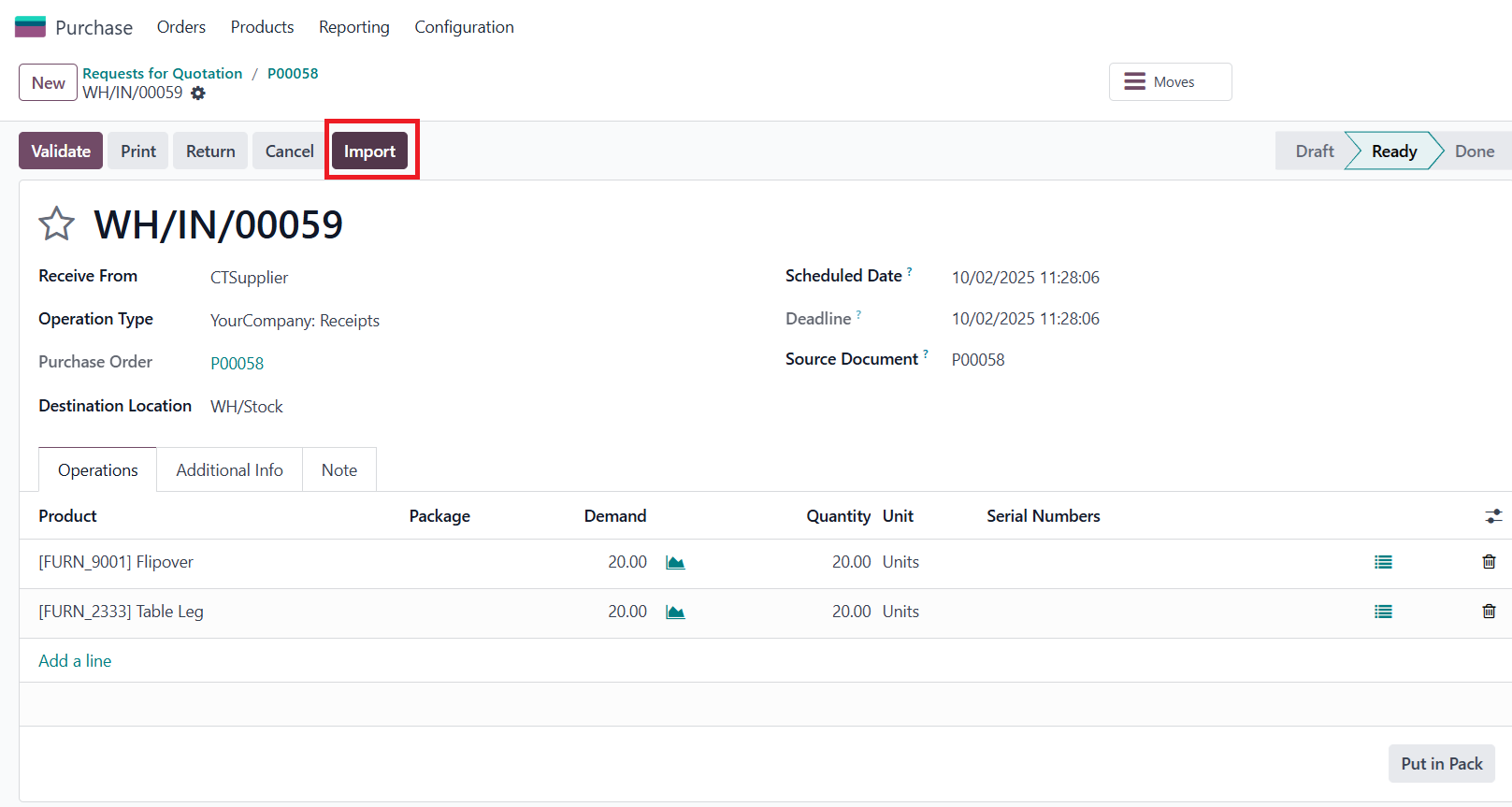 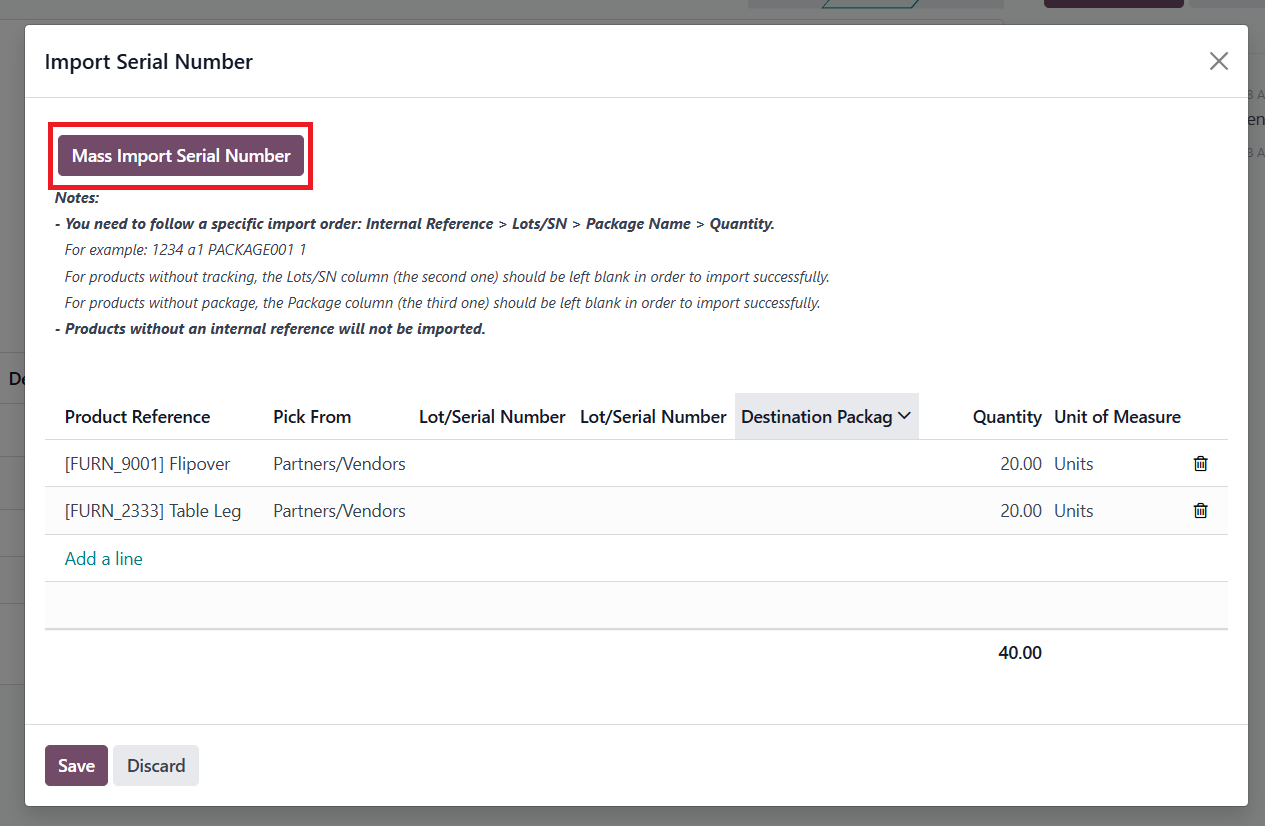 |
4. Paste the data from the Excel file > Click Generate | 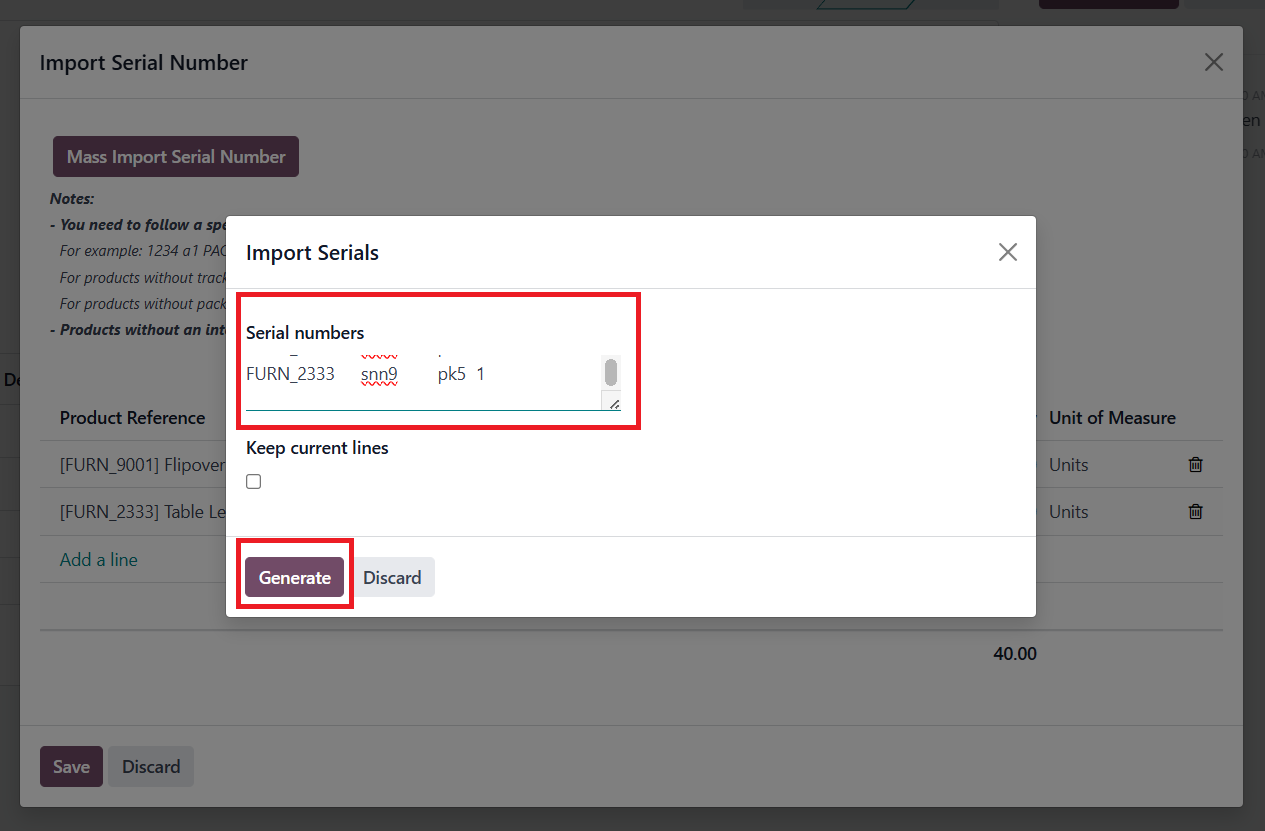 |
5.
You will see all the data has been imported
> Click Save | 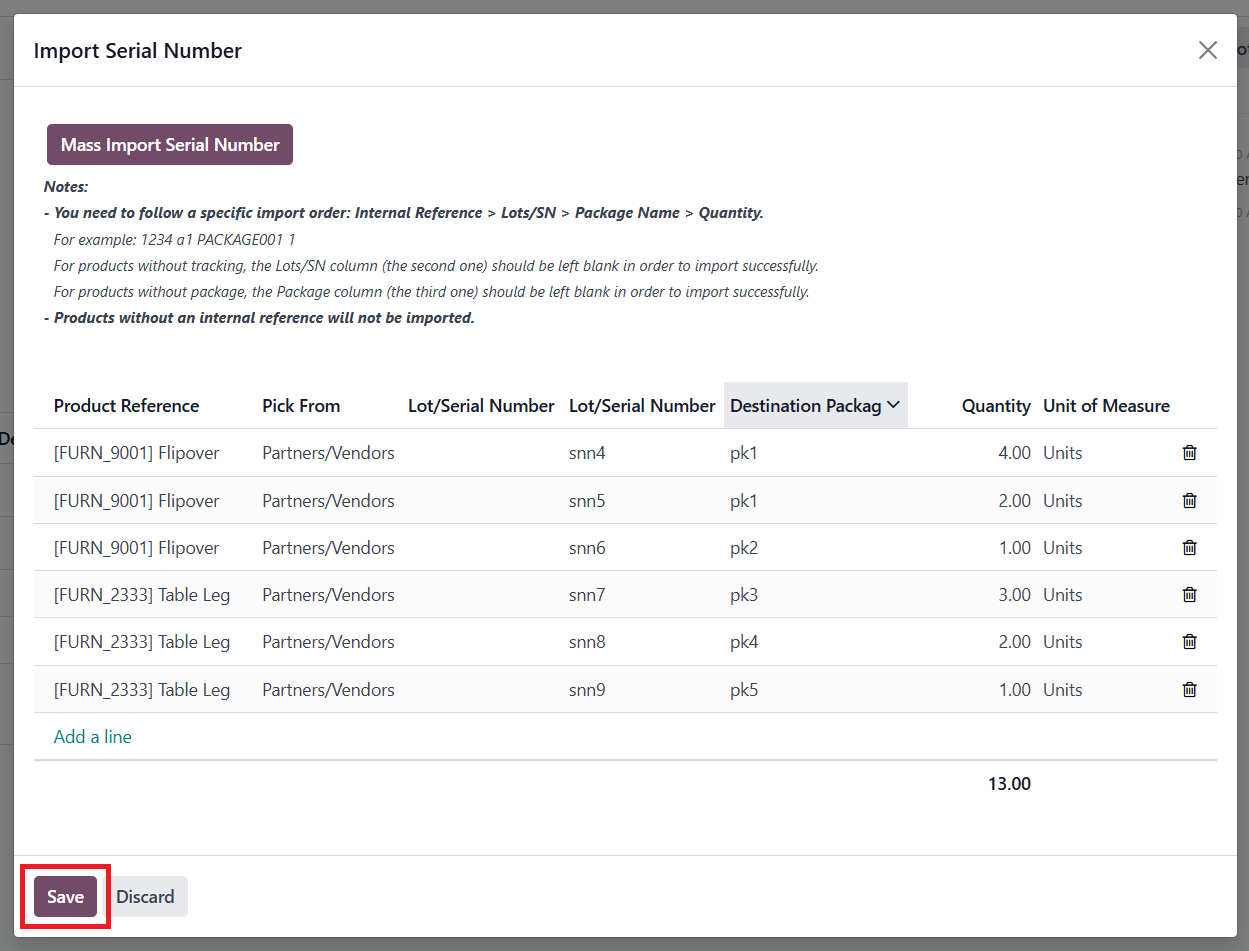 |
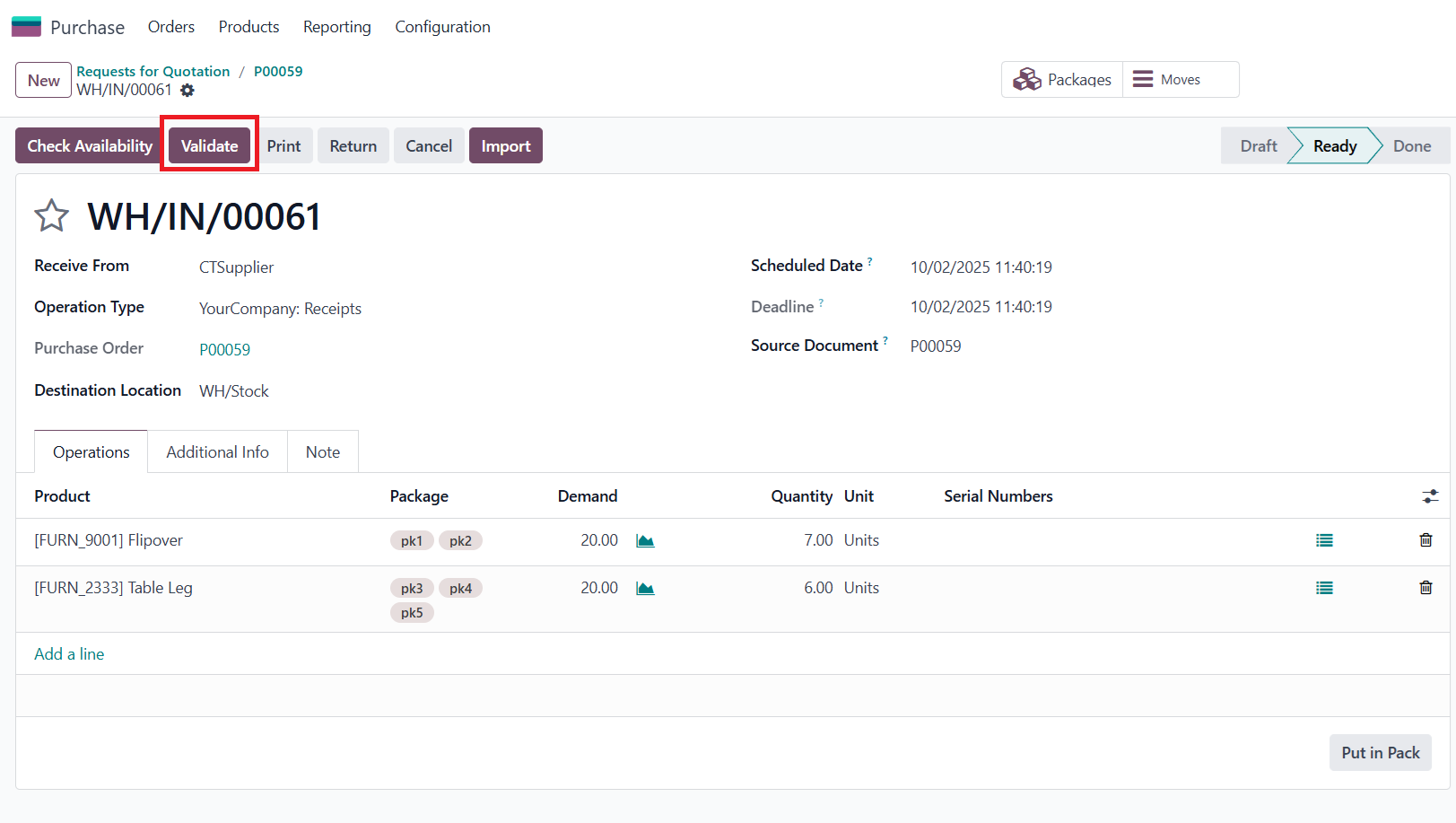
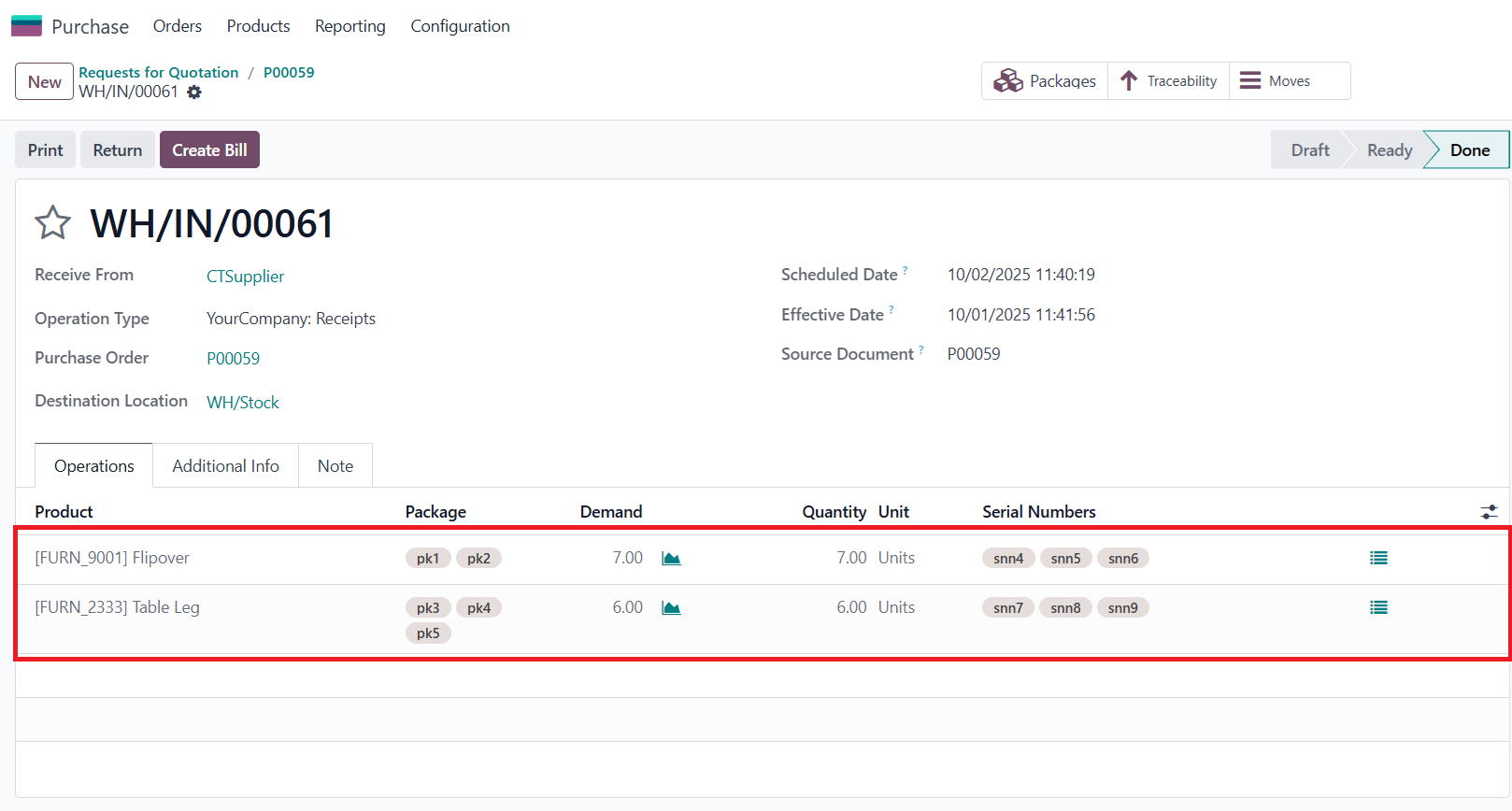
7. Click Validate > All the data has been imported |
|
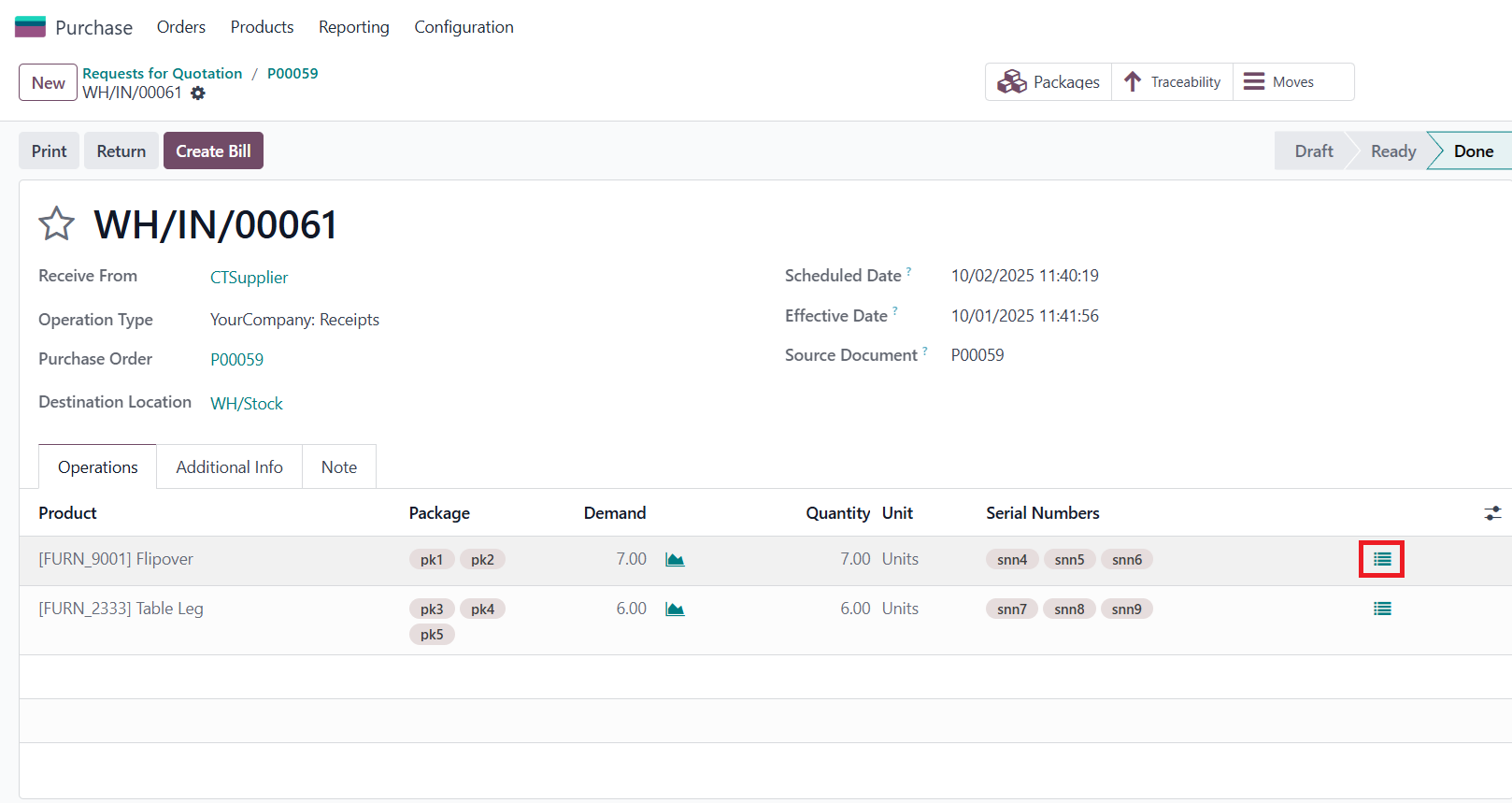
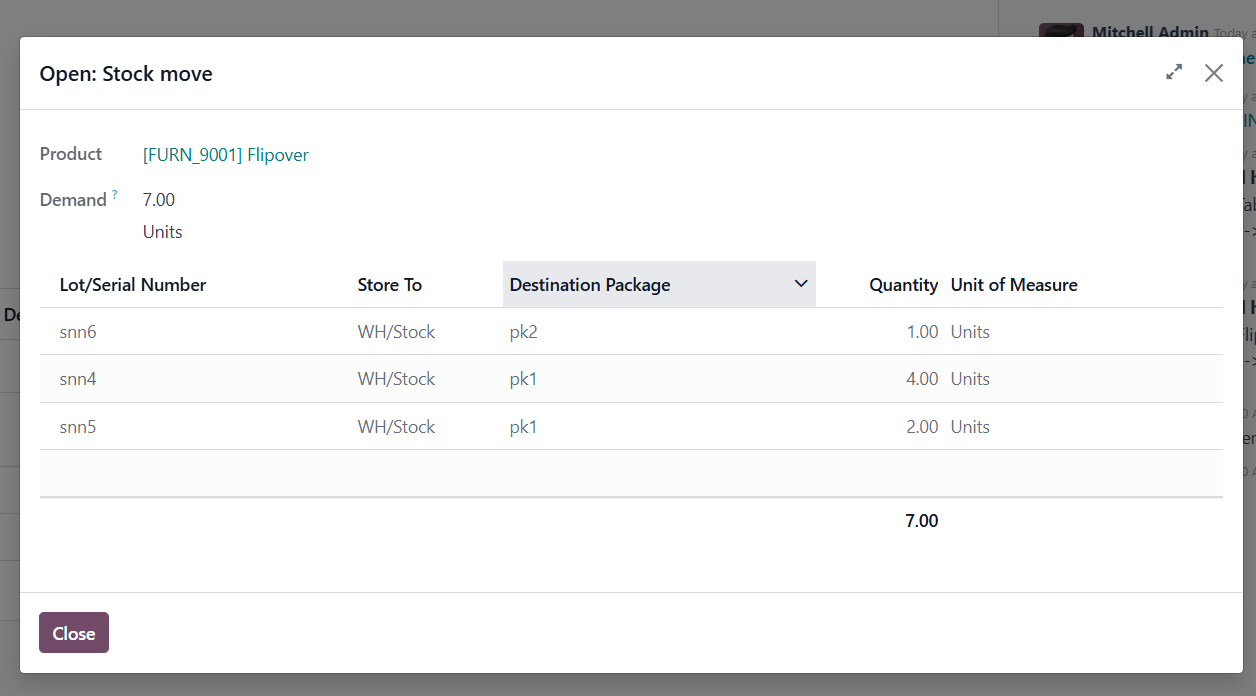
8. You can click the 'Open Stock Move' icon on the product line to view the Lots/Serial Numbers, Destination Package, and Quantity |
|
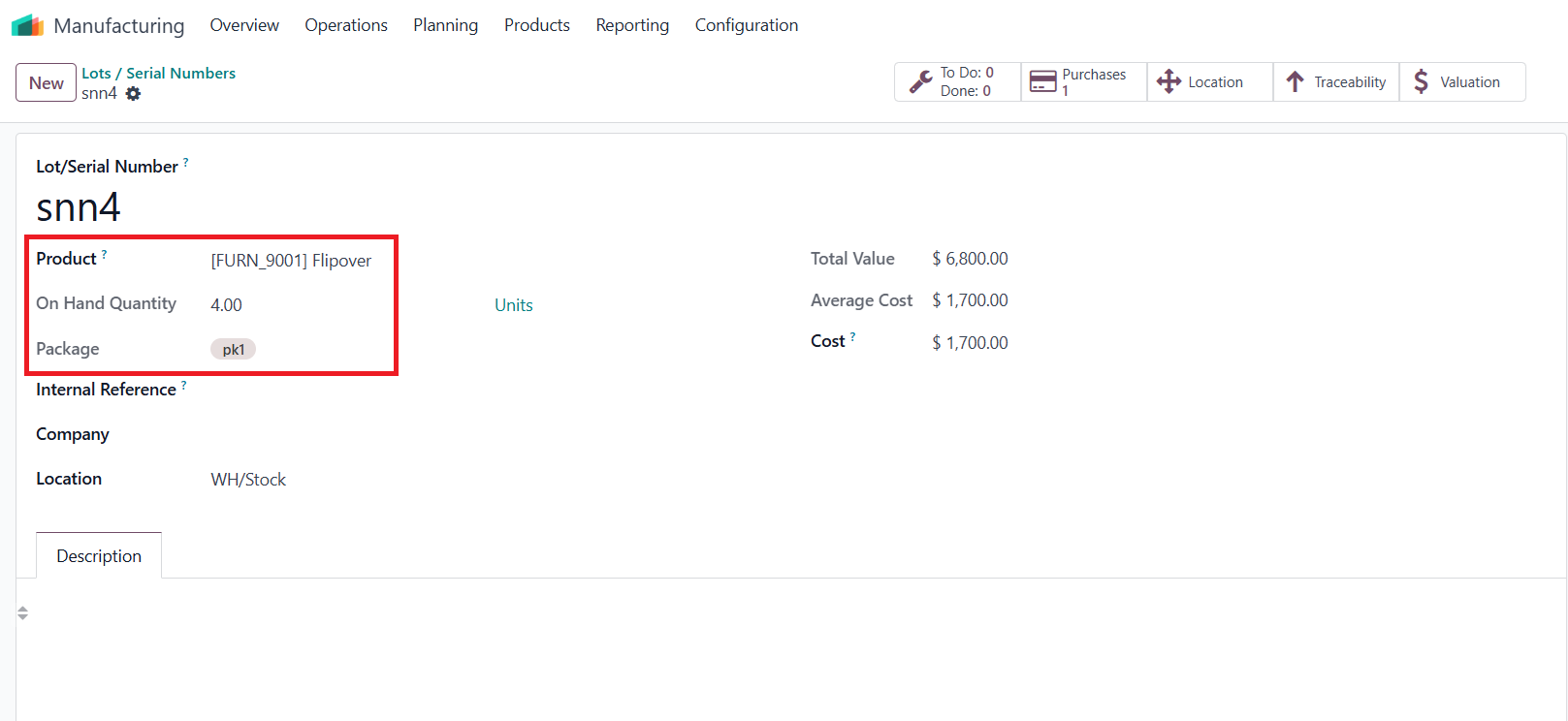
9. Go to Manufacturing > Products menu > Lots/ Serial Numbers > Search for the serial number of product |
|
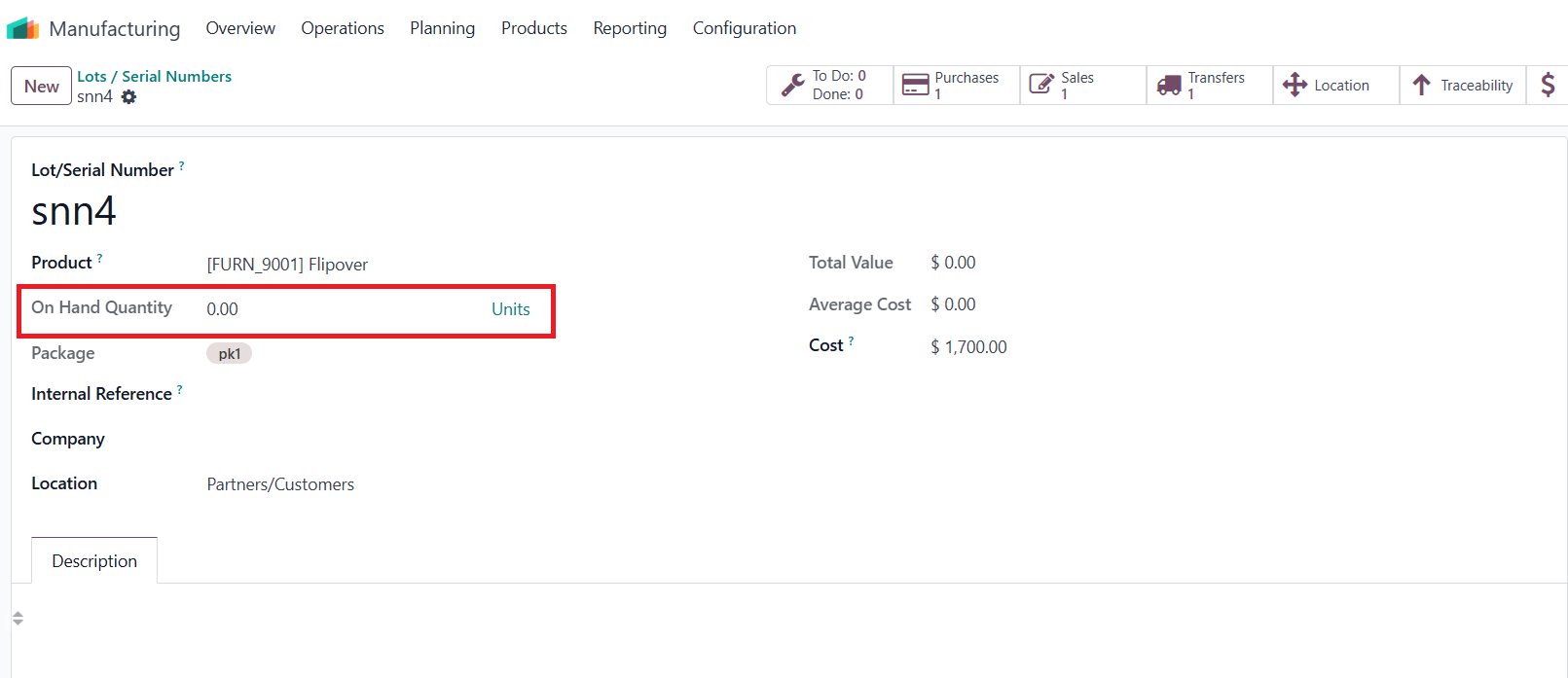
10.
You can see the on-hand quantity and the package of the product |
|
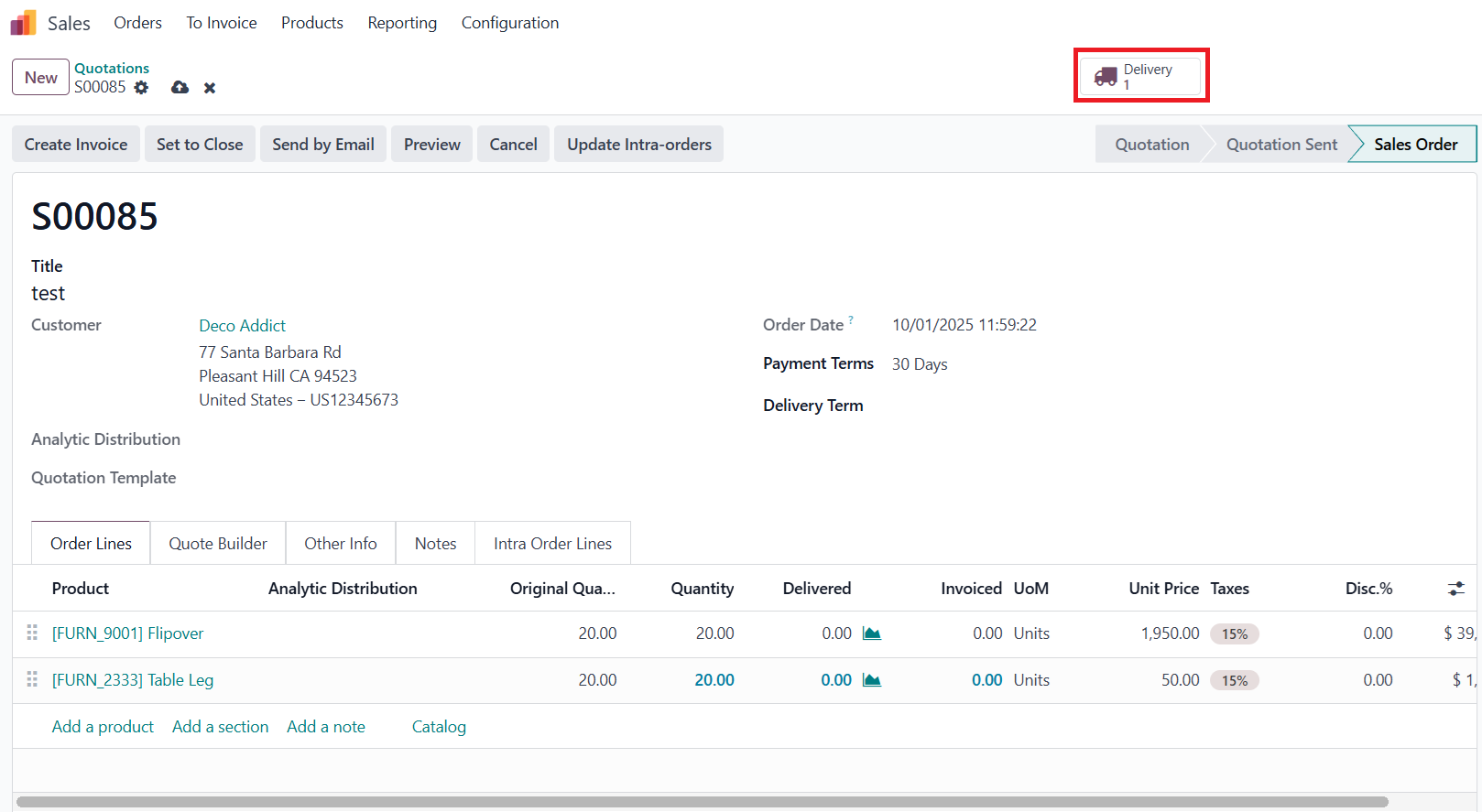
SALES ORDERS1. Go to Sales > Create a Sales Order > Confirm > Click on the Delivery smart button |
|
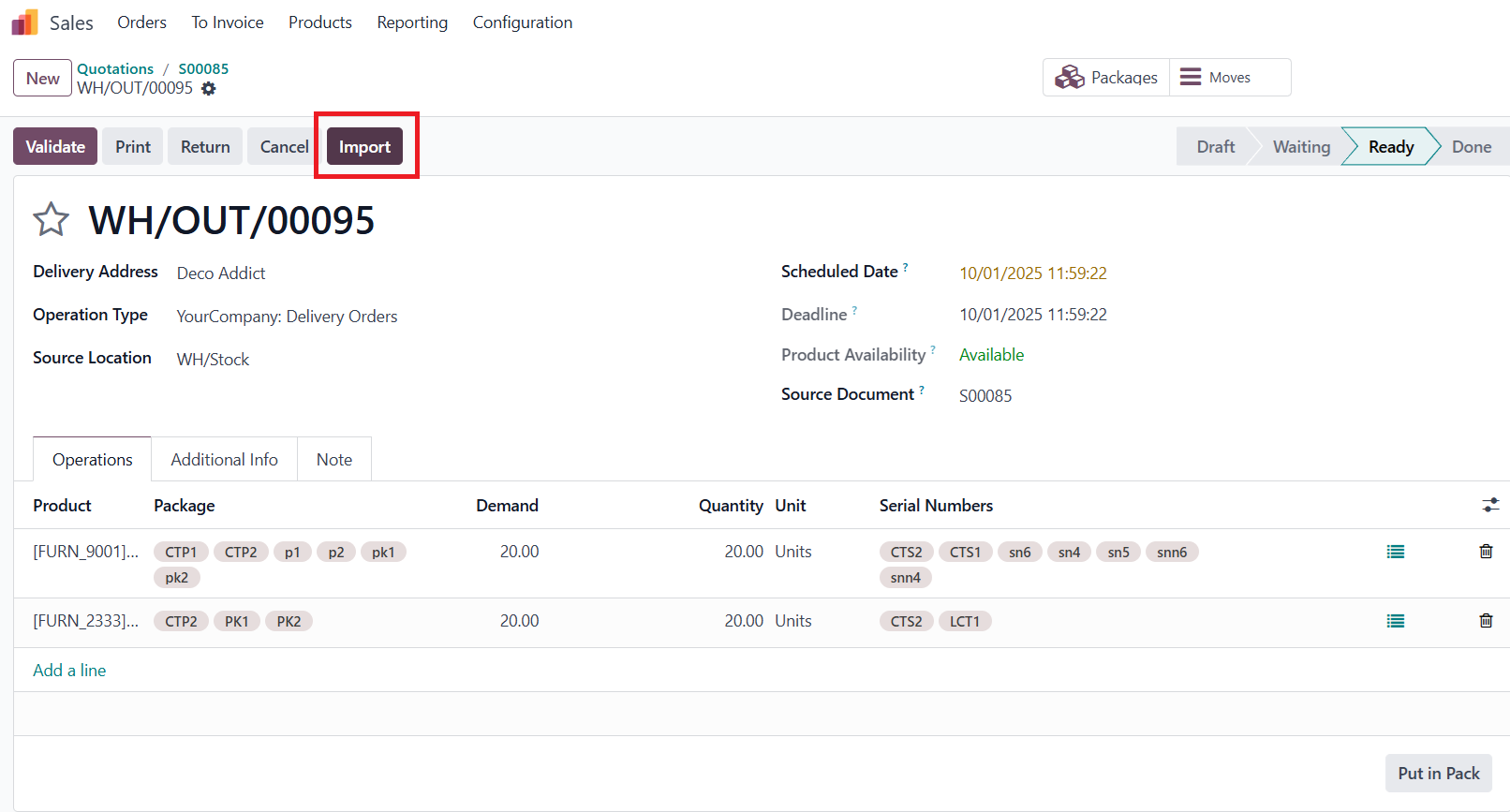
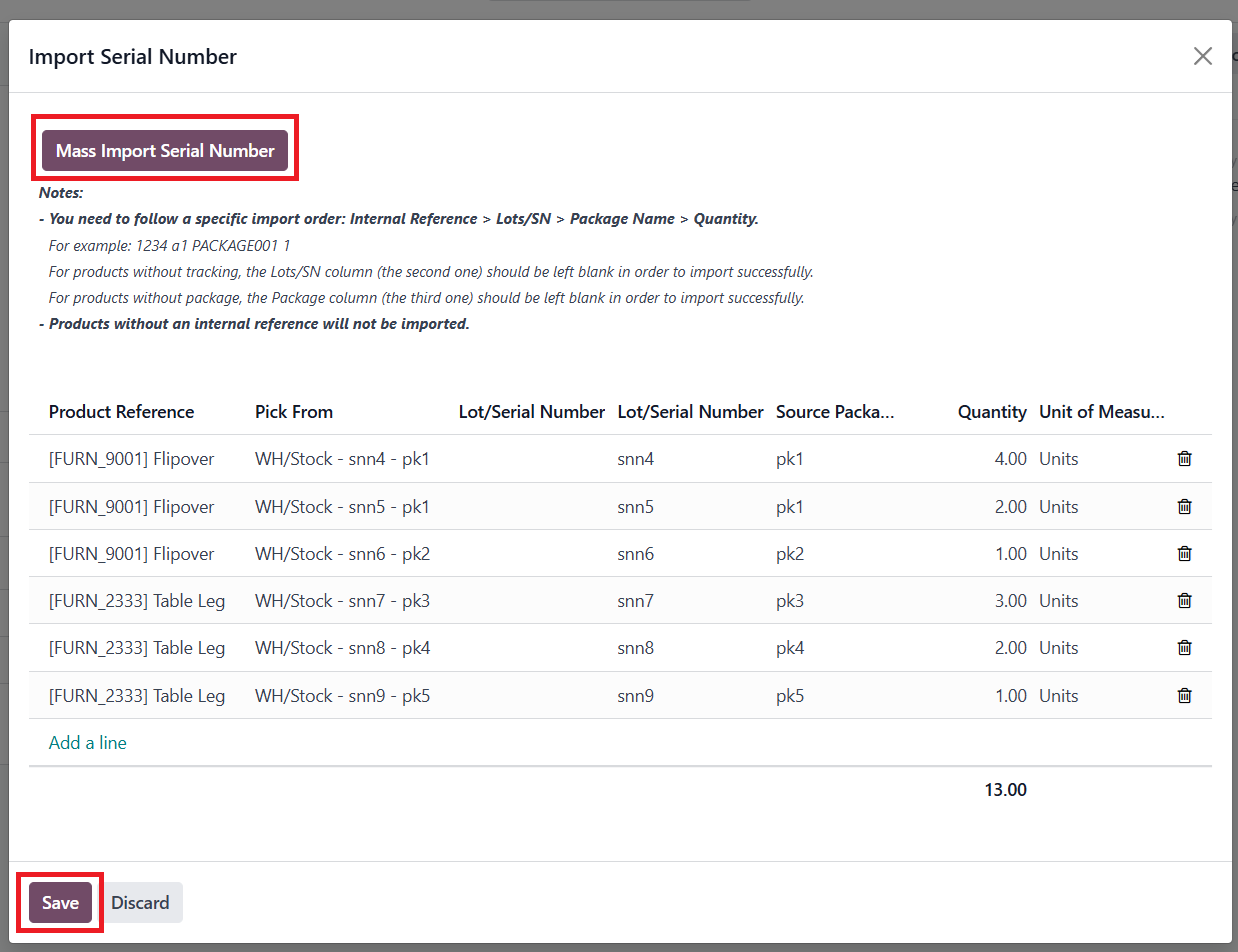
2. Click Import > Mass Import Serial Number > Paste the data from the Excel file (you can adjust the quantity in the Excel file based on your business operation) > Click Save |
|
3. Click Validate |
|
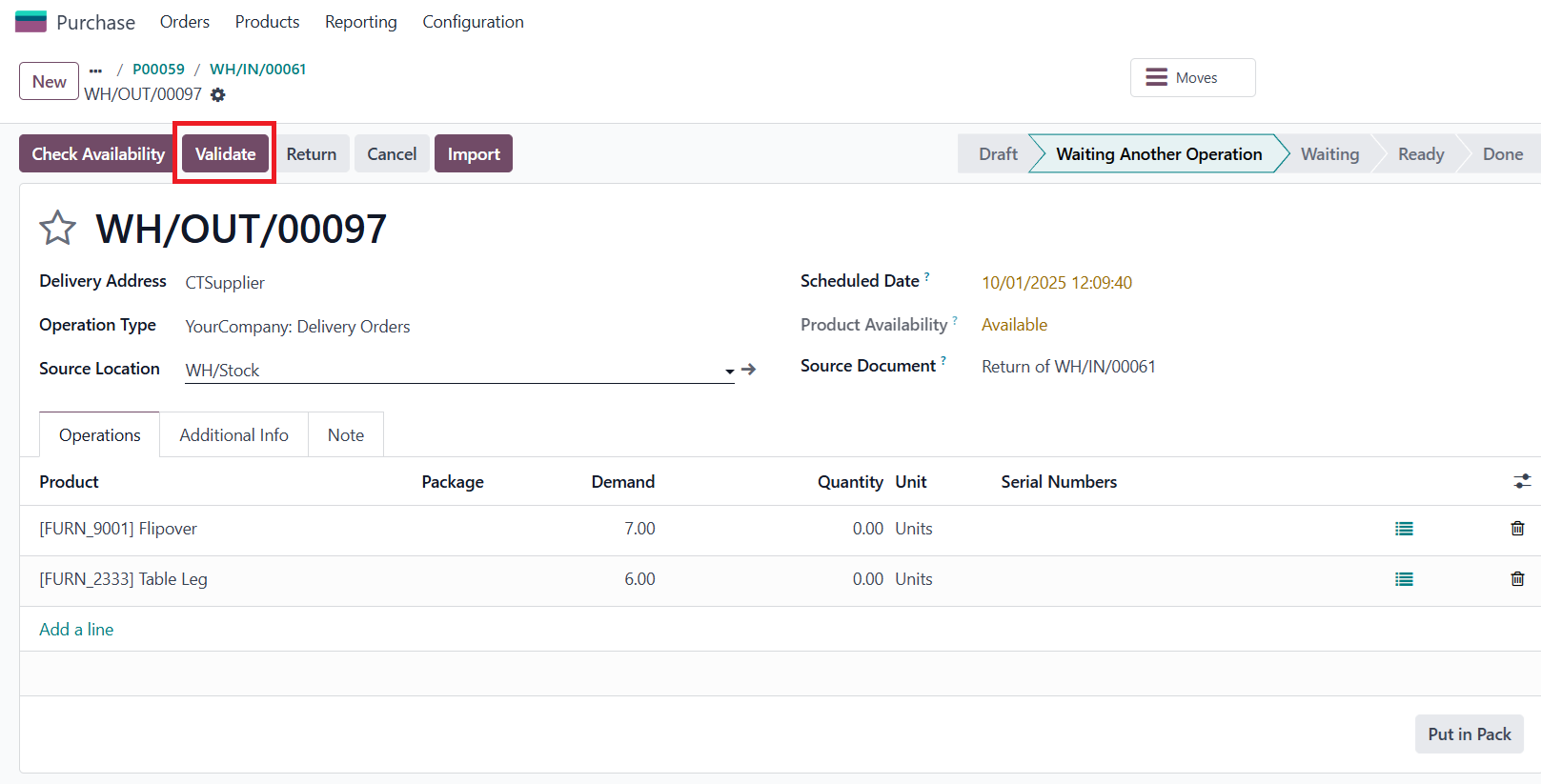
4. Back to the Lots / Serial Numbers, you can see the quantity is now 0 since I created a Sales Order for this serial number with a quantity of 4 |
|