


ODOO'S FUNCTION
Odoo makes opening balances more flexible by calculating them on the fly, so you can see financial positions. However, the downside is that it’s not so straightforward to export these opening balances into standard formats like Excel or CSV for use in external reports or third-party tools.
CLUEDOO'S FUNCTION
With Cluedoo, you can export the opening journal at any date you choose. This makes it really handy if you need to rebuild your balance sheet in Excel or put together detailed financial reports. It also helps when working with third party, since you can easily share clear and standardized information whenever they request the opening journal for review or verification.
Go to the Accounting module by clicking on the icon, or simply type 'Accounting' on the main menu. | 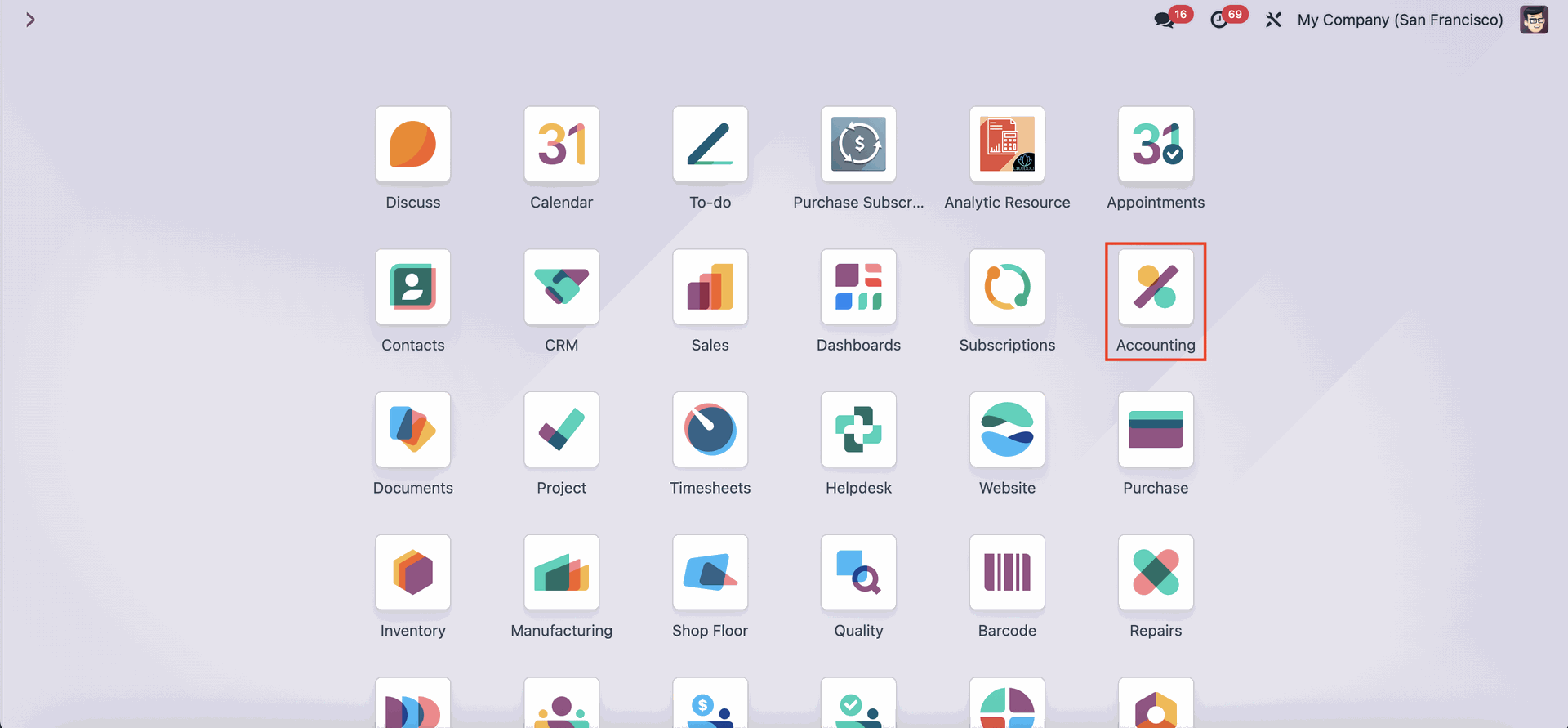 |
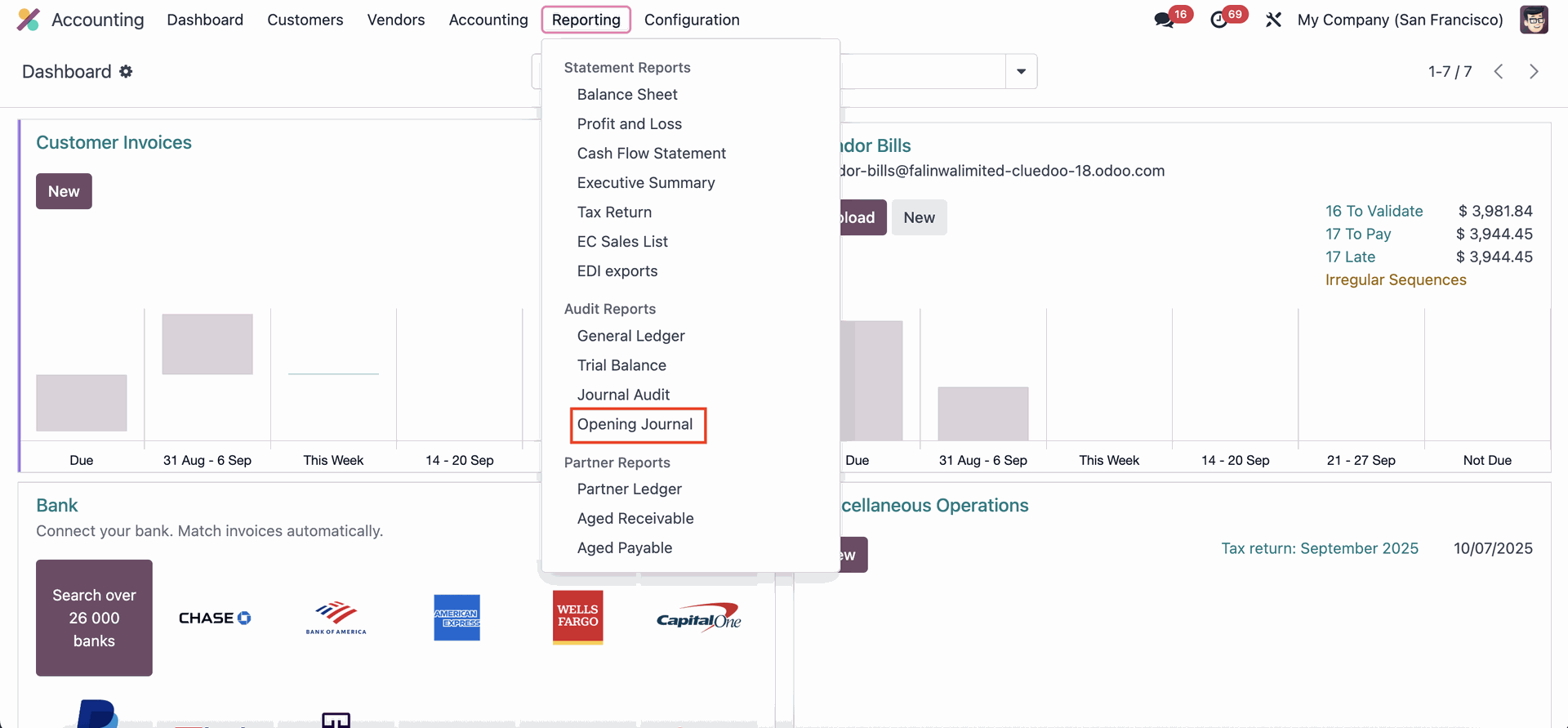
Reach for the 'Reporting' menu on the upper side of the screen, then search for 'Opening Journal' on the Audit Reports section. |
|
A pop-up window will appear where you can select the date for both the Start Date and End Date of your opening journal. Once the date is set, click the 'Generate' button to generate the report. | 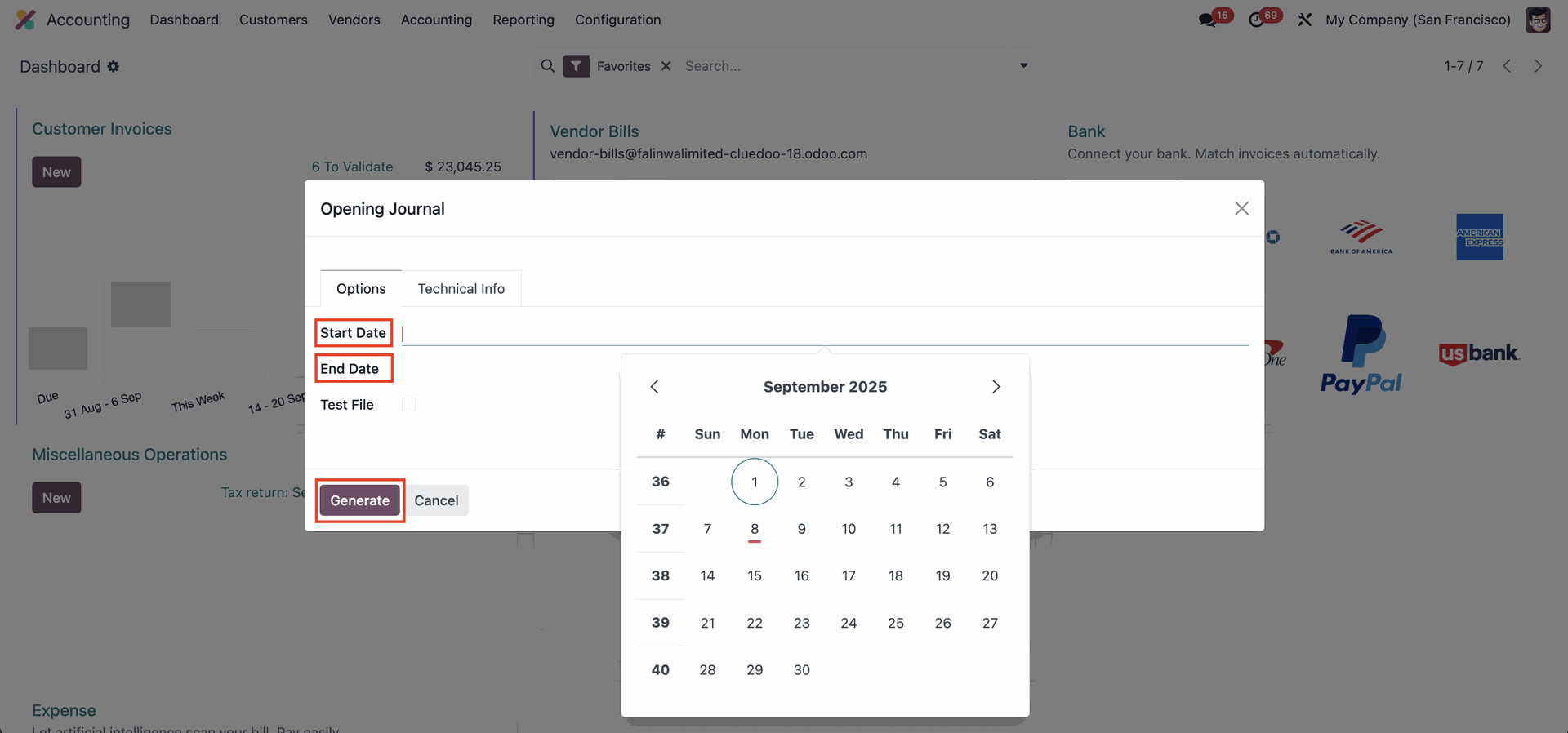 |
Please note that the ‘End Date’ field cannot be set to a future date. | 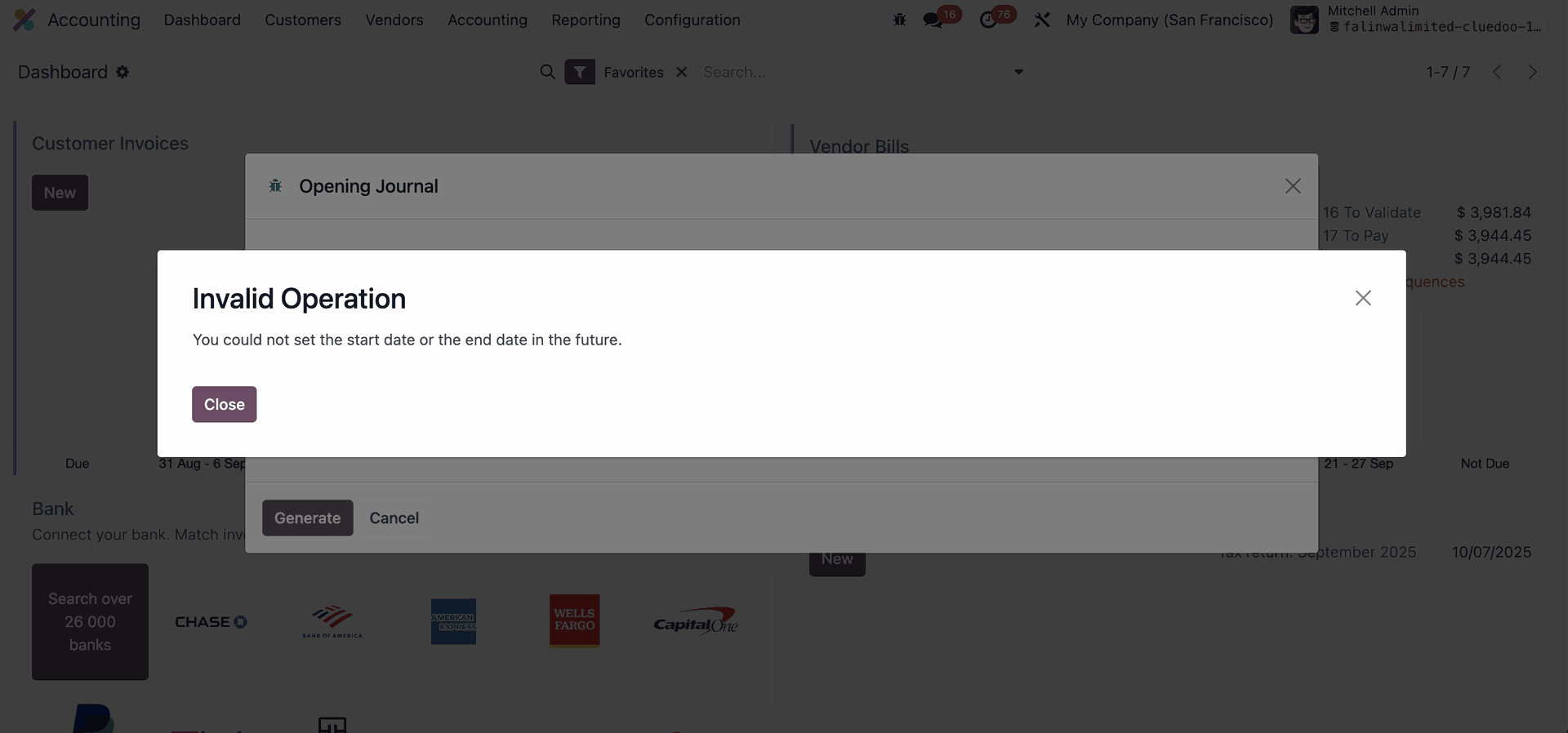 |
You can access the Opening Journal Report from the downloaded file window or from the folder where it was saved. Please note that only posted or reconciled journal entries can be exported, while entries that are still in ‘Draft’ state will not be included. | 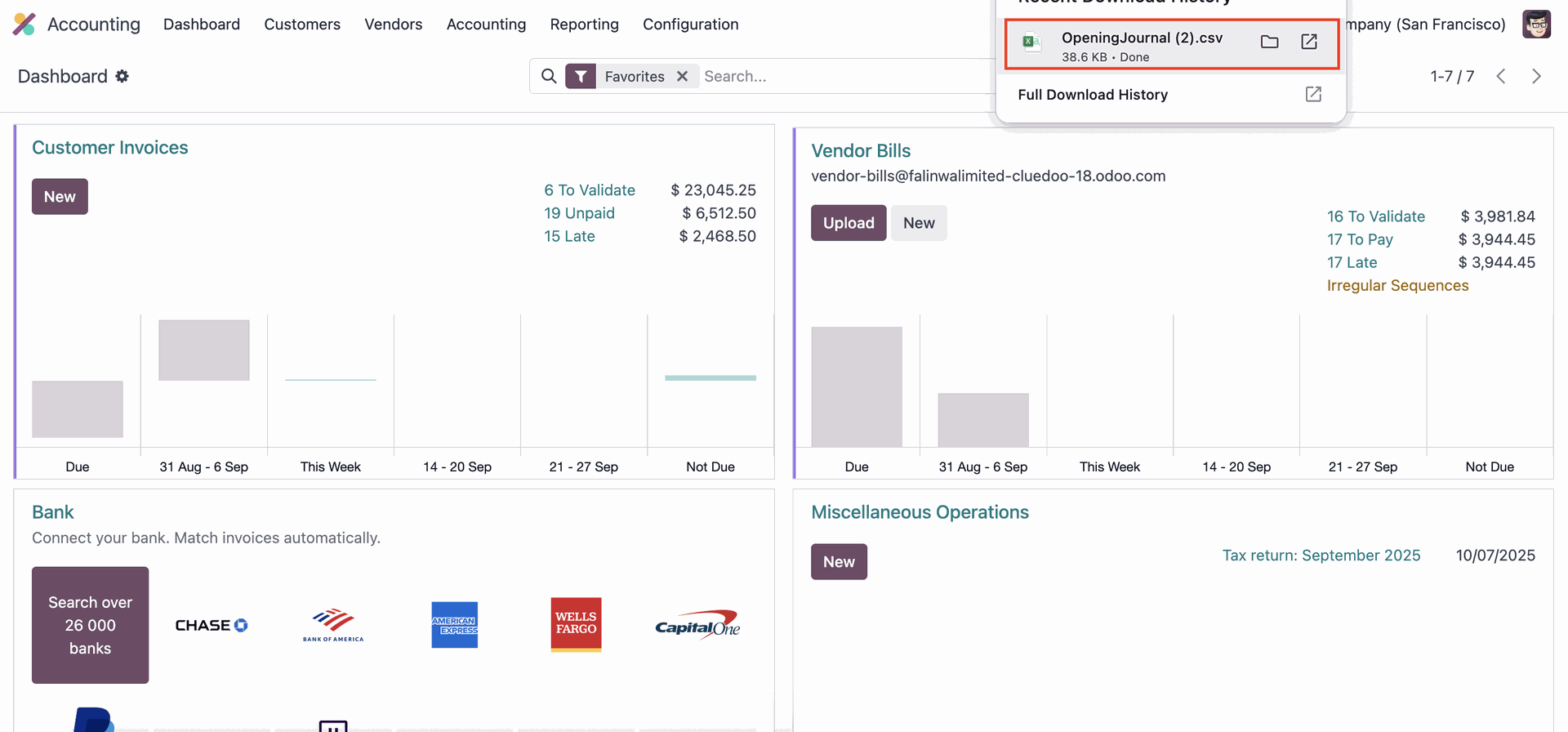 |