



ODOO'S FUNCTION
In the older versions of Odoo, users had no option to customize the display name of a project to their specific needs using Python code. For example, if a user wanted the project’s display name to be a combination of the project name and the reference of its analytic account, this was not possible through the standard Odoo interface.
CLUEDOO'S FUNCTION
CLuedoo extends Odoo’s capabilities by allowing users to customize a project’s display name using Python code.
1. Go to Settings > Technical > Database Structure > Display Name Formula > New to create a formula Fill in the necessary information (Formula Name, Model, Python Code) Note: I want the project's display name to be their name + Falinwa (Falinwa will be automatically added after the name) so the Python code is result = record.name + "-" + "Falinwa"
|  |
Note: Formula including project reference:
|  |
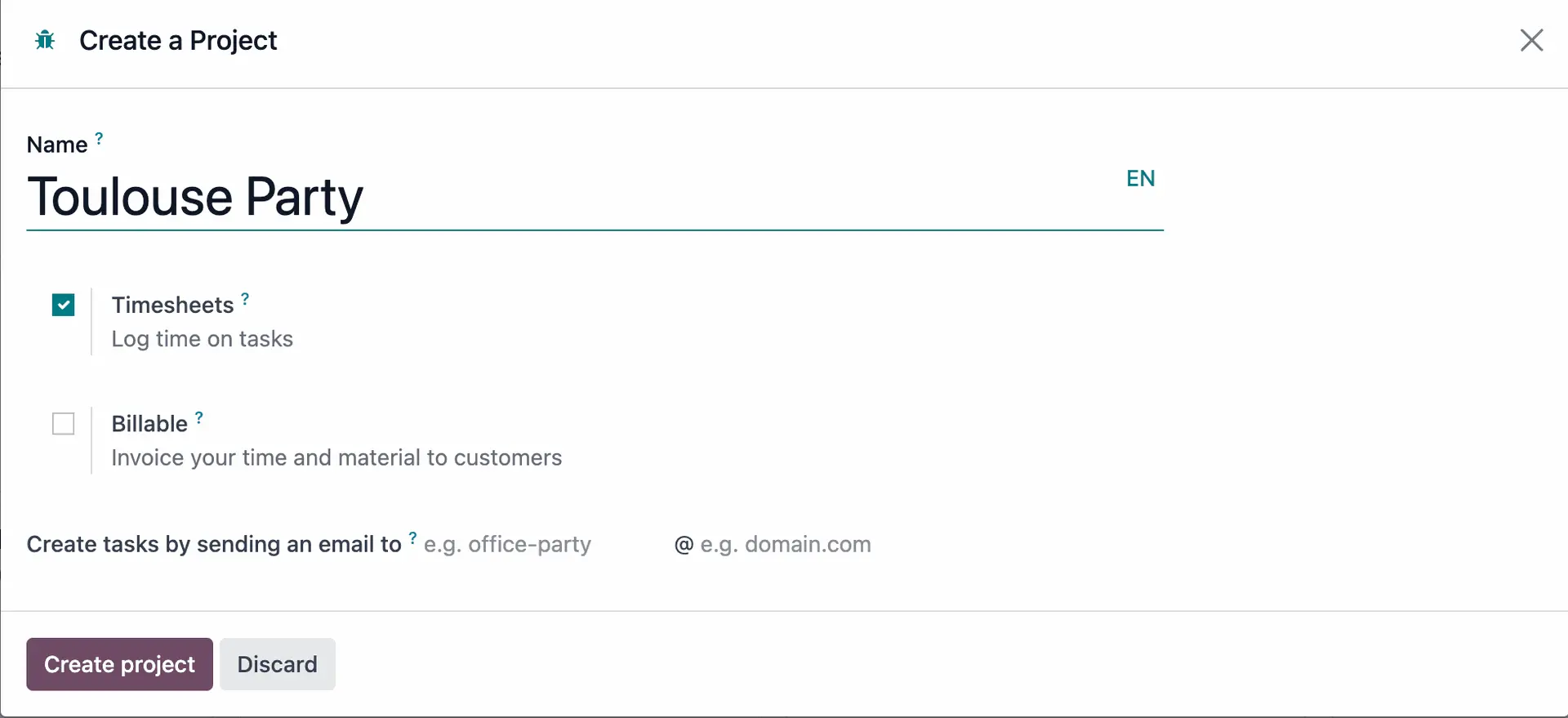
2. Go to Project > New to create a new project (e.g. Toulouse Party) > Type the name of the project in the search bar and you will see that the display name has automatically changed to Toulouse Party-Falinwa as your formula
|  |
|
