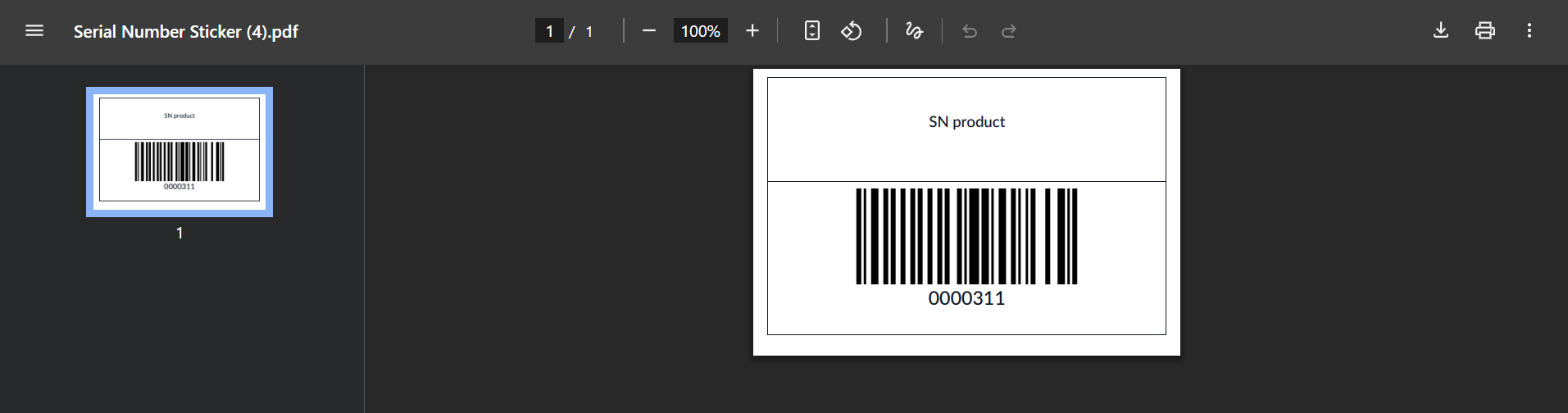



ODOO'S FUNCTION
Odoo handles serial numbers, but it lacks a straightforward sticker format for printing on the final product. This format typically includes the serial number, company information, fixed details, and can be customized to incorporate a barcode or QR code based on specific requirements.
CLUEDOO'S FUNCTION
If you are utilizing serial numbers, it's essential to affix a serial number sticker, typically in a classic barcode/QR-code format, on all your finished products. Cluedoo offers standard sticker formats and provides the option to print them either from a single stock move or from a list of stock moves, allowing for mass printing if preferred.
1. Before testing the module, ensure that "Show Detailed Operations" is enabled in the operation type settings. Note that from v17, no need to select "Show Detailed Operations" in Operation Types and this option is hidden. |  |
2. Go to your transfer and click the Print Serial Number button. |  |
From v17, we can click the Moves button at the top of the transfer and then Print Serial Number. No need to validate the transfer before printing. | 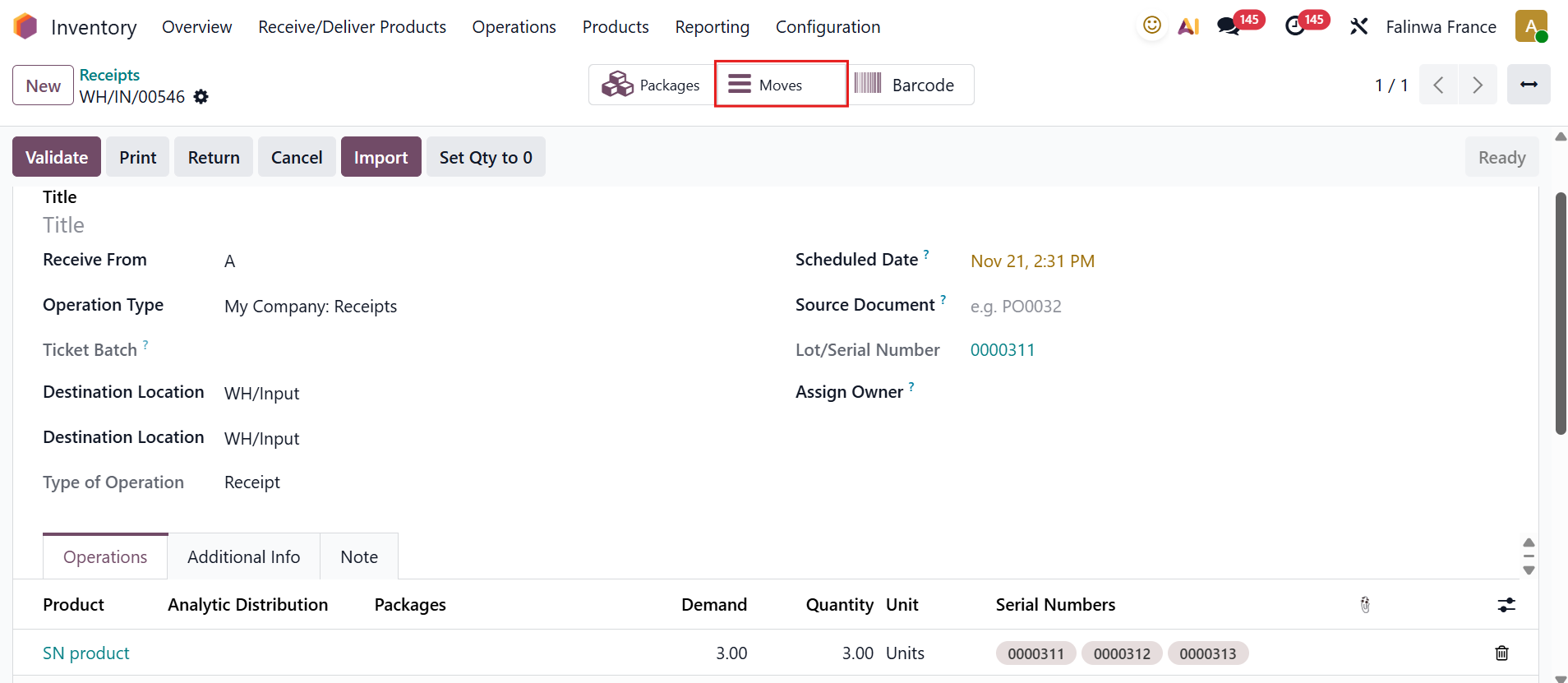 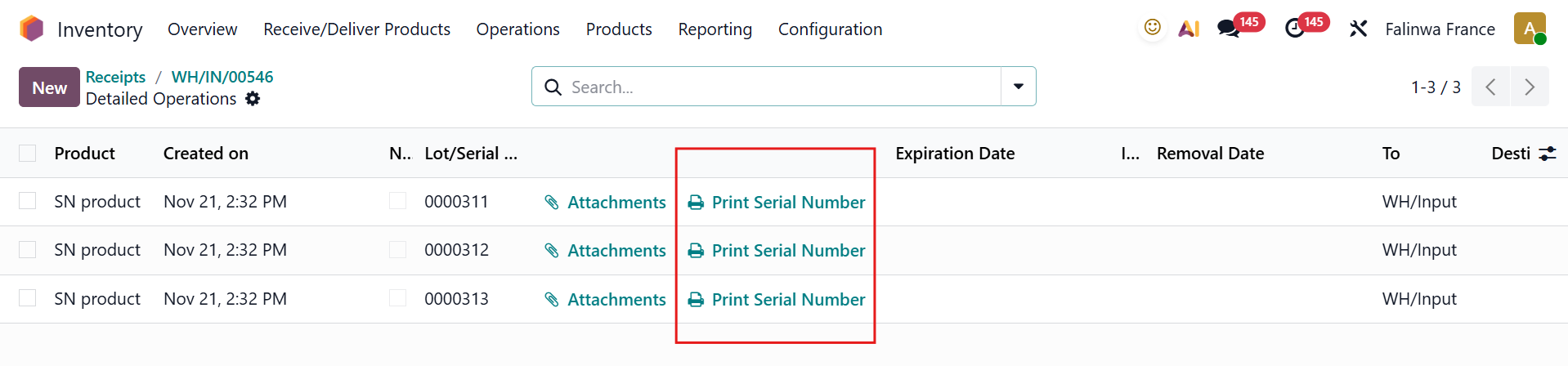 |
3. The serial number sticker will be printed in PDF format. |
|