


ODOO'S FUNCTION
In Odoo, the Timesheets module allows users to record and manage time spent on various tasks and projects. Each user can log time entries daily or weekly, and managers can view and validate these entries. However, the standard interface offers limited visibility into grouped timesheet data and lacks intuitive menus for easily tracking pending submissions or weekly reports. Users typically navigate through list views without a dedicated structure for monitoring submission status or report-based overviews.
CLUEDOO'S FUNCTION
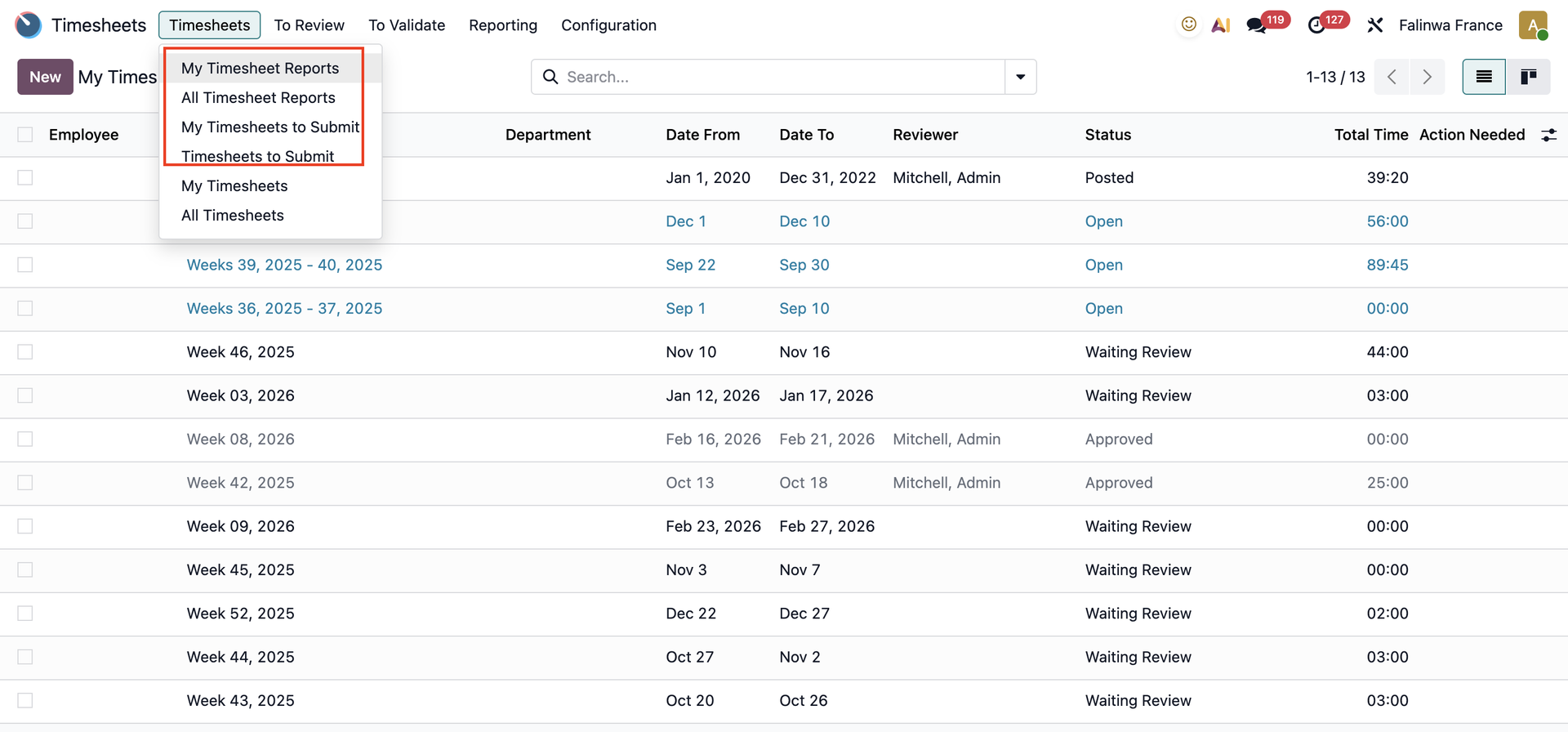
CLuedoo adds four new menus to the Timesheets module for improved visibility and control:
✅ My Timesheet Reports:
View your own timesheet reports, grouped by week (one report per week).
✅ All Timesheet Reports:
Access all users' weekly timesheet reports - ideal for managers and reviewers.
✅ All Timesheets to Submit:
See all timesheets pending submission across all users, grouped by project.
✅ Timesheets to Submit:
Display only your own timesheets waiting to be submitted, grouped by project.
✅ Employee Company
1. There are 4 new menus in Timesheets:
|  |
2. The Timesheet Reports menu displays My Timesheets/All Timesheets as a list with details to ensure clear observation. Users can also create a new timesheet in these menus. | 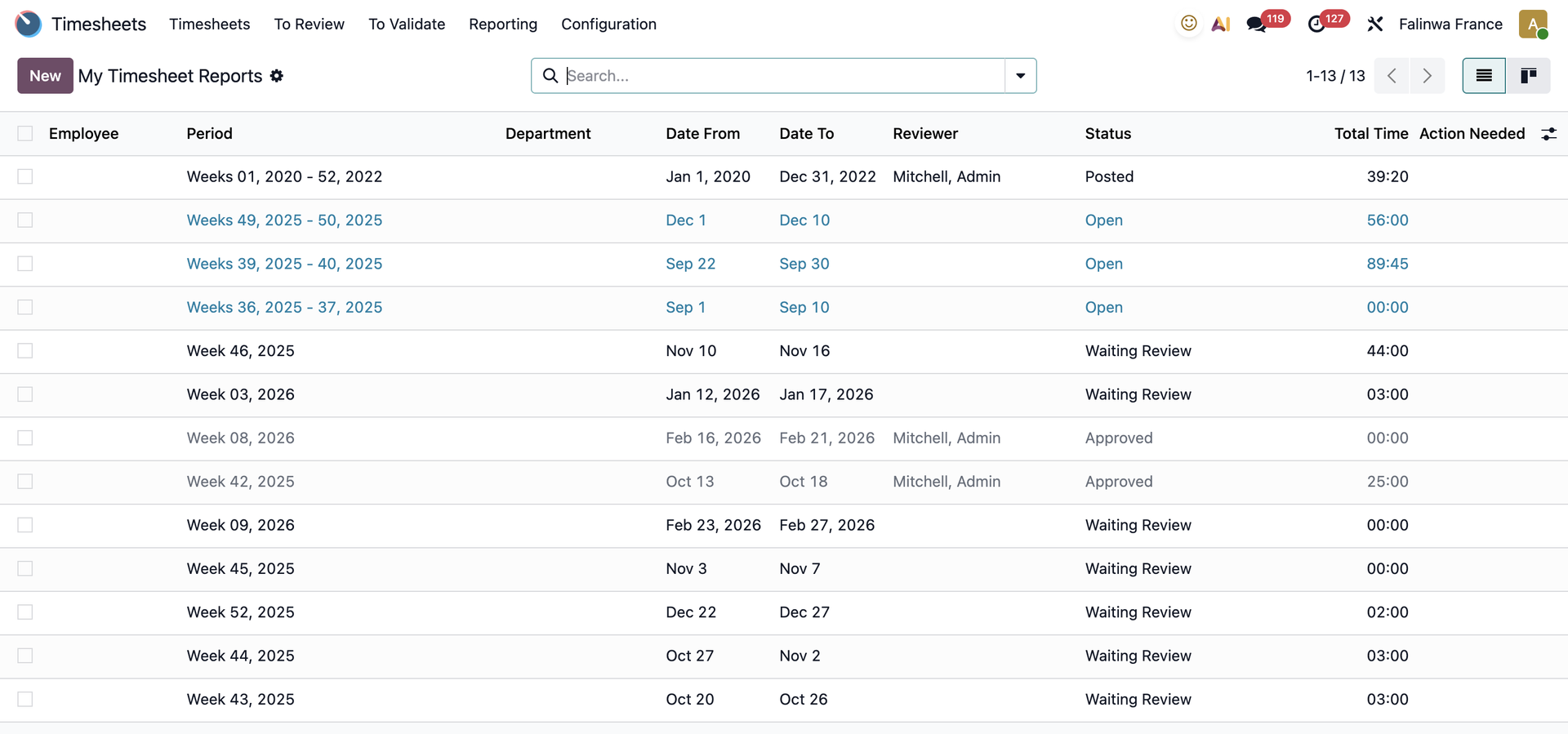 |
3. The Timesheets to Submit menu displays My Timesheets/All Timesheets that need to be submitted for approval. Timesheets are divided by projects. | 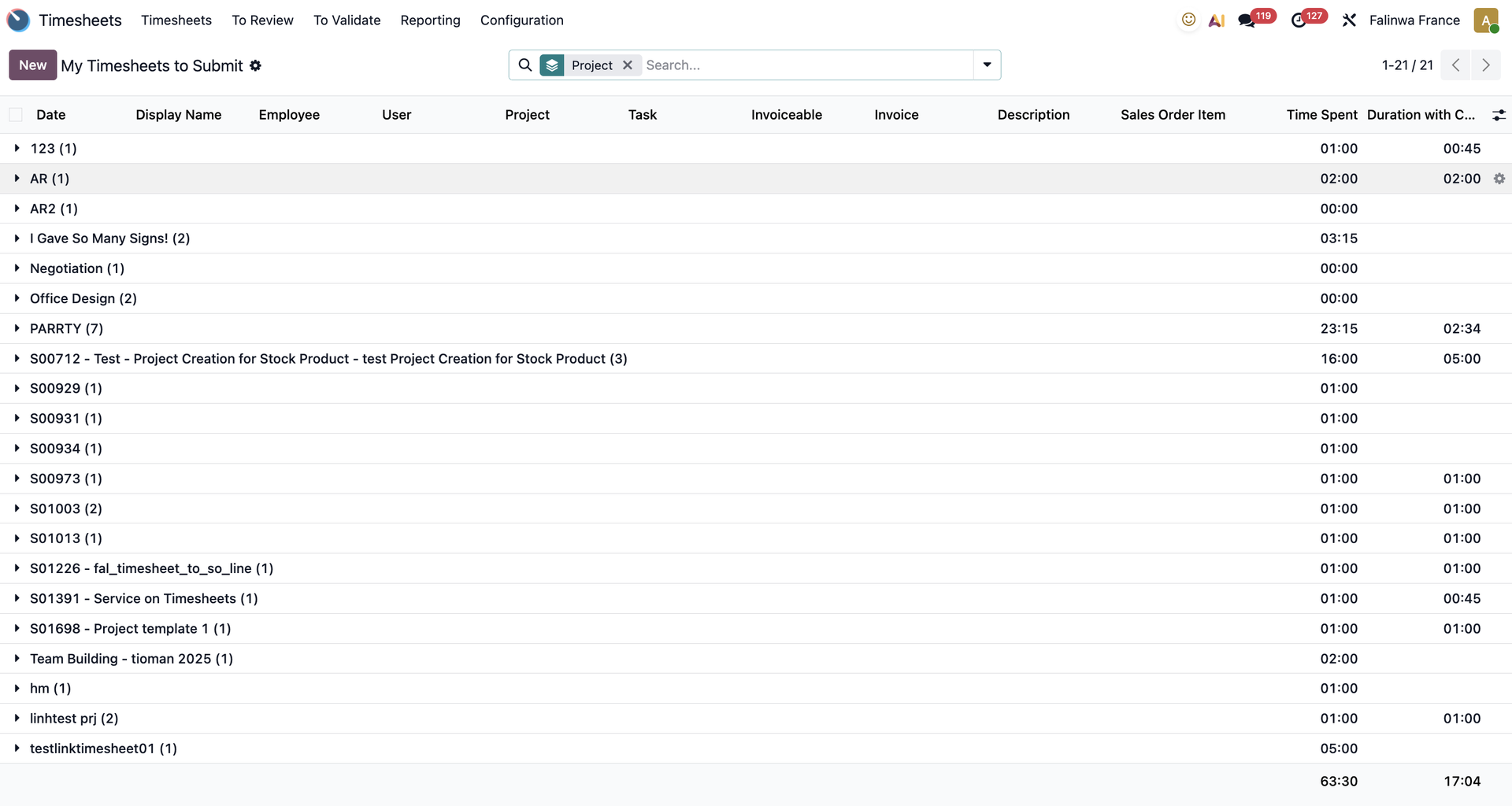 |
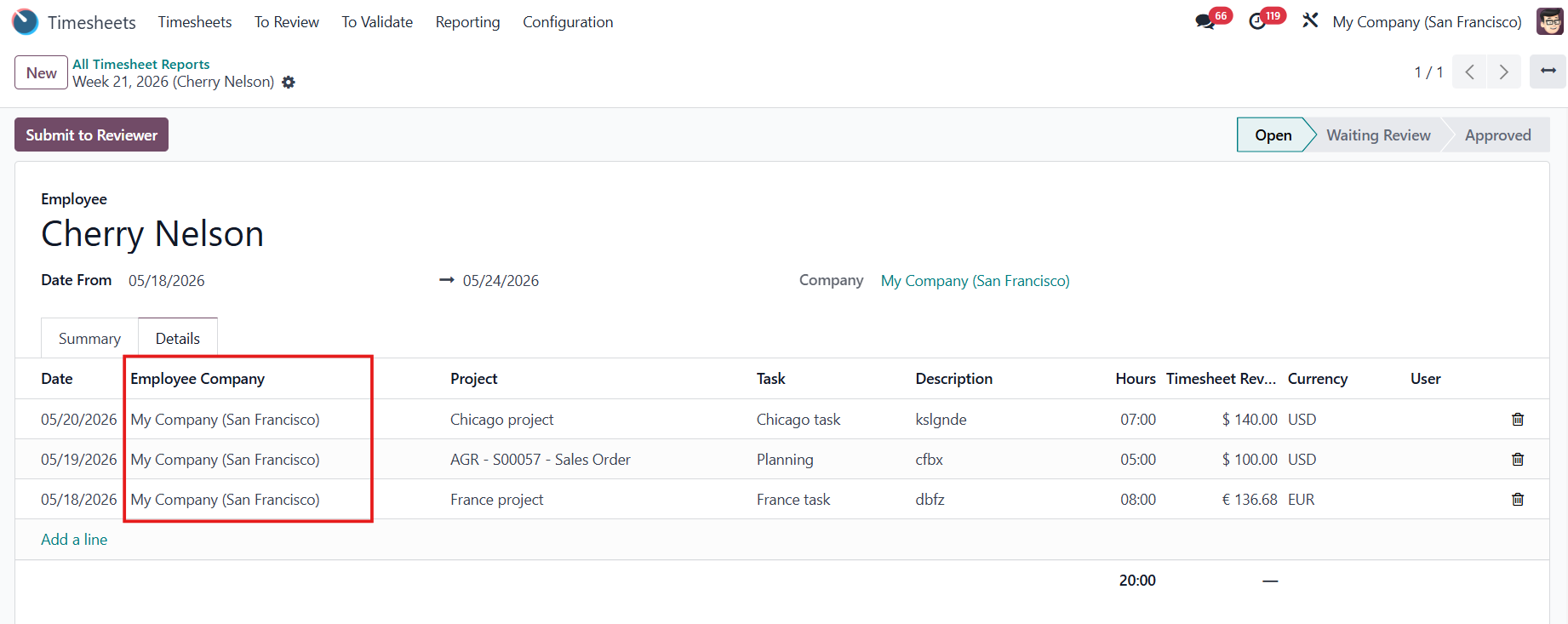
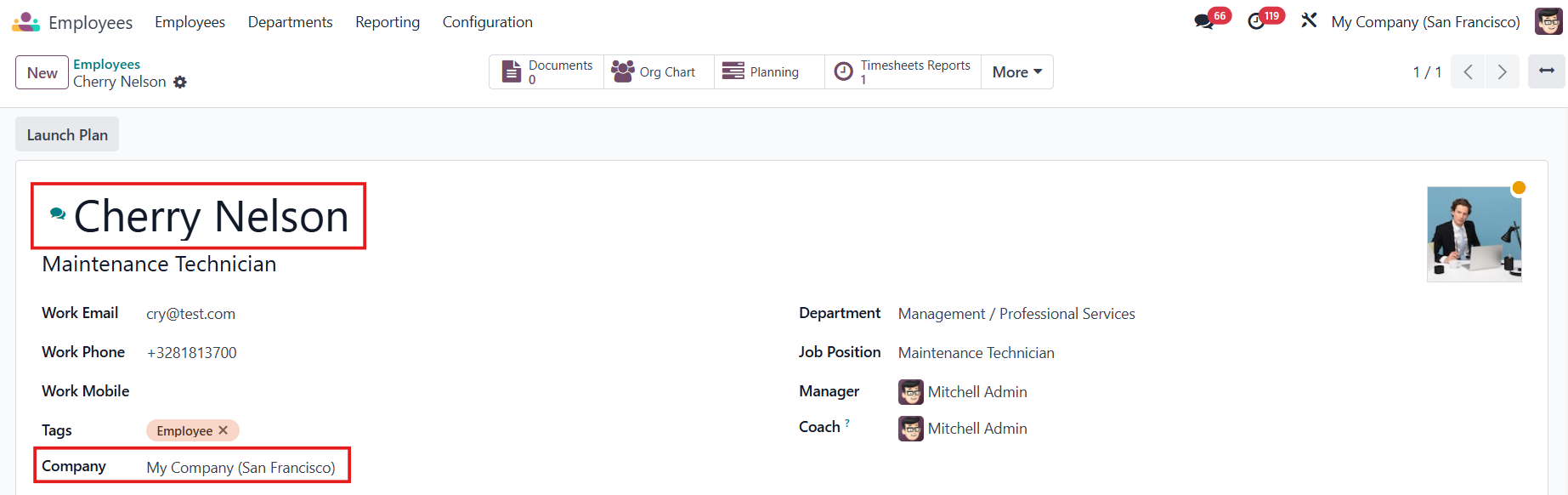
EMPLOYEE COMPANYSince v18, in the timesheet report lines, a new field, Employee Company, has been added to show the employee's main company. |
|
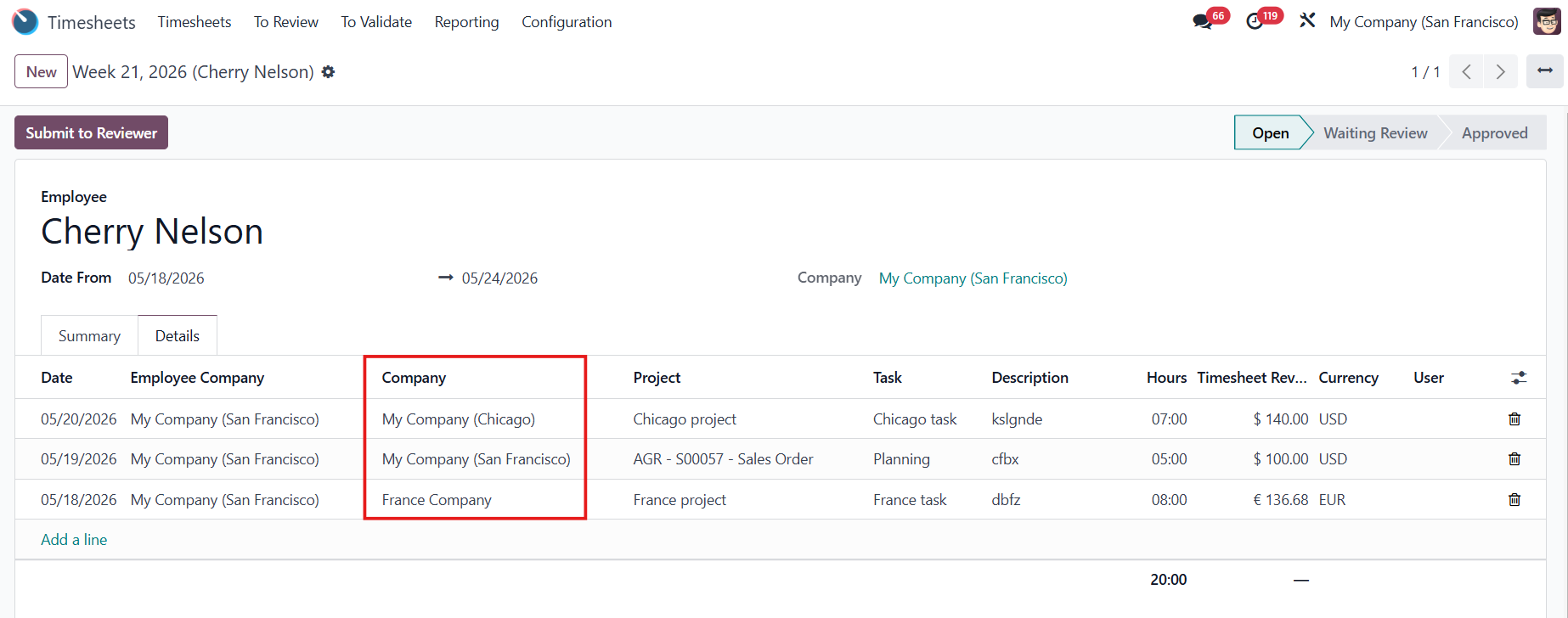
In the timesheet report, all the timesheet lines will be added, no matter which company the projects are in. |
|
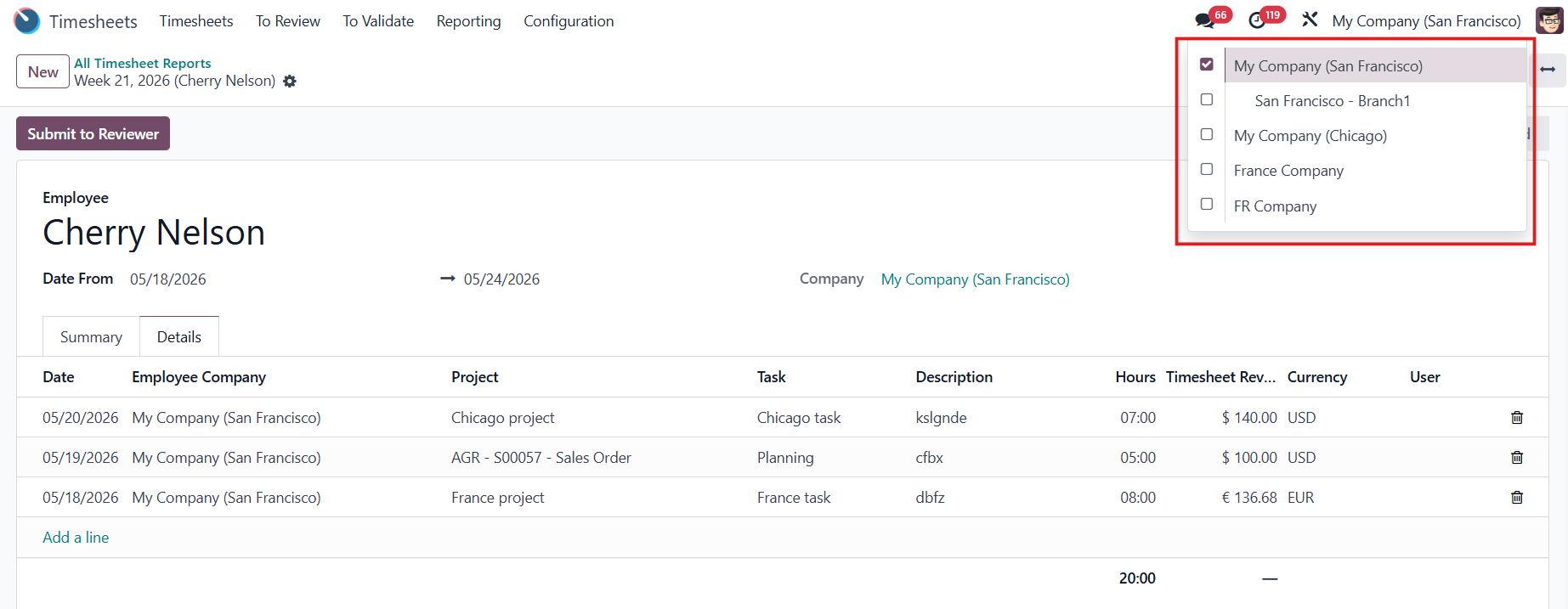
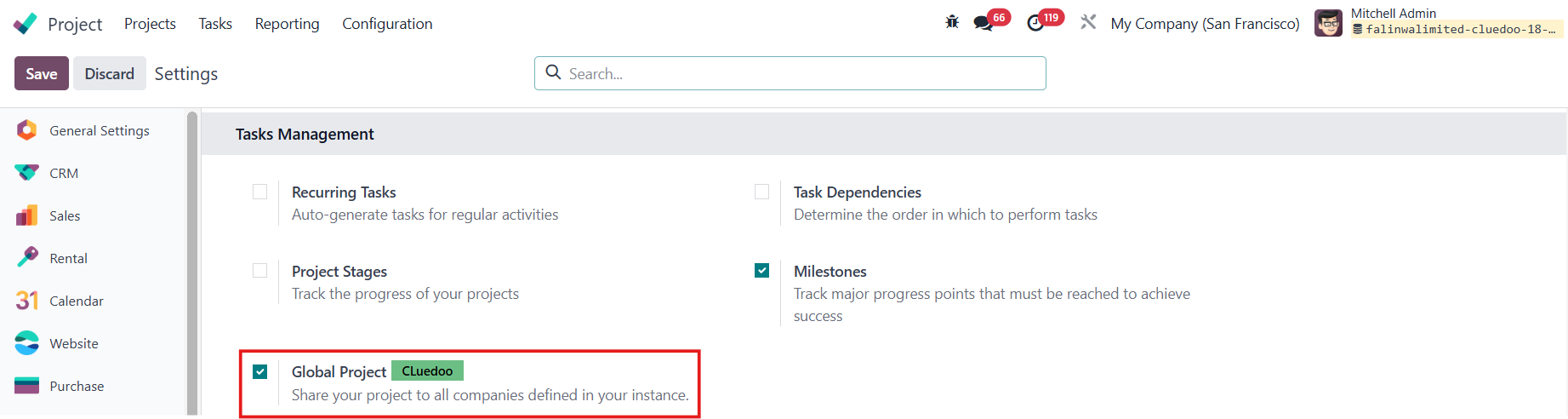
Notes: To view all the timesheets from the companies without having access to all of them, you need to install module Project Management: Task versioning, Common Projects and activate the Global Project. |
|
Since v19, 3 modules have been merged into this one. Please check them out for the full functions of this module: |