


ODOO'S FUNCTION
Odoo proposes only one date to lock accounting entries, which is quite restrictive, especially at the end of the fiscal year.
CLUEDOO'S FUNCTION
CLuedoo gives the possibility to split your fiscal year in different periods and give independent lock dates for each period according to access rights.
Go to Accounting > Periods > Periods Lock and create a new period lock
| 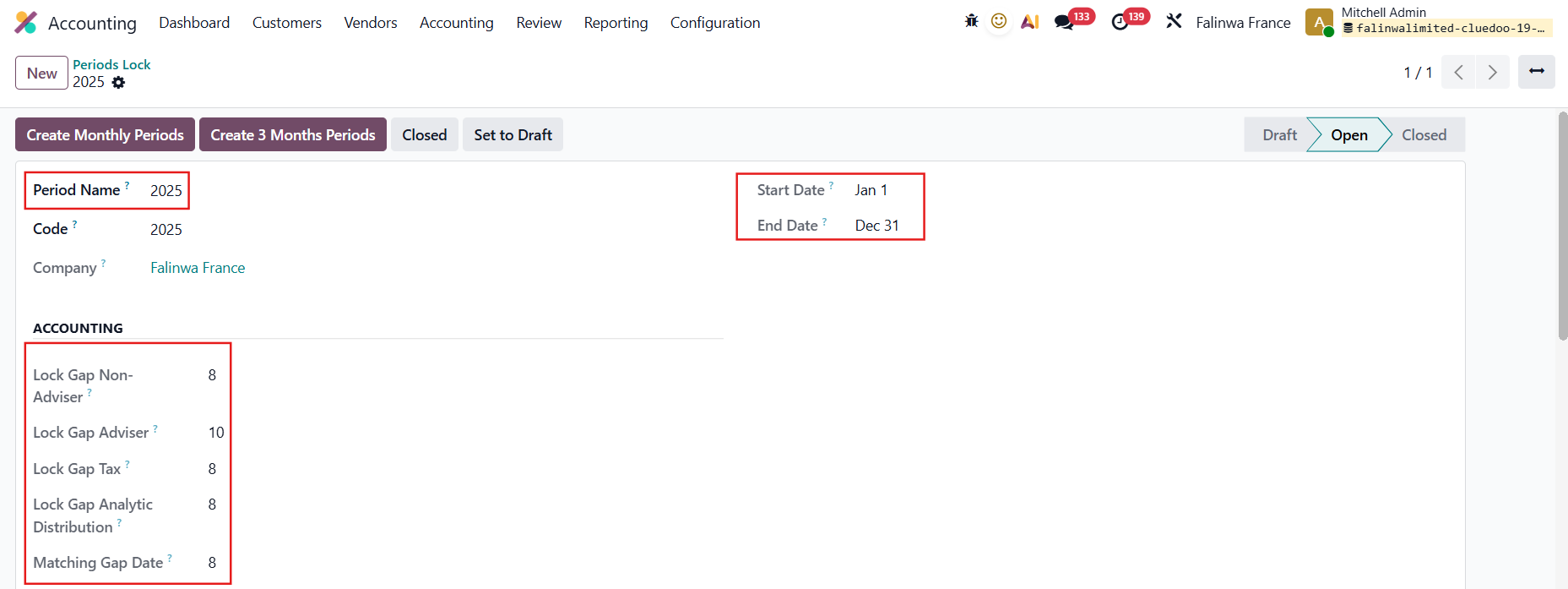 |
The period lines will be automatically generated with specific lock dates for each field based on what you set. For example, here I choose Create Monthly Periods | 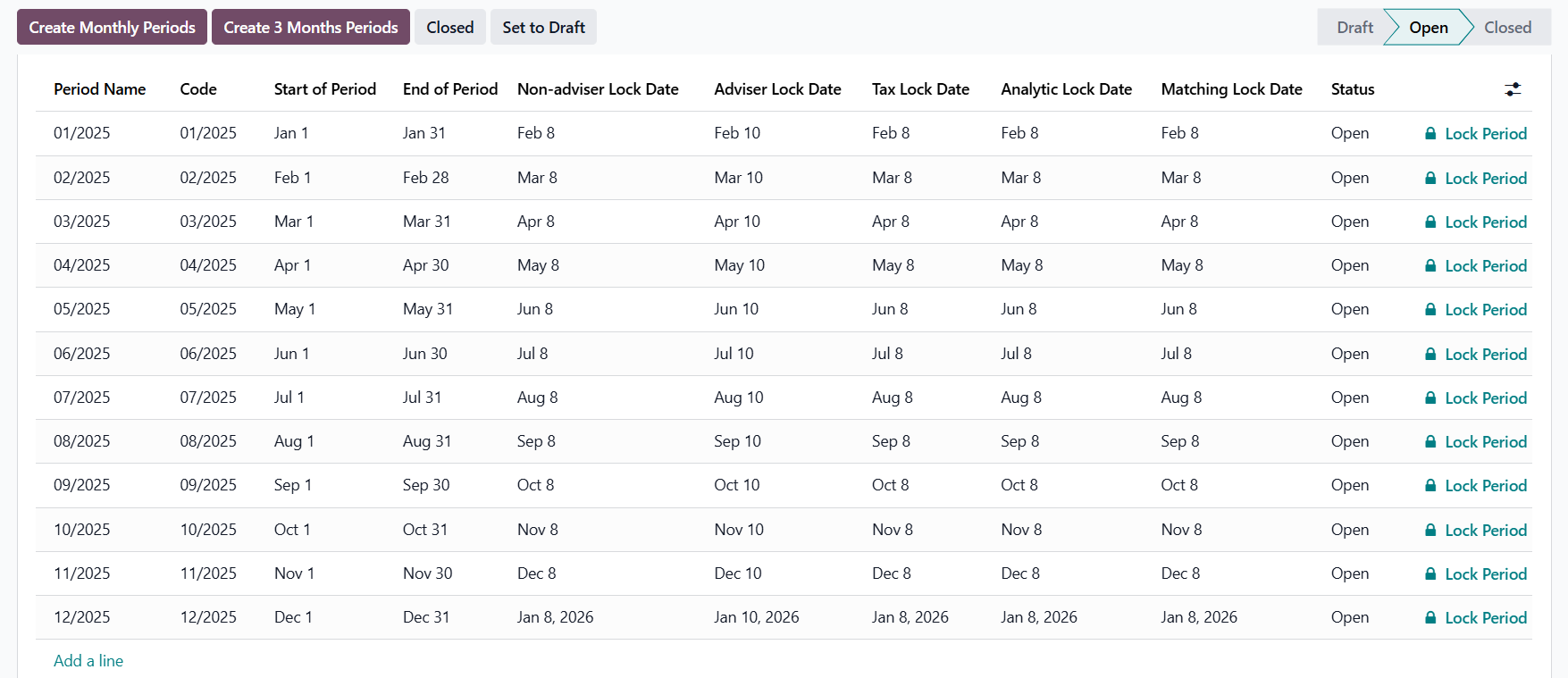 |
LOCK PERIODIf you lock a period, you cannot edit the lock dates for that period |  |
If there is an open period before the one you want to lock, a warning will appear. |  |
If there is no open period before the one you want to lock Go to Accounting > Closing > Lock Dates > The system will take the End of Period of the locked period to fill in the Odoo Standard's Lock Sales, Lock Purchases, Lock Tax Return, and Lock Everything |   |
ADVISER LOCK DATEAdviser/Administrator users cannot create invoices when the current date is after the Adviser Lock Date for the period of the invoice. | 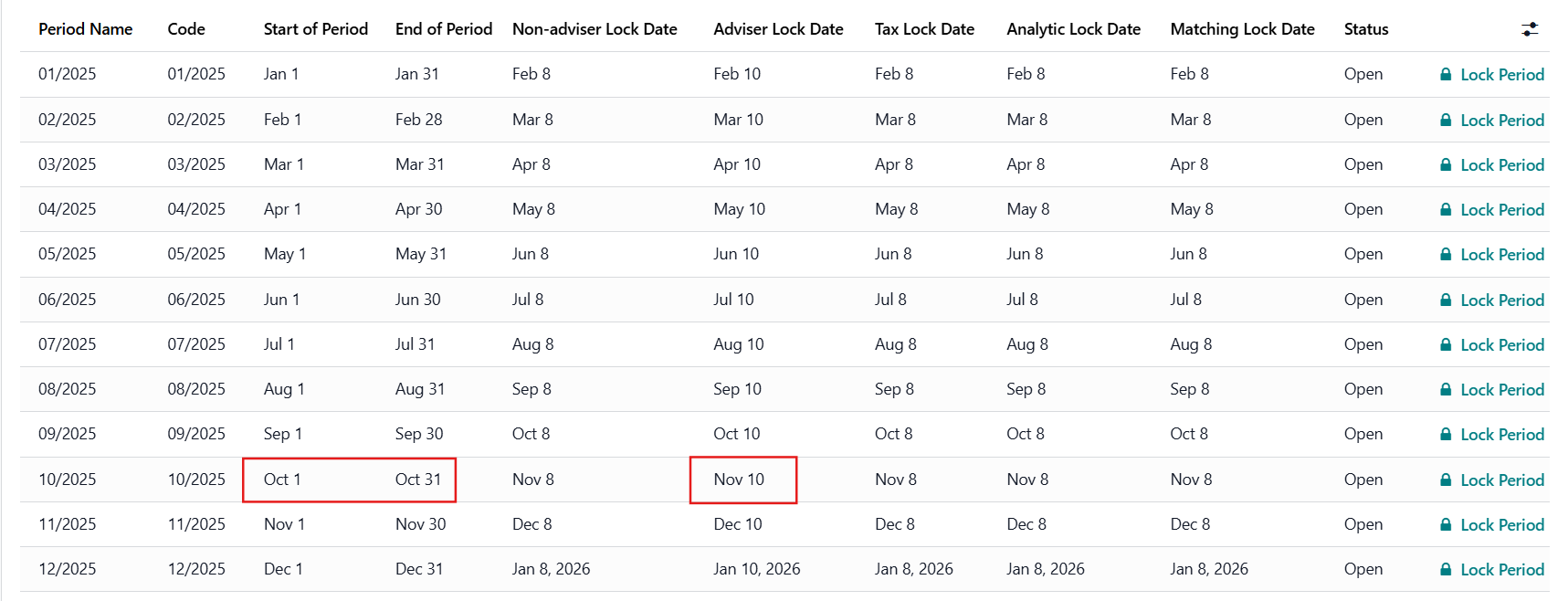 |
For example:
| 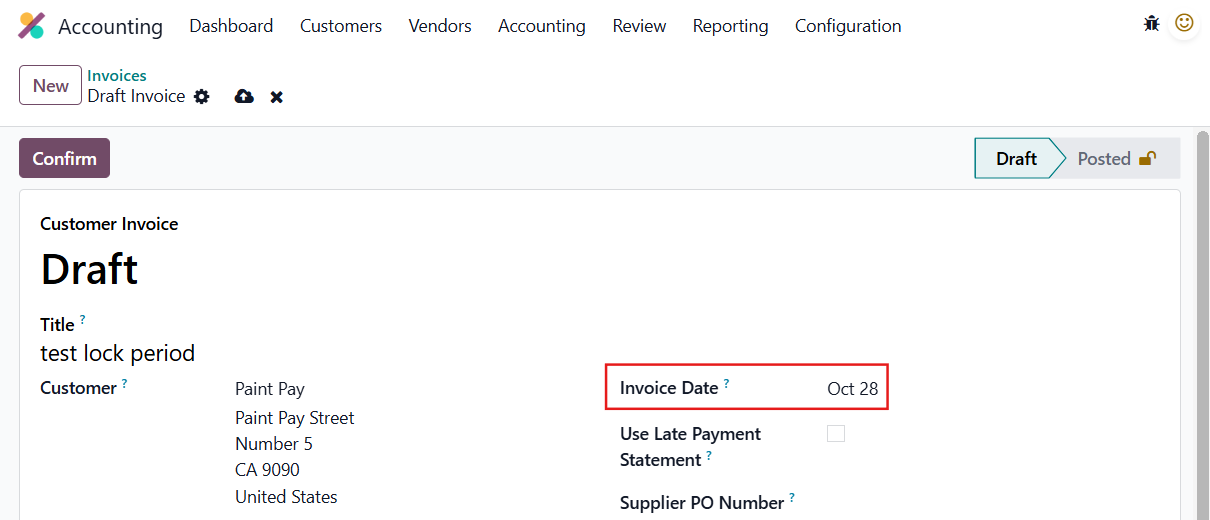 |
A warning will be displayed that you cannot create the invoice. |  |
NON-ADVISER LOCK DATENon-adviser / Non-administrator users cannot create invoices when the current date is after the Non-adviser Lock Date for the period of the invoice. For example:
| 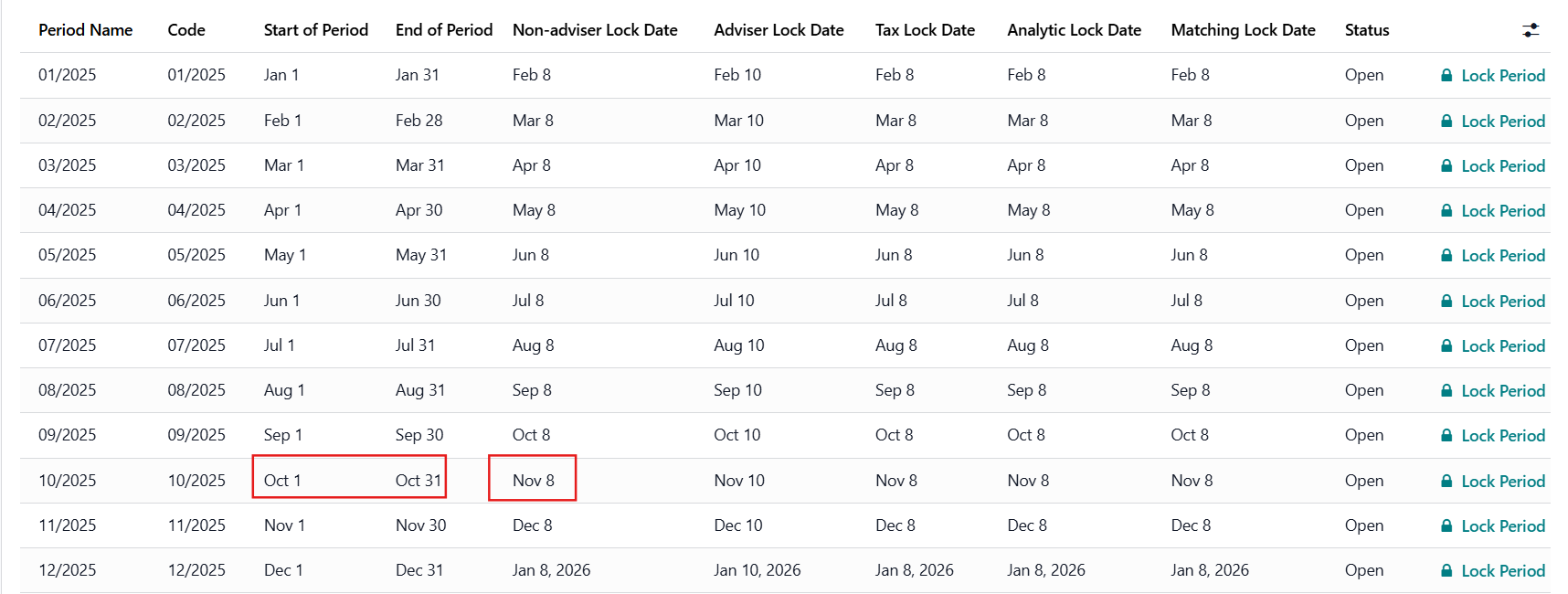 |
A warning will be displayed that you cannot create the invoice. |  |
TAX LOCK DATEUsers cannot confirm invoices when the current date is after the Tax Lock Date for the period of the invoice. For example:
| 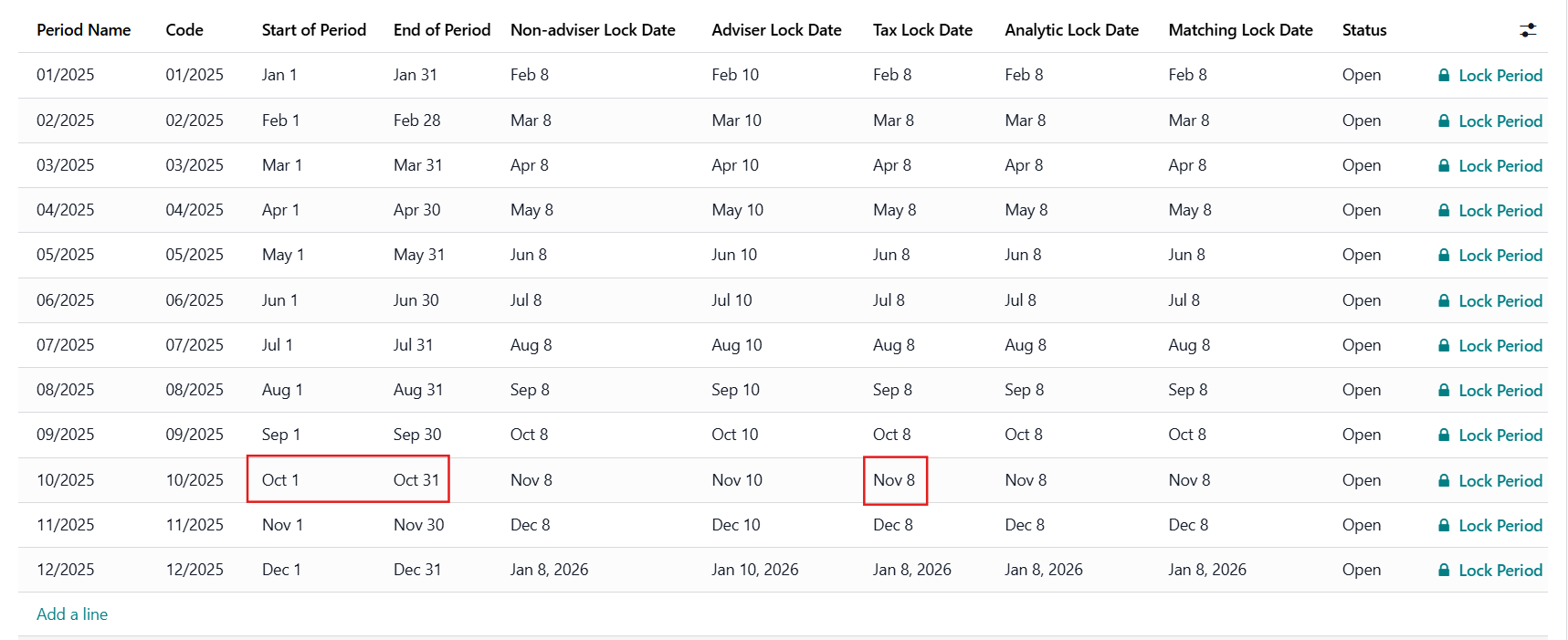 |
A warning will be displayed that you cannot confirm the invoice. |  |
MATCHING LOCK DATE
| 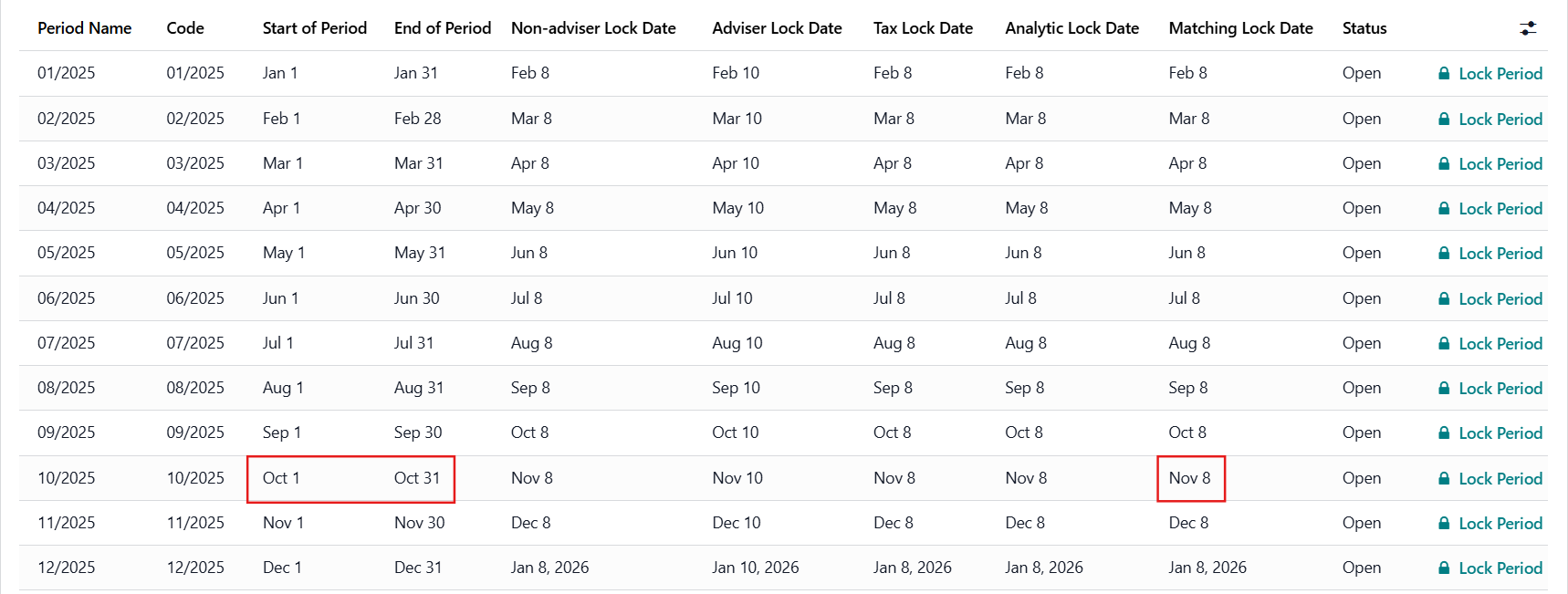 |
Choose a journal entry that is reconciled during the locked period For example:
| 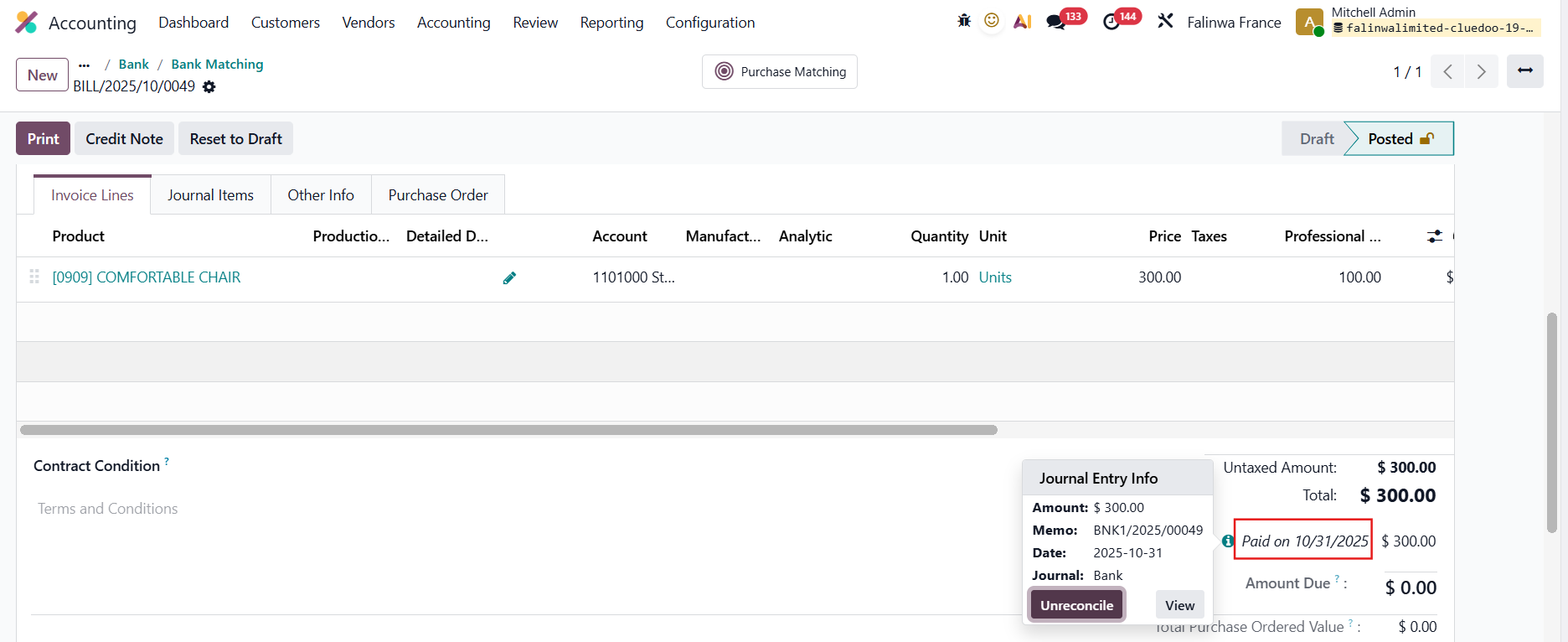 |
A warning will be displayed that you cannot unreconcile the transaction. |  |
ANALYTIC LOCK DATEOn Periods Lock, we have a field called Lock Gap Analytic Distribution to define when to lock the analytic, as well as an Analytic Lock Date column |  |
a. Lock on Journal Entries Choose a Journal Entry and add/change the Analytic Distribution Based on the Accounting Date, if the period is already closed and the day you modify the AD is after the Analytic Lock Date --> an error will be raised For example:
--> Period 08/2025
|  |
b. Lock on Journal ItemsSame function on Journal Items |  |
c. Lock on Analytic ItemsSame function on Analytic Items |  |
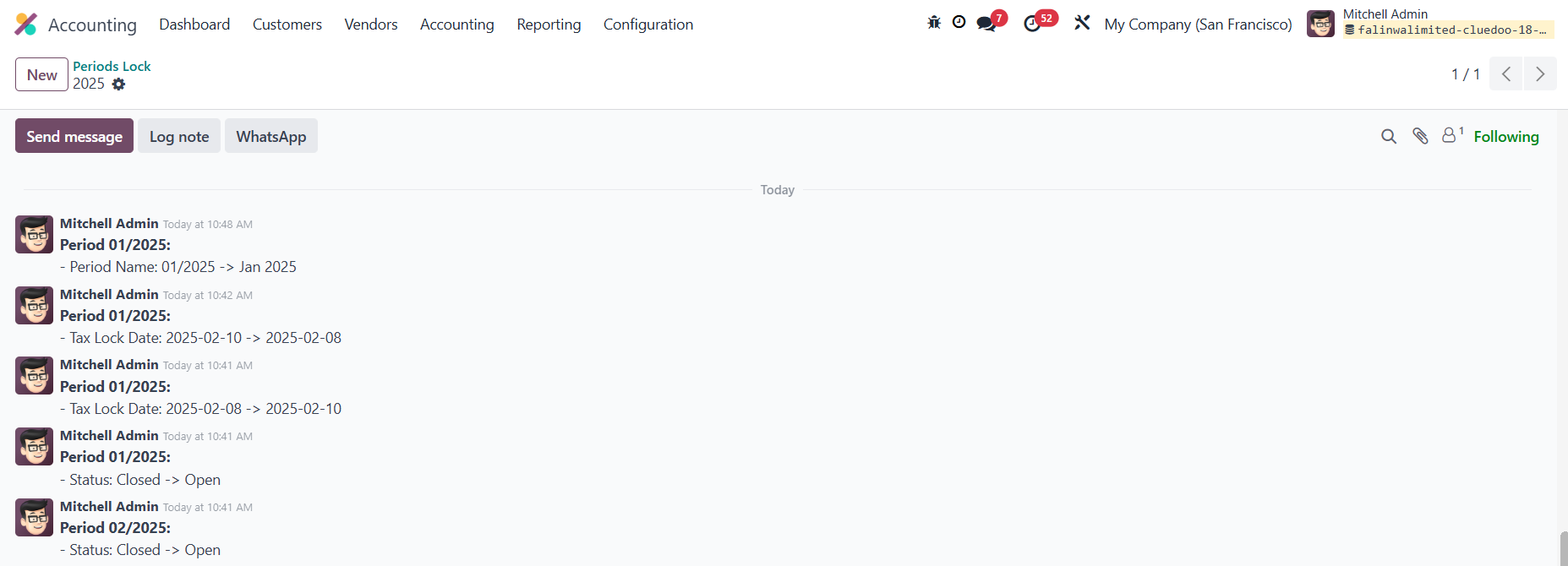
CHATTER ON PERIOD LOCKWe have chatter to track any changes made to the period lock |
|