


ODOOの機能
Odoo は会計エントリーをロックする日付を1つだけ提案しますが、特に会計年度末ではこれはかなり制限的です。
CLUEDOOの機能
CLuedoo は、会計年度を異なる期間に分割し、アクセス権に応じて各期間に独立したロック日付を与える機能を提供します。
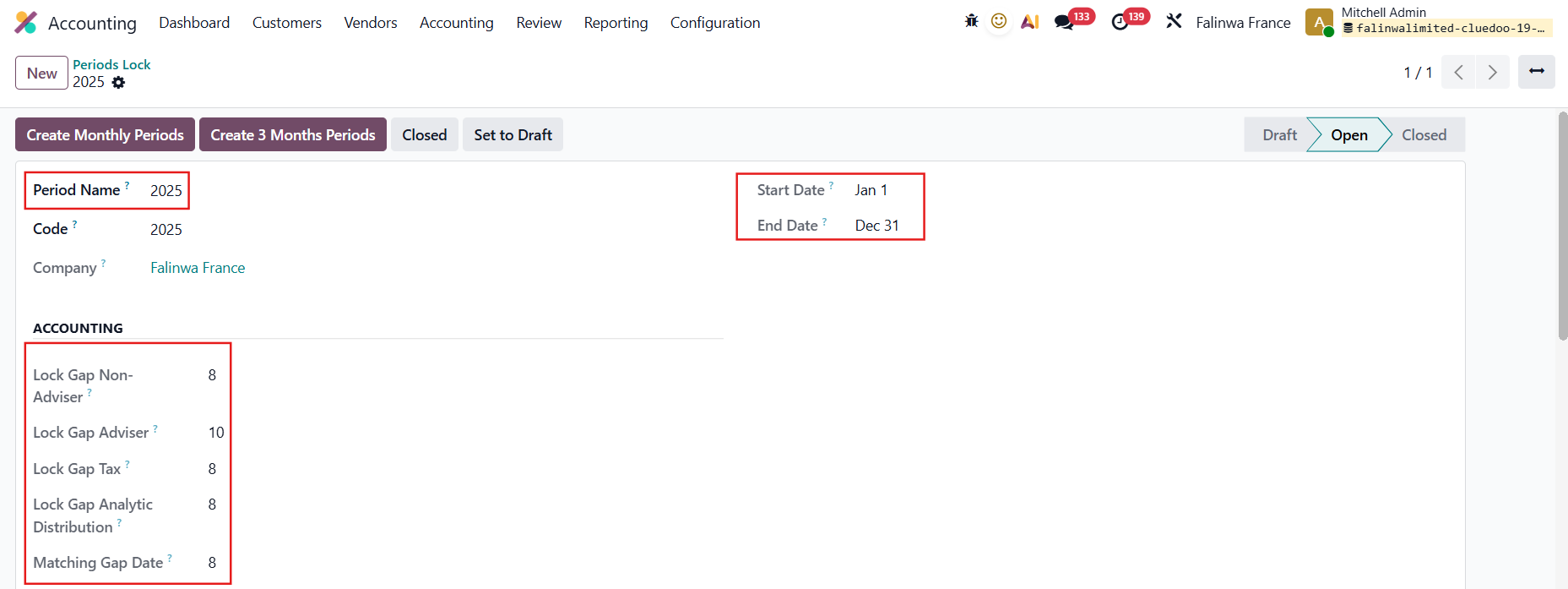
Accounting > Periods > Periods Lock に移動し、新しい period lock を作成
|  |
設定した内容に基づいて、各フィールドの特定のロック日付で期間ラインが自動生成されます。 例えば、ここでは Create Monthly Periods を選択します | 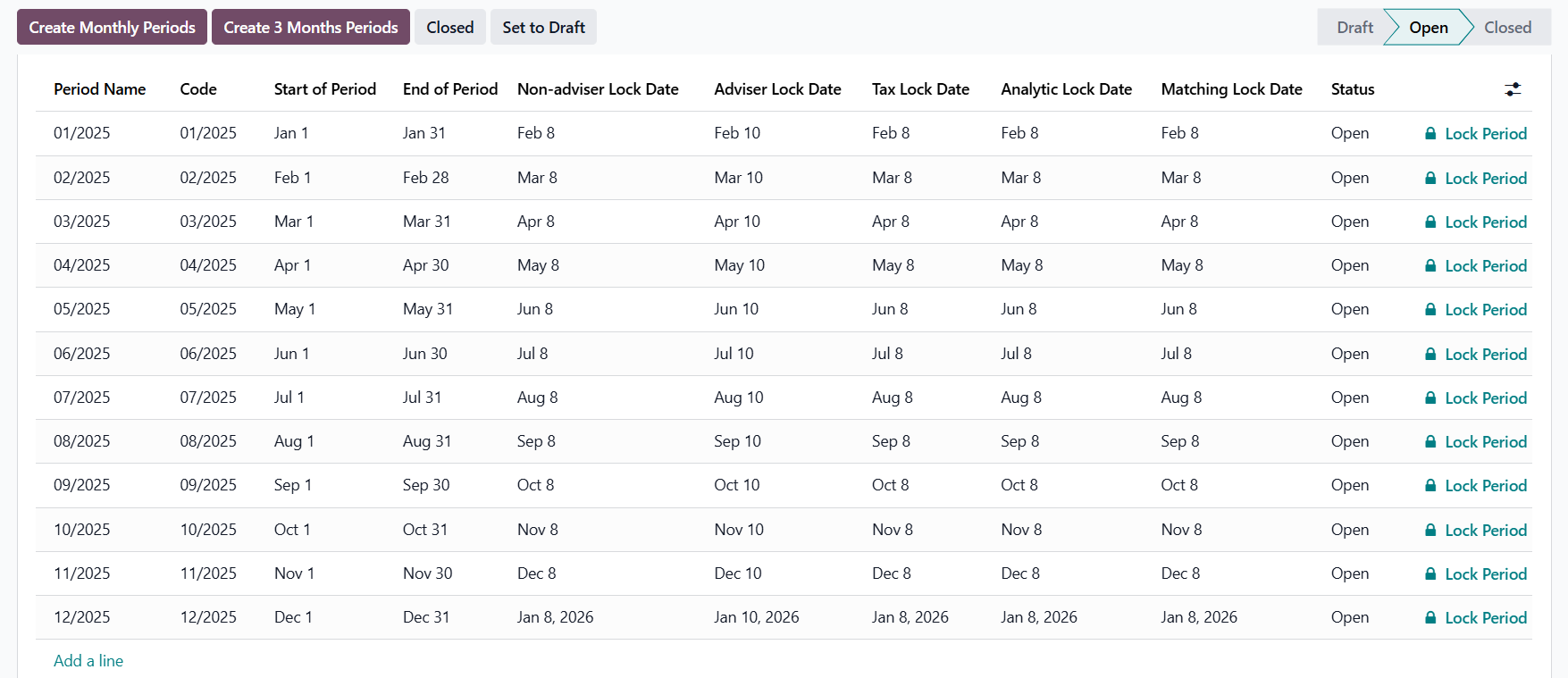 |
LOCK PERIOD期間をロックすると、その期間のロック日付を編集できません |  |
ロックしようとしている期間より前に open の期間がある 場合、警告が表示されます。 |  |
ロックしようとしている期間より前に open の期間がない 場合 Accounting > Closing > Lock Dates に移動 > システムは、ロックされた期間の End of Period を取得して、Odoo Standard の Lock Sales、Lock Purchases、Lock Accounting および Lock Taxes に入力します |   |
ADVISER LOCK DATEAdviser/Administrator users cannot create invoices when the current date is after the Adviser Lock Date for the period of the invoice. | 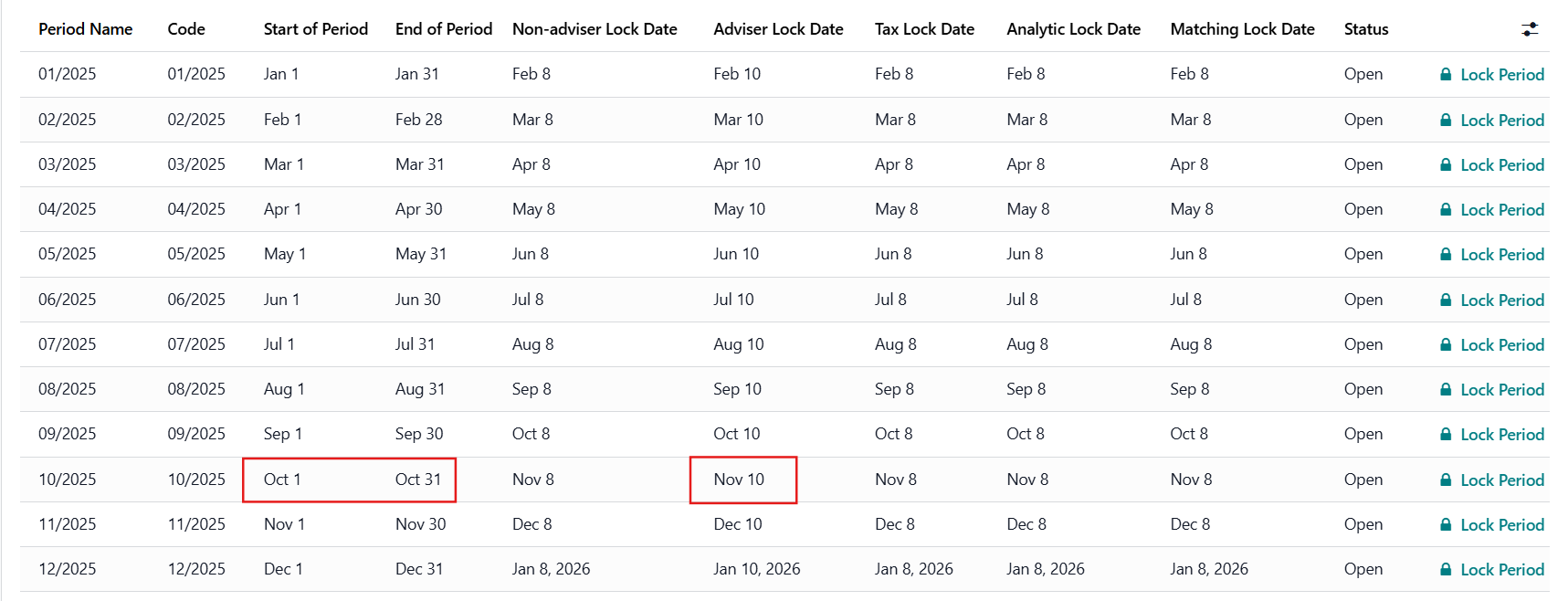 |
例:
| 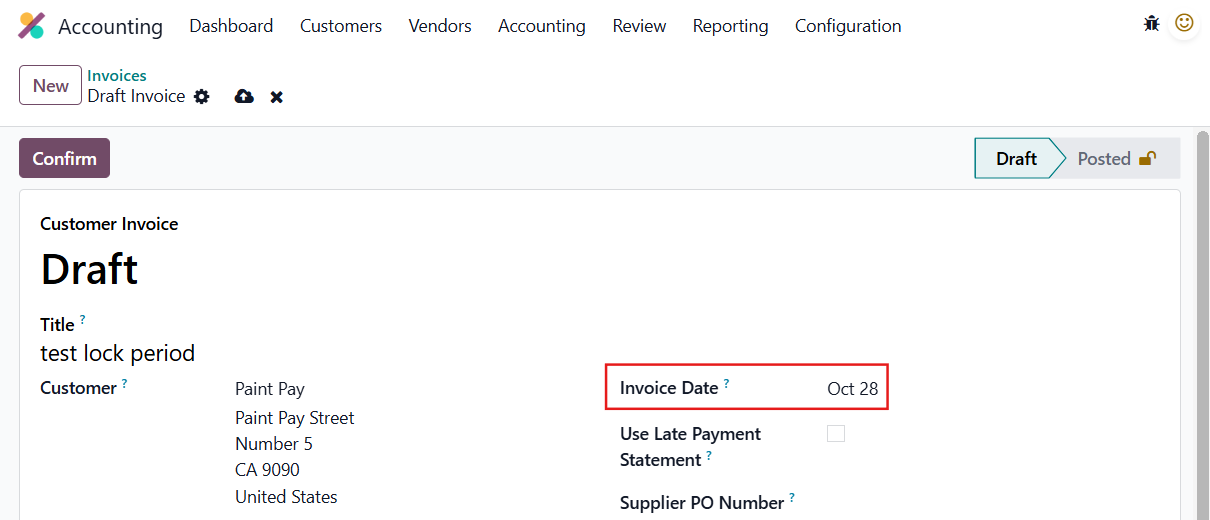 |
請求書を作成できないという警告が表示されます。 |  |
NON-ADVISER LOCK DATENon-adviser / Non-administrator users cannot create invoices when the current date is after the Non-adviser Lock Date for the period of the invoice. 例:
| 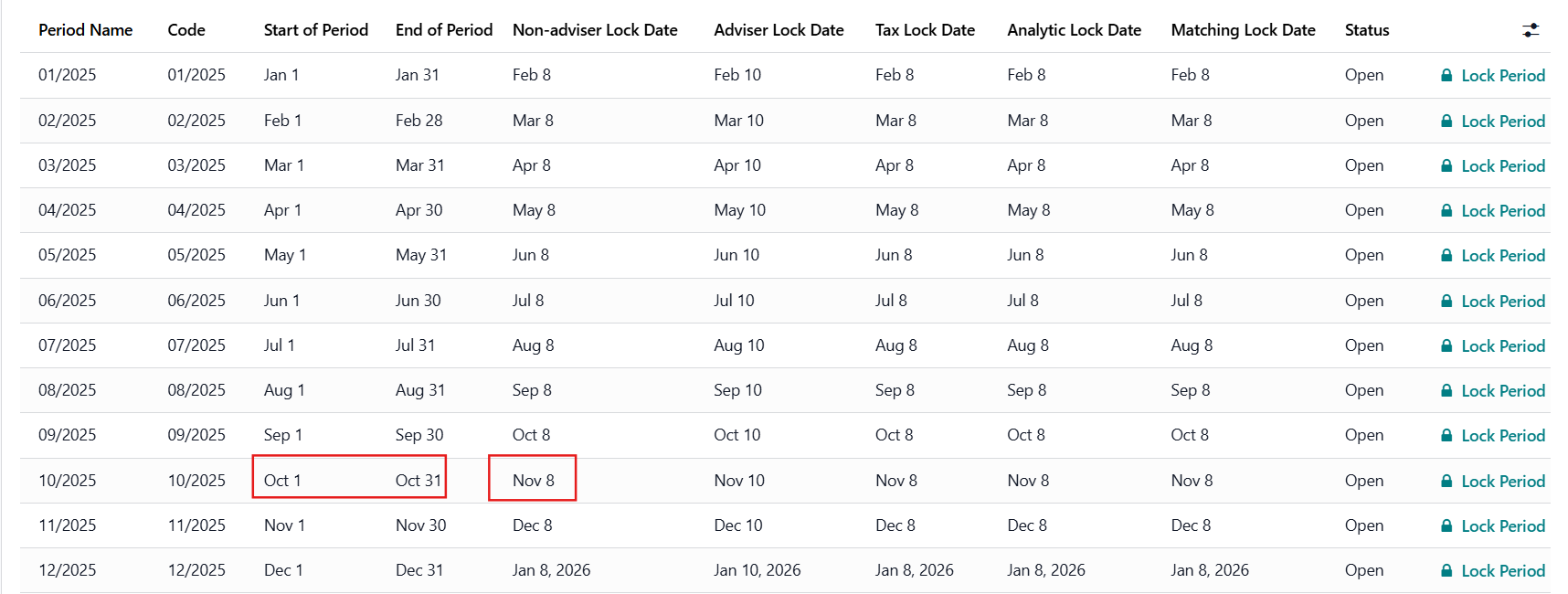 |
請求書を作成できないという警告が表示されます。 |  |
TAX LOCK DATEUsers cannot confirm invoices when the current date is after the Tax Lock Date for the period of the invoice. 例:
| 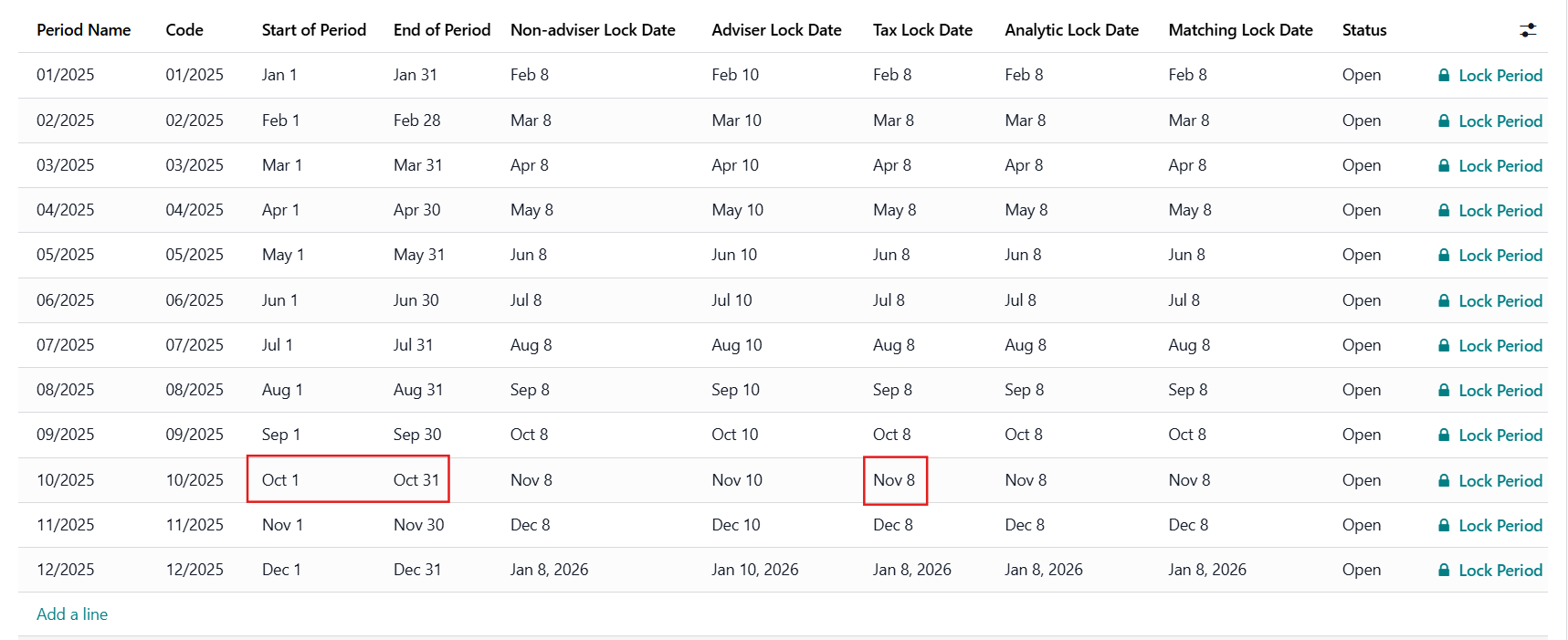 |
請求書を確定できないという警告が表示されます。 |  |
MATCHING LOCK DATE
| 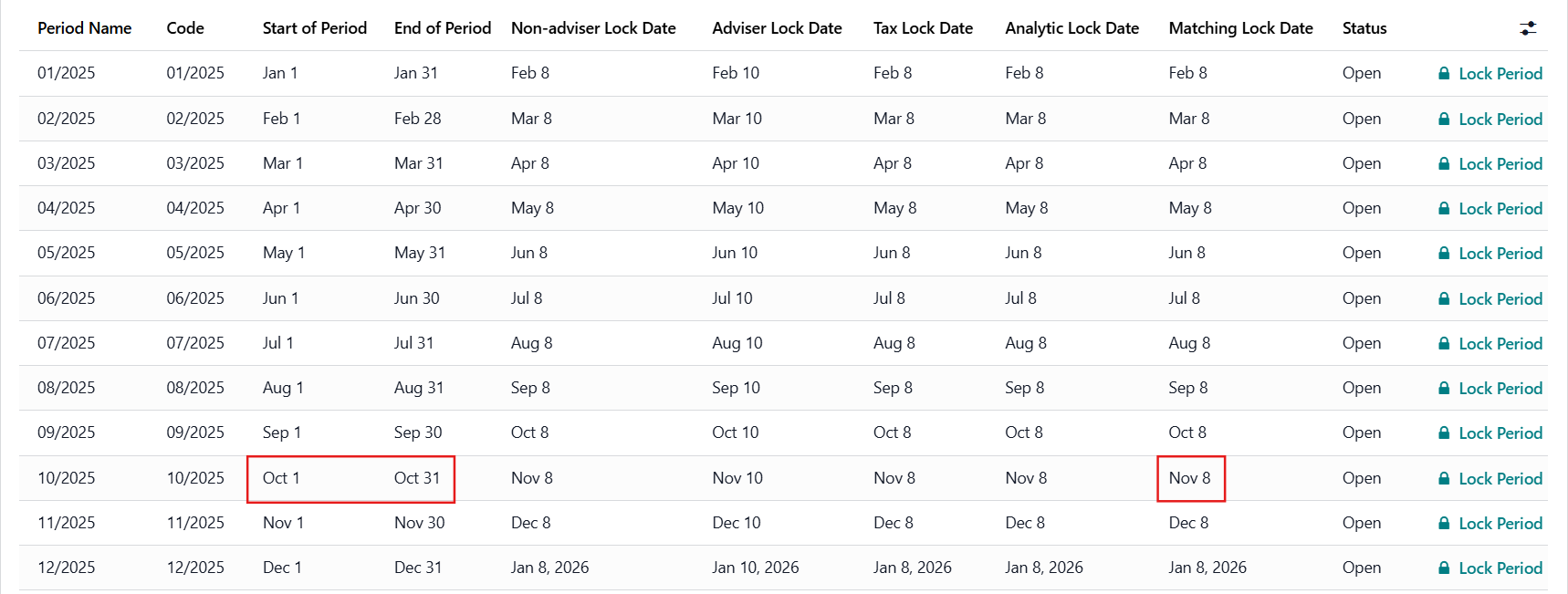 |
ロックされた期間中に消込されたジャーナルエントリーを選択 例:
| 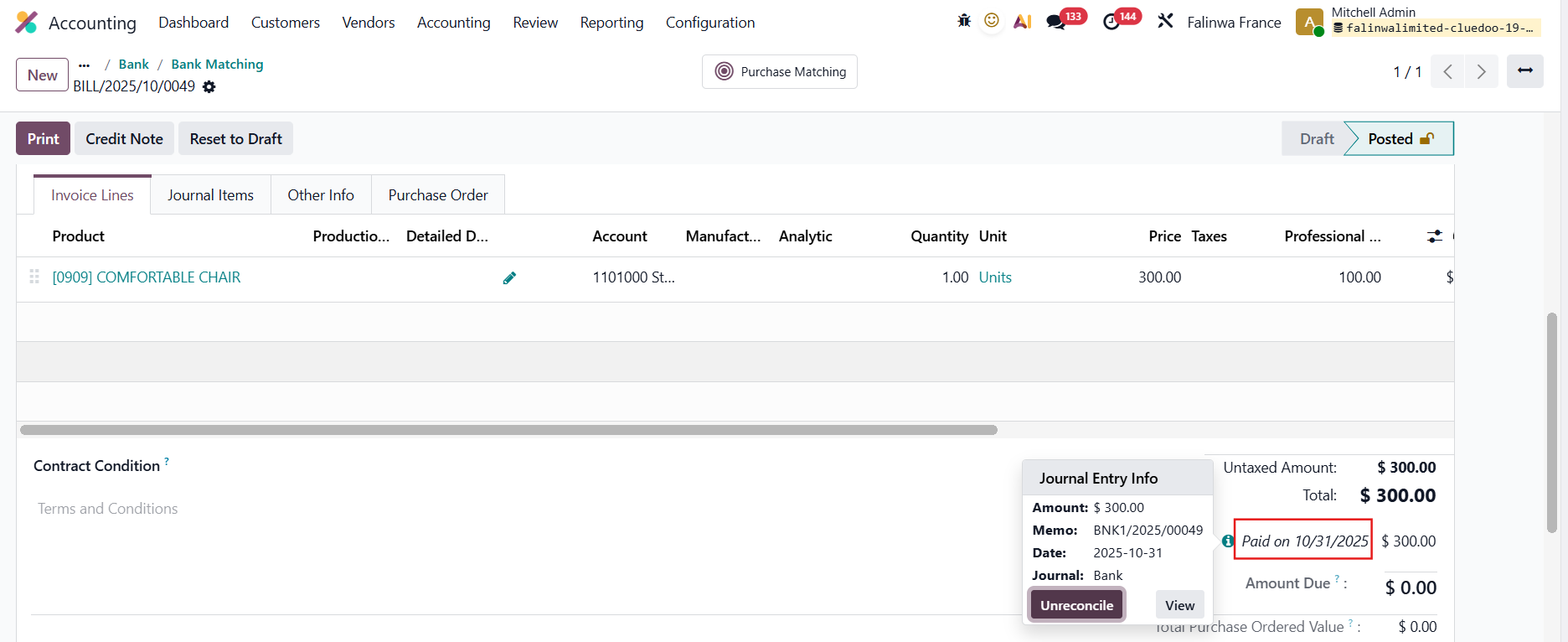 |
トランザクションの消込を解除できないという警告が表示されます。 |  |
ANALYTIC LOCK DATEPeriods Lock には、analytic をいつロックするかを定義する Lock Gap Analytic Distribution フィールドと、Analytic Lock Date 列があります |  |
a. Lock on Journal Entries Choose a Journal Entry and add/change the Analytic Distribution Based on the Accounting Date, if the period is already closed and the day you modify the AD is after the Analytic Lock Date --> an error will be raised For example:
--> 期間 08/2025
|  |
b. Lock on Journal Itemsb. Lock on Journal Items |  |
c. Lock on Analytic Items. Lock on Analytic Items |  |
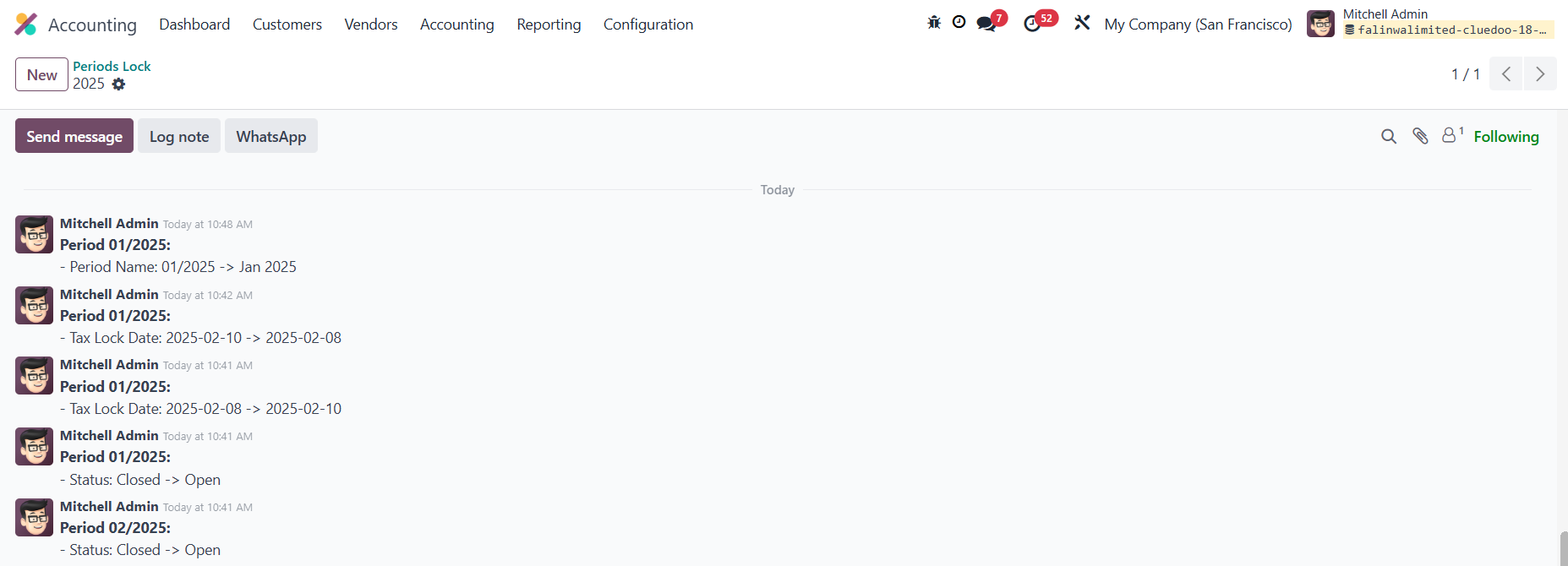
CHATTER ON PERIOD LOCKperiod lock への変更を追跡する chatter があります |
|