



ODOO'S FUNCTION
Odoo limits the possibility for leads & opportunities management in the following ways:
1. Odoo proposes to close a lead or to convert an opportunity with the option to create a new customer or not. However, Odoo does not propose to mark a lead as lost AND create a new customer.
2. In Odoo Standard, the opportunity is an open object without any easy way to pre-define the sales speech of your sales team.
CLUEDOO'S FUNCTION
CLuedoo enhances the standard process by:
\t1️⃣ Adds the option "Mark Lost & Create contact" on a lead.
\t2️⃣ When you contact a prospect, you need to ask a list of questions to better understand customer needs and to identify opportunities. Pre-defined questions on CRM opportunities help your sales team keep in mind all the key questions, select pre-defined answers, and record notes and specific responses.
3️⃣Excludes cancelled SO on smart button on CRM and Contact
Mark as Lost and Create ContactCRM → Pipeline. When you click "Mark As Lost" on an opportunity, you have the option to create a contact and the option to link or not link it to a customer. |  |
Question List for Leads1. On CRM → Configuration, we have Question / Answer menu. From v16 onwards, don't exist. |  |
2. On the CRM question form view, we can also set the answer. |  |
3. On the leads / opportunity form view, within the Internal Notes tab, we can put in the question and answer, as well as write a custom answer. |  |
4. Won Archive. In pipeline we can click on the Won and the opportunity will be archived and have the banner Won-Archived. |  |
5. When a lead is mark as Lost, we can decide to link it customer or not or create new customer. |  |
Exclude cancelled quotationsCancelled quotations are excluded from the Quotation smart button in the CRM app | 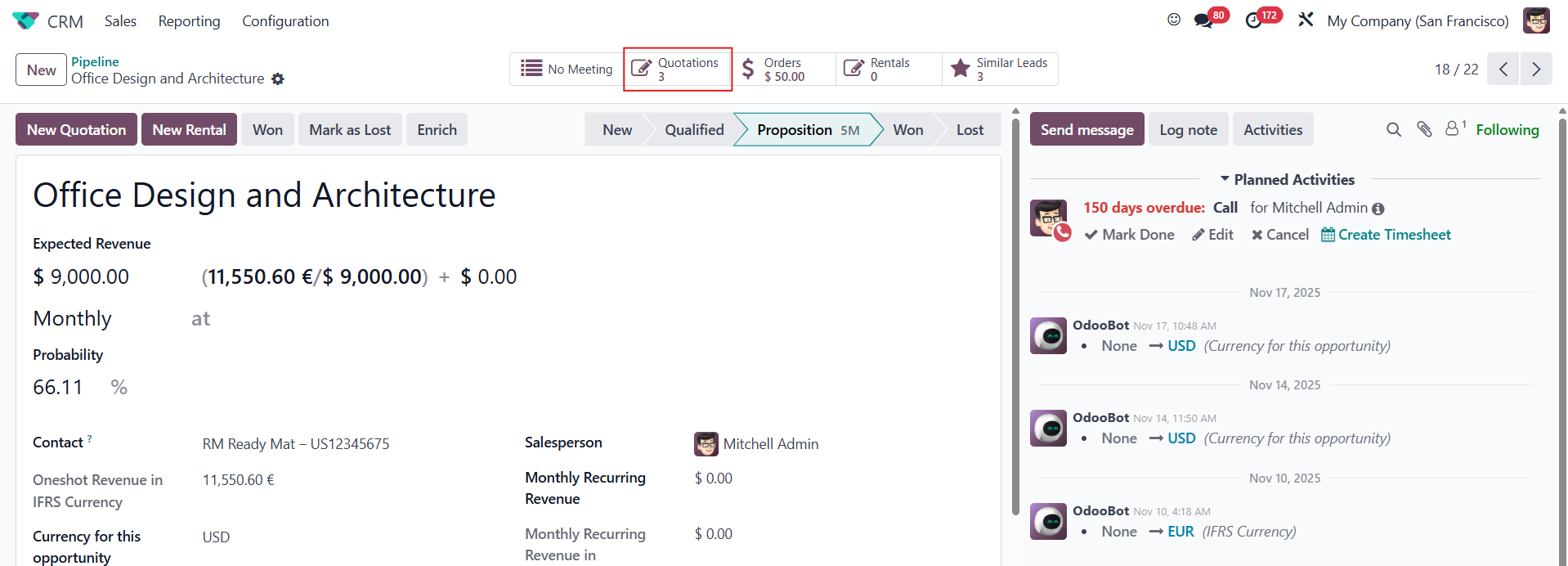 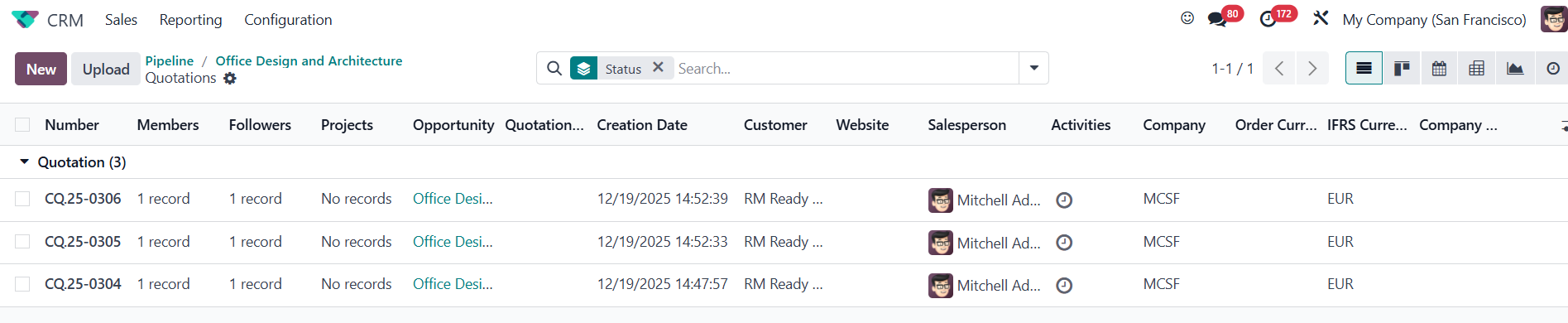 |
When the module is uninstalled, the cancelled quotations are included. | 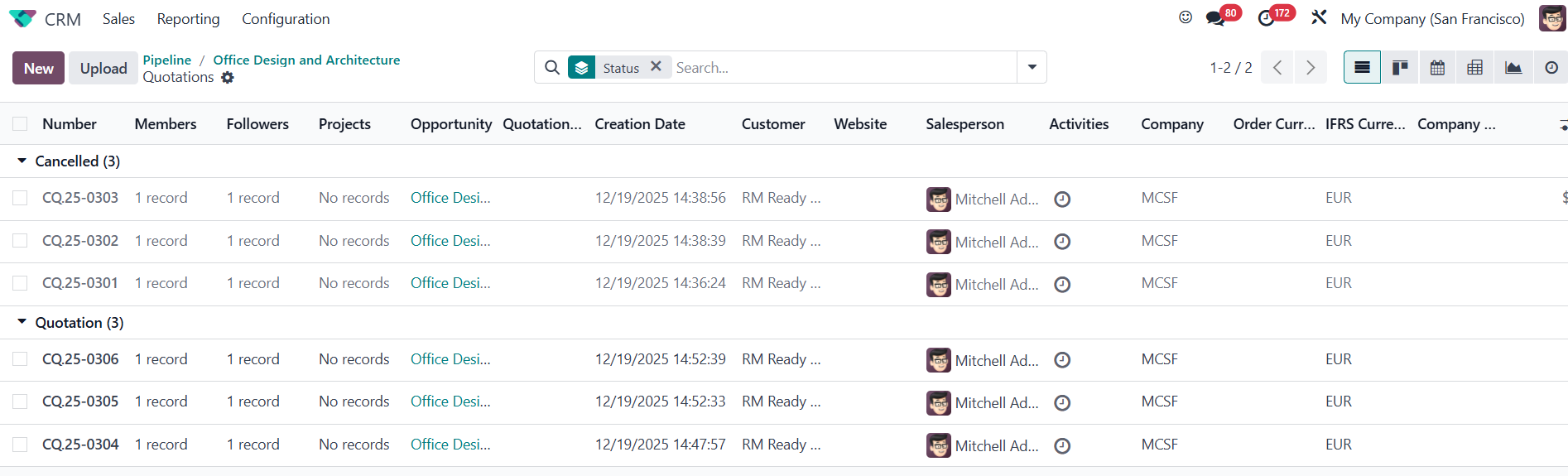 quo quo |
Cancelled sales orders are excluded from the Sales smart button in the Contacts app | 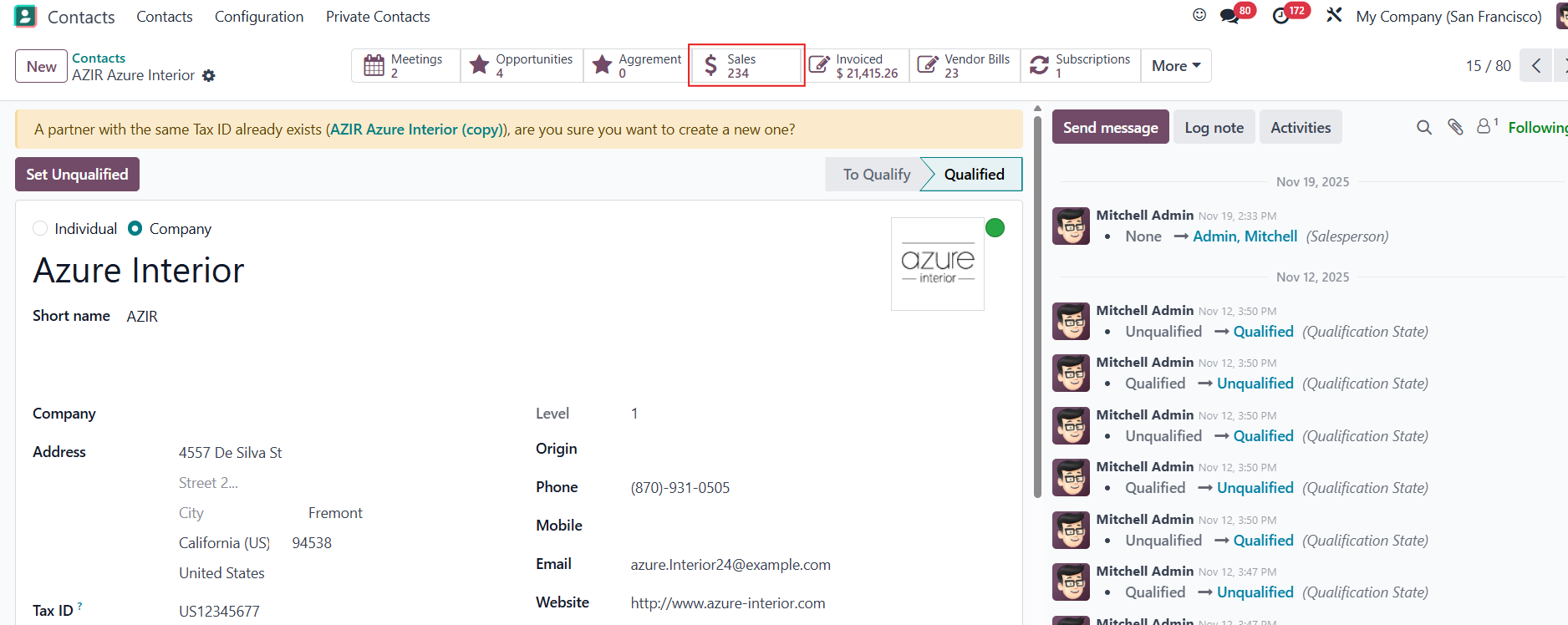  |
When the module is uninstalled, the cancelled sales orders are included. | 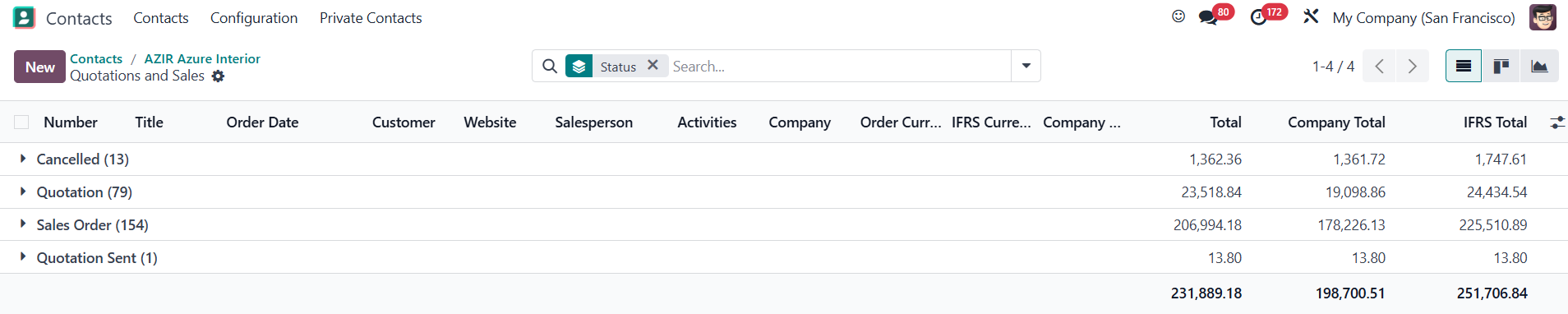 |