


ODOO'S FUNCTION
In Odoo, a partner (company or individual) has the same right, whether it is just a prospect with a phone number or a partner with customer/supplier orders. The system does not differentiate between a contact with limited information and a fully verified partner.
CLUEDOO'S FUNCTION
Cluedoo enhances partner management by introducing:
- A qualification process on the partner record.
- The ability to manage both an unqualified partner database (with limited input quality) and a smaller, qualified partner database containing high-quality, verified information.
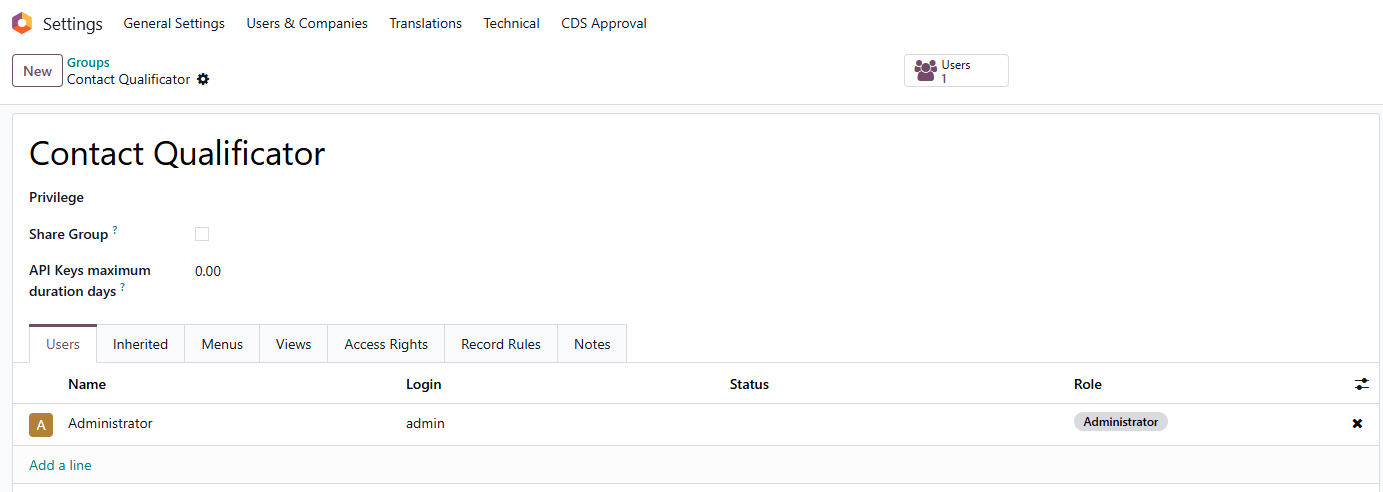
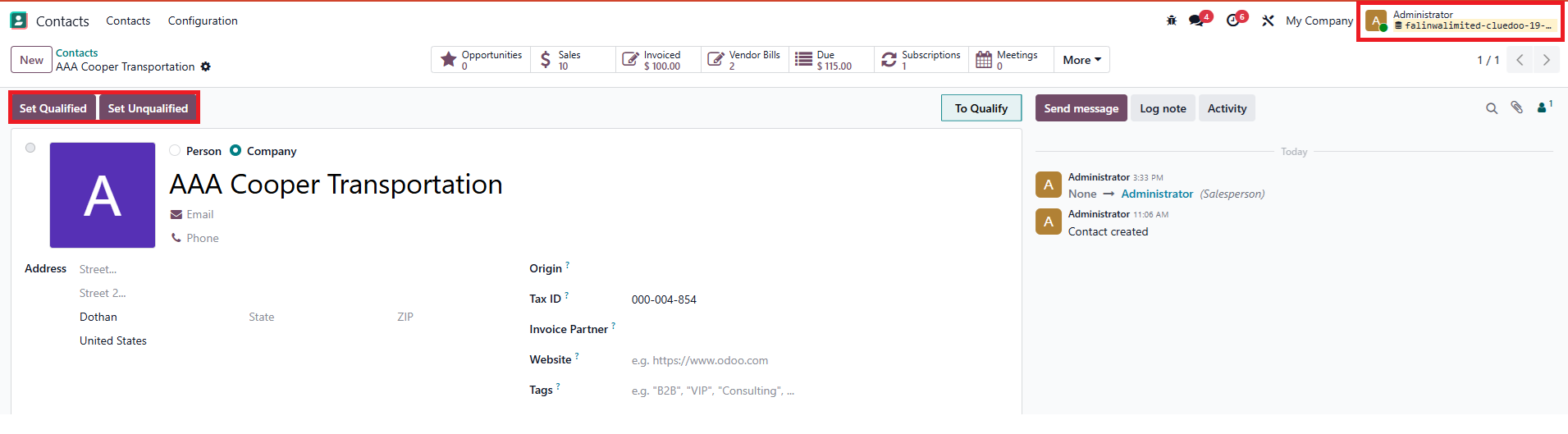
| Go to Settings > Groups > Search for Contact Qualificator > Only accounts added to this group can see 2 buttons on the Contact form to Set Qualified/ Unqualified |
|
SET QUALIFIED 1. On the form view of a company partner, we have to choose Unlocked before clicking on the button Set Qualified |   |
After qualifying the company partner successfully, the related contacts in that company are also automatically qualified. |  |
SET UNQUALIFIED 1. Choose a company contact > On the form view, click on the button Set Unqualified |  |
2. After the company partner is set to be unqualified successfully, the related contacts in that company are also automatically unqualified |  |
3. If we want to change Partner Data Control of both the company partner and its related contacts to red, we have to choose Blocked before clicking on the button Set Unqualified |   |
Note: Case 1: If we click on the button Set Unqualified without choosing Blocked, the 'Partner Data Control' of the company partner and its related contacts will not turn red Case 2: If we click on the button Set Unqualified before choosing Blocked, only the 'Partner Data Control' of the company partner will turn red, while its related contacts will not change |   |