



ODOO'S BEHAVIOR
In Odoo, when you create a planning, the system calculates allocated time just by subtracting the start and end time which doesn’t take into account the employee’s actual working schedule, contract, or time off.
CLUEDOO'S BEHAVIOR
CLuedoo improves this by computing the allocated time based on the employee’s specific working schedule and any time off. This allows the system to reflect real working hours more accurately, ensuring proper resource planning and making time-tracking calculations more reliable.
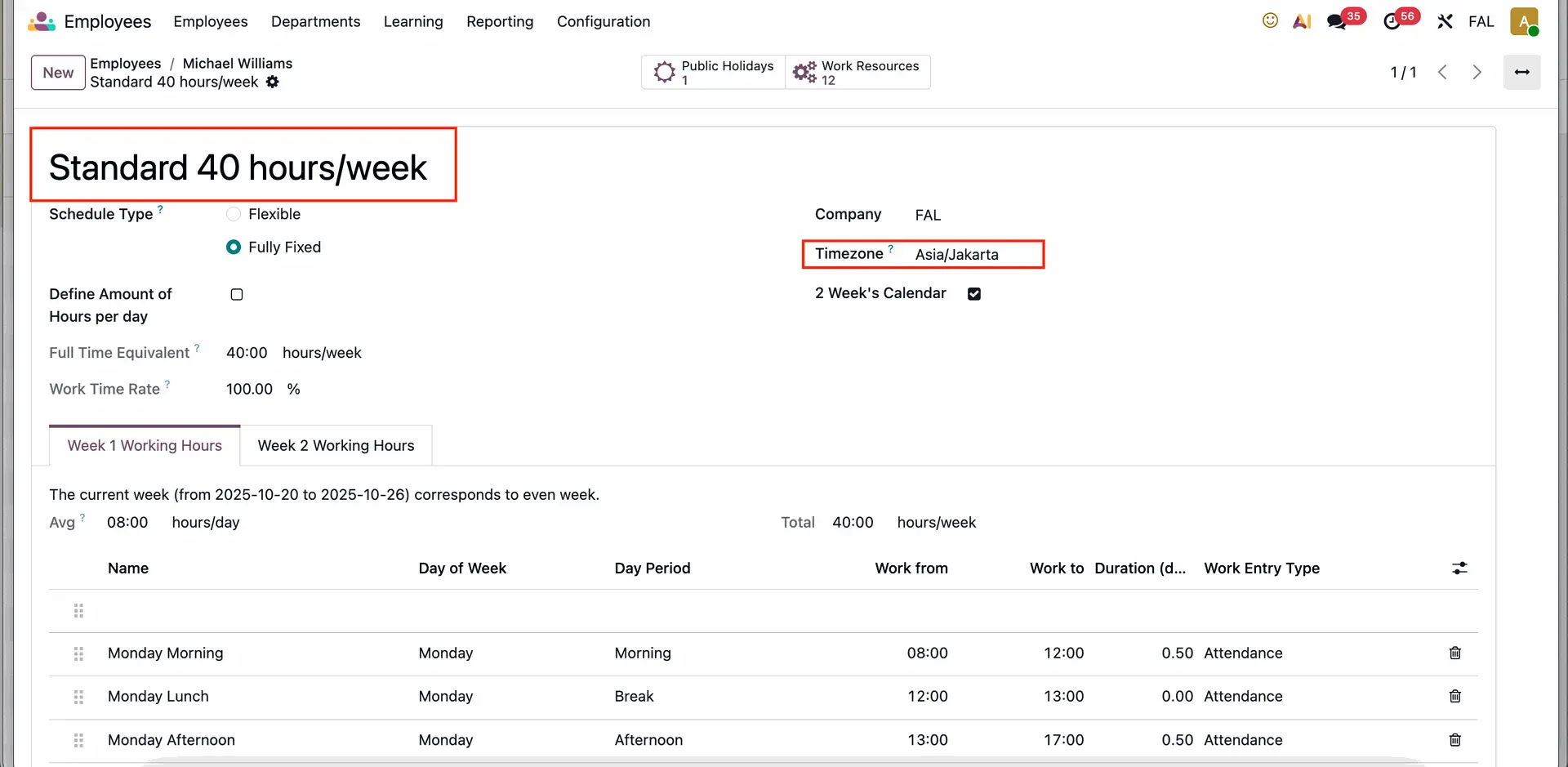
1. Go to Employees > Choose a random employee > Choose a working schedule for the chosen employee. Note: Make sure the Working Hours are the same as in the Contract, and also that the employee's Timezone matches the Timezone of the working schedule. e.g. I choose the Standard 40 hours working schedule for Michael Williams | 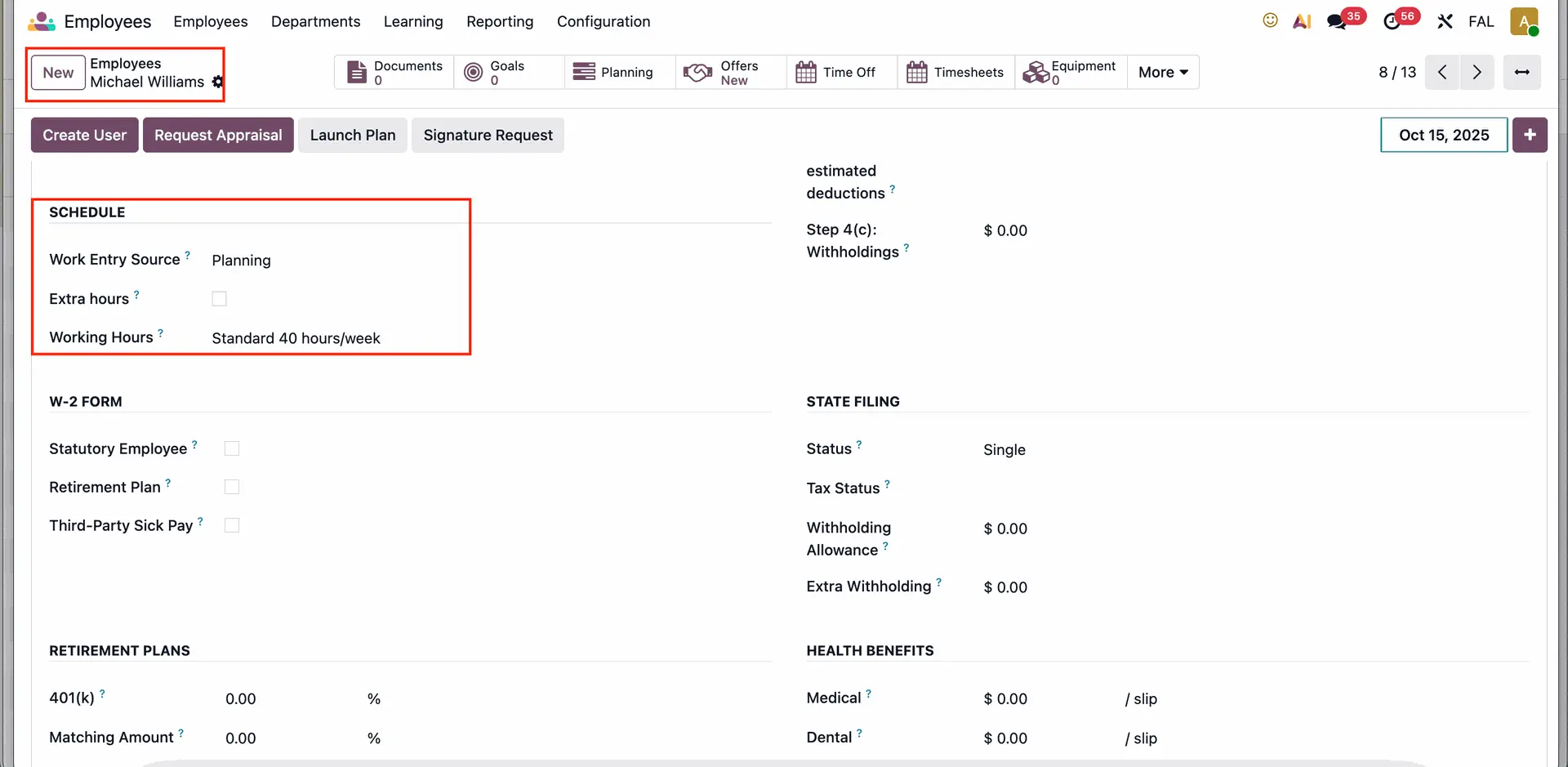 |
 | |
2. Create a new Planning for the employee, choose a date period within a week of working days. In this case, there are 5 working days for Michael Williams from Monday to Friday. |  |
3. If there is a time off, it will also be updated. In this scenario, 8 hours from the day off is deducted. |  |