
ODOO'S FUNCTION
Odoo only supports notifying specific users and defining fixed approvers in approval rules, which can be limiting and reduce flexibility
CLUEDOO'S FUNCTION
CLuedoo brings cds_studio_dynamic_approvers module, allowing users to set notification recipients and approvers dynamically and flexibly in approval rules, fully supporting complex business requirements through Python code.
1 Access Studio by clicking on the icon highlighted in red on the first picture > Add an approval rule EX: Add approval rule to the Confirm button on the Sale Order form |  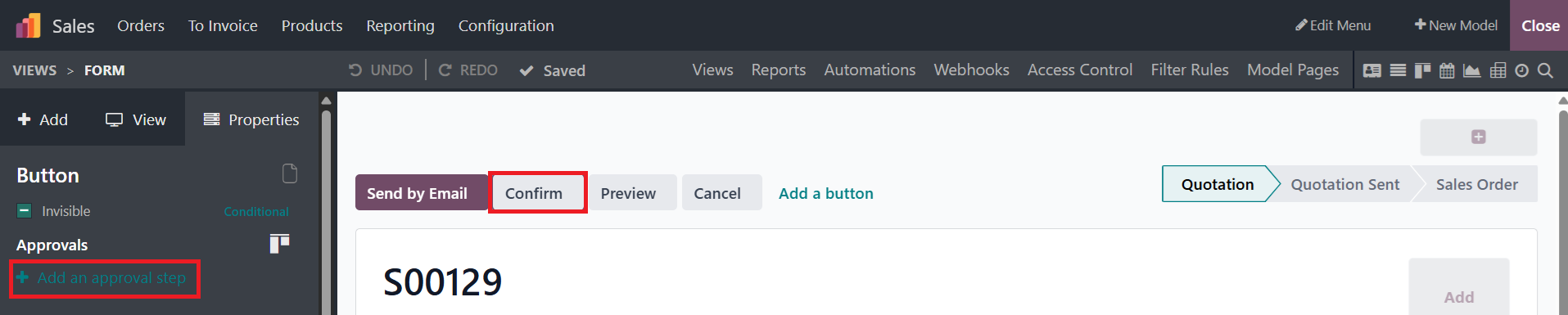 |
2 Set up the necessary information such as Approvers, Rule Conditions and other fields according to your needs > Put your Python Code into Approver Python Code and User To Notify Python Code > Close | 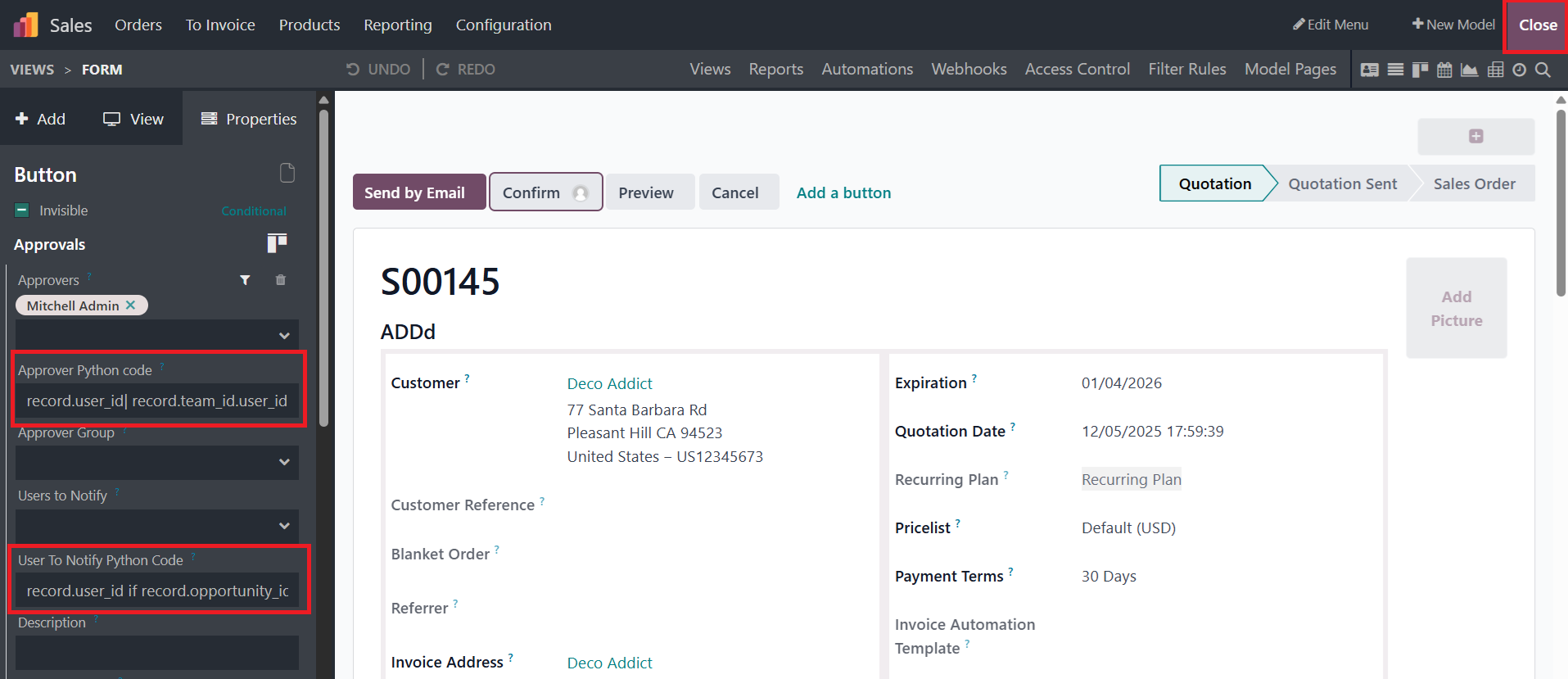 |
2.1 Approver Python Code Ex: record.user_id | record.create_uid => This code means that only Salesperson and Sale Order Creator are allowed to approve/ reject the approval rule | 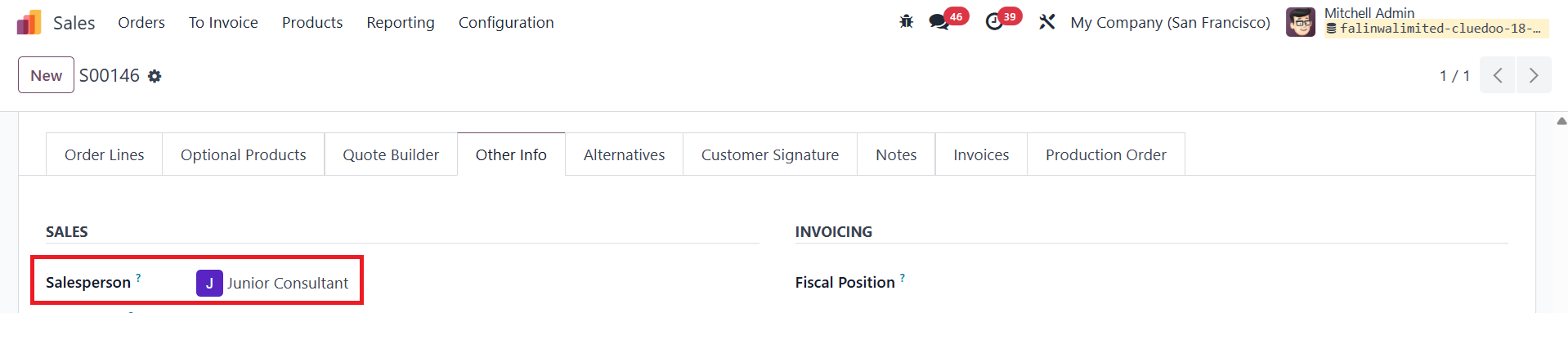 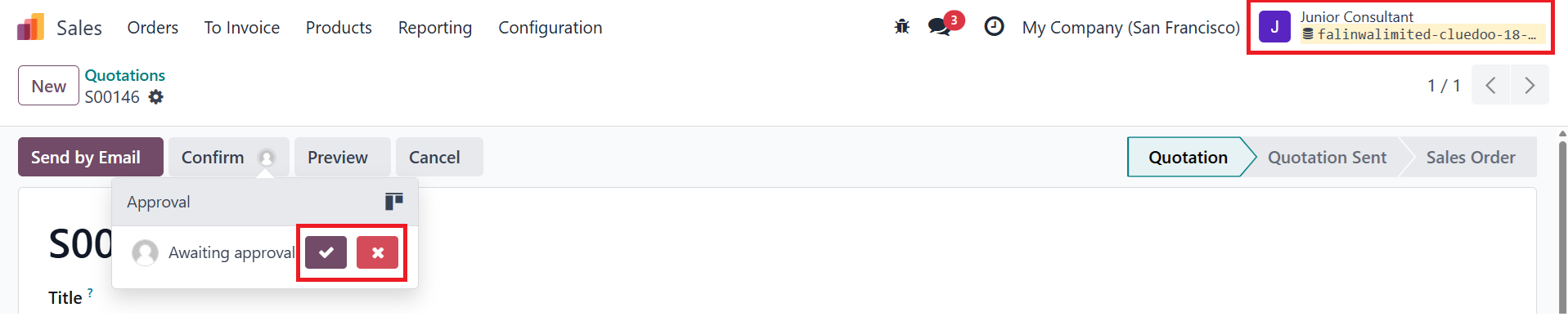 |
2.2 User To Notify Python Code Ex: record.user_id if record.opportunity_id else record.create_uid => This code means that if the opportunity field is set on the Sale Order Form, it will notify the Salesperson. Otherwise, it will notify the Sale Order Creator | 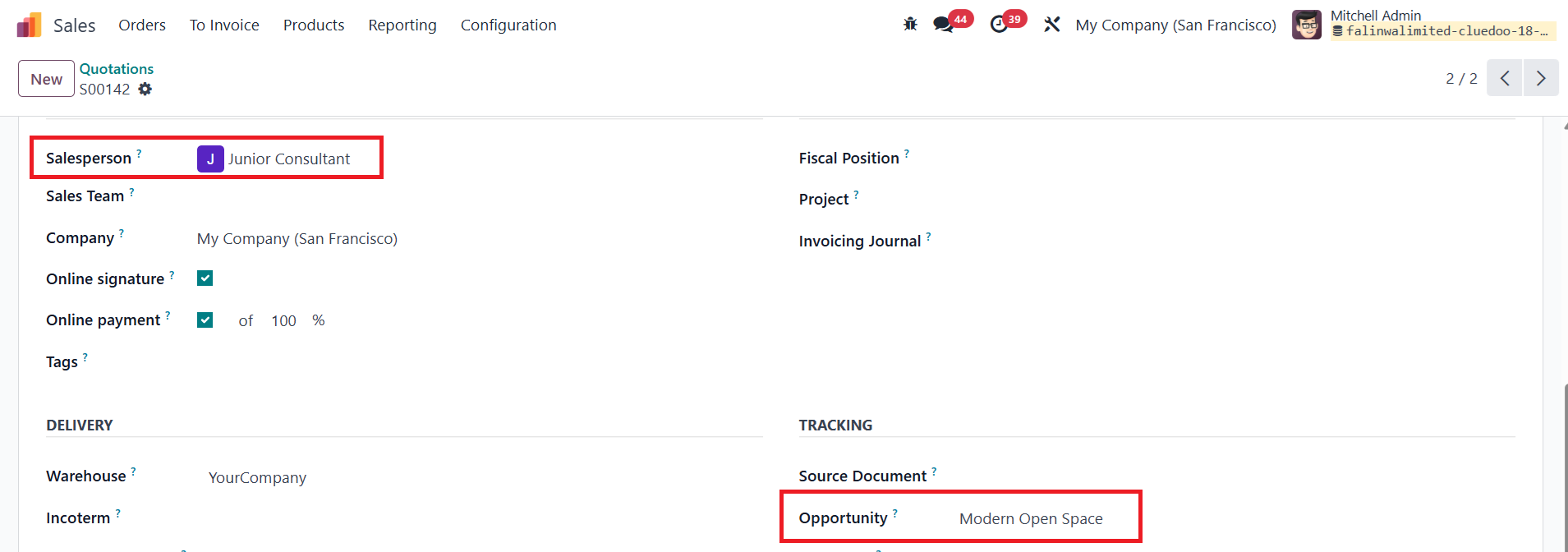  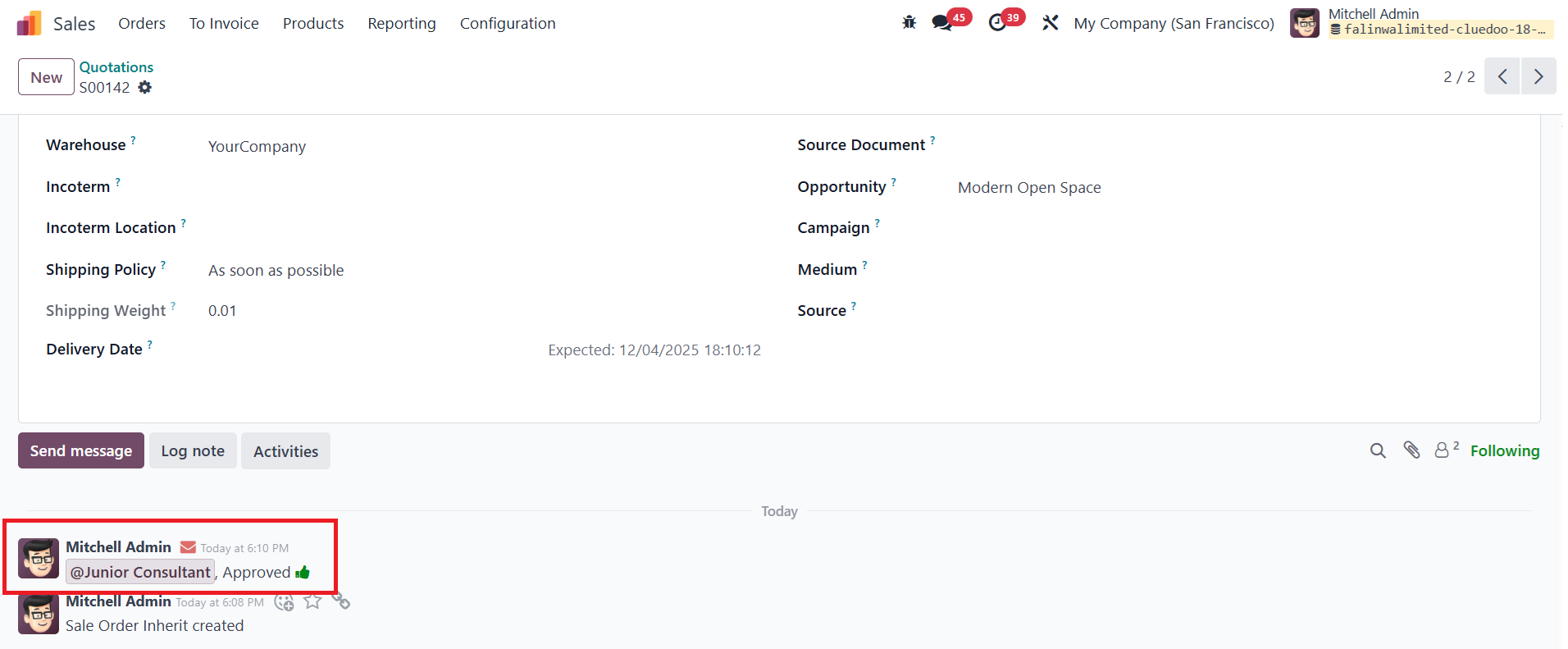 |