


ODOO'S FUNCTION
Standard Odoo prevents you from validating a receipt during inter-company transactions (like moving goods from a Sales Order to a Purchase Order) if your Lots or Serial Numbers are set to be company-dependent.
CLUEDOO'S FUNCTION
CLuedoo resolves inter-company tracking roadblocks by offering two key features:
1️⃣ Cross-Company Validation: Seamlessly sync Lots/Serial Numbers and successfully validate receipts during inter-company transactions, even when the Lot/SN is configured as company-dependent.
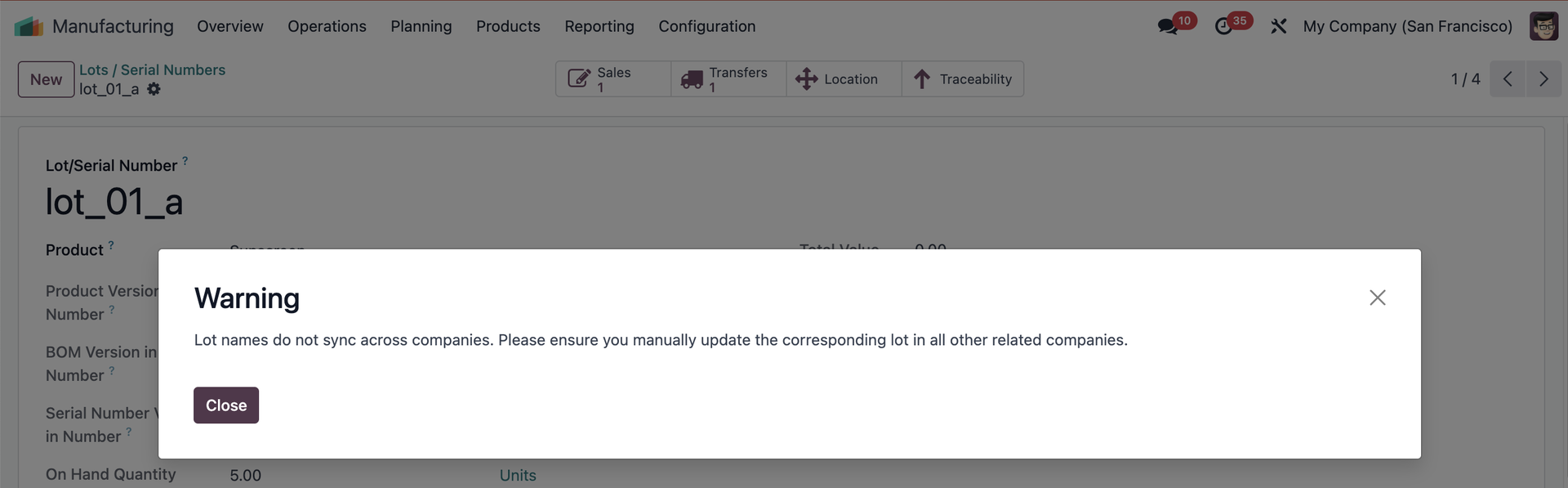
2️⃣ Smart Consistency Warnings: Whenever you change the name of a Lot/SN, the system immediately triggers a warning reminding you to update its counterpart across all related companies to keep your records perfectly aligned.
CONFIGURATION | |
1. Go to Settings > Enable Inter-Company Transactions in all the companies that you want to sync transactions. e.g., My Company (San Francisco) and My Company (Chicago) | 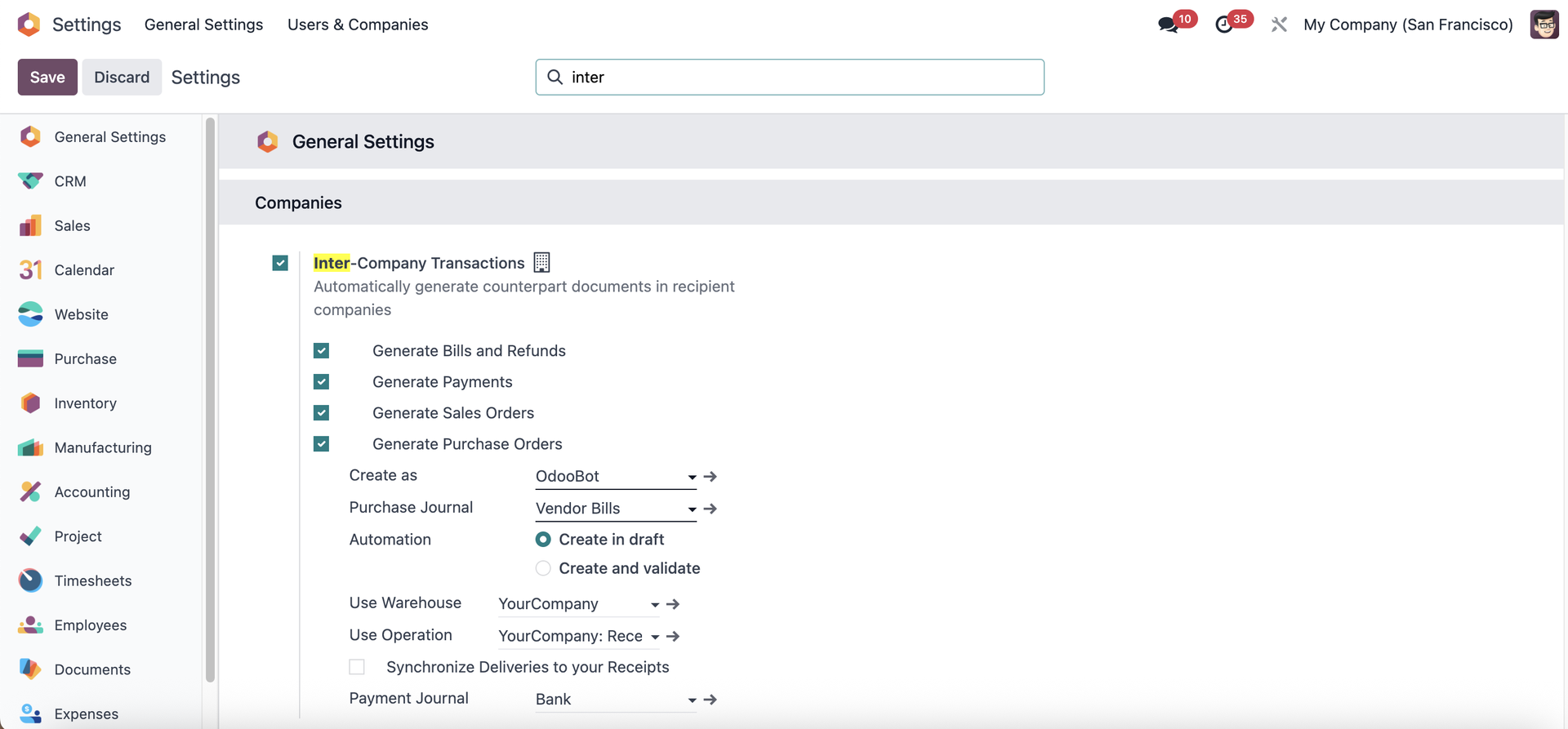 |
2. Create a product tracked by Lots/Unique Serial Number | 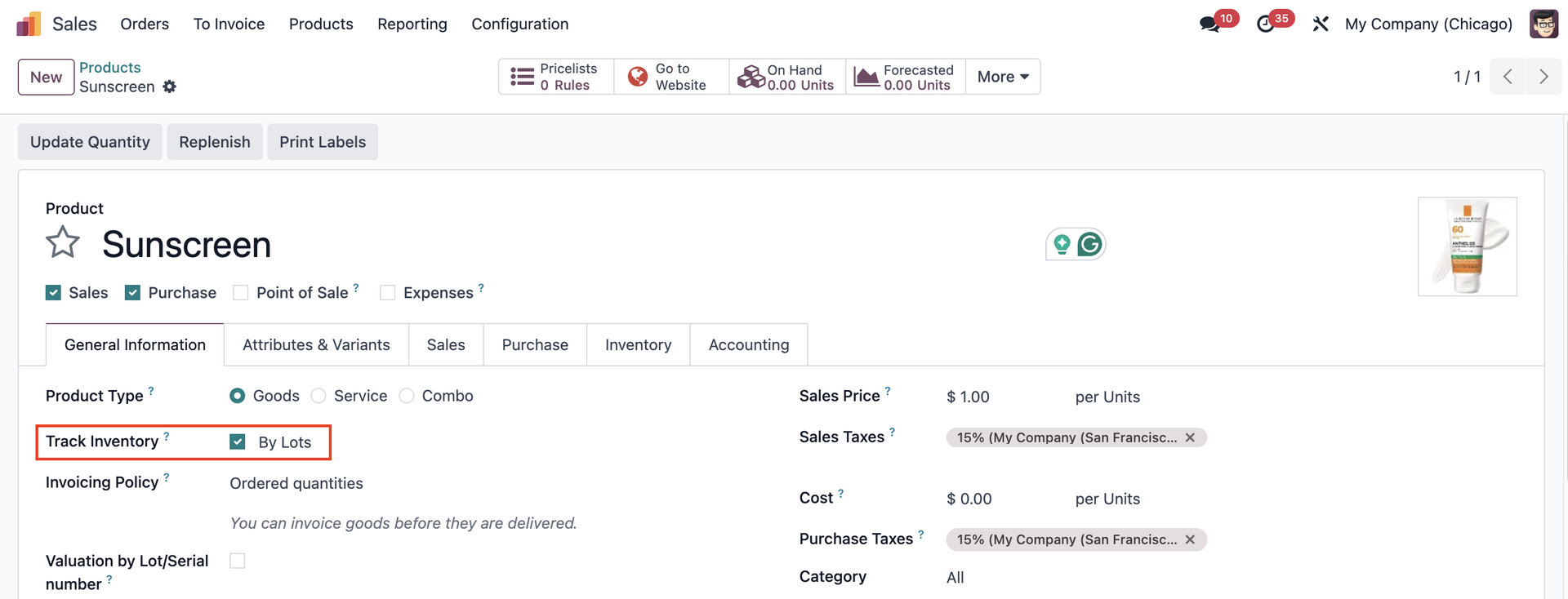 |
Click the On Hand smart button to update the stock with lot/sn. |  |
Note that the lot/sn has to be company-dependent. | 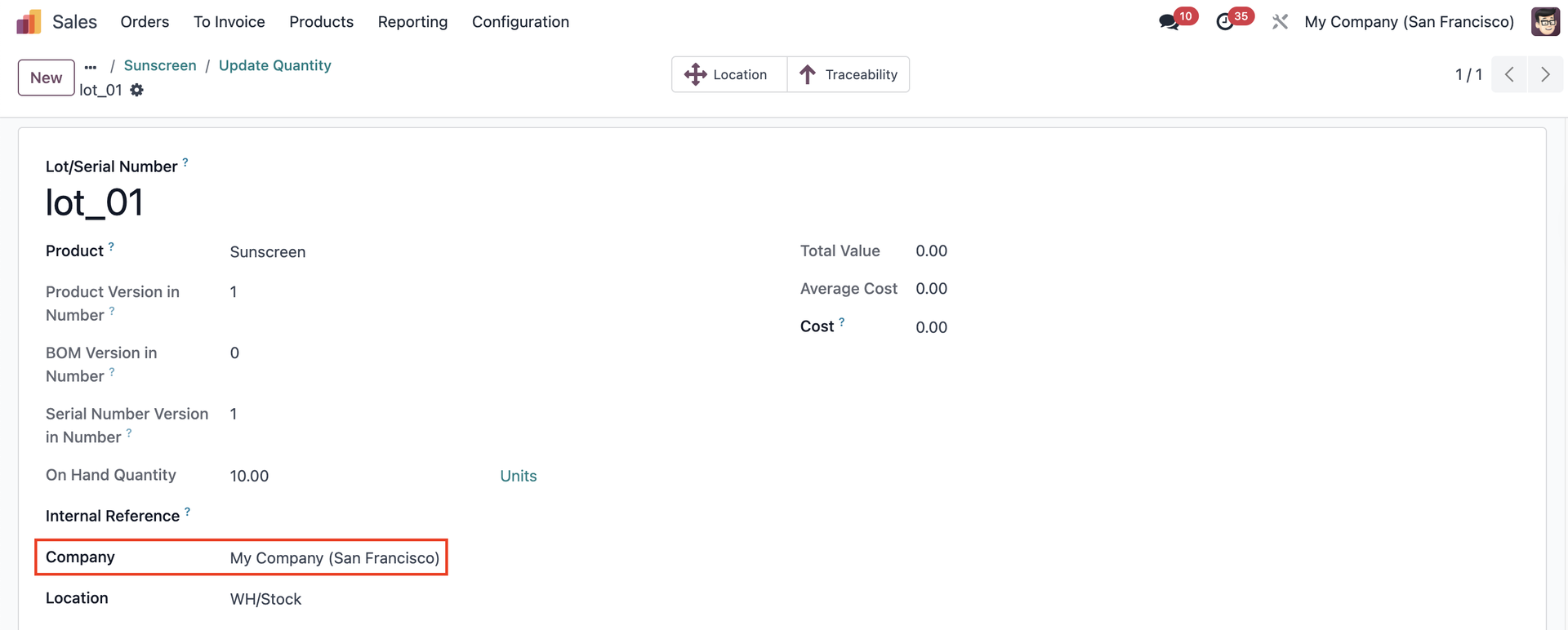 |
USAGE | |
1. Create a Sales Order from one company to another and add the product > Confirm e.g., From My Company (San Francisco) to My Company (Chicago) | 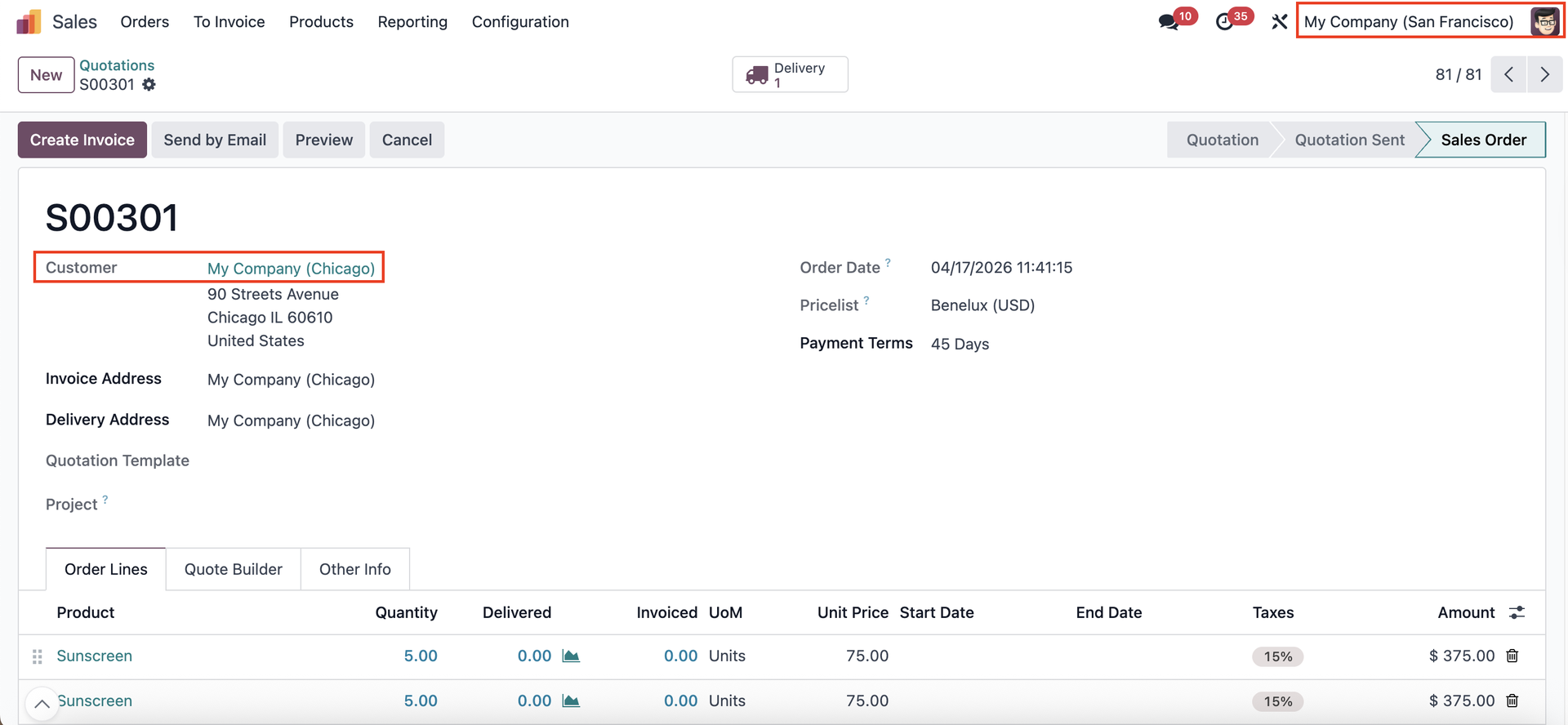 |
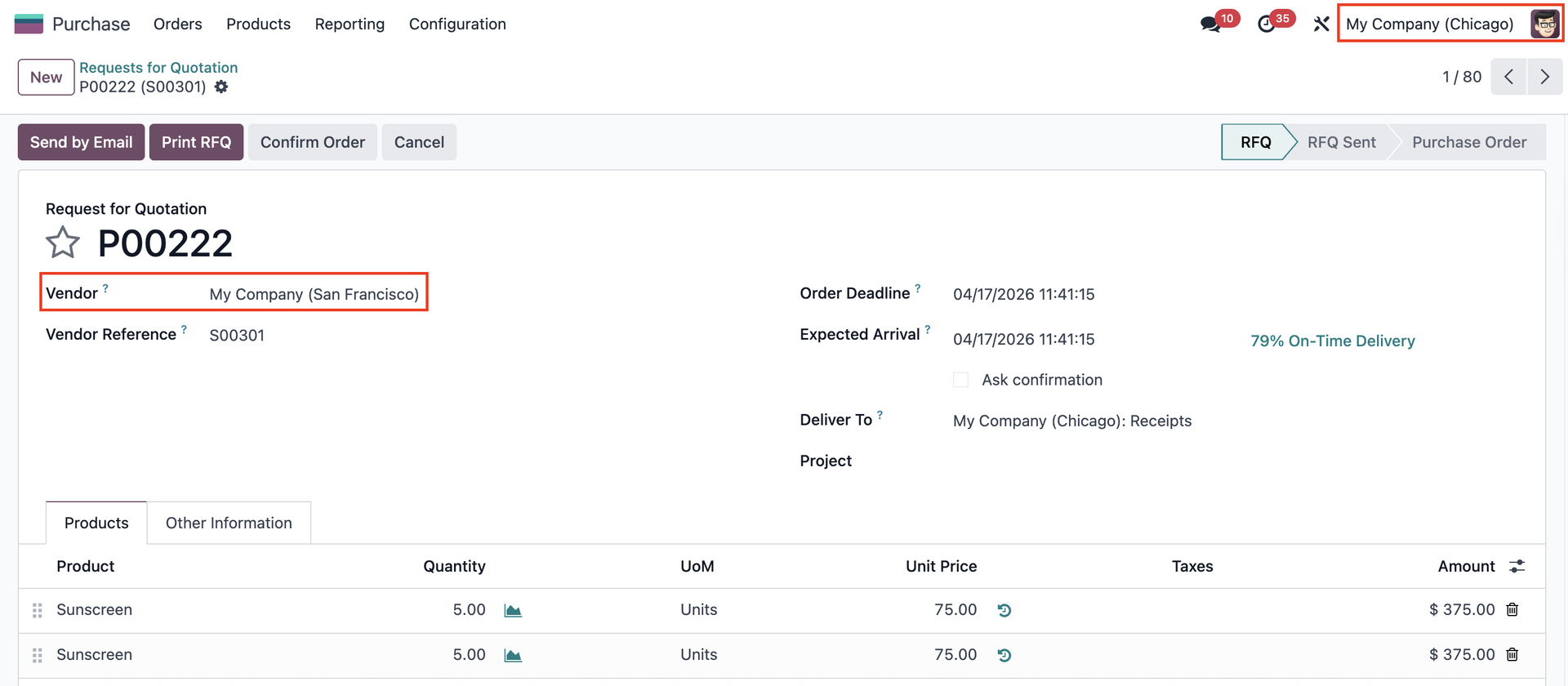
2. A Purchase Order will be automatically created in the receiving company. |
|
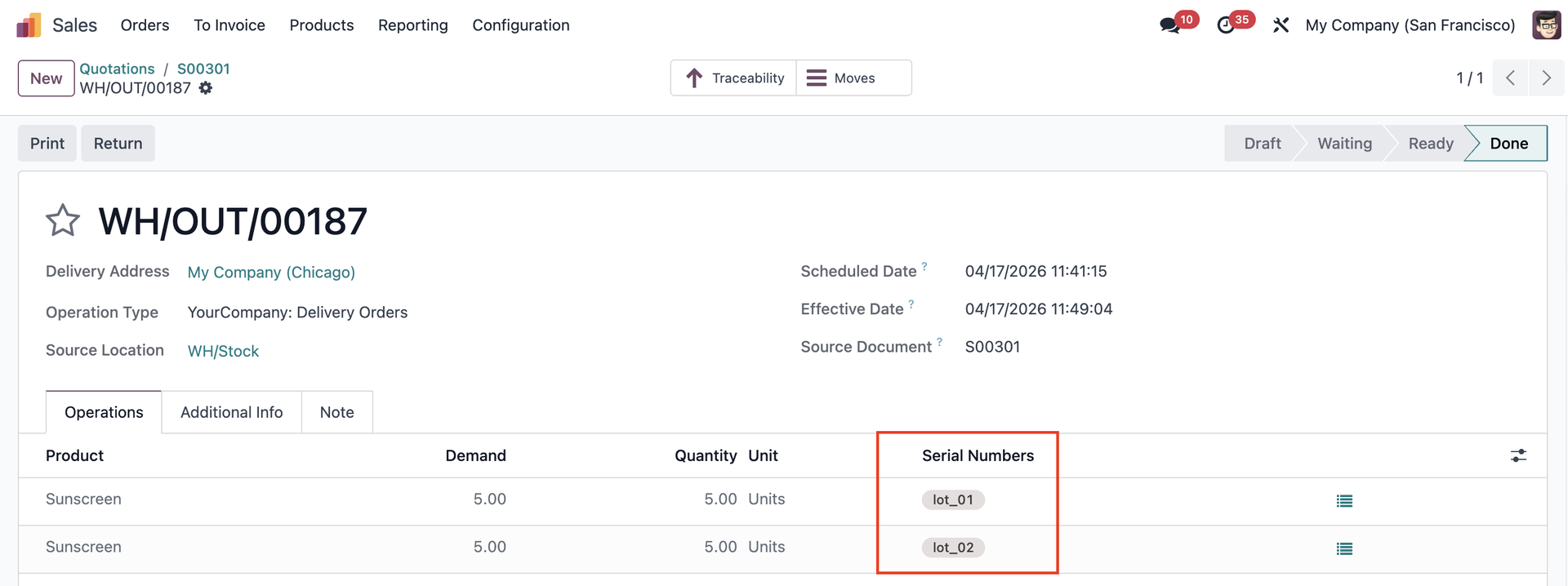
3. Go to the Delivery > Assign the lot/sn to the product > Validate |
|
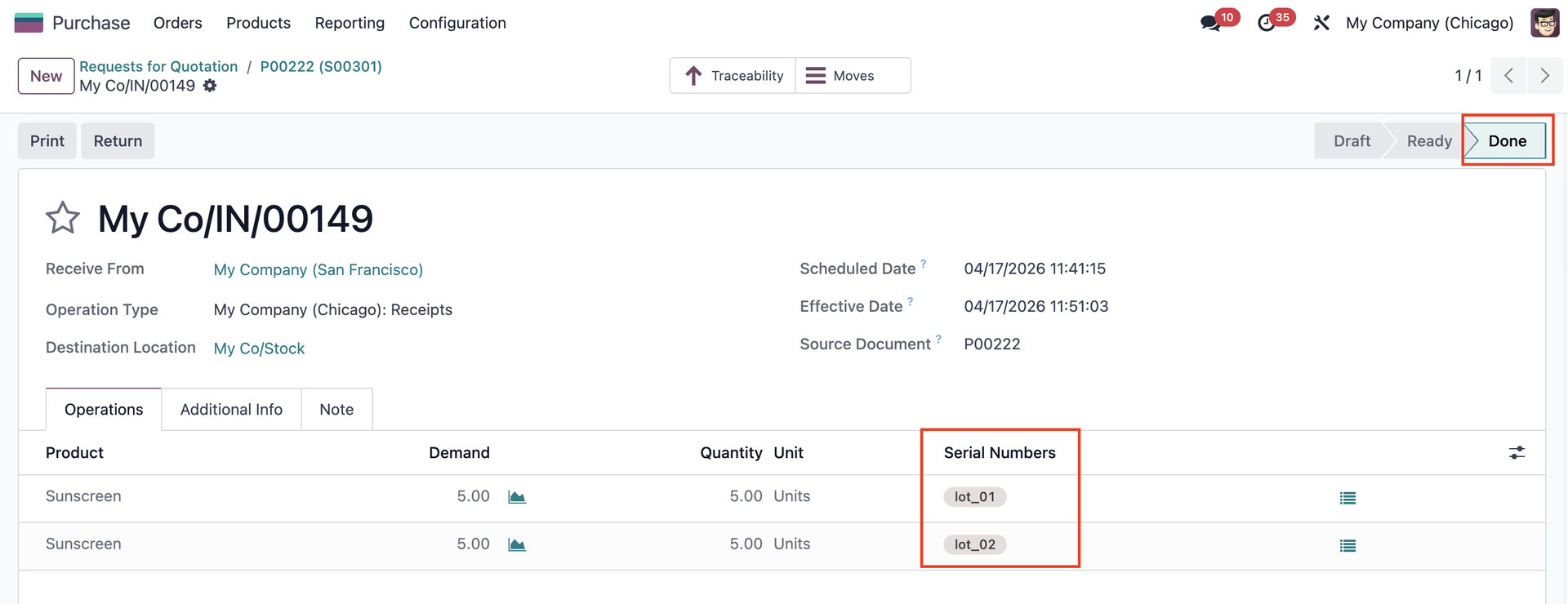
4. Confirm the Purchase Order > Access its Receipt > The lot/sn is automatically synced and you can validate the transfer. |
|
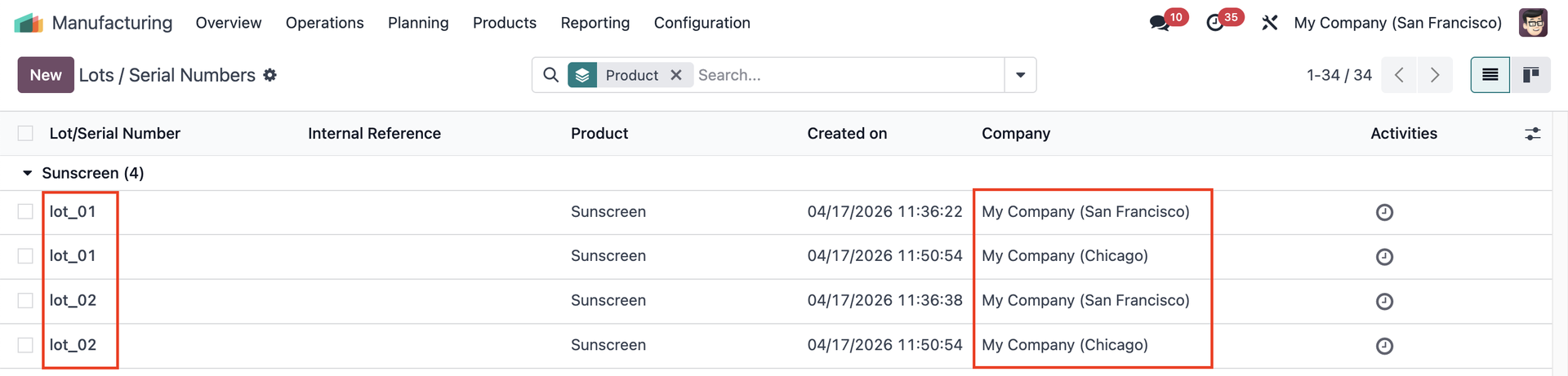
5. Go to Lots / Serial Numbers > Group by Product |
|
Note: If you change the name of a lot/sn, a warning appears to remind you to change the name of its counterpart in all related companies as well. This warning is non-blocking, it is purely informational. |
|