



ODOO'S FUNCTION
Odoo provides an Assign Serial Numbers pop-up window, where the Number of SN field is automatically populated based on the product quantity that requires serial numbers. Enter the first serial number manually in the First SN field, then click Assign Serial Numbers to generate a sequential range of serial numbers starting from the one you entered.
CLUEDOO'S FUNCTION
Cluedoo extends this feature by allowing automatic generation of Lots/Serial Numbers based on the product quantity, removing the need to manually enter the first serial number.
Go to the Inventory module. |  |
Go to the 'Operations' menu at the top of the page and select 'Receipts', or simply click the 'Receipts' card on the overview page. | 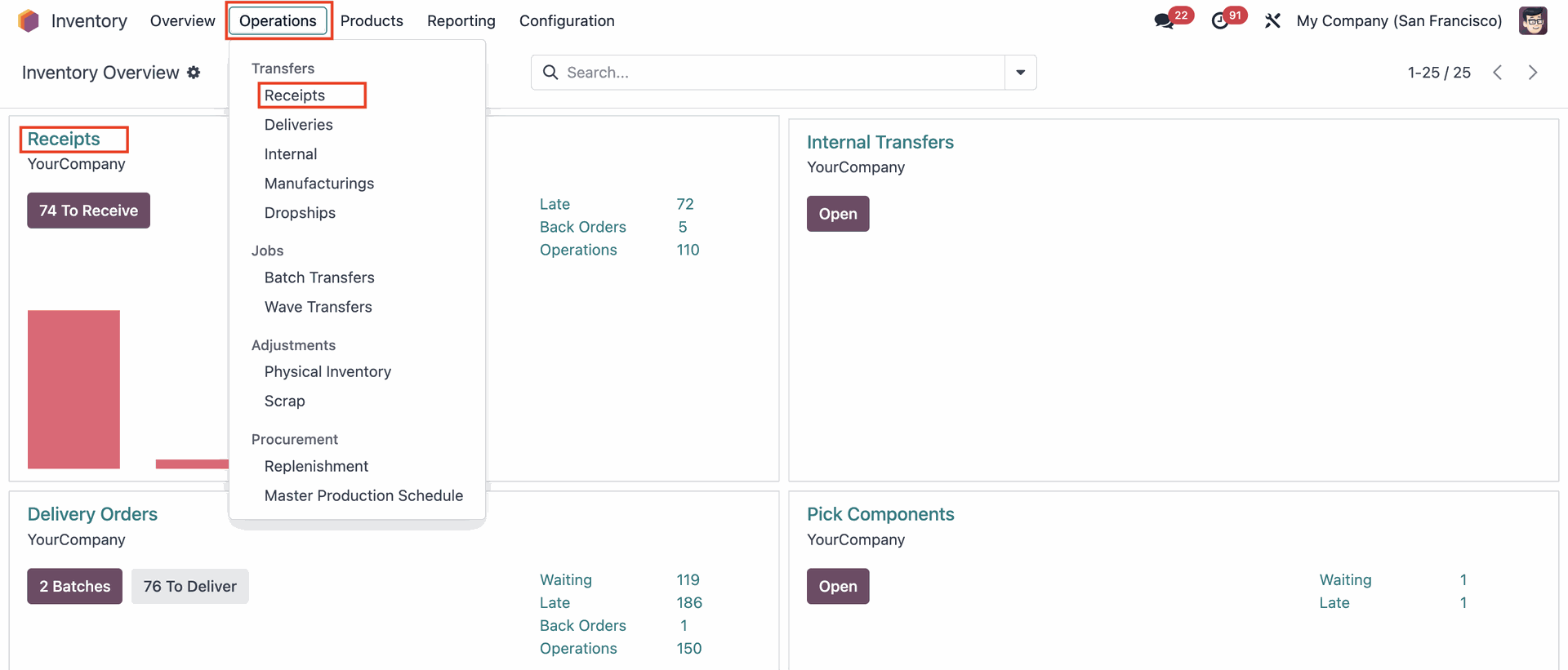 |
Click on the 'Mark as Todo' button. | 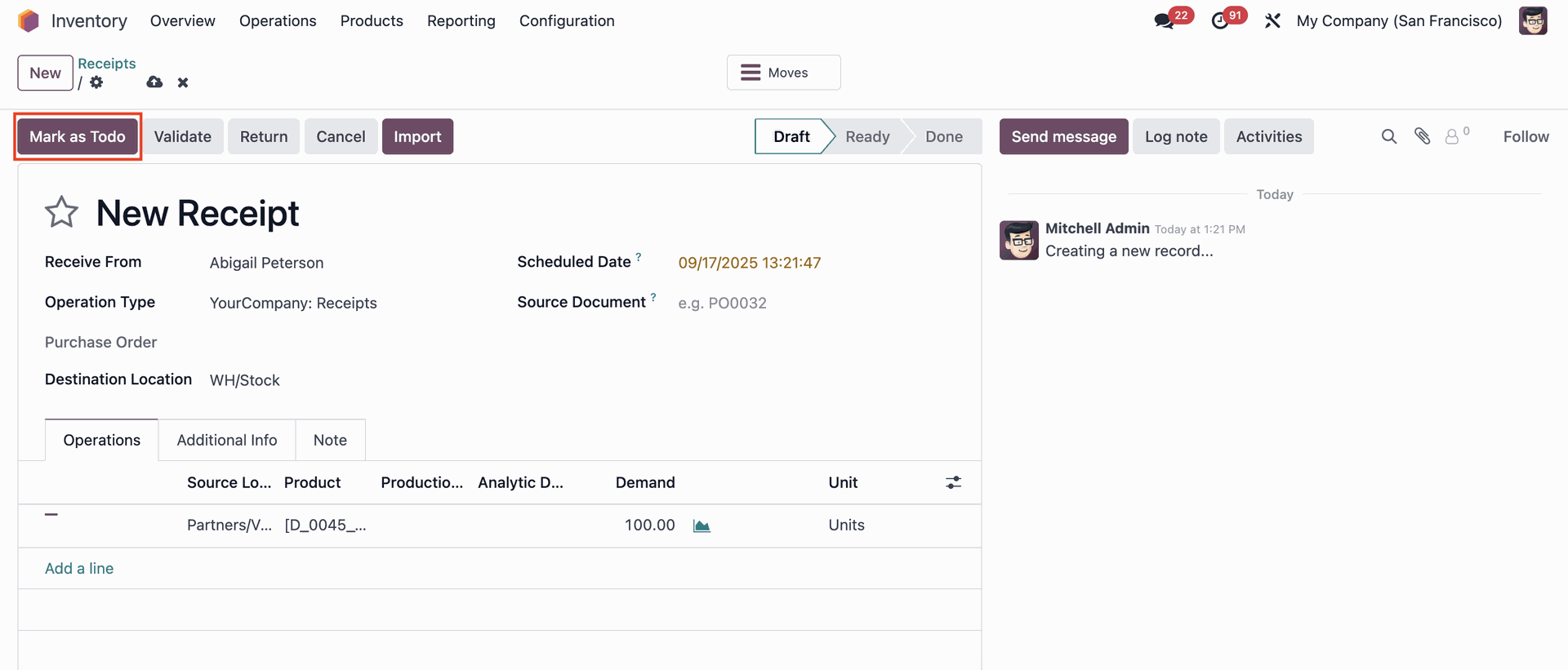 |
Click on the bulleted list icon. | 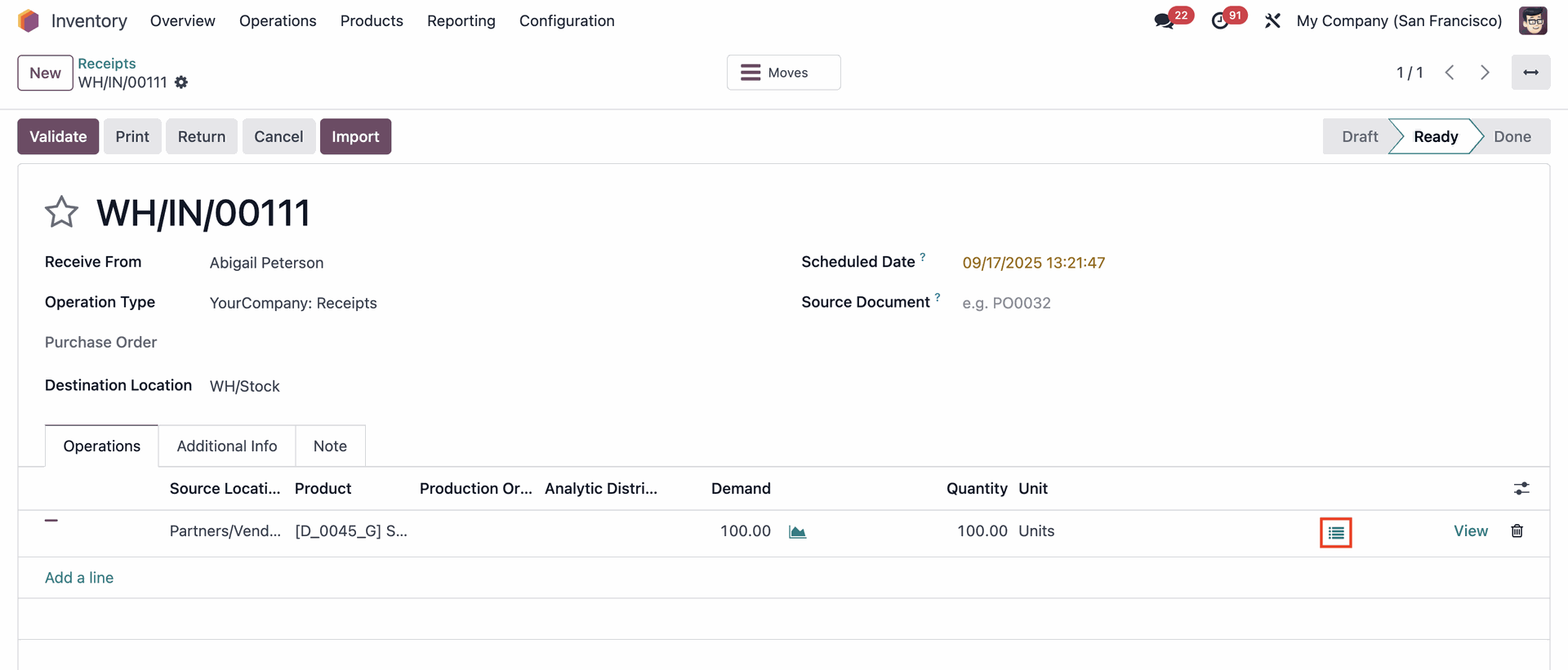 |
A pop-up Stock Move page will show. Click on the 'Compute Sequence and Assign Serial Number' button. | 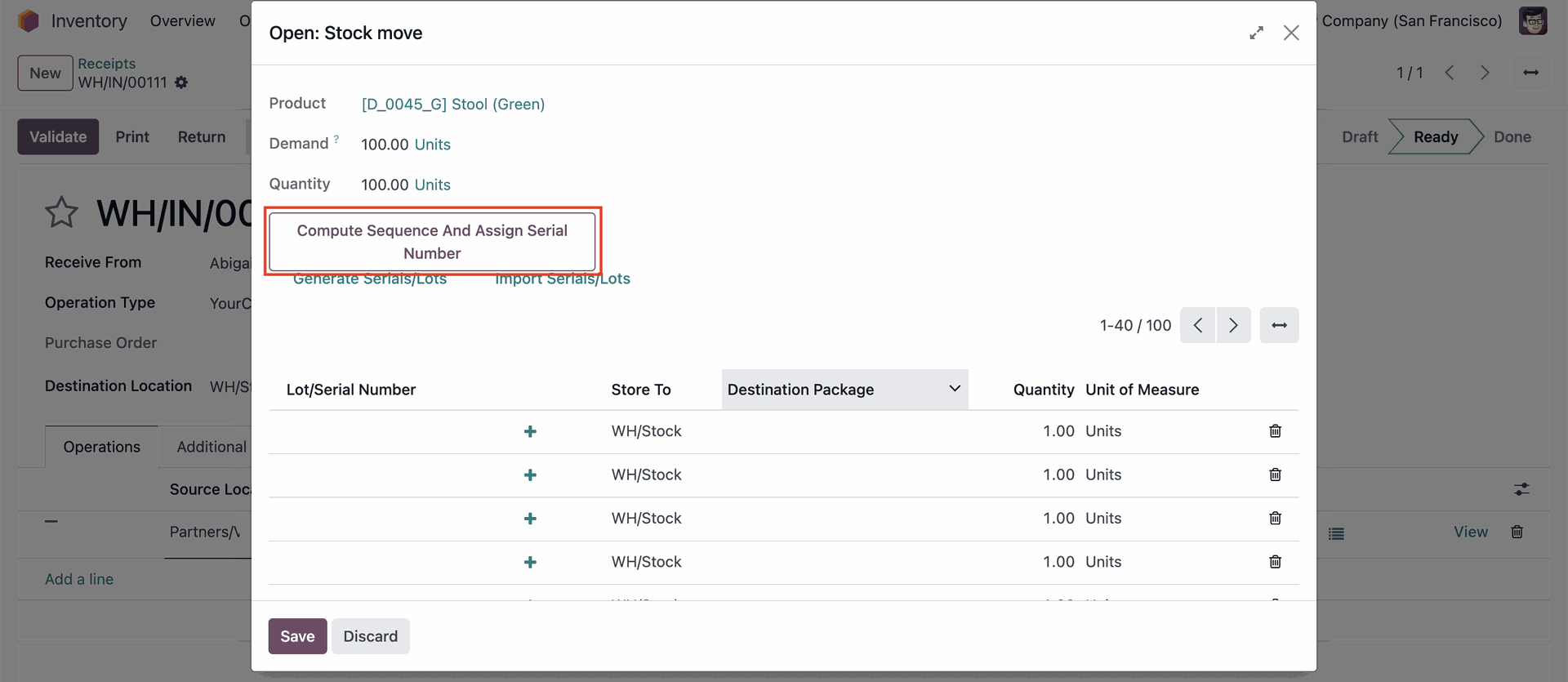 |
Lot/Serial Number will be automatically generated. Click on the 'Save' button to save the progress. | 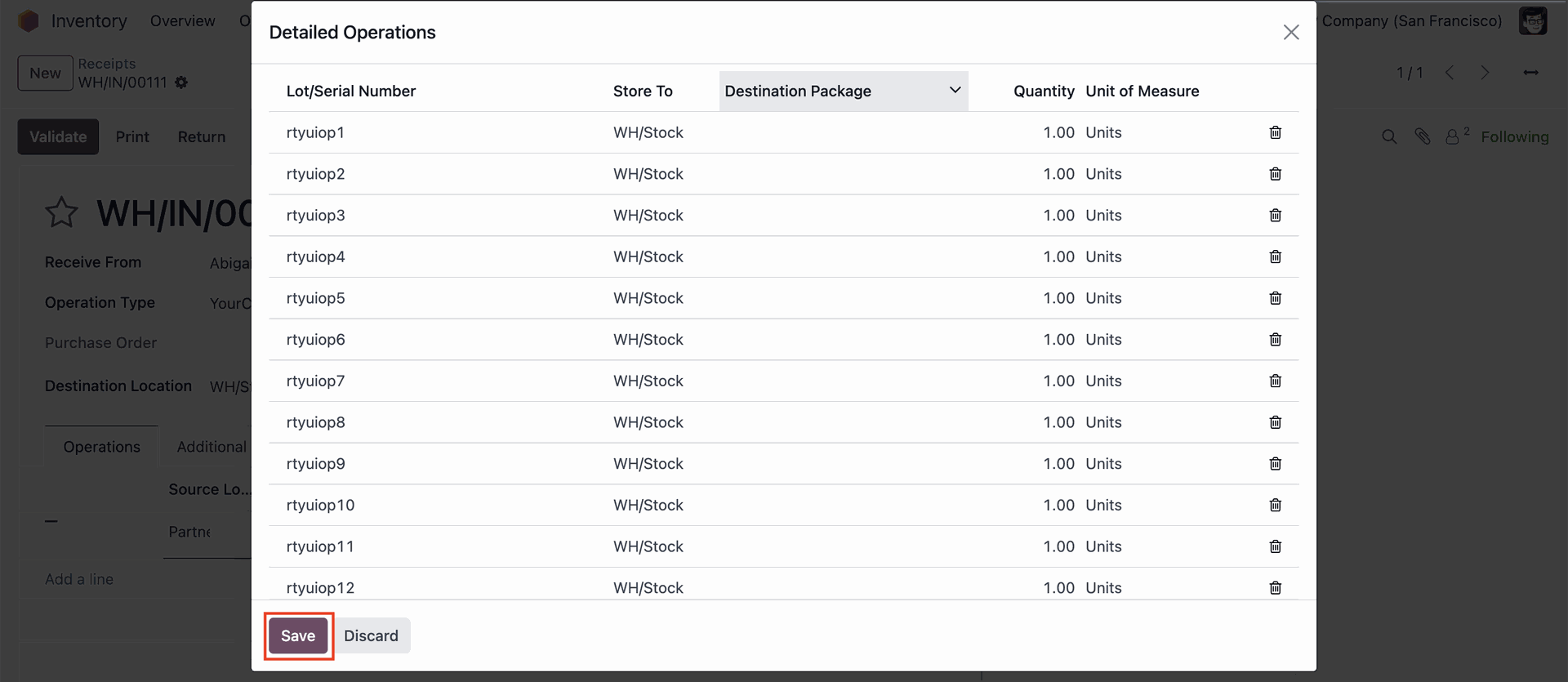 |