


STORY BEHIND THE FEATURES
ODOO'S FUNCTIONS
In the Accounting app, a bank statement is the only object without a dedicated sequence.
CLUEDOO'S FUNCTIONS
You can configure a bank statement sequence for each bank account in order to easily organize and pull up your bank statements.
MODULE +
Having bank statement sequences is an advantage to quickly organize and read your data.
BUSINESS CASE
If you have a lot of bank account, the organization with a respective reference number is really convenient to search, check, verify, etc.
CLUEDOO RECOMMENDATION
Install on 100% of your database using accounting apps.
OUR FEATURES AS SOLUTIONS
Create a Bank Statement Reference
Number Automatically
HOW TO USE THIS MODULE
1
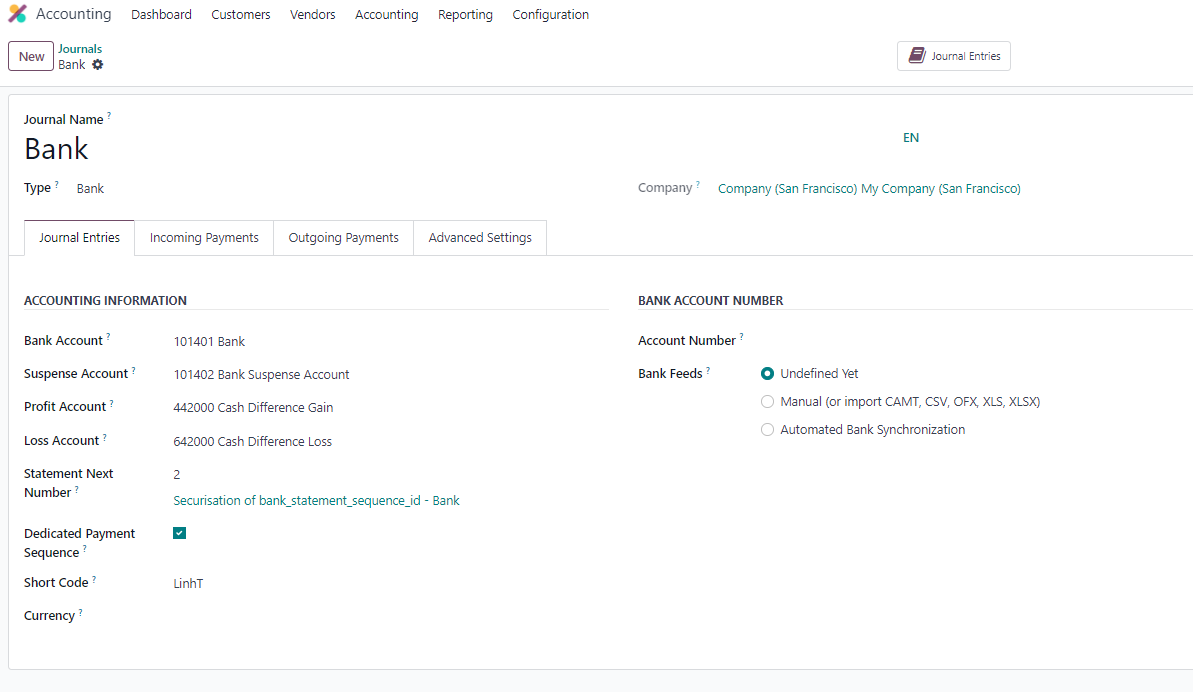
On a Journal with a Bank type, we have a Short Code, a Next number, and a Statement next number to set the sequence.

2
Create a new bank statement and fill out the related information. When we click ‘Post’, we will have the sequence number.
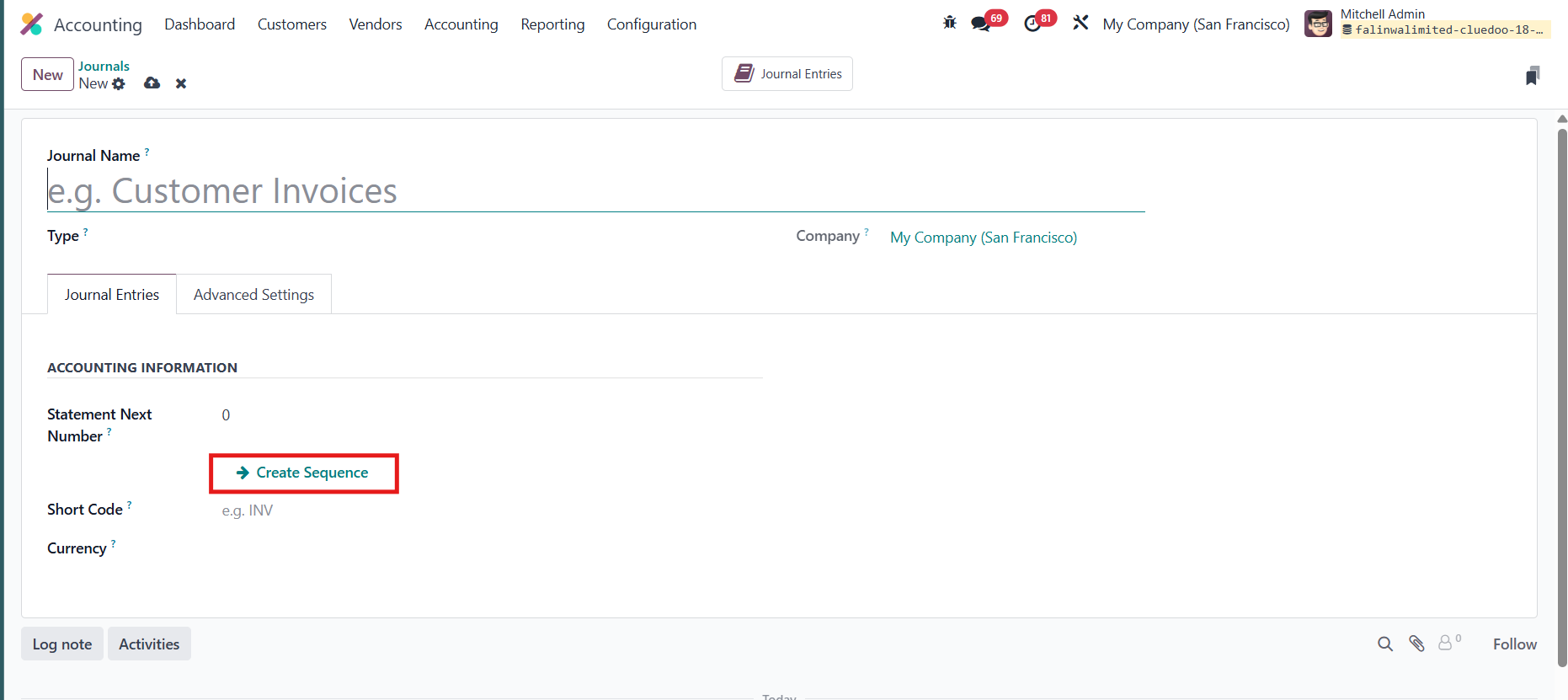
Update: Create a new Journal name, fill out the information. When we click "Create sequence", we will have sequence number and all related information.
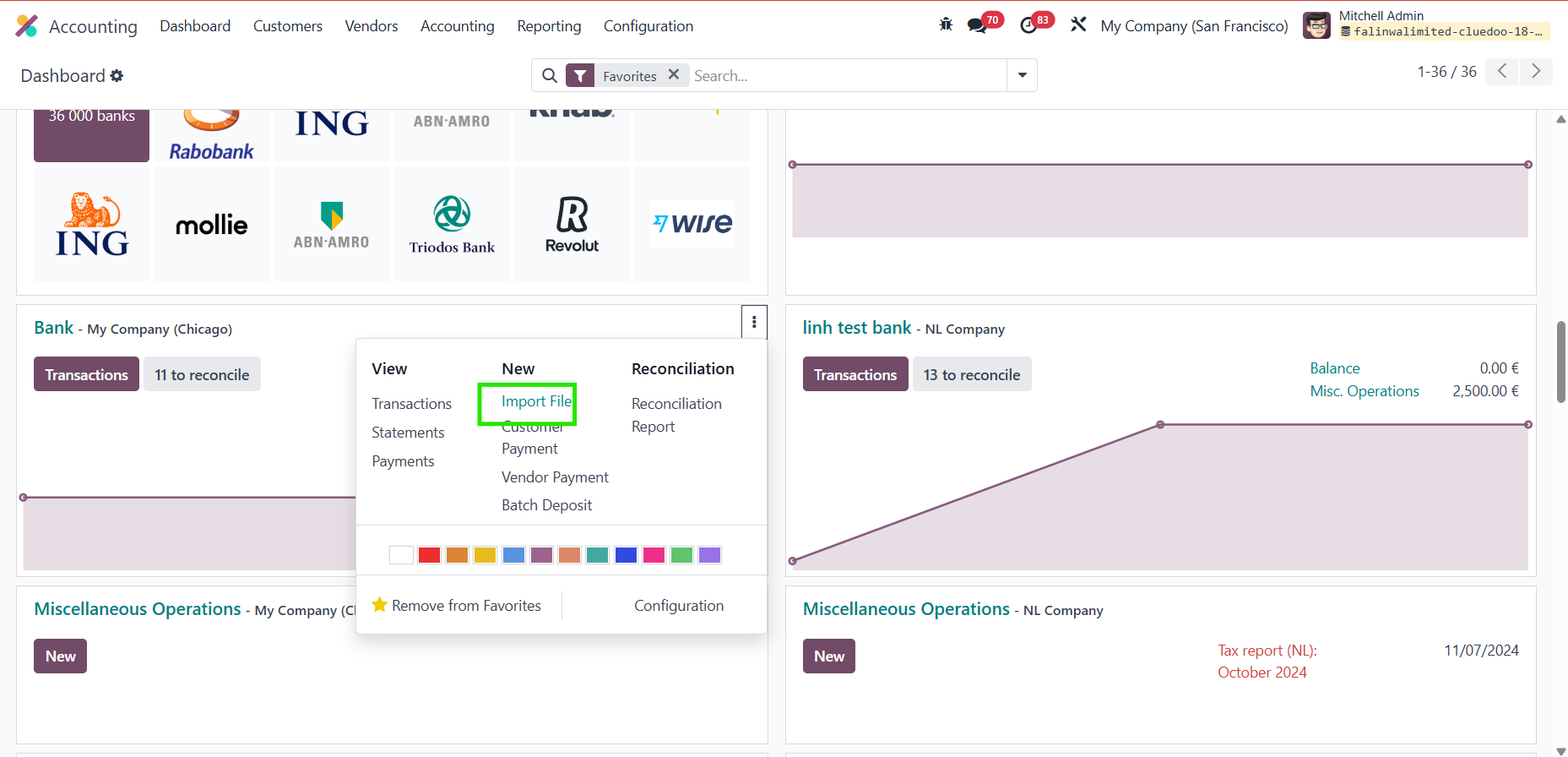
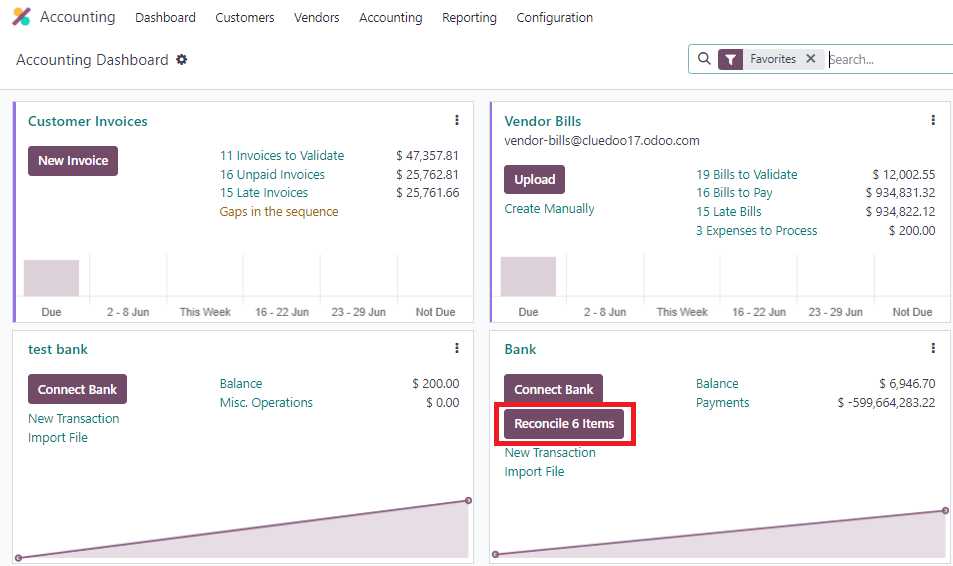
1. Go to Accounting Dashboard > In Bank/ Click Reconcile Item |
|
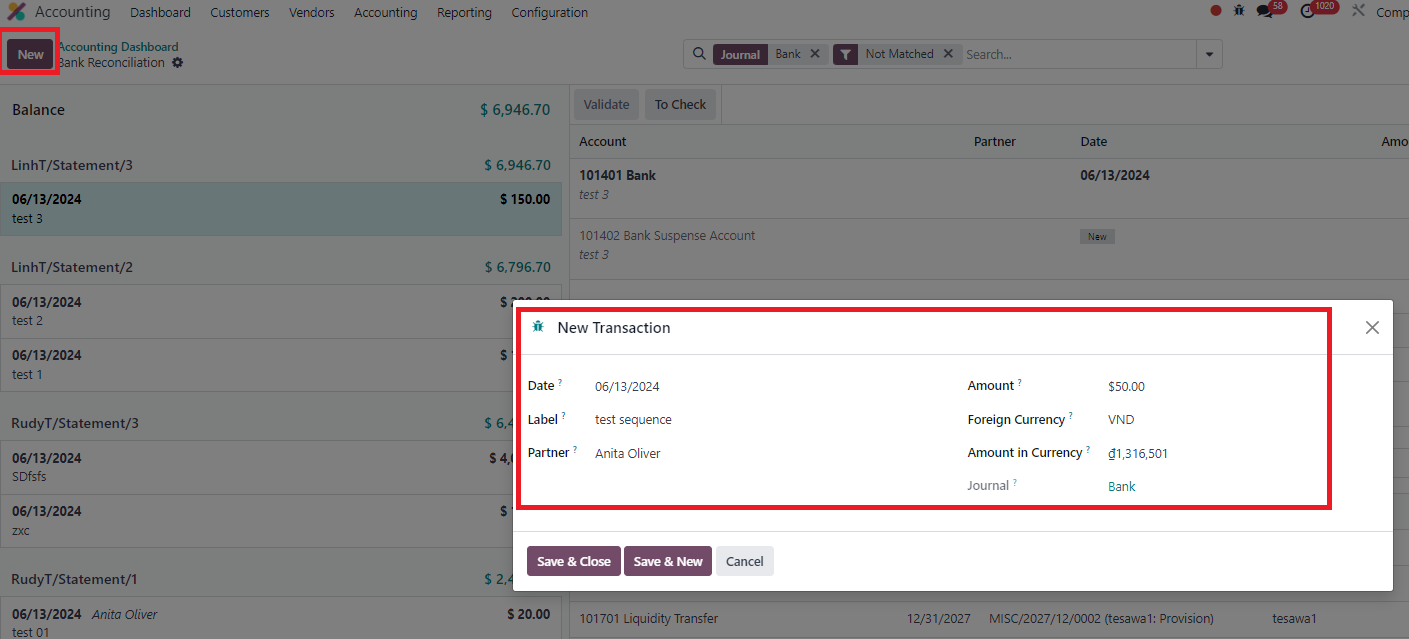
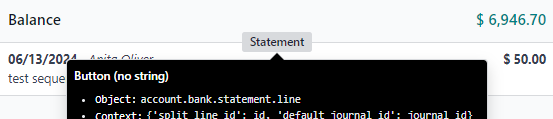
2. Create new Transaction > Save & Close > Click to button Statement > Confirm create |
|
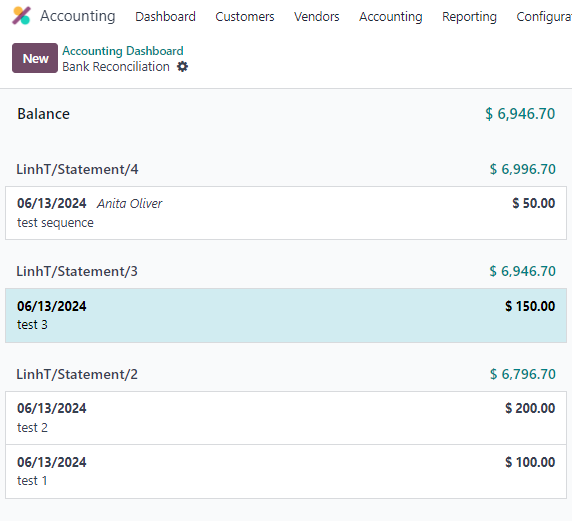
3. You can see new sequence created based on your setting |
|
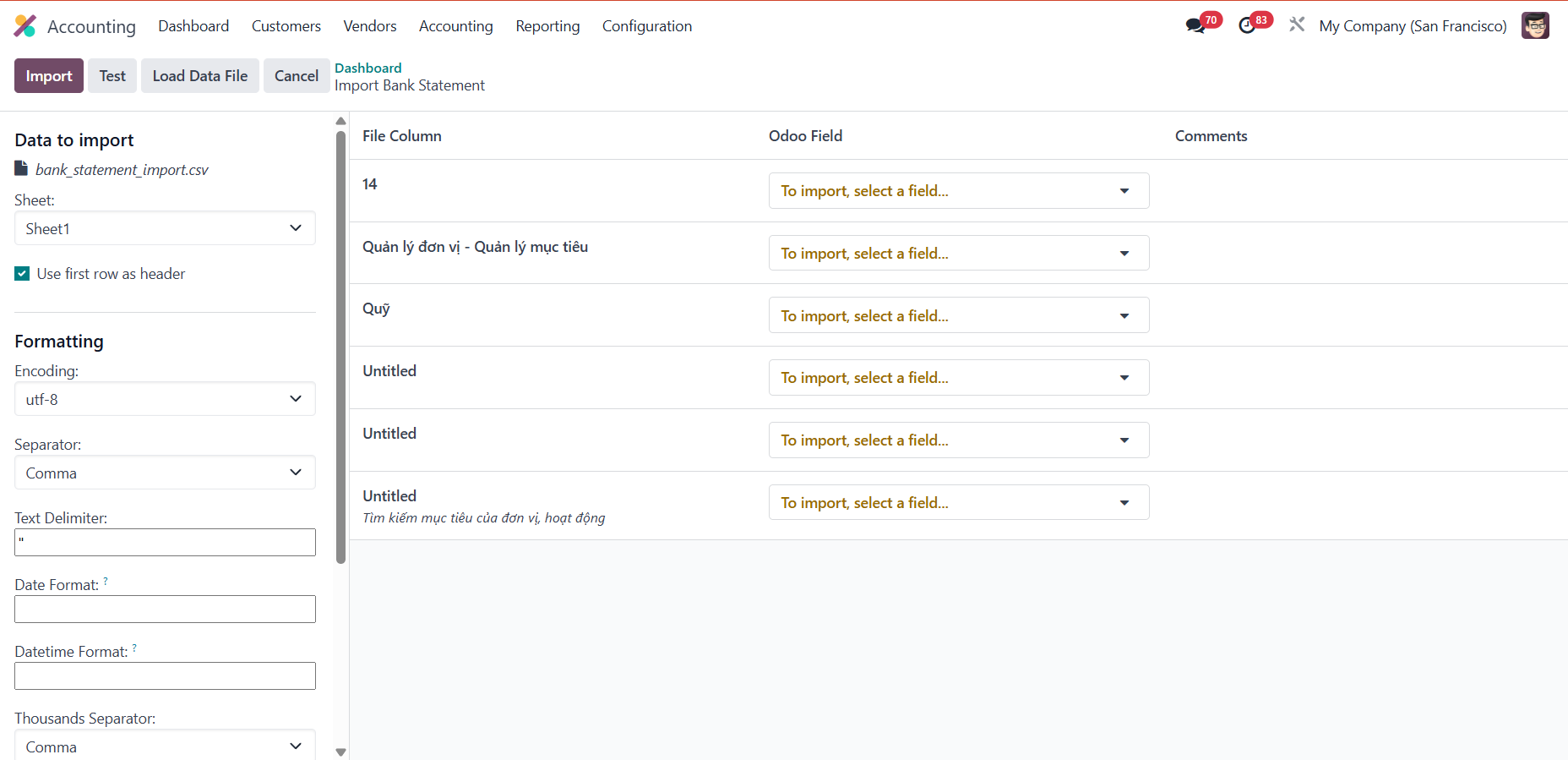
4. You also can import excel file and edit information from here.