


STORY BEHIND THE FEATURES
ODOO BEHAVIOUR
By default, Odoo’s Quality module allows users to create Quality Control Points and Quality Alerts to manage quality checks during operations like receipt of goods in Purchase Orders. However, Quality Alerts do not include detailed information about related Stock Move Lines, such as the specific stock movements tied to the products being checked.
CLUEDOO BEHAVIOUR
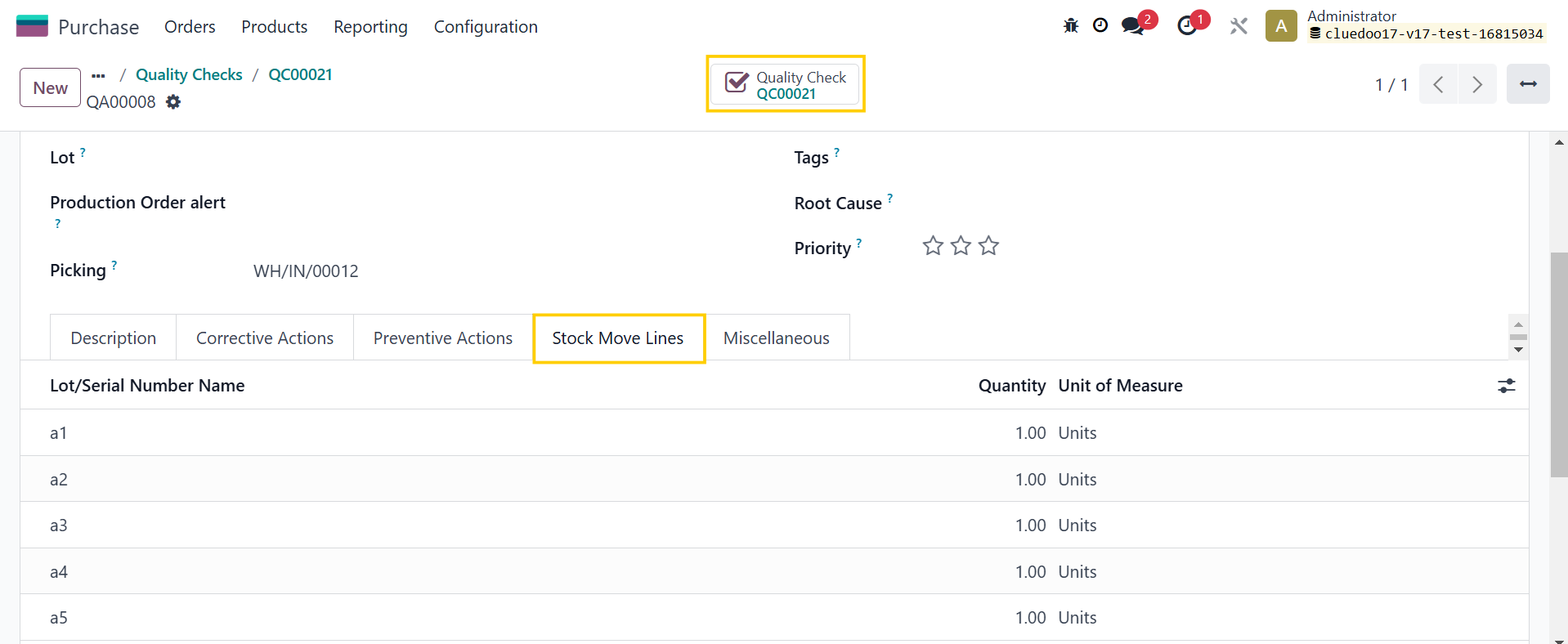
This module enables the inclusion of Stock Move Lines in Quality Alerts, allowing users to view all related stock movements directly within the alert for better traceability.
OUR FEATURES AS SOLUTION
Add Stock move lines in Quality Alerts
HOW TO USE THIS MODULE
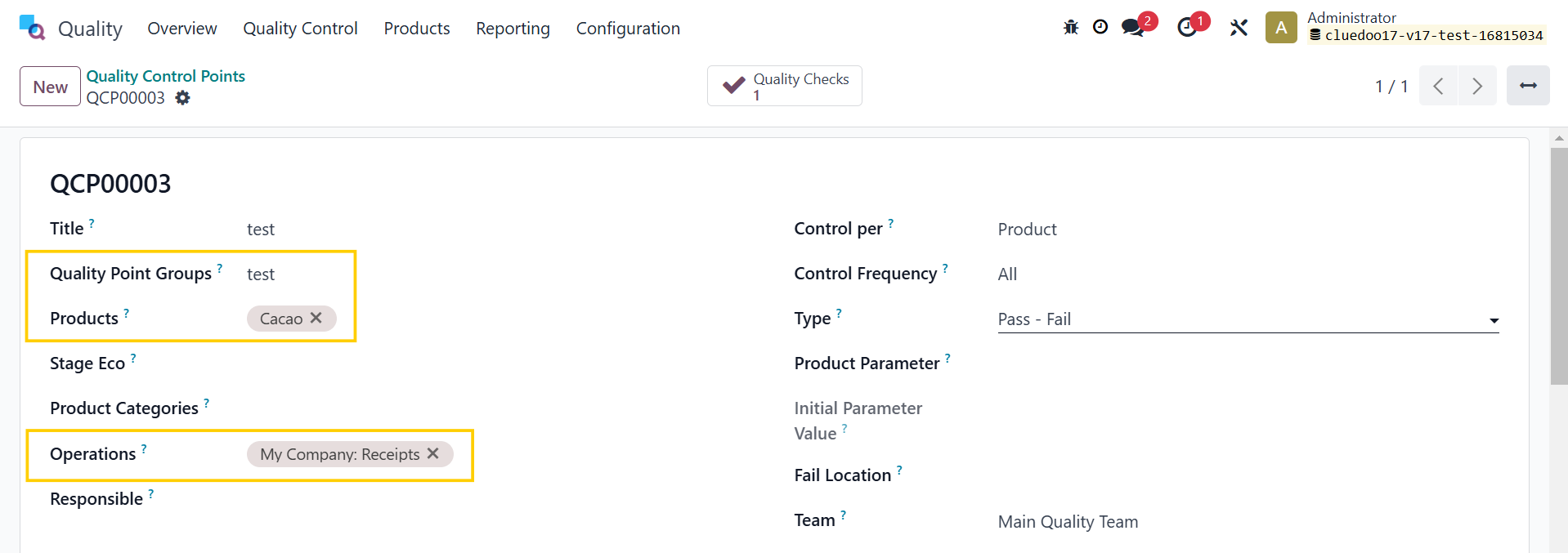
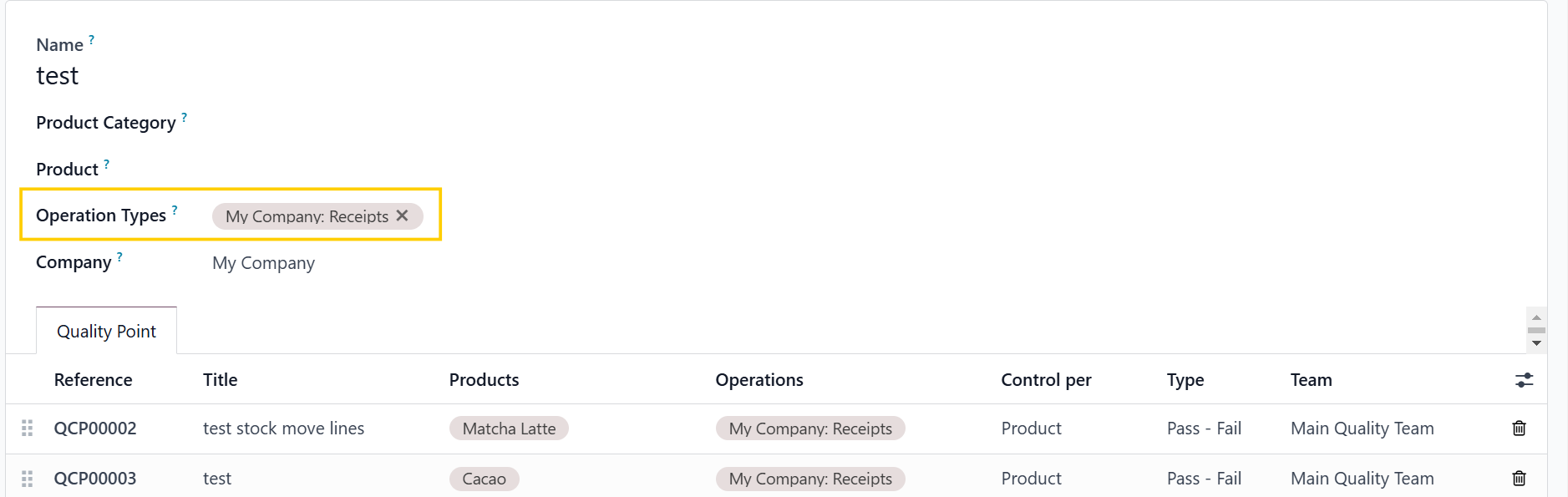
1. Go to Quality > Quality Control Points > Fill in the necessary information > Save Remember to set the Operation Types in Quality Point Groups as well |
|
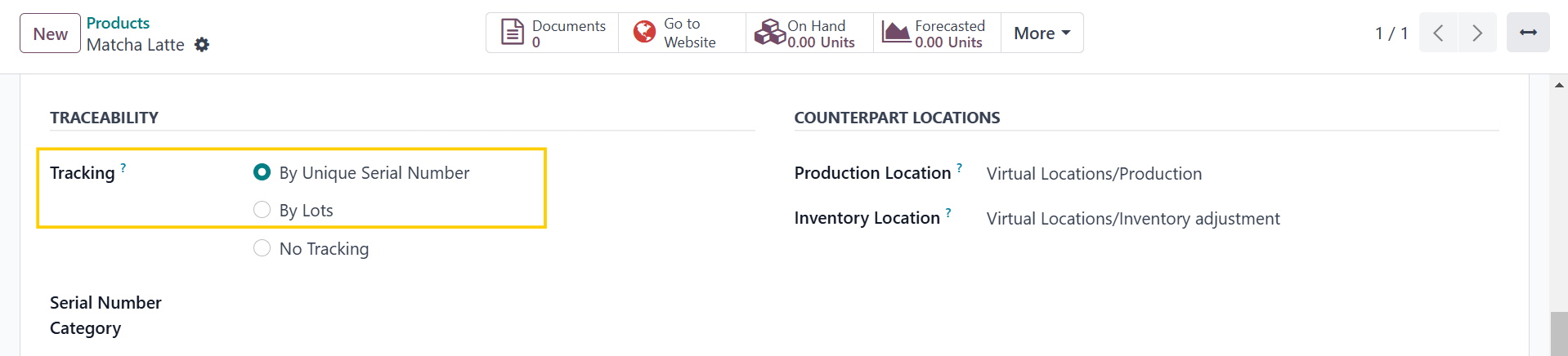
2. Go to Products > New to create a product and make sure it is tracked by Unique Serial Number or by Lots > Save |
|
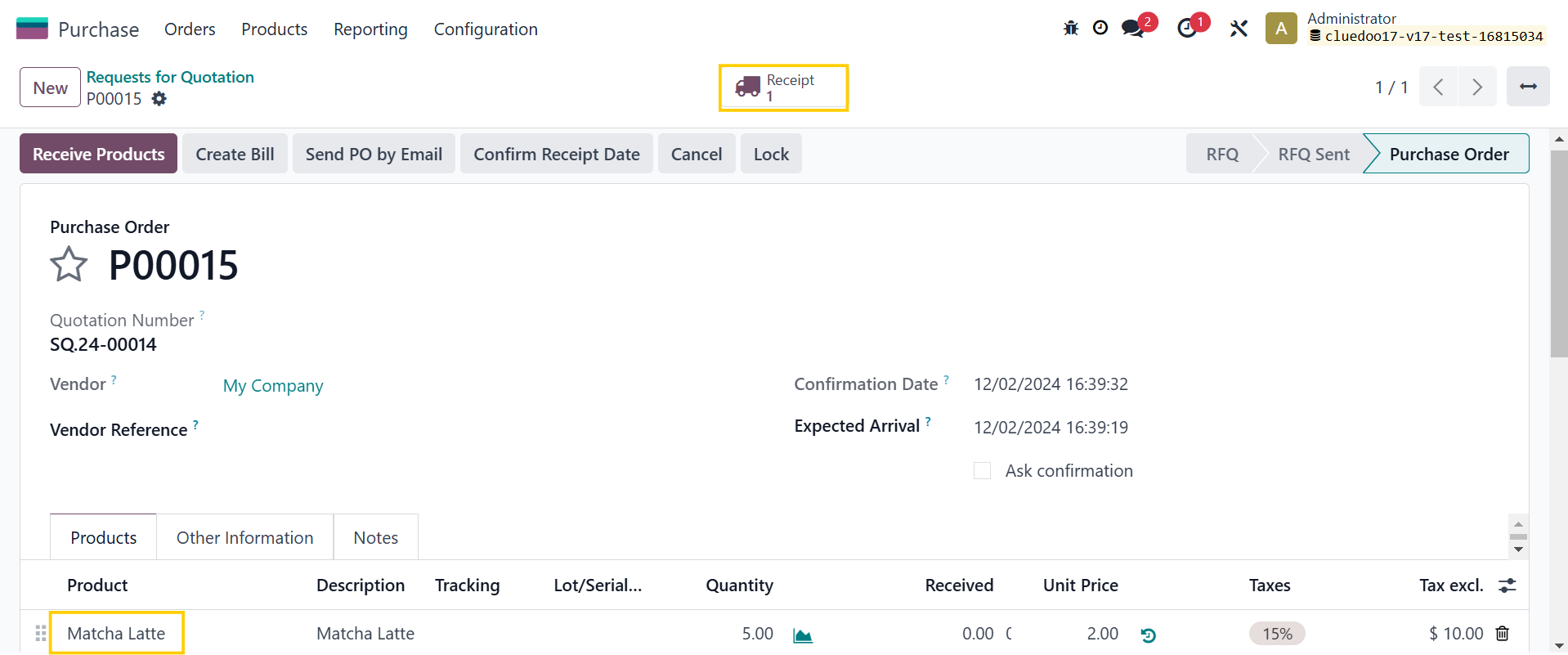
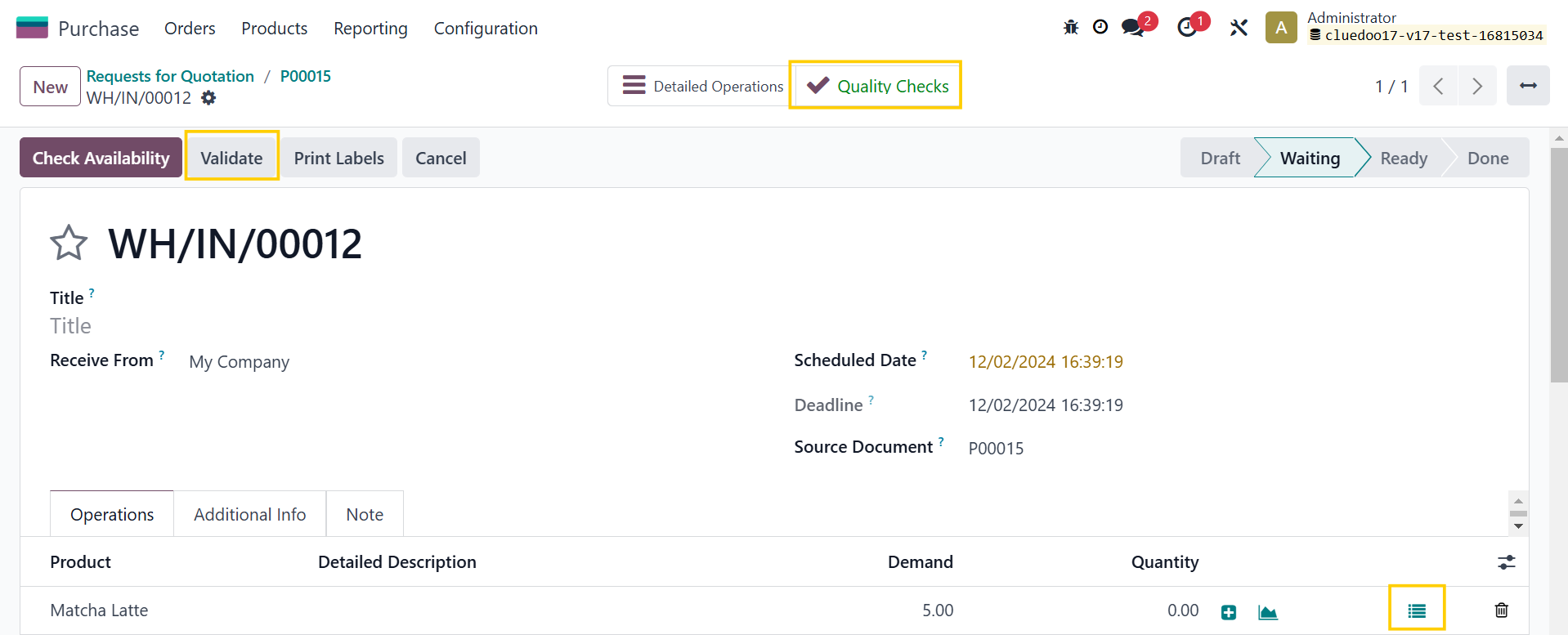
3. Purchase Orders > New > Fill in the necessary information > Confirm Order > Receipt > You will see Quality Checks smart button Assign the serial numbers for the product > Validate > Select Pass/Fail > Quality Checks > Create Alert |
|
You can now check all the Stock Move Lines in Quality Alerts |
|