ODOO'S FUNCTION
In Odoo, Purchase Agreements do not support sections and notes in their lines. Users can only add regular product lines, without the ability to structure the agreement using section headers or note lines like in Purchase Orders.
CLUEDOO'S FUNCTION
CLuedoo enhances Purchase Agreements by adding sections and notes to the agreement lines. Users can organize the document more clearly using “Add a section” and “Add a note” buttons, similar to the behavior available in a standard Purchase Order.
1. Go to Purchase > Orders > Blanket Orders / Purchase Agreements > Create a new purchase agreement > We can now add sections and notes in the lines | 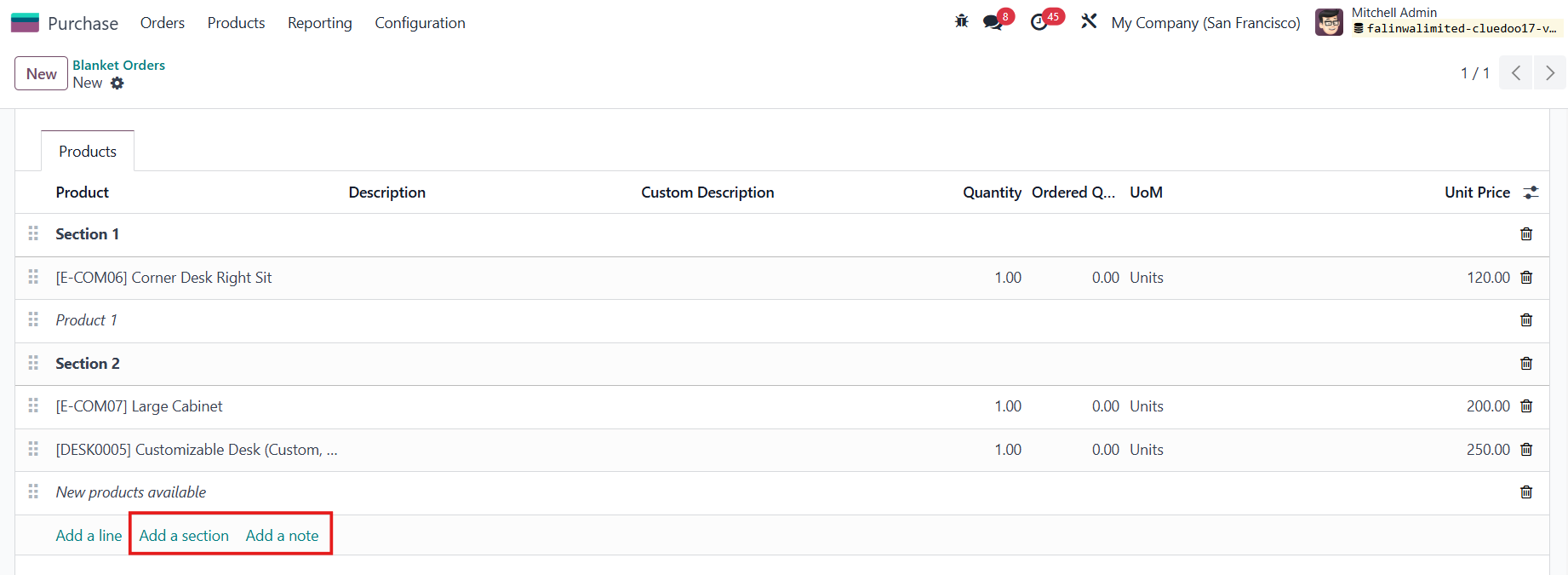 |
2. Confirm the purchase agreement > Actions > Print Purchase Agreements | 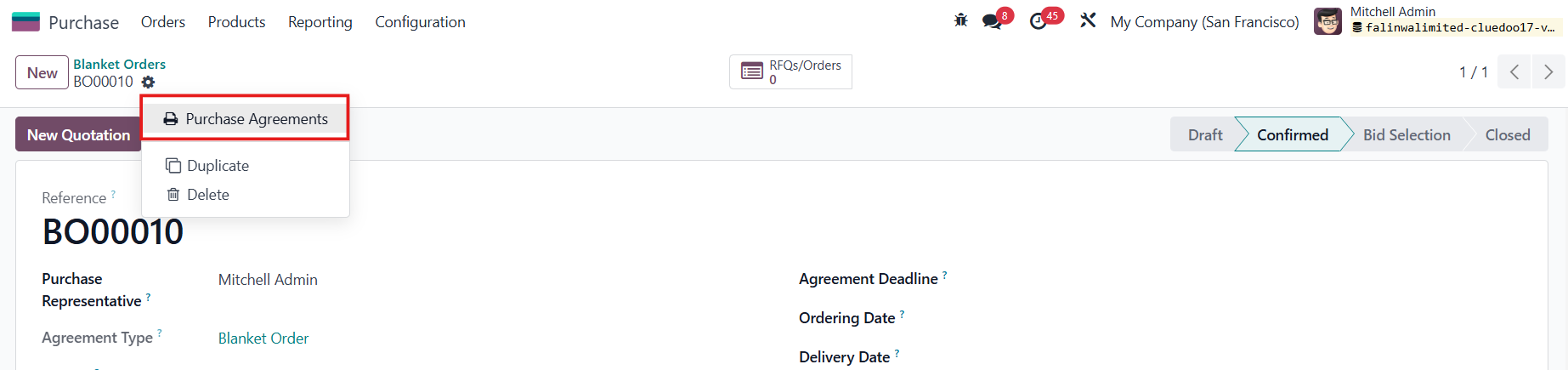 |
In the printout, the sections and notes will be added as well. | 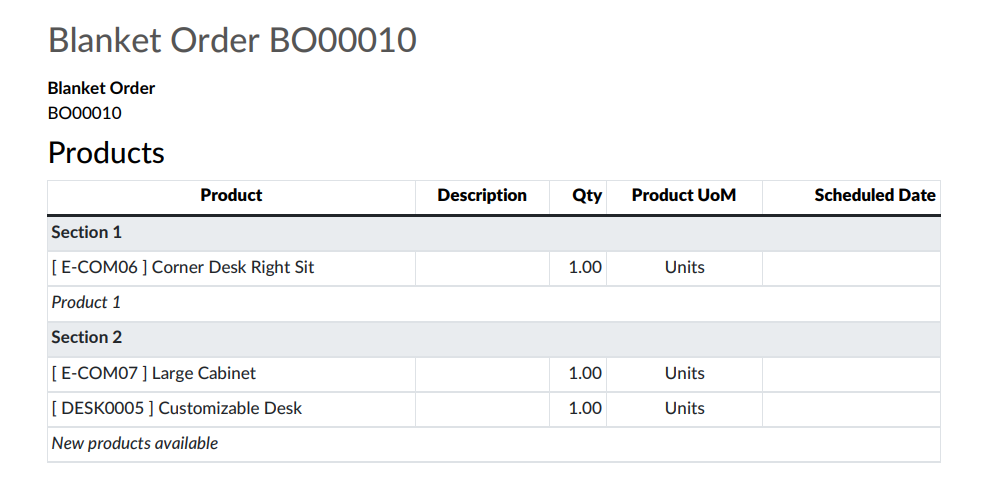 |
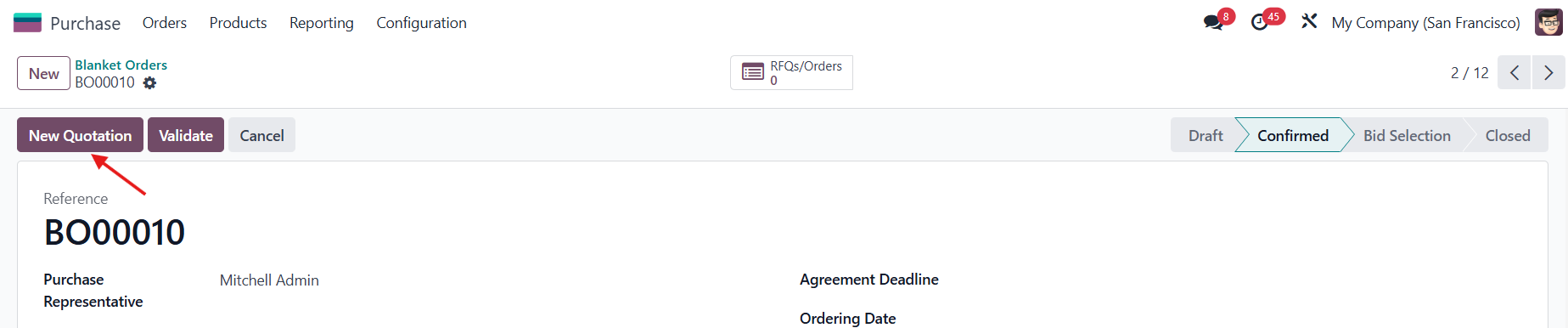
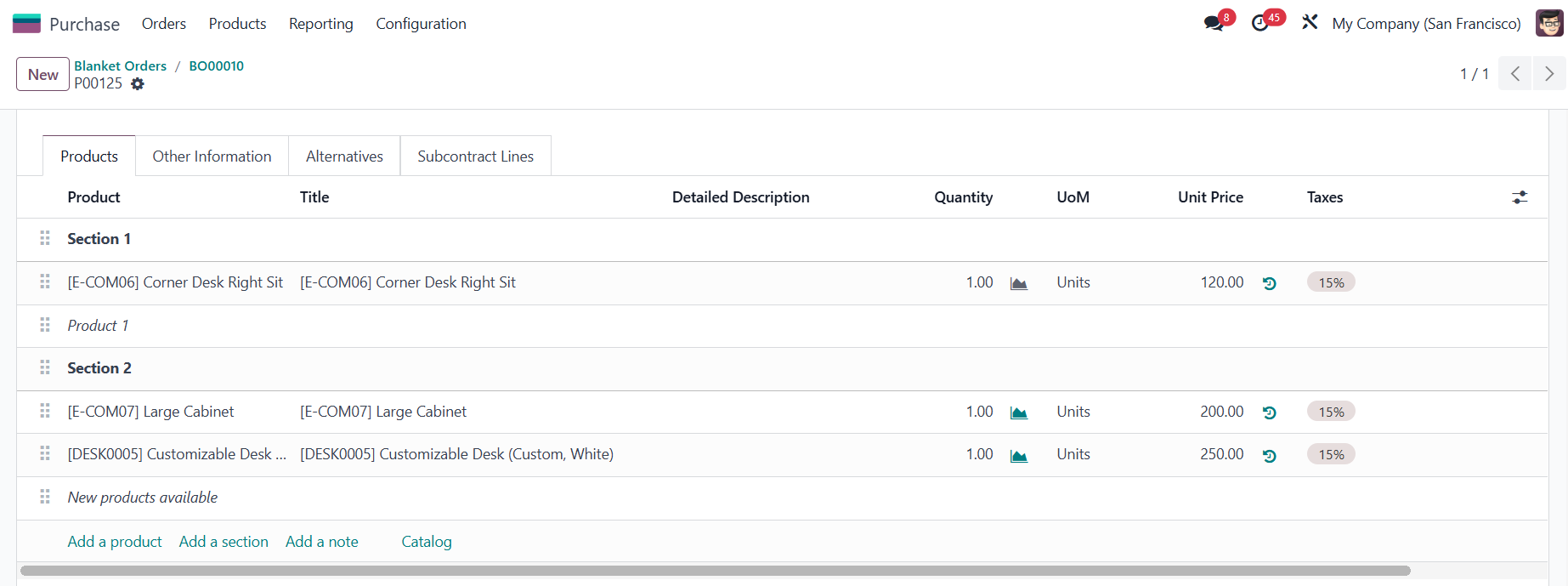
3. If you create a New Quotation from the purchase agreement > All the sections and notes will be inherited as well. |
RFQ
|