

ODOO'S FUNCTION
Odoo requires you to manually enter information such as the journal, warehouse, and operation type in orders each time. If you want to sort and filter orders based on these fields, there is no available method.
CLUEDOO'S FUNCTION
This core module allows you to create and manage order types with key fields and access rights. It also enables quick sorting and filtering of orders based on their assigned order types.
1. Go to Sale/Purchase > Configuration > Order Type Management > Order Type > We now have the option to create an order type with type Sale/Purchase > Fill in the necessary fields as you wish. The Operation Type field will only show the operation types belong to the selected warehouse. | 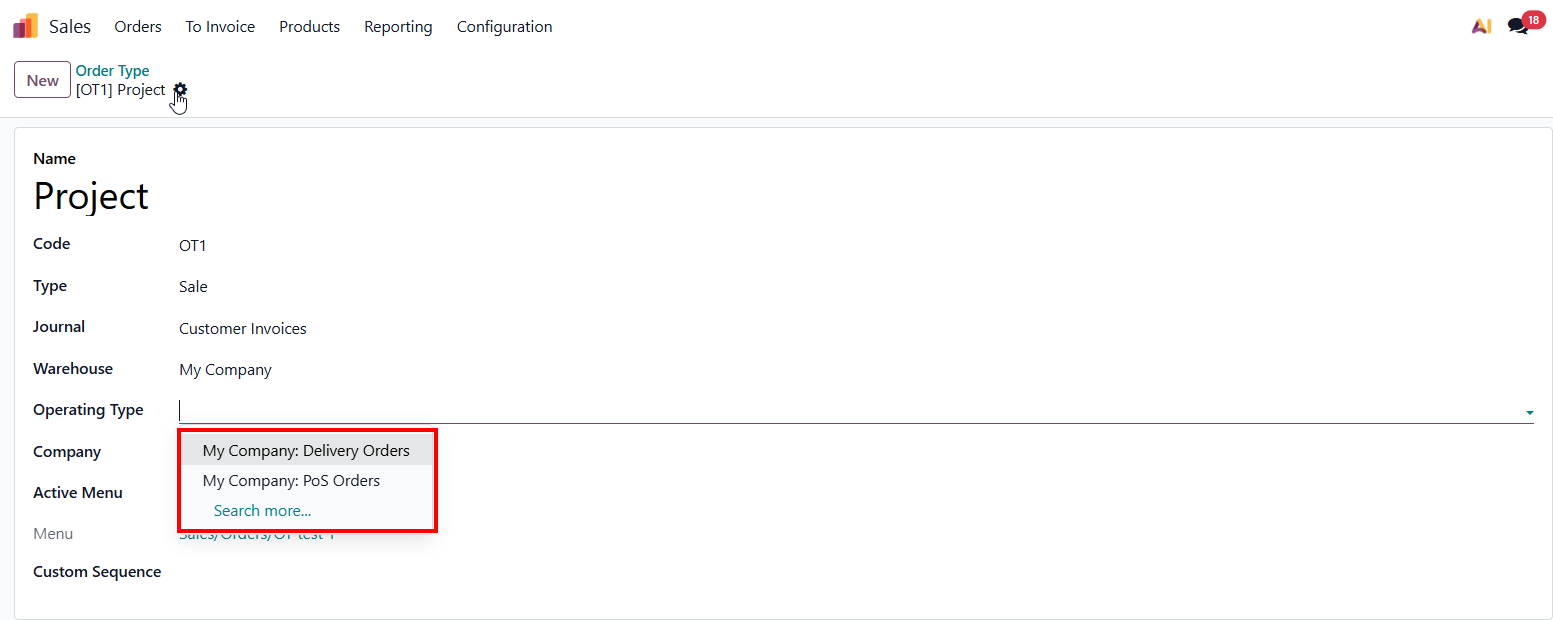 |
2. You can create a new Journal/ Warehouse/ Operation Type directly in the order type | 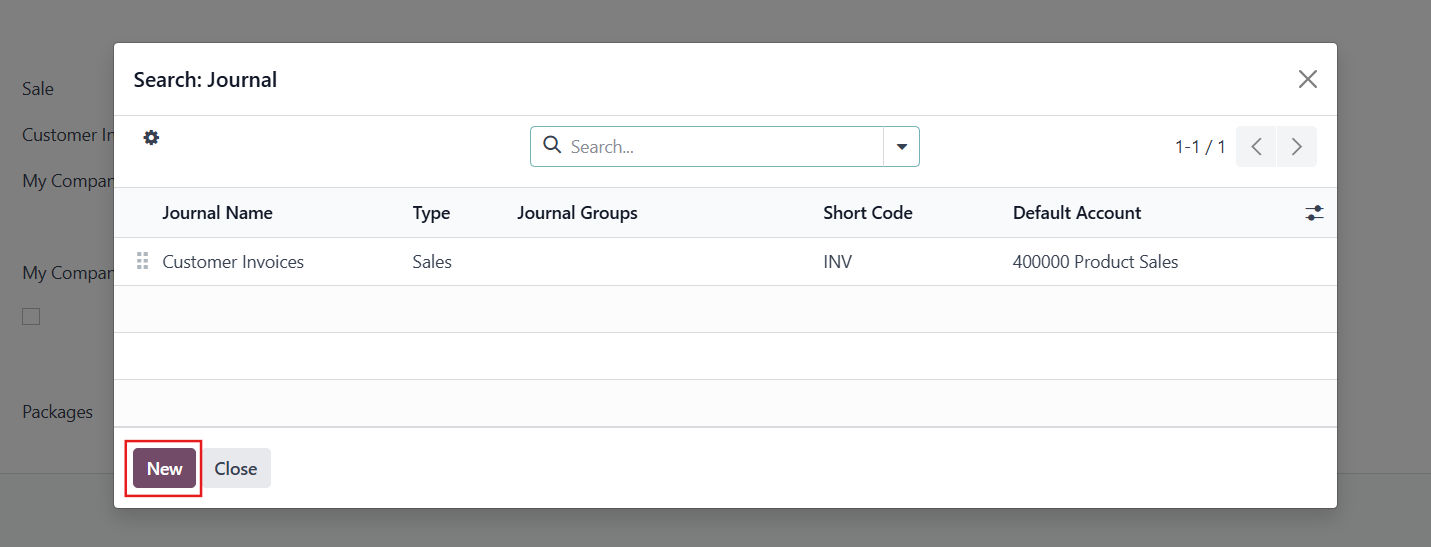 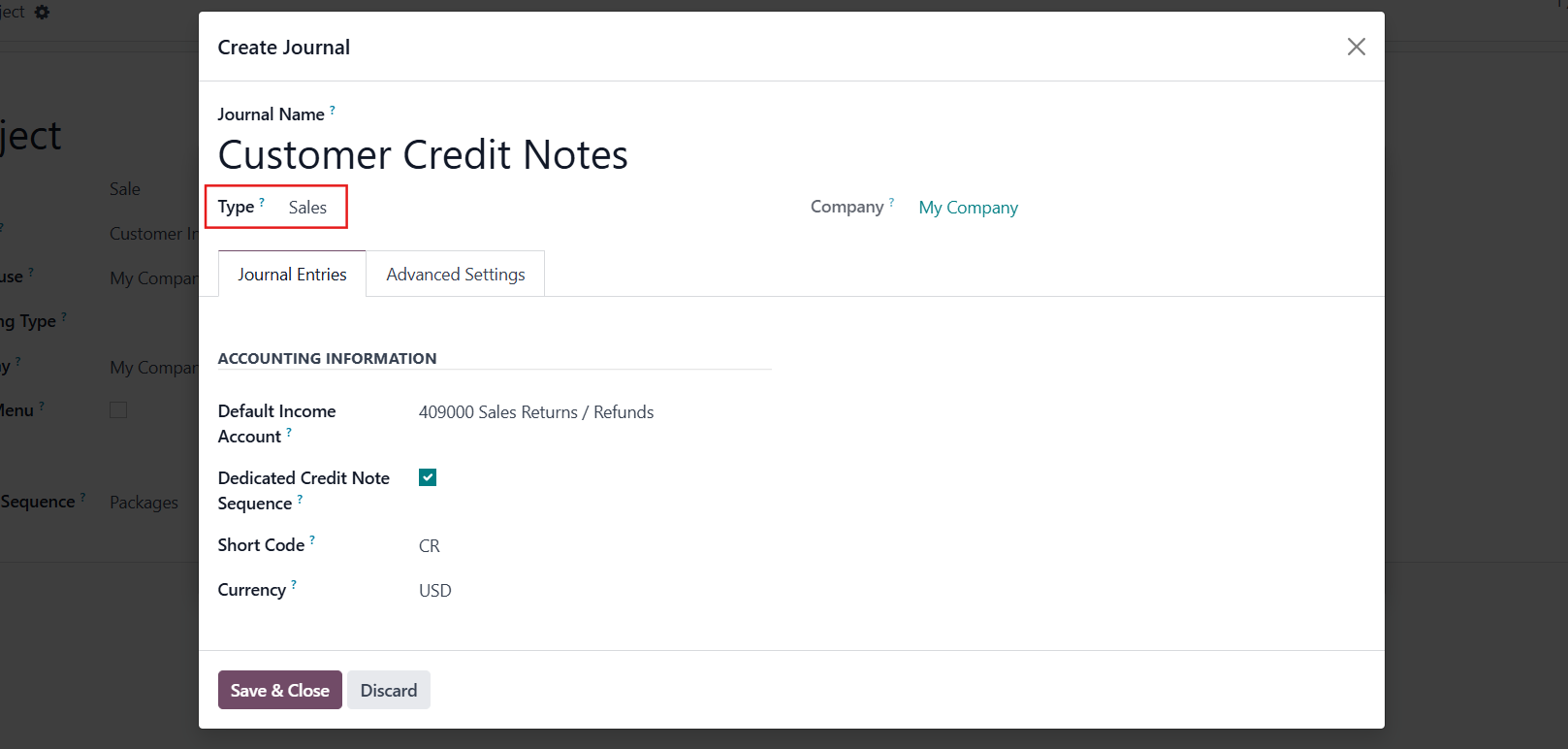 |
Note that
|
|
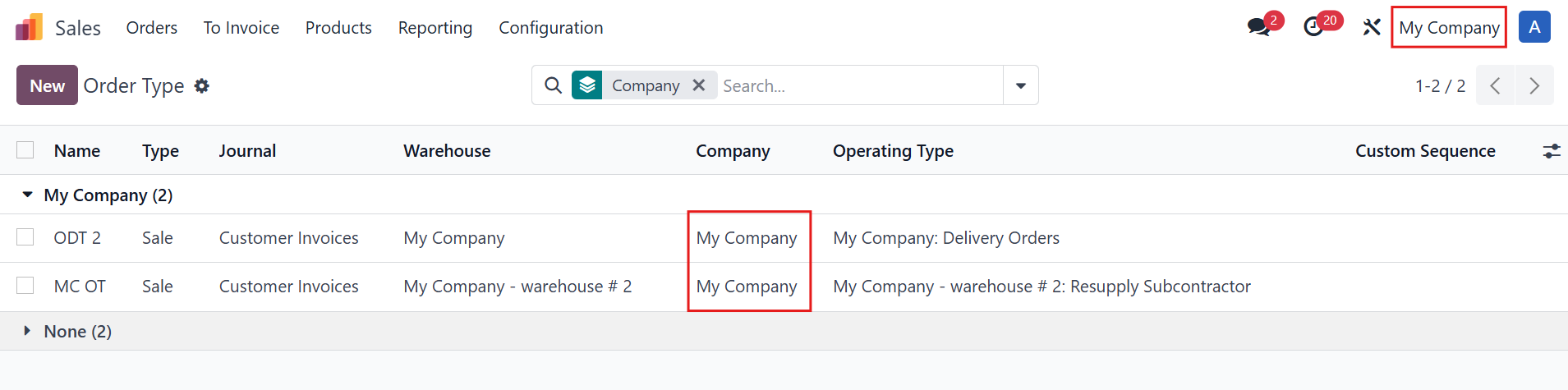
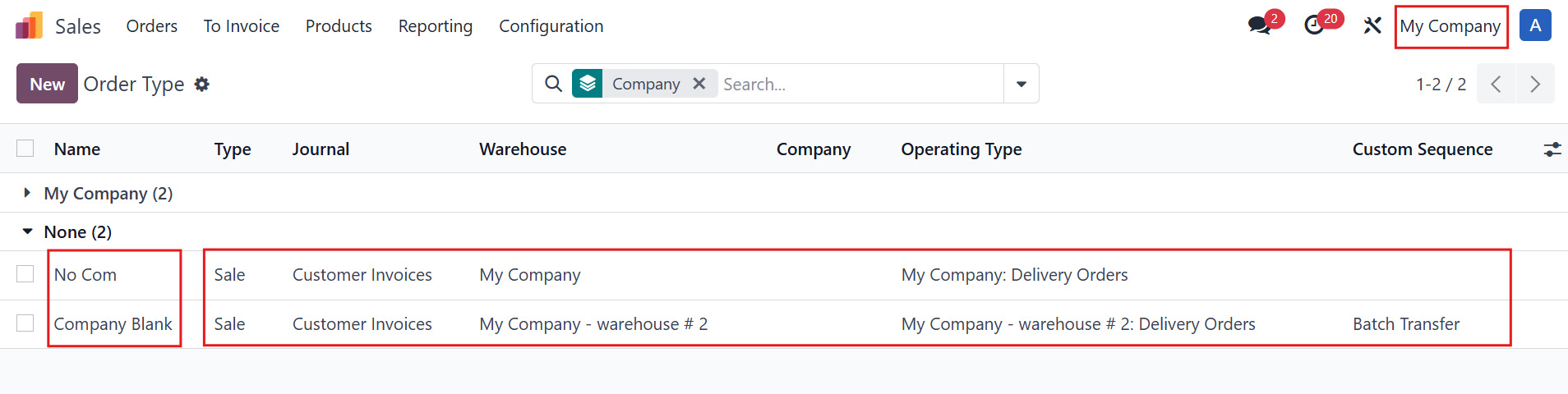
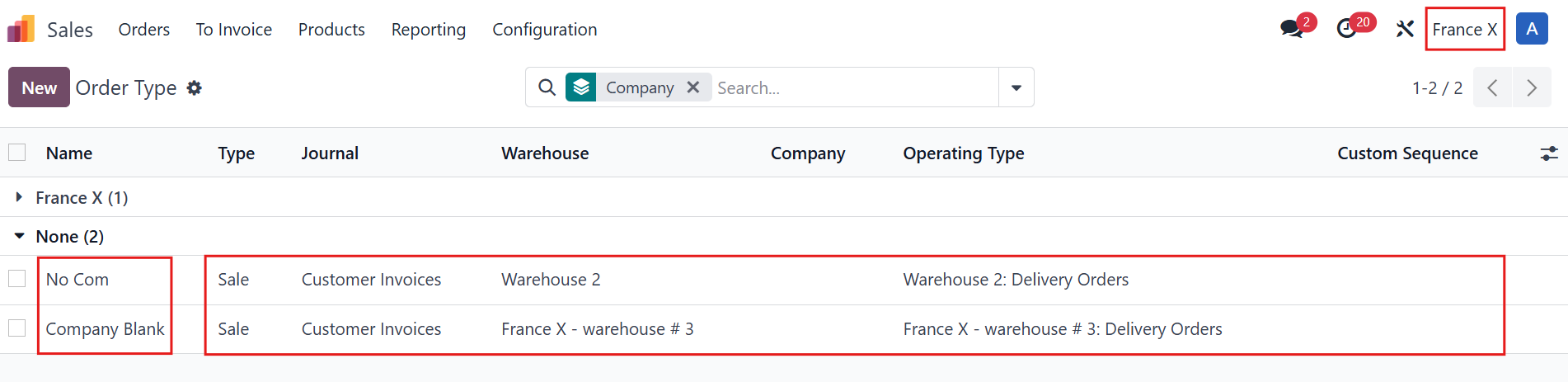
However, in this case, fields such as Journal, Warehouse, Operation Type, and Custom Sequence are still company-dependent. |
|
DEDICATED MENU1.If user tick the Active Menu in the order type | 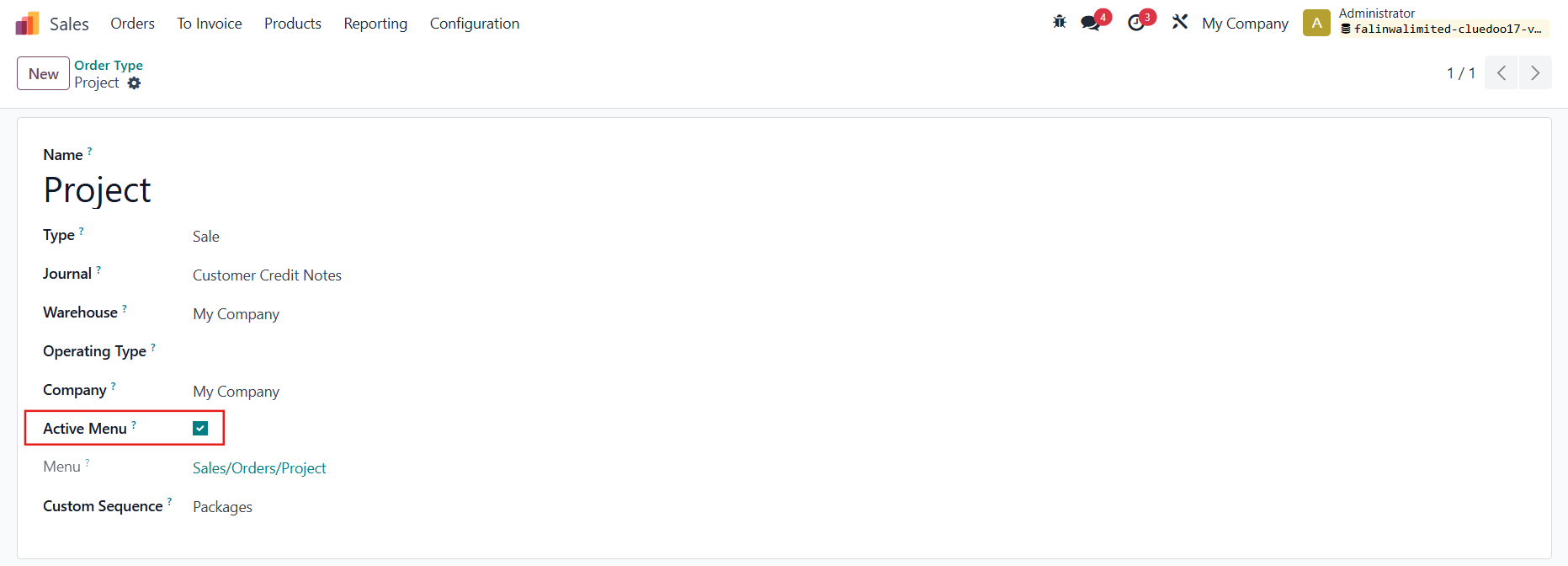 |
It will create a dedicated menu for that order type and show all the orders linked to this order type. Note: need to install fal_sale_order_type and fal_purchase_order_type to have Order Type in SO/PO | 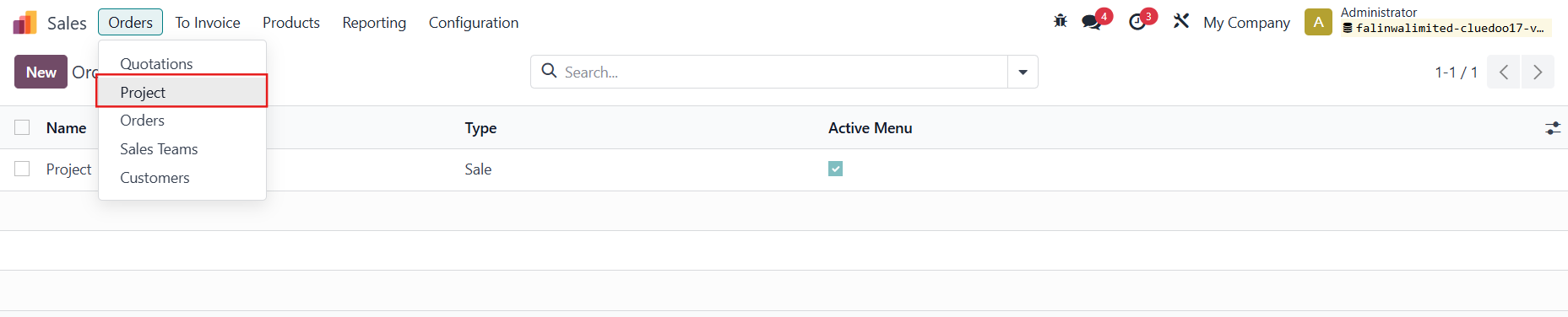 |
ACCESS RIGHTSGo to Settings > Users > choose a user and then tick Order Type User or/and Order Type Manager to provide the access rights | 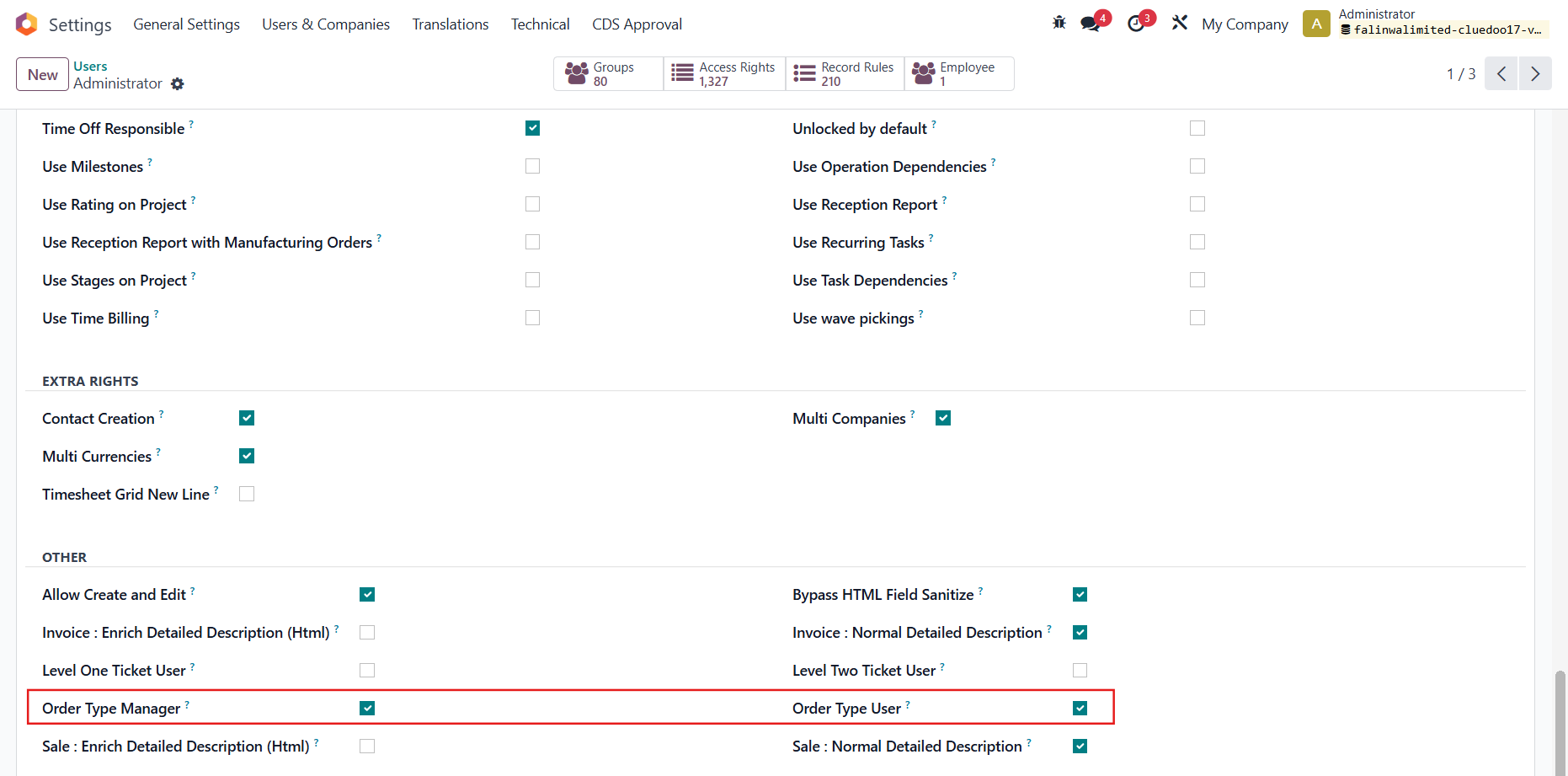 |
2. The access rights can be set for each group here For example, If only Order Type User is checked, you can still access Order Type menu but cannot create a new one. |  |
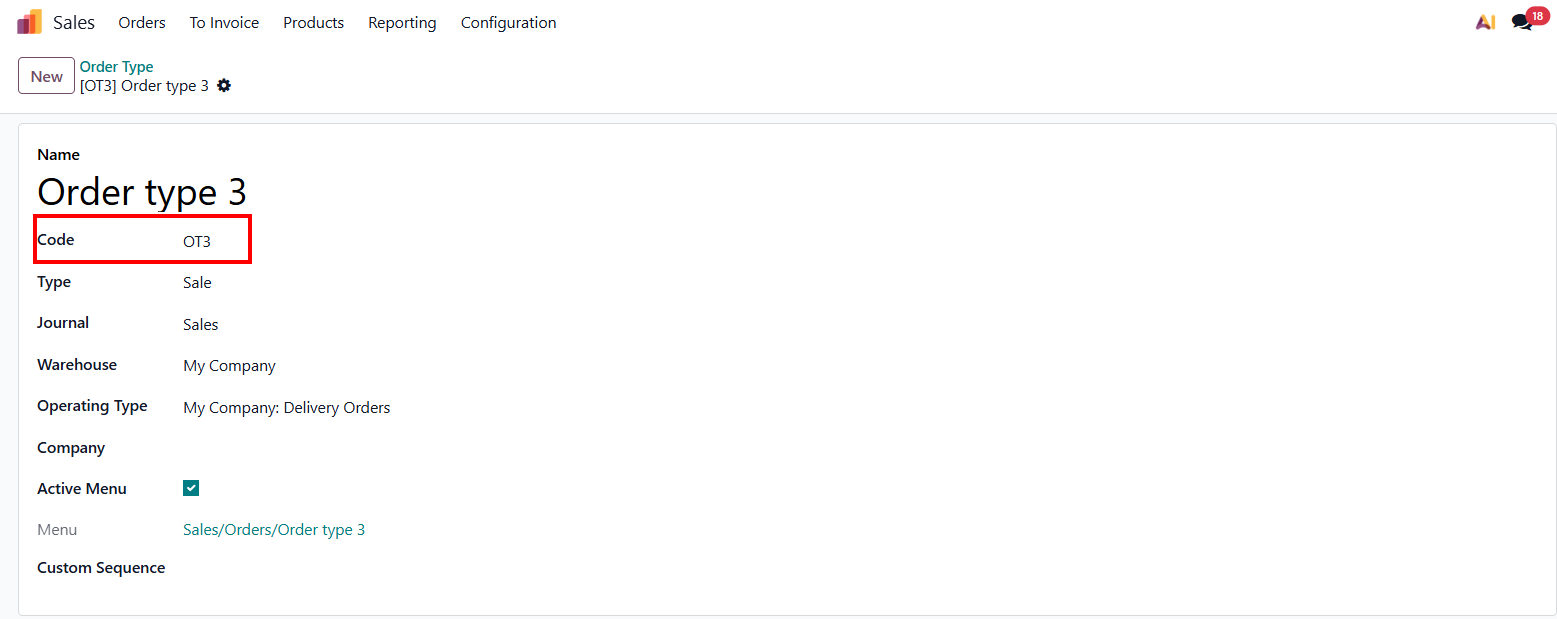
CODE ON ORDER TYPE1. The user can also set a code name for Order Type |
|
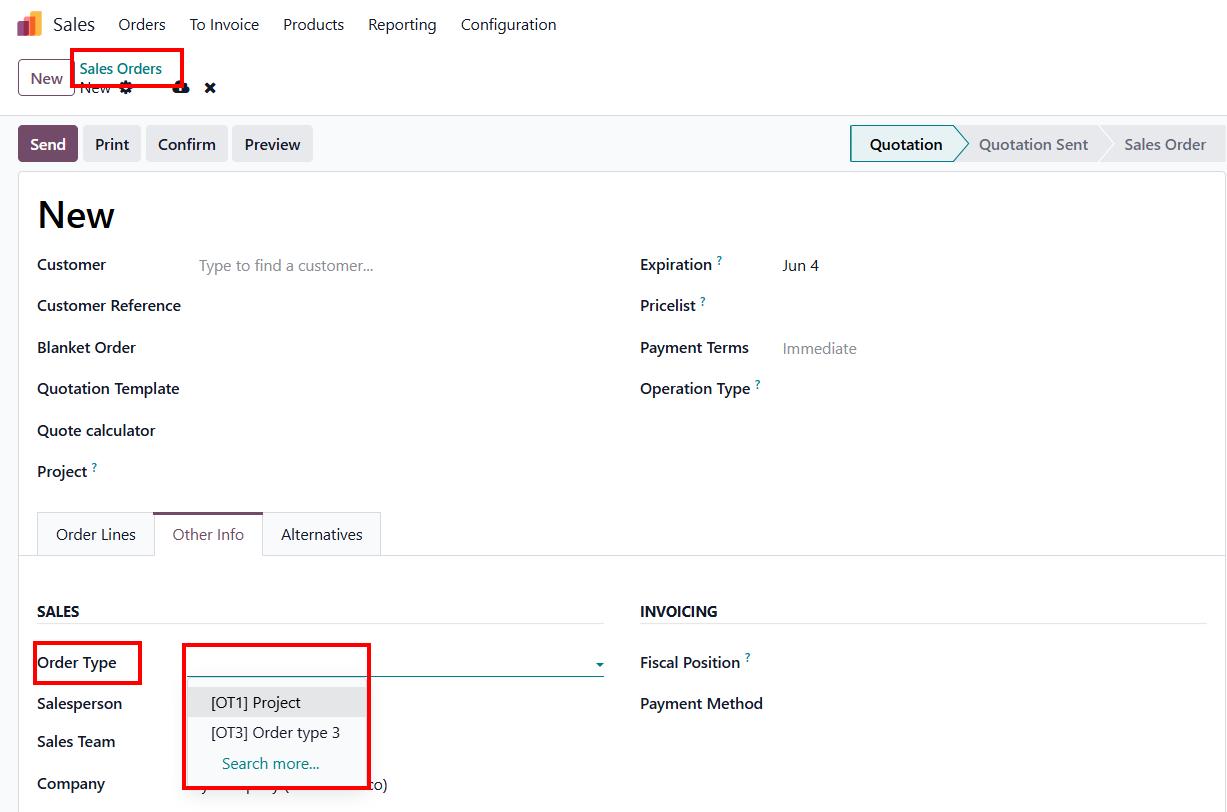
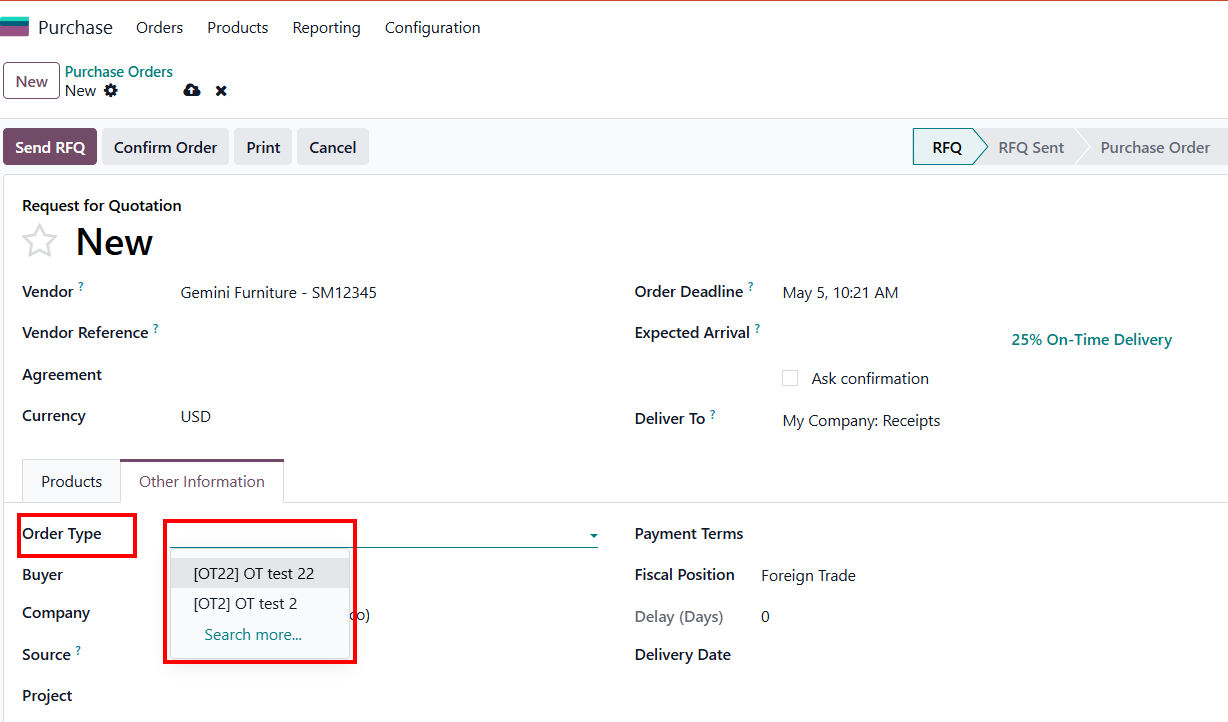
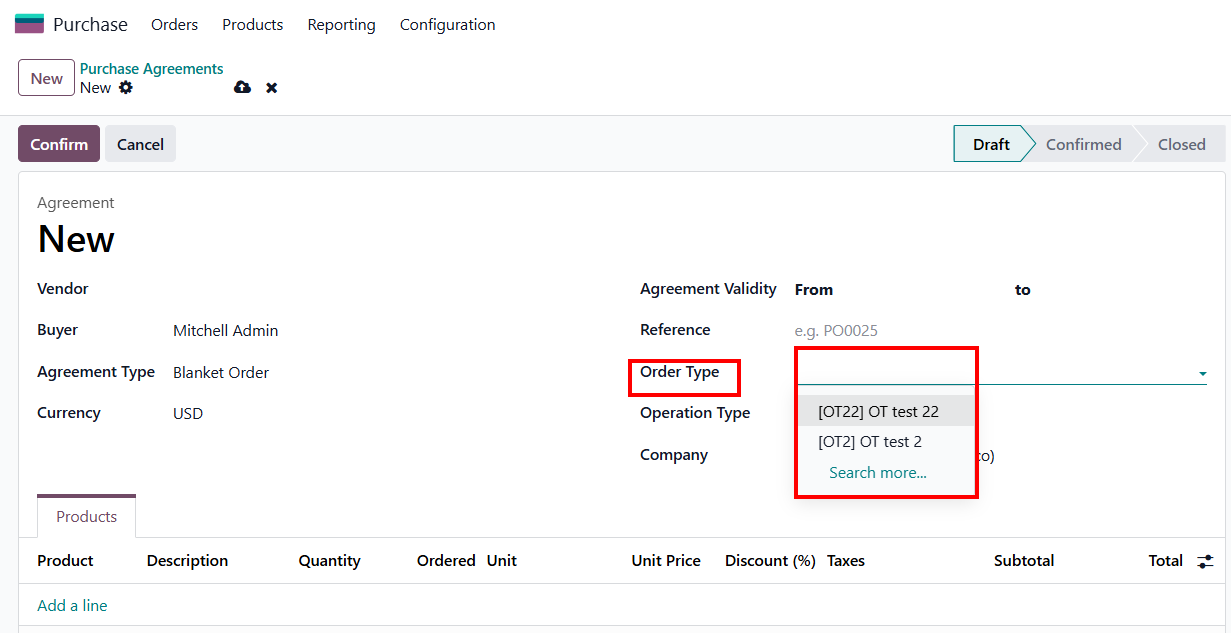
2. Display Logic: The field now shows both Code and Name as [Code] Name. When user choose Order Type in Sales Orders/ Purchase Orders/ Purchase Agreements/ Sales Agreements |
|