


ODOO'S FUNCTION
In Odoo, the child partner's pricelist is inherited from the parent partner, limiting the ability to select a specific pricelist for child contacts. Odoo also does not provide an Archive feature for individual pricelist lines. To hide old prices, users must either delete them, risking the loss of historical data, or manually set expiration dates, which keeps the list cluttered and difficult to manage.
CLUEDOO'S FUNCTION
In Cluedoo, users can easily choose a specific pricelist for child contacts and Sales orders for child partner customers automatically use the child partner's pricelist. Cluedoo introduces the Archive feature for each pricelist line, allowing users to instantly hide obsolete rates without deleting them. This maintains a clean, active-only workspace for sellers while safely preserving the entire pricing history, which remains accessible anytime via filters.
CONFIGURATION | |
We can set different pricelists for child partner and parent partner. I.e: Set pricelist for parent partner (Azure Interior) as EUR. | 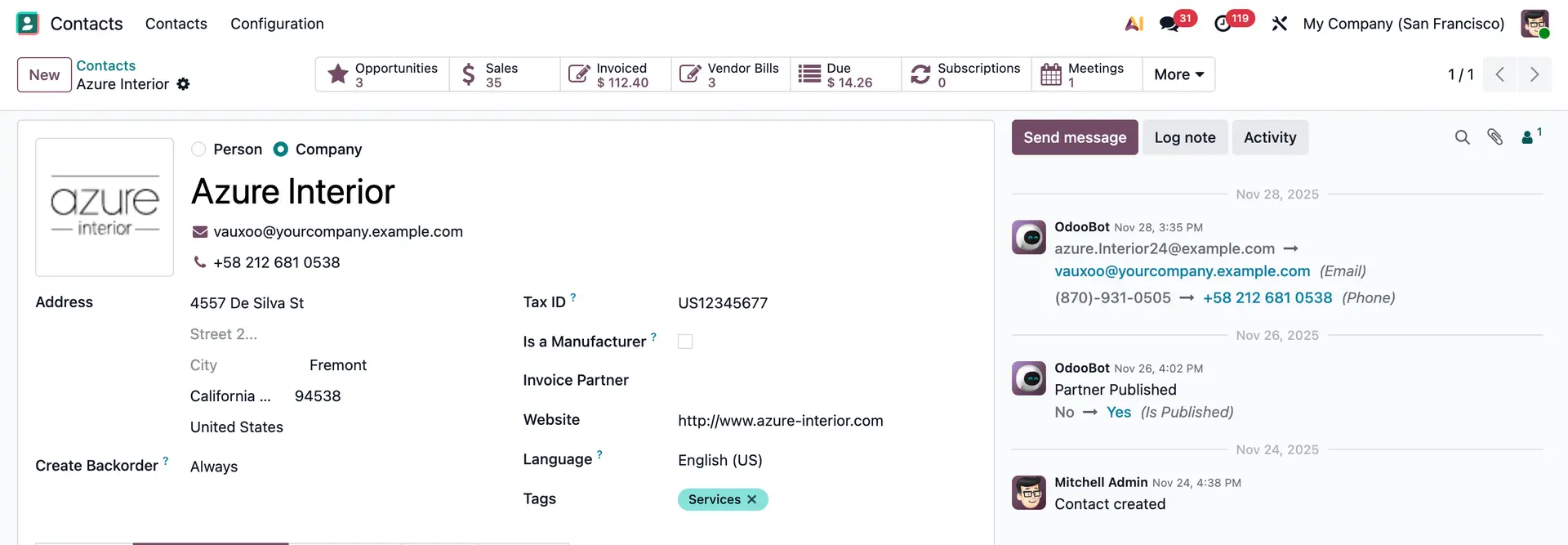 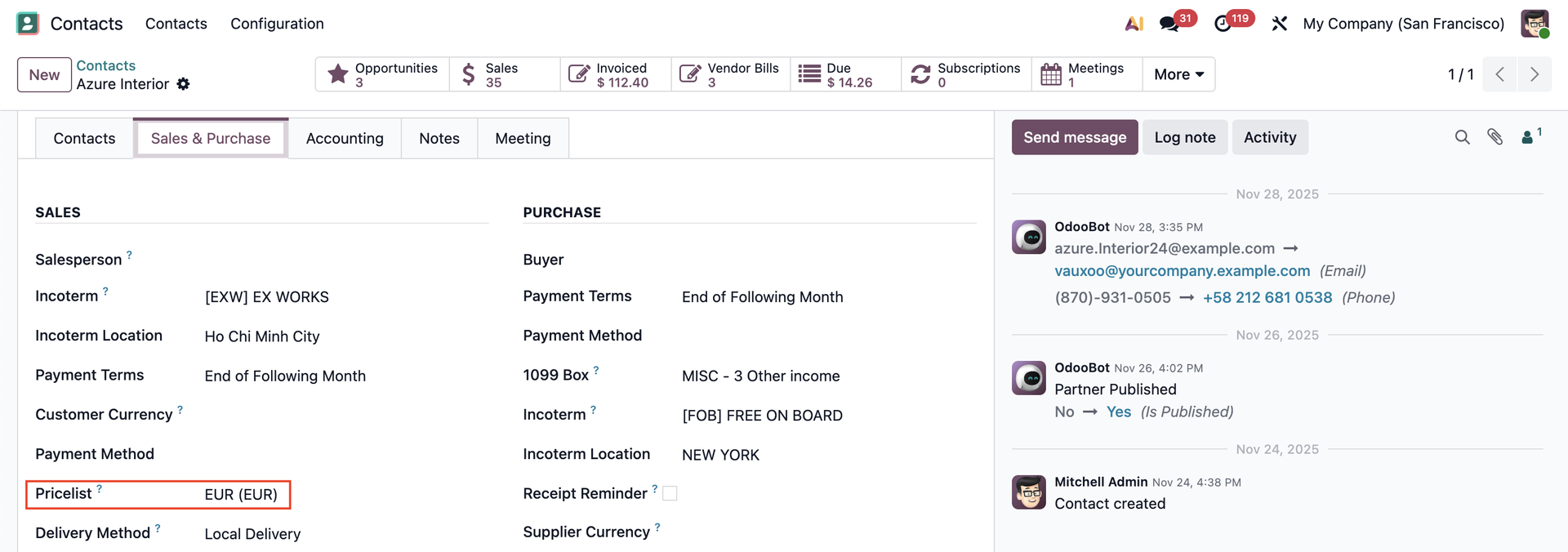 |
2. Set pricelist for child partner (Brandon Freeman) as Christmas (USD). | 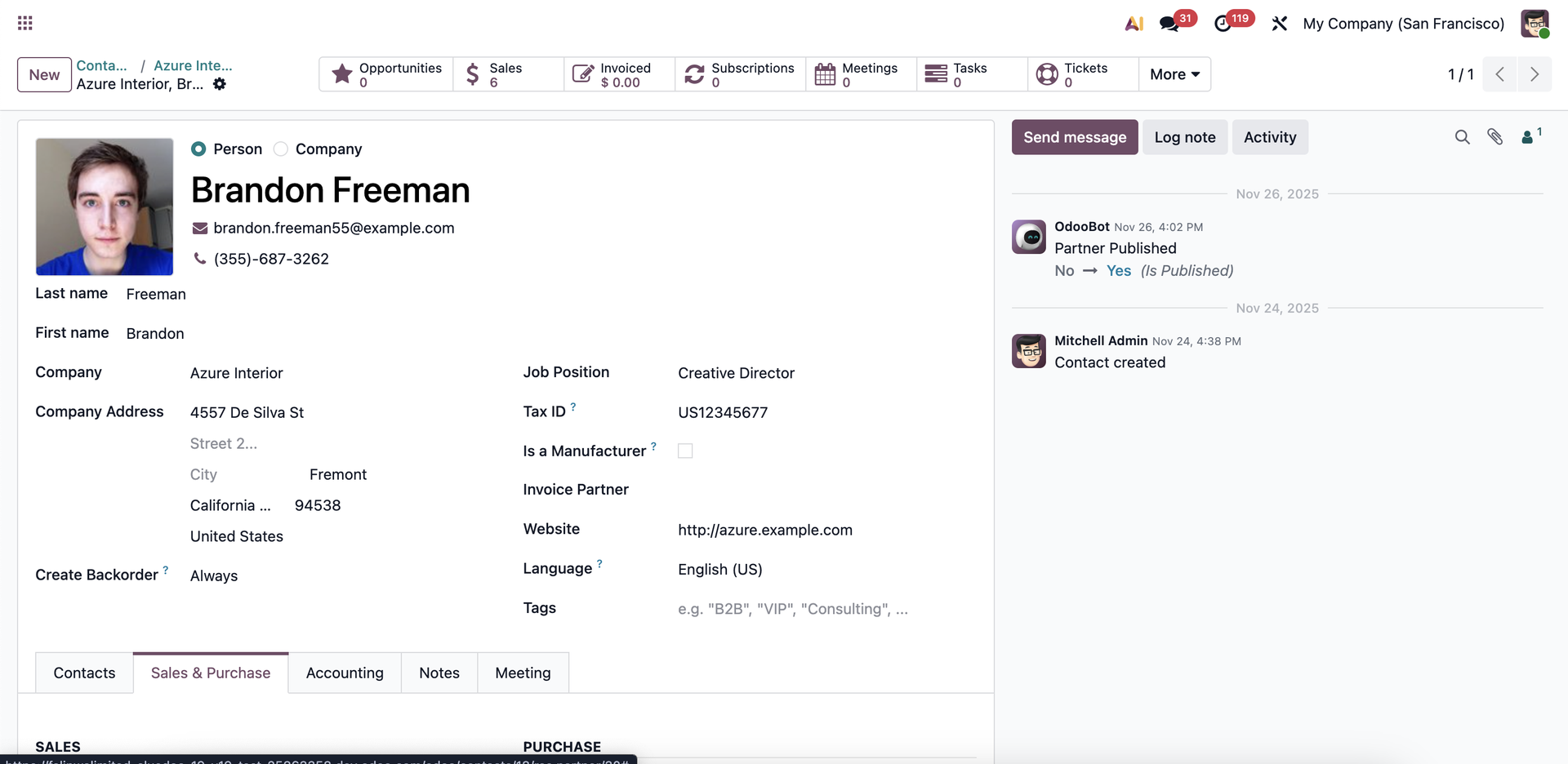 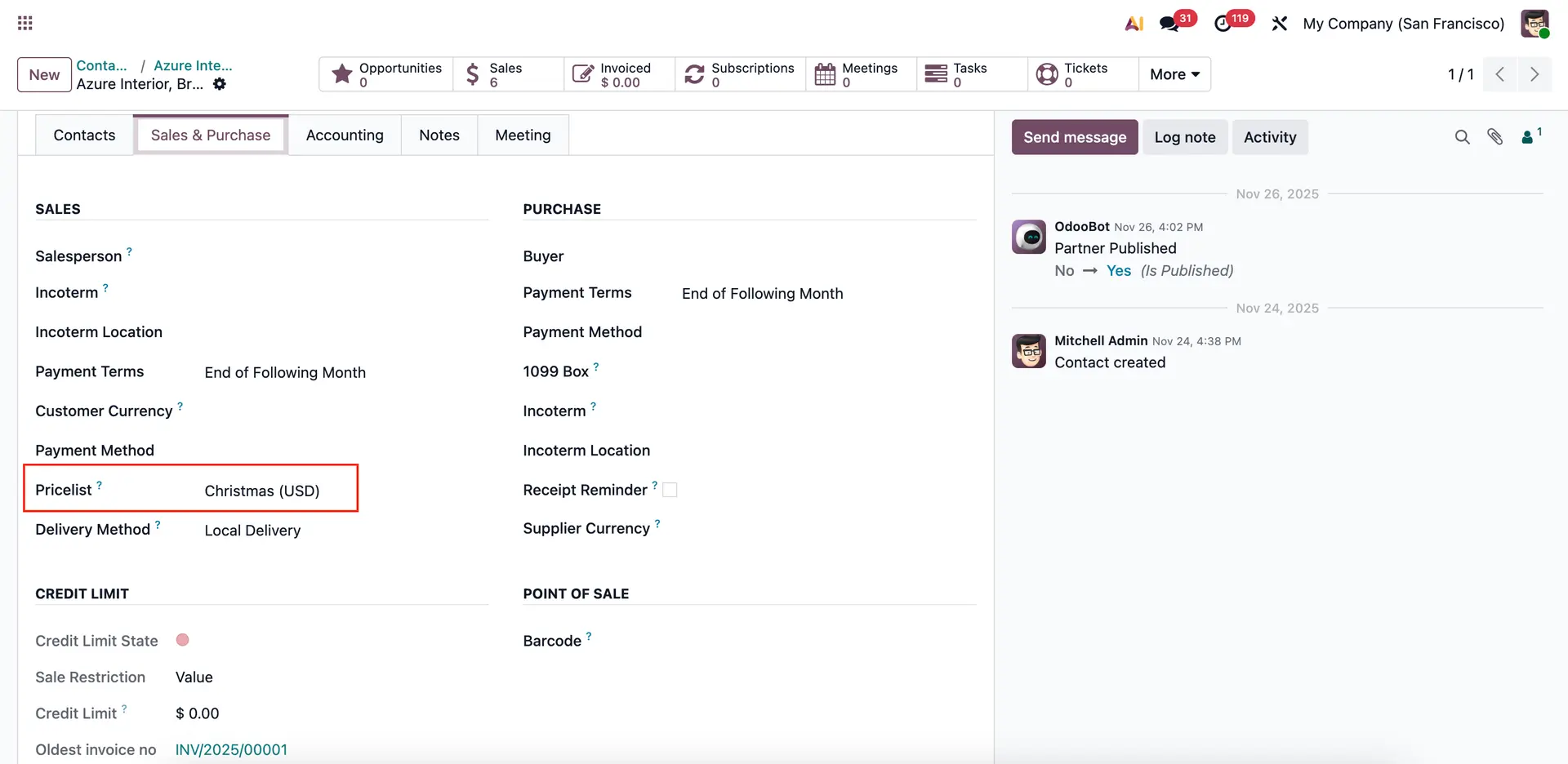 |
USAGE | |
1. When we create a sales order with child partner customer, the chosen pricelist is automatically applied | 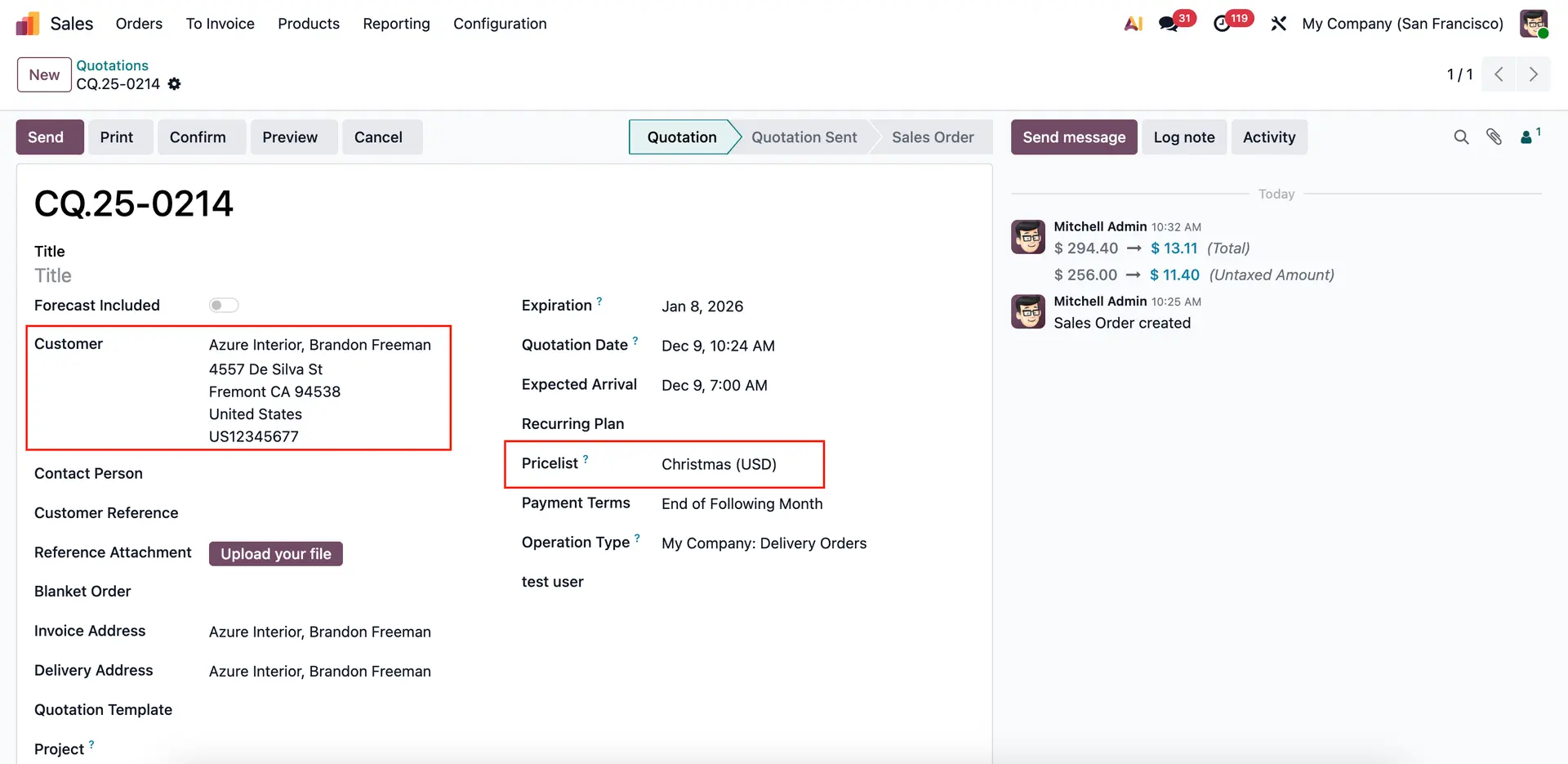 |
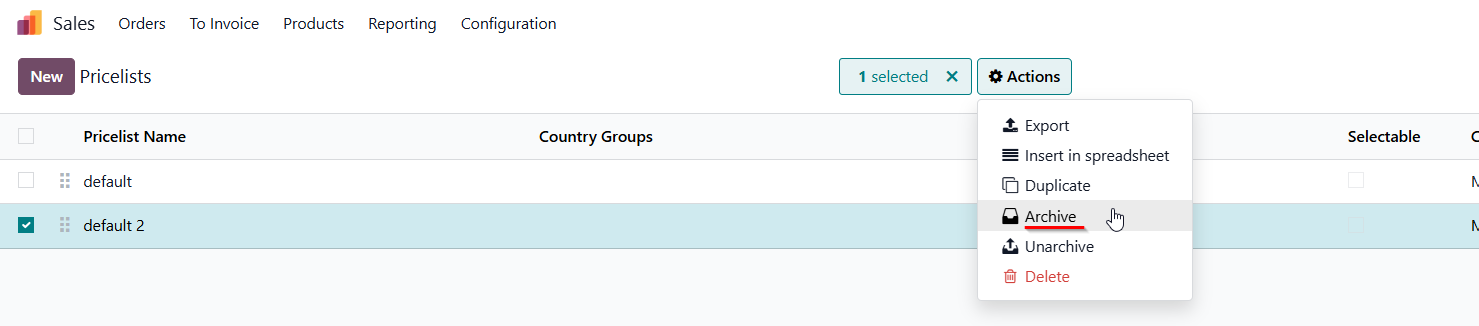
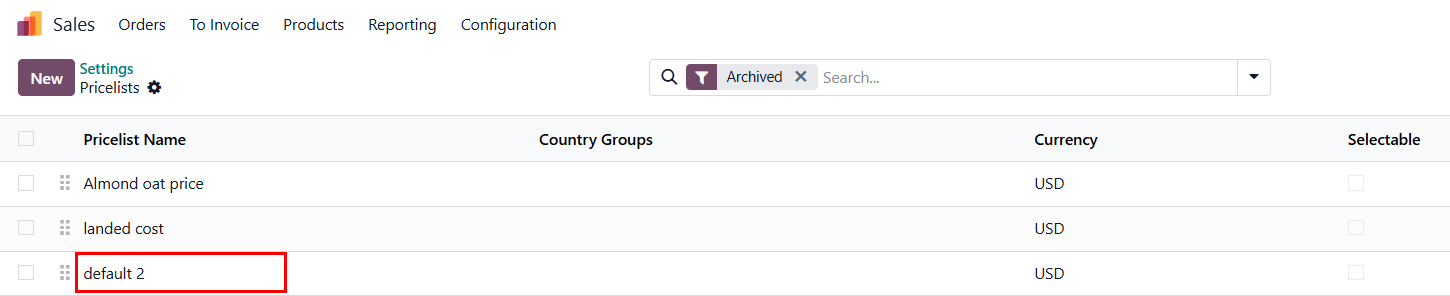
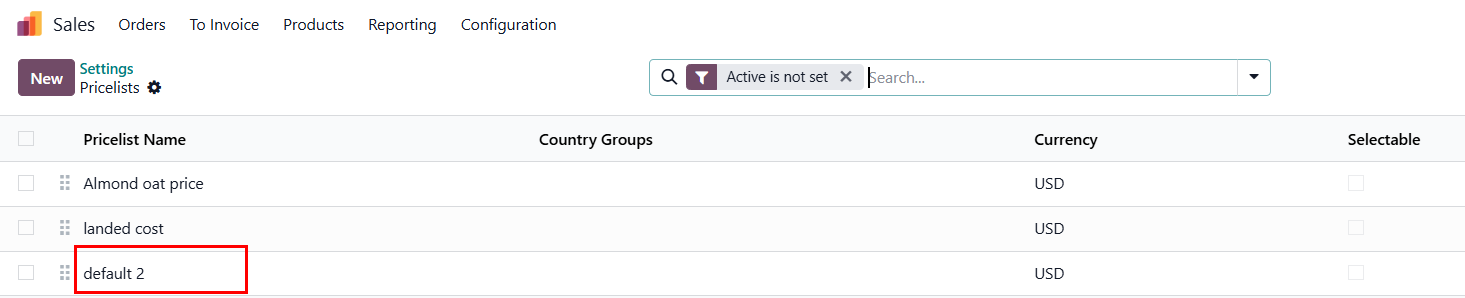
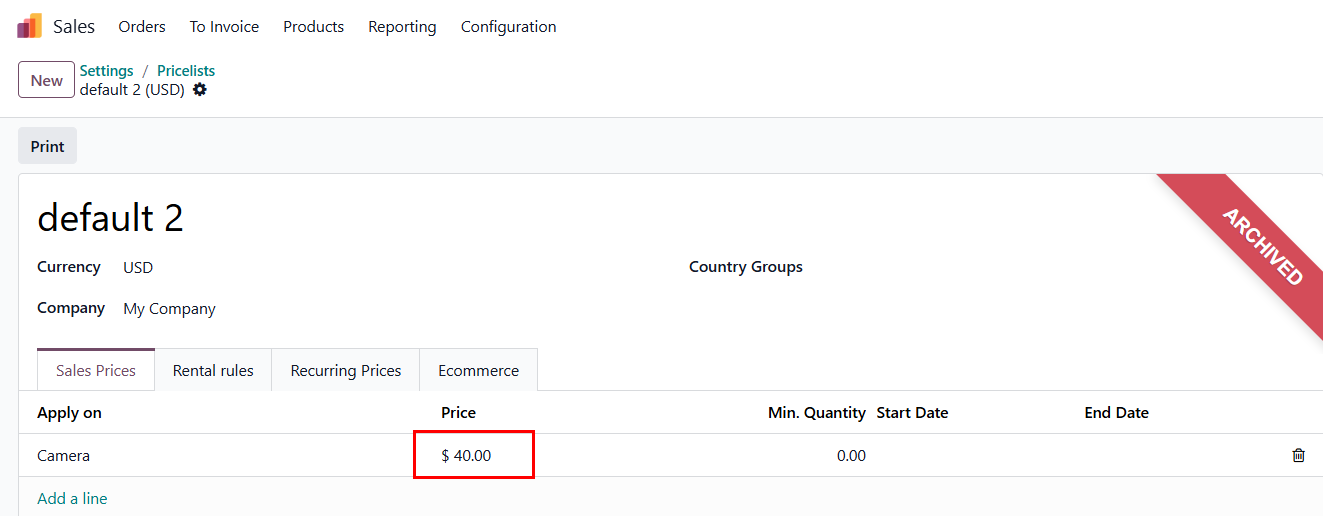
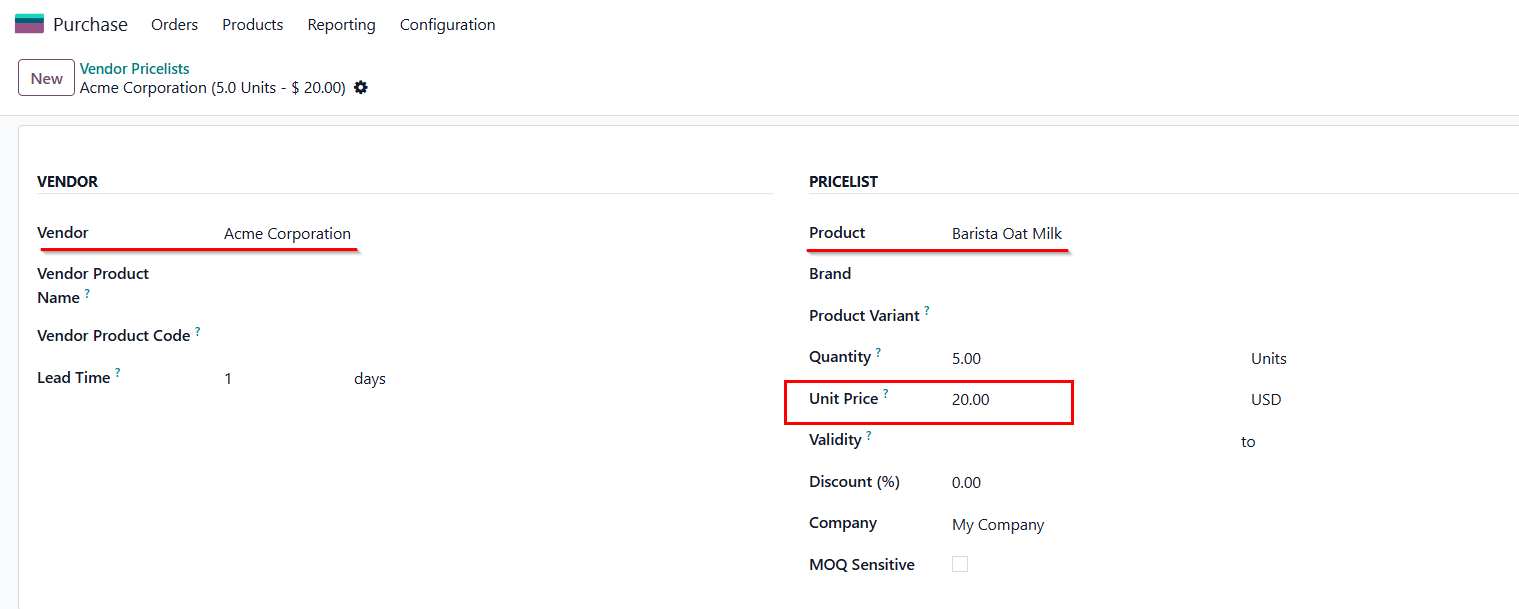
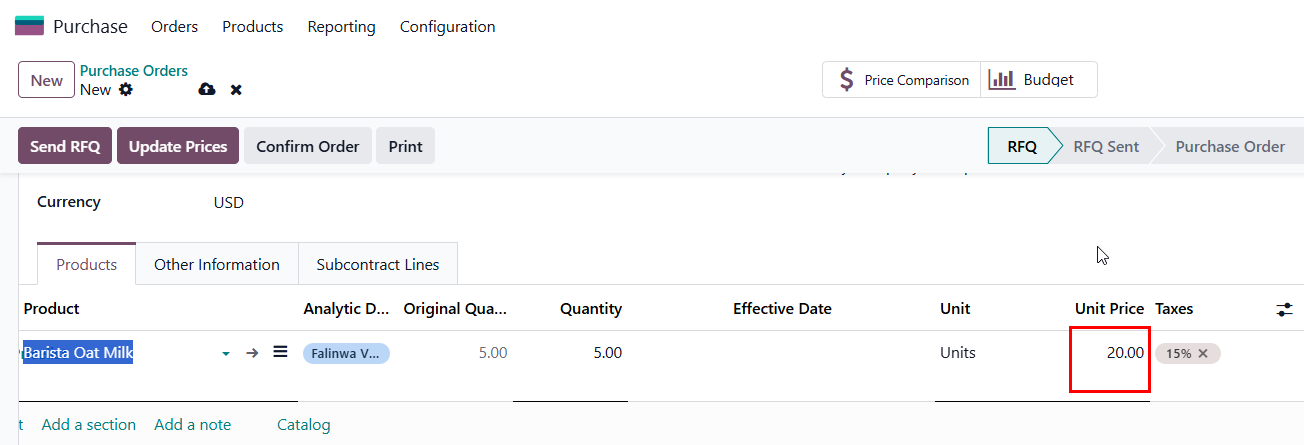
ARCHIVE PRICELISTS Action: Action: Result: The line is hidden from the active list. Note: User still can find the archived price list line through the filter 'Archived' or Custom Filter 'Active' 'is not set'. This function's also applied for Purchase Orders. |
|
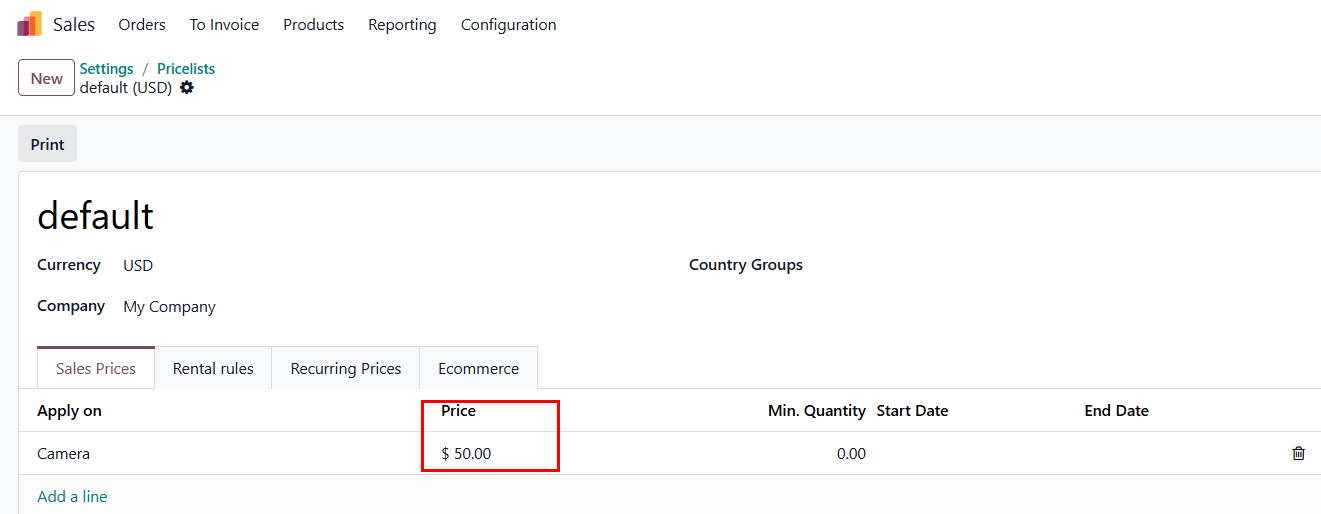
2. If one price list line is archived, this price cannot be applied in Sales Orders Line anymore.
|
|
Result: when fill in the product Camera in Sales Orders Line, the product will take the unit price = 50 |
|
E.g in Purchase Orders:
|
|
|
|
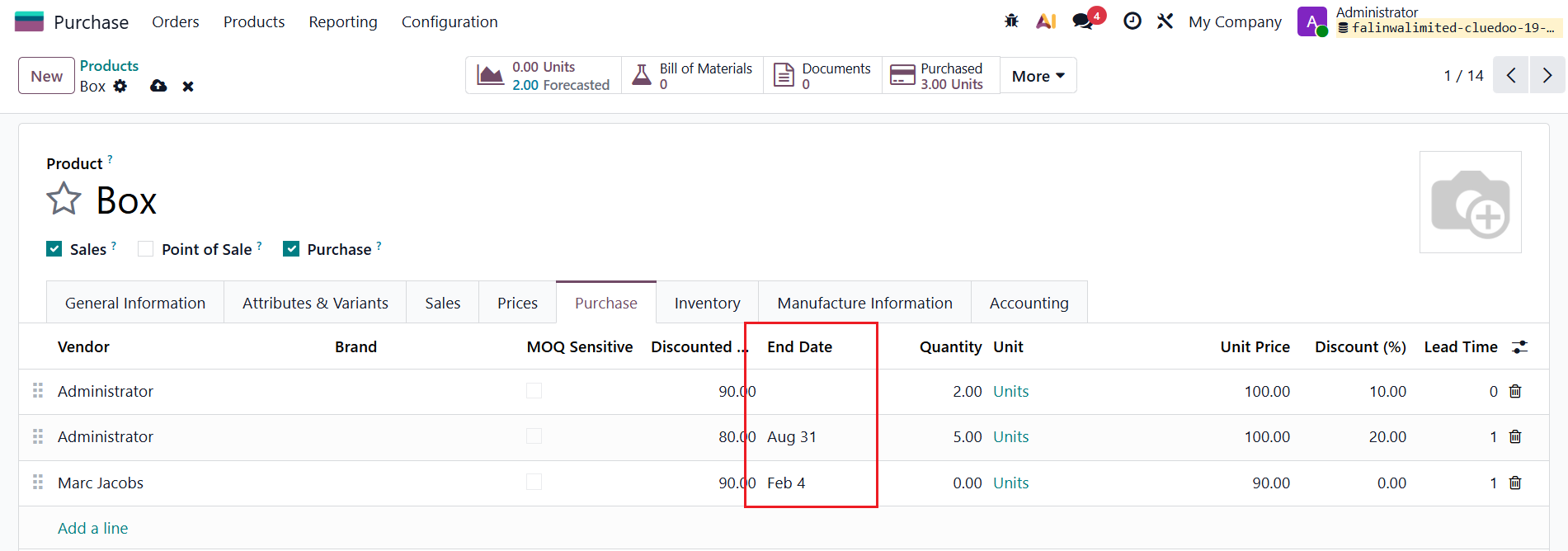
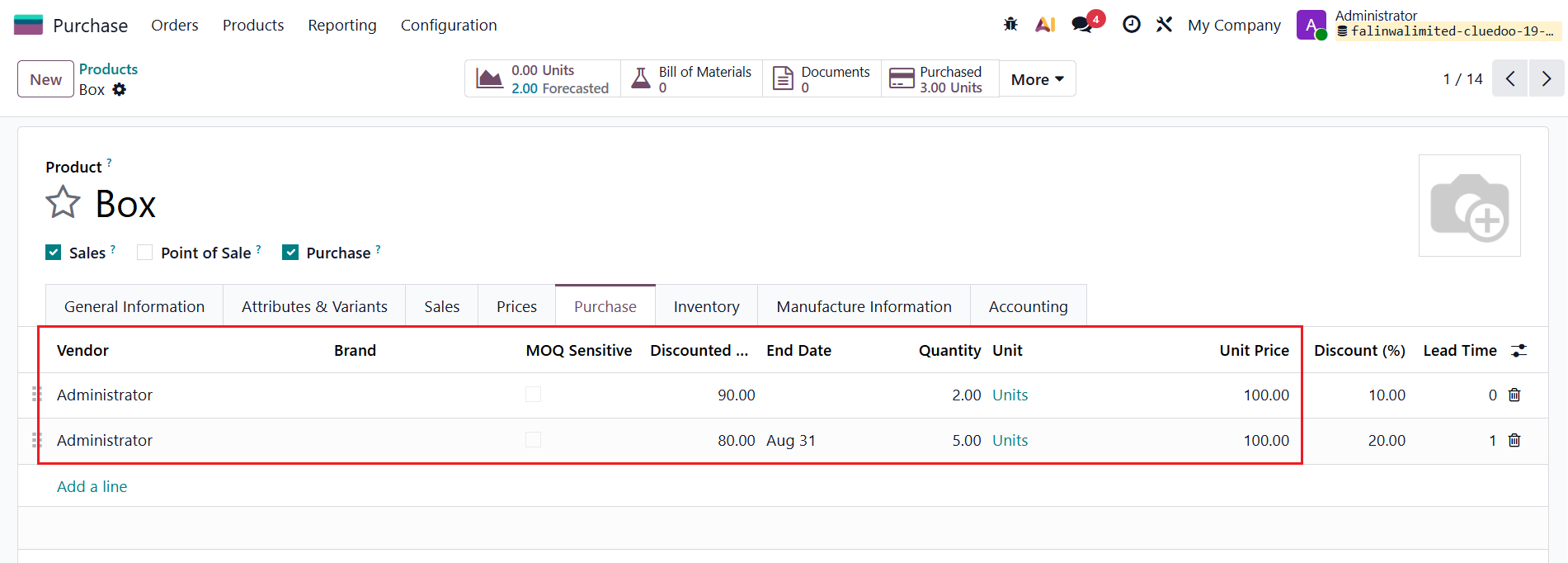
ARCHIVE OUTDATED VENDOR PRICELISTS (since v19) Under Purchase tab in the Product Template, fill in the End Date for some pricelists. |
|
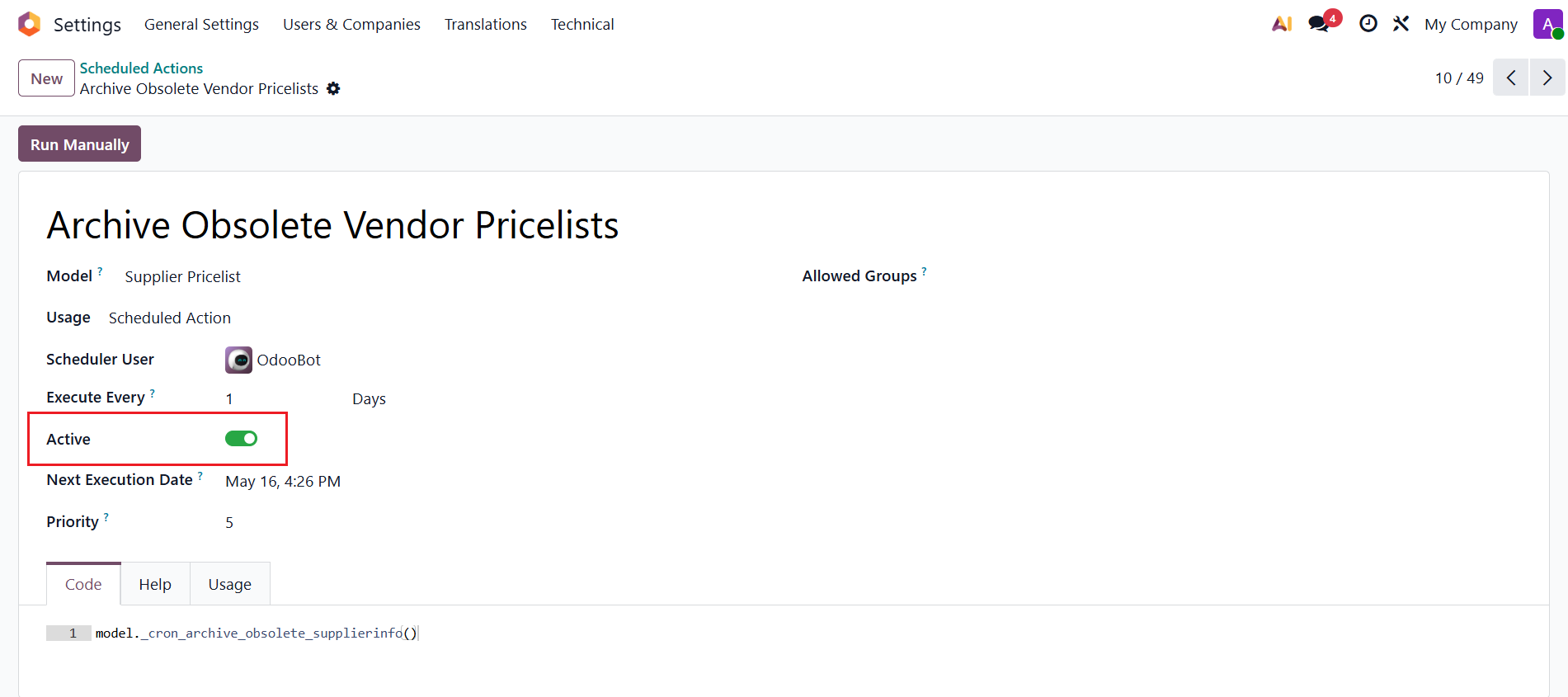
Go to Settings > Scheduled Actions > Acivate the Archive Obsolete Vendor Pricelists action. |
|
Under the Purchase tab in the Product Template, any priceline with an End Date prior to today is automatically hidden. Expired pricelines can be found in Vendor Pricelists > Filter 'Archived'. |
|