
ODOO'S FUNCTION
In standard Odoo, the vendor currency is propagated only when the Purchase Order is created directly from the Purchase application. When a Purchase Order is created through the Approval application, the vendor currency is not propagated.
CLUEDOO'S FUNCTION
CLuedoo enhances the standard behavior by ensuring that the vendor currency is also propagated when the Purchase Order is created via the Approval application.
1. Go to Products and create a new one or a choose an existing one > Under the Purchase tab, add the vendor and choose the Currency | 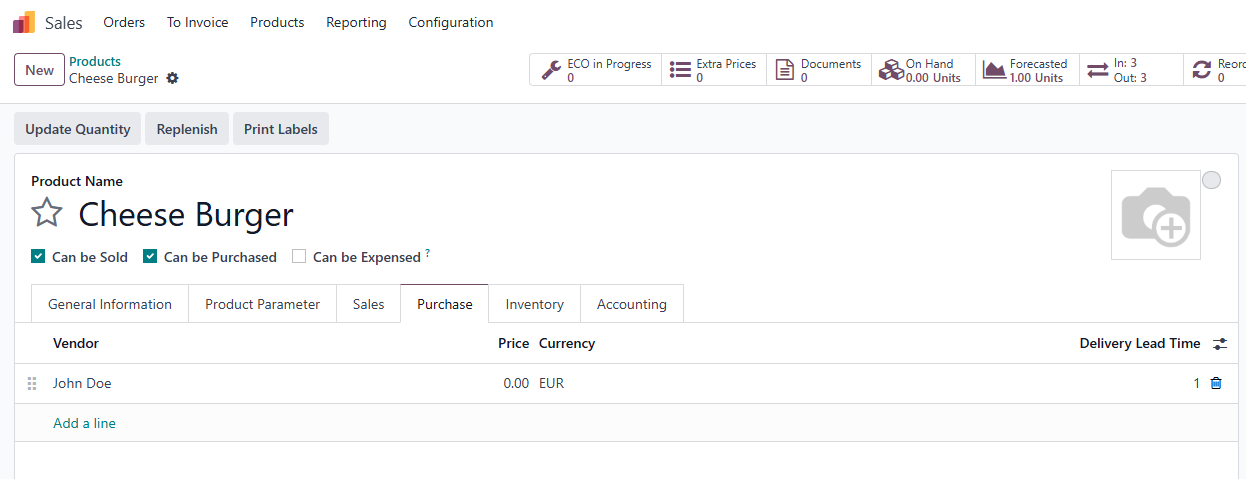 |
2. Go to Approvals > in the Create RFQ's dashboard, click New Request to create a new Purchase Order approval. | 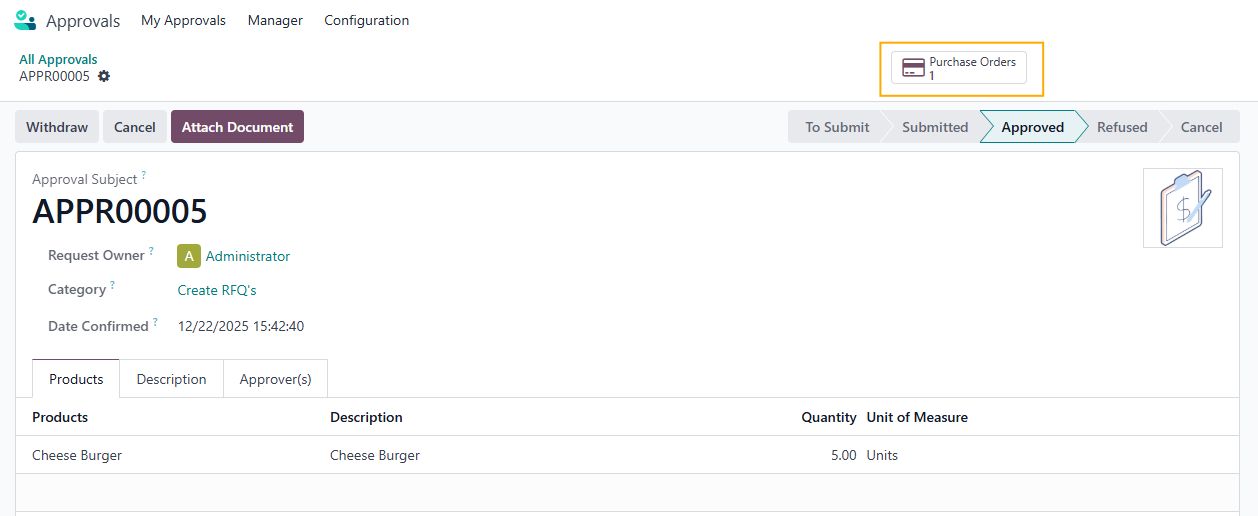 |
3. Open the generated Purchase Order, you will see that the Currency is correctly propagated from the vendor’s currency. Note: if the created RFQ is merged into an existing one due to same vendor, the system will preserve the existing currency. | 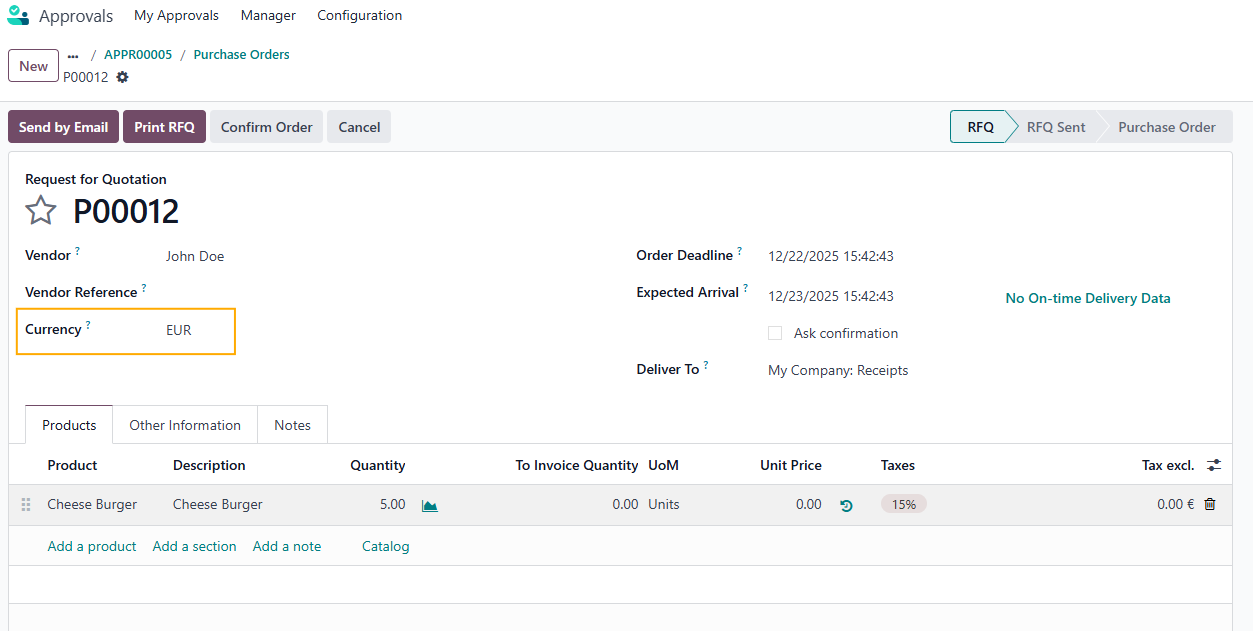 |