

ODOO'S FUNCTION
In Odoo, subtypes define what messages appear in the chatter and whether those messages automatically trigger emails to followers. Some subtypes send emails by default, but the content of these automatic emails cannot be customized, and users have limited control over blocking or adjusting these communications.
CLUEDOO'S FUNCTION
CLuedoo simplifies communication control by adding a clear option that determines whether a subtype should automatically send an email. This keeps subtype configuration lighter and lets users easily decide if messages triggered by a subtype are sent out by email or only logged internally.
Go to Settings → Technical → Discuss → Subtypes → Choose a subtype → Add a Description (optional) and check/uncheck the 'Can send' boolean to control whether the subtype sends an email automatically. For example, here I choose subtype 'Sick Time Off' and check Can Send Warning: Some automatic emails are hardcoded and thus cannot be managed via Subtype. | 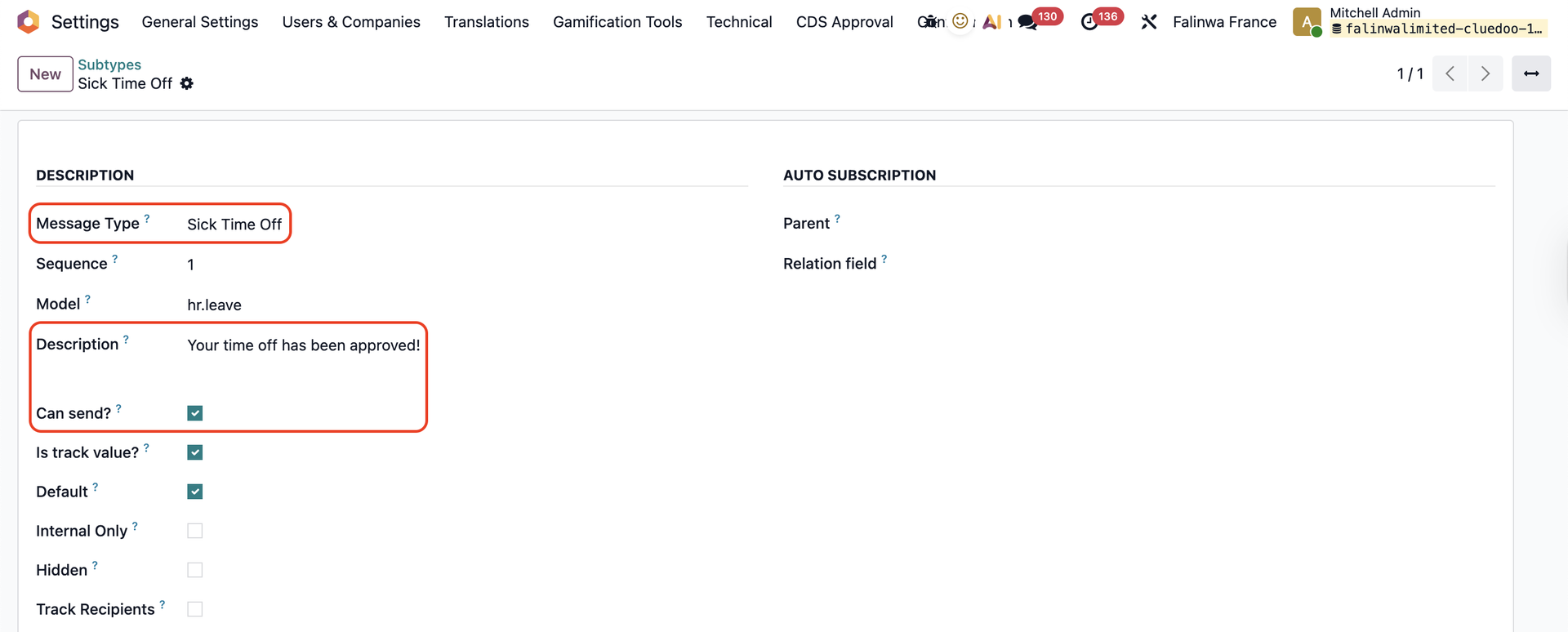 |
Go to Time Off and create a Sick Time Off request for employee Andy > Validate the request | 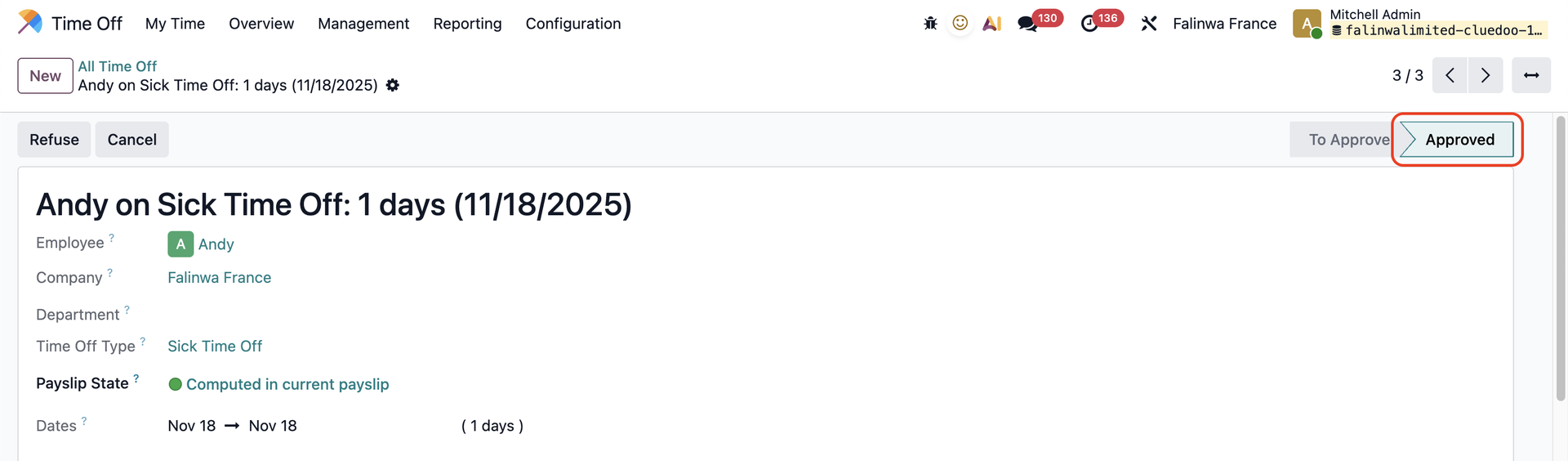 |
Andy will receive an email with the message that you set up in the Description field in the subtype. If Can Send is unchecked, Andy will not receive any email. | 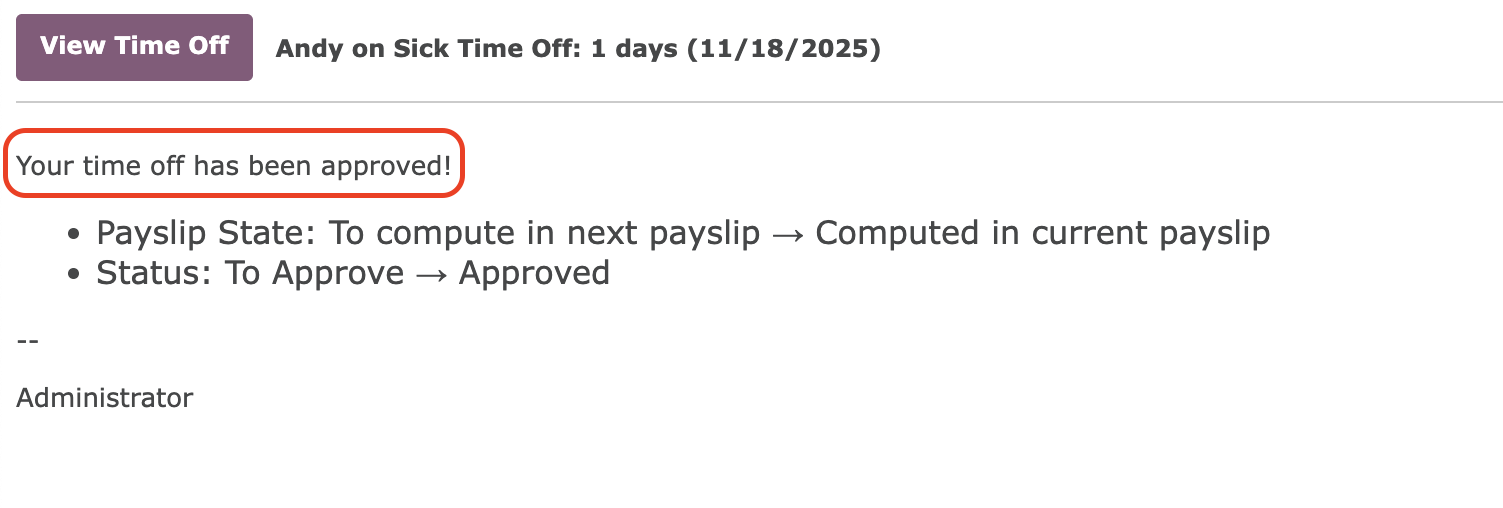 |
You can also head to Messages to check the subtype message under the Body tab, and whether the email has been sent under the Recipients tab. | 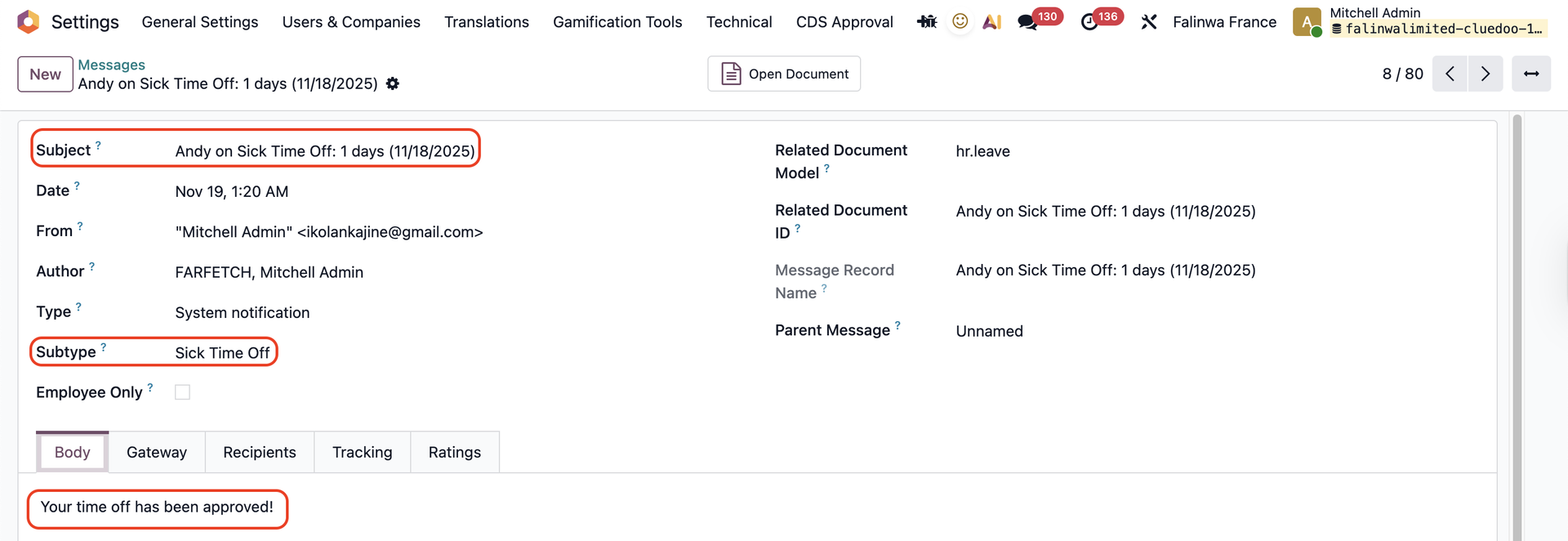 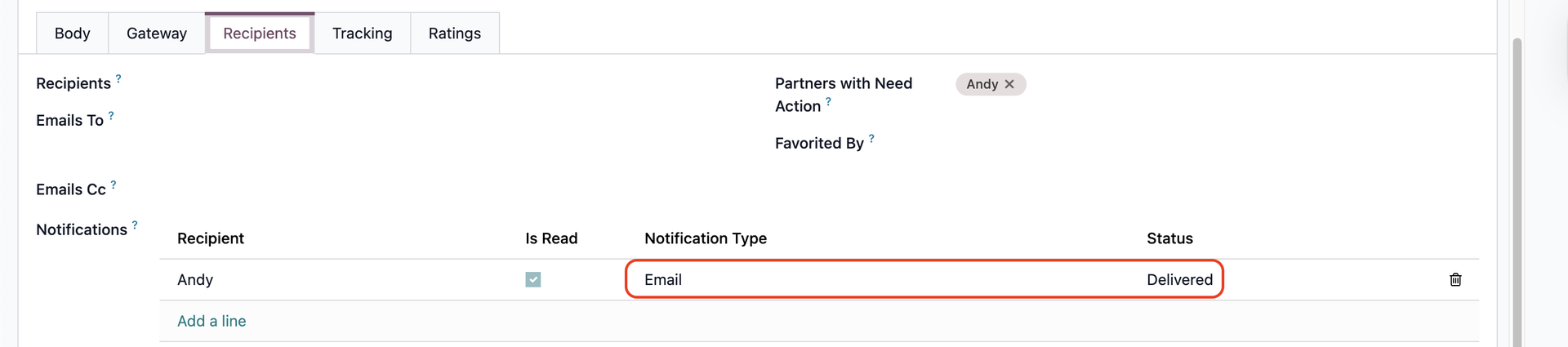 |