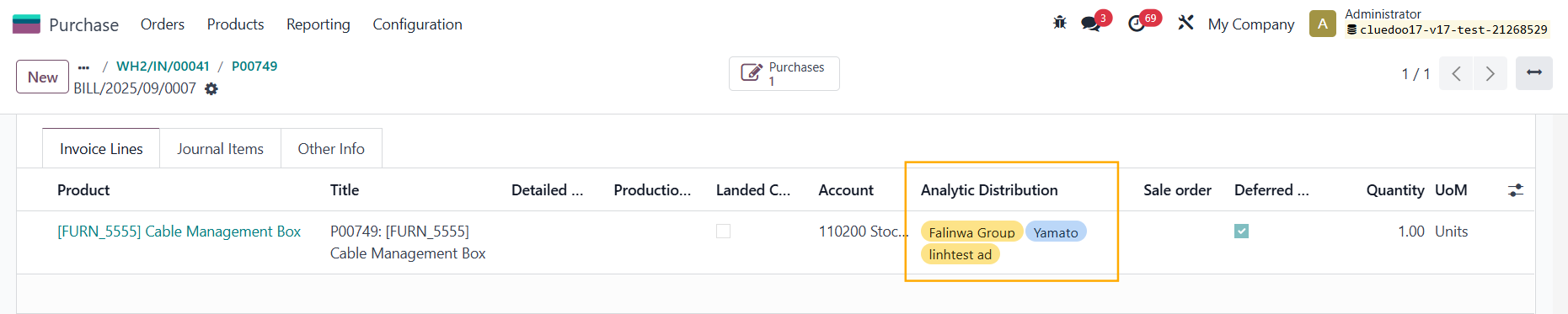



ODOO'S FUNCTION
In Odoo, analytics on Purchase Orders (PO) do not flow through the full chain (PO → Receipt Transfer → Stock Valuation Layer → Vendor Bill).
1️. PO lines can have analytic accounts/tags, but these are not propagated to receipts or valuation layers.
2️. Vendor bills may include analytics, yet they are often disconnected from the stock valuation and COGS entries.
3. This creates gaps in cost tracking: expenses in invoices may be analytic-tagged, but inventory valuation and COGS remain unlinked, making true landed cost per project/cost center unclear.
CLUEDOO'S FUNCTION
CLuedoo ensures full analytic propagation along the purchase flow.
1. Go to Purchase > New | 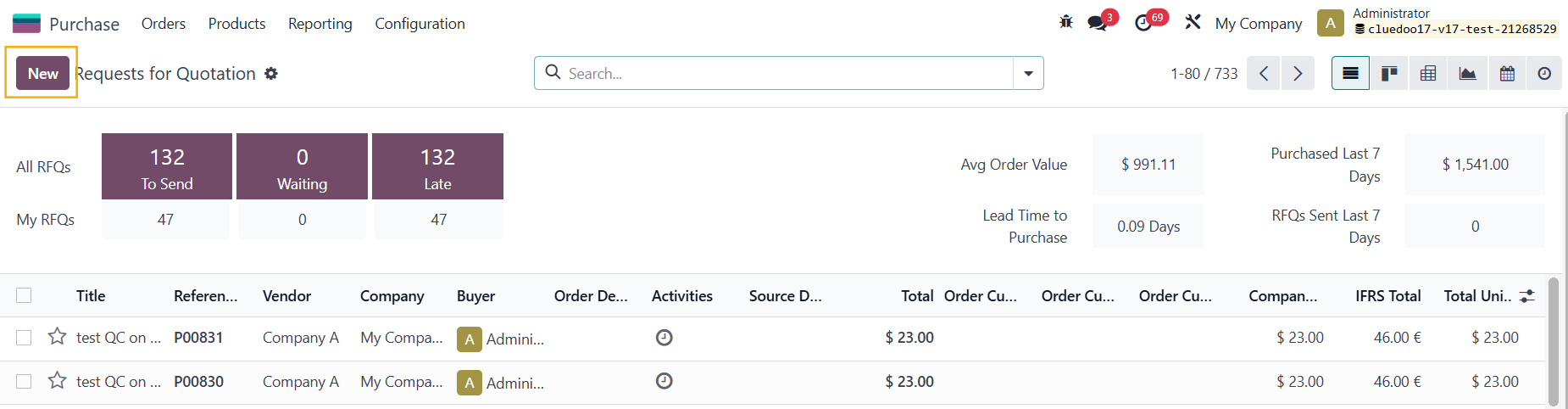 |
2. Add a product > Fill out the Analytic Distribution > Confirm | 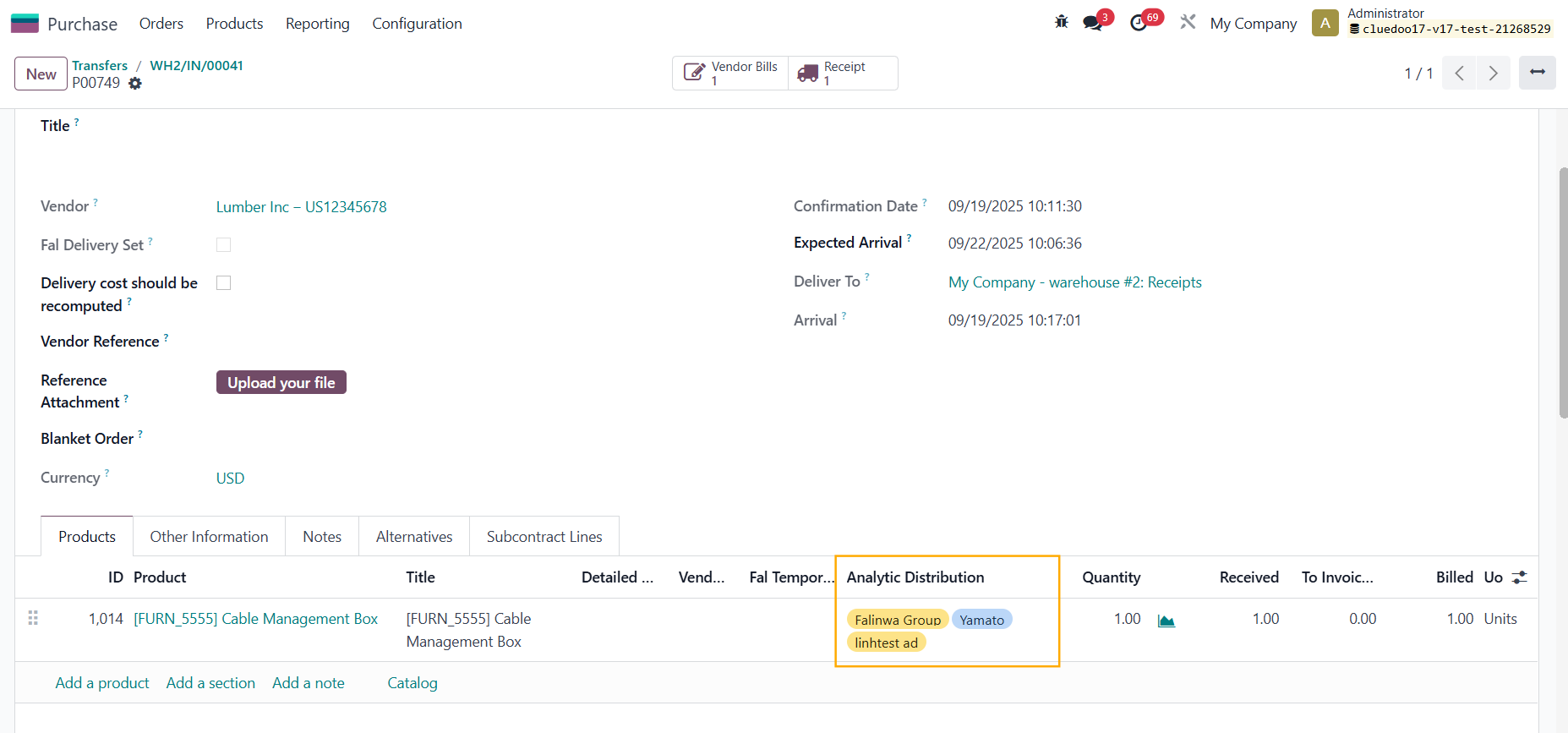 |
3. Go to Receipt > the AD is inherited > Validate | 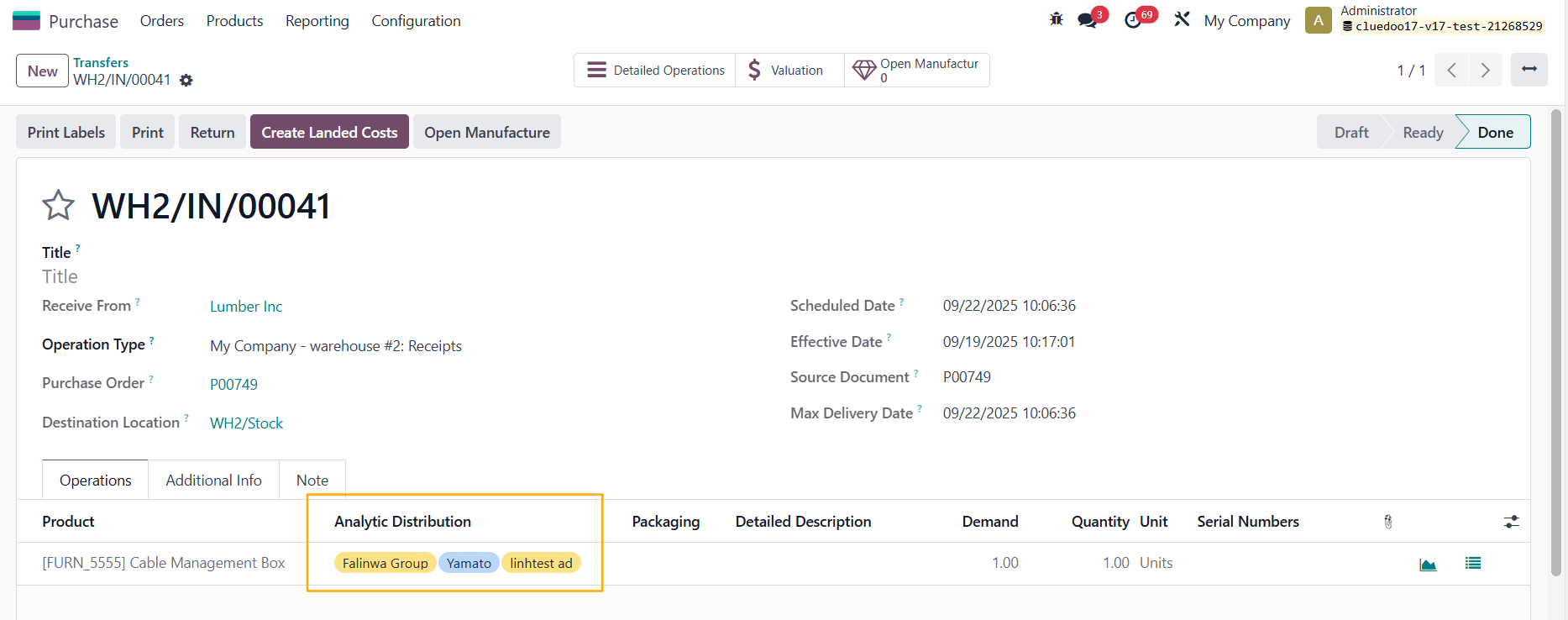 |
4. Click on the Valuation smart button to check the Analytic Distribution Note: this function has been removed since v19 because Stock Valuation Layer no longer exists | 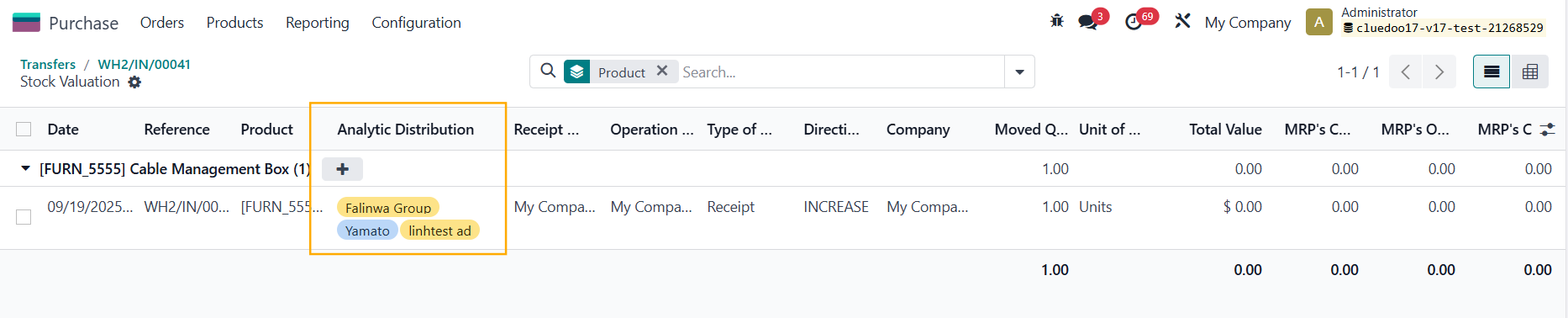 |
Alternatively, you can go to Inventory > Valuation | 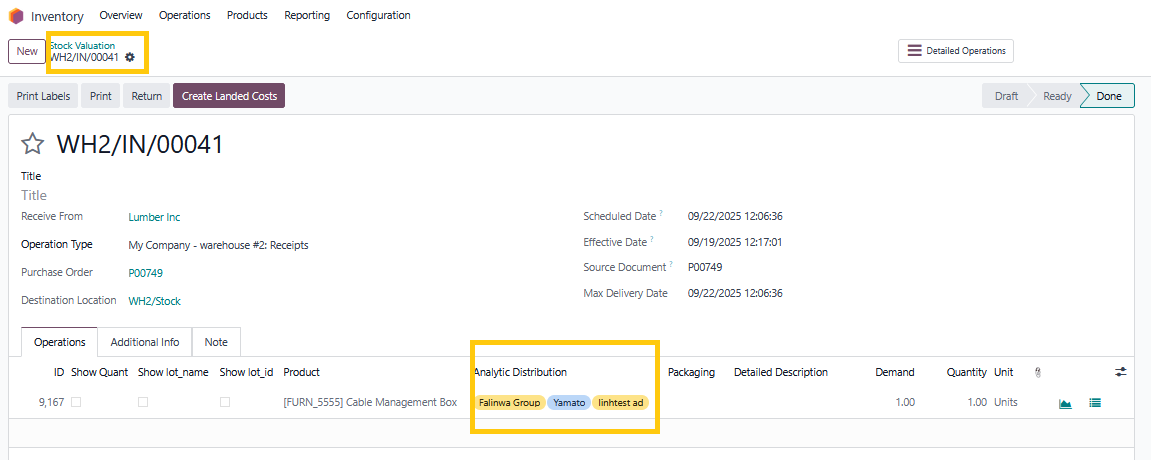 |
5. Go back to the PO > Create Bill > Create Invoices > Confirm > The AD is inherited to the bill lines as well |
|