



ODOO'S FUNCTION
Odoo does not support analytic dimensions for stock management.
CLUEDOO'S FUNCTION
Cluedoo enhances Odoo by extending analytic account functionality to stock operations, enabling comprehensive analytic tracking across orders, invoices, and stock movements.
1. Create a purchase order. Then, on a purchase order line, set the analytic account you'd like. Once you are finished, confirm the purchase order. | 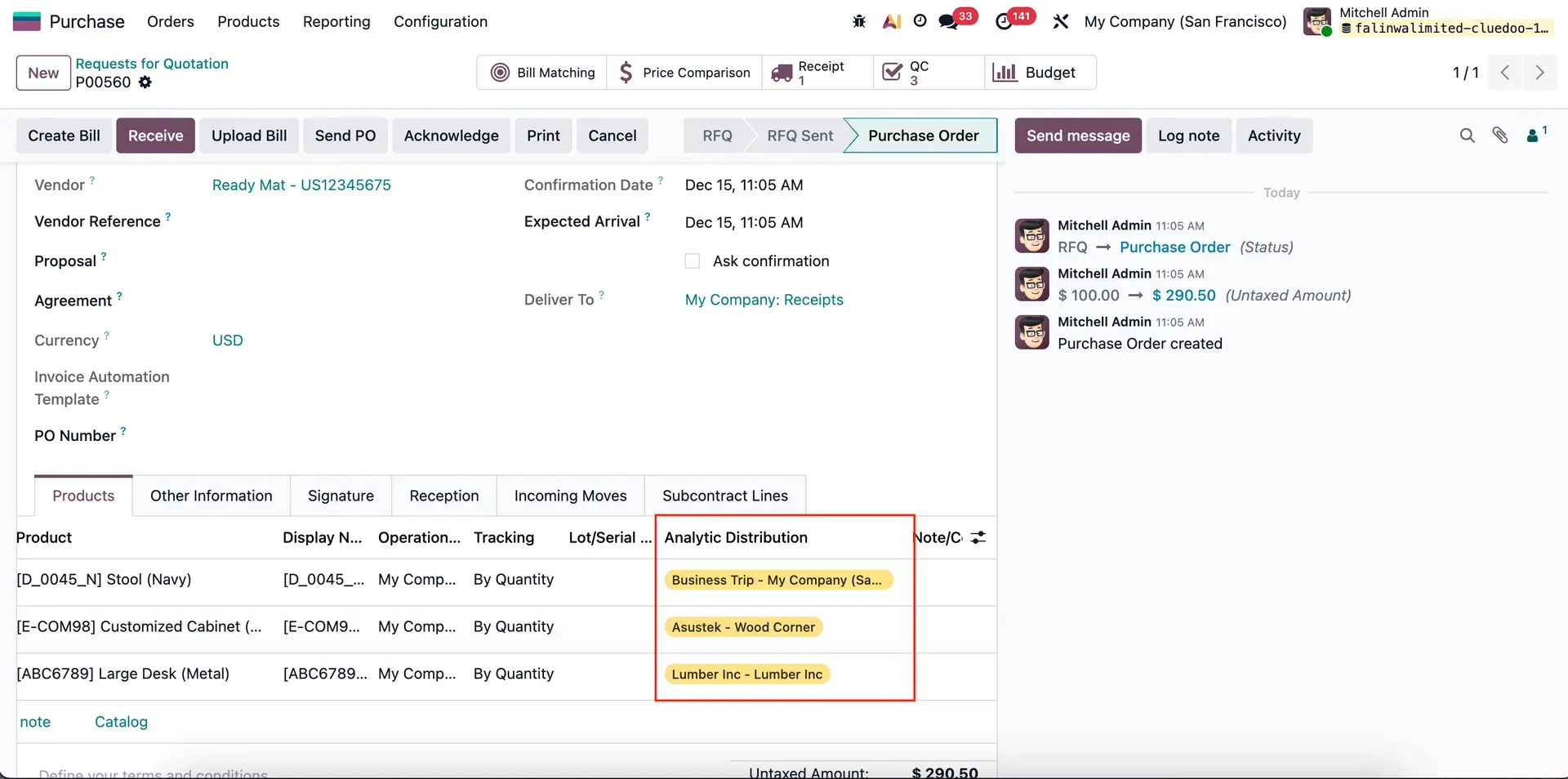 |
2. Click on the receipt smart button | 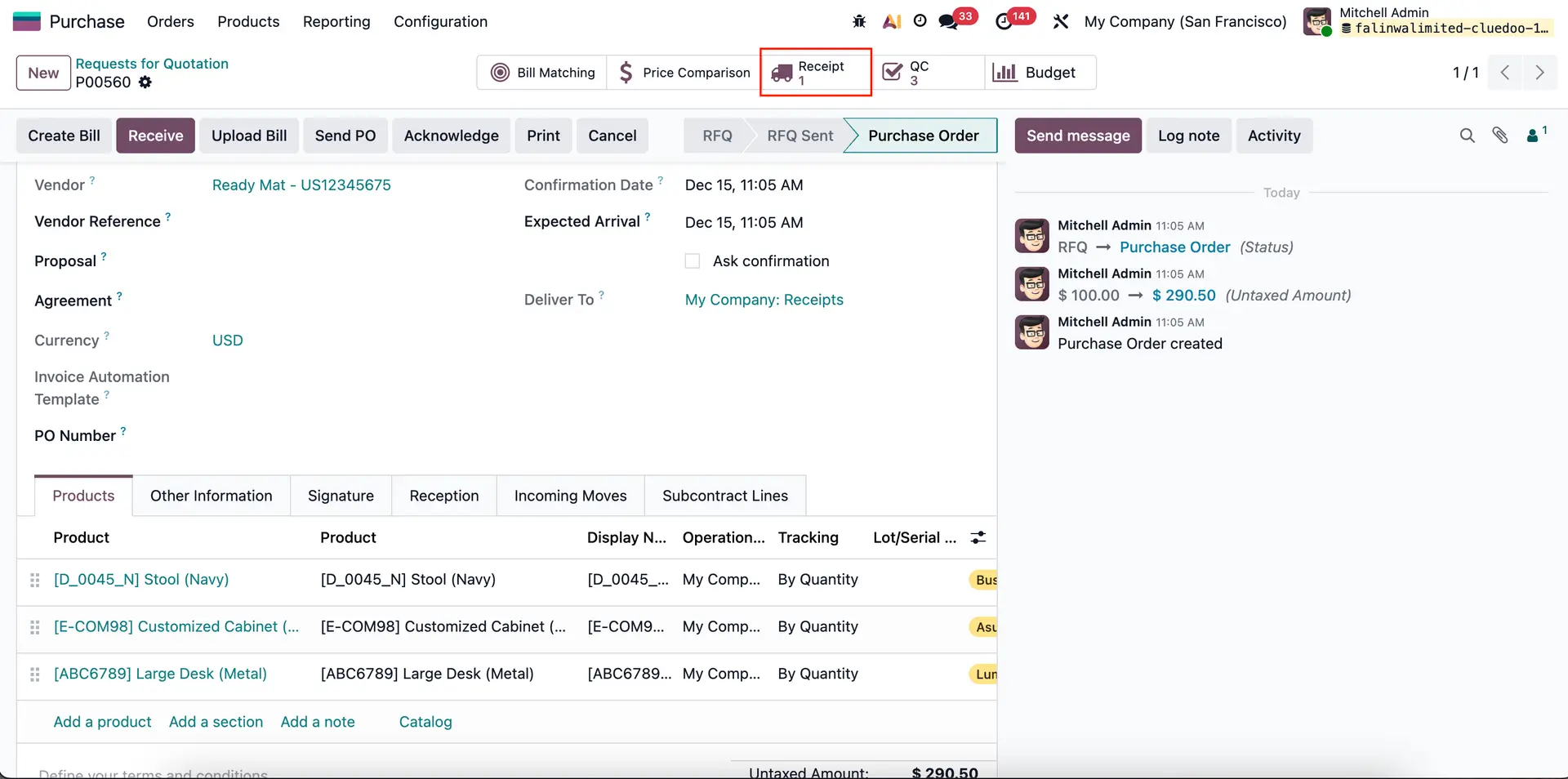 |
On the receipt, the analytic account will be automatically defined. | 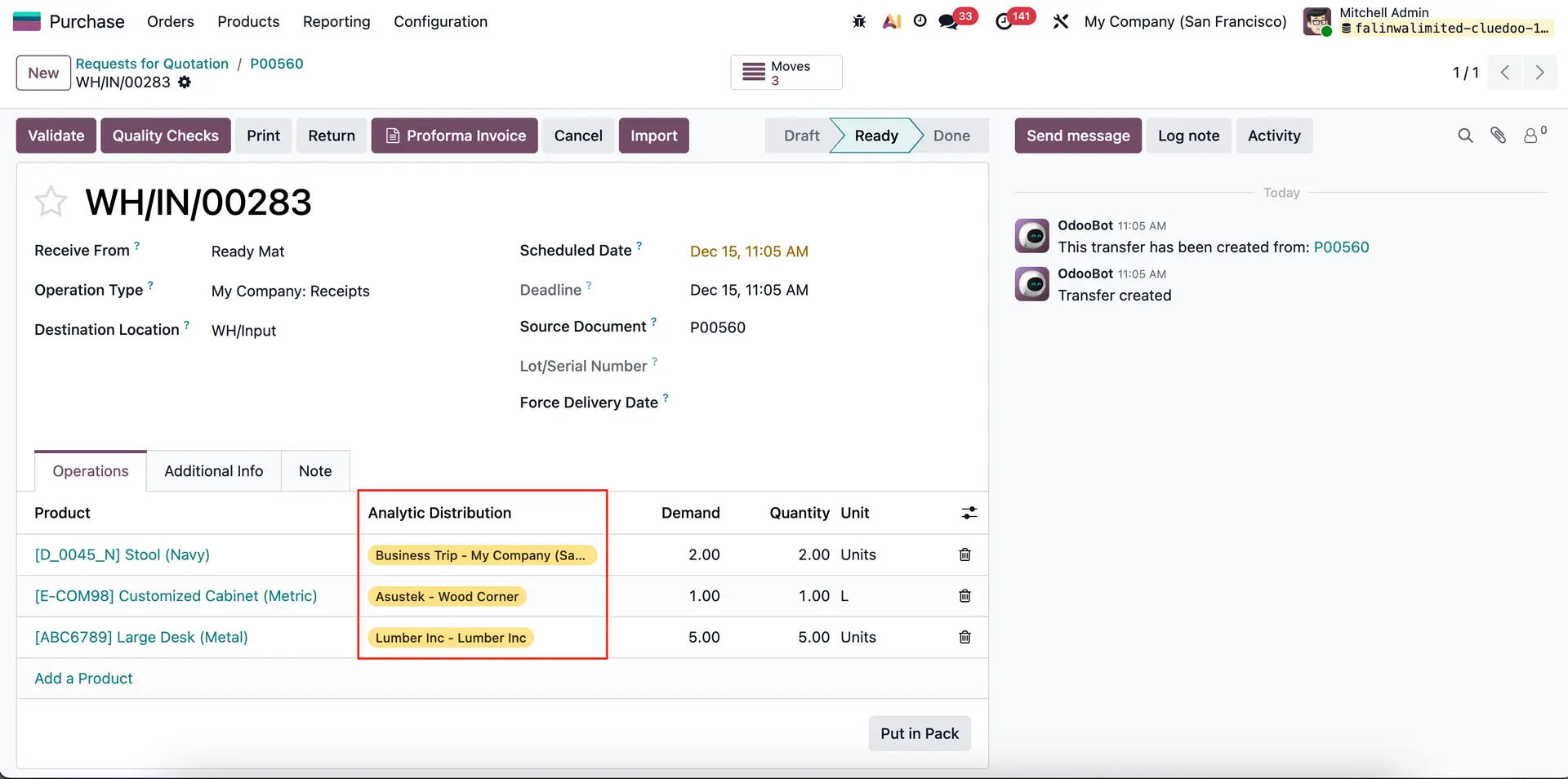 |
3. Go to Inventory > Operations > Transfers > Receipts. On the Transfers list view, we have "Project Numbers" (ie: WH/IN/00283) that are automatically defined based on the defined analytic account on your purchase order. |  |