



ODOO'S FUNCTION
In Odoo, for "service" type products, when the status of a sales order is locked, the received quantity becomes non-editable.
CLUEDOO'S FUNCTION
In CLuedoo, when a Sales Order is locked, the delivered quantity can still be modified for Service-type products with the invoicing policy set to Based on Delivered Quantity (Manual). For other product types, the delivered quantity remains non-editable once the Sales Order is locked.
Create a service product. Please note the delivered quantity can only be changed after locking the Sales Order when the Invoicing Policy is set to Based on Delivered Quantity (Manual). | 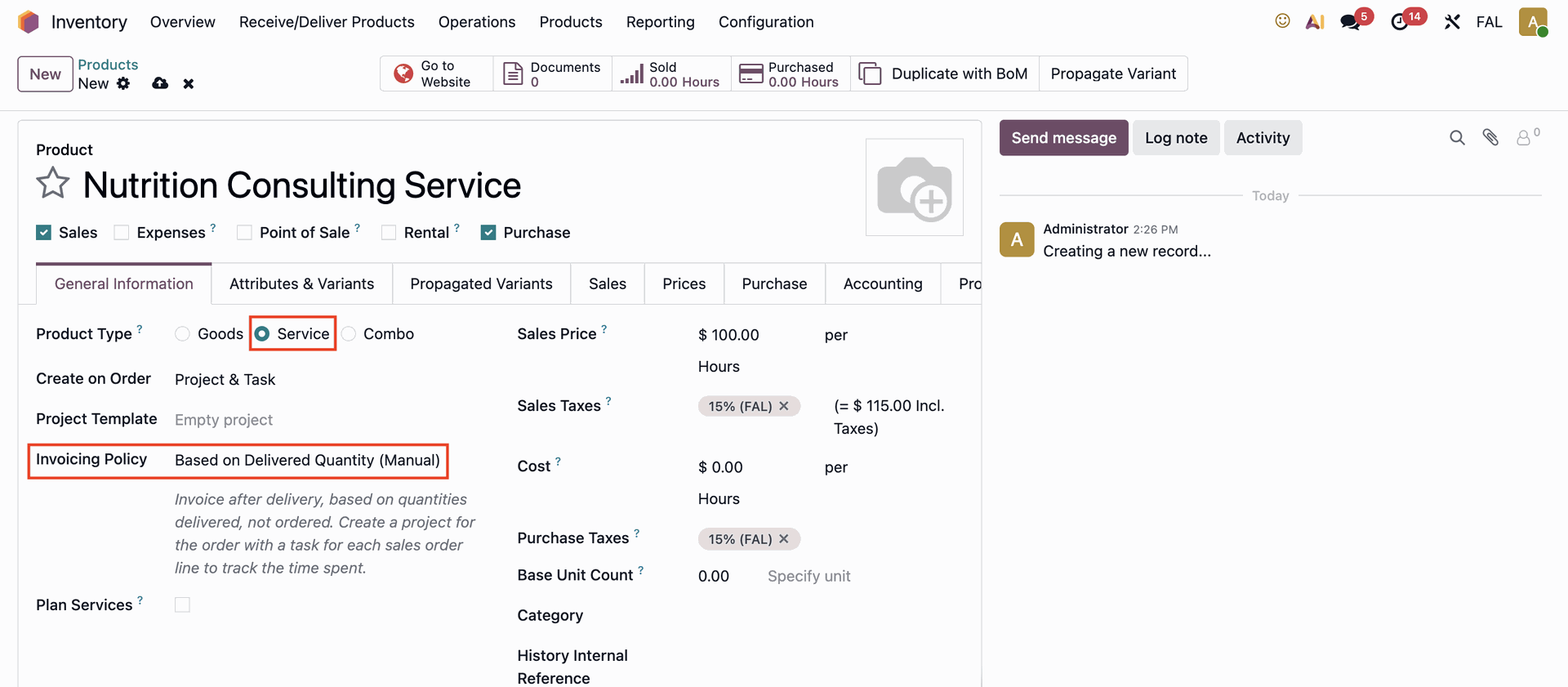 |
Now, create a Sales Order by going to the Sales module. | 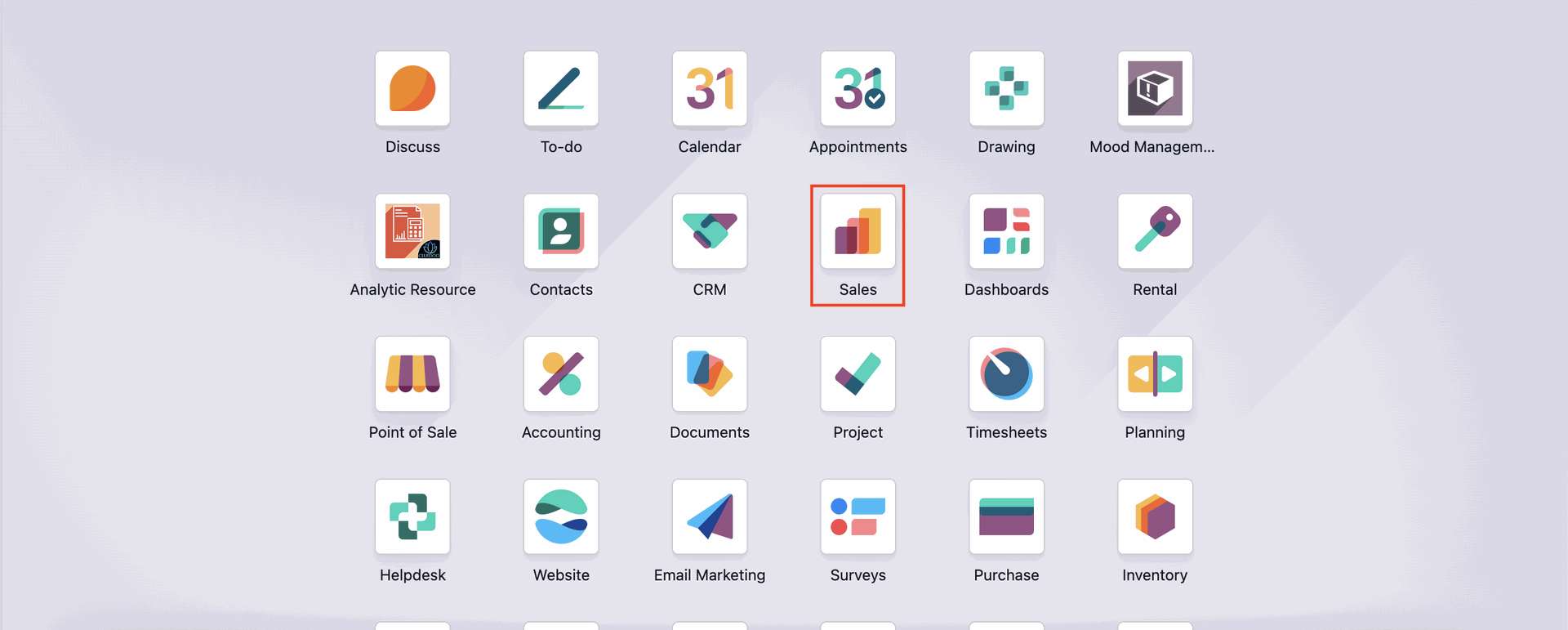 |
Click the Confirm button to validate the Sales Order. | 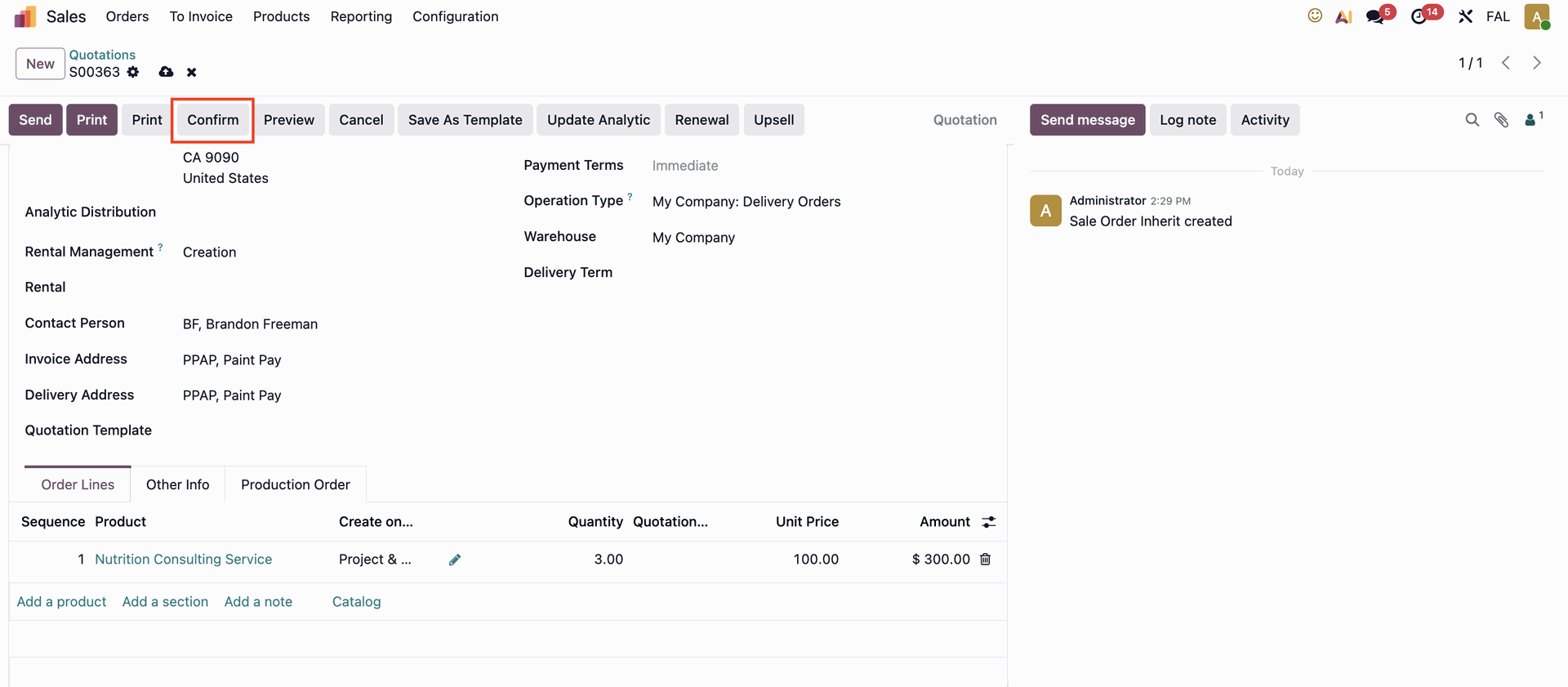 |
To lock a Sales Order, you can either click the Lock button manually (Make sure you already ticked the Lock Confirmed Sales checkbox in the user settings) or configure the system to lock orders automatically after confirmation by going to Settings and enabling the Lock Confirmed Sales option. | 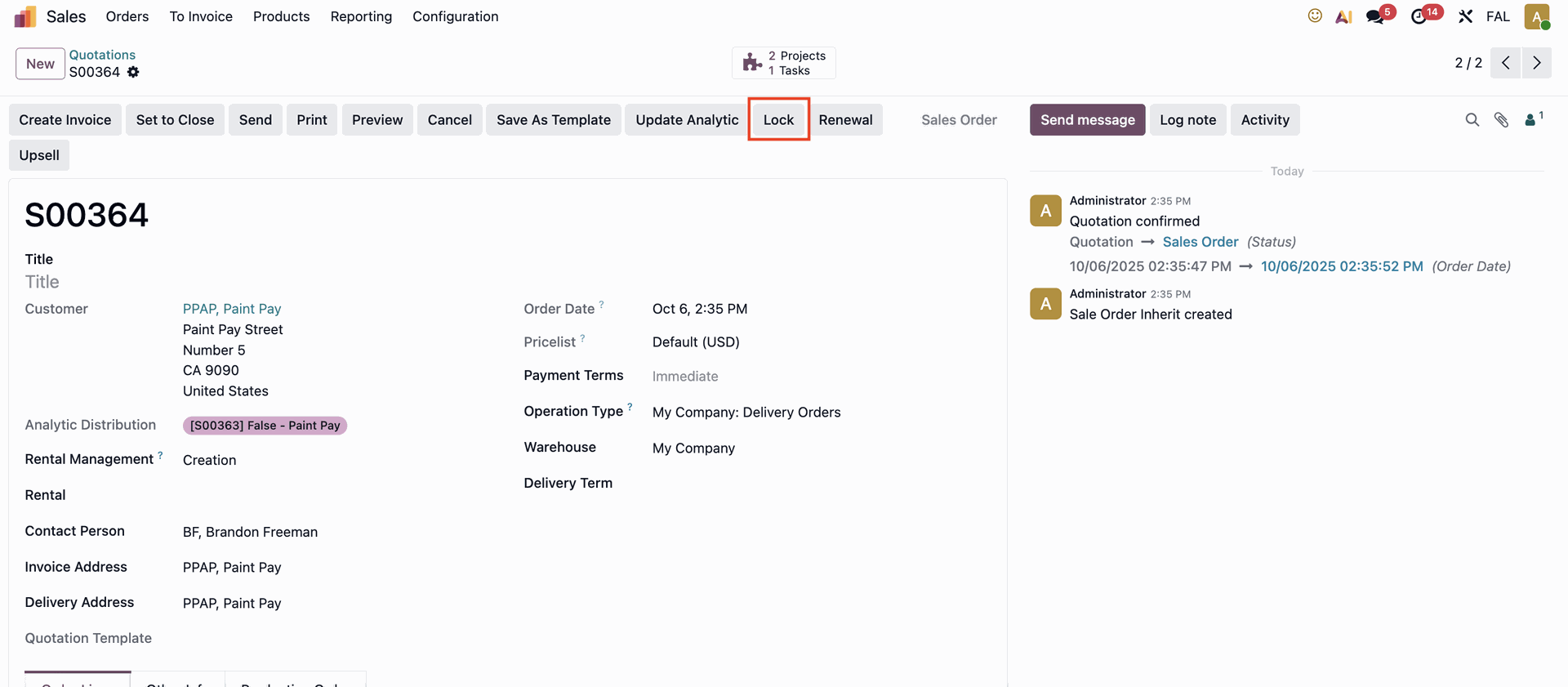 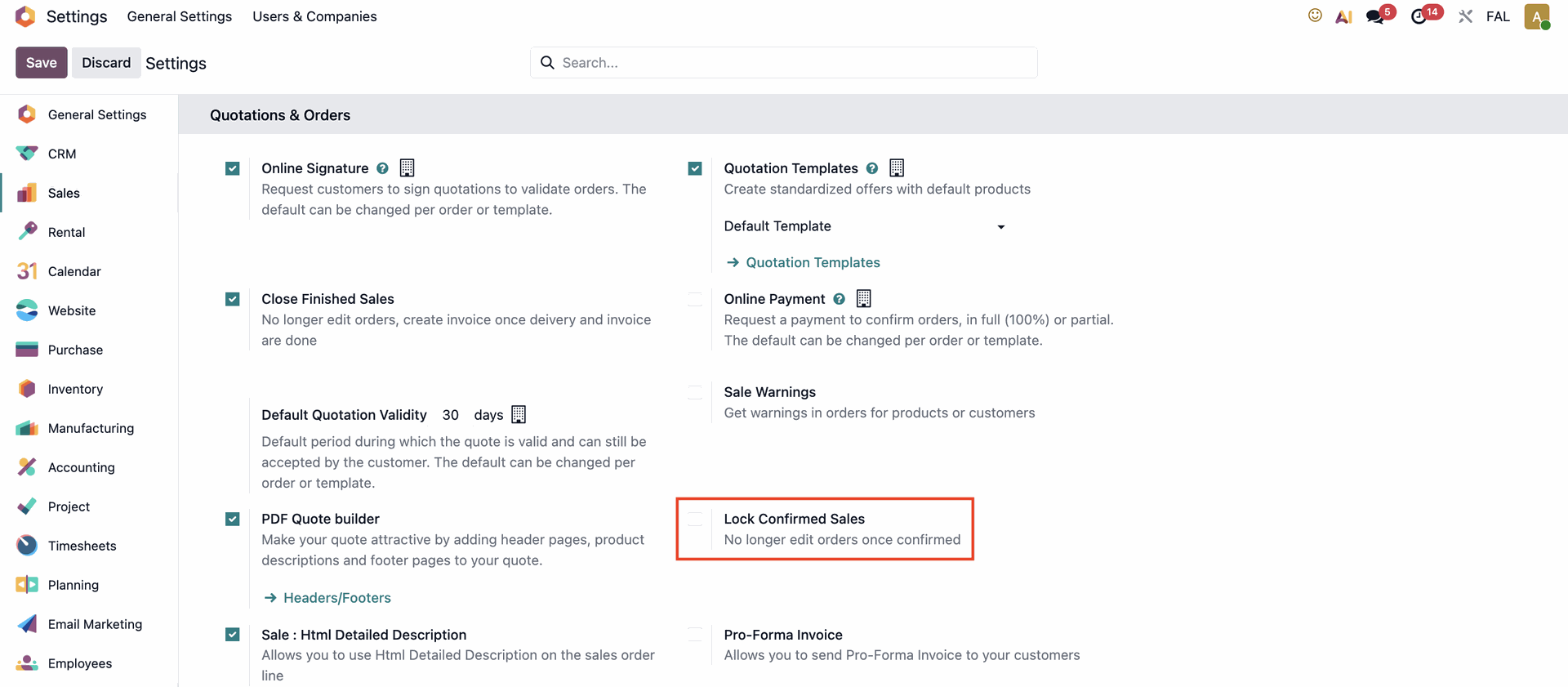 |
Once the Sales Order is locked, the Delivered quantity field becomes editable. | 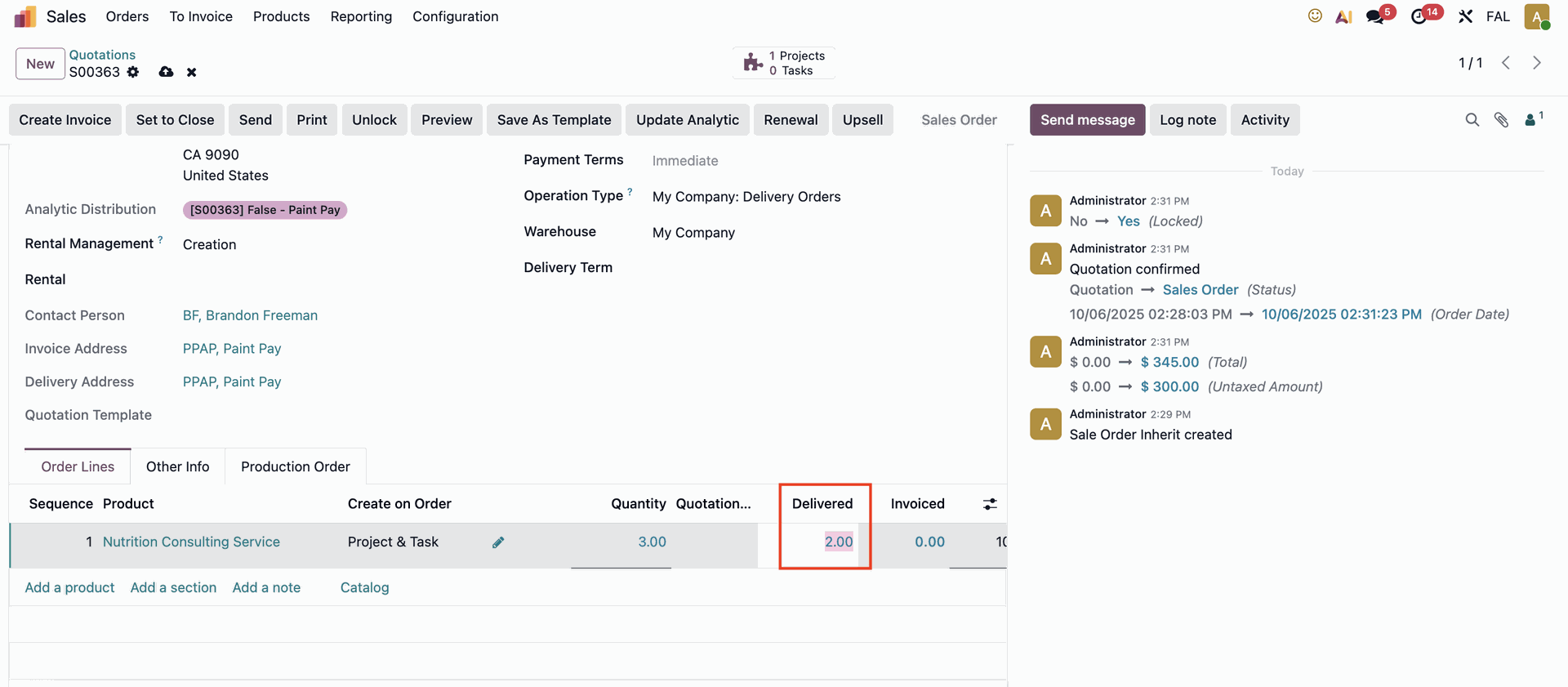 |