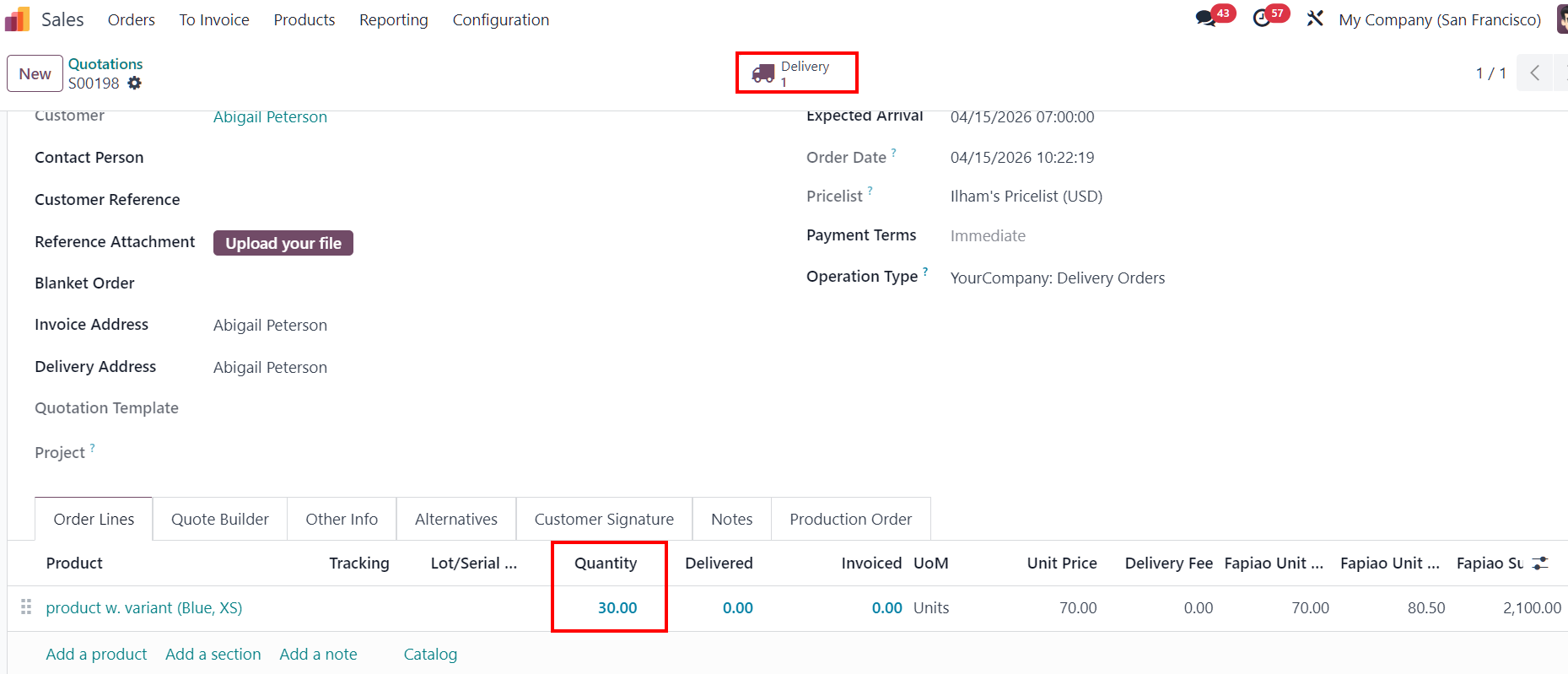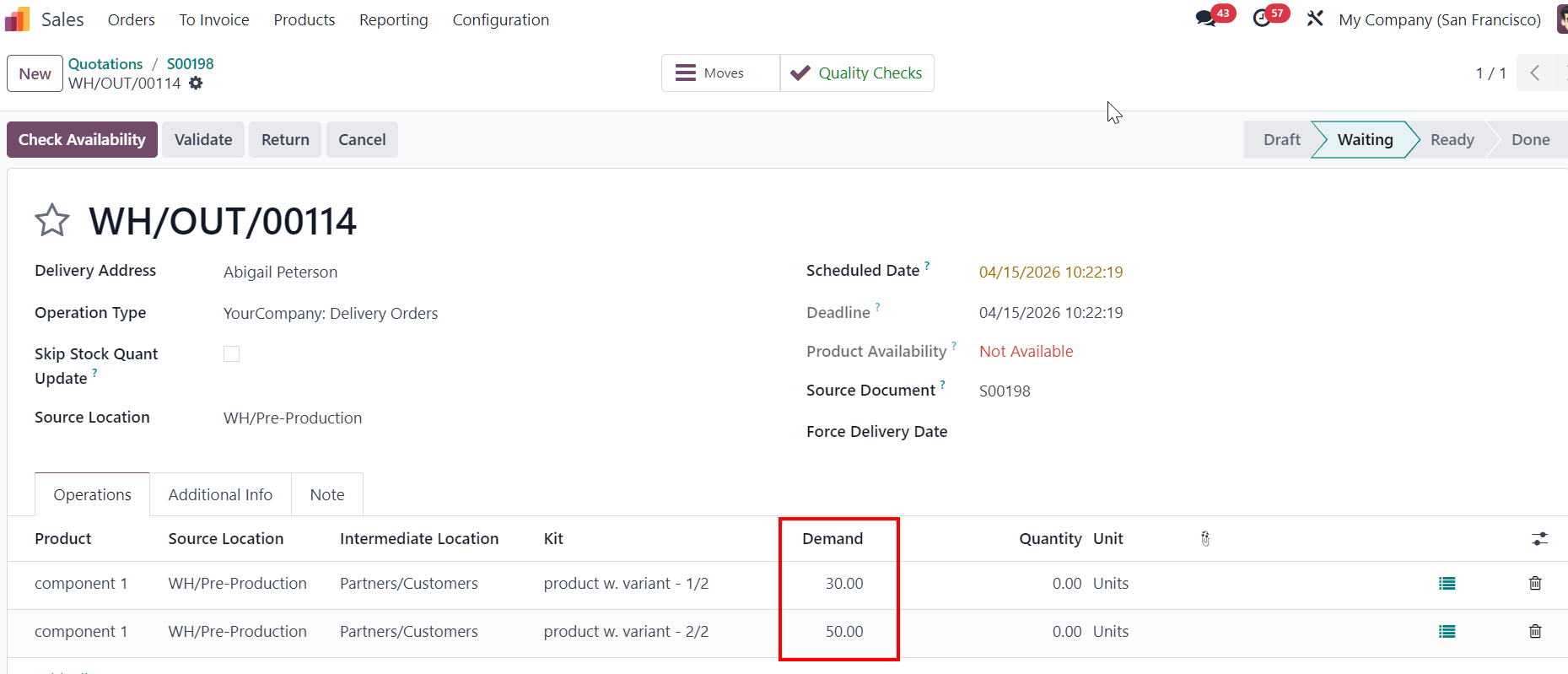
ODOO'S FUNCTION
CLUEDOO'S FUNCTION
CLuedoo fixes this kit quantity behavior by ensuring that all matching component lines are updated correctly when the Kit quantity changes.
With this feature: If the Kit quantity is later changed on the sale order line, the component quantities in the transfer are updated accordingly for all matching lines.
CONFIGURATION1Create a product with multiple variants. | 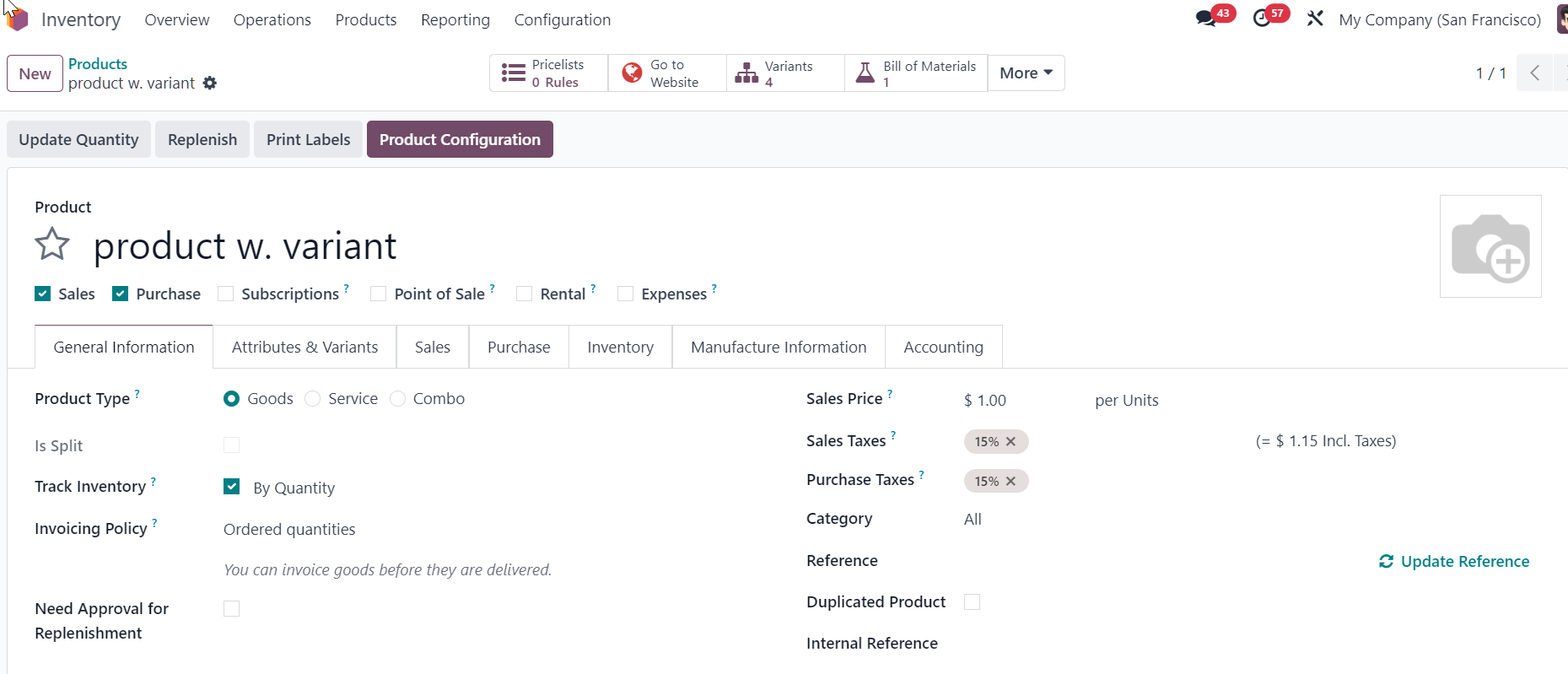 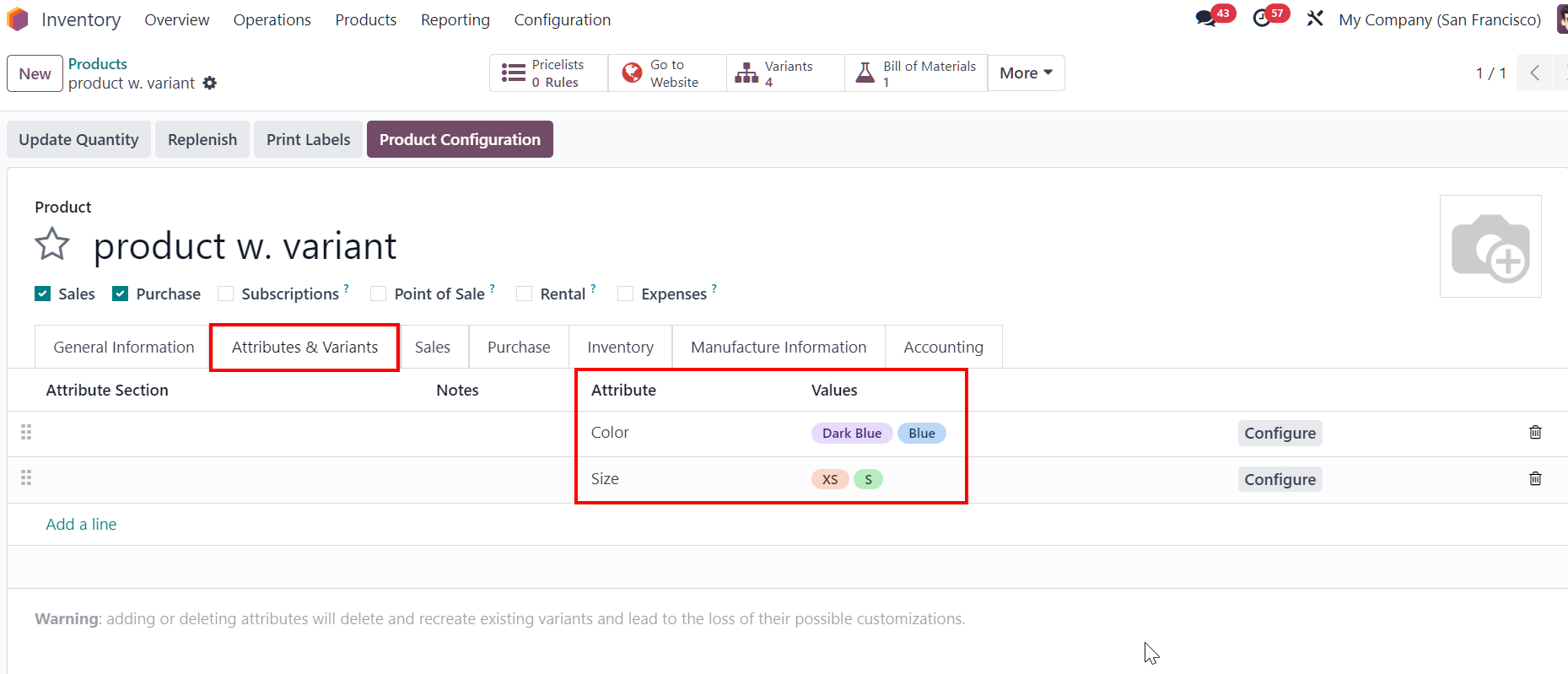 |
2Create a BOM Type: Kit with the created product above > Add multiple component lines using the same component, applied to the same set of attributes but differing in some attribute values Ex: Two lines of "Component 1" both apply to the attribute “Color: Blue”, but the second line includes an additional attribute value, “Size" | 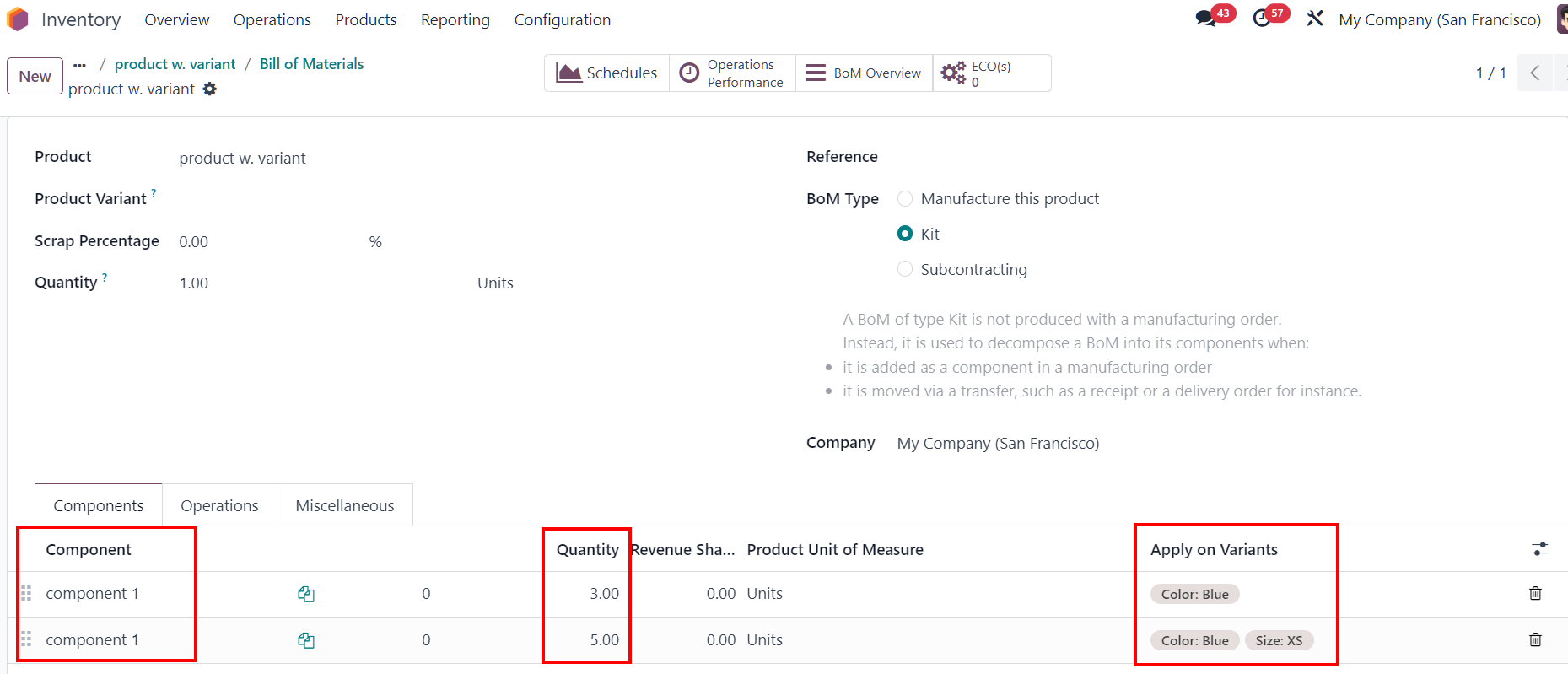 |
USAGE1Go to Sales and create a new Quotation > Select the Kit product. Set the quantity to 30 > Confirm the SO.
|
|
2Go to Delivery > The demand is correct for the components' quantity. | 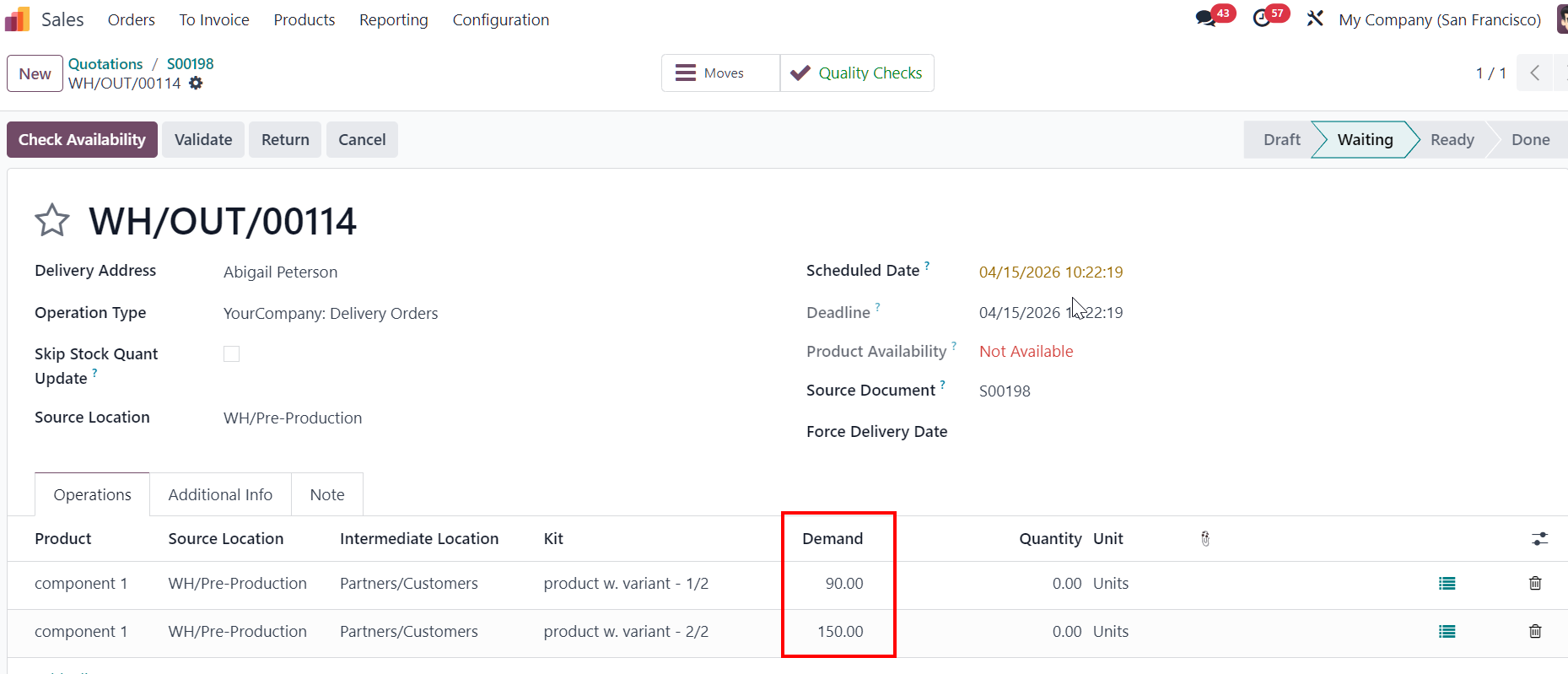 |
3Go back to Sales Order > Reduce the quantity from 30 to 10 > Save. | 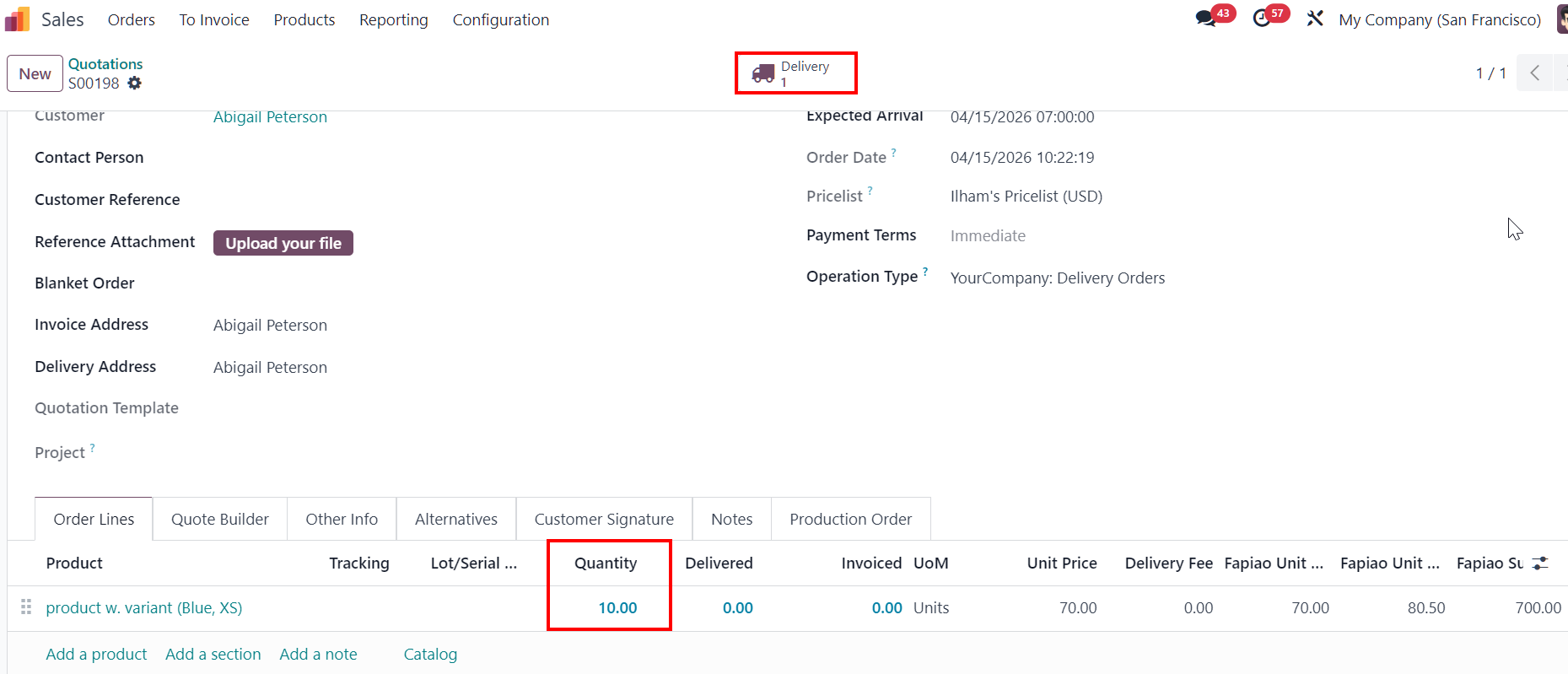 |
4Go to Delivery > The demand is updated correctly for the components' quantity. |
|