


ODOO'S FUNCTION
In ODS, the purchase order includes the on-time delivery rate for the vendor. Additionally, in the contact form, we also have a smart button for the on-time delivery rate.
CLUEDOO'S FUNCTION
The Customer On-Time Delivery Rate module is designed to calculate and report the on-time delivery performance for customer sales orders. It includes On-Time rate, On-Time quantities and total quantity
CONFIGURATION | |
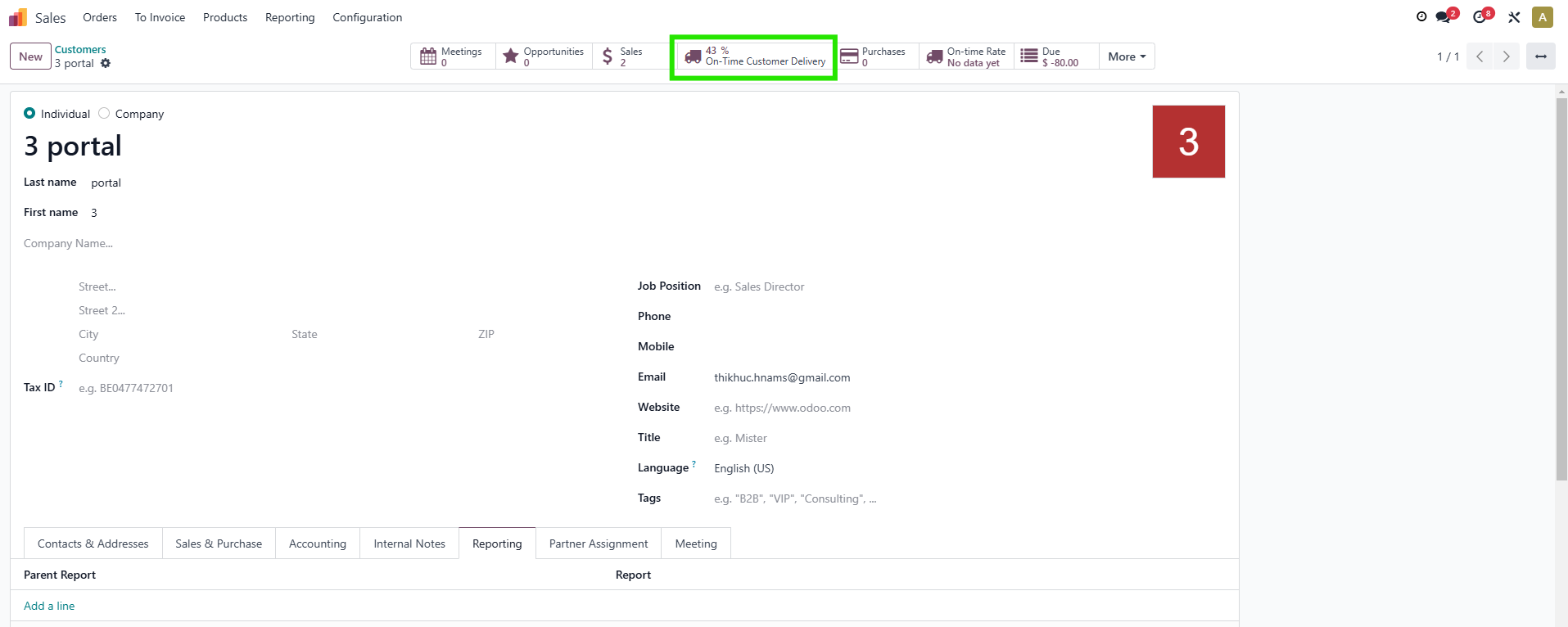
1. Choose a customer > We have a new smart button, On-Time Customer Delivery. | 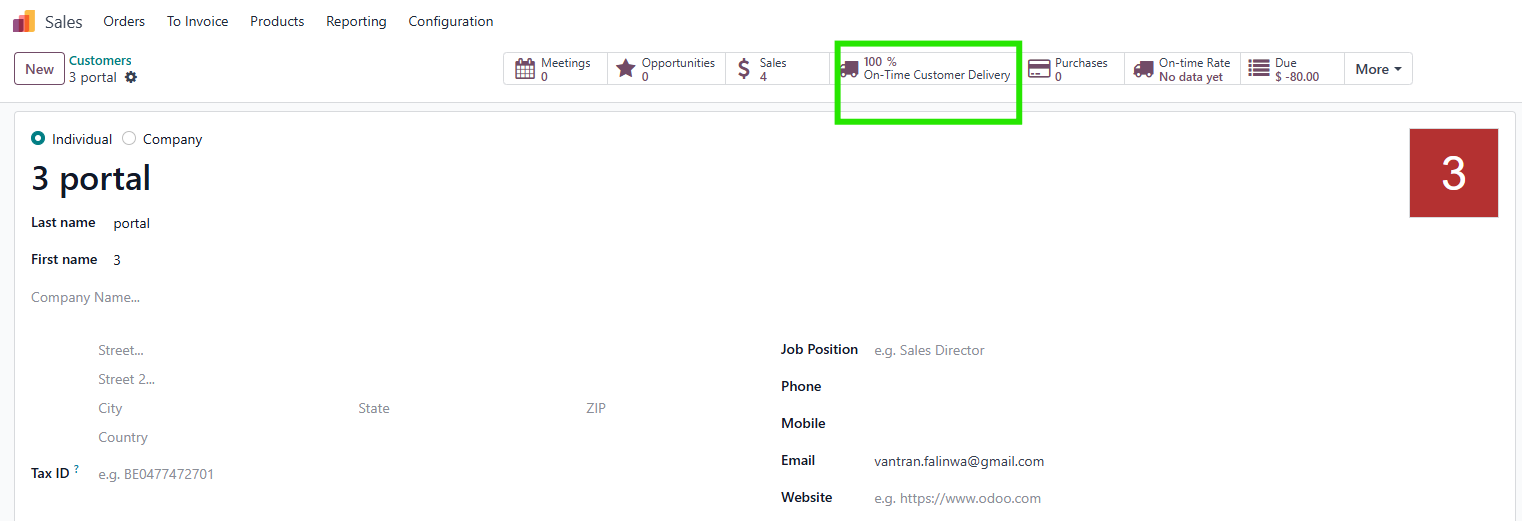 |
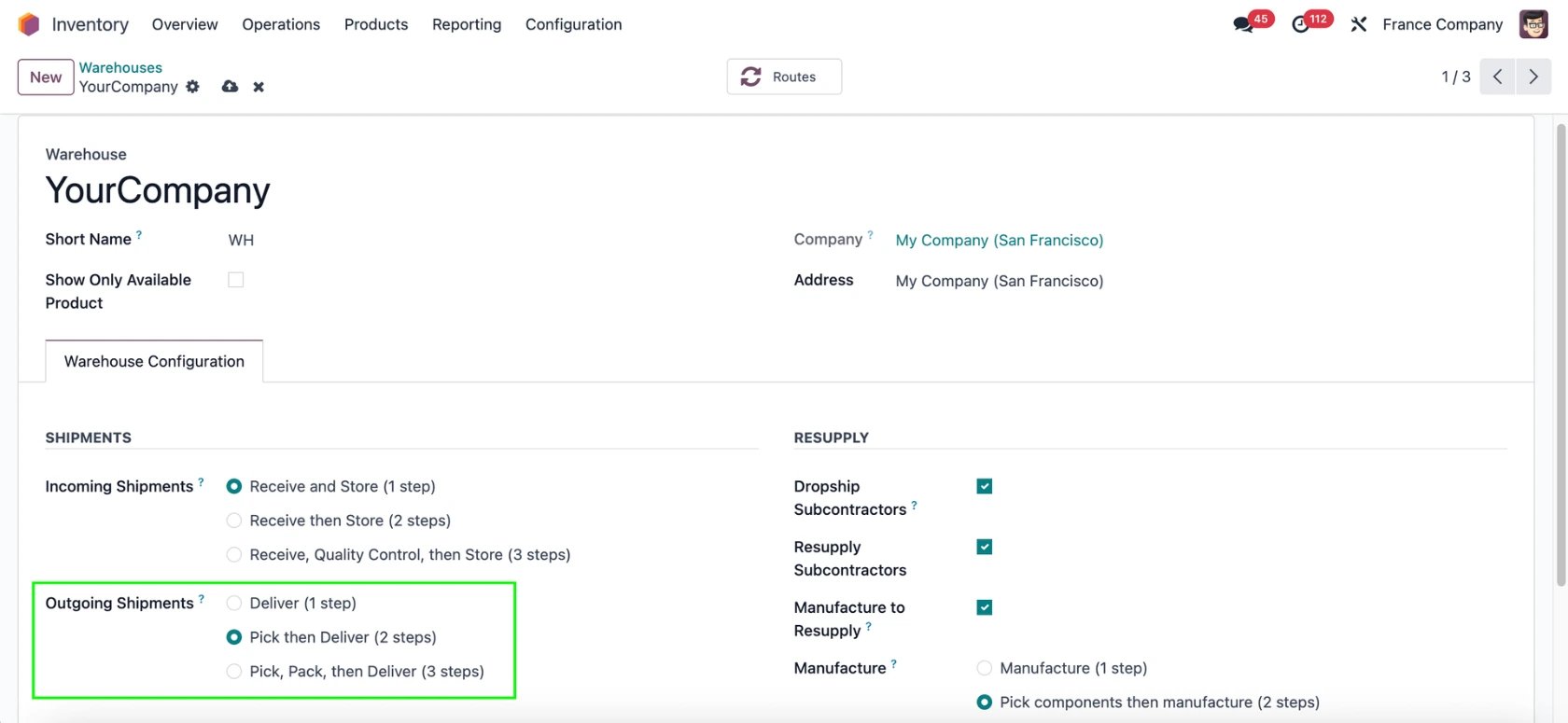
2. Choose a warehouse and set up the Outgoing Shipments. |
|
USAGE | |
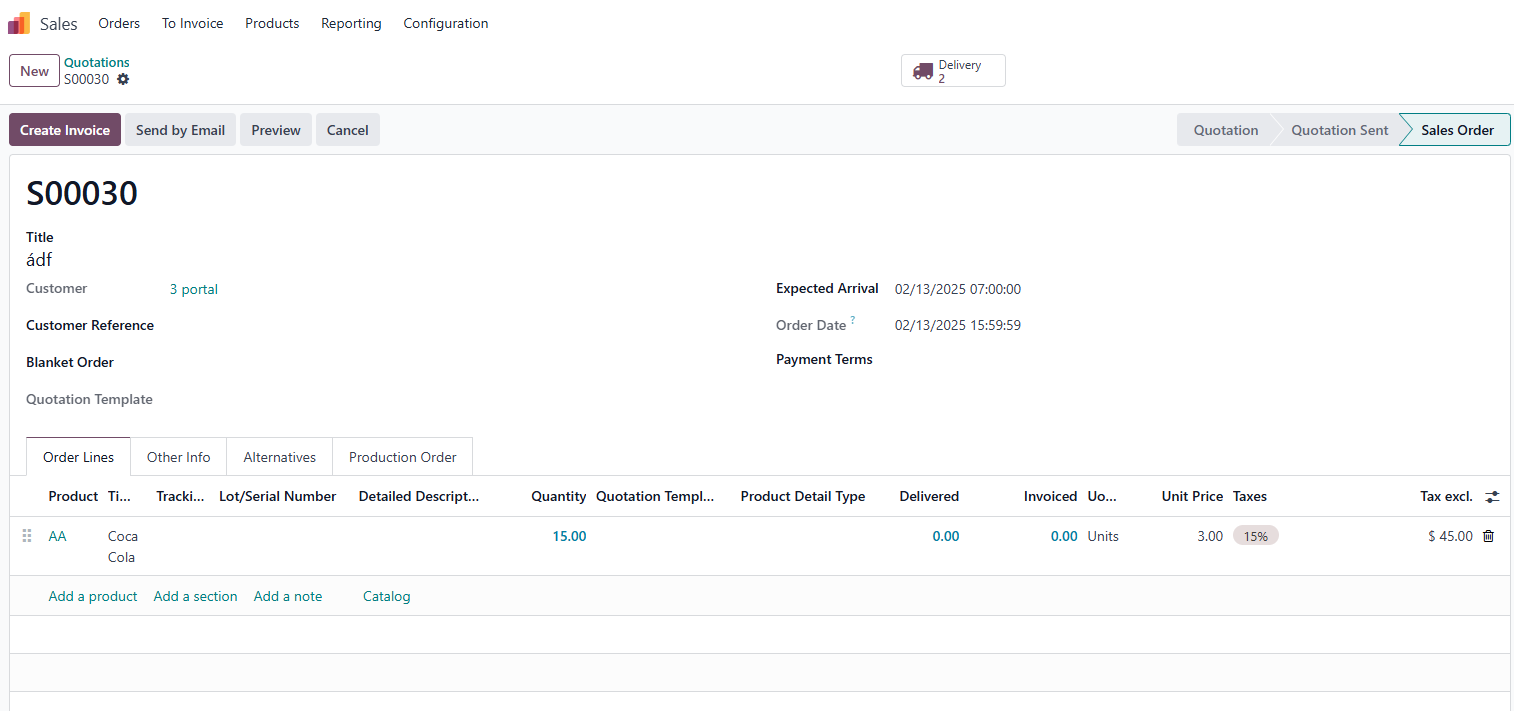
FULL DELIVERY 1. Create a Sales Order > add the Customer, the Product and the Quantity > Confirm > Go to Delivery > Validate all the transfers (if 2 or 3-step delivery set up). |
|
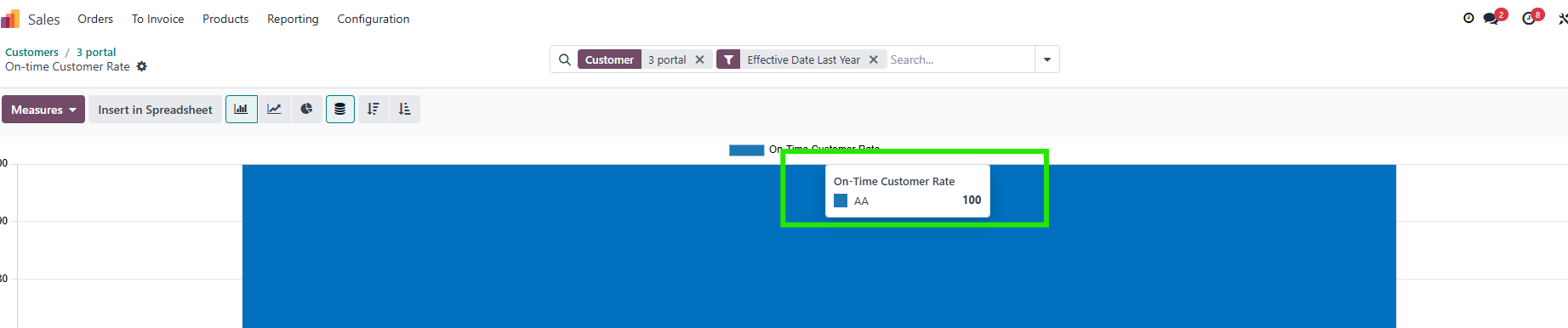
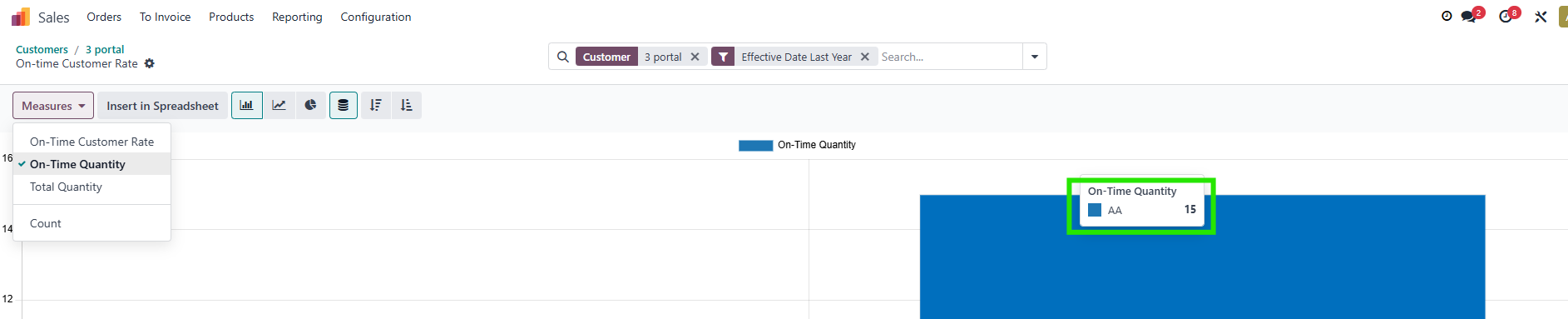
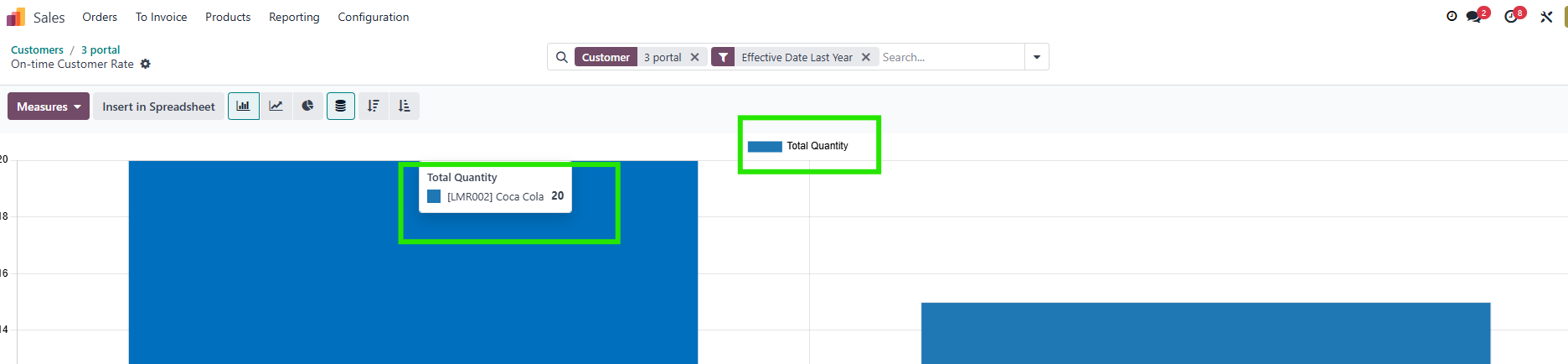
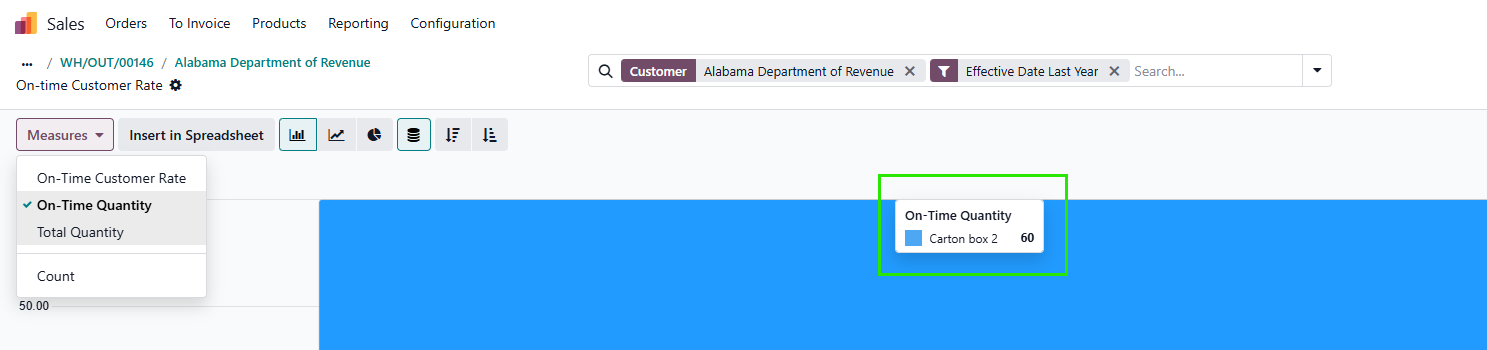
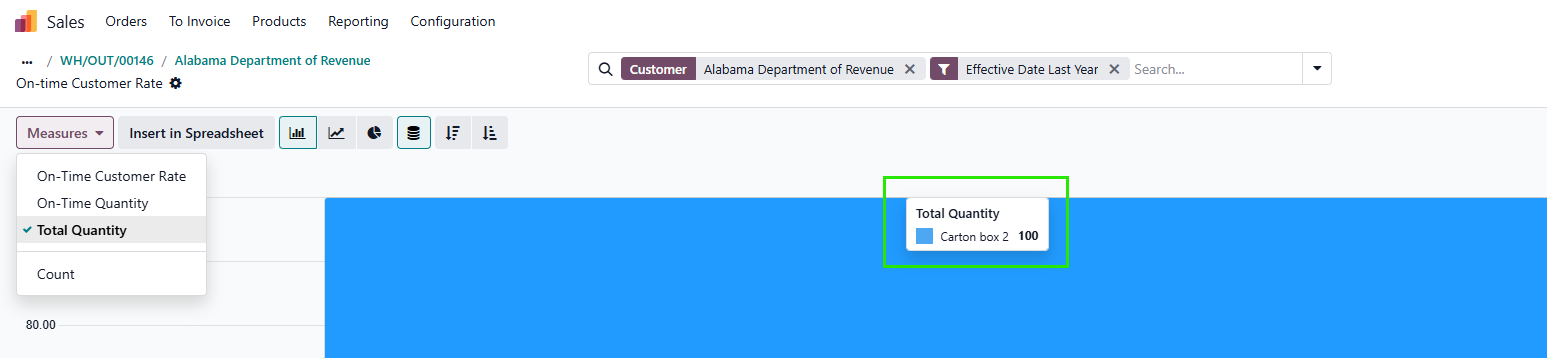
2. Go back to the customer, click the smart button On-Time Customer Delivery. You will see that the On Time Customer Rate is 100% because all transfers were delivered successfully. The same with On-Time Quantity and Total Quantity. On-Time Quantity only calculates products which are delivered on time. Total Quantity is calculated based on the quantity of all SOs. |
|
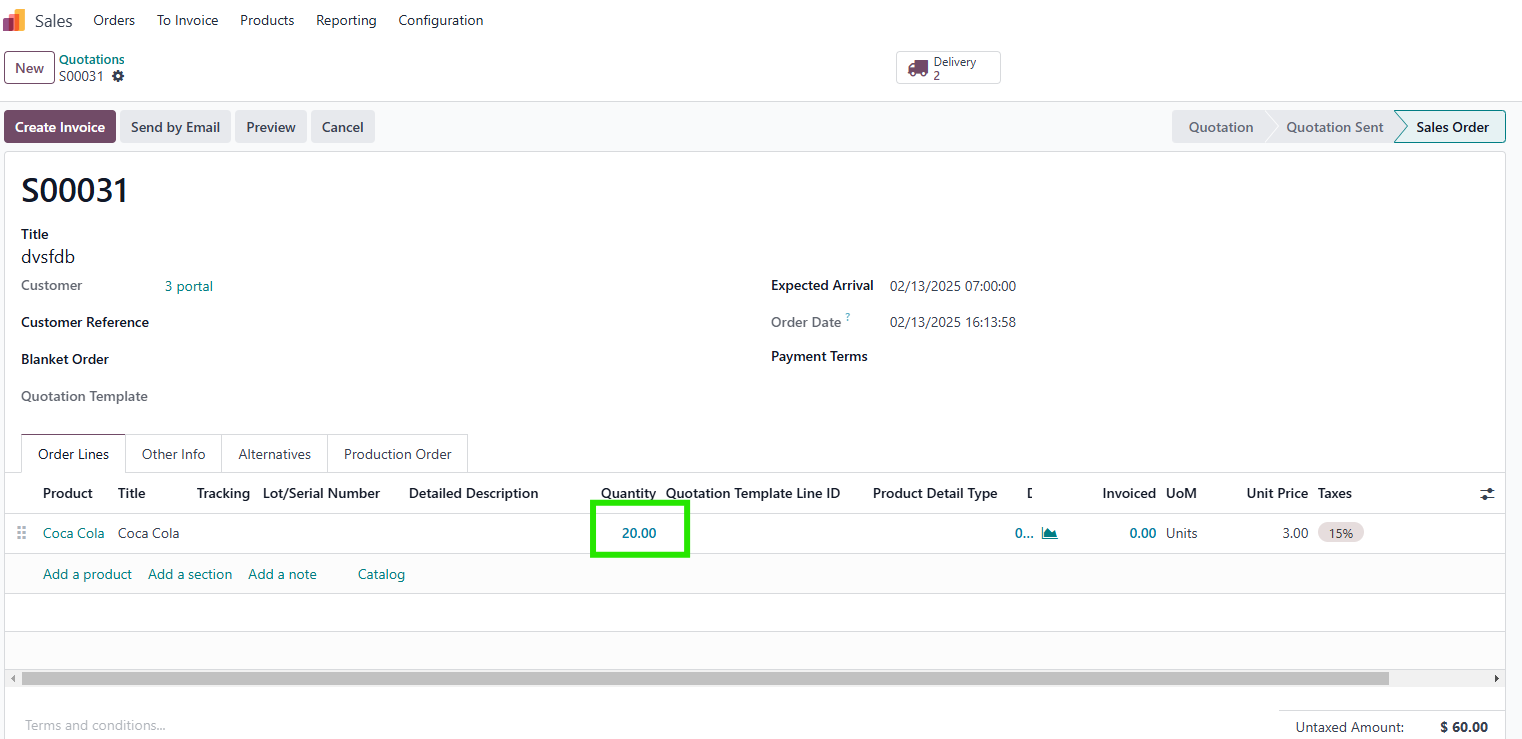
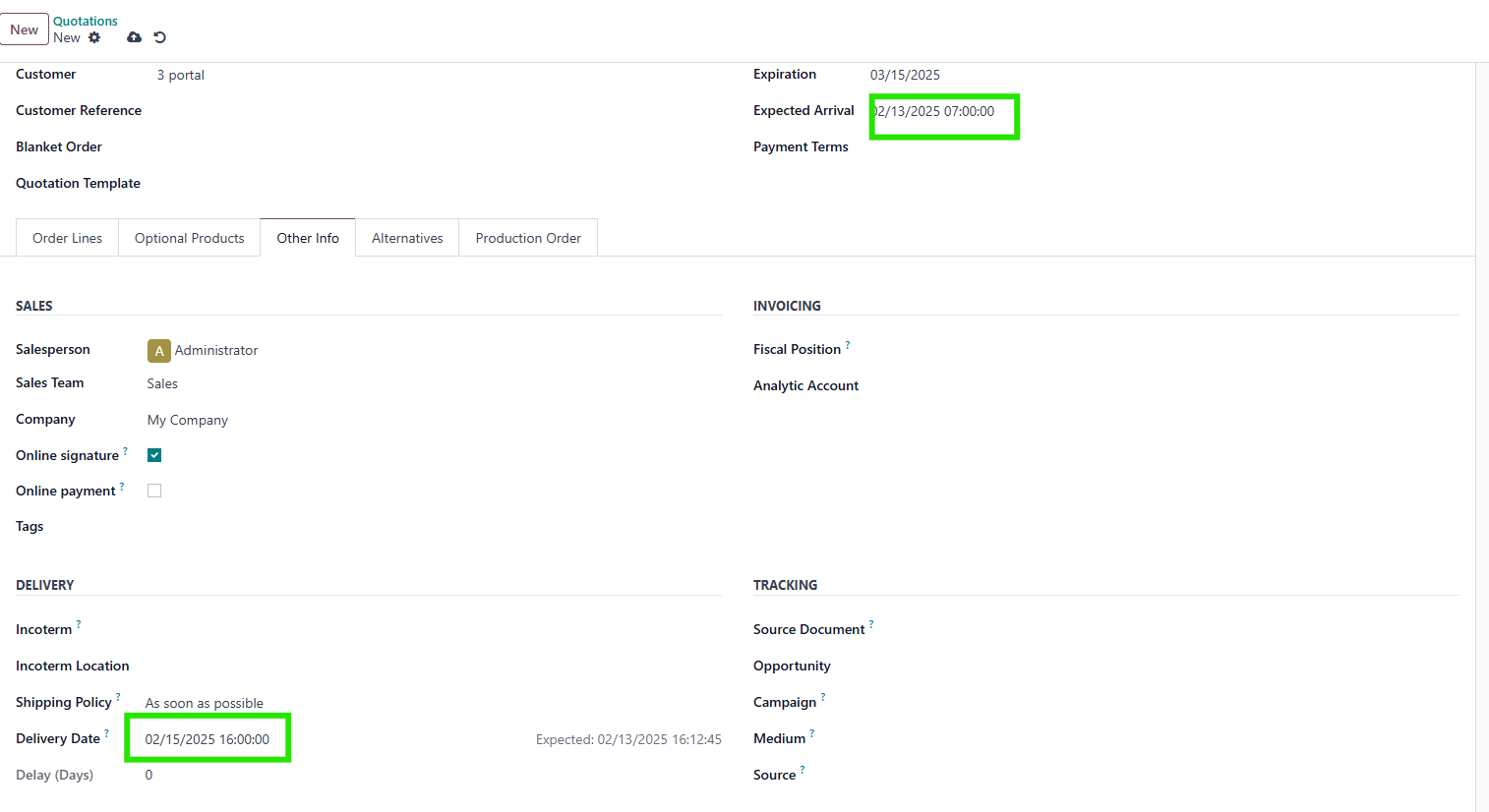
3. Create a new SO. Choose the quantity and select the Expected Arrival and Delivery Date. |
|
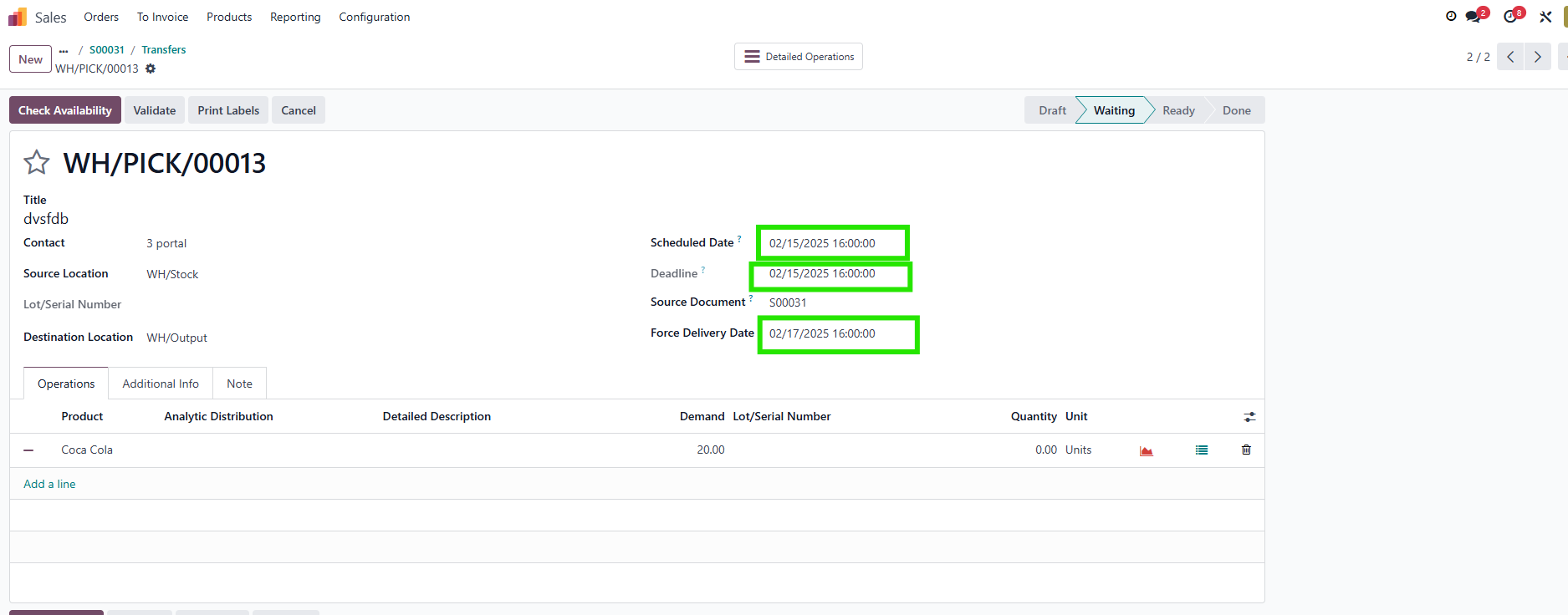
4. On the transfer, fill in the Quantity and choose the Force Delivery Date later than the Scheduled Date > Validate. |
|
5. The On-time Customer Delivery is 43%, because the 2nd SO was delivered overdue, the system will not calculate it in On-Time Customer Rate and On-Time Quantity. On-time Customer Rate calculation: Total On-Time quantity / Total ordered quantity * 100 = [15 / (15+20)]*100 = 43 |
|
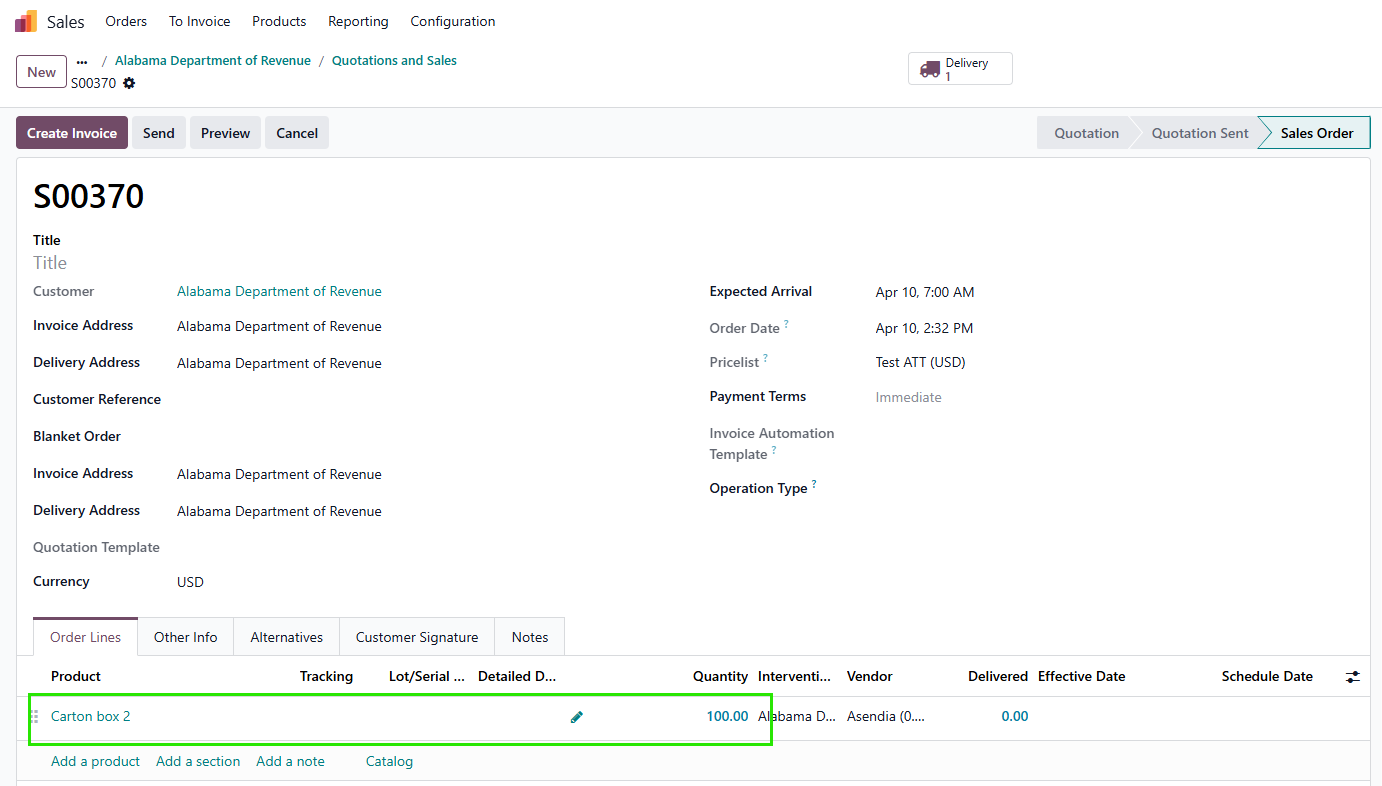
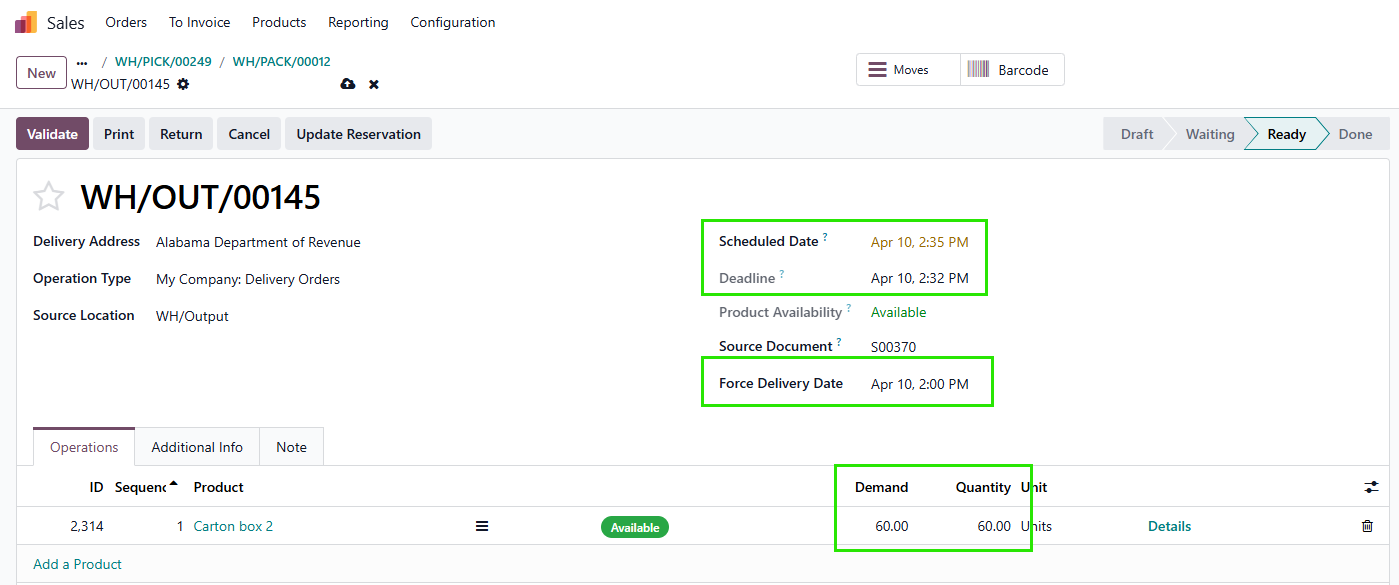
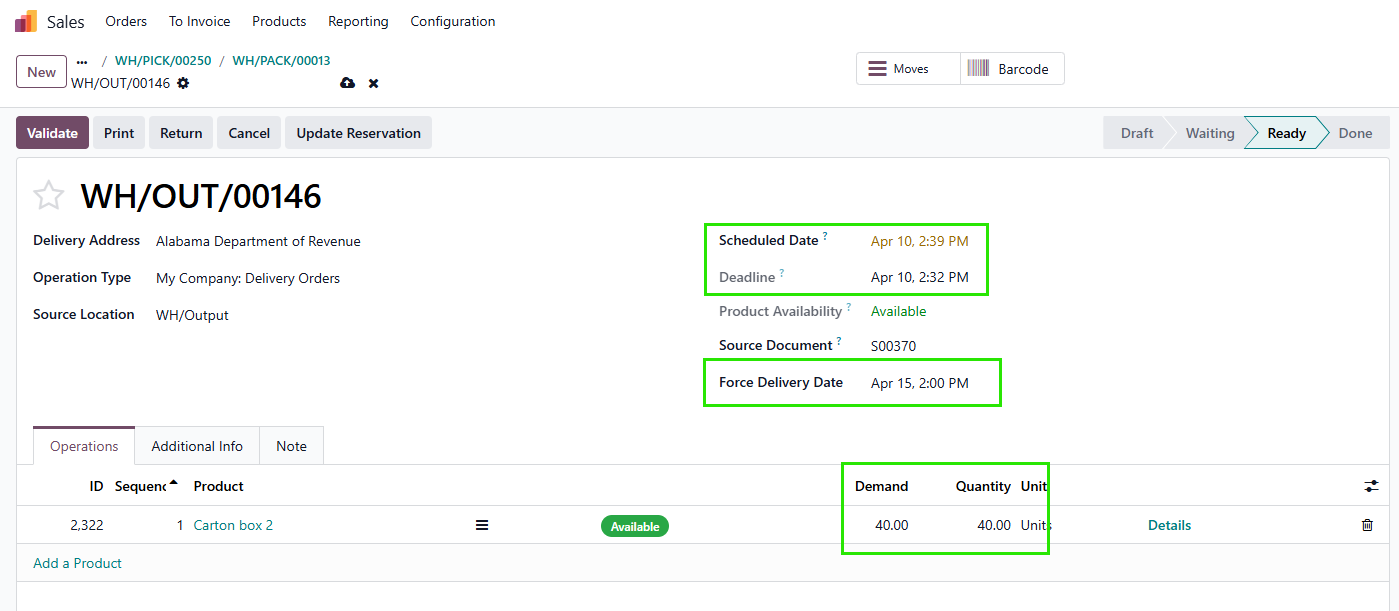
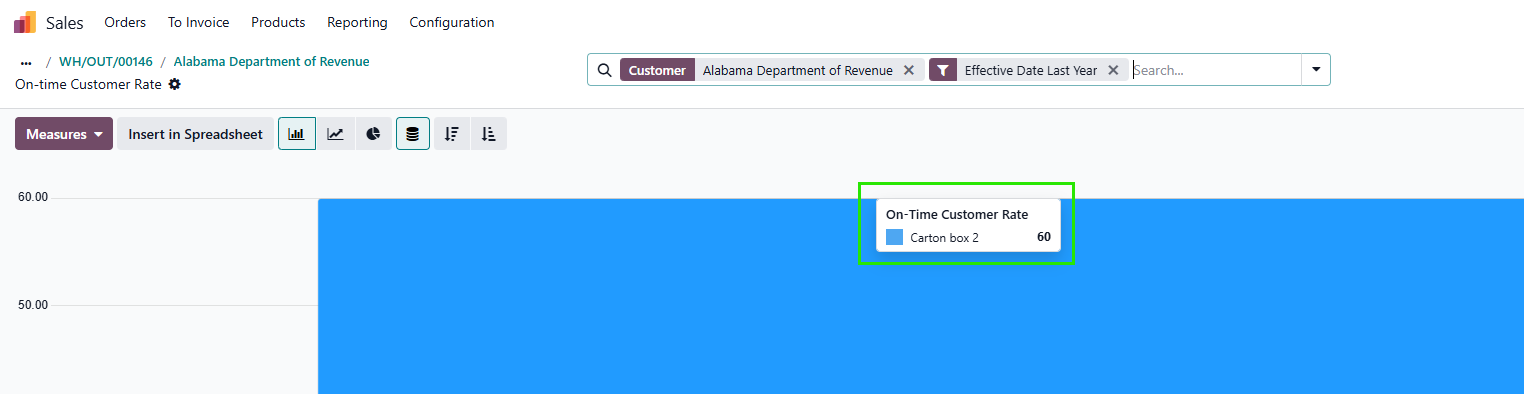
PARTIAL DELIVERY Create an SO with 2 deliveries. Order: 100 units total. Delivery 1: 60 units (On-time). Delivery 2: 40 units (Late). |
|
Only the units delivered by the deadline are counted as on-time. On-time Customer Rate = (60 / 100) * 100 = 60 |
|