


STORY BEHIND THE FEATURES
ODOO'S FUNCTIONS
Odoo standard will automatically apply the Bill of Material (BoM), if there is only one BoM. Otherwise, the manufacturing order will rely on the routes.
CLUEDOO'S FUNCTIONS
Cluedoo allows the user to specify a BoM on the Purchase Order (PO).
It is a straightforward procedure to select the Bill of Material when creating a Purchase Order. Especially when the BoM can be applied to multiple subcontractors.
HOW TO USE THIS MODULE
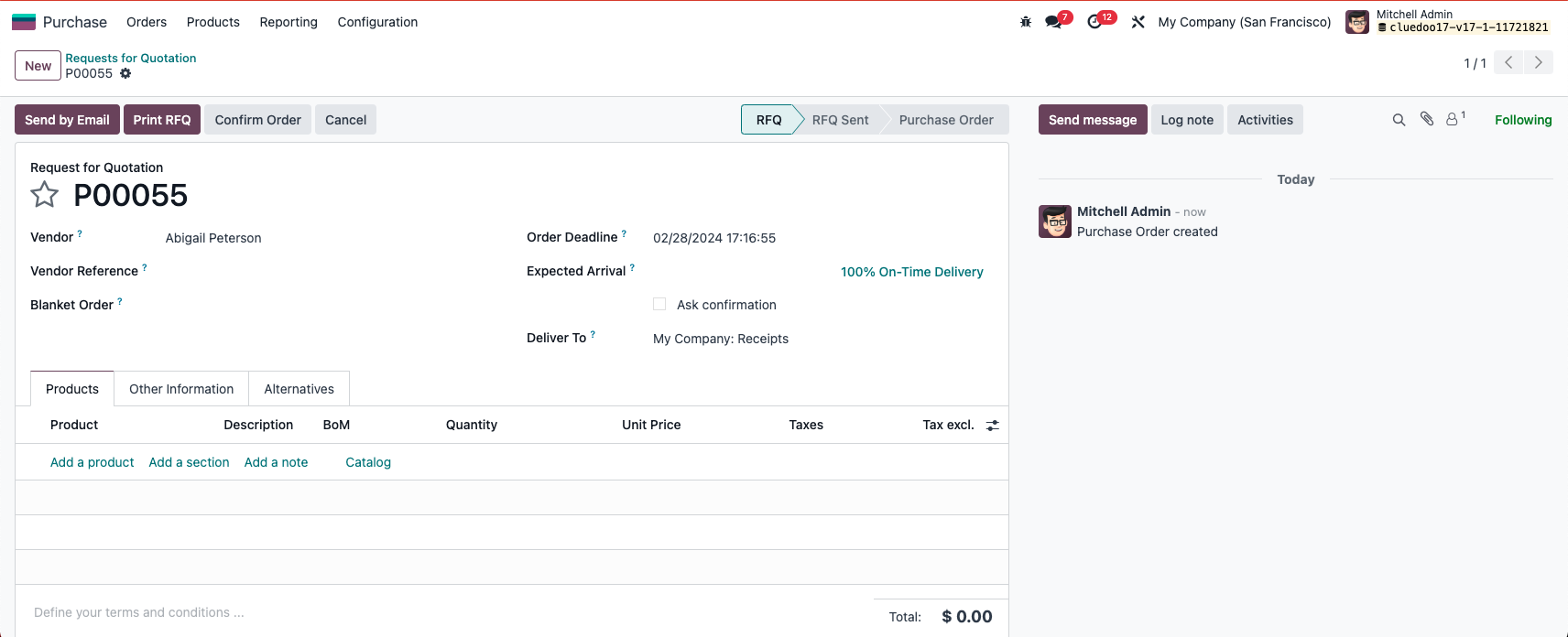
STEP 1: Create PO Go to Purchase - New Then put relevant information for PO such as Vendor |
|
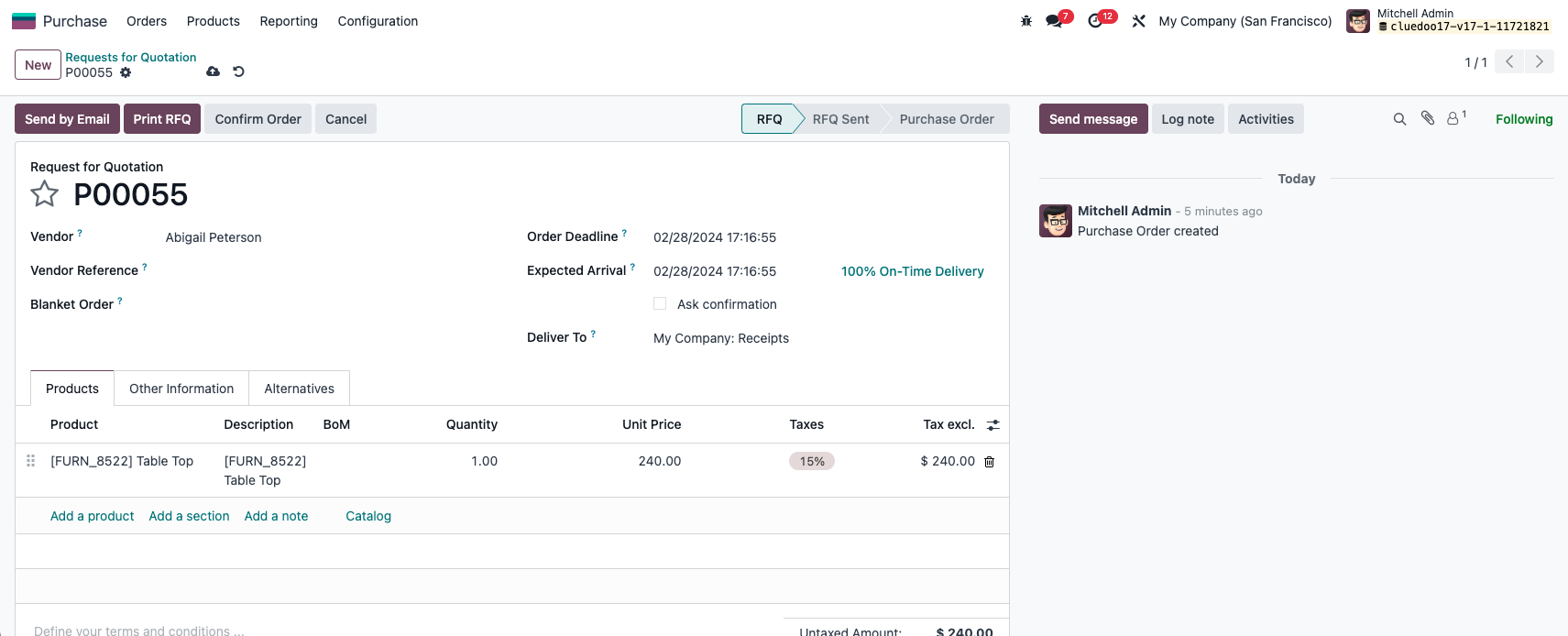
STEP 2: Add product with has BoM to PO. Please note : The Bill of Material must be of type "subcontract". And the BoM's subcontractor will be overwritten by the Vendor of the Purchase Order. |
|
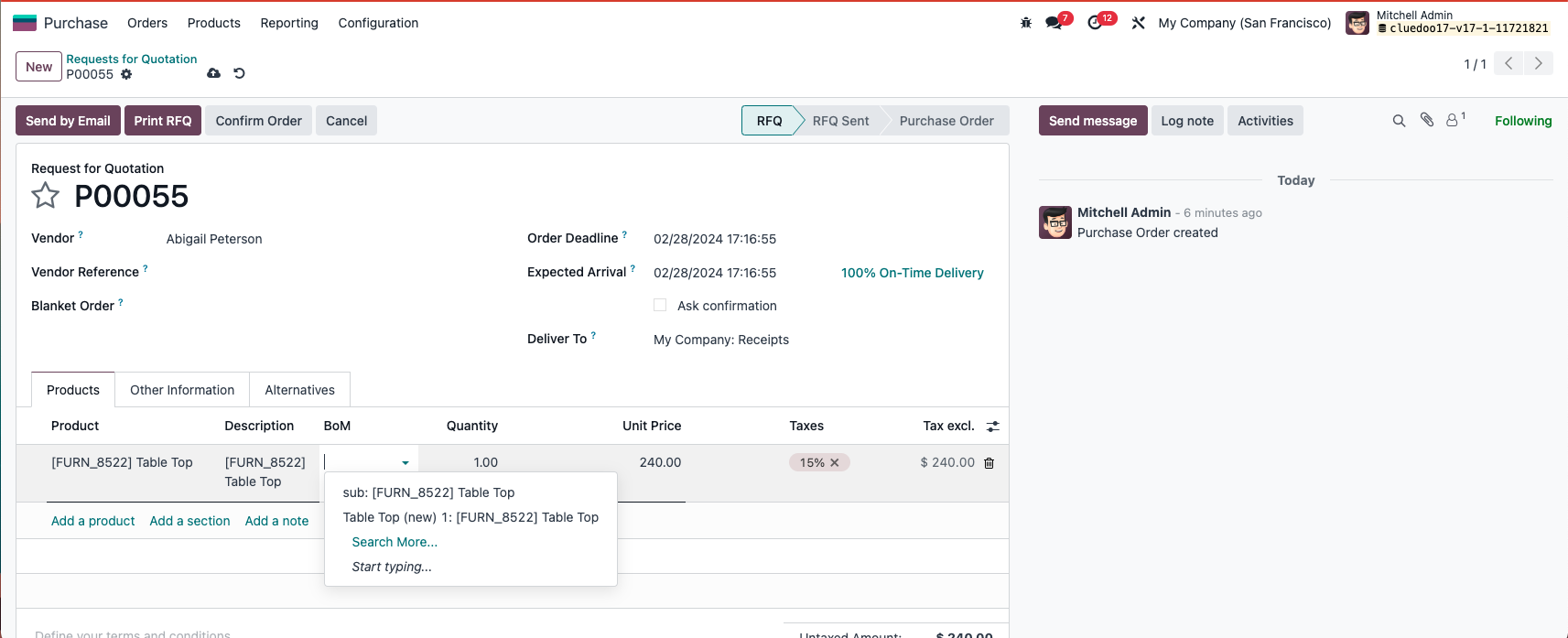
STEP 3: Add BoM to PO After add product with has BoM, click on BoM line to add BoM to PO. The system will show all the BoM related to product which has been chosen. |
|