



ODOO'S FUNCTION
When working with Master Production Schedule (MPS), users often filter data (e.g., by product or time range) to focus on specific planning needs. However, in standard Odoo, once the user clicks into a record and returns, the filters are lost — resulting in inefficiency and frustration, especially when managing large datasets.
CLUEDOO'S FUNCTION
CLuedoo enhances the standard process by introducing:
✅ Cluedoo remembers your last applied filters in the MPS view.
✅After viewing or editing a record, when returning to the list view, the same filters remain active.
✅ Cluedoo re-applies your latest filters for continuity by re-entering.
| 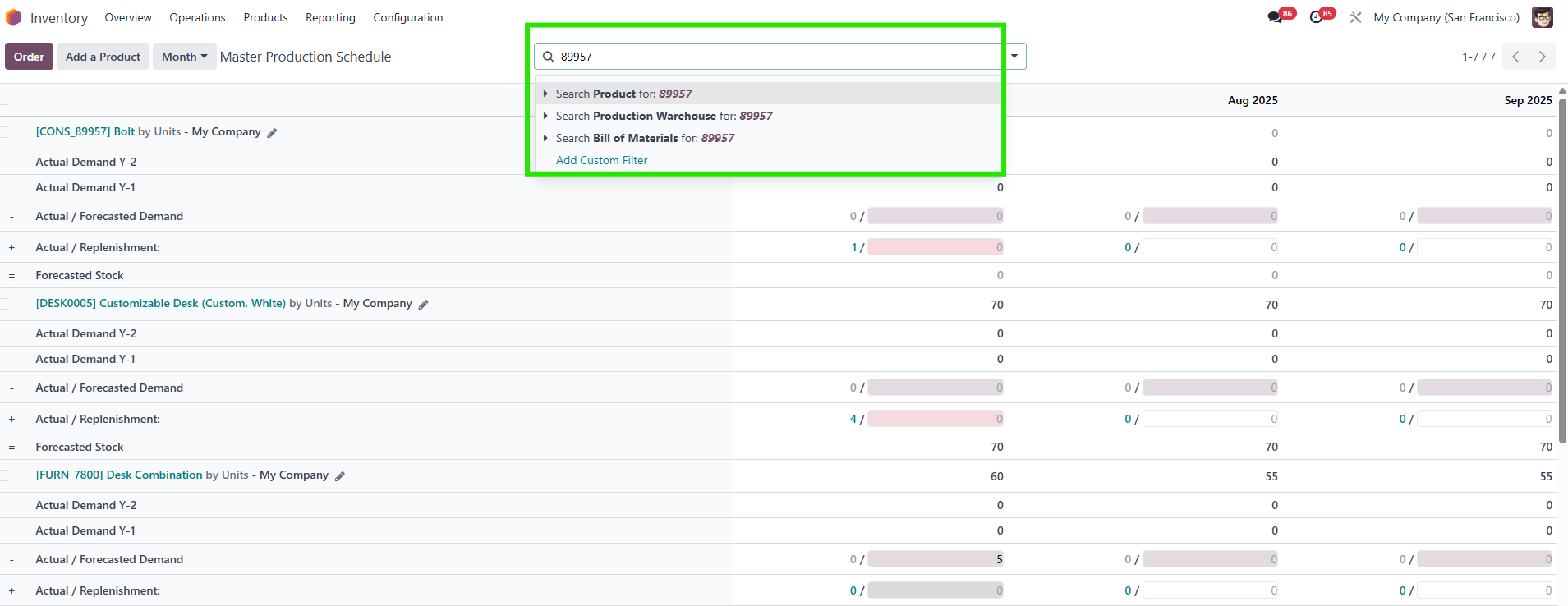 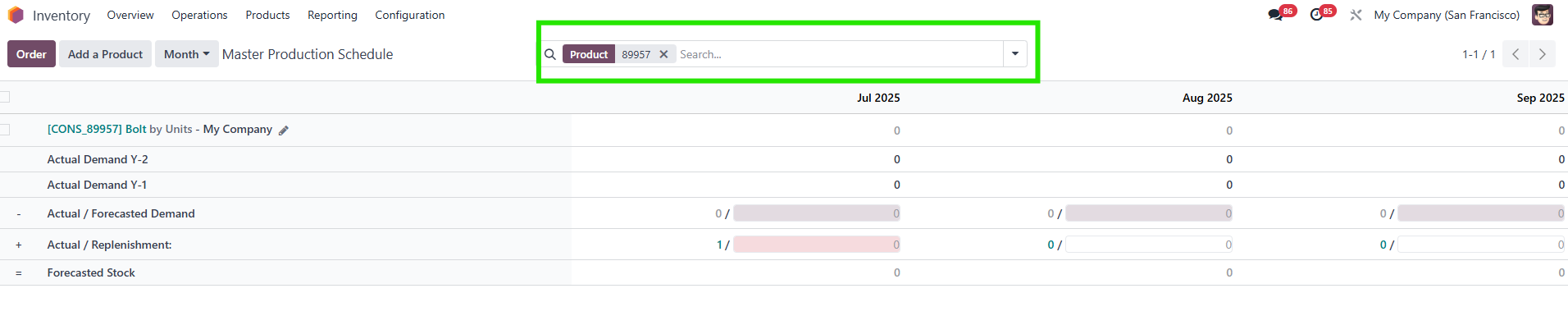 |
2. When you click on a field (for instance, product) to check information > Come back to the list view > Cluedoo keeps your filter. | 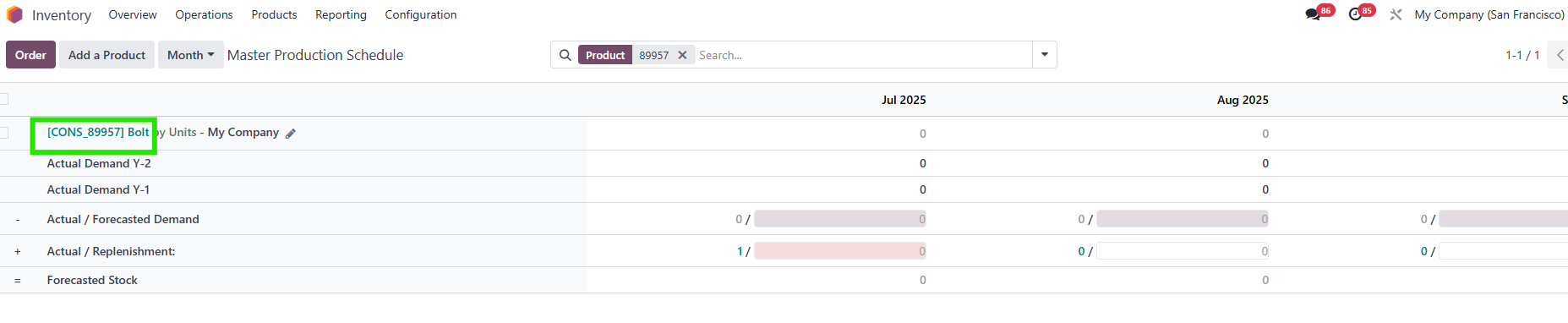 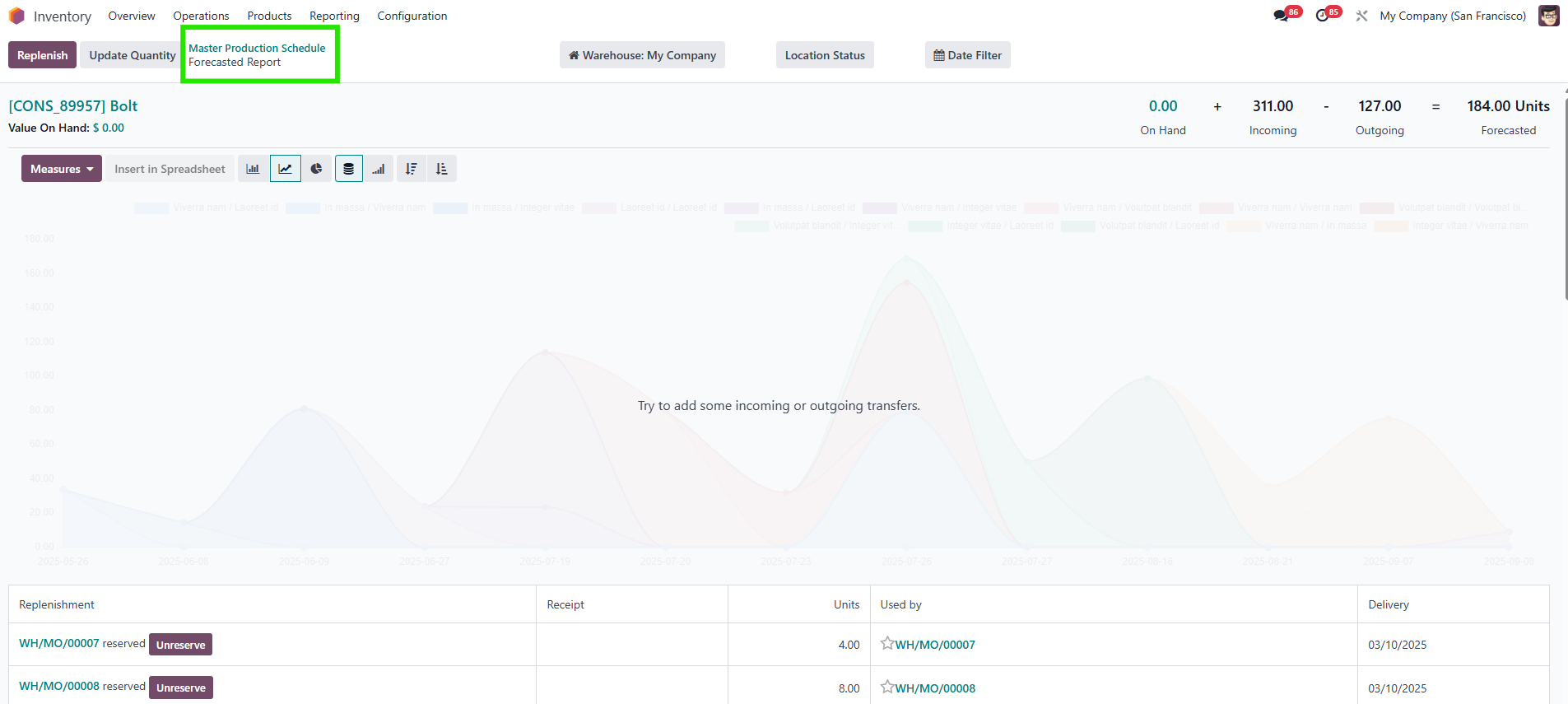 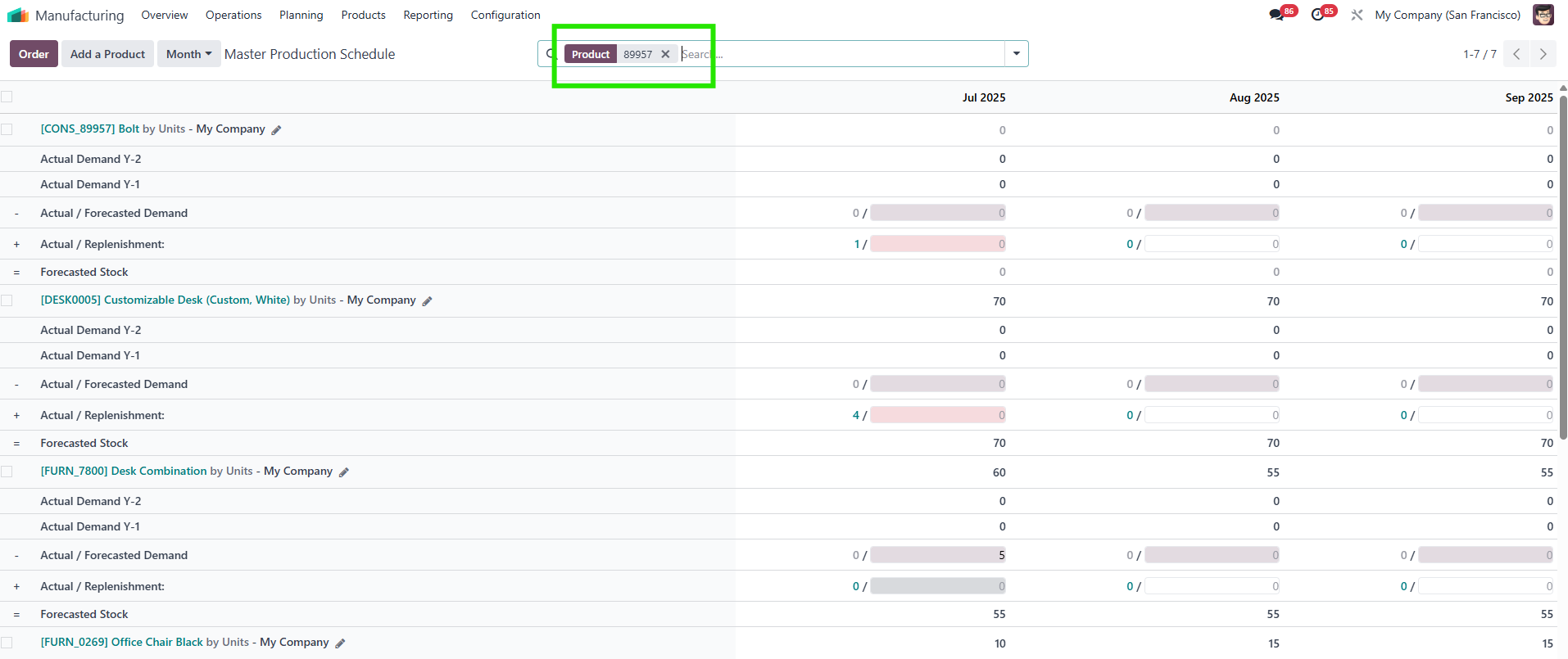 |
3. Enter again > the filter will be applied. | 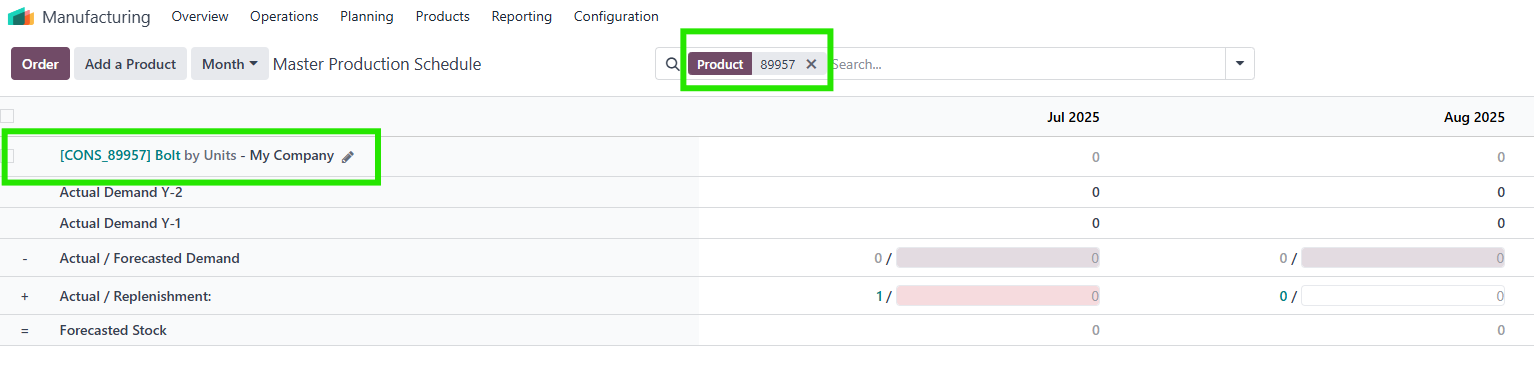 |