



ODOO'S FUNCTION
In Odoo, users can freely sell products even if there are no on-hand quantities stocked in the warehouse.
CLUEDOO'S FUNCTION
In CLuedoo, users are restricted to selling products only when sufficient on-hand quantities are in the warehouse.
1Go to Settings > Activate the "Display Stock in POS" and "Restrict Product Out of Stock in POS" options with the Stock type set to Qty on hand > Save changes | 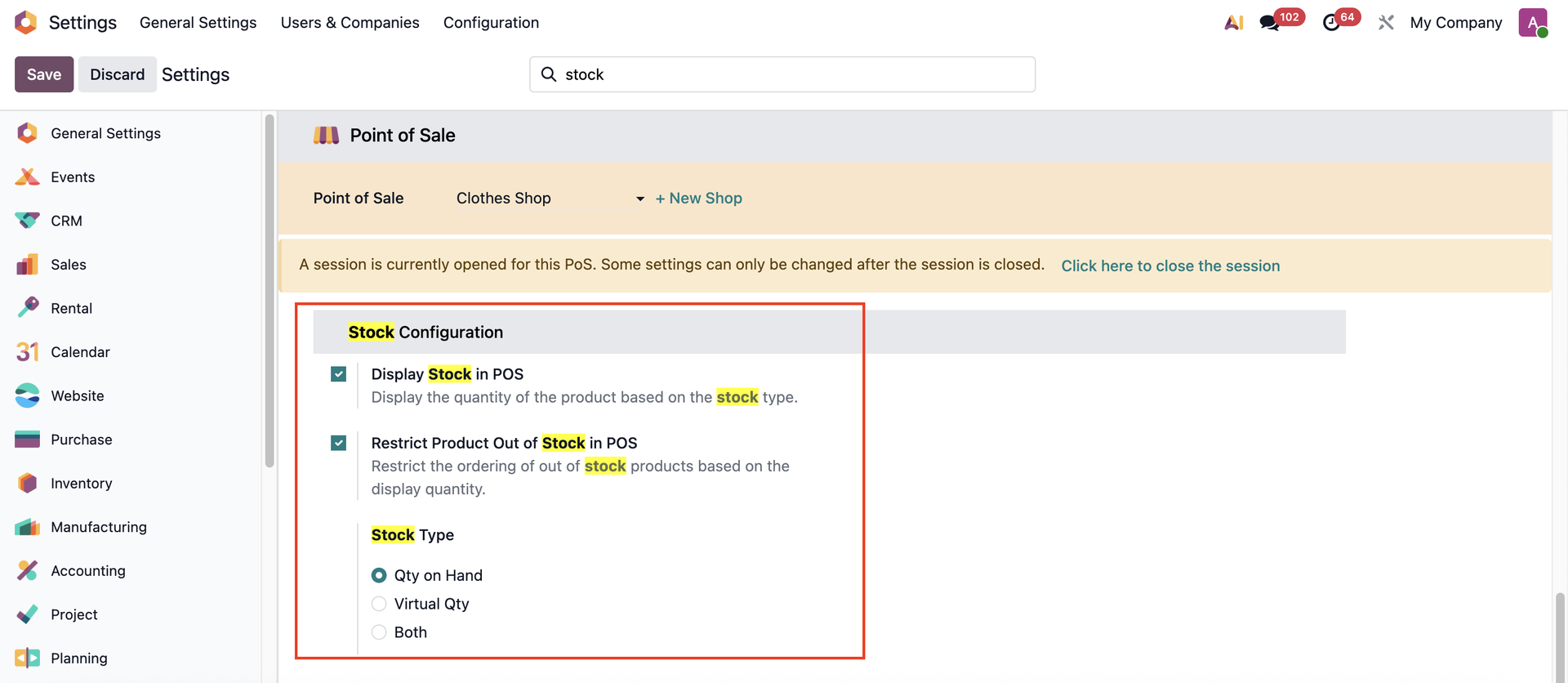 |
2Go to Sales > Products > Create a new storable / tracked by quantity product and check the "Available in POS" box under the Sales tab | 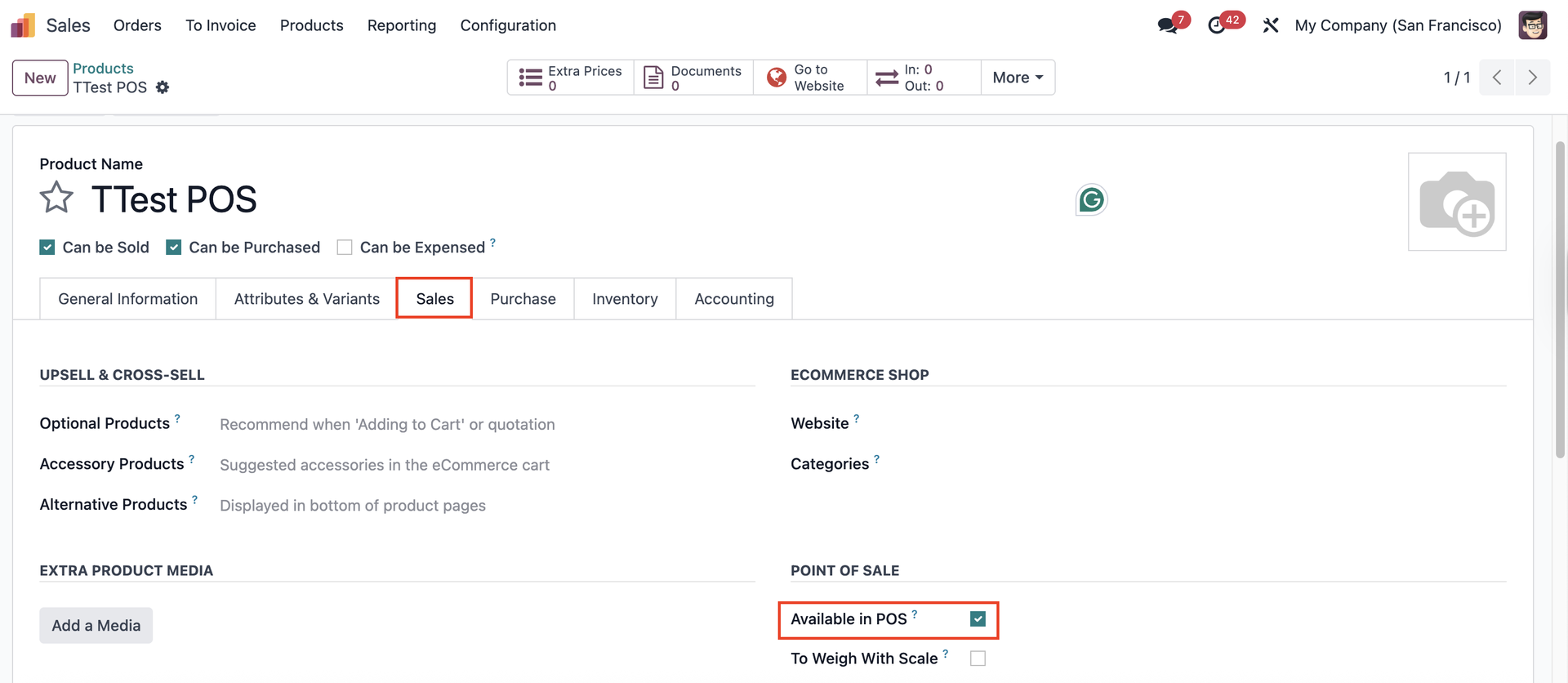 |
Note: From v18, tick the Point of Sale checkbox, the Point of Sale tab will appear | 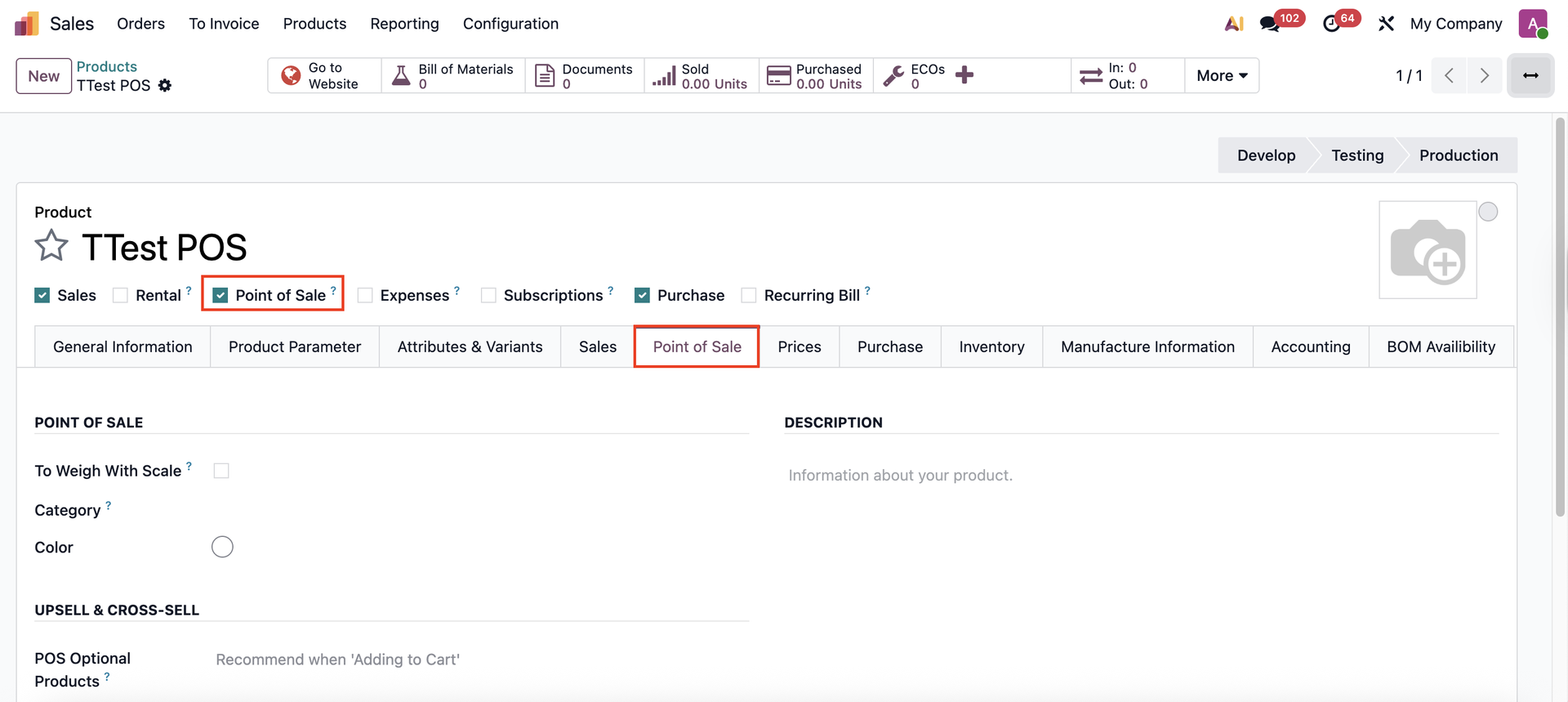 |
3Go to Point of Sale > Continue Selling > Choose the product you have created | 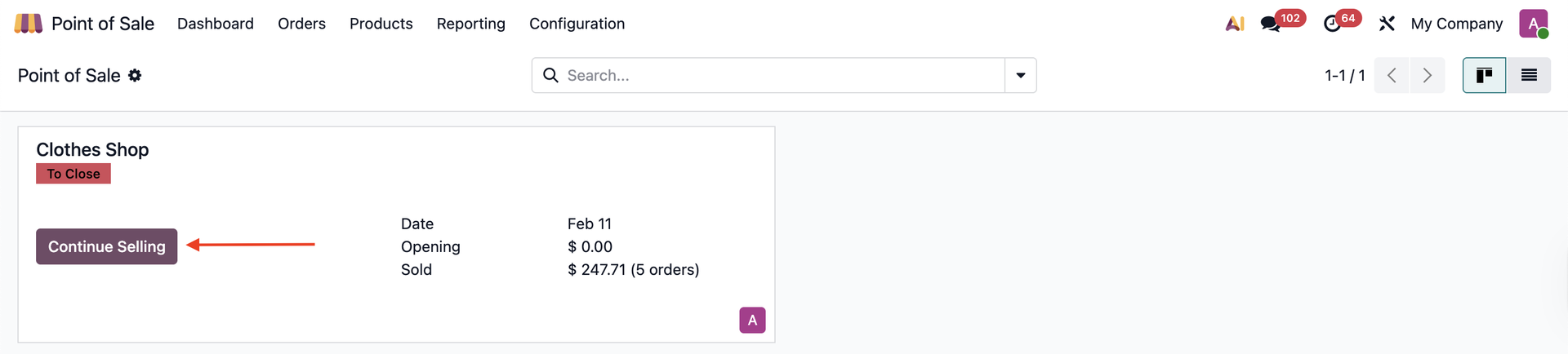 |
In case the on-hand quantity stocked in the warehouse is 0, the product can not be sold. The product can only be sold if on-hand stock is available in the warehouse, and sales cannot exceed this on-hand quantity. | 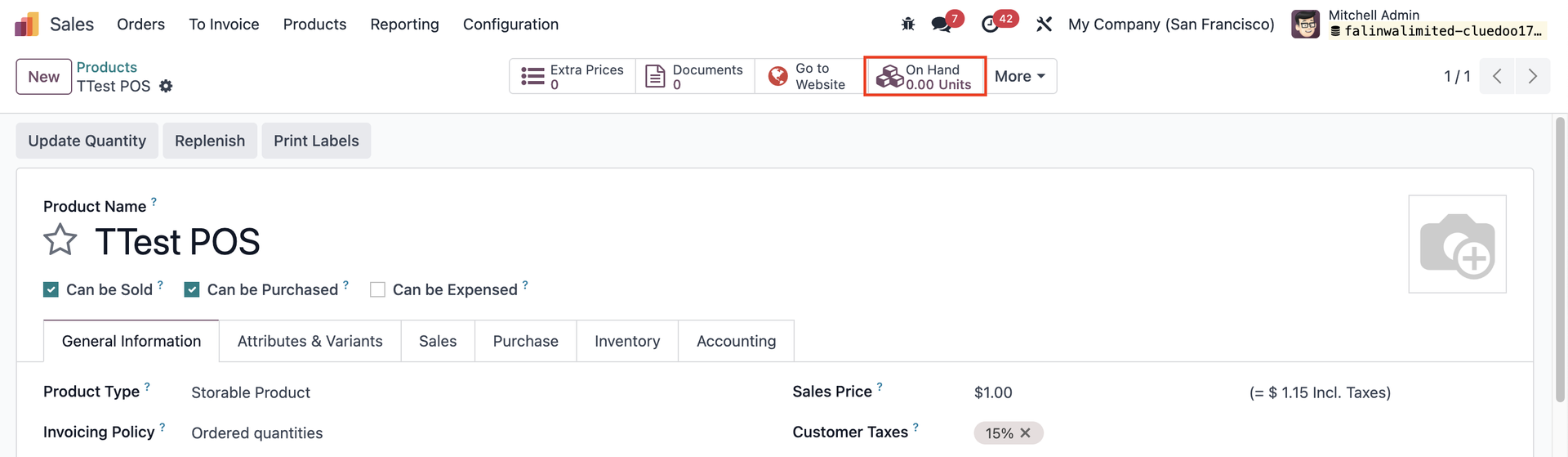 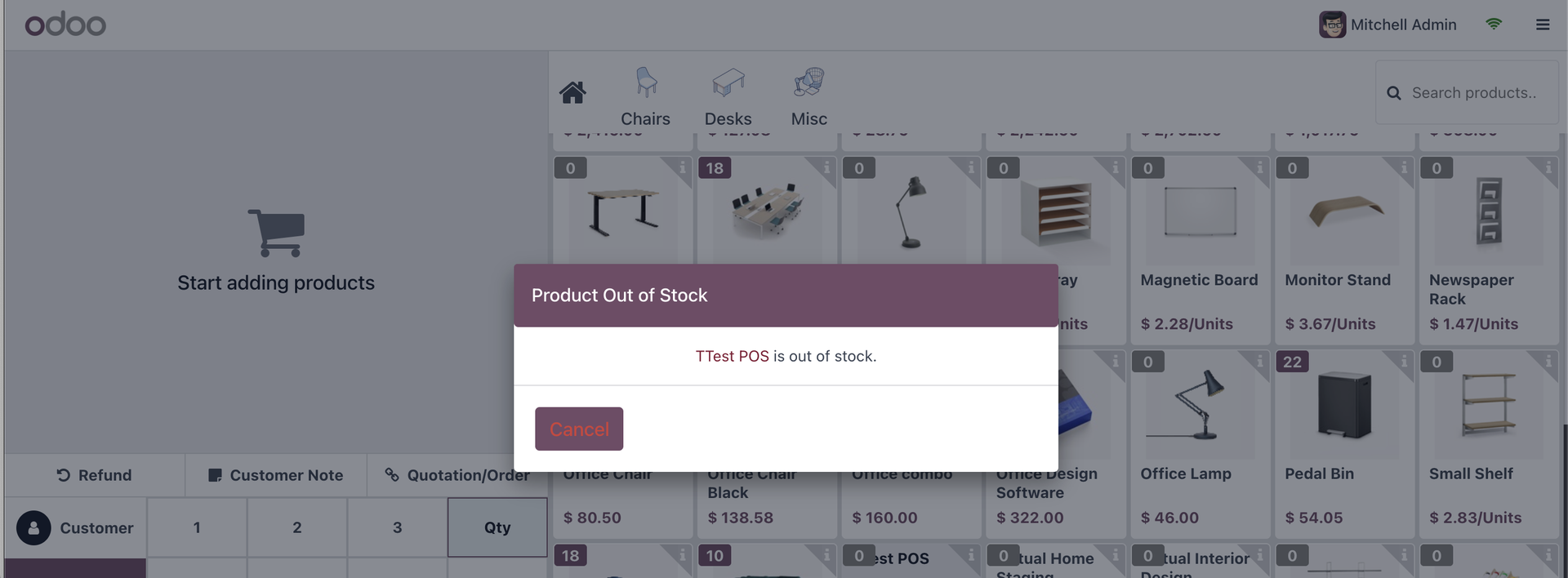 |