



ODOO'S FUNCTION
Odoo's function to add multiple orders on POS is convenient. However, it does not have access control on who or when can add various orders.
CLUEDOO'S FUNCTION
CLuedoo adds a control feature to the Multiple Order function, requiring users to enter a PIN before proceeding.
1. Go to Employees → Choose an employee → Settings → Attendance / Point of Sale /Manufacturing and set a PIN code. | 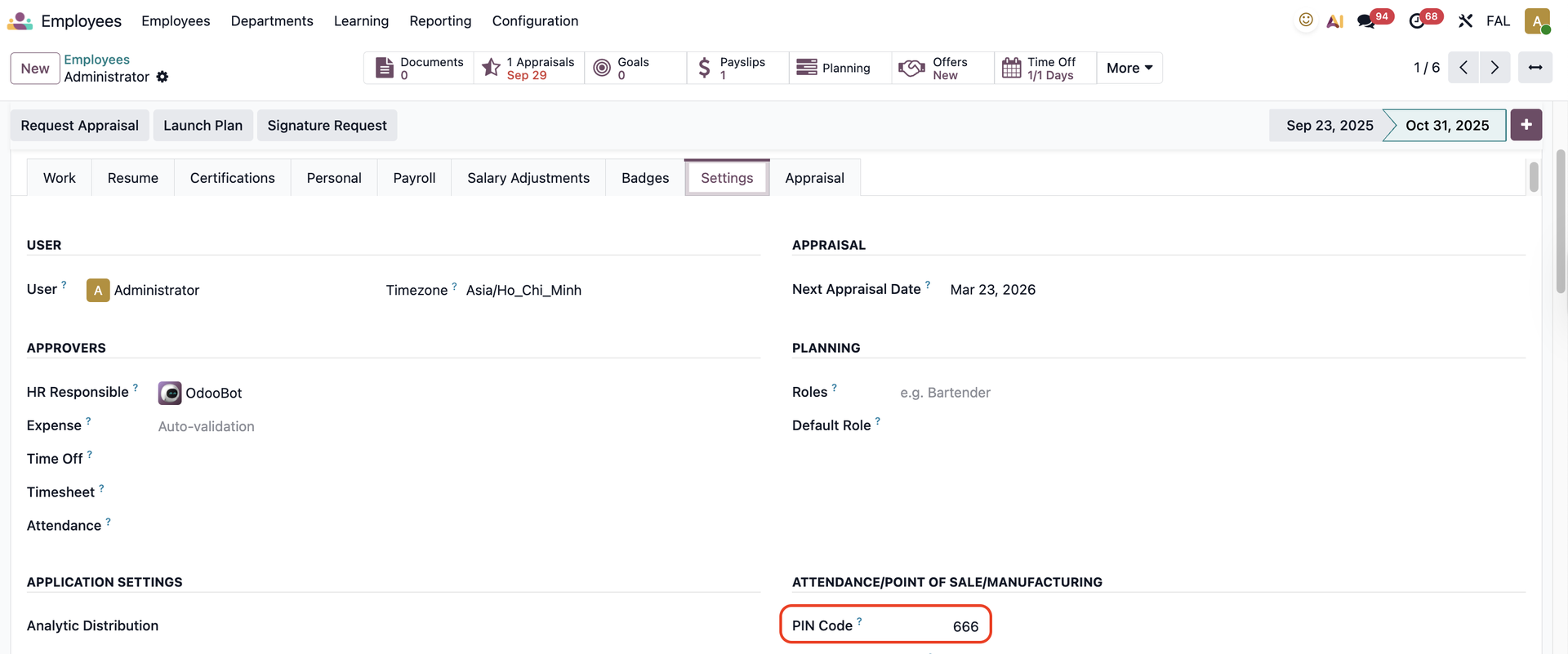 |
2. Go to Point of Sale → open a POS session and add an order | 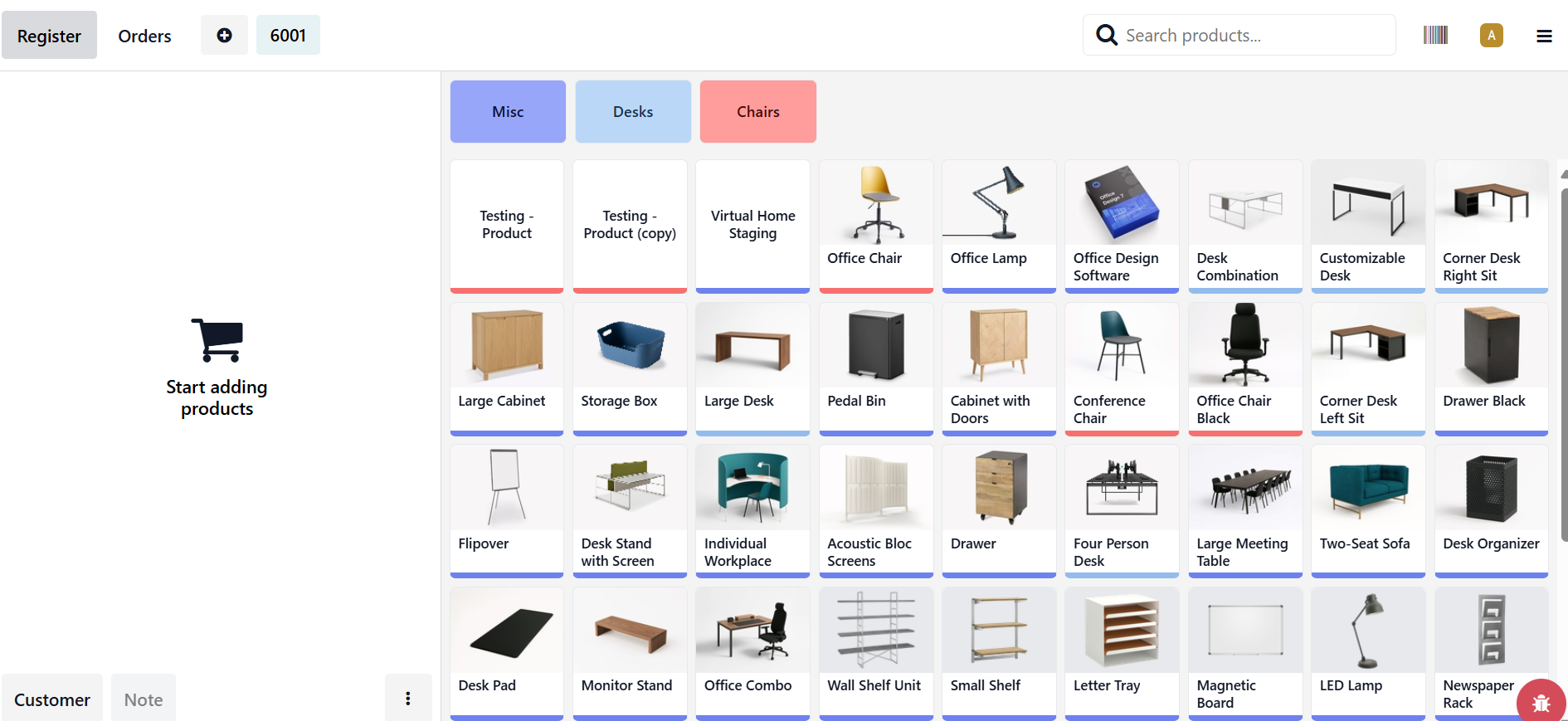 |
When we add another order, a PIN Code is required. Enter the correct Pin Code set in the emplyee form to enable the creation of multiple orders. | 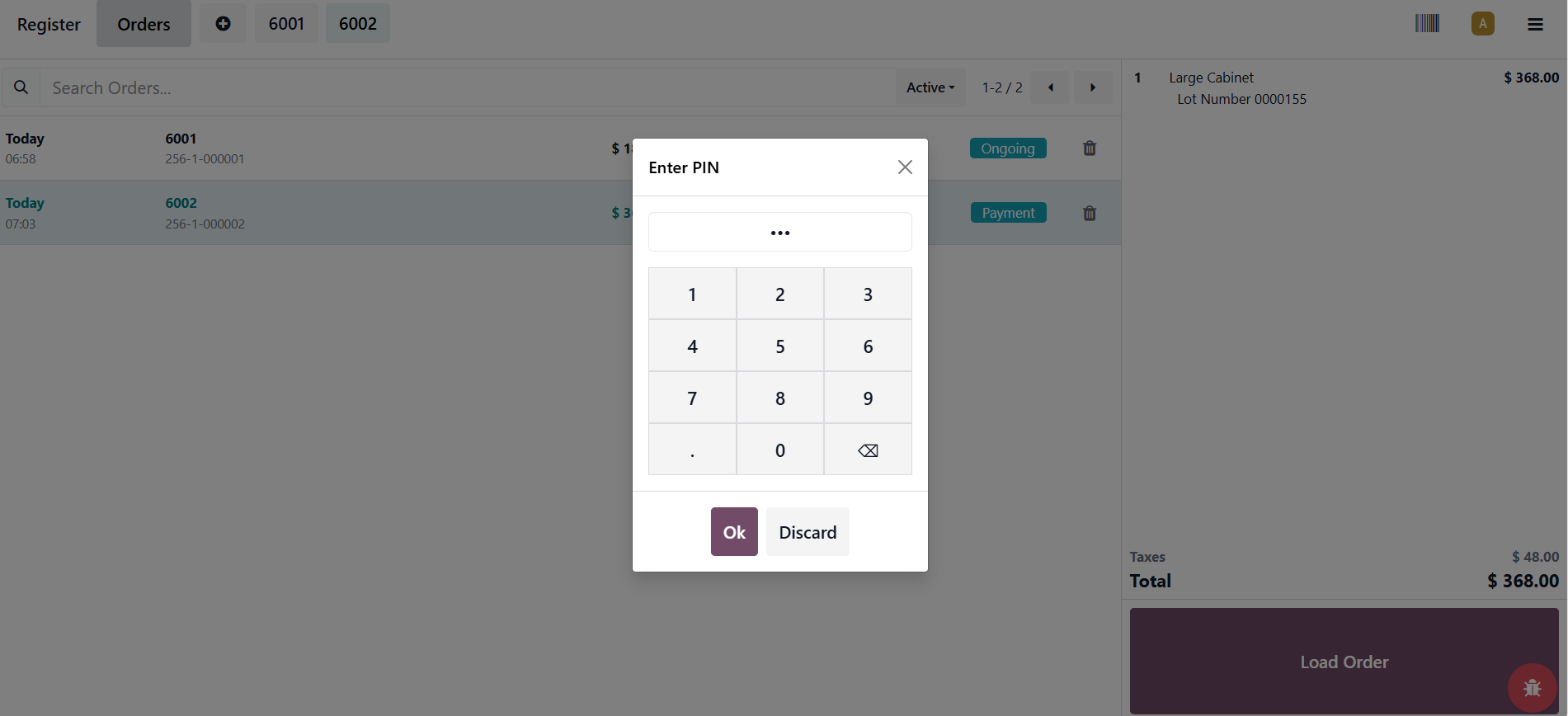 |
3. If we input an incorrect PIN, there will be an Incorrect PIN message pops up . | 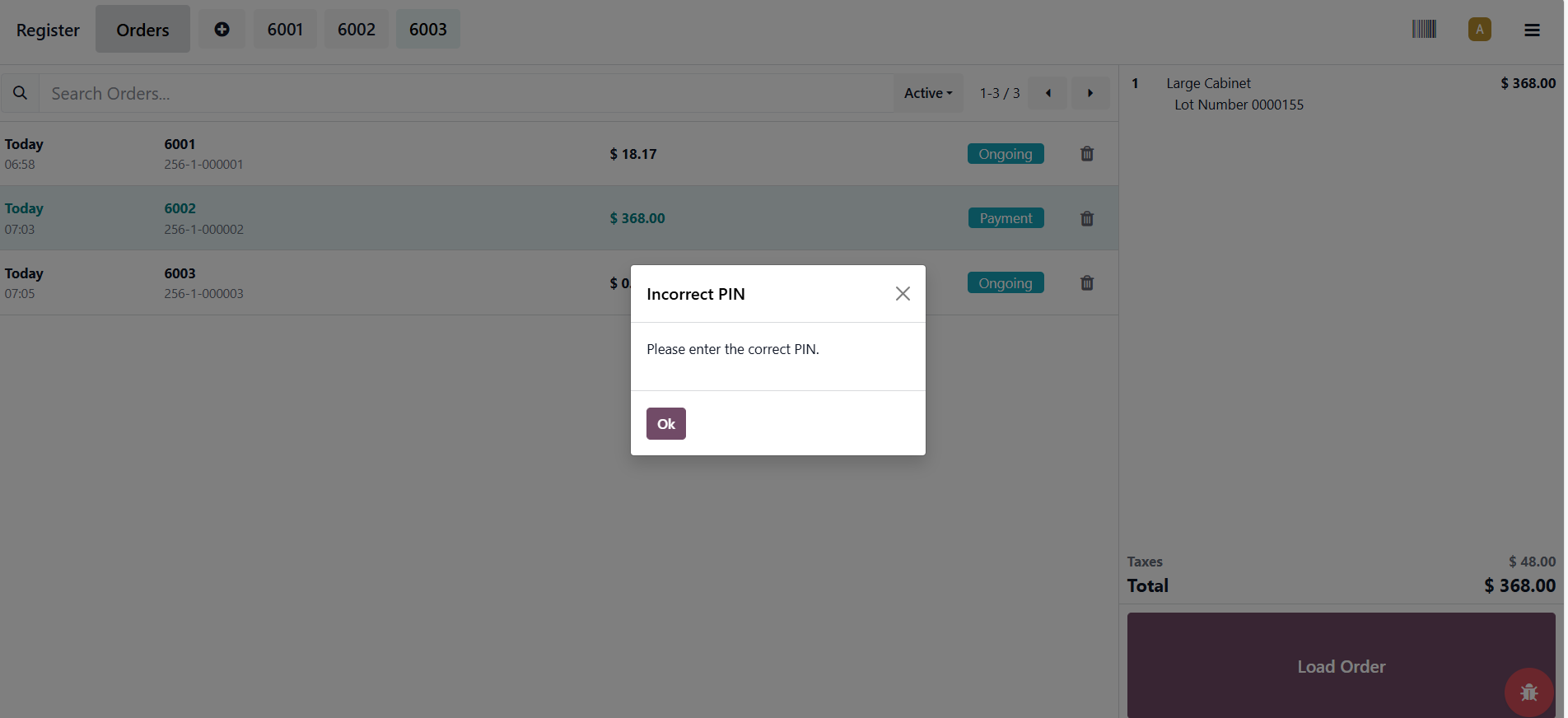 |