



ODOO'S FUNCTION
The Odoo platform does not provide a tag feature on the Website
CLUEDOO'S FUNCTION
Cluedoo introduces the "Additional Tags for Partner Portal" feature, enhancing company visibility and reseller search on the Website by:
1️⃣ Providing a clear overview of each company’s basic information through tag management.
2️⃣ Allowing flexible control to show or hide tags as desired.
3️⃣ Enabling keyword-based searches to easily find resellers according to predefined tags.
1 Go to Settings > Website > Partner Tags > Select tags we want to display on the website. |  |
2 Go to Contacts > Choose a Company partner that we would like to feature > Partner Assignment Tab > We assign a company's partner level and enter fields: Industry Type, Scope, Sizes, Countries, Odoo Users > Save Note: Only after we choose Partner Level. we can save entered information |  |
Update from v19: The Partner Level field has been moved from Partner Assignment to the main list. It’s no longer required to select a Partner Level to save the entered information. However, assigning a Partner Level is necessary for the partner to appear in the resellers list on the Website. |  |
3. After the above step is completed, we click on the button More > Go to Website > In the detailed form of the company on the website, we can see all of the selected tags
along with the filled-in information
and the partner level | 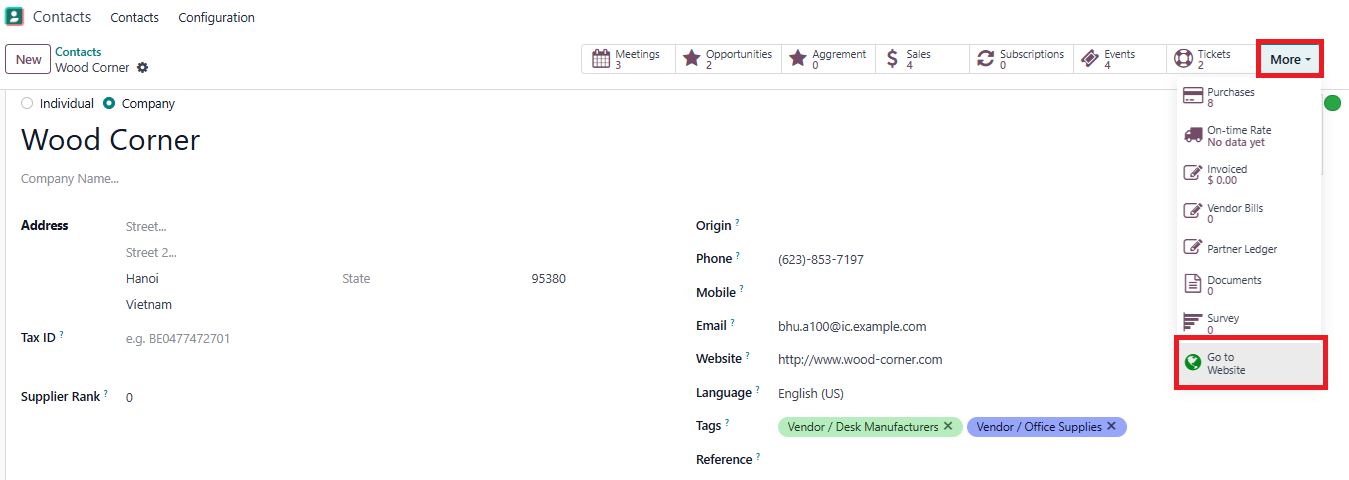  |
4. Click on the button Back to resellers > We can see all of the published companies here with their tags Note: If we want a company to be displayed on the reseller form, we need to let it be published | 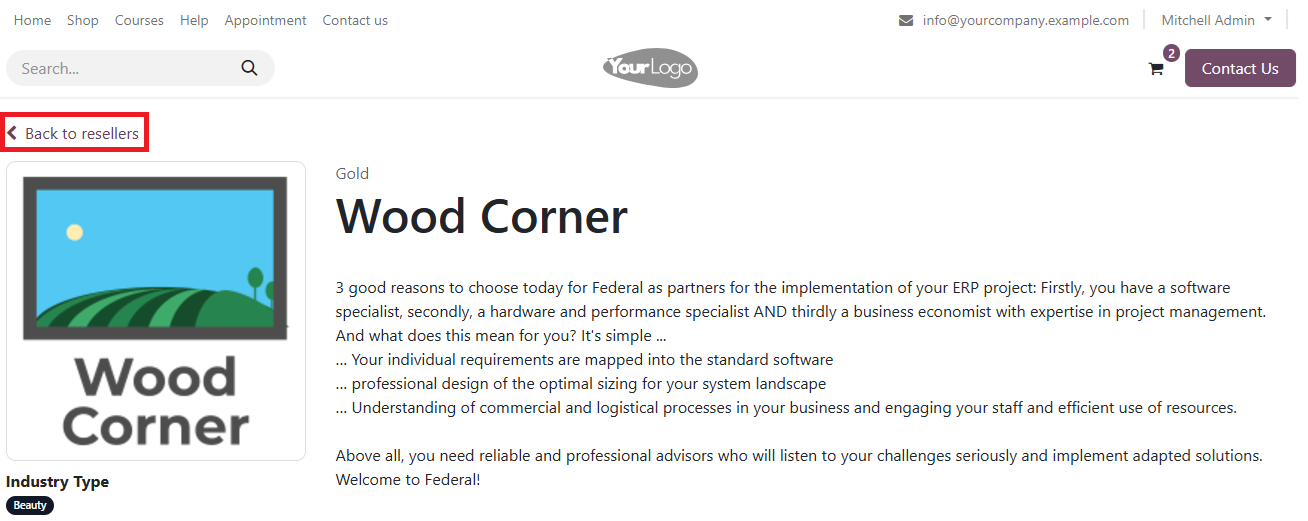   |
5. By selecting one of the keywords from the list of each field, you can search for resellers based on the chosen keywords. |   |