ODOO'S FUNCTION
In Odoo, each delivery posts one single COGS line per product, which hides the cost structure and makes it difficult to see which components really impact your margins.
CLUEDOO'S FUNCTION
CLuedoo’s uses the Cost Breakdown on the product variants to split COGS when you deliver goods automatically.
1️⃣ On each delivery, it divides the COGS amount proportionally across several lines (purchase, freight, insurance, etc.), using the cost accounts defined on each valuation category.
2️⃣ With AVCO, every delivery generates a multi-line COGS entry that mirrors the real cost structure of the product.
CONFIGURATION1. Go to Inventory > Configuration > Detail Stock > SVL Category | 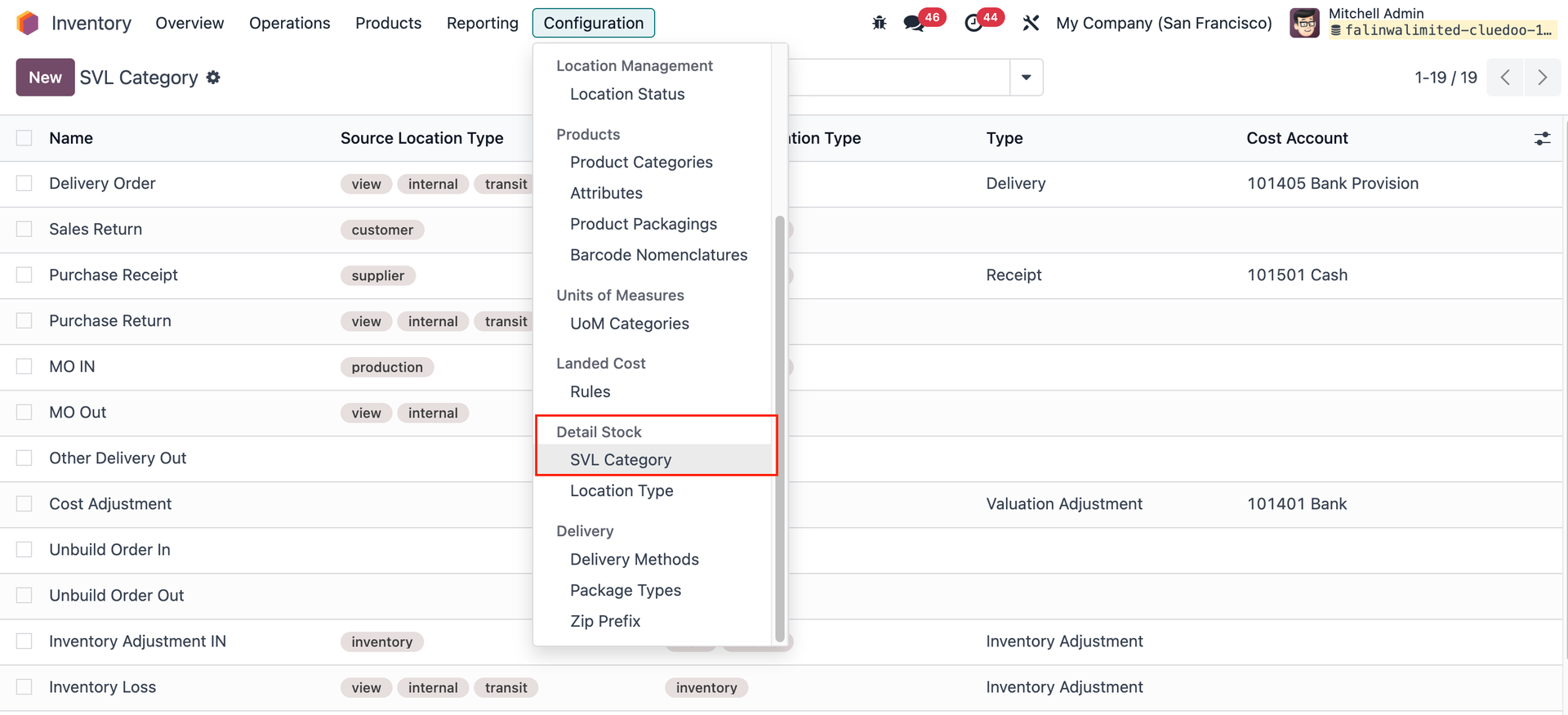 |
2. Set the Cost Account in the SVL Categories | 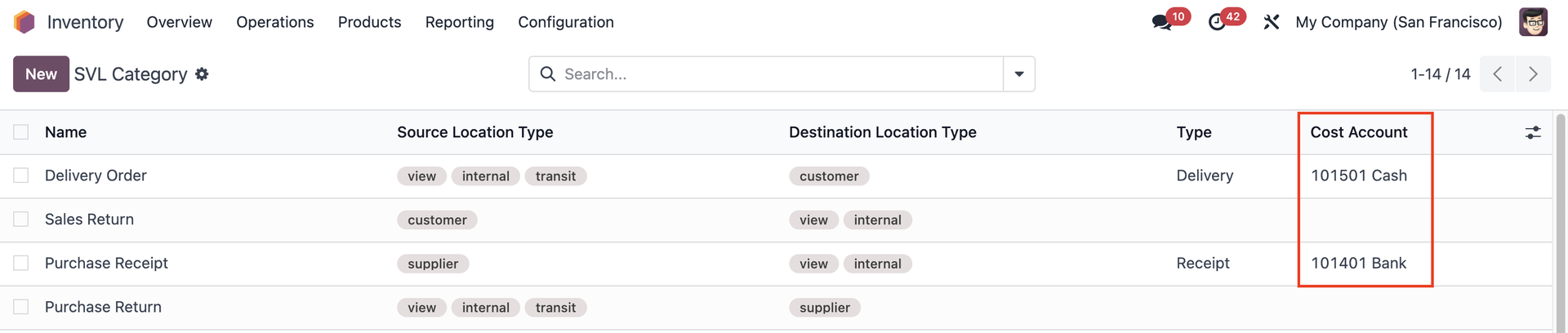 |
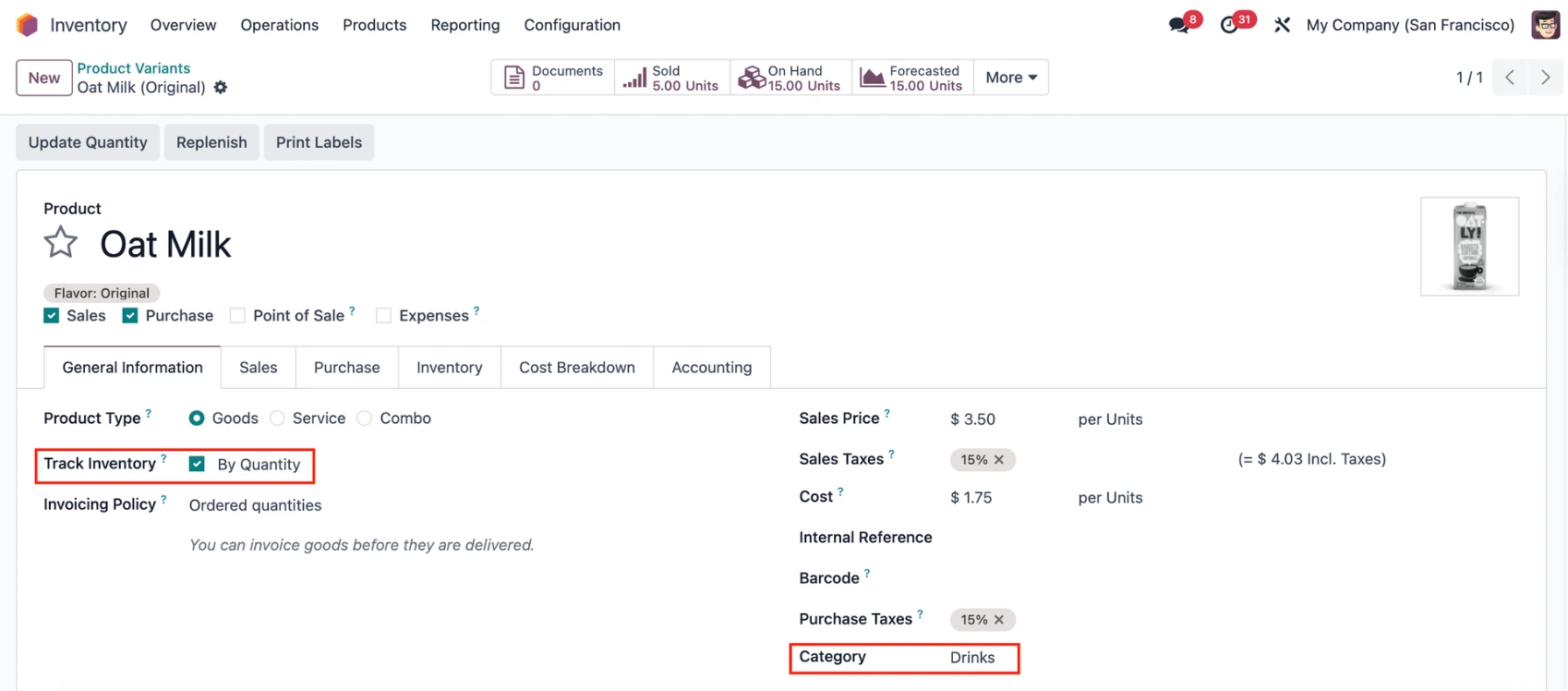
3. Choose/create a goods product that has variants, is tracked By Quantity, and define a Category for it |
|
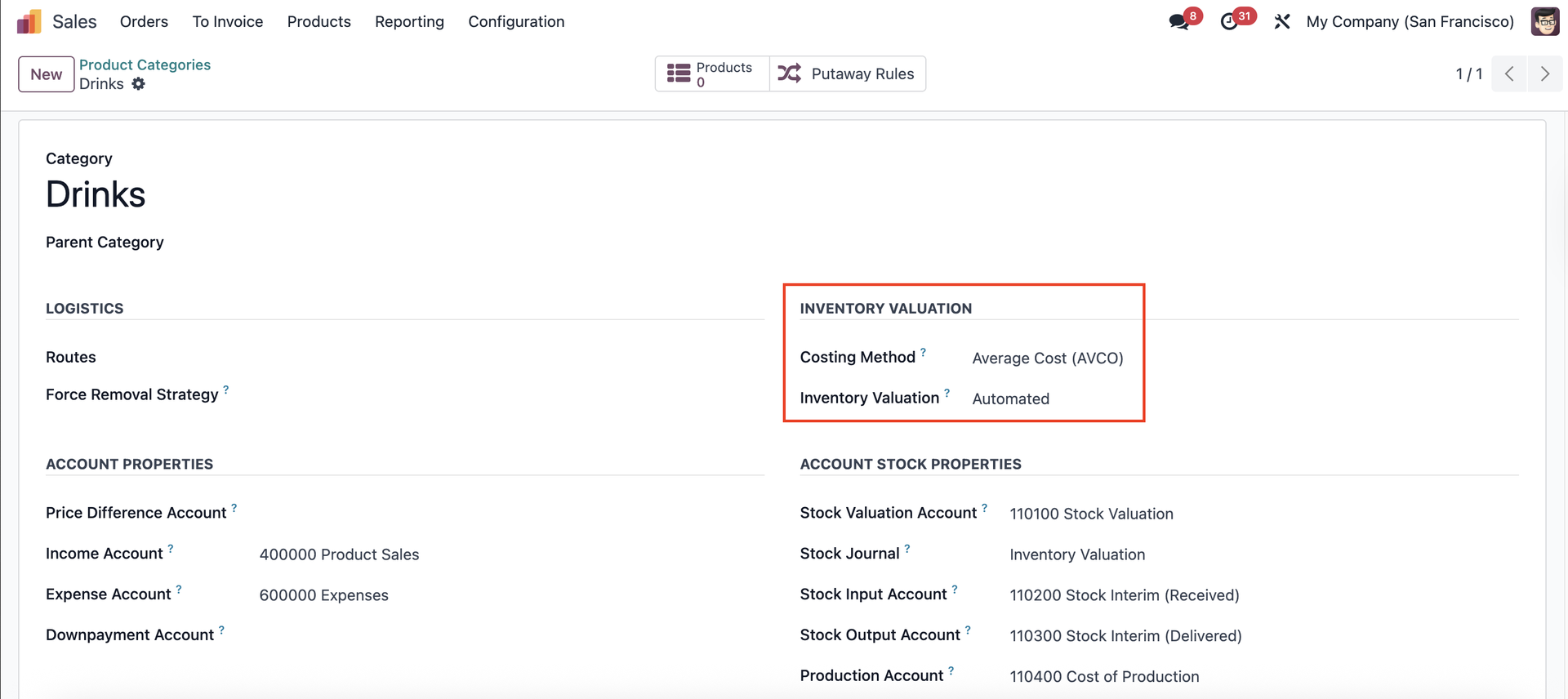
4. Make sure the Inventory Valuation of the product category is set up correctly:
|
|
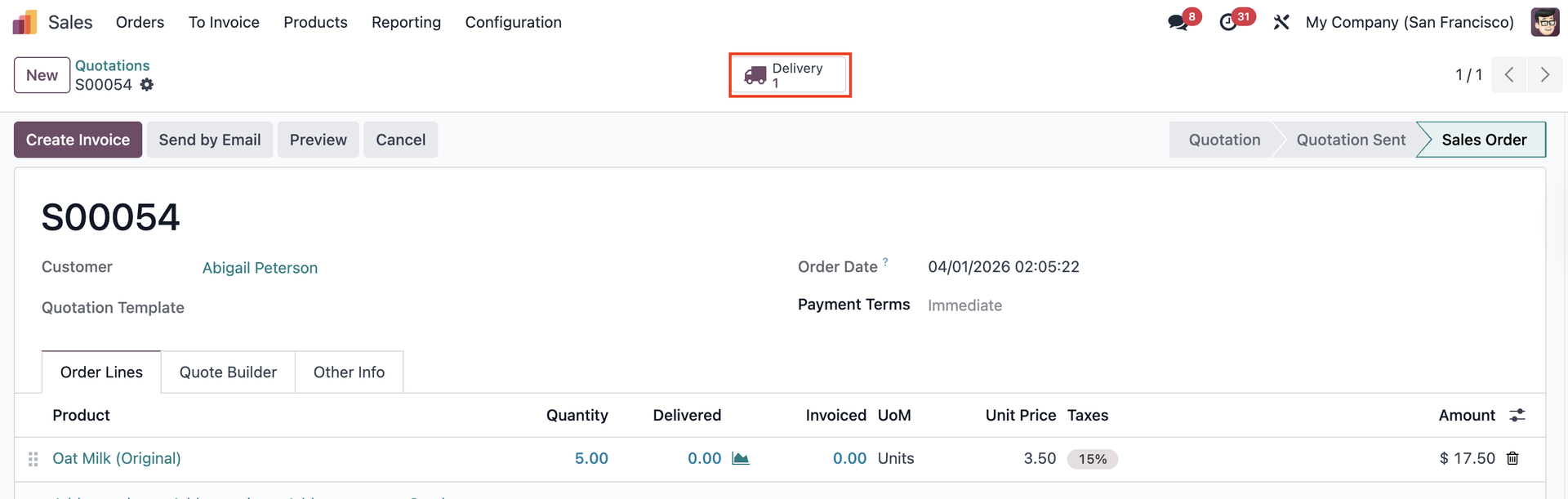
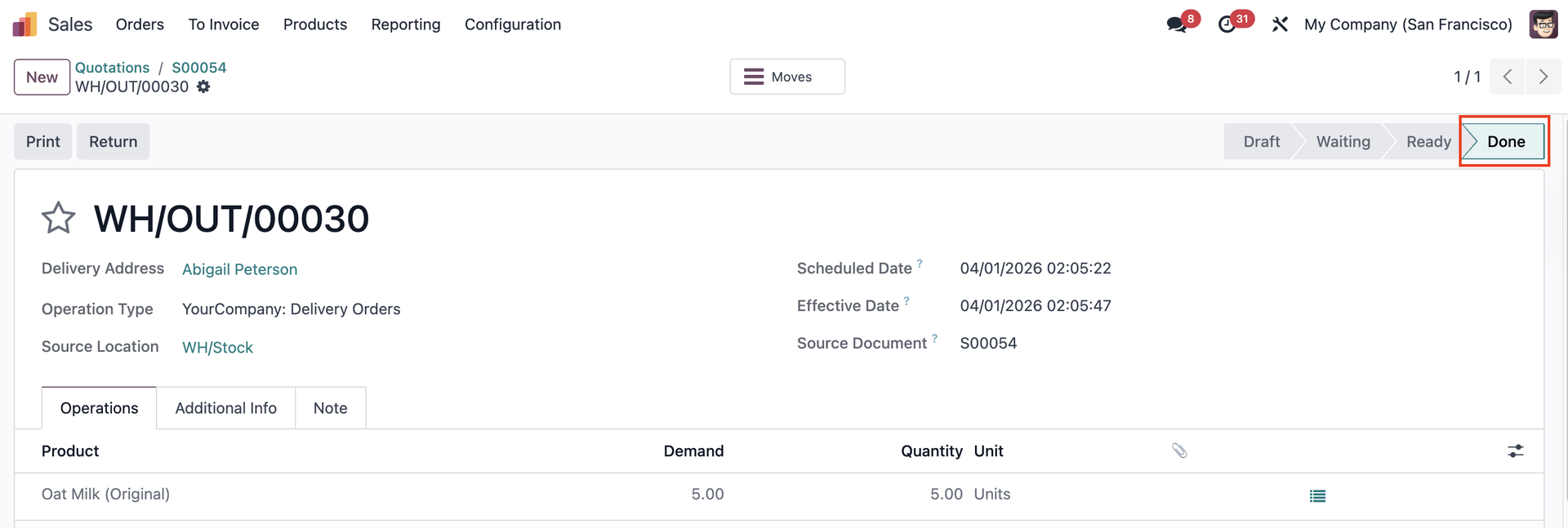
USAGE1. Create a Sales Order > Add the product(s) > Confirm > Validate the delivery out transfer.
|   |
| 2. Go back to the SO form > Create Invoice > Confirm | 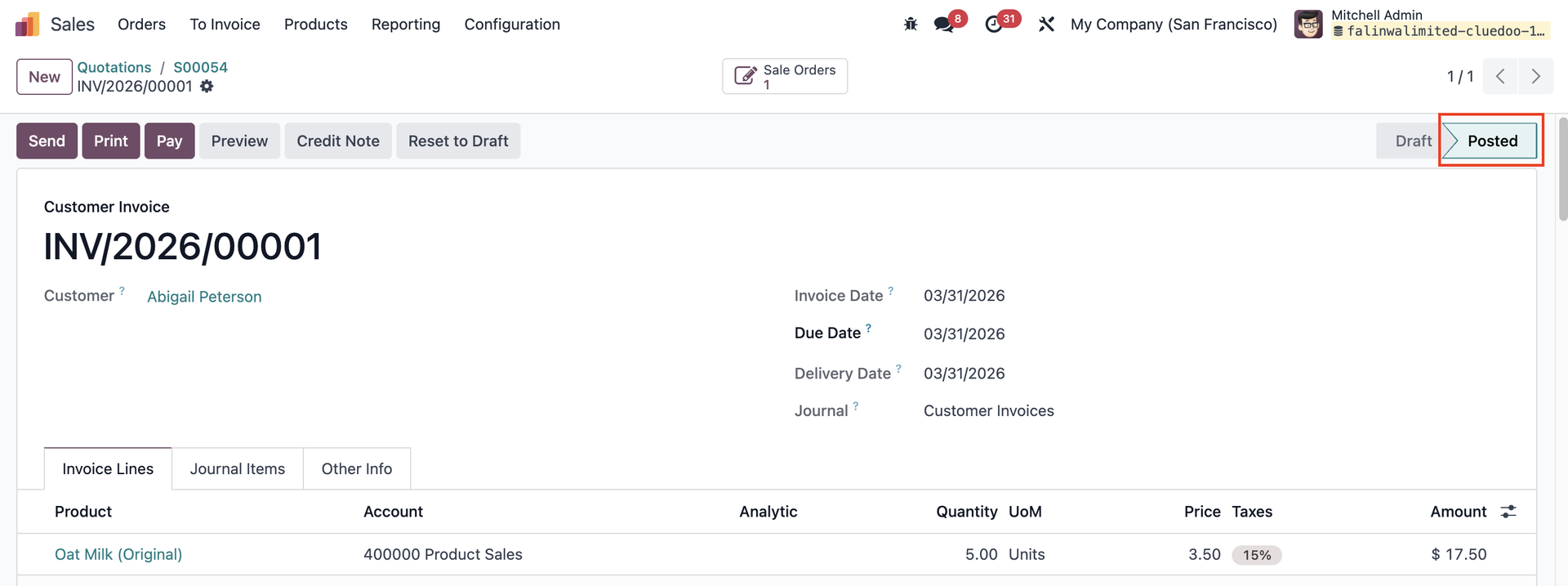 |
3. Go to the Journal Items tab on the invoice > We can see the cost breakdown:
| 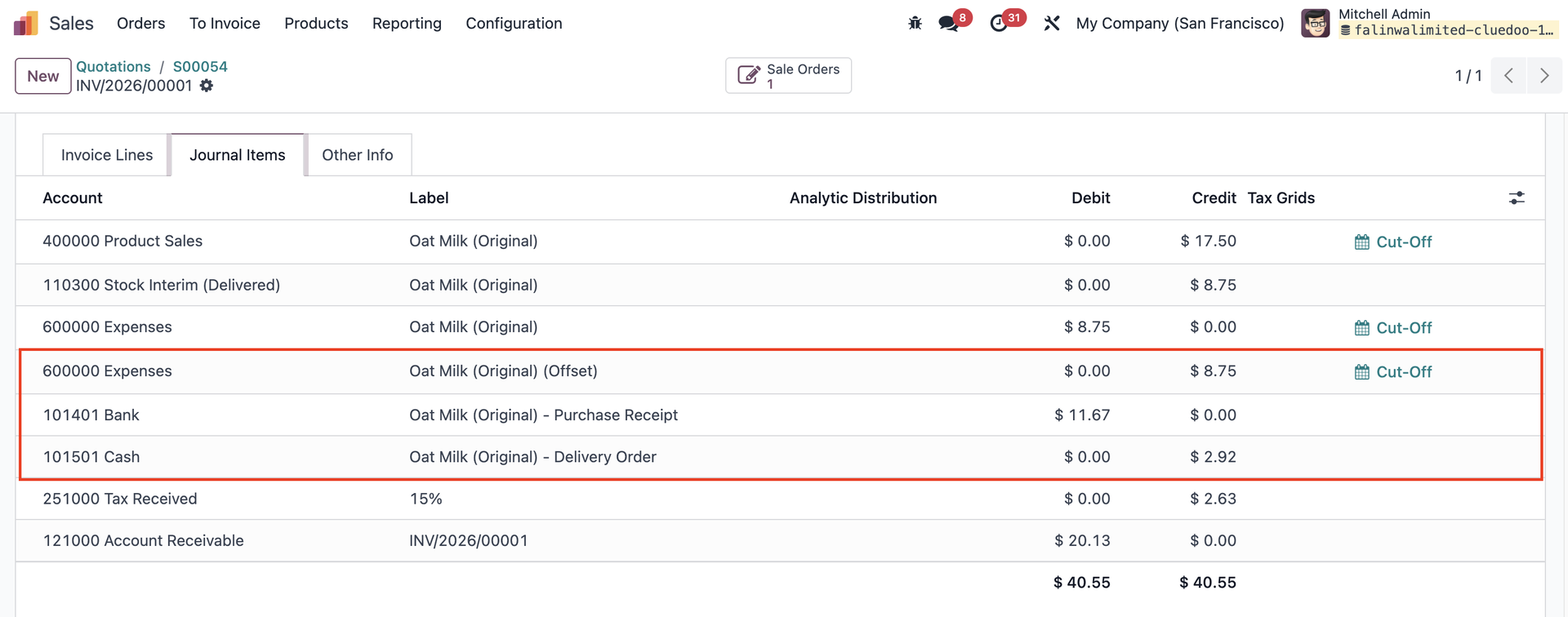 |
For example:
→ positive, Odoo places it in the Debit column.
→ negative, Odoo places $2.92 in the Credit column. | 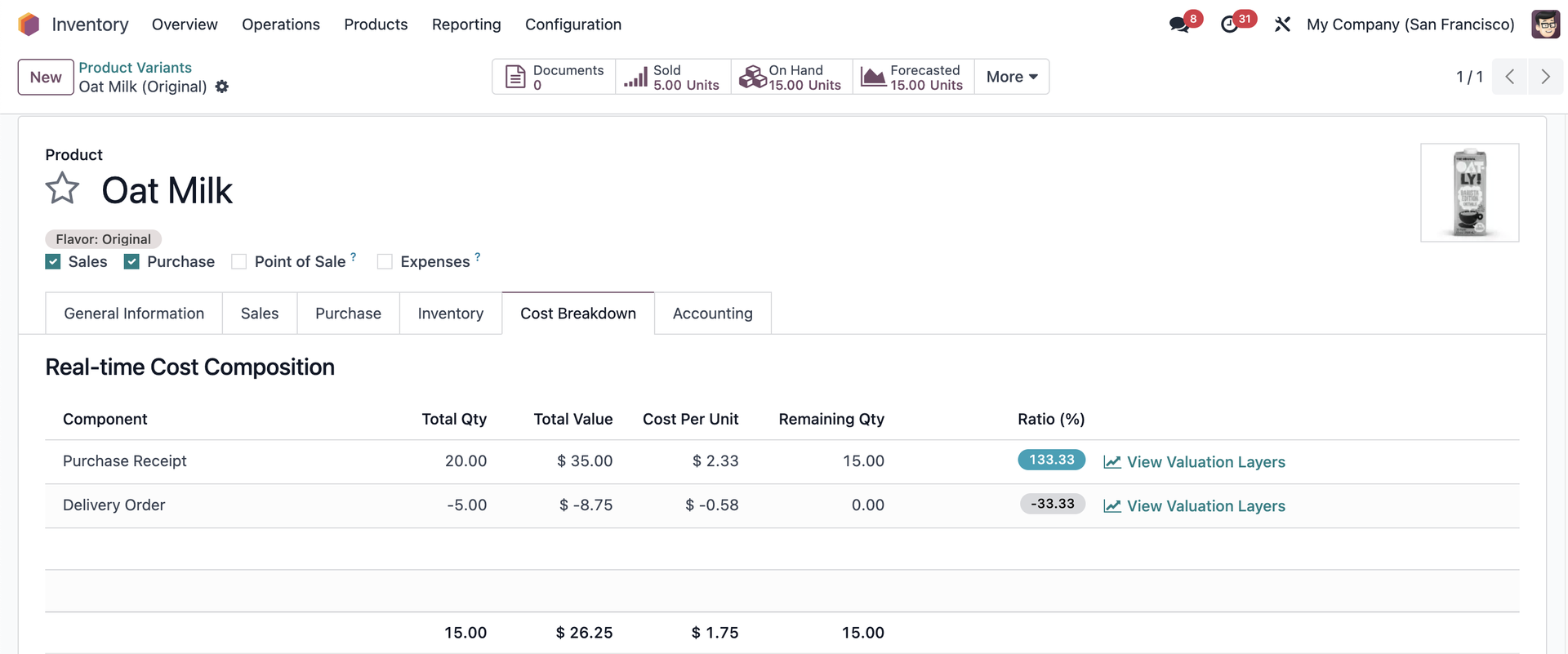 |