



ODOO'S FUNCTION
When creating a BoM (Bill of Materials), you can add components to your product, but you cannot classify them into different categories. Another downside is that Odoo allows you to check the BoM Structure report for only one product at a time.CLUEDOO'S FUNCTION
For the purpose of BoM comparison, CLuedoo provides an additional field on the BoM Structure Report, which makes it easier to compare two BoMs at once. You are also able to check whether they have the same component categories or not, as you can classify them beforehand when adding a product's components.
On the product’s page, click the Bill of Materials (BoM) smart button, then select the available Bill of Materials. | 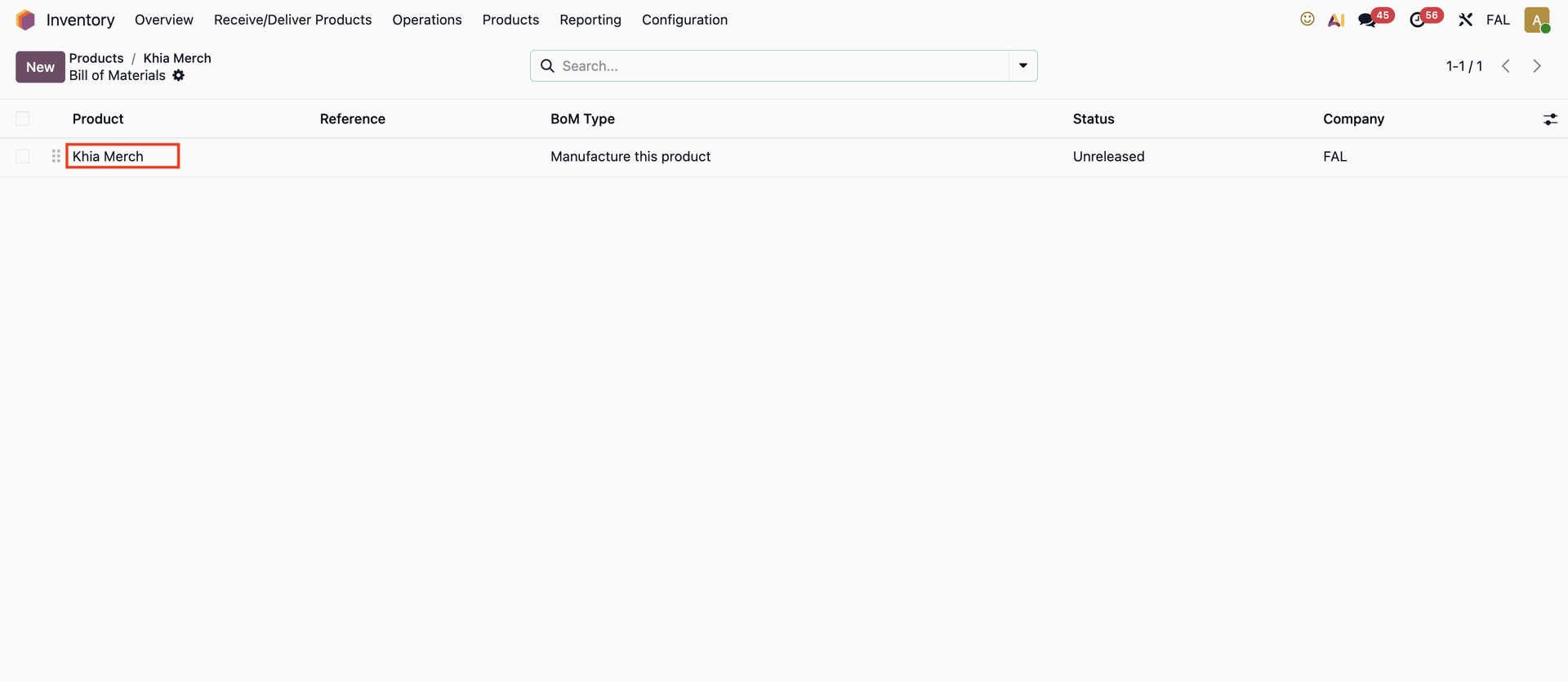 |
In the Bills of Materials (BoM) form, you can set a Component Category for each component line. Once all configurations are complete, click the BoM Overview smart button. | 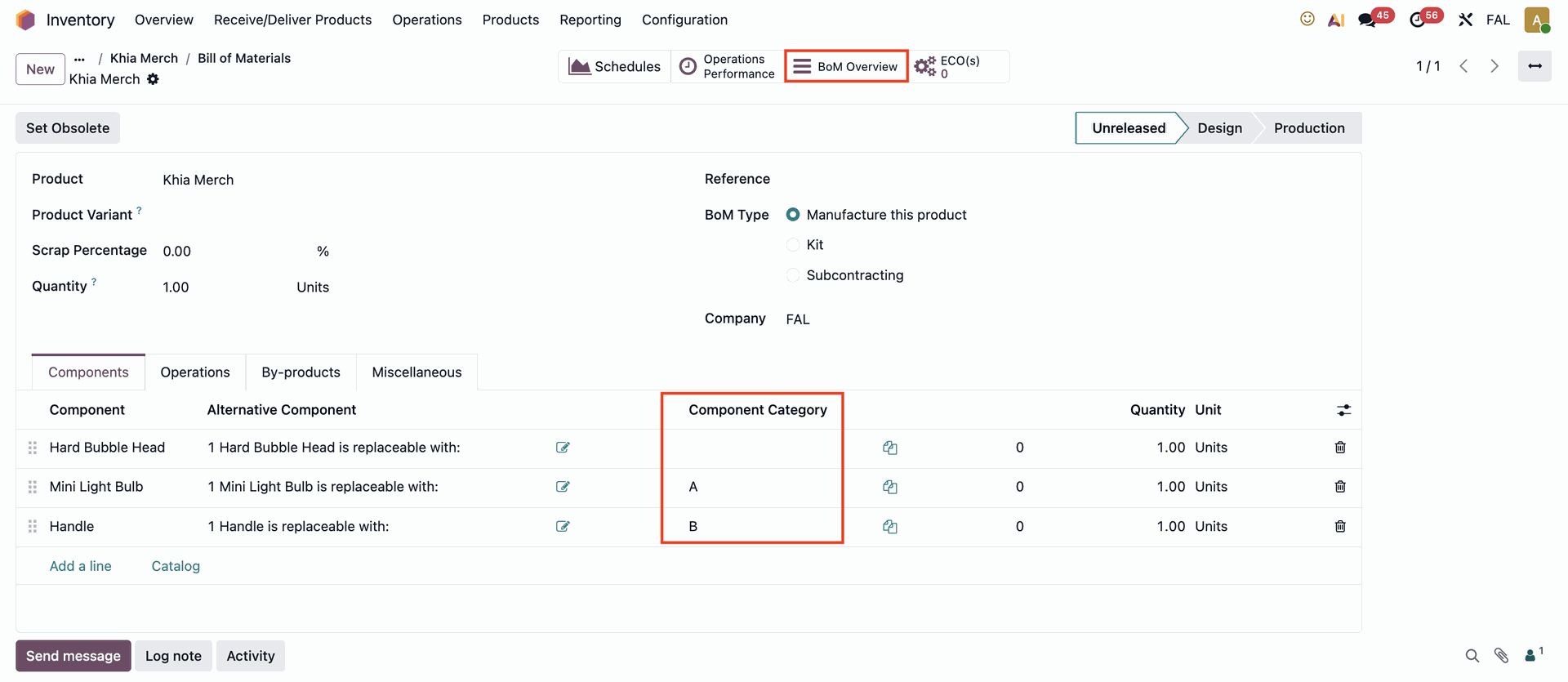 |
You can compare the current BoM with another product’s BoM by clicking the Compare dropdown menu and selecting the desired BoM. | 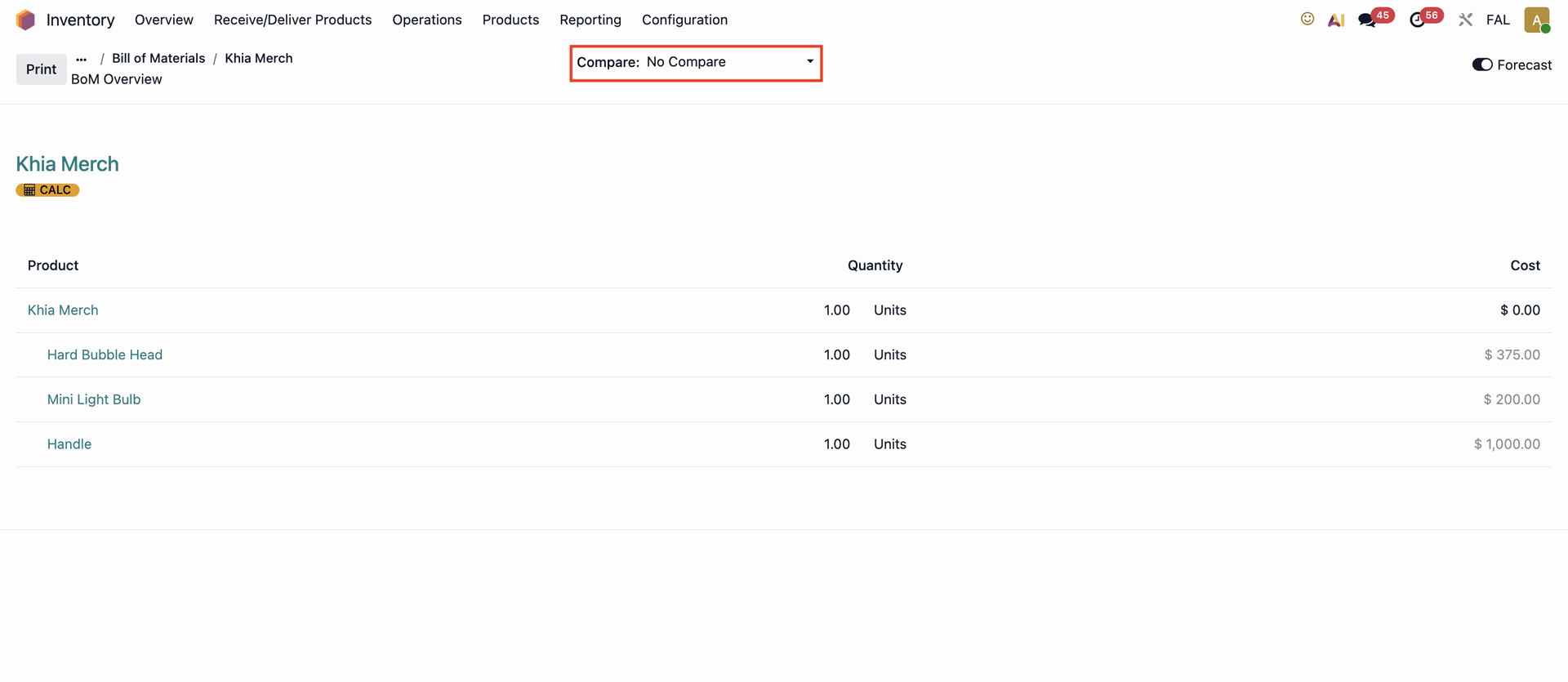 |
The comparison will be displayed side by side for easier reference. | 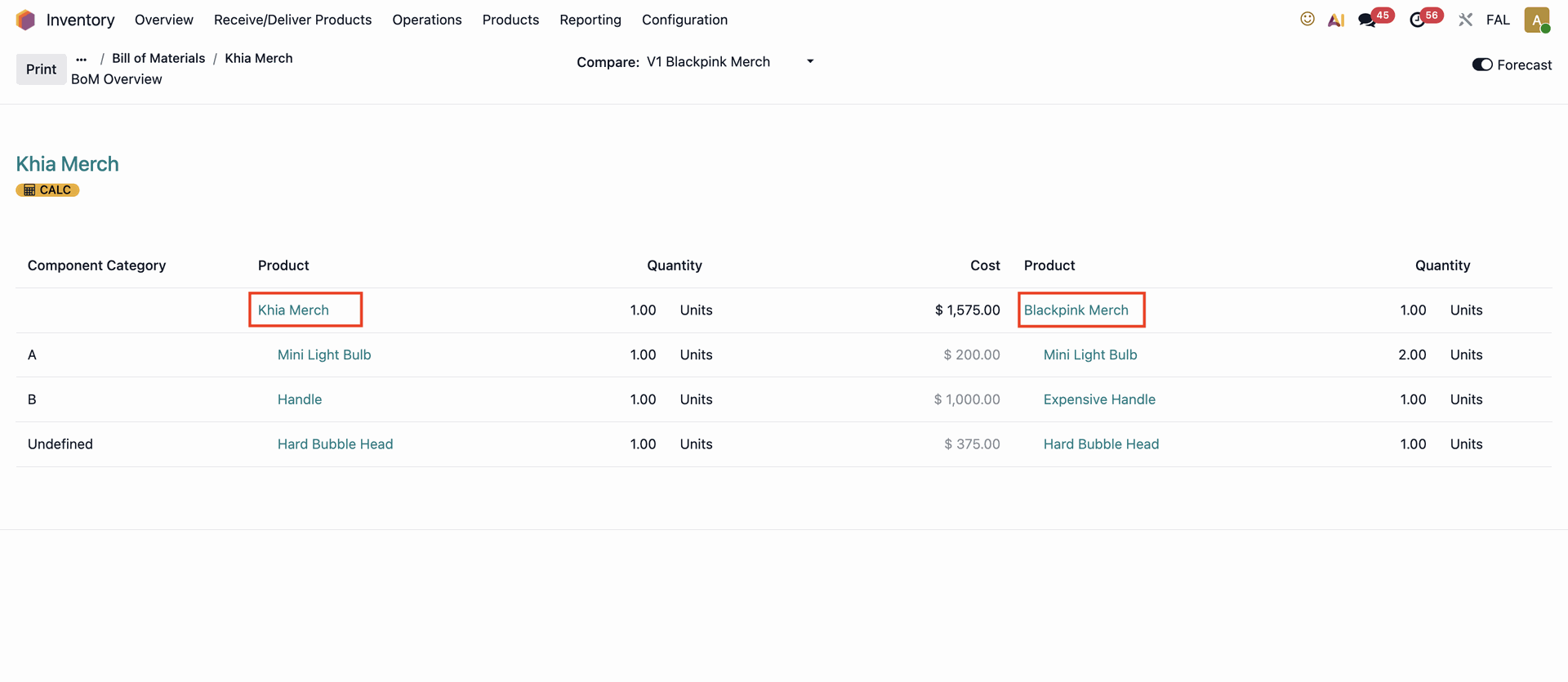 |