



ODOO'S FUNCTION
Odoo allows you to enter the full names of your users and individual collaborators in a single box.
CLUEDOO'S FUNCTION
Cluedoo not only allows you to differentiate the first and last names of your users and individual collaborators, but also allows you to choose the order and the way in which they are displayed. This can be useful to conform to the conventions of your country, or simply to satisfy your preferences in terms of display.
1. Go to Contacts and create a new one > Fill in the necessary information | 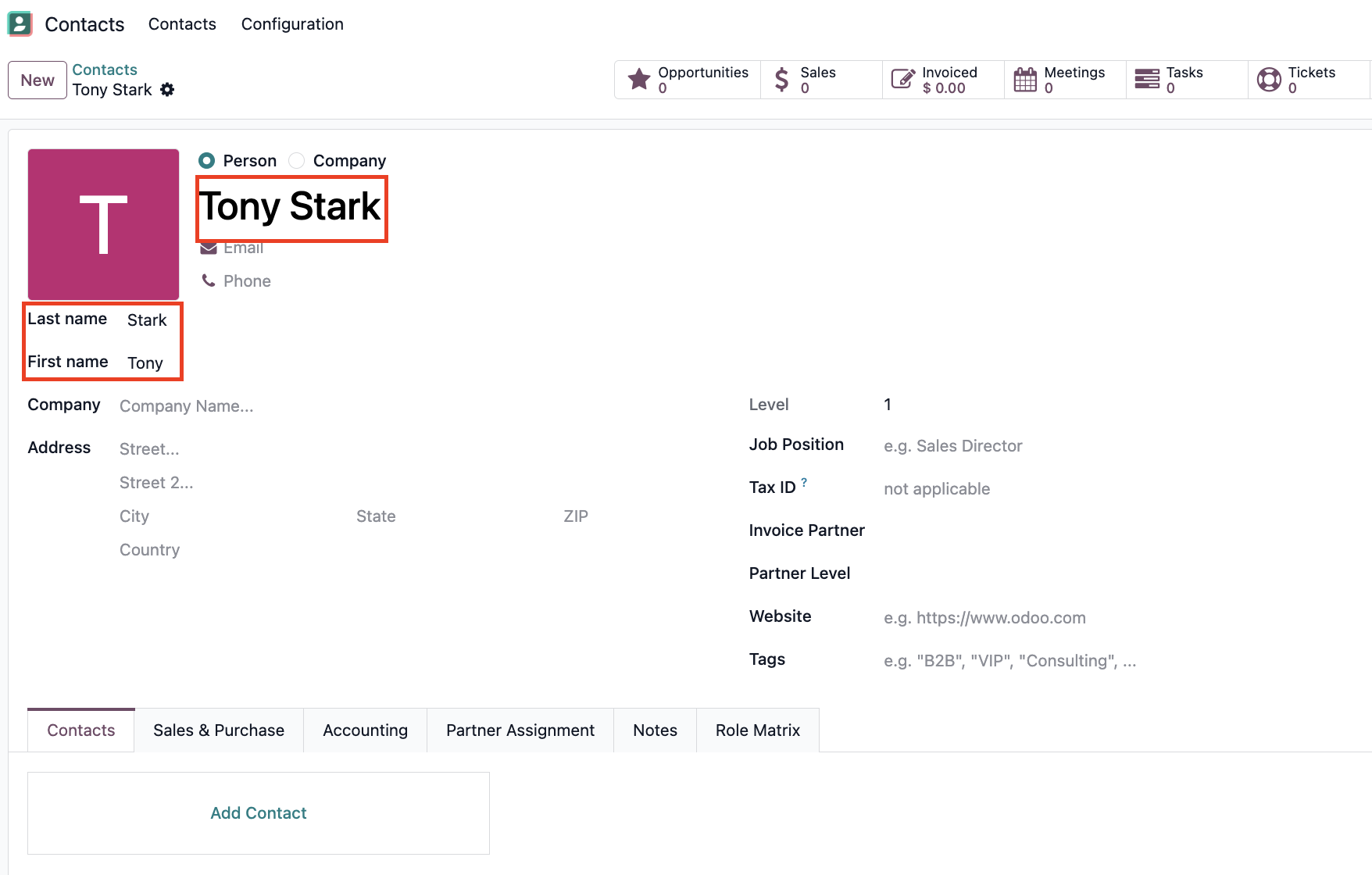 |
2. Go to Settings > General Settings | 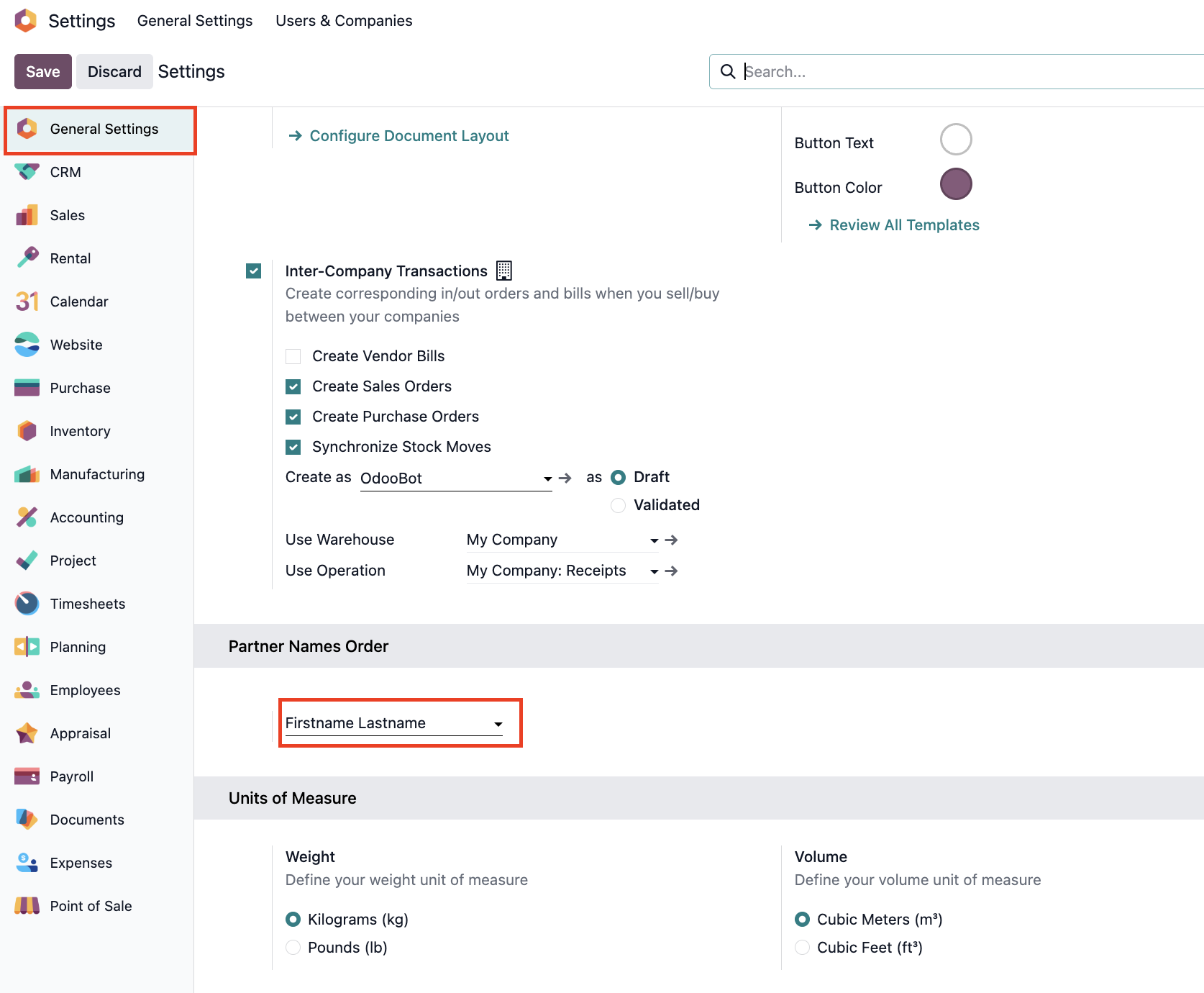 |
Go to Partner Names Order > choose the preferred order and display | 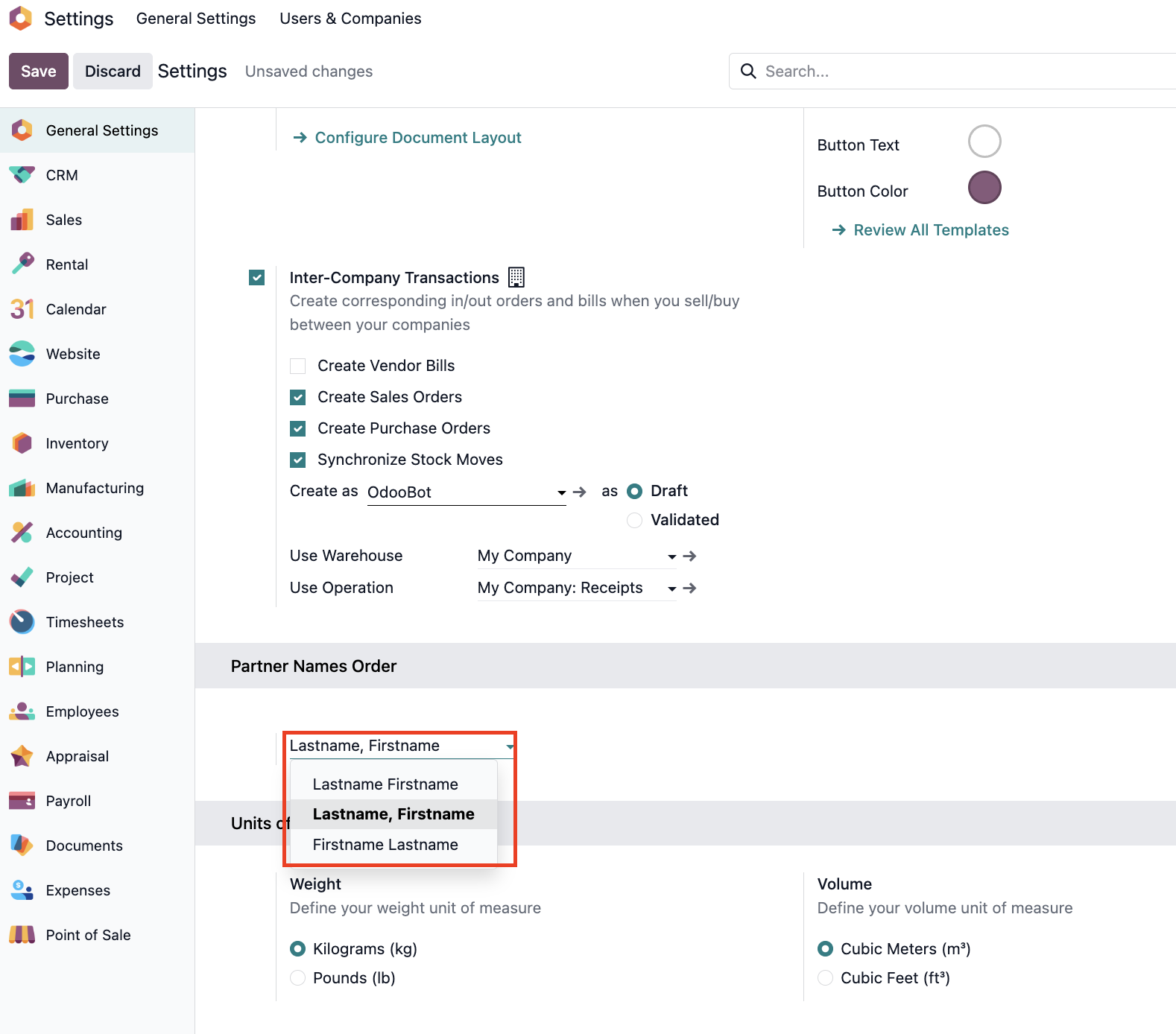 |
Note: Don't forget to recalculate and save the change | 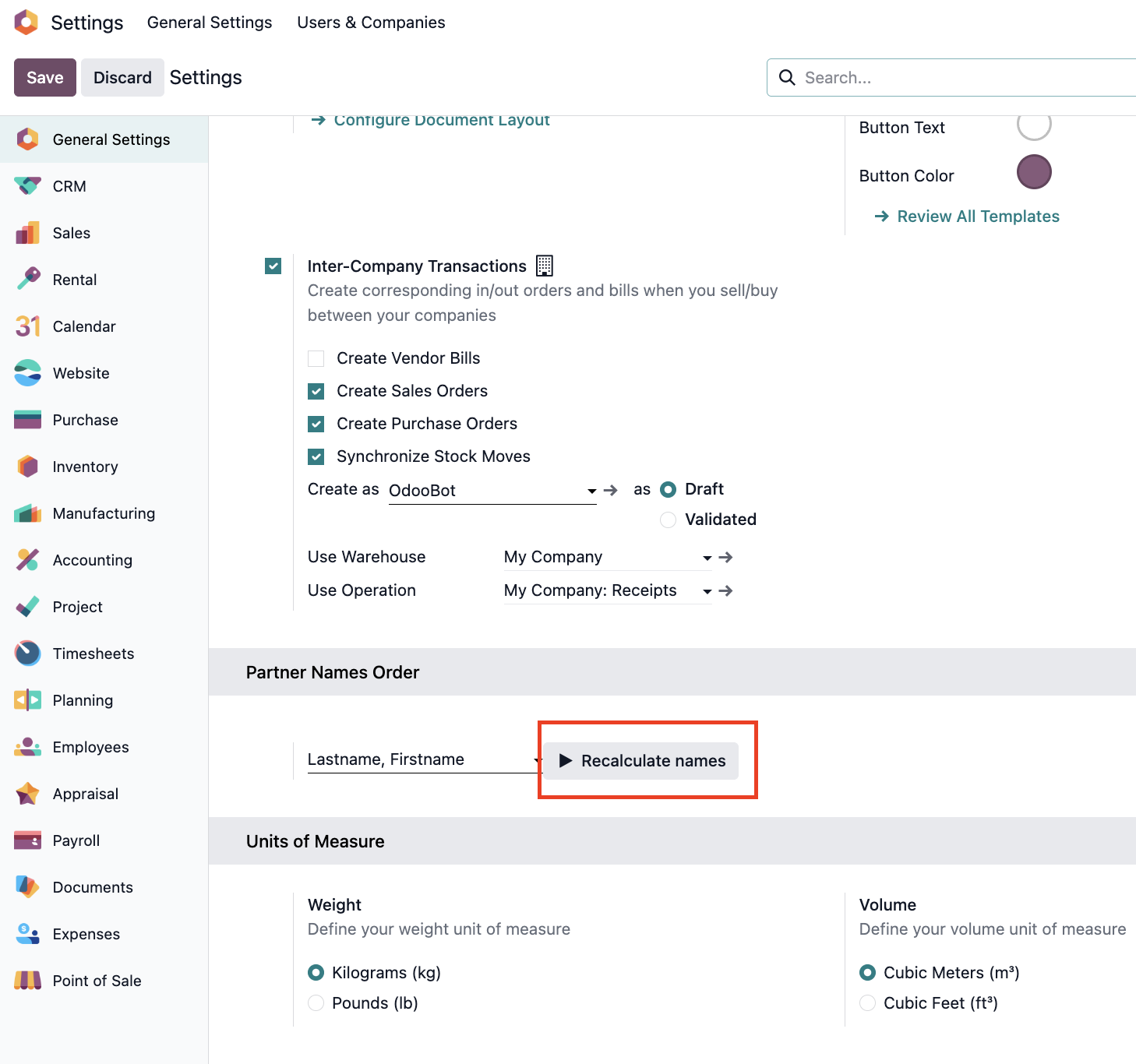 |
3. Go back to Contacts > Refresh and see that your changes have taken effect.
Here, in this
example, we chose "Lastname, Firstname". We can see that
our user's name display has changed to "Stark, Tony" as
"Tony" is the first name and "Stark" is the last
name. | 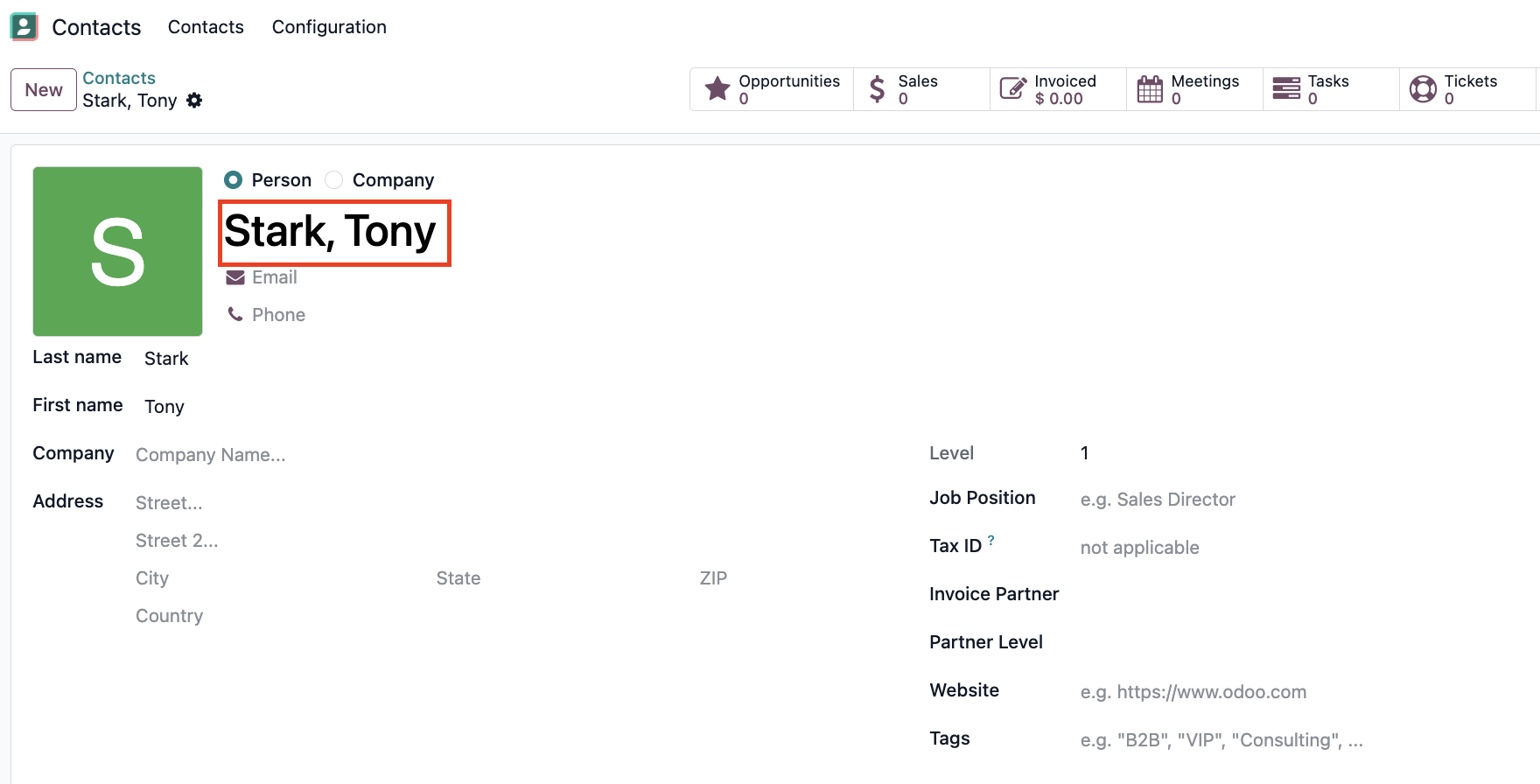 |