


ODOO'S FUNCTION
In standard Odoo, Manufacturing Orders can produce finished goods, but the system does not automatically manage packaging units on the MO itself. Users must manually handle how the produced quantity should be grouped into packages after production. This makes packaging management less efficient, especially when the finished quantity needs to be split into fixed package sizes.
CLUEDOO'S FUNCTION
2️⃣ When the MO is marked as Done, the system automatically creates the required packages.
3️⃣ The finished quantity is then distributed into those packages according to the packaging setup.
CONFIGURATION | |
1. Go to Inventory > Products > Go to the Sales tab > FIll in Packagings. | 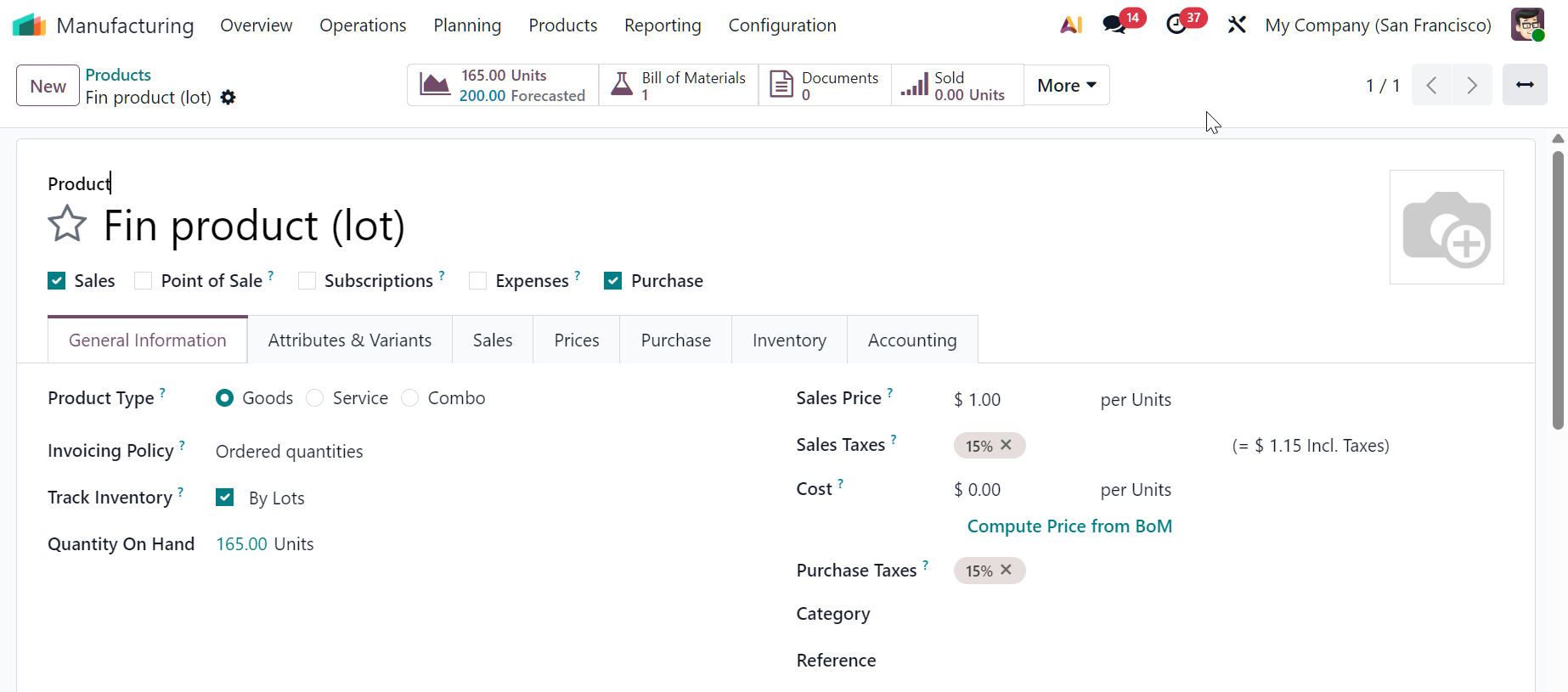 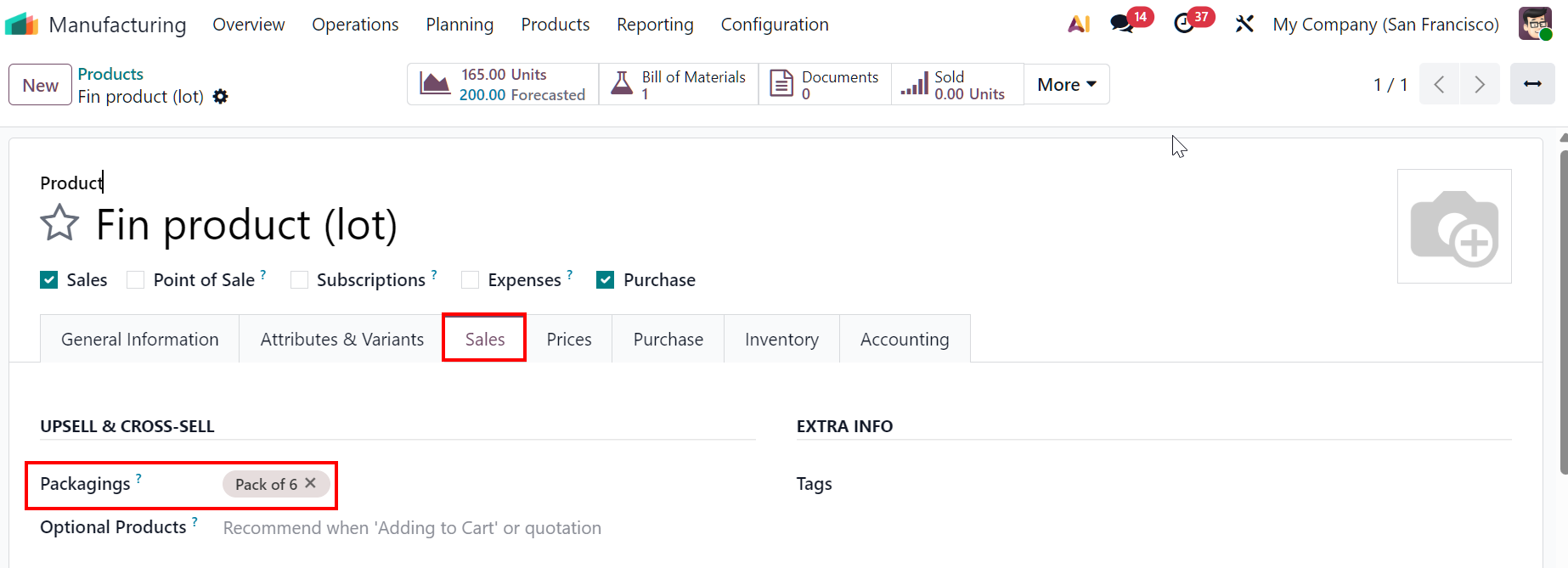 |
2. Create a Bill of Materials for the product. | 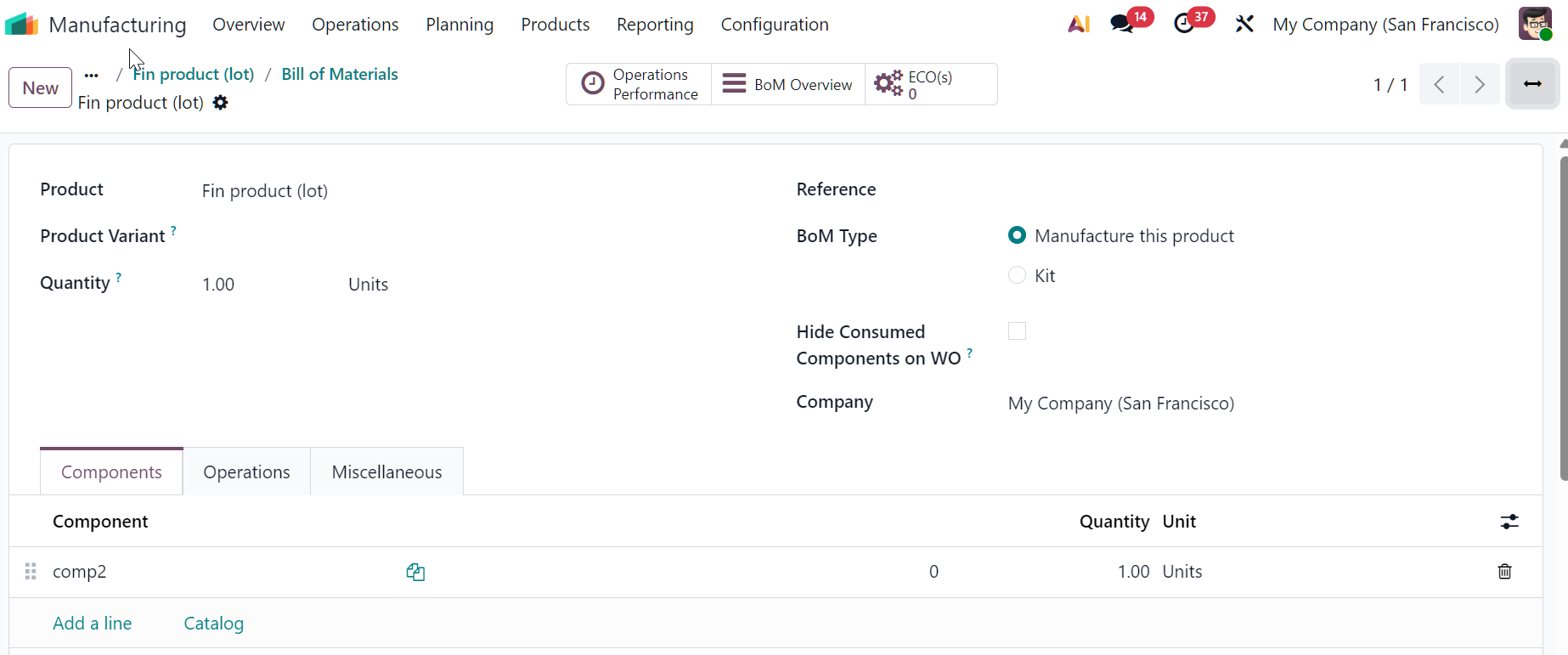 |
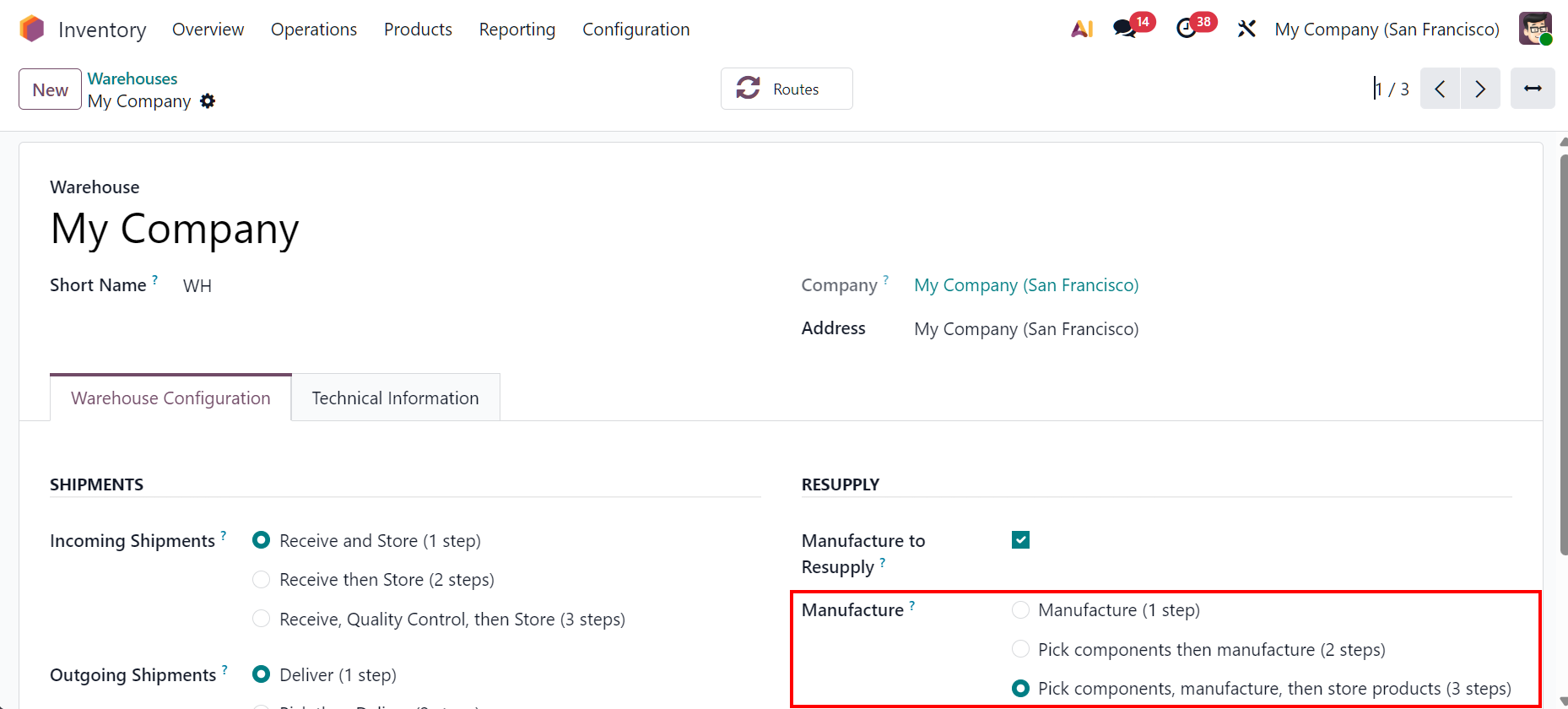
3. For multi-step manufacturing, go to Inventory > Configuration > Warehouses and choose Manufacture 2 or 3 steps. |
|
USAGE | |
3-step Manufacturing 1. Go to Manufacturing > Create an MO > Add the product and the quantity > Choose Packaging Unit (only packagings defined on product form will show) > Packaging Qty will auto calculate. | 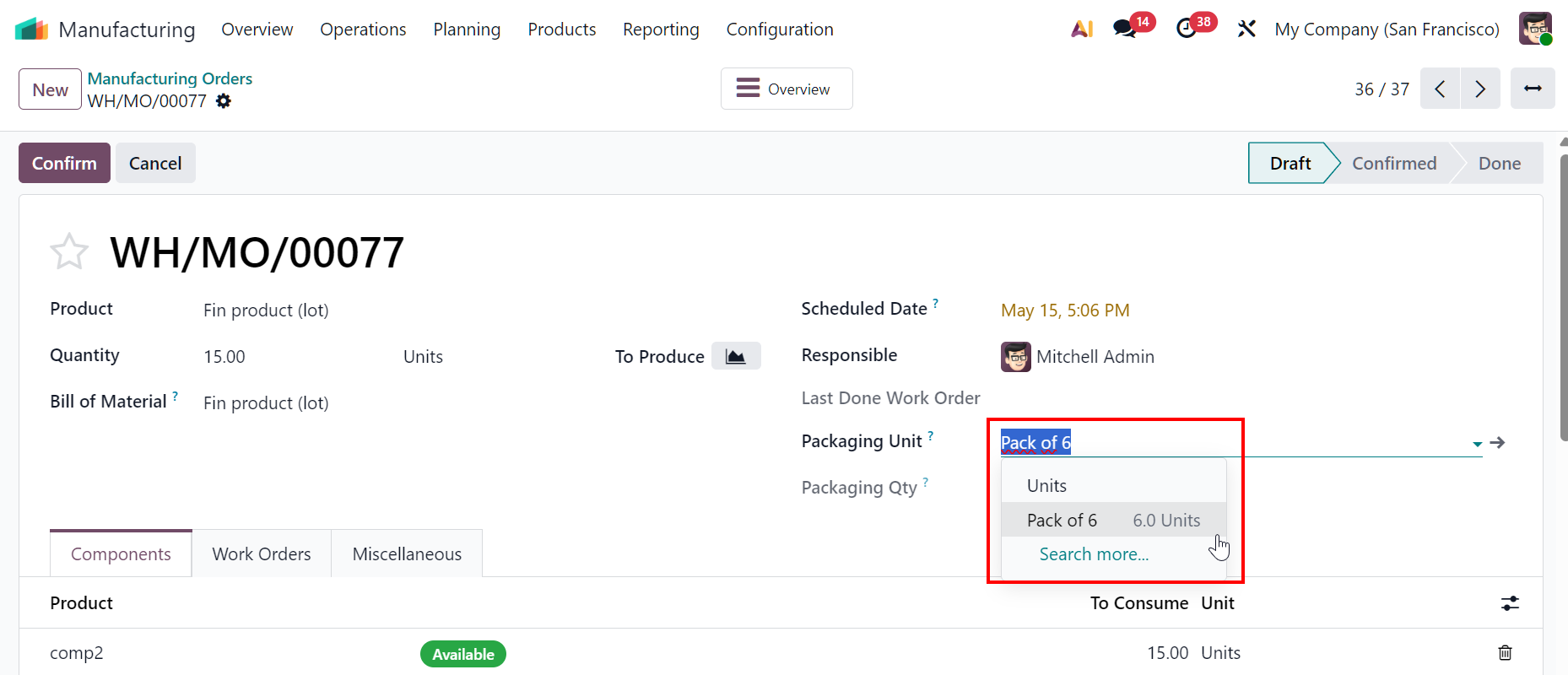 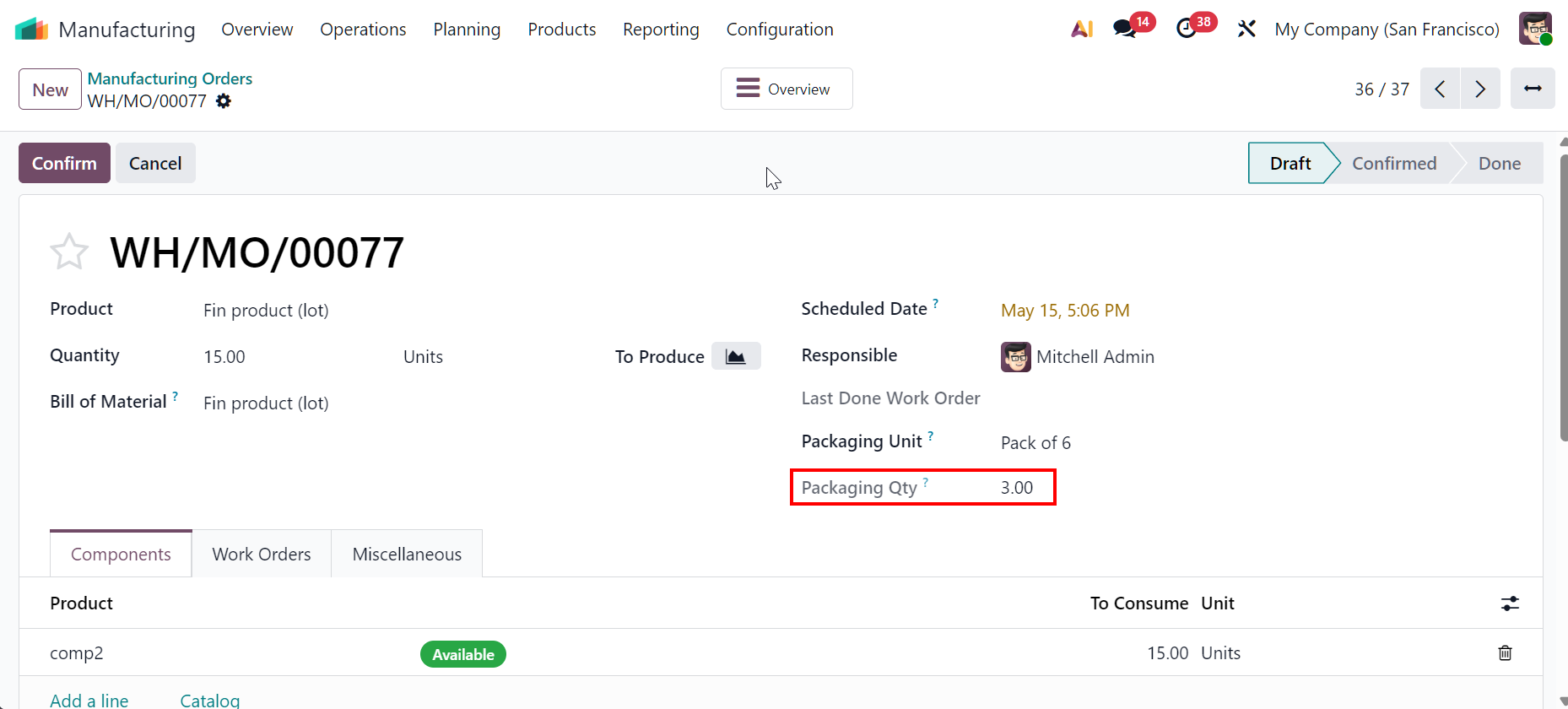 |
2. Confirm MO > Validate the pick transfer > Produce All | 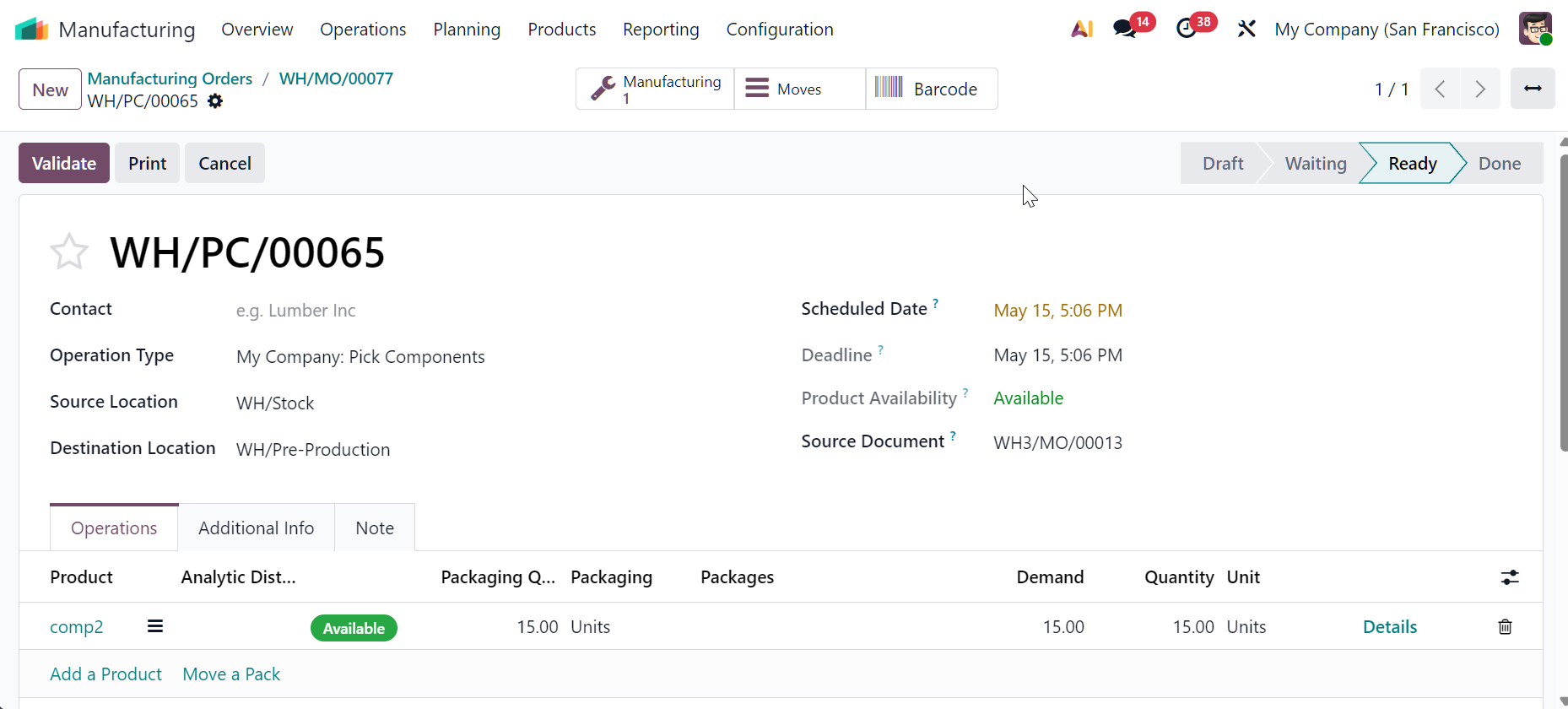 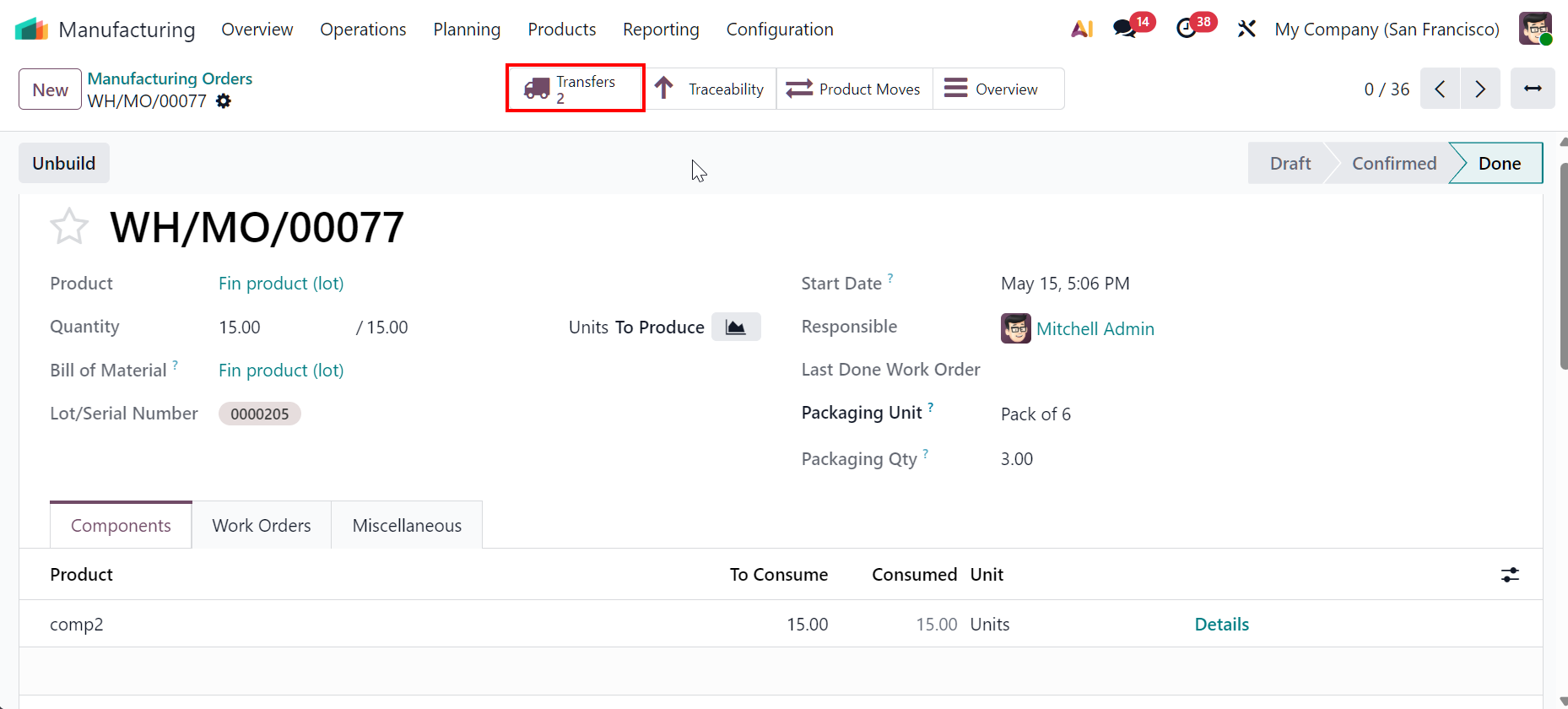  |
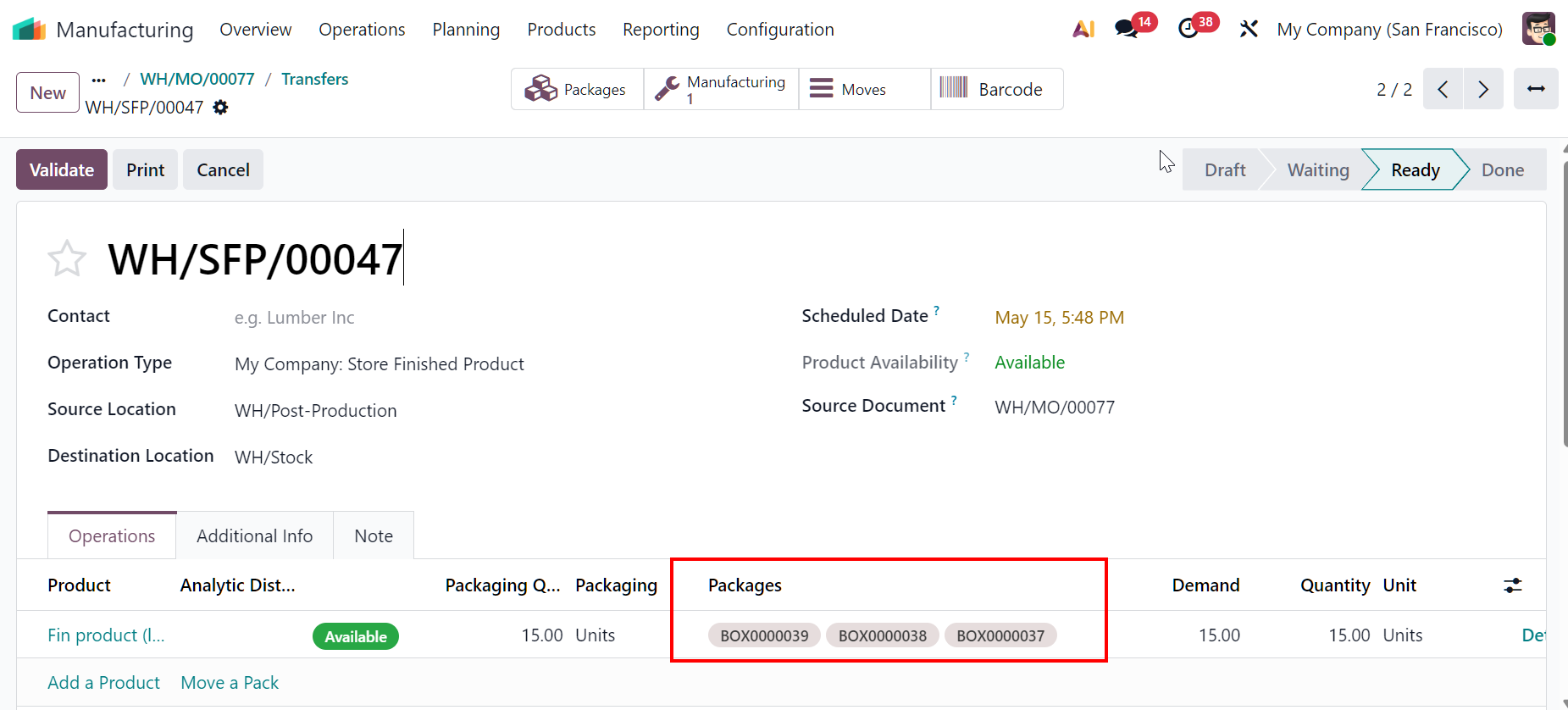
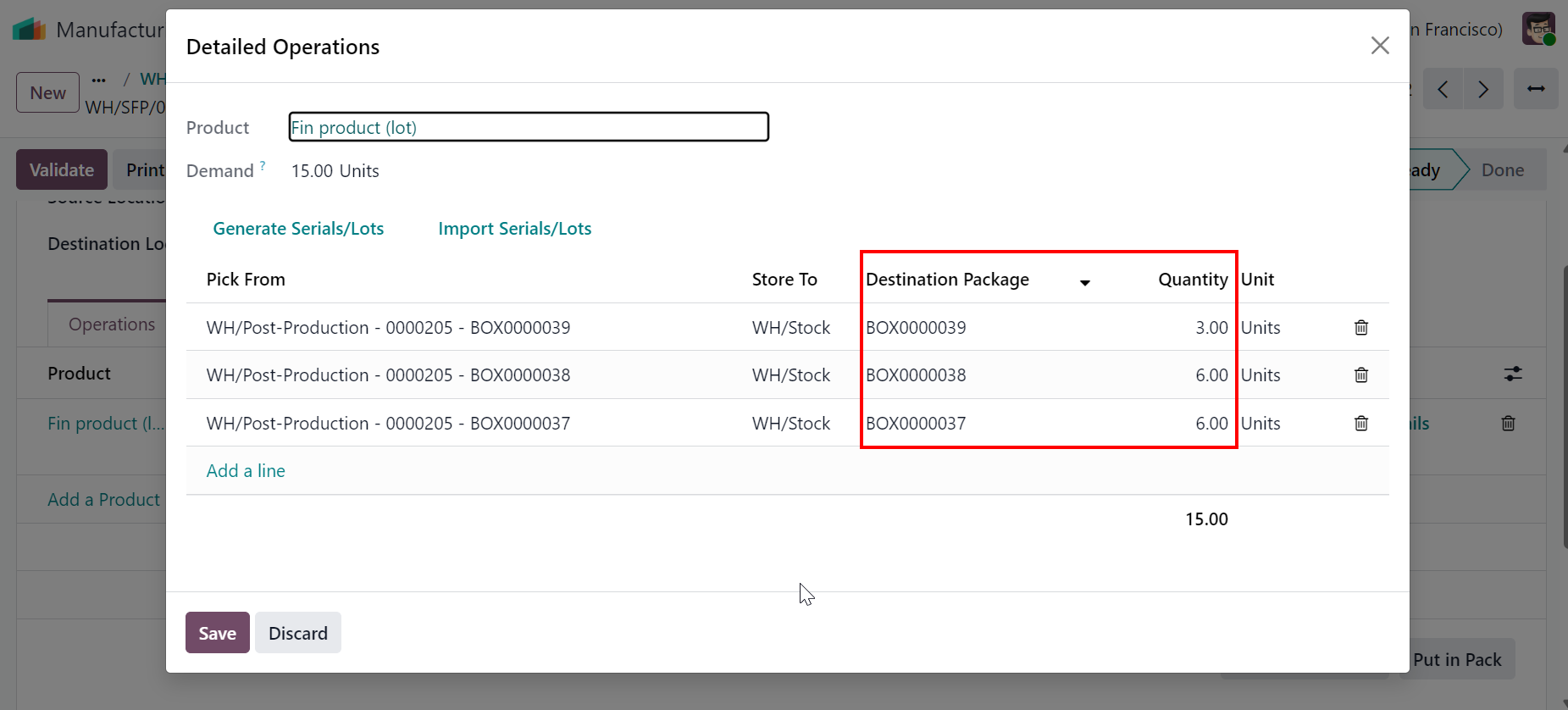
3. Once the MO is done > Packages can be seen on the transfer SFP. |
|
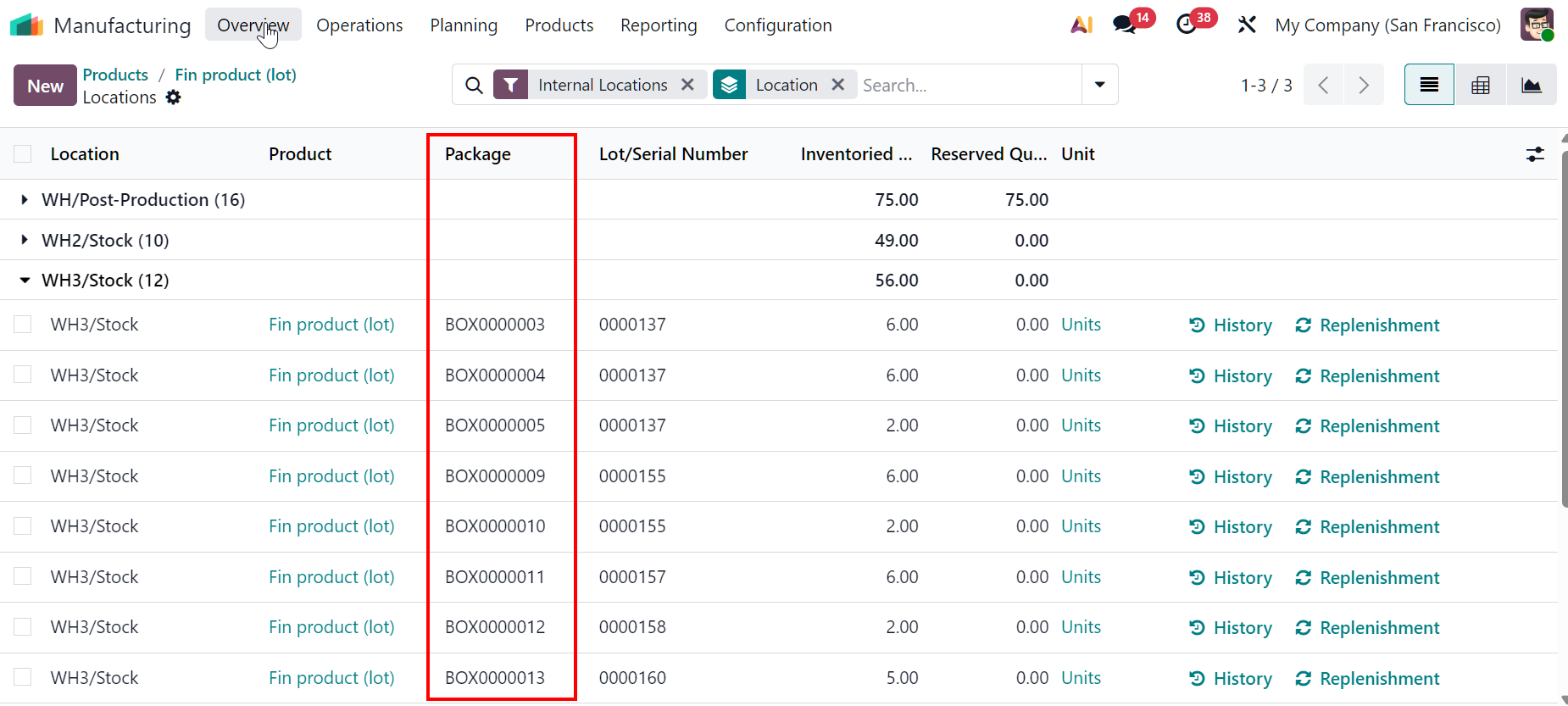
For 1 step or 2 steps Manufacturing > Packages created from MO can be seen on product's on hand quantity. |
|