


ODOO'S FUNCTION
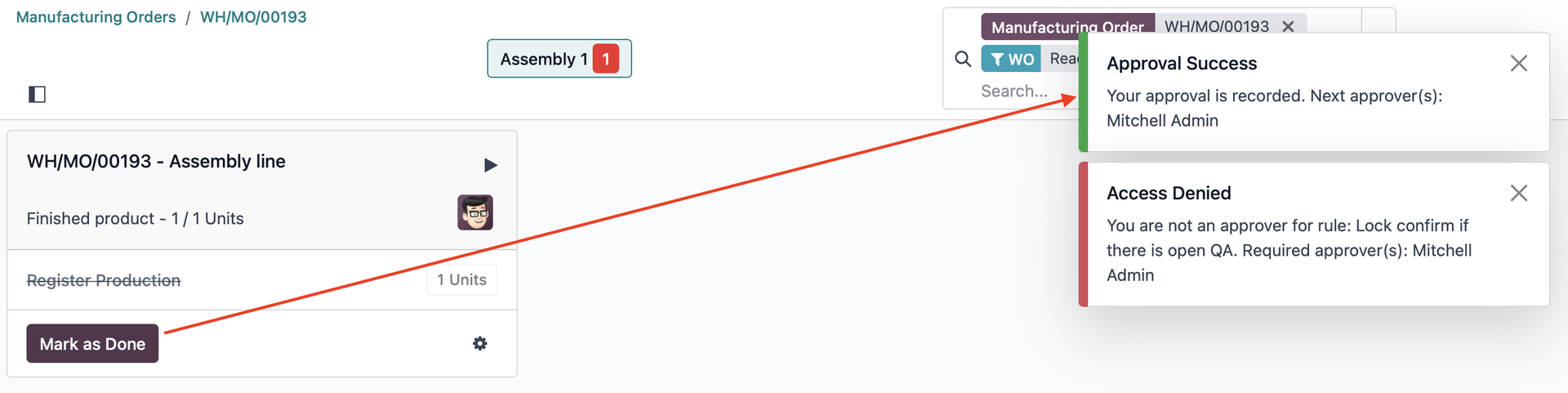
In Odoo, the Mark as Done and Close Production buttons in the Shop Floor are handled directly through JavaScript instead of standard server actions, so Studio Approval Rules cannot be triggered automatically.
CLUEDOO'S FUNCTION
CLuedoo introduces CDS Approval Rules to replace Studio Approval Rules, enabling approval workflows for the Mark as Done and Close Production buttons in the Shop Floor.
| 1. Go to Settings > CDS Approval > CDS Approval Rules > Create new rules Exemple: For WO, there is a two-step approval process (John Doe → Mitchell Admin). For MO, approval to Close Production is also required. | 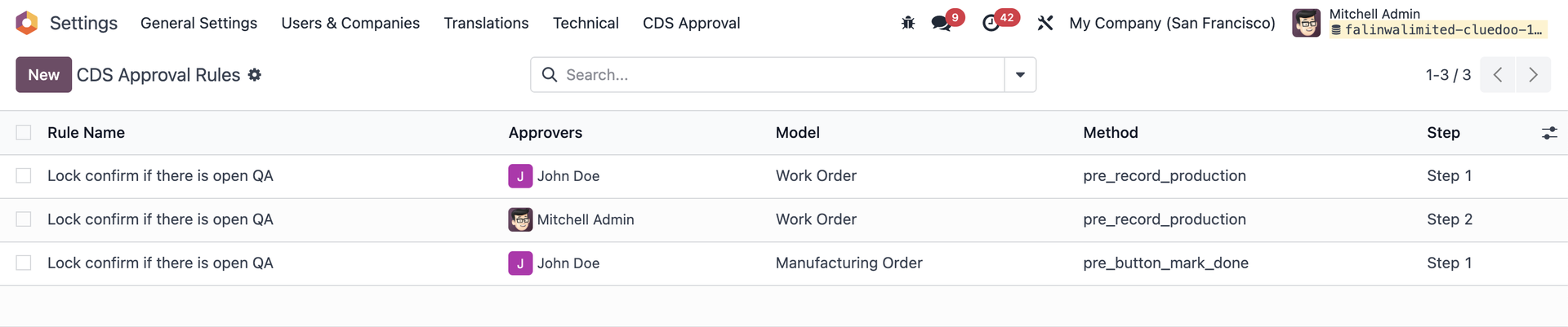 |
2. Create a finished product > add a BoM with its Operations | 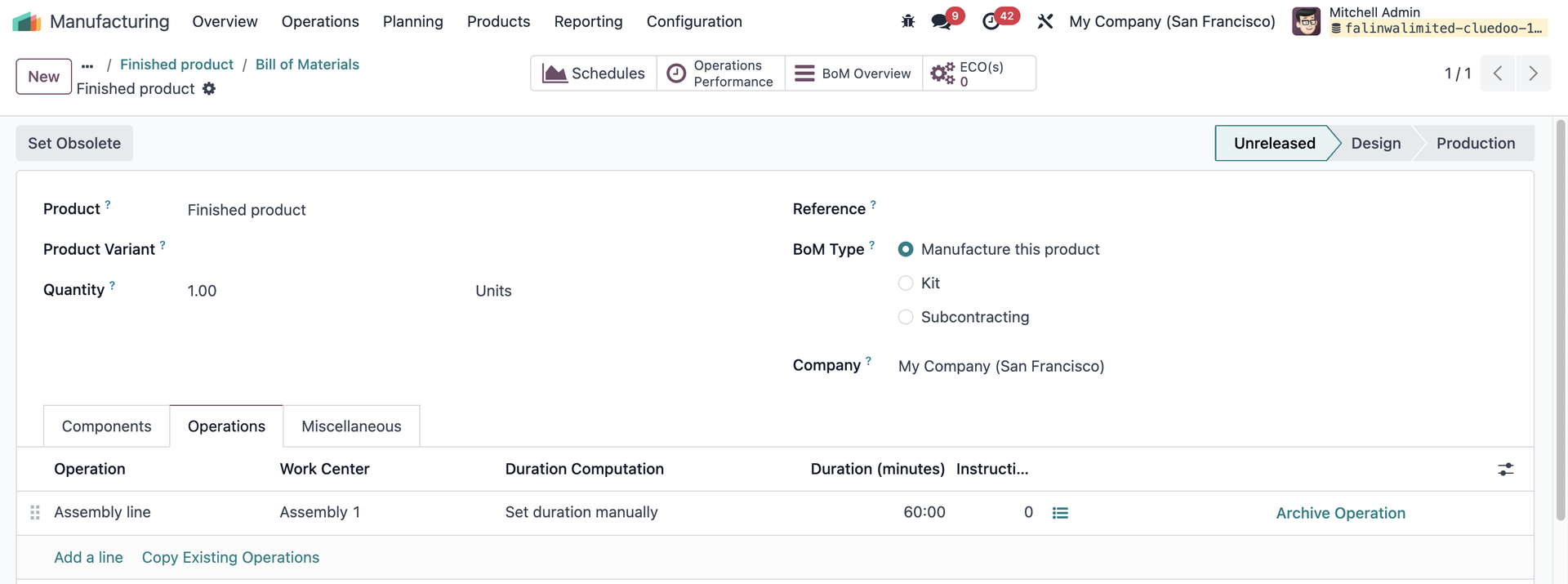 |
3. Log in as a normal user (not approver) > Create a Manufacturing Order > Confirm > Start the work order(s) > Open Shop Floor | 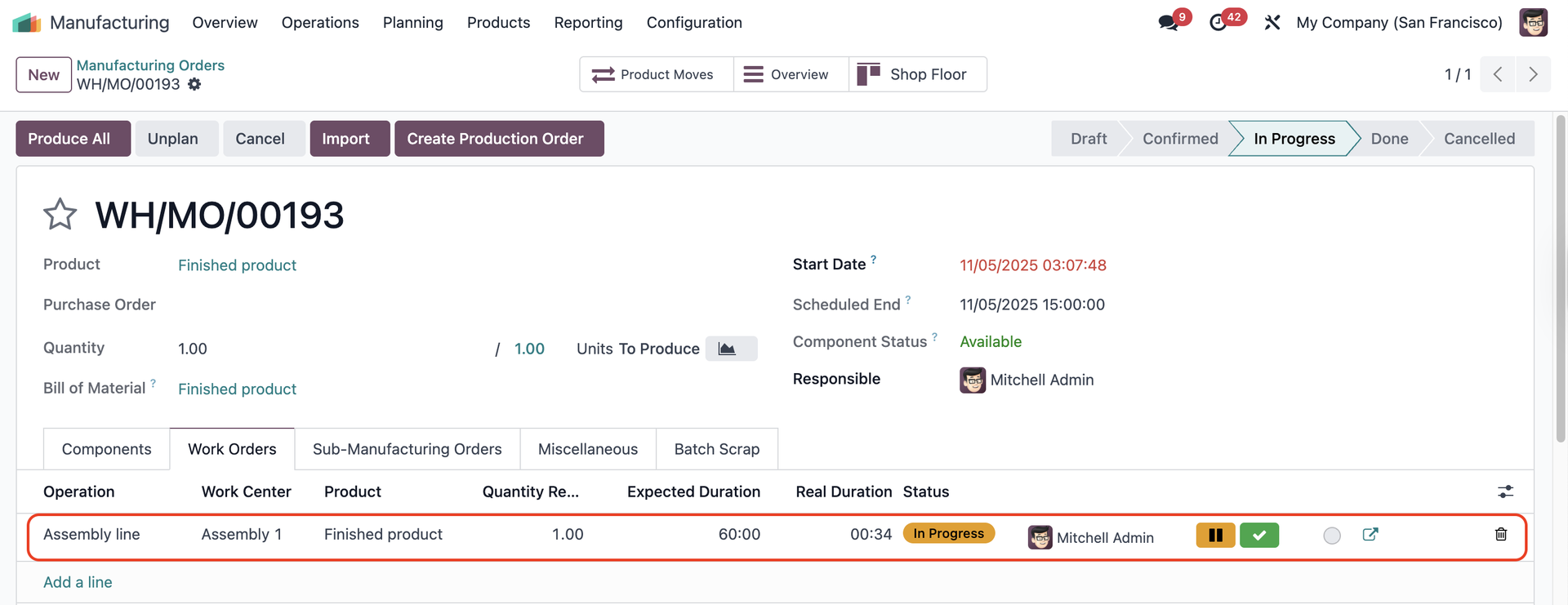 |
4. Do the work order(s) and click Mark As Done > A warning asking for approval will show up | 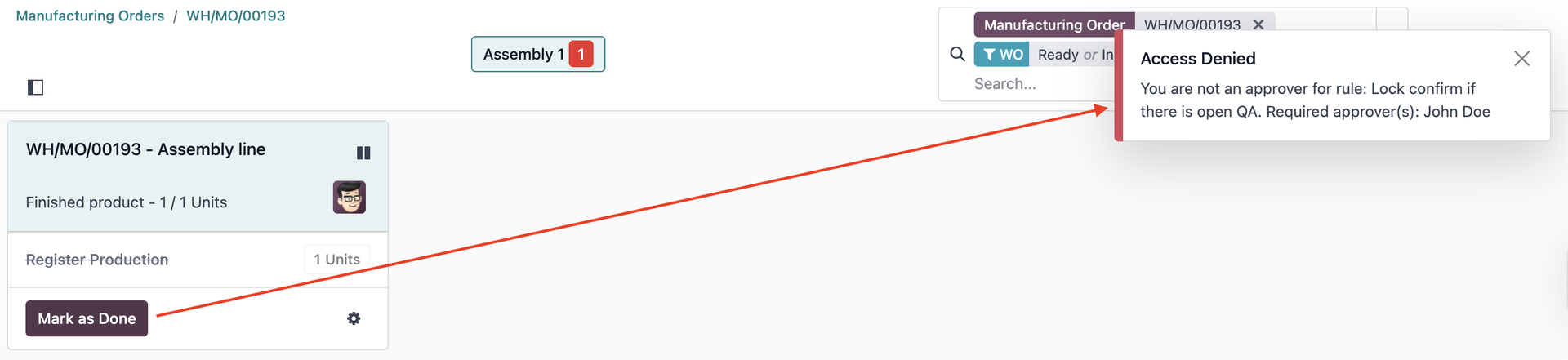 |
After the first approver (John Doe) marks the Work Order as done, a message saying Approval Success will appear. If he tries to Mark as Done the WO again, the warning Access Denied will show up, because the second approver is Mitchell Admin. |
|
5. After the second approver (Mitchell Admin) marks the Work Order as done, a message saying Final Approval Completed will appear. | 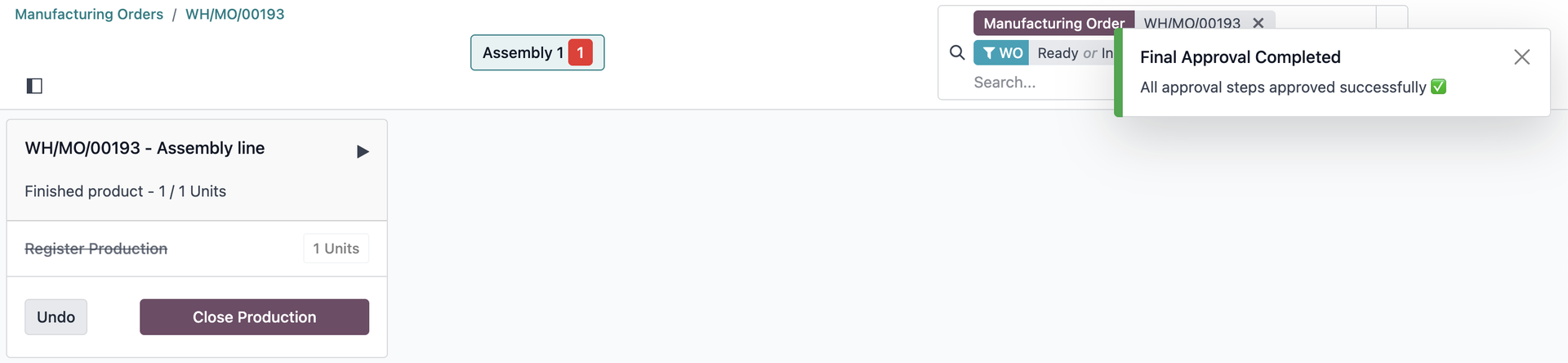 |
6. If Mitchell Admin clicks Close Production, the Access Denied message appears because the approver of this step is John Doe. When John Doe logs in, he can close the production. | 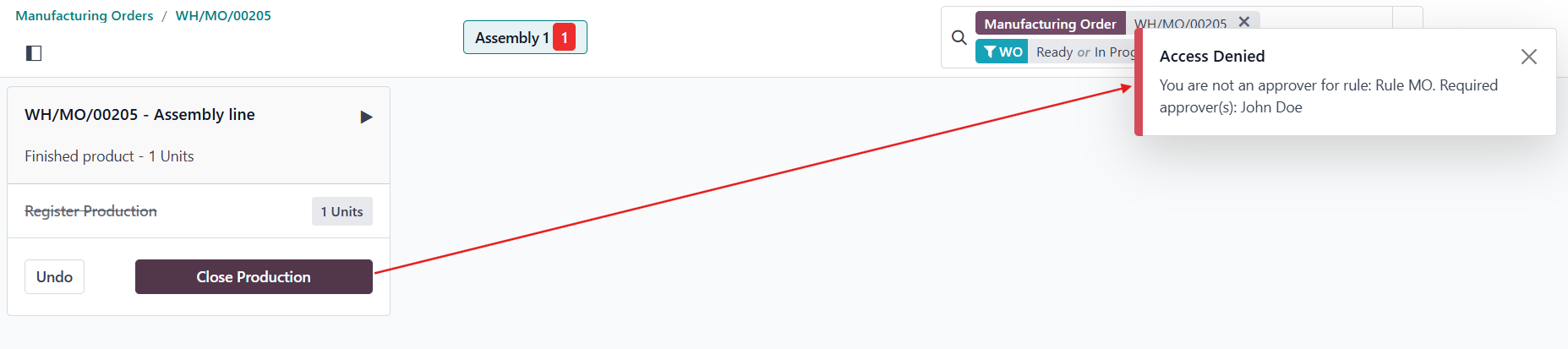 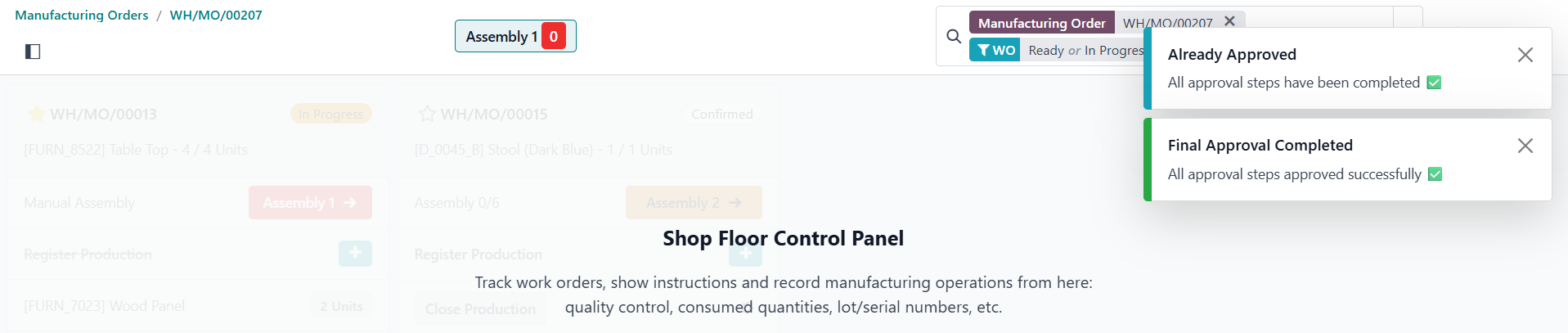 |